144hz Refresh Rate TVs
Experience ultra-smooth visuals and enhanced clarity with 144hz refresh rate TVs, designed to deliver an immersive viewing experience for movies, sports, and gaming. Whether you're upgrading your home theatre or seeking a competitive edge in fast-paced games, these advanced televisions bring every detail to life with remarkable fluidity. Explore a wide selection of 144hz refresh rate TVs to find the perfect fit for your entertainment space.
Sort
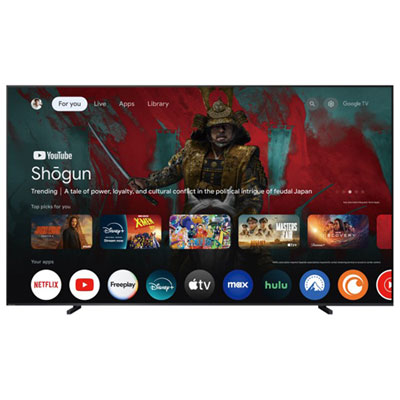

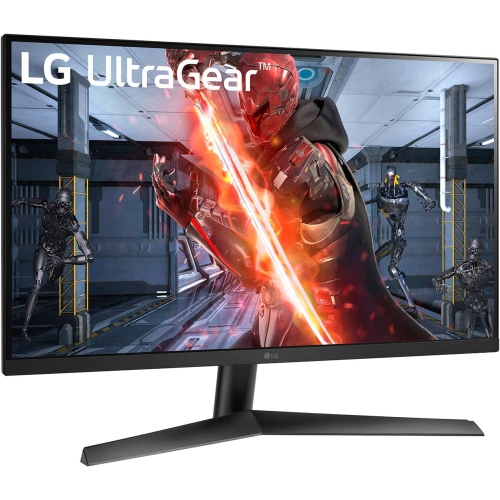
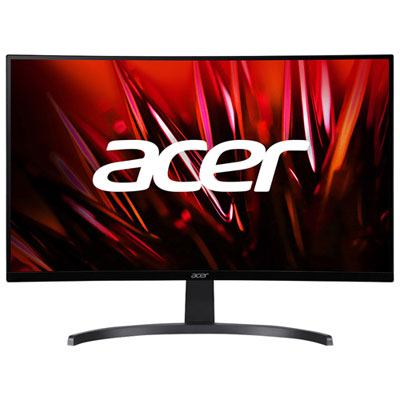

How compatible hardware unlocks smoother PC gaming performance
144Hz refresh rate TVs are designed for exceptionally smooth motion, with the ability to refresh the image up to 144 times per second when the connected source and settings support it. This makes them especially appealing to PC gamers with a high-performance graphics card that can render compatible games at frame rates above 120 frames per second, particularly at 4K resolution. Fast camera movements, racing games, competitive shooters, and sports simulations can look more fluid, while a high refresh rate can help reduce the sense of blur that sometimes appears during quick on-screen action. The benefit is most noticeable when the entire setup is capable of taking advantage of it: the computer, game, cable, input, and TV must all support the required resolution, frame rate, and bandwidth. A 144Hz panel can also be a strong choice for people who want a versatile display for gaming and everyday entertainment, since it can show standard movies, streaming programs, and broadcast content as usual. Most films are recorded at much lower frame rates, and many television programs or streams are delivered at 30 or 60 frames per second, so the native 144Hz specification does not automatically make every piece of content run at 144 frames per second. Instead, it provides extra capacity for compatible gaming and can support smooth motion processing for other types of viewing. Shoppers comparing options may also wish to browse High Refresh Rate TVs to see other displays built around faster refresh performance.
For a PC gaming setup, look beyond the refresh rate printed on the box. Check that the TV has a suitable HDMI 2.1 input, as well as support for the resolution and refresh combination you plan to use. A computer may need a compatible graphics output and a certified high-bandwidth cable to deliver 4K at 144Hz. Variable refresh rate technology is another valuable feature because it helps the display synchronize with the graphics card, reducing visible tearing and uneven motion when the frame rate changes from one moment to the next. Low input lag is equally important for responsive play, particularly in competitive games where a quick on-screen reaction matters. A dedicated game mode may reduce processing that can otherwise add delay, while automatic low-latency features can switch the TV into a more responsive setting when a compatible device is detected. It is also worth considering the number and placement of HDMI inputs, especially if the TV will be connected to a gaming PC, soundbar, streaming device, and other equipment. Console players should keep expectations realistic: many current consoles support gameplay up to 120Hz rather than 144Hz, so a 144Hz TV will not make a console exceed its own limit. It can still be a useful long-term choice for a household that uses both a console and a gaming computer, but console buyers may find that other features have a greater effect on their experience. Strong contrast, accurate colour, a bright screen for daytime viewing, and a clear game interface can all matter more than the difference between 120Hz and 144Hz when the source is limited to 120 frames per second.
The screen’s panel technology and physical design should match the room as closely as the gaming hardware. OLED displays are known for deep blacks, precise contrast, and fast pixel response, which can make dark game scenes and rapid movement look especially clean. LED and Mini-LED televisions can offer high brightness and effective contrast control, making them a practical fit for rooms with windows or overhead lighting. Consider the viewing distance before choosing a size: a larger screen can make a desk-based PC setup feel immersive from across a room, while a more compact display may be easier to position close to a gaming chair. It is also helpful to review the TV’s stand width, wall-mount compatibility, audio features, smart platform, and remote control, since these details affect daily use after the initial setup. A high-refresh TV can be a thoughtful gift for a dedicated PC gamer, a student building a first gaming space, or someone who enjoys fast-paced games and wants a display that can keep up with upgraded computer hardware. It may also suit a shared family room where one person plays games while others watch films, sports, or streaming services. During the warmer season and through the cooler months, a screen like this can become the centre of an inviting entertainment space, from an afternoon gaming session to a lively evening of multiplayer play. Before choosing, confirm the computer’s graphics capabilities, the preferred screen size, available connections, room lighting, and the types of games and content that will be used most often. A 144Hz TV is most valuable when its high refresh rate works together with compatible hardware, responsive gaming features, suitable picture quality, and a comfortable viewing arrangement.
For a PC gaming setup, look beyond the refresh rate printed on the box. Check that the TV has a suitable HDMI 2.1 input, as well as support for the resolution and refresh combination you plan to use. A computer may need a compatible graphics output and a certified high-bandwidth cable to deliver 4K at 144Hz. Variable refresh rate technology is another valuable feature because it helps the display synchronize with the graphics card, reducing visible tearing and uneven motion when the frame rate changes from one moment to the next. Low input lag is equally important for responsive play, particularly in competitive games where a quick on-screen reaction matters. A dedicated game mode may reduce processing that can otherwise add delay, while automatic low-latency features can switch the TV into a more responsive setting when a compatible device is detected. It is also worth considering the number and placement of HDMI inputs, especially if the TV will be connected to a gaming PC, soundbar, streaming device, and other equipment. Console players should keep expectations realistic: many current consoles support gameplay up to 120Hz rather than 144Hz, so a 144Hz TV will not make a console exceed its own limit. It can still be a useful long-term choice for a household that uses both a console and a gaming computer, but console buyers may find that other features have a greater effect on their experience. Strong contrast, accurate colour, a bright screen for daytime viewing, and a clear game interface can all matter more than the difference between 120Hz and 144Hz when the source is limited to 120 frames per second.
The screen’s panel technology and physical design should match the room as closely as the gaming hardware. OLED displays are known for deep blacks, precise contrast, and fast pixel response, which can make dark game scenes and rapid movement look especially clean. LED and Mini-LED televisions can offer high brightness and effective contrast control, making them a practical fit for rooms with windows or overhead lighting. Consider the viewing distance before choosing a size: a larger screen can make a desk-based PC setup feel immersive from across a room, while a more compact display may be easier to position close to a gaming chair. It is also helpful to review the TV’s stand width, wall-mount compatibility, audio features, smart platform, and remote control, since these details affect daily use after the initial setup. A high-refresh TV can be a thoughtful gift for a dedicated PC gamer, a student building a first gaming space, or someone who enjoys fast-paced games and wants a display that can keep up with upgraded computer hardware. It may also suit a shared family room where one person plays games while others watch films, sports, or streaming services. During the warmer season and through the cooler months, a screen like this can become the centre of an inviting entertainment space, from an afternoon gaming session to a lively evening of multiplayer play. Before choosing, confirm the computer’s graphics capabilities, the preferred screen size, available connections, room lighting, and the types of games and content that will be used most often. A 144Hz TV is most valuable when its high refresh rate works together with compatible hardware, responsive gaming features, suitable picture quality, and a comfortable viewing arrangement.
Top selling and popular products
-
 Your price for this item is $279.97
 -
 Your price for this item is $275
 -
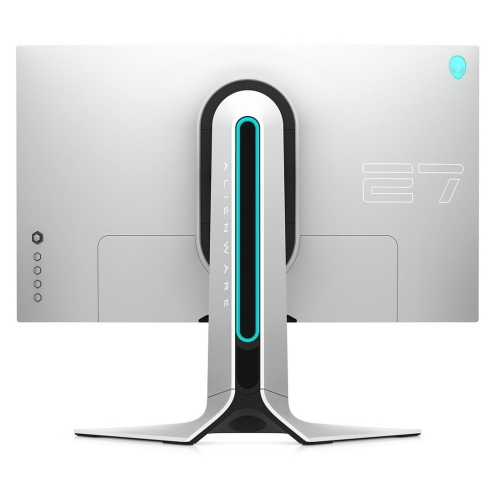 Your price for this item is $299
 -
 Your price for this item is $559.68
 -
 Your price for this item is $209.99
 -
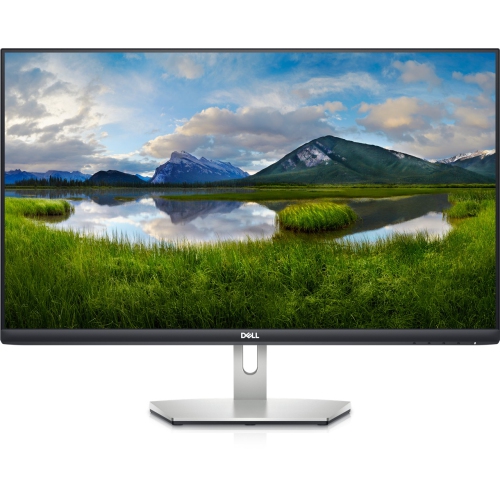 Your price for this item is $239.99
 -
 Your price for this item is $179.95
 -
 Your price for this item is $3299.99
Discover more categories related to 144hz Refresh Rate TVs

Top Collections:
Pokemon Centers, Kindle Devices, Best Budget Office Chairs, Apple iPhones 16, Best Laptops for Writers, iPhone 15 Apple, Canon G7X Cameras, Refurbished Apple Laptops, Alarm Clock, Motorola Razr Phones
Some products may be subject to Environmental Handling Fees
(EHF) depending on your province.
Learn more about EHFs.