50 Inch Tvs With Best Connectivity Options
If you're looking for a TV that's big enough to enjoy in your living room, but doesn't overwhelm, the 50-inch size is a great choice. The 50-inch TV is ideal for smaller rooms and apartments where space might be limited. And don't forget about connections for your devices. Here are some great 50-inch TVs with good connection options.
Sort
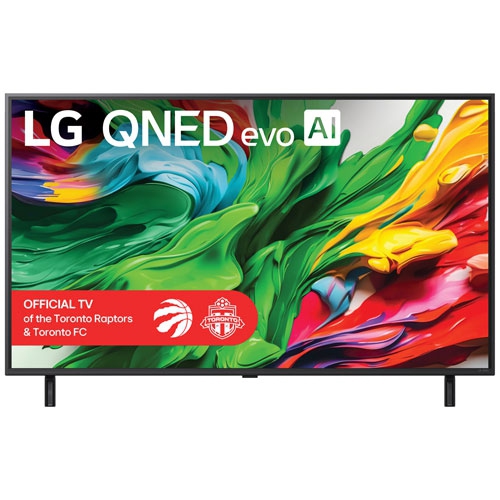
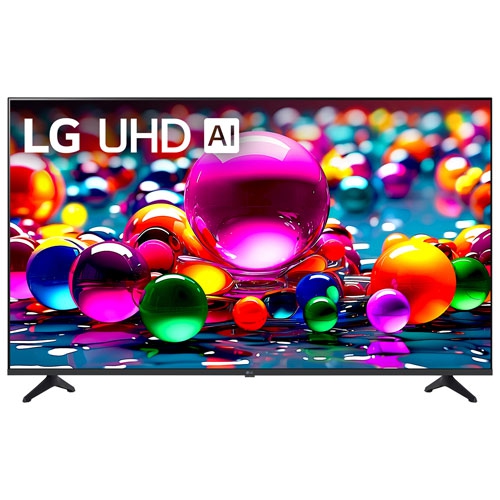
Flexible connections for gaming, streaming and immersive sound
A 50-inch TV with strong connectivity options can serve as the central hub for a living room, bedroom, den, apartment or entertainment area without taking over the space. This screen size offers a practical balance: it is large enough for detailed 4K movies and sports, while remaining manageable on a media console or wall. When comparing models, look beyond picture quality and check how easily the TV will fit into your existing setup. Multiple HDMI inputs are especially useful for households with a game console, streaming device, Blu-ray player, cable or satellite receiver and soundbar. HDMI 2.1 ports can be an important consideration for newer gaming systems because they may support features such as higher refresh rates, variable refresh rate (VRR), auto low-latency mode (ALLM) and 4K gaming at fast frame rates, depending on the TV and connected device. If you are building a setup around a single console, one suitable port may be sufficient, but families and avid gamers often appreciate having several full-bandwidth HDMI connections available. It is also worth checking whether the TV includes an HDMI port with enhanced audio return channel (eARC), which can send high-quality audio to a compatible soundbar or AV receiver through one cable. This keeps the area behind the TV tidier and makes it easier to enjoy immersive sound from movies, shows and games. Optical audio outputs, USB ports, antenna inputs and Ethernet connections may also be valuable, particularly if you plan to connect older equipment, play media from a USB drive or use a wired network connection for a consistent streaming experience.
Wireless connectivity makes a 50-inch smart TV more convenient for everyday viewing. Built-in Wi-Fi lets you access streaming services, live content, music and other apps without adding a separate streaming box, while a dual-band connection can help the TV communicate more reliably with a compatible home network. A wired Ethernet port may be preferable for a TV positioned near the router or for households where several devices share the same wireless connection. Bluetooth is another useful feature, allowing compatible headphones, speakers, keyboards or game controllers to connect without running cables across the room. This can be helpful when someone wants to watch a late-night movie without disturbing others, or when a compact room needs better sound without a full speaker system. Wireless casting and screen mirroring can make it simple to share photos, presentations, videos or music from a smartphone, tablet or laptop, although the exact compatibility varies by operating system and TV platform. Families may use casting to display vacation photos on a larger screen, while students and professionals may appreciate the ability to show work or school content during a visit. Smart home integration can add another layer of convenience, especially if you already use voice assistants, connected speakers or other compatible devices. Before buying, confirm that the TV works with the ecosystem in your home and that the apps you use most are available on its platform. Also consider the location of the ports. Side-facing inputs are easier to reach when swapping devices, while rear-facing connections can look cleaner for permanent installations. A simple inventory of your current equipment, along with one or two likely future additions, can help prevent a shortage of available ports.
These TVs can suit many viewing habits and make thoughtful gifts for a new-home celebration, a student moving into a residence or anyone refreshing a family room before the cooler months bring more time indoors. A movie fan may connect a streaming player, soundbar and external storage, while a sports viewer may prioritize fast wireless performance and enough HDMI inputs for a receiver and console. Gamers should look for the combination of HDMI features, refresh rate, VRR and ALLM rather than focusing on a single specification, since the connected console and game must support the same capabilities. People who prefer a clean, cable-light setup may value Bluetooth audio, built-in streaming and dependable casting, whereas viewers with a larger collection of equipment may benefit from four HDMI inputs, eARC and Ethernet. It is also helpful to review the TV’s operating system, remote control design and menu layout, because connectivity is most useful when switching between devices and services feels straightforward. Measure the stand or wall area before ordering, and leave enough room for a soundbar, ventilation and access to the inputs. If the TV will be placed across from a window, check its screen finish and brightness; if it will be watched from different seats, consider viewing angles as well as size. For a smaller room or secondary space, you may also want to explore 43-inch Tvs With Bluetooth Connectivity as another compact option. Whether the goal is a streamlined streaming station, a flexible family entertainment centre or a responsive gaming display, choosing the right combination of wired and wireless connections helps a 50-inch TV remain useful as your equipment and routines change.
Wireless connectivity makes a 50-inch smart TV more convenient for everyday viewing. Built-in Wi-Fi lets you access streaming services, live content, music and other apps without adding a separate streaming box, while a dual-band connection can help the TV communicate more reliably with a compatible home network. A wired Ethernet port may be preferable for a TV positioned near the router or for households where several devices share the same wireless connection. Bluetooth is another useful feature, allowing compatible headphones, speakers, keyboards or game controllers to connect without running cables across the room. This can be helpful when someone wants to watch a late-night movie without disturbing others, or when a compact room needs better sound without a full speaker system. Wireless casting and screen mirroring can make it simple to share photos, presentations, videos or music from a smartphone, tablet or laptop, although the exact compatibility varies by operating system and TV platform. Families may use casting to display vacation photos on a larger screen, while students and professionals may appreciate the ability to show work or school content during a visit. Smart home integration can add another layer of convenience, especially if you already use voice assistants, connected speakers or other compatible devices. Before buying, confirm that the TV works with the ecosystem in your home and that the apps you use most are available on its platform. Also consider the location of the ports. Side-facing inputs are easier to reach when swapping devices, while rear-facing connections can look cleaner for permanent installations. A simple inventory of your current equipment, along with one or two likely future additions, can help prevent a shortage of available ports.
These TVs can suit many viewing habits and make thoughtful gifts for a new-home celebration, a student moving into a residence or anyone refreshing a family room before the cooler months bring more time indoors. A movie fan may connect a streaming player, soundbar and external storage, while a sports viewer may prioritize fast wireless performance and enough HDMI inputs for a receiver and console. Gamers should look for the combination of HDMI features, refresh rate, VRR and ALLM rather than focusing on a single specification, since the connected console and game must support the same capabilities. People who prefer a clean, cable-light setup may value Bluetooth audio, built-in streaming and dependable casting, whereas viewers with a larger collection of equipment may benefit from four HDMI inputs, eARC and Ethernet. It is also helpful to review the TV’s operating system, remote control design and menu layout, because connectivity is most useful when switching between devices and services feels straightforward. Measure the stand or wall area before ordering, and leave enough room for a soundbar, ventilation and access to the inputs. If the TV will be placed across from a window, check its screen finish and brightness; if it will be watched from different seats, consider viewing angles as well as size. For a smaller room or secondary space, you may also want to explore 43-inch Tvs With Bluetooth Connectivity as another compact option. Whether the goal is a streamlined streaming station, a flexible family entertainment centre or a responsive gaming display, choosing the right combination of wired and wireless connections helps a 50-inch TV remain useful as your equipment and routines change.
Top selling and popular products
-
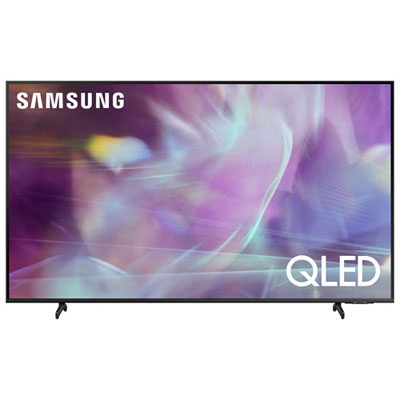 Your price for this item is $722.99
 -
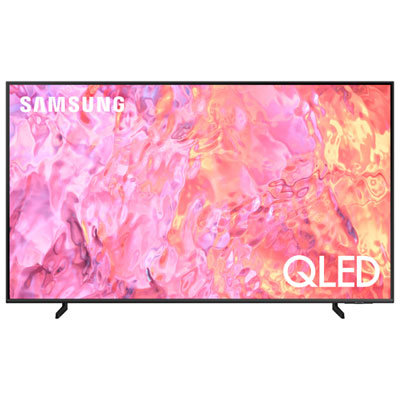 Your price for this item is $799.97
 -
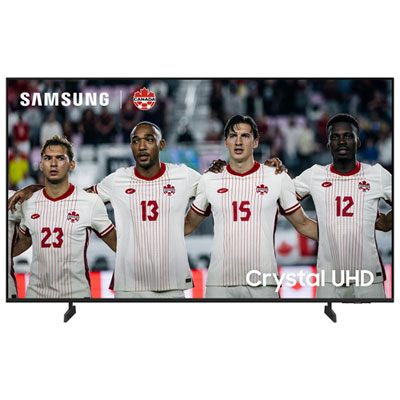 Your price for this item is $499.99
 -
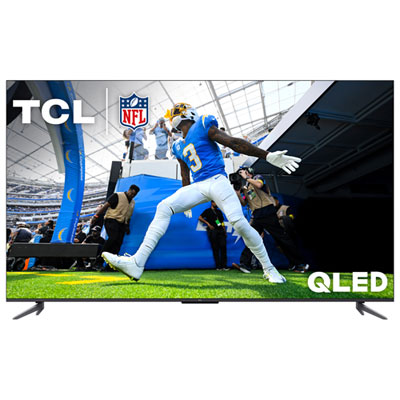 Your price for this item is $499.97
 -
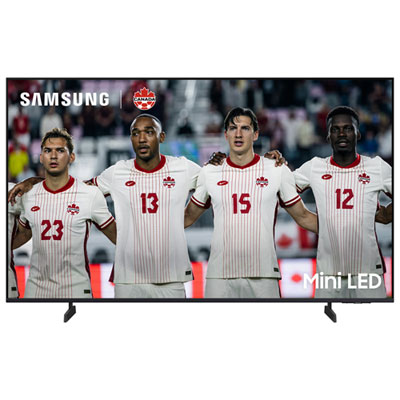 Your price for this item is $549.99
 -
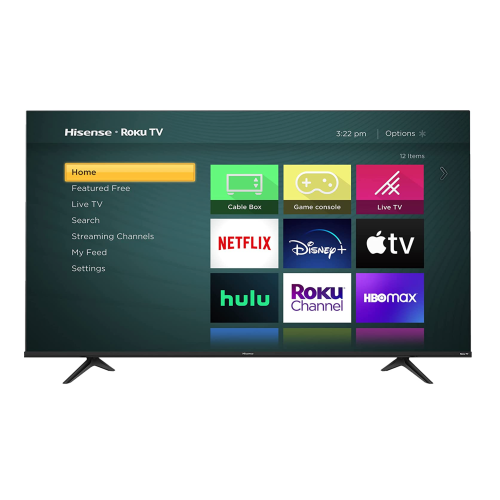 Your price for this item is $769.99
 -
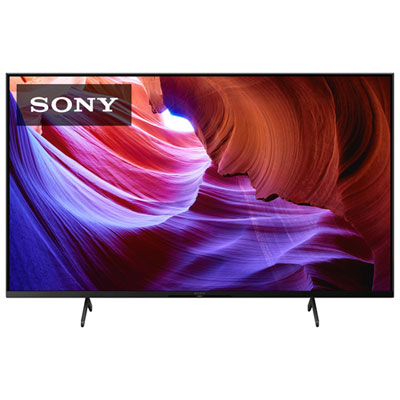 Your price for this item is $849.97
 -
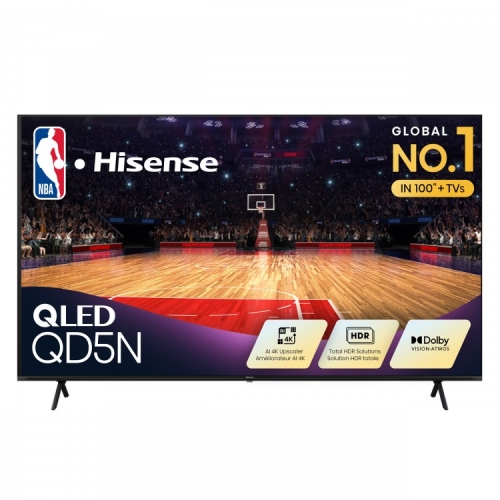 Your price for this item is $449.99
Discover more categories related to 50 Inch Tvs With Best Connectivity Options
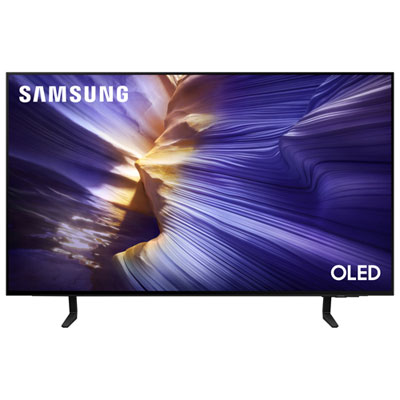
Top Collections:
Pokemon Centers, Kindle Devices, Best Budget Office Chairs, Apple iPhones 16, Best Laptops for Writers, iPhone 15 Apple, Canon G7X Cameras, Refurbished Apple Laptops, Alarm Clock, Motorola Razr Phones
Some products may be subject to Environmental Handling Fees
(EHF) depending on your province.
Learn more about EHFs.