70-inch Tvs for Large Rooms
If you have a large room, you might be looking for a 70-inch TV to make the most of your viewing experience. We've rounded up some of the best in the market today.
Sort
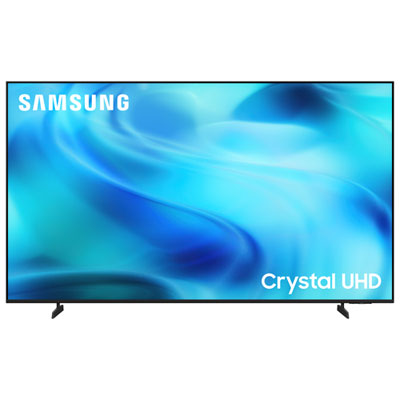
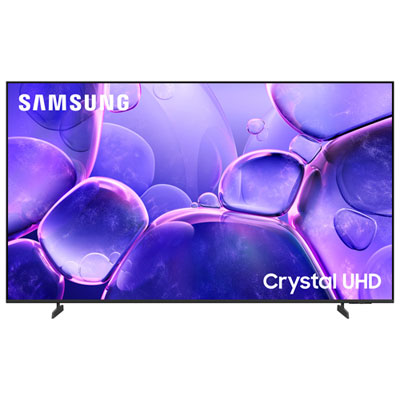
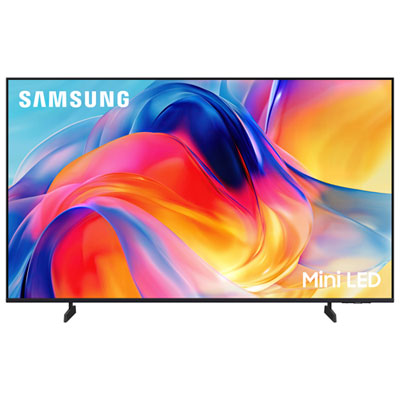

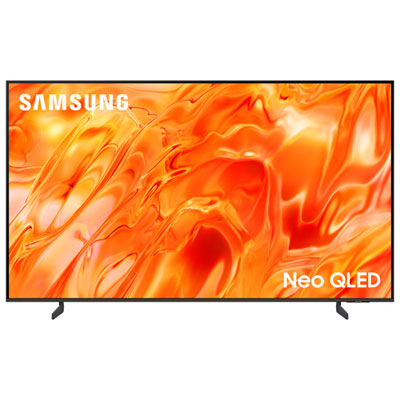
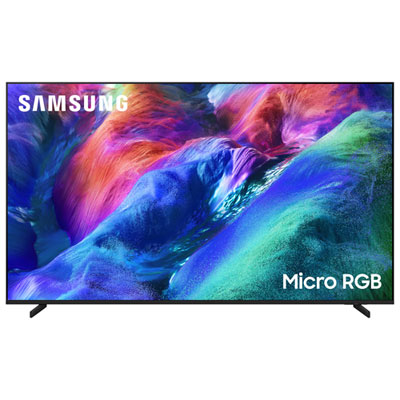


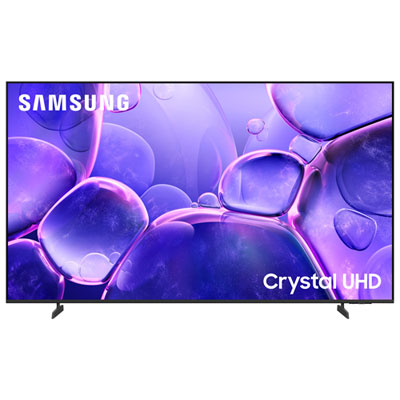
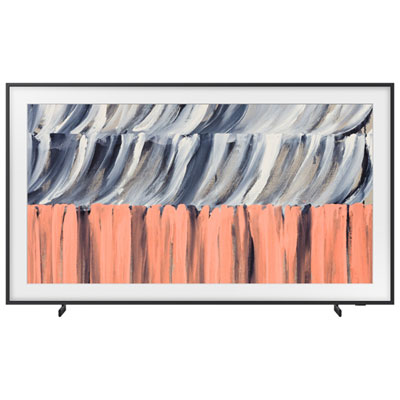

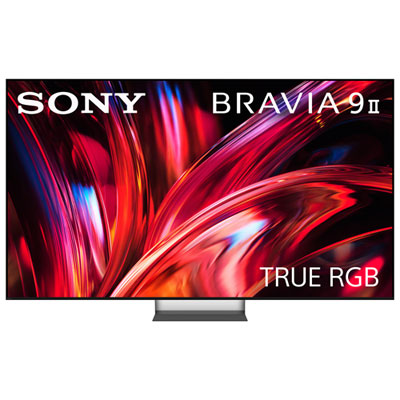
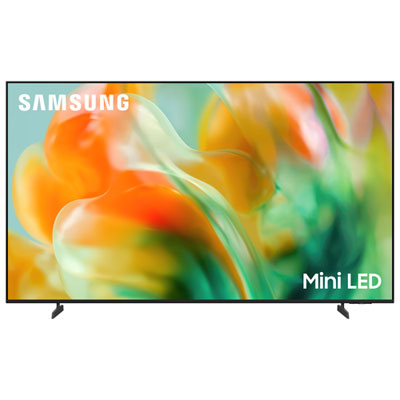

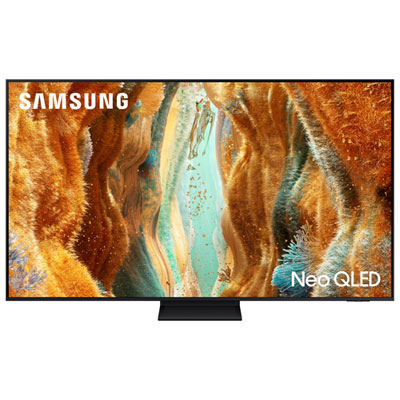
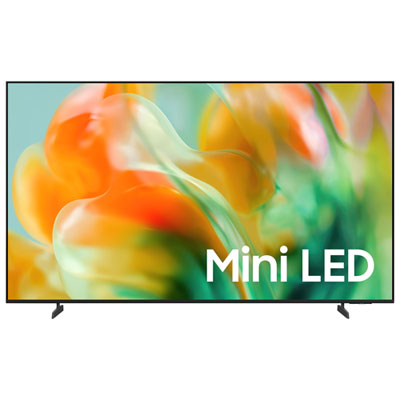
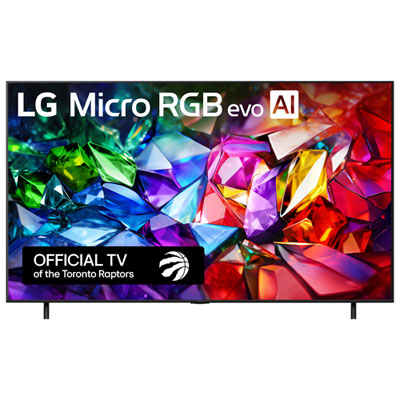
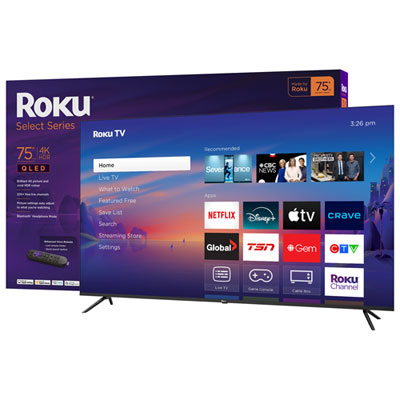
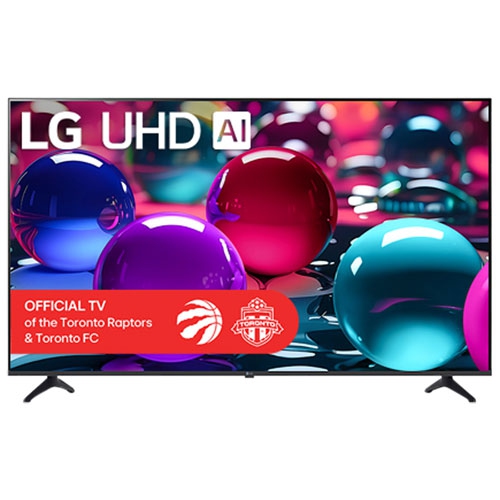

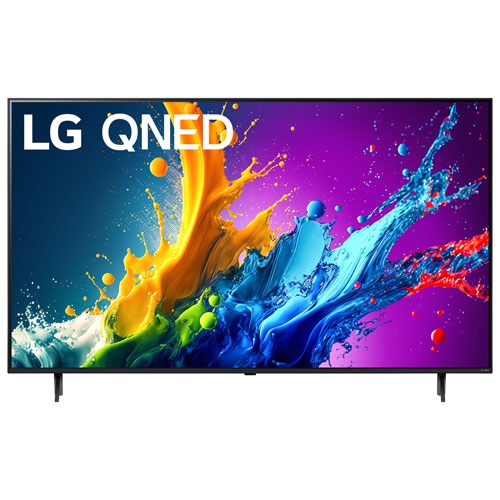
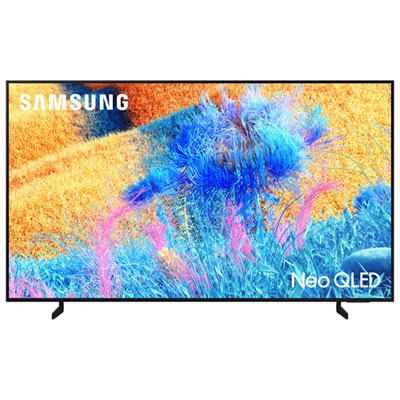
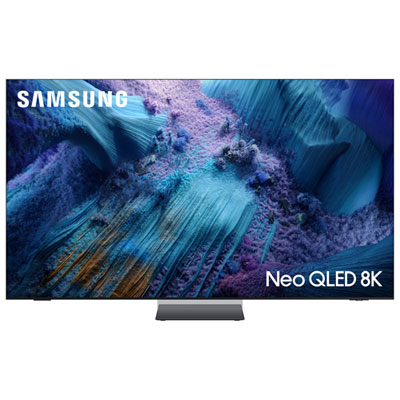
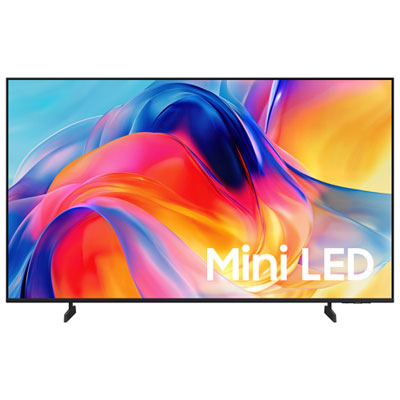
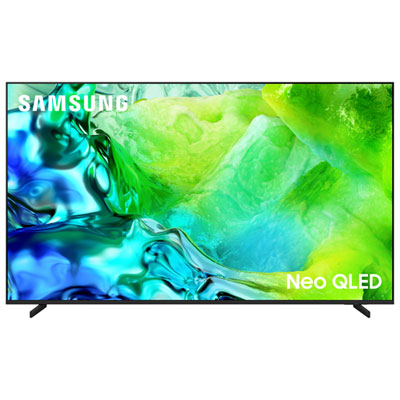
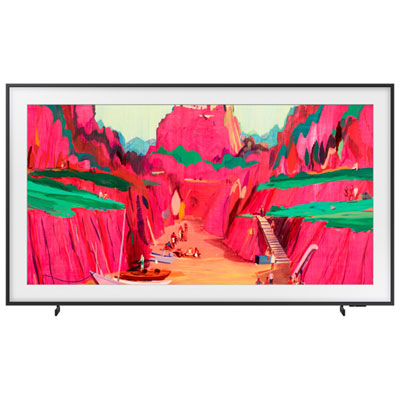
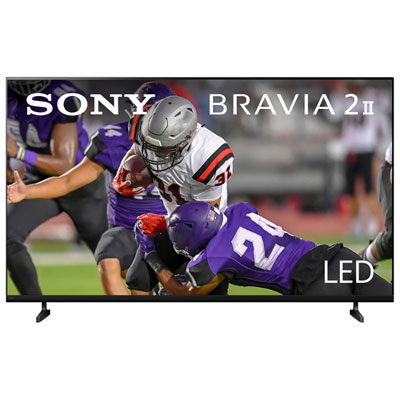
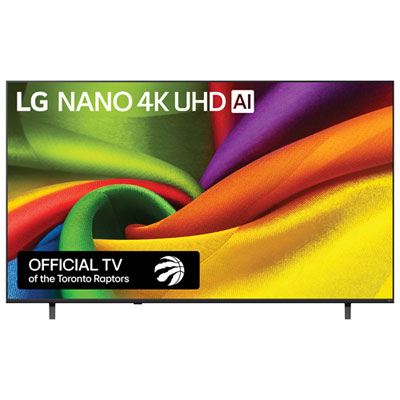
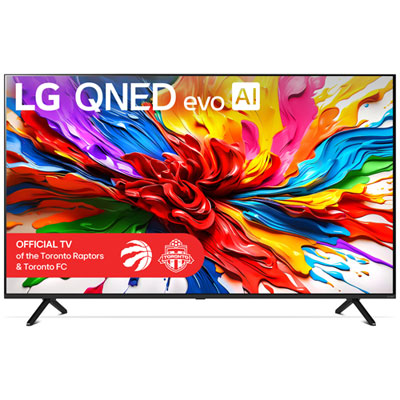
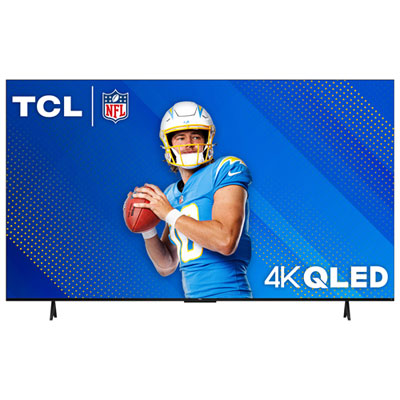
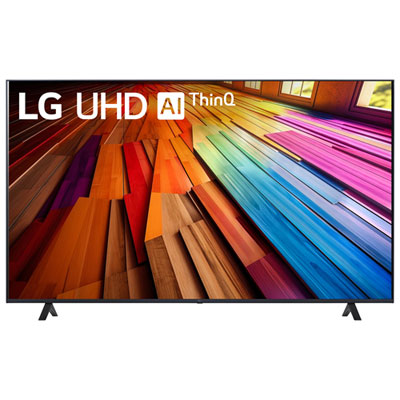

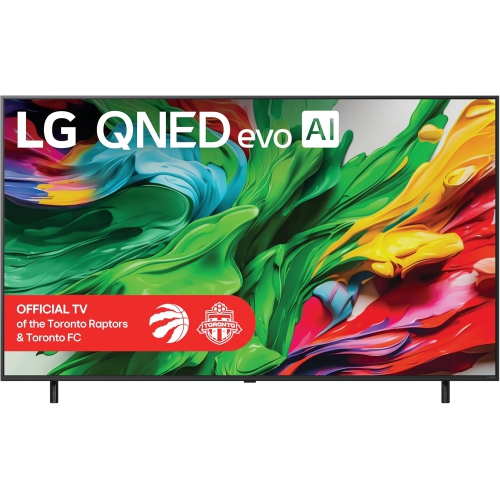
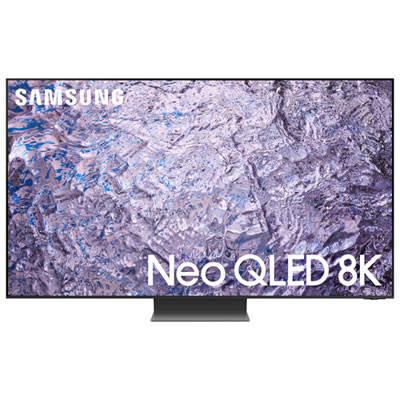
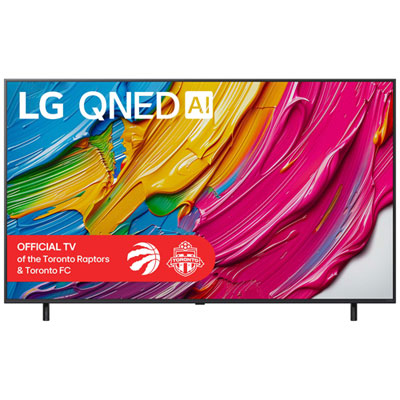

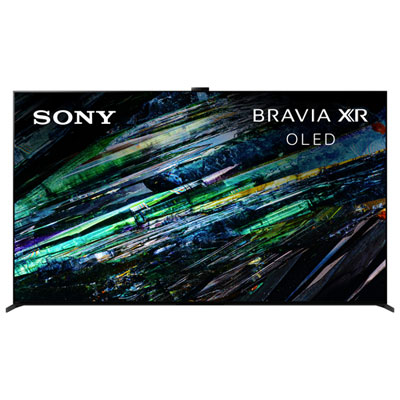
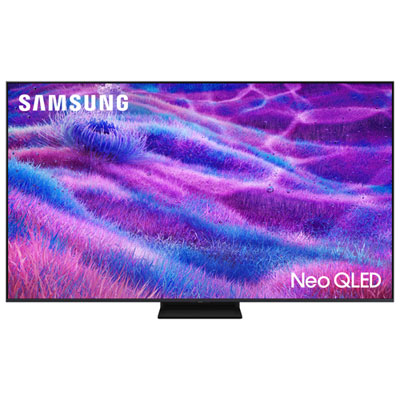
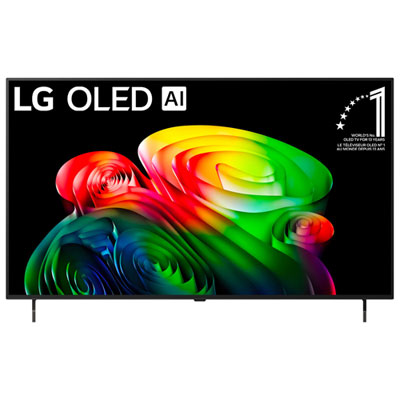
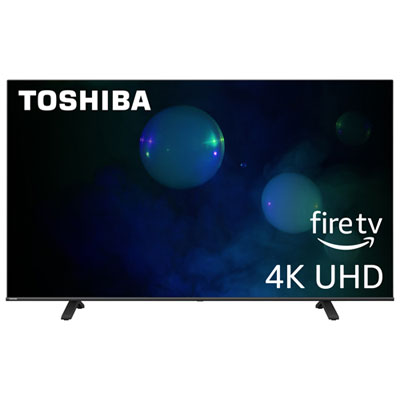
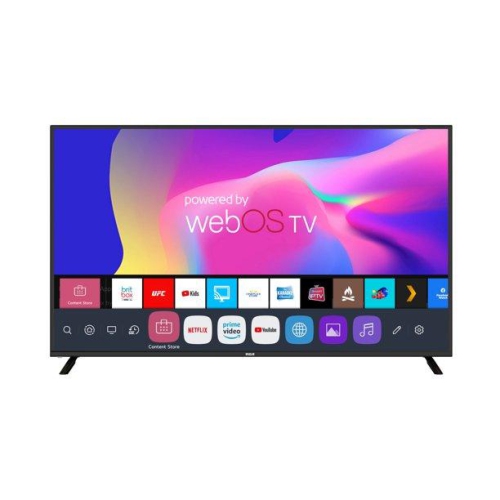
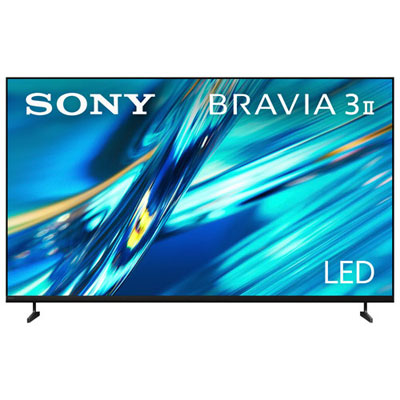
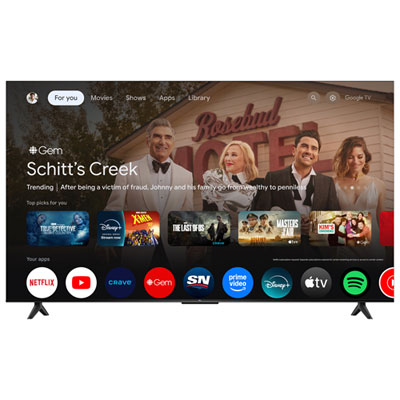
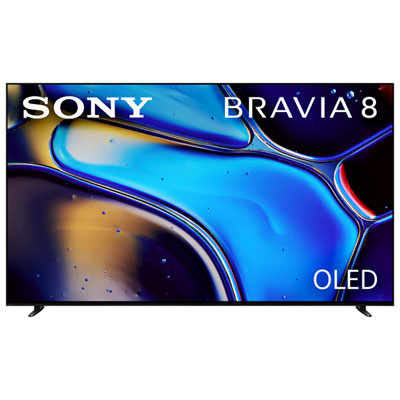
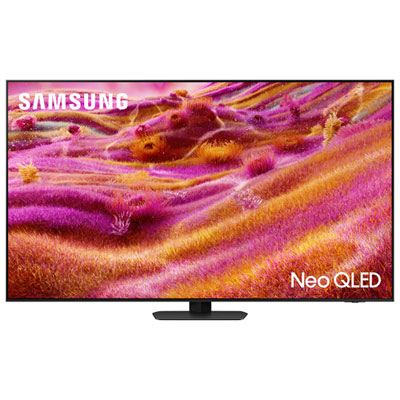
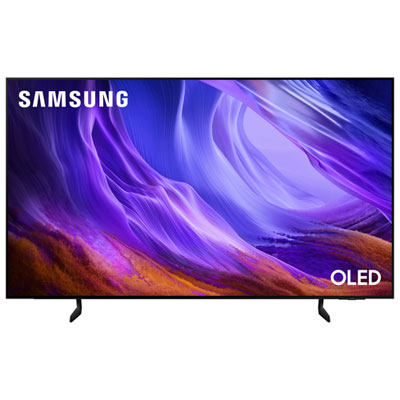

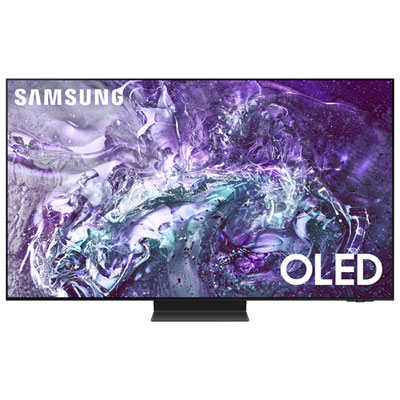


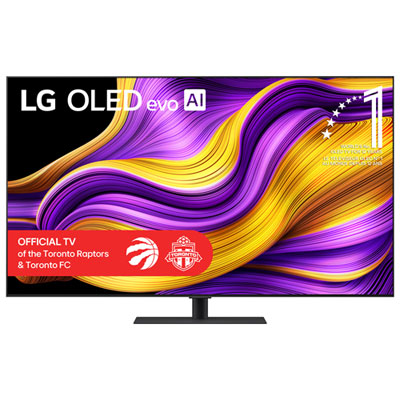

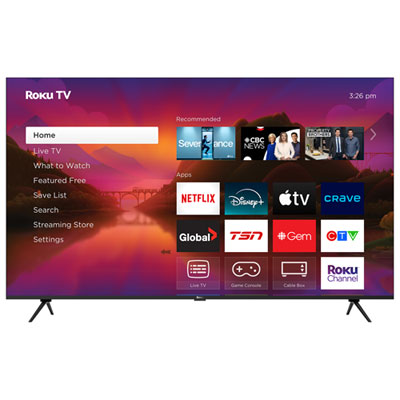
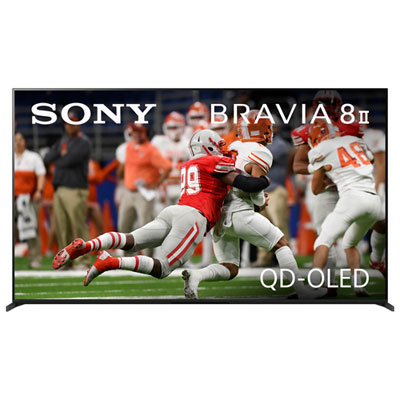
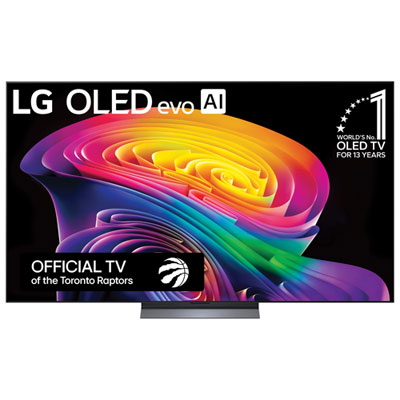


What to consider for viewing distance, lighting, and installation
A 70-inch TV can bring a cinema-like sense of scale to a large living room, open-concept family room, basement lounge, games room, or spacious entertainment area. With a screen this size, movies, live sports, shows, console games, and shared photos are easier for everyone to see from across the room. A 70-inch 4K TV is generally well suited to a viewing distance of about 8.5 to 13 feet, giving the picture enough space to feel immersive while remaining comfortable for everyday viewing. Measure from the place where viewers will sit to the front of the screen rather than from the wall, and consider the arrangement of sofas, chairs, recliners, and occasional seating. In a room with a deep seating area, a large screen can help keep details clear from the back row; in a narrower space, it is worth checking the distance before choosing a larger display. Screen resolution also matters. A 4K TV packs a high level of detail into the display, which can make fine textures, player movement, landscapes, subtitles, and small on-screen text look crisp at a closer distance. Upscaling can improve the appearance of older or lower-resolution content, although the result depends on the original source. If your household watches a mix of streaming services, broadcast programming, downloaded content, and physical media, look for a TV with a broad selection of inputs and easy access to the apps you use most. Built-in smart features can simplify searching and switching between services, while voice control and a straightforward remote may be helpful for family members who prefer a less complicated setup.
Room lighting should guide the type of display you choose. A bright living room with large windows, pale walls, or overhead fixtures may benefit from a screen with strong brightness and effective glare handling, helping the picture remain visible during daytime viewing. If the room is mainly used in the evening with lamps or dimmed lighting, contrast and black-level performance may become more noticeable, especially during dramatic films and dark game scenes. It is also useful to think about the location of windows and lamps in relation to the screen. Reflections can be distracting when a light source sits directly opposite the TV, so rearranging furniture or using curtains and blinds may improve the experience as much as changing the display. The TV’s built-in speakers can work well for casual viewing, but a wide screen may pair nicely with a soundbar or home theatre setup that gives dialogue more presence and action scenes a fuller sound. Check the available audio connections if you plan to add external speakers later. For gaming, features such as low input lag, a high refresh rate, automatic picture modes, and support for current console connections can make movement feel more responsive. Families may appreciate a large screen for animated films, educational programming, and group gaming, while sports fans can benefit from the added scale when watching a full rink, field, court, or race circuit. A 70-inch TV can also be a thoughtful gift for someone moving into a larger home, finishing a basement, creating a dedicated media room, or replacing an older display that no longer suits the space. Since the screen is a central part of the room, consider viewing habits and furniture placement before choosing features that may go unused. Comparing a larger selection of screens can also help clarify whether a 70-inch display is the right fit; shoppers considering a slightly smaller option can explore Recommended 60 Inch Tvs for Large Rooms.
Installation is another important part of planning for a 70-inch TV. A sturdy stand should have enough width and weight capacity for the display, while a wall mount can create a cleaner look and free up space on a media console. If mounting the TV, confirm the wall type, locate the studs, check the mount’s size and weight ratings, and leave room for power and connected devices. The centre of the screen should be positioned at a comfortable eye level from the main seating area; many households find that placing the middle of the screen roughly 67 inches from the floor works well when the TV is viewed from a standard sofa, though the best height depends on the height of the furniture and whether viewers tend to recline. Avoid placing the screen so high that you need to tilt your head upward for long viewing sessions. Leave adequate ventilation around the TV and make sure cables can be routed without sharp bends. Measure the wall, doorway, elevator, stairwell, and route into the room before delivery, as a 70-inch television can be awkward to carry even when its weight is manageable. Consider the depth of the TV and stand as well, particularly in a walkway or beside a fireplace. During the cooler months, large screens often become the centre of evenings spent indoors, whether the room is filled with friends watching a playoff game, family members settling in for a film, or someone enjoying a quiet series after a busy day. Choosing the right screen size, picture features, connections, sound options, and installation method can help a 70-inch TV feel naturally proportioned to a large room and enjoyable for everyone who uses it.
Room lighting should guide the type of display you choose. A bright living room with large windows, pale walls, or overhead fixtures may benefit from a screen with strong brightness and effective glare handling, helping the picture remain visible during daytime viewing. If the room is mainly used in the evening with lamps or dimmed lighting, contrast and black-level performance may become more noticeable, especially during dramatic films and dark game scenes. It is also useful to think about the location of windows and lamps in relation to the screen. Reflections can be distracting when a light source sits directly opposite the TV, so rearranging furniture or using curtains and blinds may improve the experience as much as changing the display. The TV’s built-in speakers can work well for casual viewing, but a wide screen may pair nicely with a soundbar or home theatre setup that gives dialogue more presence and action scenes a fuller sound. Check the available audio connections if you plan to add external speakers later. For gaming, features such as low input lag, a high refresh rate, automatic picture modes, and support for current console connections can make movement feel more responsive. Families may appreciate a large screen for animated films, educational programming, and group gaming, while sports fans can benefit from the added scale when watching a full rink, field, court, or race circuit. A 70-inch TV can also be a thoughtful gift for someone moving into a larger home, finishing a basement, creating a dedicated media room, or replacing an older display that no longer suits the space. Since the screen is a central part of the room, consider viewing habits and furniture placement before choosing features that may go unused. Comparing a larger selection of screens can also help clarify whether a 70-inch display is the right fit; shoppers considering a slightly smaller option can explore Recommended 60 Inch Tvs for Large Rooms.
Installation is another important part of planning for a 70-inch TV. A sturdy stand should have enough width and weight capacity for the display, while a wall mount can create a cleaner look and free up space on a media console. If mounting the TV, confirm the wall type, locate the studs, check the mount’s size and weight ratings, and leave room for power and connected devices. The centre of the screen should be positioned at a comfortable eye level from the main seating area; many households find that placing the middle of the screen roughly 67 inches from the floor works well when the TV is viewed from a standard sofa, though the best height depends on the height of the furniture and whether viewers tend to recline. Avoid placing the screen so high that you need to tilt your head upward for long viewing sessions. Leave adequate ventilation around the TV and make sure cables can be routed without sharp bends. Measure the wall, doorway, elevator, stairwell, and route into the room before delivery, as a 70-inch television can be awkward to carry even when its weight is manageable. Consider the depth of the TV and stand as well, particularly in a walkway or beside a fireplace. During the cooler months, large screens often become the centre of evenings spent indoors, whether the room is filled with friends watching a playoff game, family members settling in for a film, or someone enjoying a quiet series after a busy day. Choosing the right screen size, picture features, connections, sound options, and installation method can help a 70-inch TV feel naturally proportioned to a large room and enjoyable for everyone who uses it.
Top selling and popular products
-
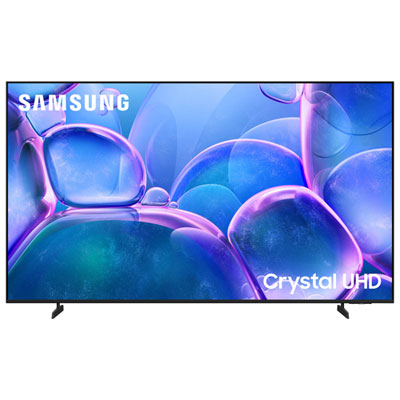 Your price for this item is $1099.99
 -
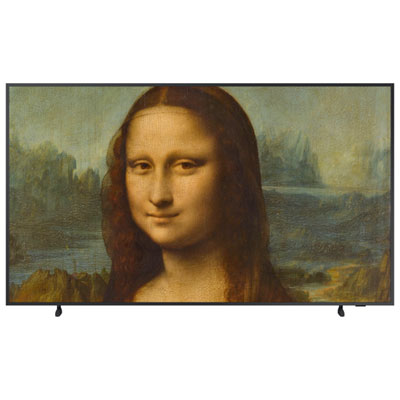 Your price for this item is $1799.97
 -
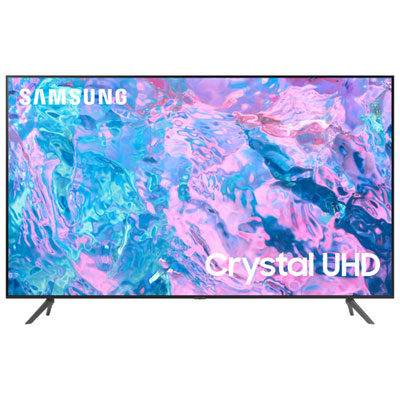 Your price for this item is $1299.97
 -
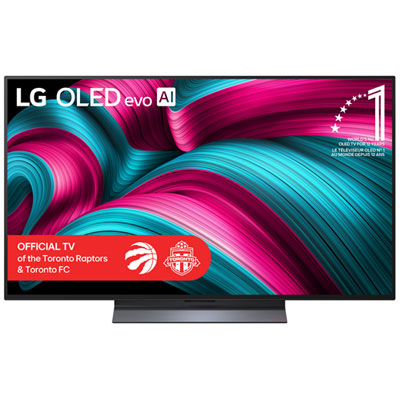 Your price for this item is $3599.99
 -
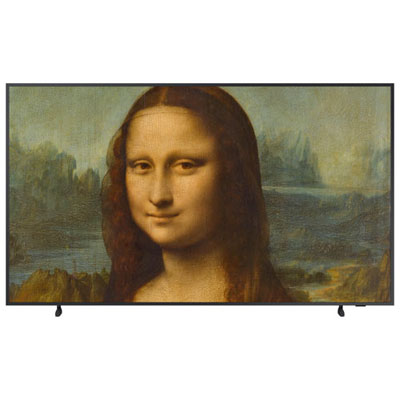 Your price for this item is $1619.97
 -
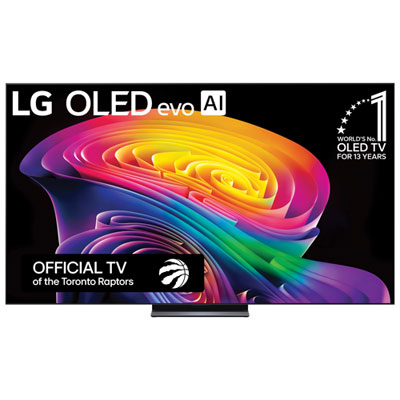 Your price for this item is $6499.99
 -
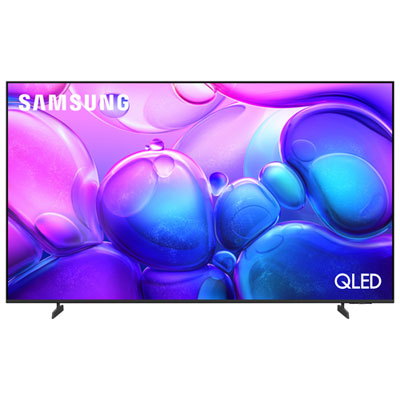 Your price for this item is $1299.99
 -
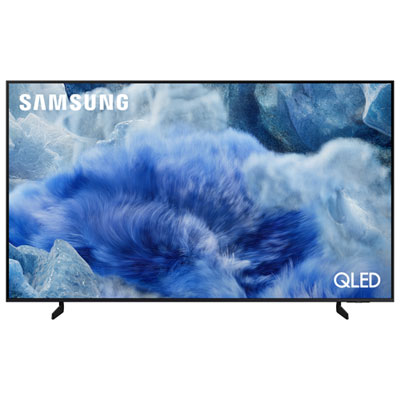 Your price for this item is $1299.99
Discover more categories related to 70-inch Tvs for Large Rooms
Top Collections:
Pokemon Centers, Best Cameras for Sports Photography, Kindle Devices, Samsung Galaxy Phones, Canon G7X Cameras, Pokémon 30th Celebration Cards, Refurbished Apple Laptops, iPhone 15 Apple, Laptops for Students, Budget Smartphones
Some products may be subject to Environmental Handling Fees
(EHF) depending on your province.
Learn more about EHFs.