Best 40-inch TVs for A Home Office Setup
The best 40-inch TVs for a home office setup offer a versatile screen size for video calls, presentations, and breaks between tasks. Compare options ranked by user review ratings, and look for features that suit your workspace, such as sharp picture quality, convenient connectivity, and smart TV capabilities. Whether you’re adding a second screen or creating a multipurpose office, find a TV that fits your desk layout and viewing distance.
What to look for in 40-inch TVs for a home office setup
1. Resolution and Text Clarity
2. Computer Connectivity
3. Desk Fit and Viewing Comfort
4. Responsiveness and Picture Settings
-
1
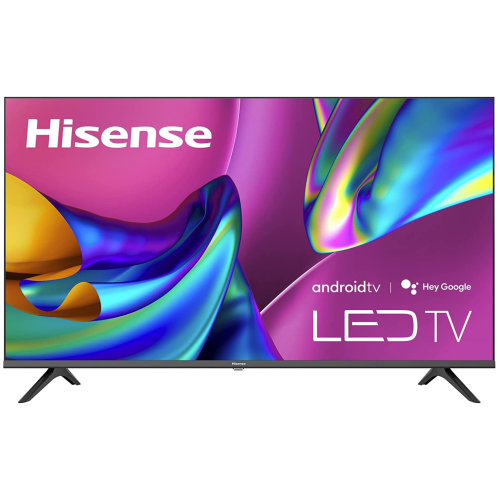
HISENSE 40" A4 Series Full HD Lcd Dts Virtual:x Android Smart Tv - 2022
About this product
A smart Android TV with FHD display, DTS Virtual X audio, voice remote, and smooth Motion Rate 120.
What customers like
(509)$479.99Your price for this item is $479.99SAVE $120 -
2
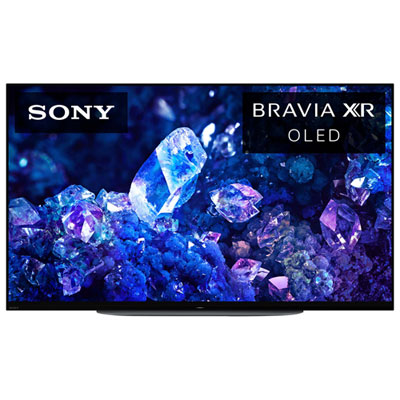
Sony BRAVIA XR A90K 42" 4K UHD HDR Dolby Vision OLED 120Hz Dolby Atmos Google TV Smart TV (XR42A90K) - 2022 - Great for Movies & Gaming
About this product
An advanced OLED smart TV with 4K UHD resolution, Dolby Atmos audio, and lifelike colour processing.
What customers like
(1,824)$1,499.99Your price for this item is $1499.99SAVE $300 -
3
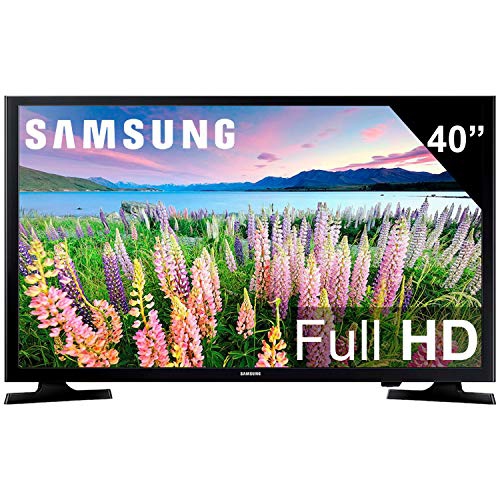
SAMSUNG 40-Inch Class Led Smart Fhd Tv 1080P (Un40N5200Afxza, 2019 Model)
About this product
A Full HD LED smart TV with vibrant color, Digital Clean View, and SmartThings app compatibility.
What customers like
(10,848)$449.99Your price for this item is $449.99SAVE $100 -
4
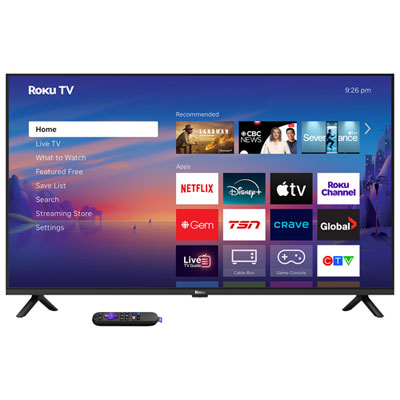
Roku 40" Select Series 1080p Full HD LED Roku OS Smart TV (40R3E5CA) - 2026 - Only at Best Buy
About this product
A smart TV with 1080p HD resolution, 60Hz refresh rate, and voice remote for easy streaming.
What customers like
(791)$199.99 Your price for this item is $199.99 -
5
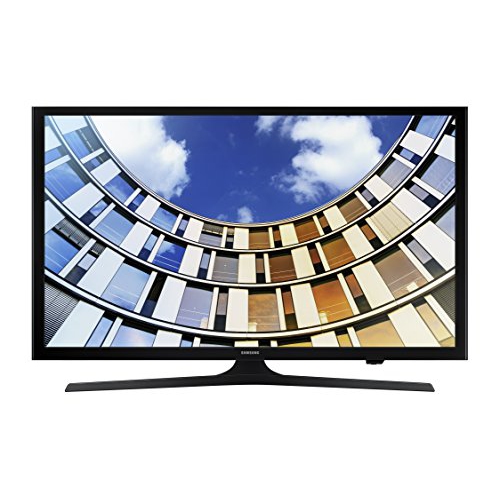
SAMSUNG Un-40M5300 40" Full HD Smart Led Tv
About this product
A Full HD 1080p smart LED TV with built-in Wi-Fi for vibrant, connected home entertainment.
What customers like
(390)$449.99Your price for this item is $449.99SAVE $100 -
6
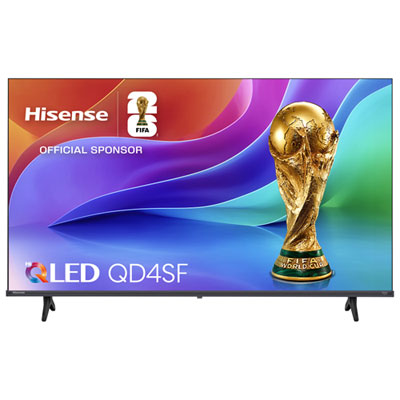
Hisense 40" QD4 1080p Full HD Hi-QLED Fire TV Smart TV (40QD4SF) - 2026
About this product
A smart TV with Hi-QLED display, Full HD resolution, DTS Virtual X audio, and Fire TV OS.
What customers like
(267)$259.99Your price for this item is $259.99SAVE $40 -
7
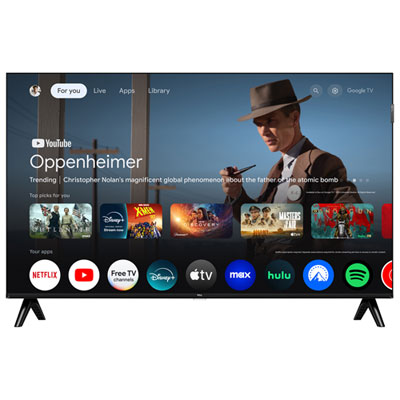
TCL 40" Q34K Series 1080p HD QLED Fire TV Smart TV (40Q34K) - 2025 - Only at Best Buy
About this product
A smart TV with 1080p HD resolution, QLED display, 60Hz refresh rate, and immersive 10W speakers.
What customers like
(55)$249.99 Your price for this item is $249.99 -
8
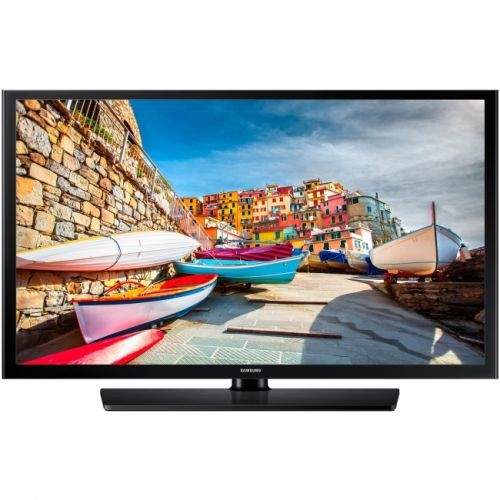
SAMSUNG 470 Hg40Ne470Sf 40" 1080P Led-Lcd Tv - 16:9 - HDtv 1080P - In Black
About this product
A 40" black LED-LCD TV offering 1080p resolution, Dolby Digital Plus, and dual HDMI ports.
$399.99Your price for this item is $399.99SAVE $150 -
9
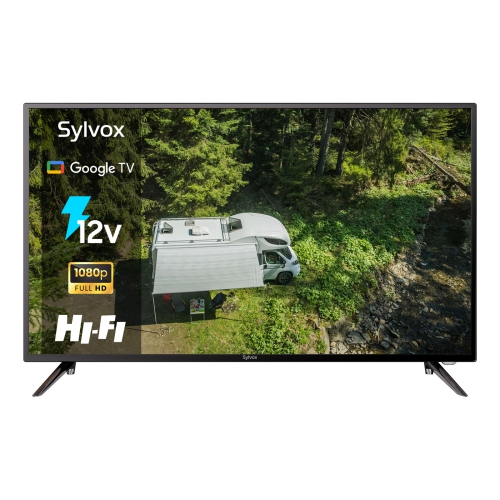
SYLVOX Brand New - 40" Vehicle Series Full HD Lcd 12V Dc/ac Rv Google Tv Smart Tv - 2024
About this product
A smart 1080P TV with Google TV, voice control, Chromecast, and dual DC/AC power for RV use.
$499.00Your price for this item is $499SAVE $60 -
10
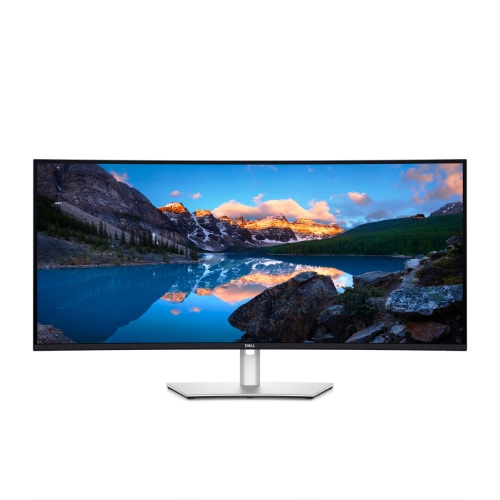
Dell UltraSharp 40" Ultrawide Curved 4K UHD IPS Thunderbolt Hub Monitor (U4025QW) - 120Hz - DisplayHDR 400
About this product
A curved 40-inch monitor featuring Thunderbolt hub connectivity for immersive visuals and streamlined device integration.
What customers like
(23)$2,499.99 Your price for this item is $2499.99
FAQ
HDMI is a common way to send video and audio from a computer to a TV. If your laptop only has USB-C ports, you may need a USB-C-to-HDMI adapter that supports video output. Once connected, select the matching HDMI input on the TV and choose whether to mirror or extend your desktop in your computer’s display settings.
A smart TV typically includes streaming apps, a remote control and built-in speakers. A computer monitor is designed primarily for use with a computer and may offer connections such as DisplayPort or USB-C. Features vary, so check the available inputs and desktop display settings when choosing either for a home office.
Wireless screen sharing requires a compatible TV and computer or mobile device. Support may include AirPlay, Miracast or Google Cast, depending on the TV’s platform. Many methods require both devices to use the same Wi-Fi network, and some apps only allow casting content rather than sharing an entire desktop.
Depending on the model, a TV may offer HDMI ARC or eARC, optical audio, Bluetooth or a headphone output. These can connect to compatible soundbars, speakers or headphones. For video calls hosted on a computer, select the microphone and audio output separately in the calling app.
Use the TV’s input menu to switch between connected devices, such as a work laptop and a personal computer, and its home menu to open built-in streaming apps. Some TVs let you rename inputs for easier navigation. Multiple HDMI inputs let you leave compatible devices connected rather than swapping cables.
Top selling and popular products
Discover more categories related to Best 40-inch TVs for A Home Office Setup

Some products may be subject to Environmental Handling Fees (EHF) depending on your province. Learn more about EHFs.