LG 65 Inch TVs
Transform your home entertainment setup with an impressive lg 65 inch tv, designed to elevate your viewing experience. Perfect for movie nights, sports events, or gaming marathons, a 65 inch screen brings stunning visuals and immersive sound right into your living room. Explore a wide selection of models that combine sleek design with advanced technology, making it easy to find the ideal lg 65 inch tv to suit your space and style. Discover how upgrading to a larger screen can redefine the way you watch your favourite content.
Sort
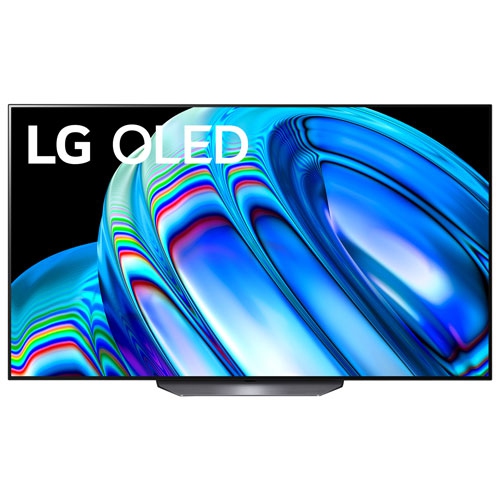
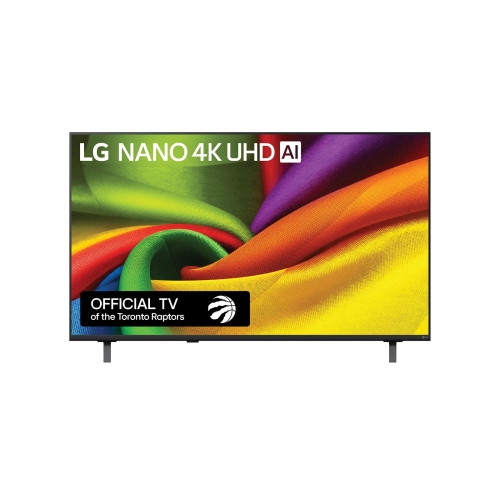
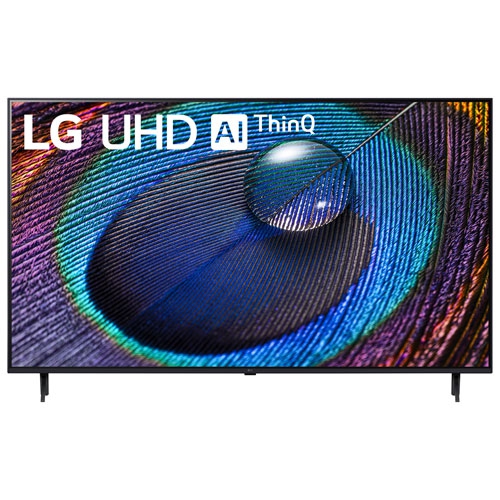
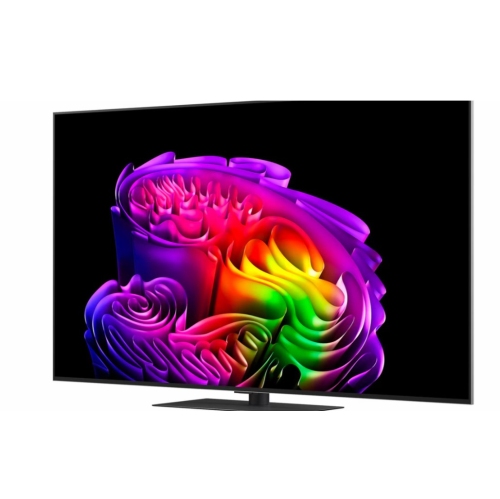
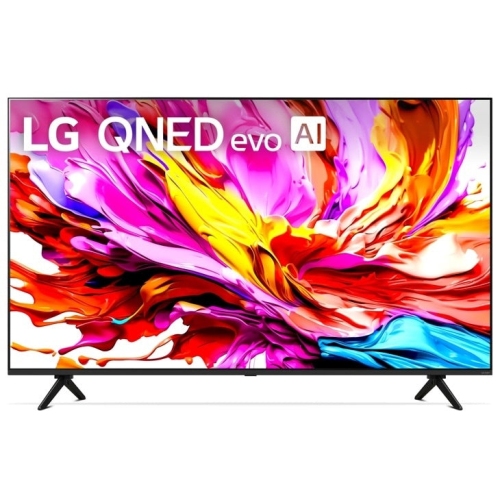
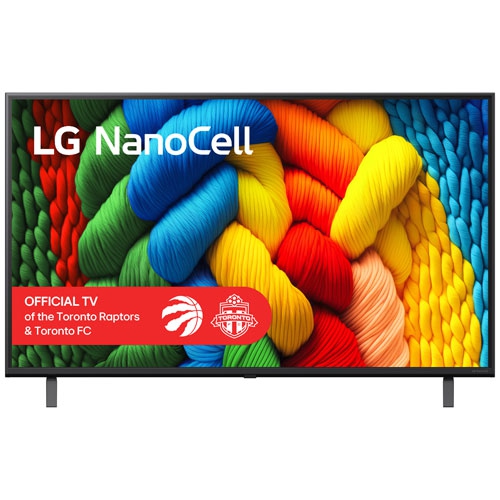
Big-screen immersion depends on more than screen size
A 65-inch TV gives films, live sports, and console games enough room to feel immersive without necessarily taking over the living room. The size refers to the screen’s diagonal measurement, not its width: a typical 65-inch widescreen display measures approximately 144 cm across before the frame is included. Cabinet dimensions, stand width, and overall depth vary, so the fit depends on more than the number on the screen. A low media console needs enough surface area for the feet or centre stand, along with clearance for a soundbar that will not block the picture or remote sensor. For wall-mounted setups, the television’s weight, mounting pattern, and wall construction determine the appropriate bracket and installation hardware. Slim profiles can sit neatly against a wall, but connections still need room, particularly when HDMI cables run behind the panel. A viewing distance of roughly two to three metres can provide a comfortable starting point for a screen this size, with personal preference and picture quality influencing the final seating position. In an open-plan space, the view from the dining table or an armchair off to one side matters as much as the view from the centre cushion. Reflections from windows and lamps can also affect the picture, especially during darker scenes. Screen height makes a practical difference during a full-length film or an extended gaming session; a position close to seated eye level generally feels more relaxed than one that requires looking upward. Construction typically combines a delicate display surface with a metal or plastic housing and a supporting stand. Even when the cabinet feels solid, the panel needs careful handling. For family rooms and shared living areas, a stable installation, secured cables, and an appropriate anti-tip restraint help make a large screen easier to live with.
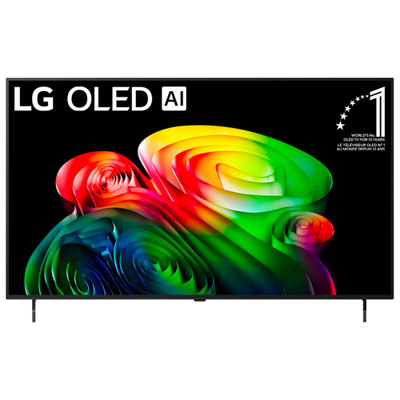
Picture technology shapes how a 65-inch television looks across different types of entertainment. OLED screens illuminate individual pixels, allowing dark areas to remain black beside bright highlights. That contrast can make a star-filled sky, a dimly lit hallway, or white subtitles against a dark scene look particularly distinct. QNED televisions use an LCD panel with LED backlighting, with certain models adding Mini-LED backlights and local dimming for more precise control of bright and dark areas. Brightness, reflection handling, viewing angles, and dimming performance differ between models, so the display technology alone does not describe the whole picture. For households focused on resolution, LG 65-inch Ultra HD TVs bring together this screen size and 4K detail. A 4K Ultra HD display contains 3840 × 2160 pixels, four times the pixel count of Full HD, giving well-produced content room to show fine textures in clothing, facial expressions, and distant scenery. Lower-resolution broadcasts and older films rely on the television’s processing to fit the screen; upscaling can improve their presentation, but it cannot reproduce detail that was never captured. High dynamic range, or HDR, adds another consideration by supporting a wider range of highlights, shadows, and colour when the television and source content support a compatible format. Motion performance matters for hockey, racing, and fast-moving games, where the puck, track markings, or on-screen action can become harder to follow. A native 120 Hz panel refreshes more frequently than a 60 Hz panel, although motion-smoothing settings are separate and can change the appearance of films. Gaming features also vary: compatible HDMI connections, variable refresh rate, and automatic low-latency mode can help a supported console or computer deliver responsive play. The supported resolution and refresh rate at each input are particularly relevant when several gaming devices share the same television.
Day-to-day convenience comes from the details surrounding the screen. Smart TV software brings streaming services and connected features into one interface, while app support, account requirements, and software features depend on the model and service. A household that moves between live television, streaming dramas, and children’s programs benefits from an interface that makes those sources easy to find. Reliable Wi-Fi helps with streaming, while a wired Ethernet connection can be useful when the router is nearby or wireless reception is inconsistent. Higher-resolution streams also depend on the internet connection and the streaming plan, not just the television’s capabilities. Connections deserve space in the overall setup: a cable receiver, game console, streaming device, and soundbar can quickly occupy several ports. An HDMI connection with eARC can carry supported audio formats to compatible sound equipment, while optical audio may suit an existing speaker system with the matching input. Built-in speakers keep the installation simple, but a soundbar or home theatre system can give dialogue more presence and make a crowd’s roar feel broader than the screen. Dialogue enhancement, captions, audio description, and accessibility settings can make everyday viewing more comfortable for different members of the household. These practical features are especially useful on a shared television used for everything from quiet solo viewing to a room full of friends watching a game. Long-term care is straightforward but important: the screen should be cleaned according to the manufacturer’s directions, generally with a clean, soft microfibre cloth and without spraying liquid directly onto the display. Ventilation openings need to remain clear, and cables should not pull against their sockets. On OLED models, built-in panel-care features and varied viewing habits help manage the effects of prolonged static images. Keeping the remote, connected devices, seating, and sound setup in mind makes a 65-inch television feel like a natural part of the room rather than simply its largest object.
Top selling and popular products
-
 Your price for this item is $1496.95
-
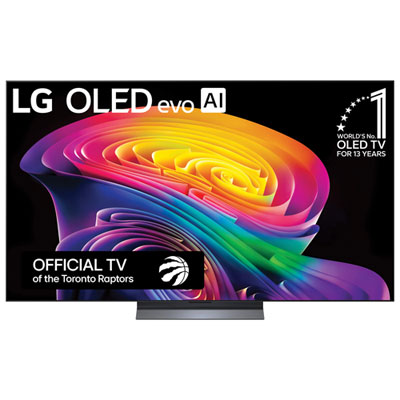 Your price for this item is $1999.99
-
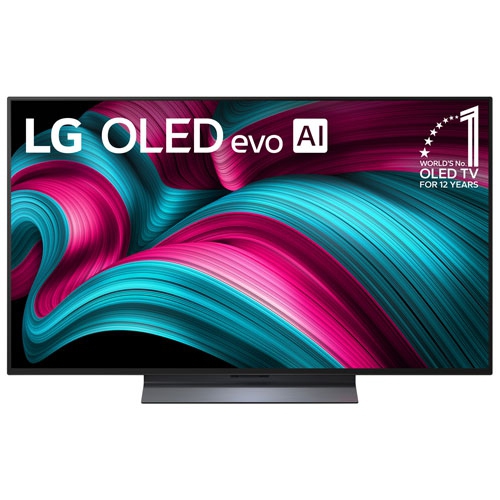 Your price for this item is $1749
-
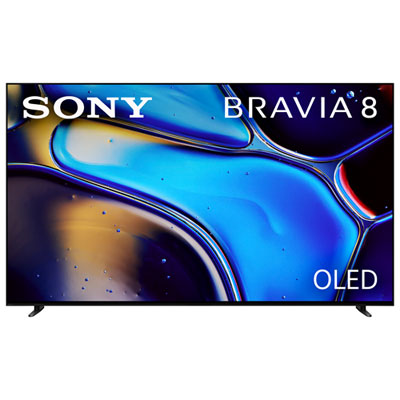 Your price for this item is $2399.99
-
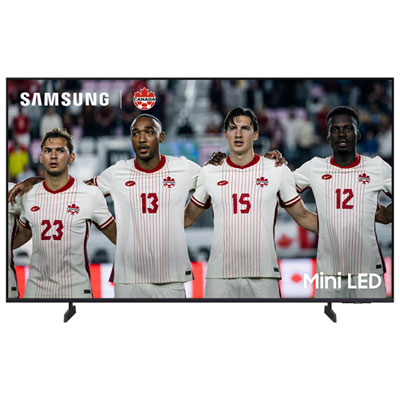 Your price for this item is $699.99
-
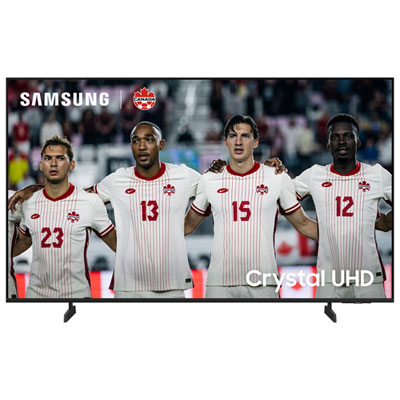 Your price for this item is $599.99
-
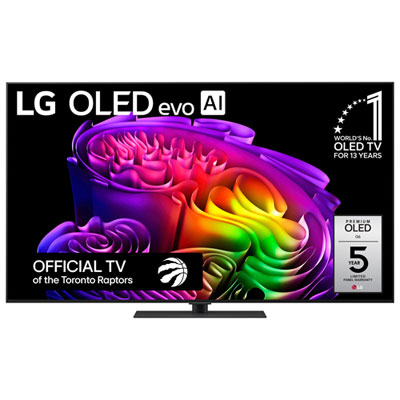 Your price for this item is $3999.99
-
 Your price for this item is $3999.99
Discover more categories related to LG 65 Inch TVs
Top Collections:
Best Black Friday Deals This Year, Best Black Friday Deals On Electronics, Kindle Devices, Pokemon Centers, Best Black Friday Deals On Apple Products, Best Cameras for Sports Photography, Dyson Airwrap, Pokémon 30th Celebration Cards, Apple iPhone 17 Pro, Canon G7X Cameras
Some products may be subject to Environmental Handling Fees
(EHF) depending on your province.
Learn more about EHFs.