70-inch TVs With High Refresh Rate
If you're looking for a TV that offers the best picture and sound quality, you'll want to make sure it has a high refresh rate. A high refresh rate means that the screen will refresh or update itself quickly, which means you'll have less lag when watching movies or playing games. It also means that the images will be more responsive and lifelike.
Sort
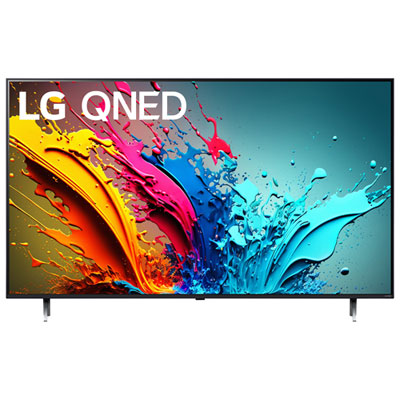
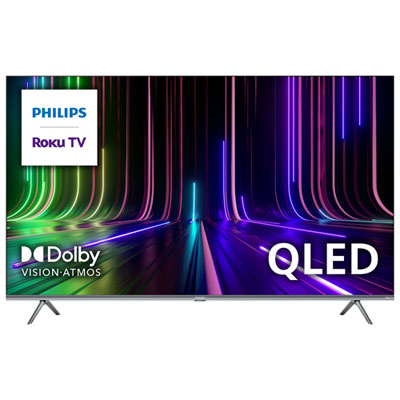
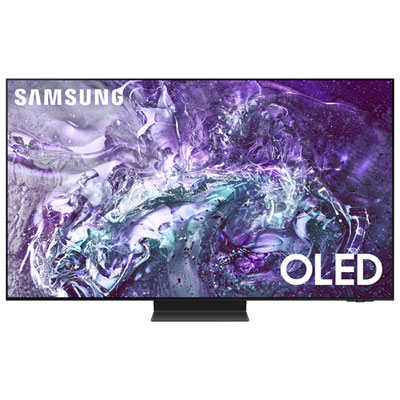
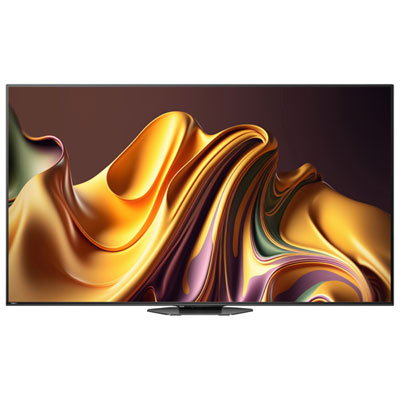
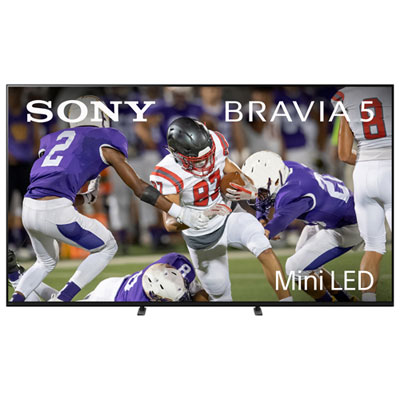
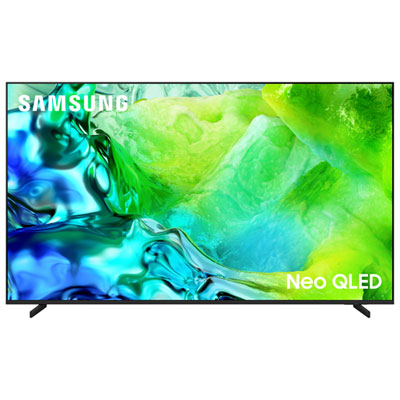
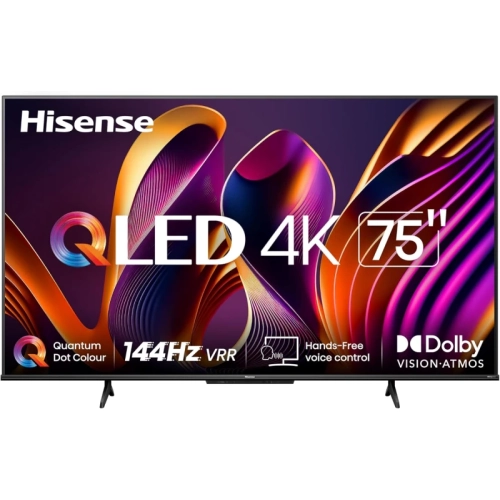

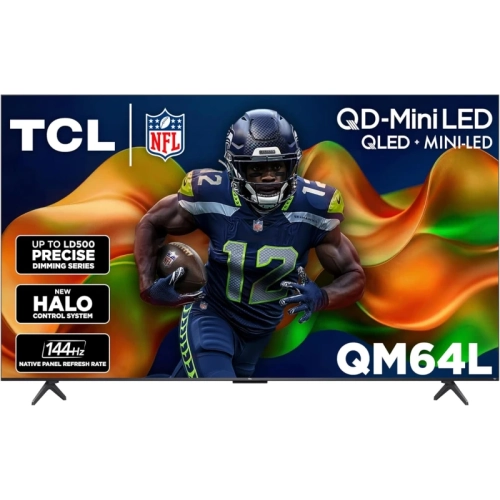
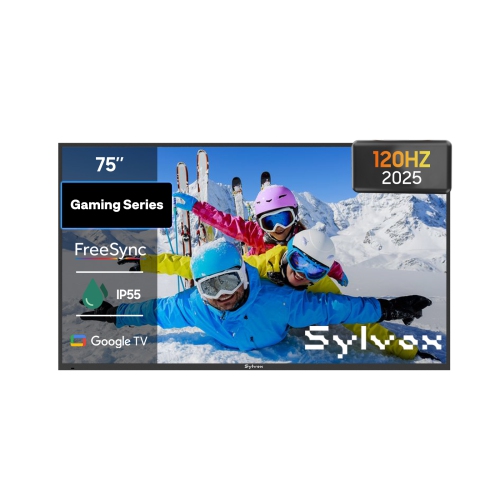
What to know about native refresh rates and screen size
Choosing among 70-inch TVs with a high refresh rate starts with understanding how screen size and display performance are paired. A true 70-inch panel is designed to provide a spacious viewing area without taking up quite as much wall width as a larger 75-inch model, making it a practical choice for family rooms, finished basements, open-concept living areas, and dedicated entertainment spaces. At this size, 4K resolution helps keep films, shows, sports, and games looking sharp from a comfortable distance, while a higher refresh rate can make movement appear smoother and more natural. This is particularly noticeable during fast hockey plays, football passes, racing games, camera pans, and action scenes where a standard display may show more blur or judder. It is helpful to look closely at the panel’s native refresh rate rather than relying only on motion-enhancement terminology. Many TVs in the 70-inch class use a native 60Hz panel, then apply processing features to improve the appearance of motion. These features can be useful for broadcast sports and television programming, but they are not the same as a native 120Hz or 144Hz refresh rate. A native refresh rate describes how often the panel itself can update the image, while motion smoothing and similar technologies process frames to create a cleaner-looking result. For console and PC gaming, also check for Variable Refresh Rate (VRR), Auto Low Latency Mode (ALLM), and compatible HDMI inputs. VRR can help reduce visible tearing when a game’s frame rate changes, while ALLM can switch the TV into a faster-response setting when supported equipment is connected. Not every 70-inch TV combines all of these features, so comparing the complete specifications is important when smooth, responsive motion is a priority.
The availability of high-refresh-rate technology can vary considerably within this size category. True 70-inch TVs are often built around 60Hz panels, while manufacturers more commonly place native 120Hz or 144Hz displays in nearby size tiers, especially 65-inch and 75-inch models. This size shift does not mean a 70-inch TV cannot deliver an enjoyable experience; it simply means that shoppers looking specifically for a high native refresh rate may need to compare the listed specifications carefully or consider a slightly different screen size. A 65-inch TV can be a strong alternative when seating is closer or when a gaming setup benefits from a more compact display, while a 75-inch TV may suit a larger room where viewers sit farther away and want a more immersive picture. If your preferred screen size can be adjusted, the selection of 55 Inch Tvs With Fast Refresh Rate may also be useful for comparing how fast-refresh-rate models are presented in another size range. For anyone committed to a 70-inch screen, consider the full viewing routine rather than one specification in isolation. Sports fans may value smooth handling of quick movement and strong upscaling of lower-resolution broadcasts. Movie watchers may prioritize contrast, black levels, colour accuracy, and support for high-dynamic-range formats. Console players should review input lag, gaming menus, HDMI bandwidth, and compatibility with the frame rates supported by their console. PC gamers should check whether the TV can accept the desired resolution and refresh rate from a computer, since a panel’s maximum capability may depend on the input, cable, and source device. Built-in smart TV platforms, voice control, app availability, and Wi-Fi connectivity can also shape everyday convenience, especially when the TV serves as the main hub for streaming, music, live programming, and casual gaming.
A 70-inch TV can become the visual centre of a home, with enough screen area to make a quiet evening feel more like a theatre visit and enough flexibility for everyday viewing. During the cooler months, it can be used for long-form dramas, animated films, live sports, news, and multiplayer games while family and friends gather in the same room. It may also be a thoughtful gift for someone moving into a larger home, setting up a basement lounge, replacing an older television, or creating a shared space for gaming and streaming. Before making a selection, measure the wall or furniture carefully, including the width of the stand, the depth of the cabinet, and the clearance needed for connected devices. Viewing distance matters as well: a very large screen can be immersive from across a room but may feel overwhelming when placed too close. Think about window placement and lamps, since reflections can distract from dark scenes and make bright content harder to see. A wall mount can create a clean, theatre-like arrangement, but it requires suitable wall construction, careful cable planning, and easy access to ports. A stand may be more flexible for renters or rooms that change layout over time. Sound is another practical consideration. Larger screens do not automatically produce room-filling audio, so a compatible soundbar or home theatre system may be worth considering if clear dialogue, game effects, and sports commentary are important. Finally, compare warranty coverage, remote design, operating system features, refresh-rate specifications, and connectivity alongside image quality. The best choice is one that fits the room, works with the equipment already in the home, and provides the right balance of smooth motion, clear detail, easy access to content, and comfortable viewing for everyone who will use it.
The availability of high-refresh-rate technology can vary considerably within this size category. True 70-inch TVs are often built around 60Hz panels, while manufacturers more commonly place native 120Hz or 144Hz displays in nearby size tiers, especially 65-inch and 75-inch models. This size shift does not mean a 70-inch TV cannot deliver an enjoyable experience; it simply means that shoppers looking specifically for a high native refresh rate may need to compare the listed specifications carefully or consider a slightly different screen size. A 65-inch TV can be a strong alternative when seating is closer or when a gaming setup benefits from a more compact display, while a 75-inch TV may suit a larger room where viewers sit farther away and want a more immersive picture. If your preferred screen size can be adjusted, the selection of 55 Inch Tvs With Fast Refresh Rate may also be useful for comparing how fast-refresh-rate models are presented in another size range. For anyone committed to a 70-inch screen, consider the full viewing routine rather than one specification in isolation. Sports fans may value smooth handling of quick movement and strong upscaling of lower-resolution broadcasts. Movie watchers may prioritize contrast, black levels, colour accuracy, and support for high-dynamic-range formats. Console players should review input lag, gaming menus, HDMI bandwidth, and compatibility with the frame rates supported by their console. PC gamers should check whether the TV can accept the desired resolution and refresh rate from a computer, since a panel’s maximum capability may depend on the input, cable, and source device. Built-in smart TV platforms, voice control, app availability, and Wi-Fi connectivity can also shape everyday convenience, especially when the TV serves as the main hub for streaming, music, live programming, and casual gaming.
A 70-inch TV can become the visual centre of a home, with enough screen area to make a quiet evening feel more like a theatre visit and enough flexibility for everyday viewing. During the cooler months, it can be used for long-form dramas, animated films, live sports, news, and multiplayer games while family and friends gather in the same room. It may also be a thoughtful gift for someone moving into a larger home, setting up a basement lounge, replacing an older television, or creating a shared space for gaming and streaming. Before making a selection, measure the wall or furniture carefully, including the width of the stand, the depth of the cabinet, and the clearance needed for connected devices. Viewing distance matters as well: a very large screen can be immersive from across a room but may feel overwhelming when placed too close. Think about window placement and lamps, since reflections can distract from dark scenes and make bright content harder to see. A wall mount can create a clean, theatre-like arrangement, but it requires suitable wall construction, careful cable planning, and easy access to ports. A stand may be more flexible for renters or rooms that change layout over time. Sound is another practical consideration. Larger screens do not automatically produce room-filling audio, so a compatible soundbar or home theatre system may be worth considering if clear dialogue, game effects, and sports commentary are important. Finally, compare warranty coverage, remote design, operating system features, refresh-rate specifications, and connectivity alongside image quality. The best choice is one that fits the room, works with the equipment already in the home, and provides the right balance of smooth motion, clear detail, easy access to content, and comfortable viewing for everyone who will use it.
Top selling and popular products
-
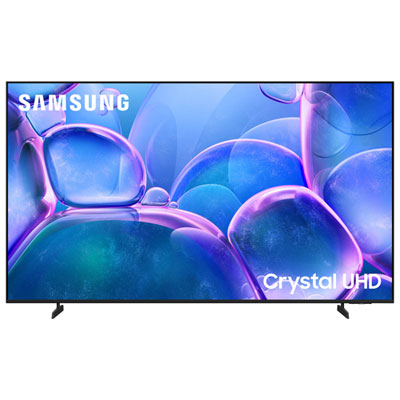 Your price for this item is $1099.99
 -
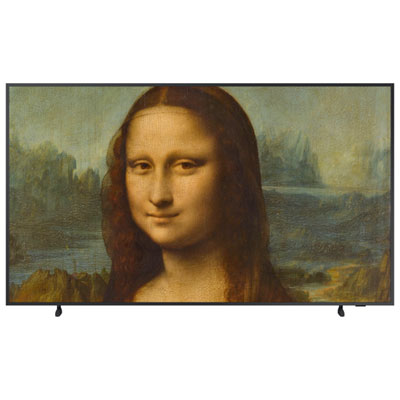 Your price for this item is $1799.97
 -
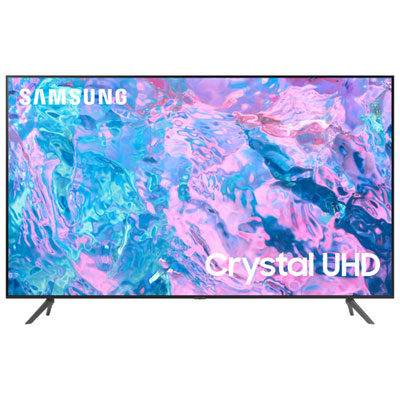 Your price for this item is $1299.97
 -
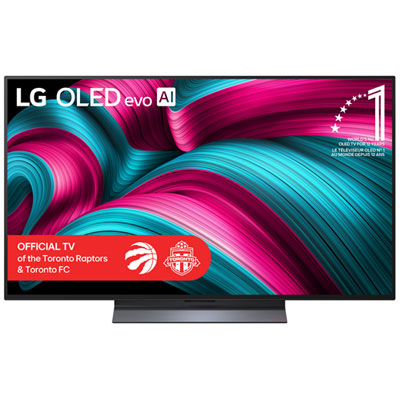 Your price for this item is $3599.99
 -
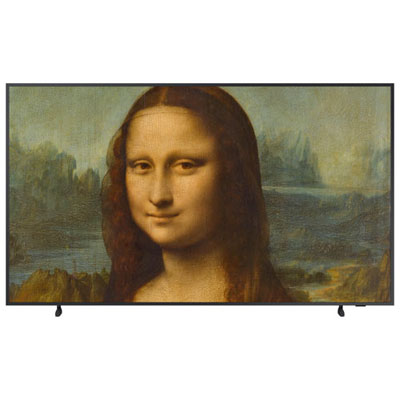 Your price for this item is $1619.97
 -
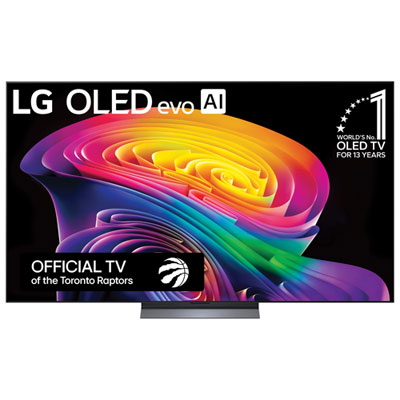 Your price for this item is $2999.99
 -
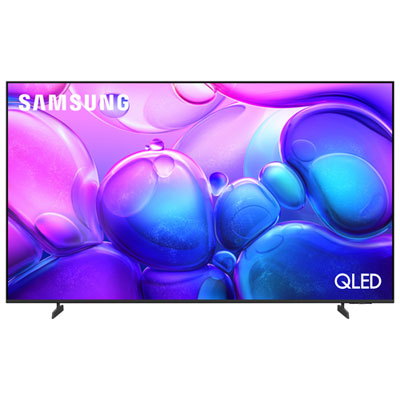 Your price for this item is $1299.99
 -
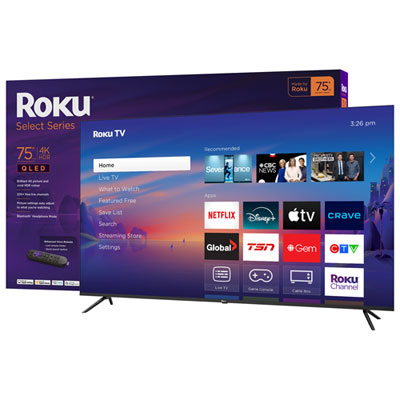 Your price for this item is $729.95
Discover more categories related to 70-inch TVs With High Refresh Rate


Top Collections:
Pokemon Centers, Kindle Devices, Best Budget Office Chairs, Apple iPhones 16, Best Laptops for Writers, iPhone 15 Apple, Canon G7X Cameras, Refurbished Apple Laptops, Alarm Clock, Motorola Razr Phones
Some products may be subject to Environmental Handling Fees
(EHF) depending on your province.
Learn more about EHFs.