Recommended 65 Inch Tvs With Fast Refresh Rate
If you're looking for a TV that can keep up with your favorite sports or online games, then you'll want a TV with a fast refresh rate. A fast refresh rate means that the screen will react quickly to whatever is happening on it, so you won't see any lag. Here are some great 65-inch TVs with a fast refresh rate.
Sort
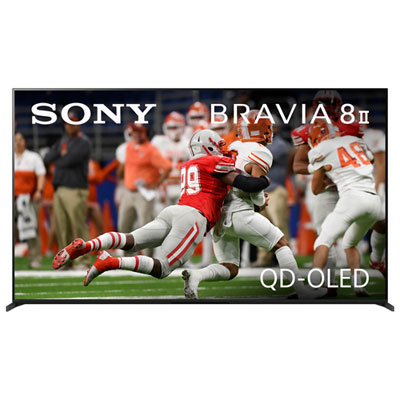
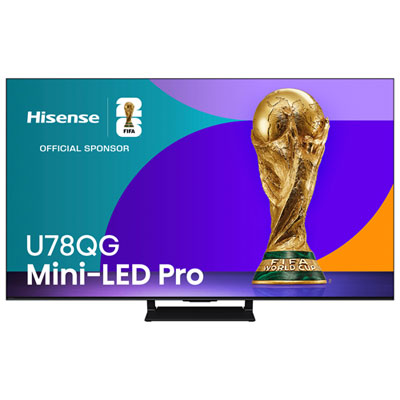
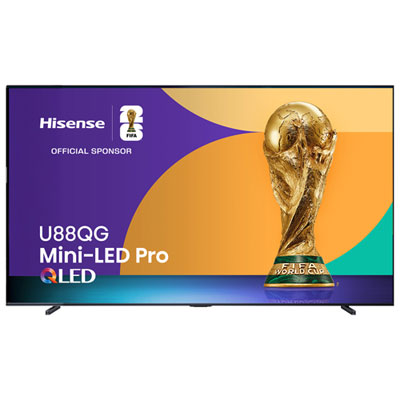
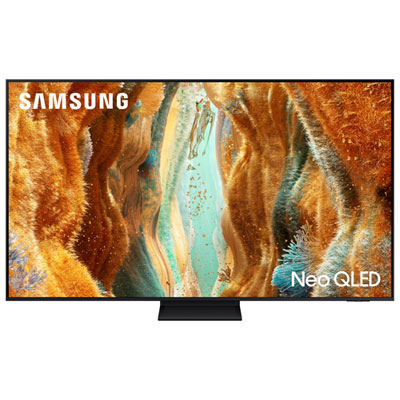
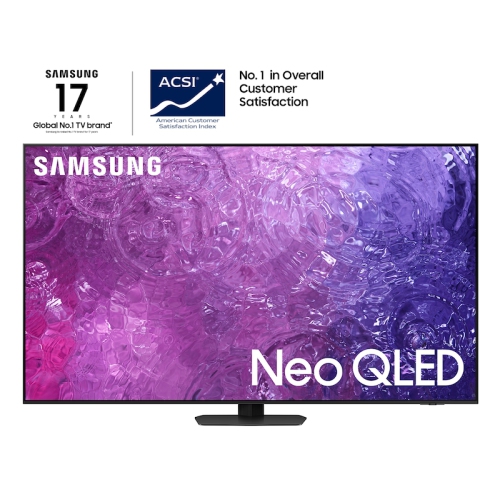
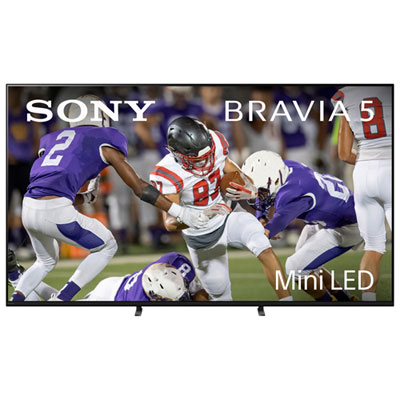
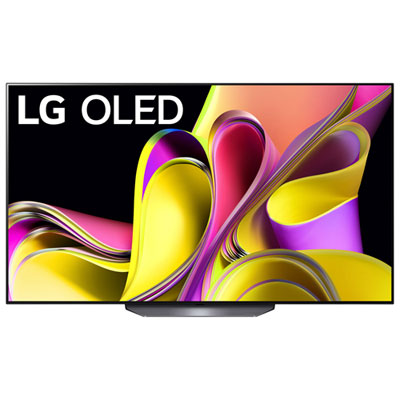
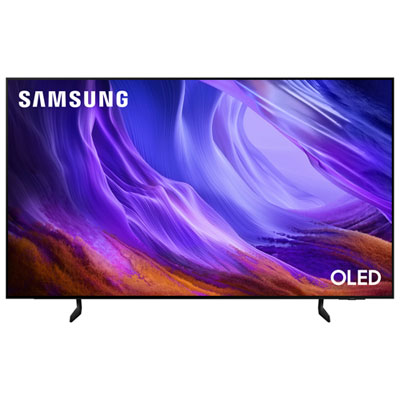
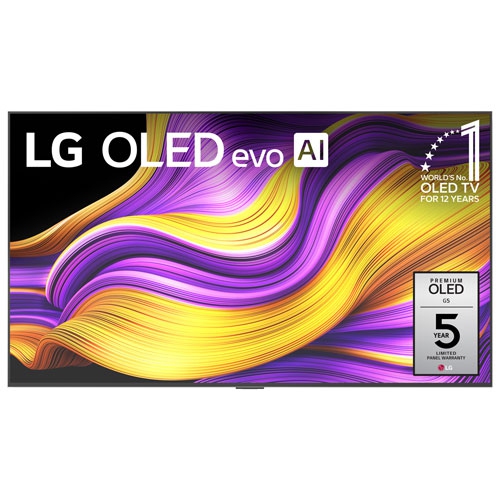
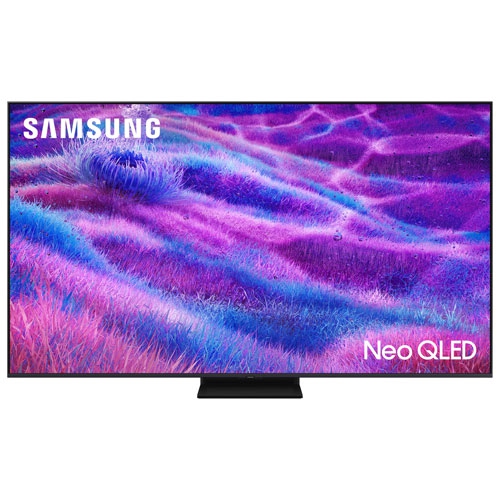
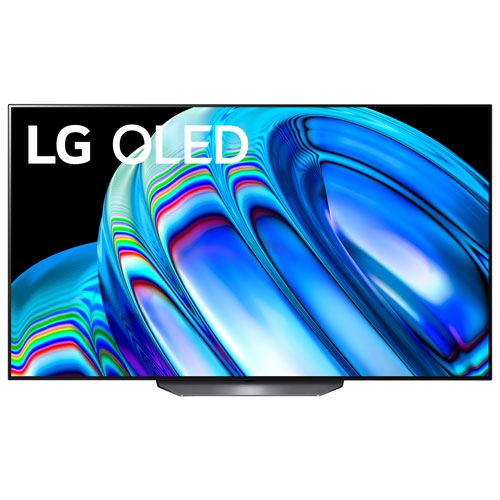
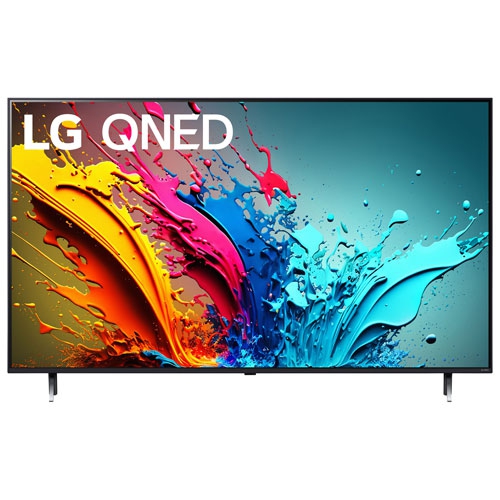
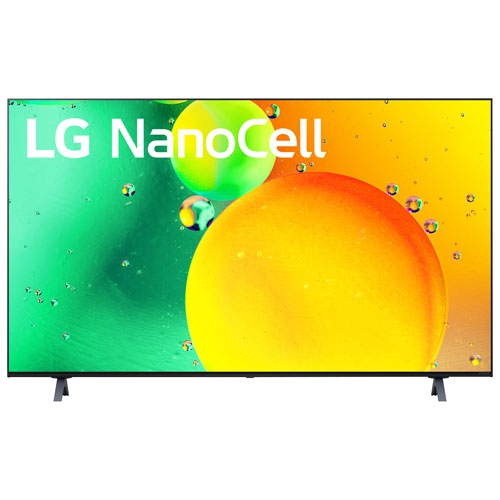
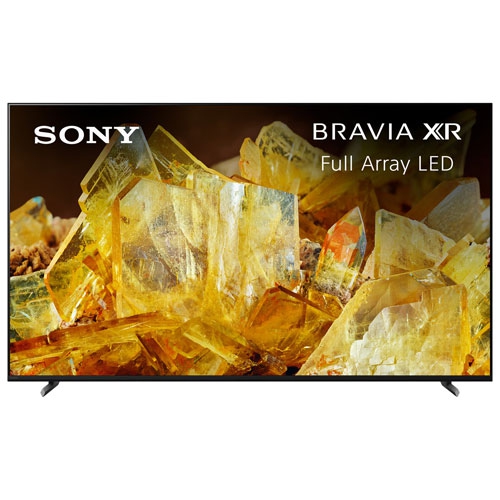
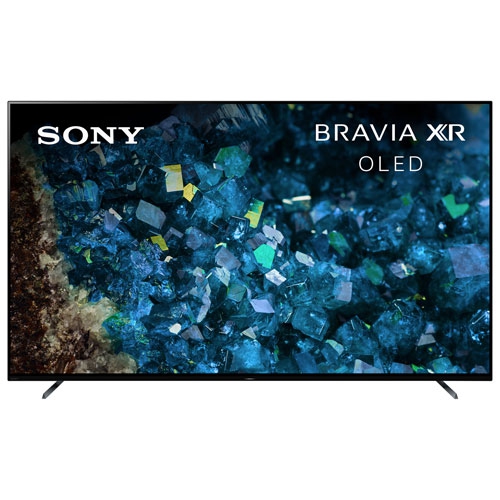
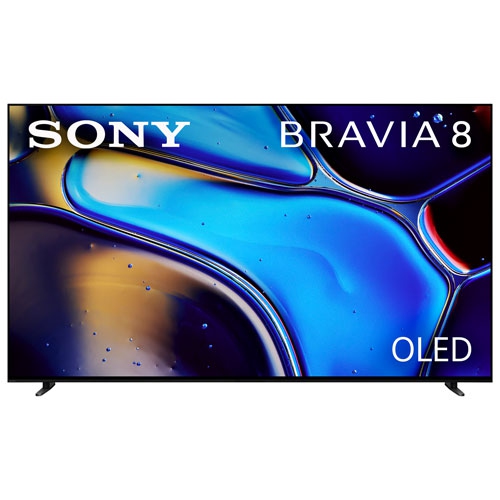
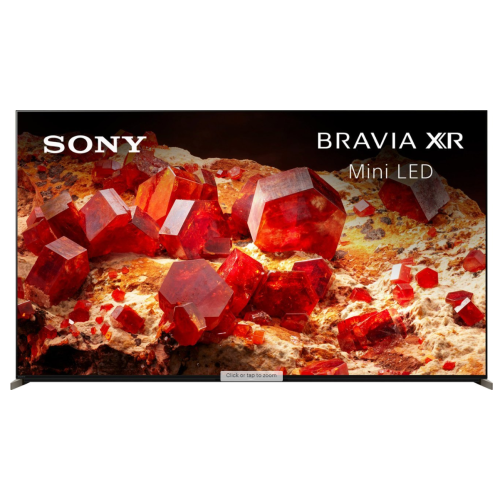
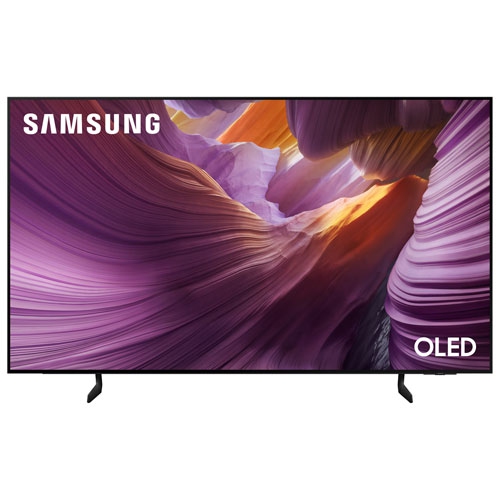
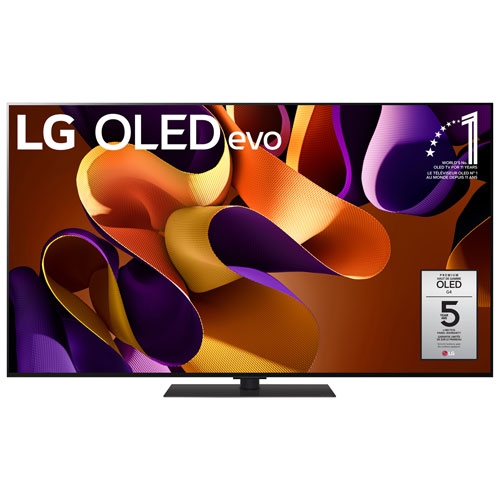
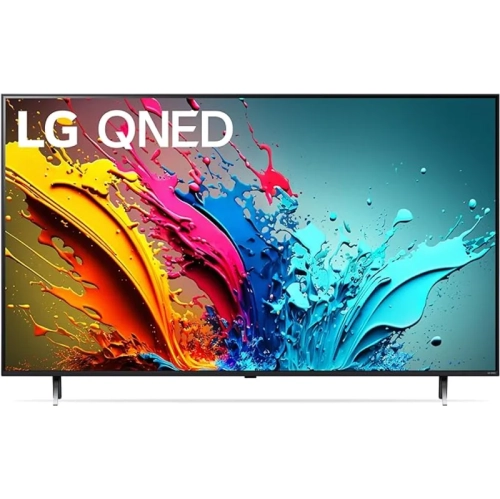
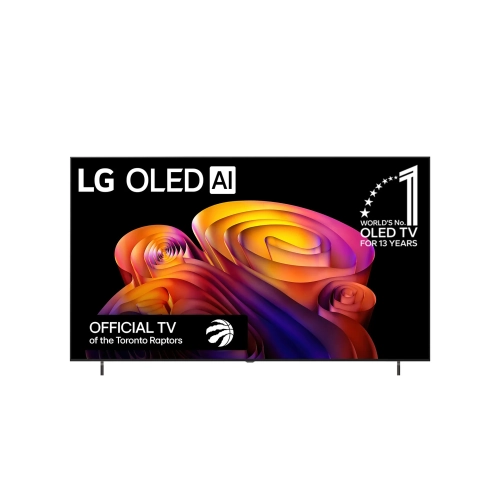

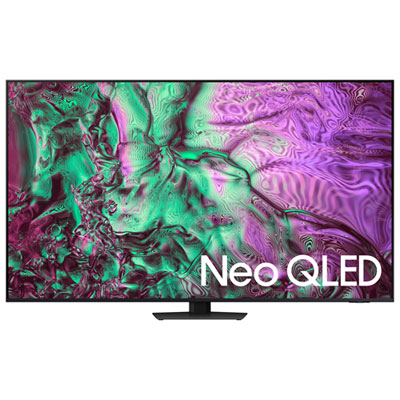
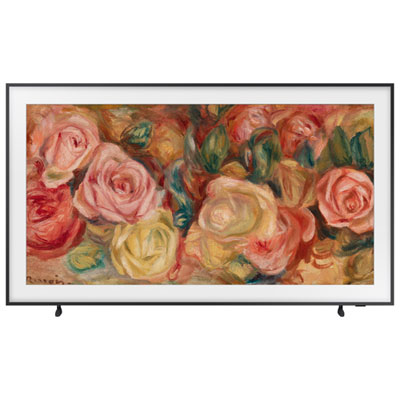
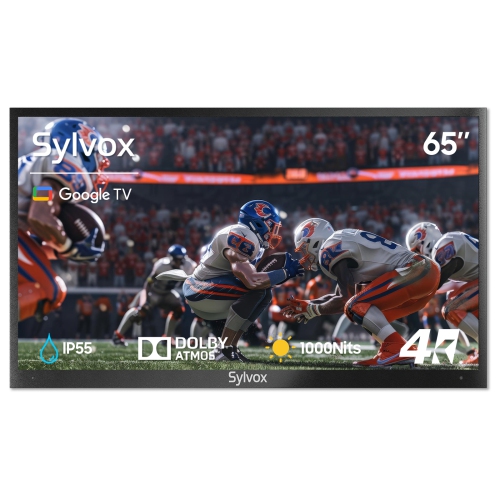
Smooth motion takes more than a high refresh rate
A 65-inch TV with a fast refresh rate brings a large, immersive picture to live sports, action films, and responsive gaming, with enough screen space to make small details easier to follow from a sofa. Refresh rate describes how many times the display updates its image each second: a native 120Hz panel can refresh 120 times per second, while compatible 144Hz or 165Hz panels can display still higher frame rates from a suitable source. For mixed viewing and console gaming, native 120Hz is a useful feature to look for; higher rates are particularly relevant to PC gaming when the computer, connection, and game can deliver them. These numbers should describe the panel’s actual capabilities, rather than a branded motion rating or a processing mode that works differently. A fast panel does not automatically turn a 60-frame-per-second sports broadcast into footage captured at 120 frames per second, but it can support motion processing that makes movement appear smoother. The visible result also depends on pixel response time, source quality, and picture settings. During a hockey game, that means the puck, players, and rink markings may remain easier to distinguish as the camera follows a rush down the ice. In a racing game, responsive motion can help road markings and approaching corners remain more readable. Film viewing benefits in a different way: a 120Hz panel can show each frame of a 24-frame-per-second film five times, allowing an even display cadence when the signal and settings support it. Motion interpolation is separate from this process and can introduce an unnaturally smooth look or occasional visual artefacts around moving objects. Adjustable motion controls make it possible to use stronger smoothing for sports and a more restrained setting for films. The most suitable 65-inch TVs with fast refresh rates therefore balance native refresh capability with clean motion handling, accurate colour, good contrast, and settings that suit the content rather than relying on one impressive specification.
Panel technology and room layout have just as much influence on everyday enjoyment as refresh rate. OLED displays use individually controlled pixels to produce deep blacks and strong contrast, making them well suited to film scenes with bright highlights against dark backgrounds. Their typically quick pixel response can also keep fast-moving game imagery sharply defined, although that same clarity may make low-frame-rate film stutter more noticeable. LCD TVs with LED or Mini-LED backlighting offer a different approach, with many designs providing substantial brightness for daytime viewing. Mini-LED backlights generally use smaller light sources to support more precise dimming zones, though the quality of local dimming matters more than the technology name alone. Light halos around subtitles or bright objects can still occur, particularly against dark backgrounds. Screen finishes also vary: a glossy surface may show distinct reflections, while some matte or anti-reflective treatments reduce their intensity but can change how ambient light spreads across the picture. A television opposite a large window presents a different challenge from one in a room with adjustable lamps and curtains. Viewing angle matters when several people share a sectional or sit in chairs to either side; contrast and colour can shift off-centre on some panels. For a shared living room, 65-inch TVs for family viewing also bring attention to everyday considerations such as straightforward controls, seating coverage, and convenient access to favourite entertainment. Physical fit deserves equal attention. The 65-inch measurement refers to the screen diagonal, not the cabinet width, and the full dimensions vary with the bezel and stand. A media unit needs enough width, depth, and weight capacity for the television, including widely spaced feet where fitted. A wall installation requires a compatible mounting pattern, a mount rated for the TV’s weight, and suitable anchoring for the wall construction. Space beneath the screen can accommodate a soundbar without obscuring the picture or remote sensor, while accessible connections make adding equipment less awkward.
For gaming, the connection between the screen and the source determines how much of a fast refresh rate can actually be used. Support for 4K at 120Hz is valuable for compatible consoles and PCs, but it should be confirmed for the individual HDMI input rather than assumed from a general HDMI version label. Rates of 144Hz or 165Hz may require a compatible PC, a particular input, and specific settings; they are not automatically supported by every connected device. Some accelerated gaming modes reach higher refresh rates by lowering resolution, so their figures are not interchangeable with native 4K performance. Variable refresh rate, or VRR, allows the display to adjust its refresh timing to a compatible game’s changing frame output, helping reduce tearing and uneven presentation within its supported range. Auto low latency mode, or ALLM, can switch the TV into a responsive gaming setting automatically. Low input lag is a separate consideration from refresh rate and describes the delay between an action on the controller and its visible result. A game mode often reduces that delay by limiting processing, although picture behaviour can differ from film-oriented modes. Households connecting multiple gaming systems should also consider how many inputs support the required features, particularly if an eARC connection will be occupied by a soundbar or receiver. Reliable Wi-Fi or a wired network connection can help streaming consistency, but neither increases the frame rate of the original programme. Beyond performance, everyday care helps protect a large display. Thin panels and narrow bezels require careful handling, with lifting and installation carried out according to the manufacturer’s directions rather than by pressing against the screen. Clear ventilation space helps prevent heat buildup, and a soft, dry microfibre cloth is generally appropriate for routine dusting, subject to the supplied care instructions. Cleaning liquid should never be sprayed directly onto the panel. For OLED screens, varied content and enabled panel-care features can help limit the risk associated with prolonged static imagery. Taken together, suitable installation, thoughtful care, and well-matched inputs make a fast-refresh 65-inch TV a practical centrepiece for sports fans, film lovers, and players sharing the same space.
Panel technology and room layout have just as much influence on everyday enjoyment as refresh rate. OLED displays use individually controlled pixels to produce deep blacks and strong contrast, making them well suited to film scenes with bright highlights against dark backgrounds. Their typically quick pixel response can also keep fast-moving game imagery sharply defined, although that same clarity may make low-frame-rate film stutter more noticeable. LCD TVs with LED or Mini-LED backlighting offer a different approach, with many designs providing substantial brightness for daytime viewing. Mini-LED backlights generally use smaller light sources to support more precise dimming zones, though the quality of local dimming matters more than the technology name alone. Light halos around subtitles or bright objects can still occur, particularly against dark backgrounds. Screen finishes also vary: a glossy surface may show distinct reflections, while some matte or anti-reflective treatments reduce their intensity but can change how ambient light spreads across the picture. A television opposite a large window presents a different challenge from one in a room with adjustable lamps and curtains. Viewing angle matters when several people share a sectional or sit in chairs to either side; contrast and colour can shift off-centre on some panels. For a shared living room, 65-inch TVs for family viewing also bring attention to everyday considerations such as straightforward controls, seating coverage, and convenient access to favourite entertainment. Physical fit deserves equal attention. The 65-inch measurement refers to the screen diagonal, not the cabinet width, and the full dimensions vary with the bezel and stand. A media unit needs enough width, depth, and weight capacity for the television, including widely spaced feet where fitted. A wall installation requires a compatible mounting pattern, a mount rated for the TV’s weight, and suitable anchoring for the wall construction. Space beneath the screen can accommodate a soundbar without obscuring the picture or remote sensor, while accessible connections make adding equipment less awkward.
For gaming, the connection between the screen and the source determines how much of a fast refresh rate can actually be used. Support for 4K at 120Hz is valuable for compatible consoles and PCs, but it should be confirmed for the individual HDMI input rather than assumed from a general HDMI version label. Rates of 144Hz or 165Hz may require a compatible PC, a particular input, and specific settings; they are not automatically supported by every connected device. Some accelerated gaming modes reach higher refresh rates by lowering resolution, so their figures are not interchangeable with native 4K performance. Variable refresh rate, or VRR, allows the display to adjust its refresh timing to a compatible game’s changing frame output, helping reduce tearing and uneven presentation within its supported range. Auto low latency mode, or ALLM, can switch the TV into a responsive gaming setting automatically. Low input lag is a separate consideration from refresh rate and describes the delay between an action on the controller and its visible result. A game mode often reduces that delay by limiting processing, although picture behaviour can differ from film-oriented modes. Households connecting multiple gaming systems should also consider how many inputs support the required features, particularly if an eARC connection will be occupied by a soundbar or receiver. Reliable Wi-Fi or a wired network connection can help streaming consistency, but neither increases the frame rate of the original programme. Beyond performance, everyday care helps protect a large display. Thin panels and narrow bezels require careful handling, with lifting and installation carried out according to the manufacturer’s directions rather than by pressing against the screen. Clear ventilation space helps prevent heat buildup, and a soft, dry microfibre cloth is generally appropriate for routine dusting, subject to the supplied care instructions. Cleaning liquid should never be sprayed directly onto the panel. For OLED screens, varied content and enabled panel-care features can help limit the risk associated with prolonged static imagery. Taken together, suitable installation, thoughtful care, and well-matched inputs make a fast-refresh 65-inch TV a practical centrepiece for sports fans, film lovers, and players sharing the same space.
Top selling and popular products
-
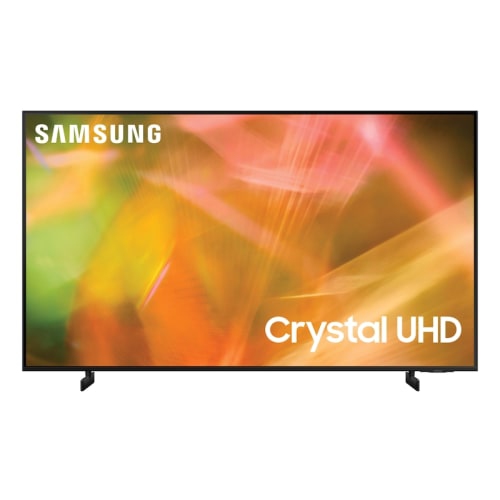 Your price for this item is $999.99
 -
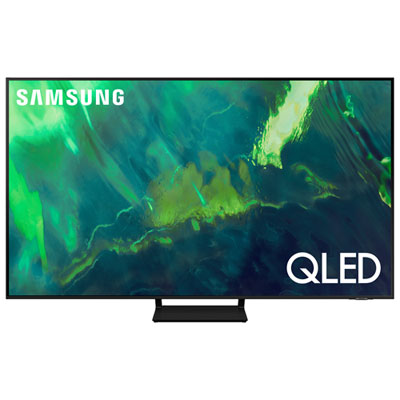 Your price for this item is $1199.97
 -
 Your price for this item is $1995.95
 -
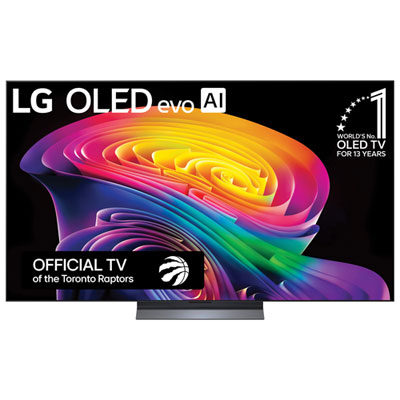 Your price for this item is $2499.99
 -
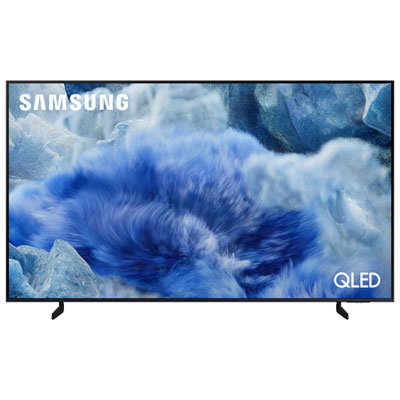 Your price for this item is $899.99
 -
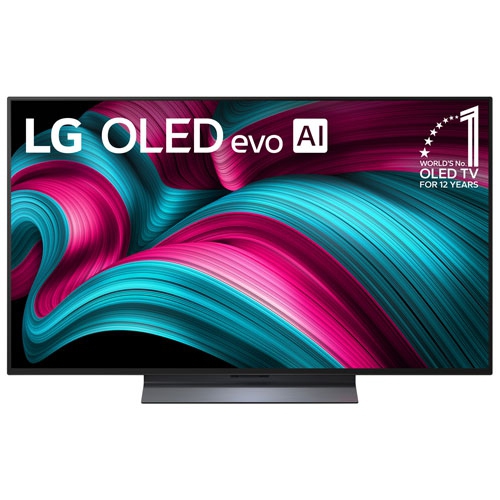 Your price for this item is $1749
 -
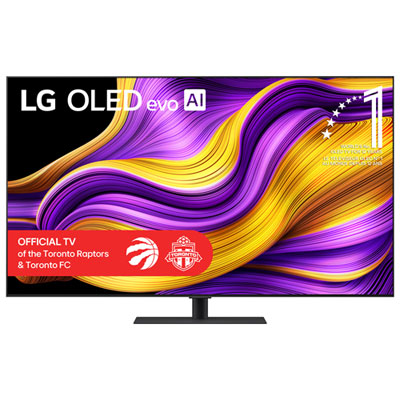 Your price for this item is $2999.99
 -
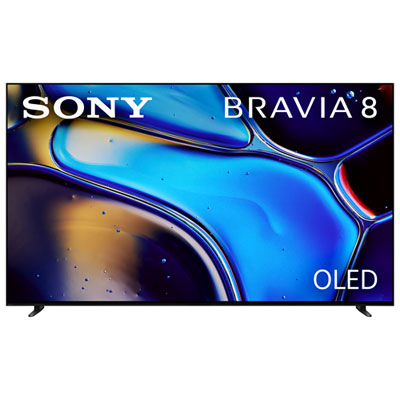 Your price for this item is $2399.99
Discover more categories related to Recommended 65 Inch Tvs With Fast Refresh Rate
Top Collections:
Pokemon Centers, Kindle Devices, Best Budget Office Chairs, Apple iPhones 16, Best Laptops for Writers, iPhone 15 Apple, Canon G7X Cameras, Refurbished Apple Laptops, Alarm Clock, Motorola Razr Phones
Some products may be subject to Environmental Handling Fees
(EHF) depending on your province.
Learn more about EHFs.