University Devices For Note Taking
University Devices for Note Taking are essential tools for students looking to stay organized and efficient throughout their academic journey. With a variety of options available, it’s easy to find devices that fit different study habits and learning environments. Whether you’re attending lectures, participating in group projects, or reviewing course materials, choosing the right technology can help streamline your note-taking process. Explore a wide selection of university devices for note taking designed to support your academic success.

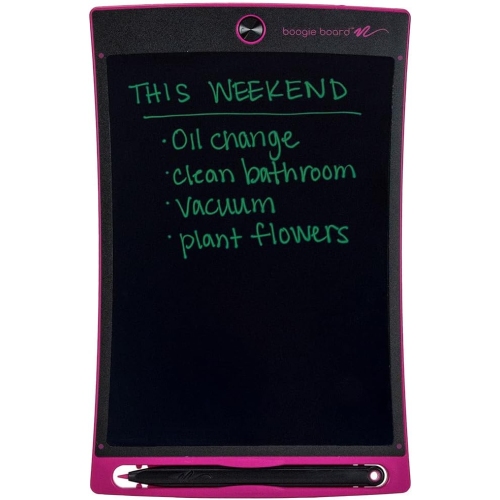
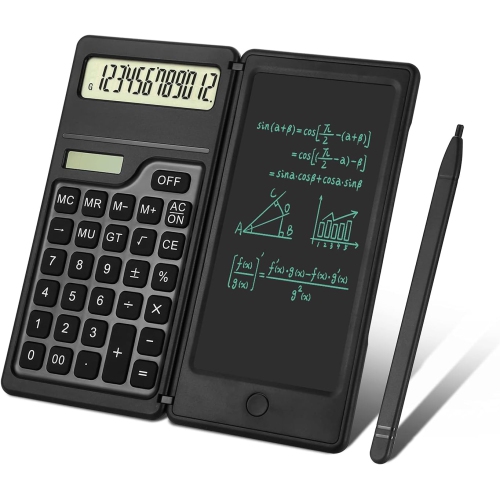


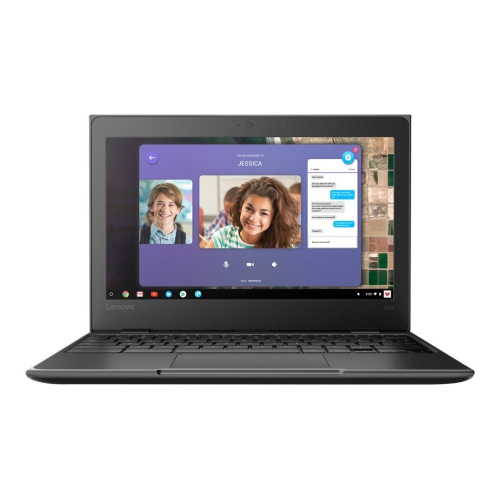
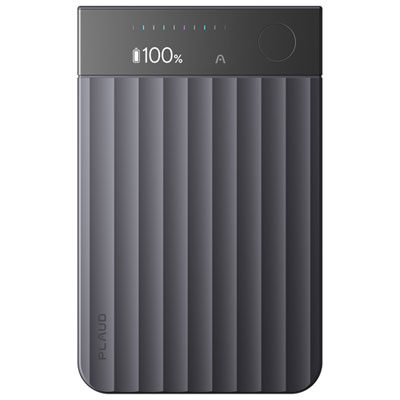

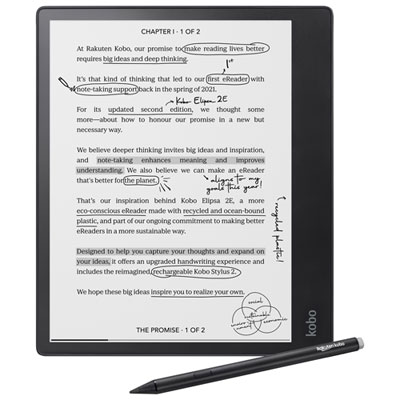
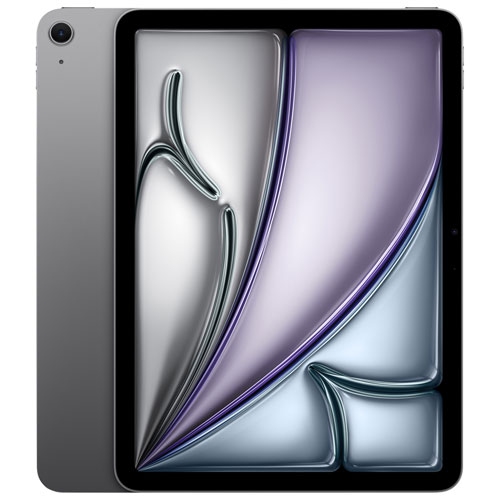
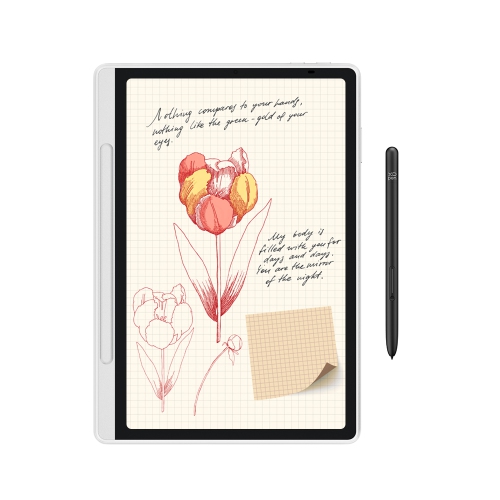



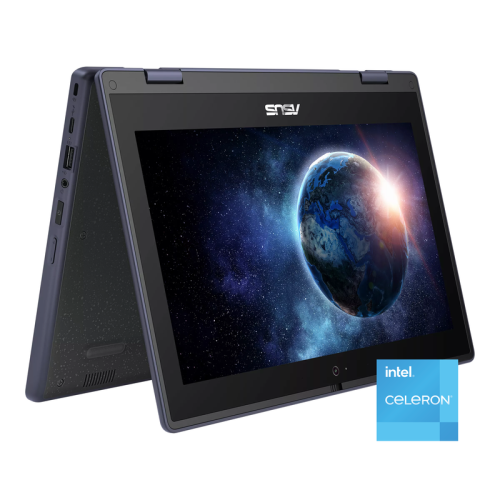
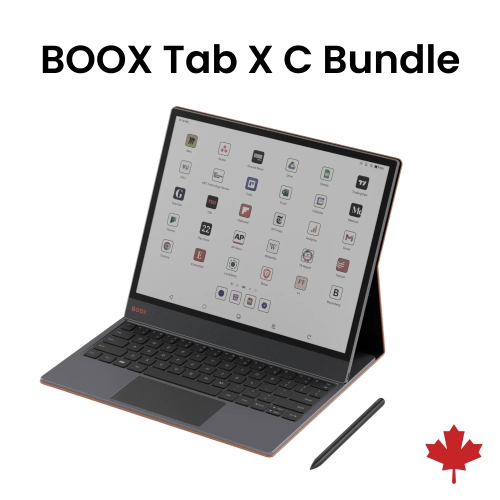
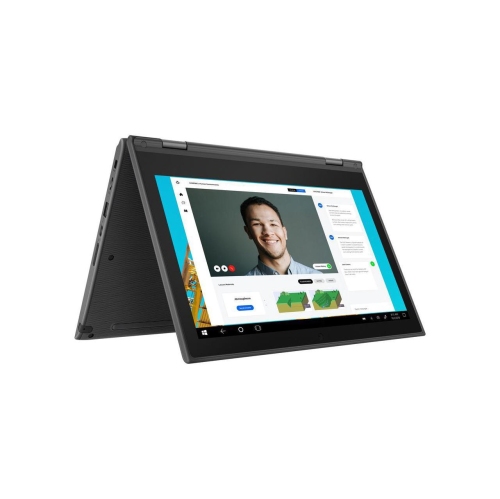
Stay organized through lectures, assignments, and campus life
The right note taking device can be a thoughtful and practical gift for students heading off to university, especially as the excitement of campus life blends with the realities of managing a busy schedule. For those balancing academic classes with extracurricular activities, these devices can help streamline the process of keeping up with assignments, tracking deadlines, and storing digital textbooks or reference materials. Parents and caregivers often look for products that offer a balance between performance, battery life, and ease of use, ensuring that students can rely on their device whether they’re attending back-to-back lectures, studying in the library, or reviewing notes at a local coffee shop. Features such as responsive touchscreens, stylus compatibility, and cloud integration are increasingly important, allowing students to annotate slides, highlight key points, and access their materials from multiple devices. Durability and security are also top considerations, as university life often means carrying devices across campus, using them outdoors as the weather warms, or storing them safely during the cooler months.
For anyone considering an upgrade or a first-time purchase, it’s helpful to think about the specific needs of the student and the types of classes they’ll be taking. Some may benefit from a device that excels at handwritten notes and sketching, while others might prioritize fast typing and seamless app integration. Storage capacity, display quality, and connectivity options are all factors that can influence the decision. Browsing a dedicated selection such as Note Taking Devices for College can help you compare the latest features and find a device that fits both your budget and your academic goals. Ultimately, the best university devices for note taking are those that empower students to stay organized, engaged, and ready to tackle every challenge the school year brings.
FAQ
What features should I look for in a device for taking notes at university?
When choosing a device for note taking at university, consider features like long battery life, lightweight design, fast processing speed, compatibility with stylus or digital pens, and ample storage for documents and apps. Touchscreen capability and good keyboard ergonomics can also enhance your note-taking experience.
Are tablets or laptops better for university note taking?
Both tablets and laptops have their advantages. Tablets are portable and often support handwriting with a stylus, making them ideal for drawing diagrams or annotating PDFs. Laptops typically offer more powerful software options and a physical keyboard for faster typing. Your choice depends on your preferred note-taking style and course requirements.
Can I use cloud services with my note-taking device?
Yes, most modern devices support cloud services like Google Drive, OneDrive, or Dropbox. Using cloud storage allows you to access your notes from any device, collaborate with classmates, and keep your files backed up securely.
What apps are recommended for digital note taking?
Popular apps for digital note taking include Microsoft OneNote, Evernote, Notability (for iOS), GoodNotes (for iOS), and Google Keep. These apps offer features such as organization by subject, multimedia integration, handwriting recognition, and easy sharing options.
How can I organize my digital notes effectively?
To keep your digital notes organized, create separate folders or notebooks for each class or subject. Use tags or labels to categorize topics further. Regularly review and update your notes to ensure they remain clear and useful throughout the semester.
Top selling and popular products
-
 Your price for this item is $899.99
-
 Your price for this item is $1099.99
-
 Your price for this item is $1049.99
-
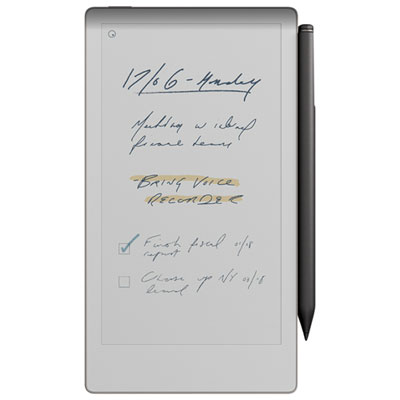 Your price for this item is $699.99
-
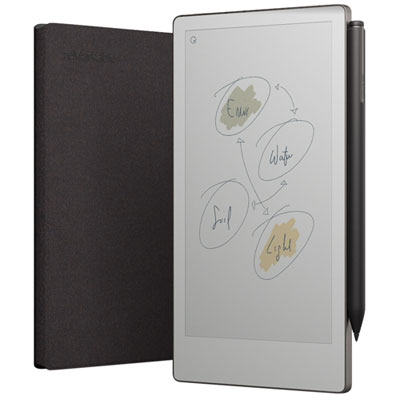 Your price for this item is $799.99
-
 Your price for this item is $679.99
-
 Your price for this item is $549.99
-
 Your price for this item is $1063.99