USB Hard Drives for Laptops
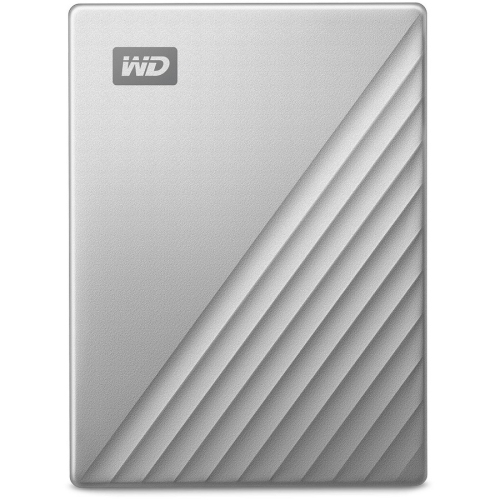
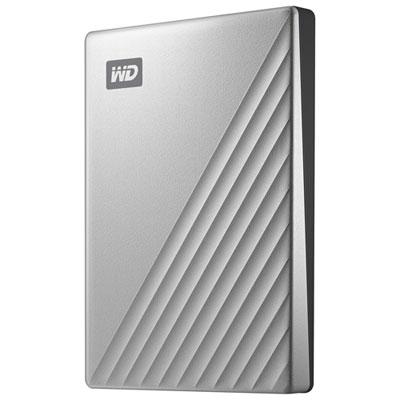
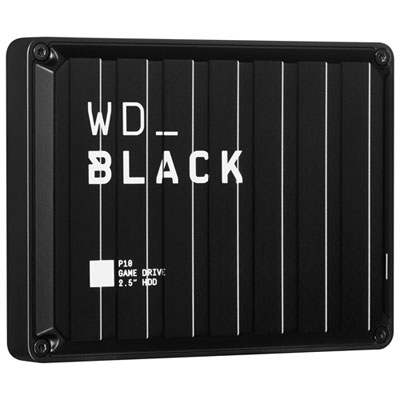
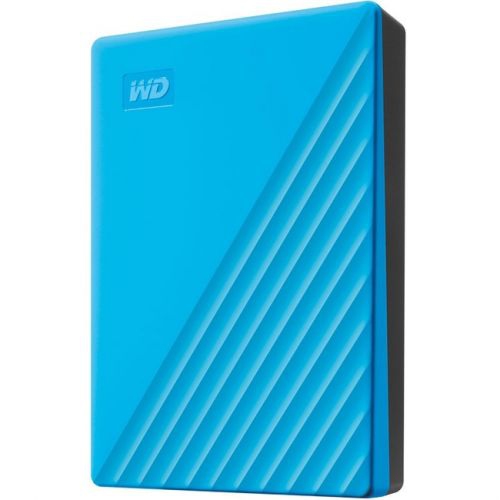
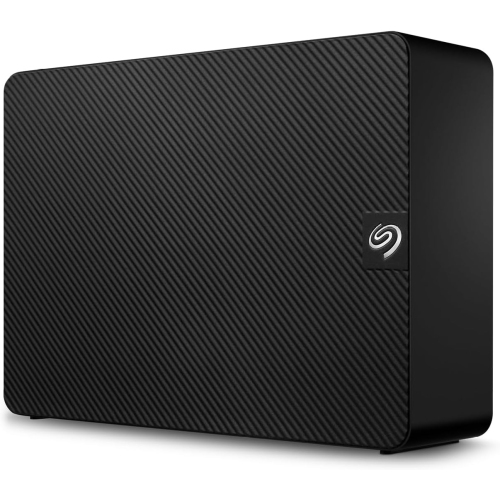
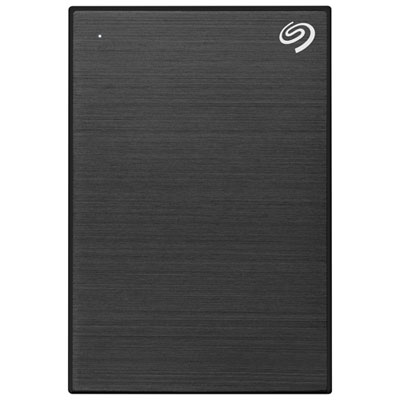
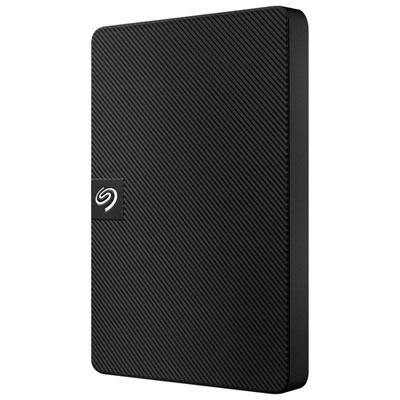
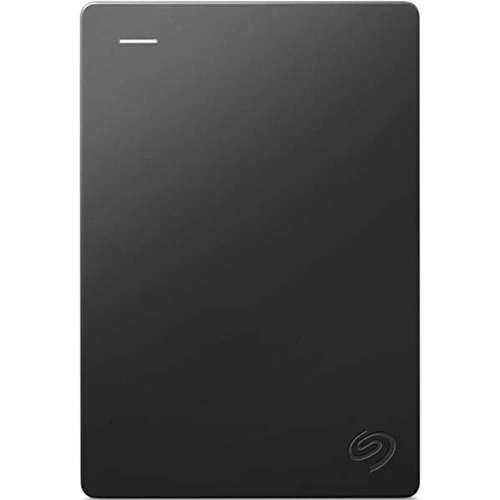
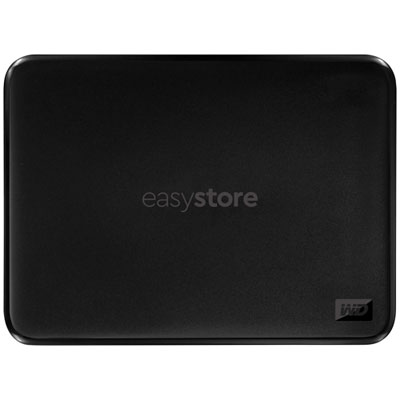
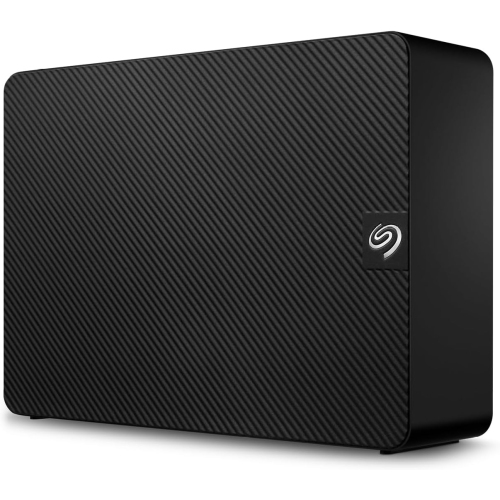
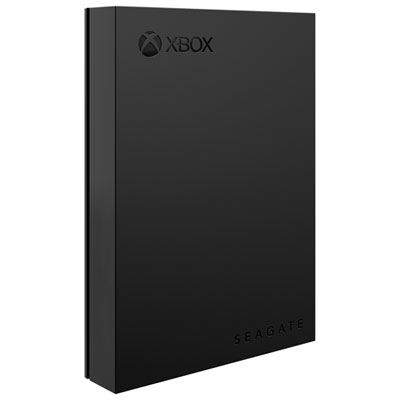
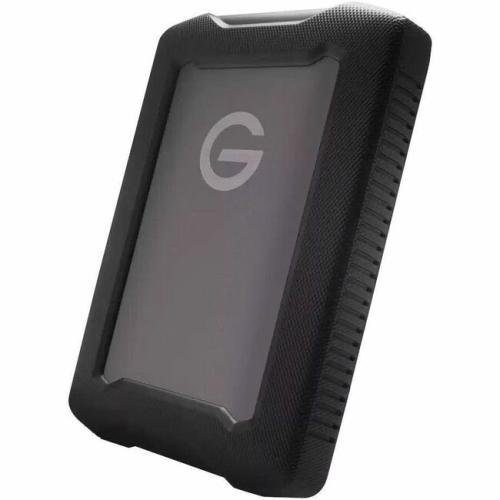
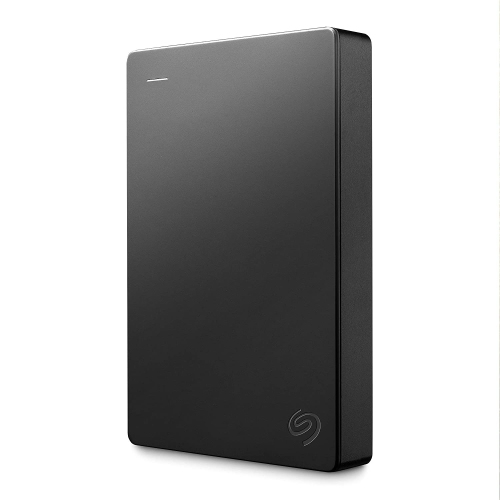
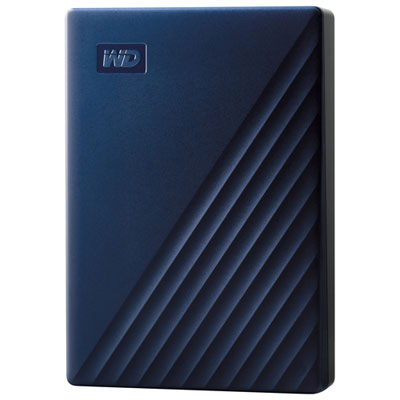
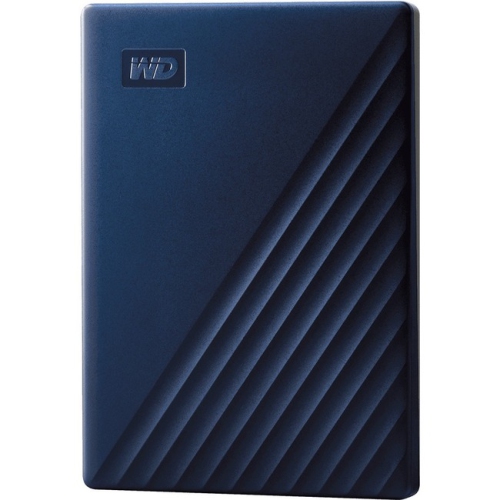
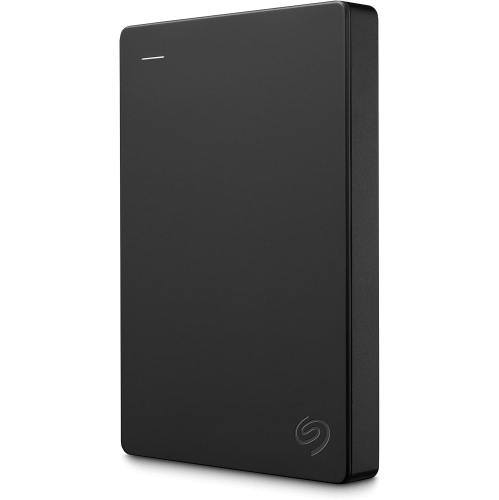
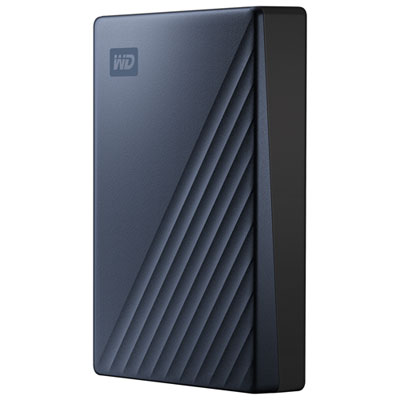
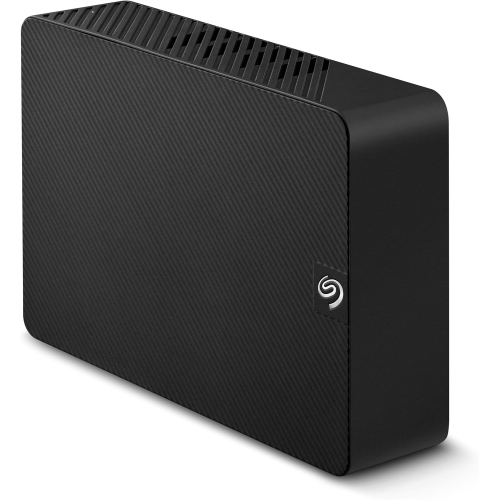
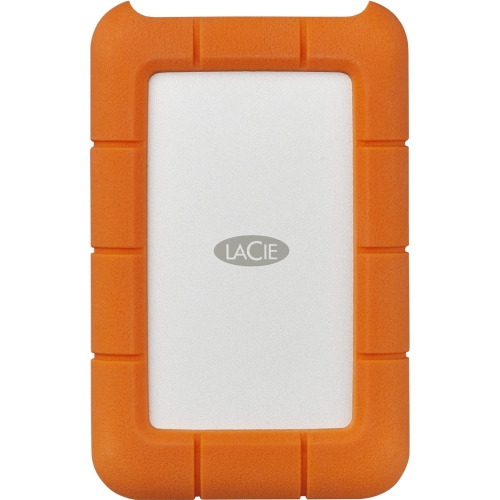
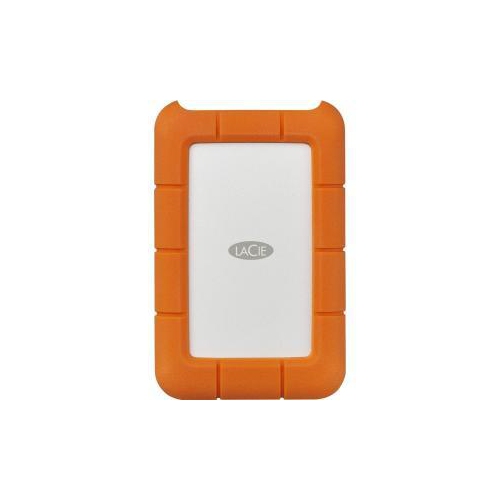
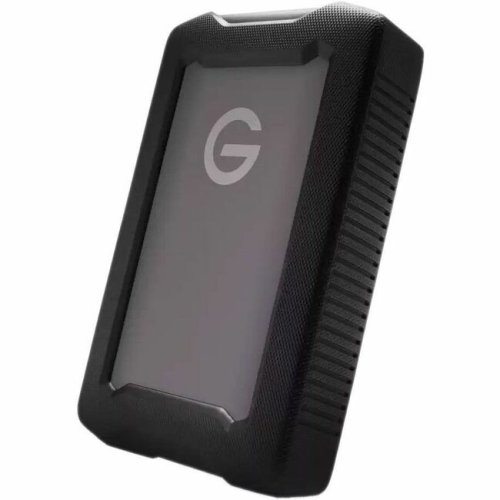
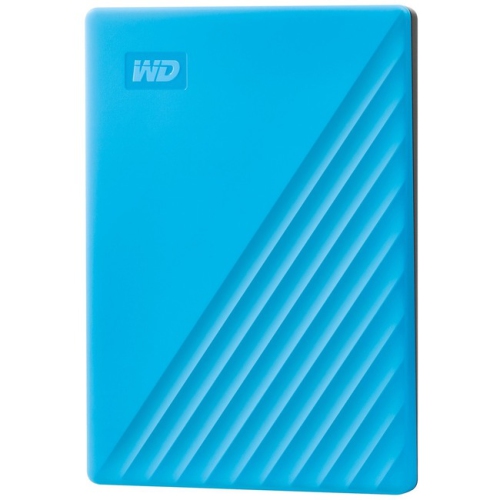
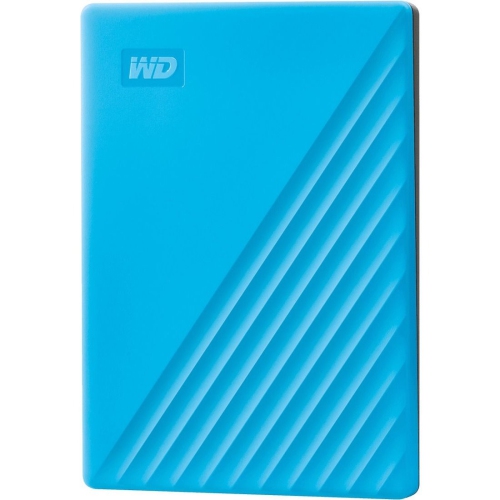
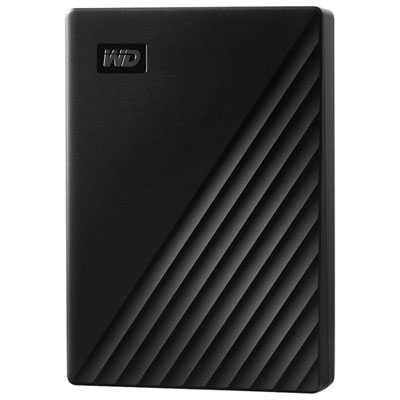
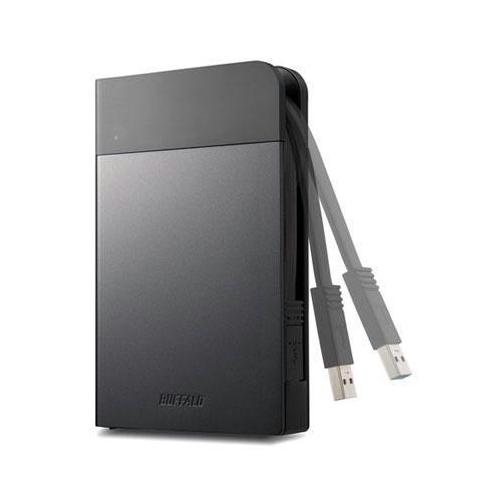
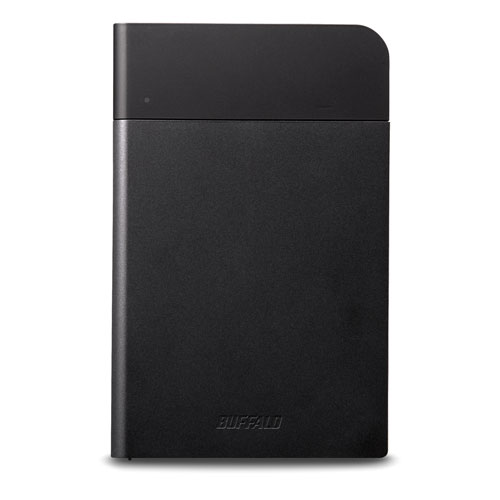
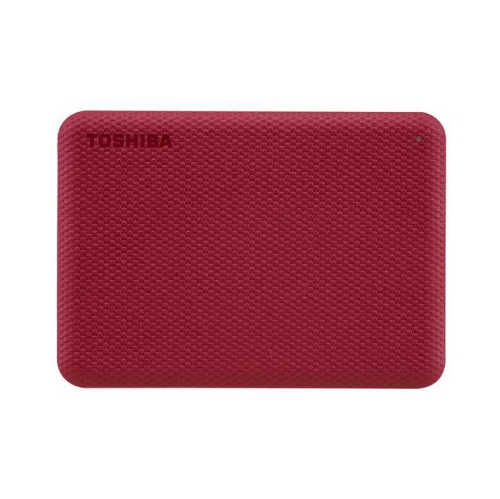
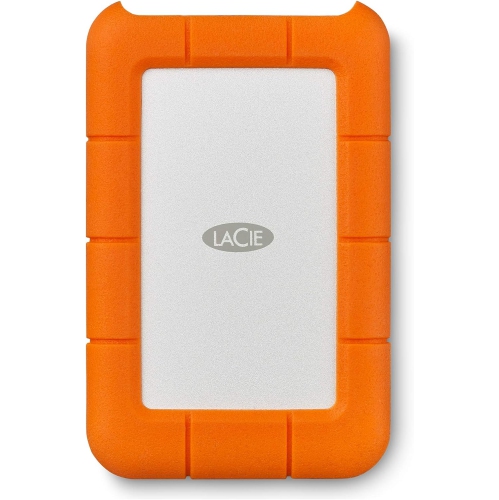
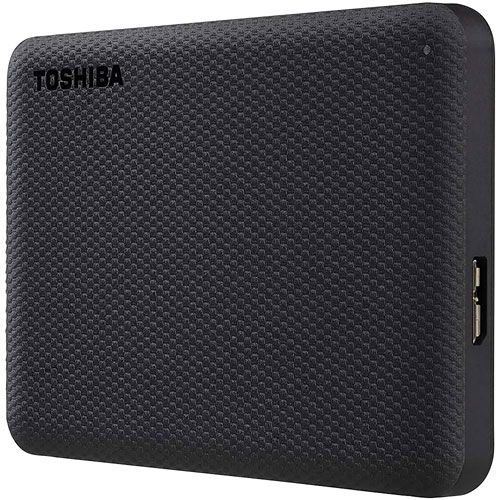
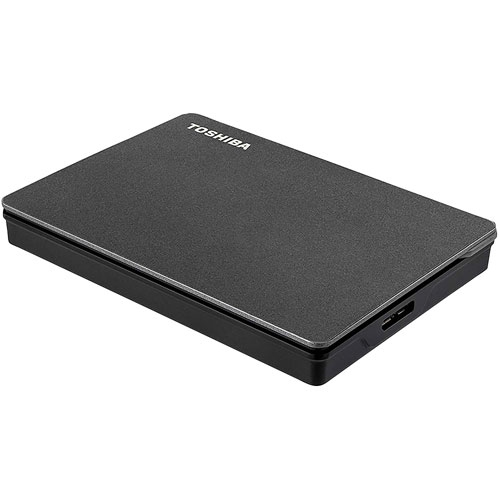
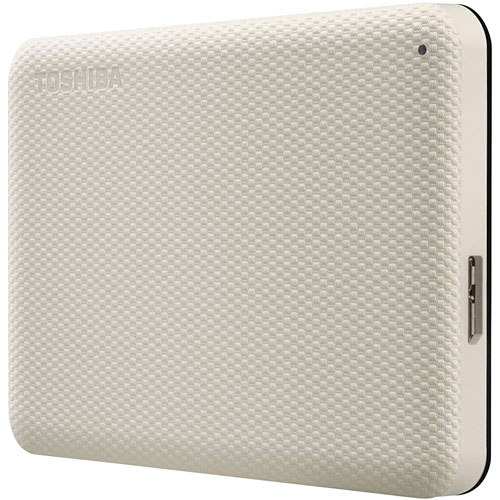
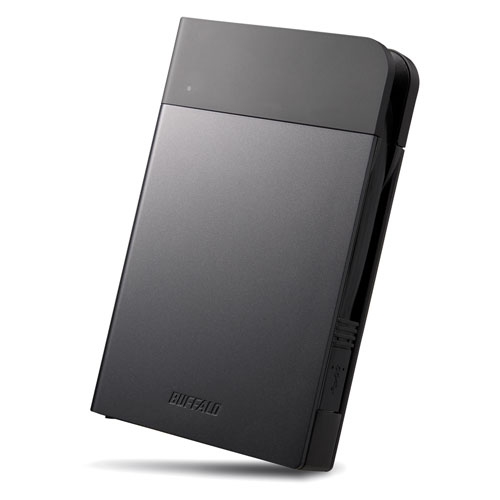
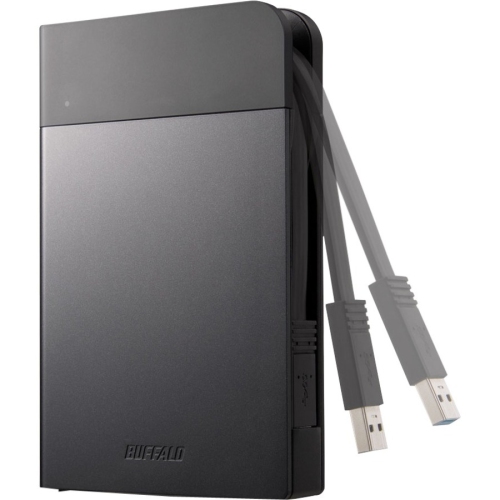
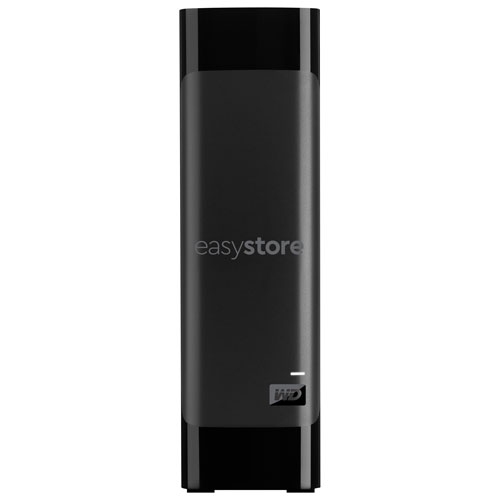
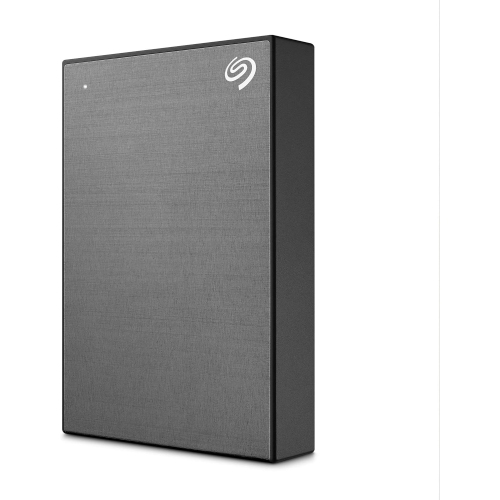
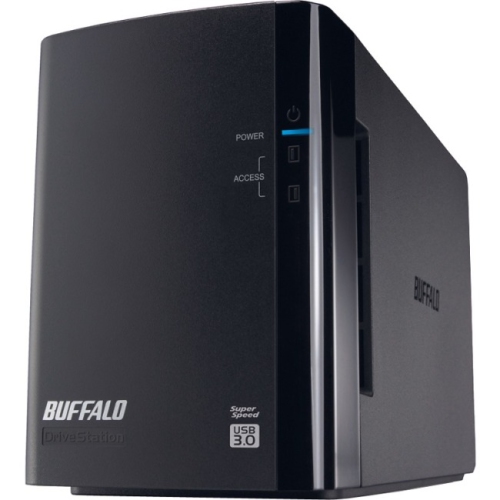
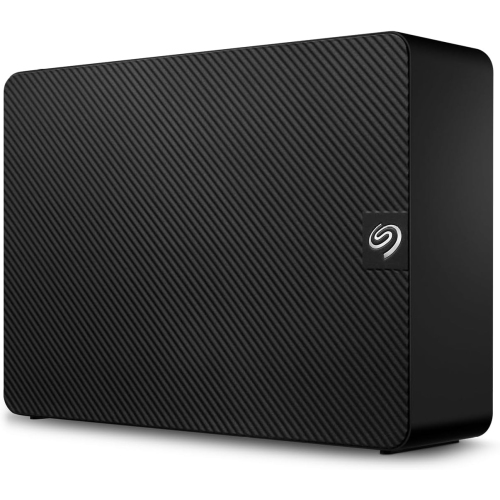
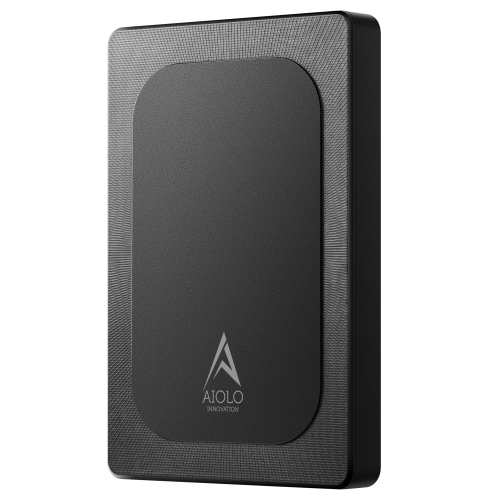
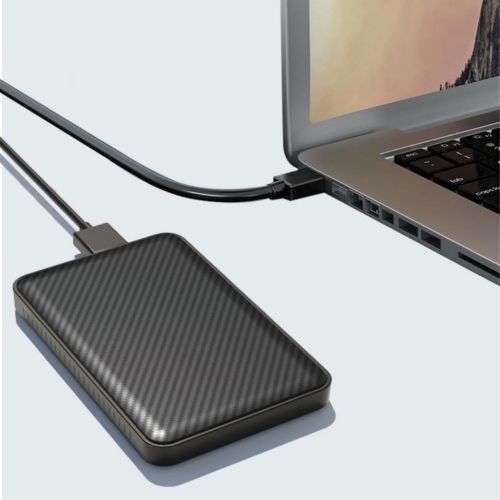
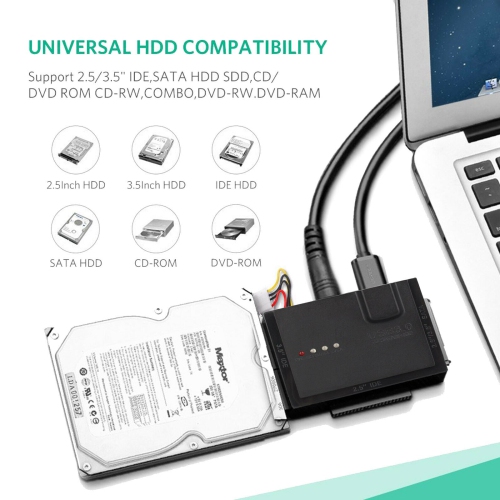
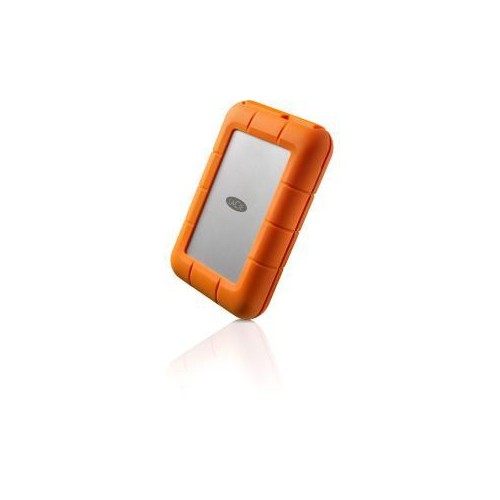
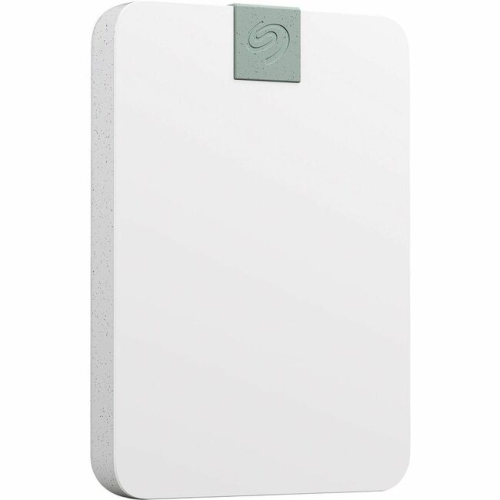
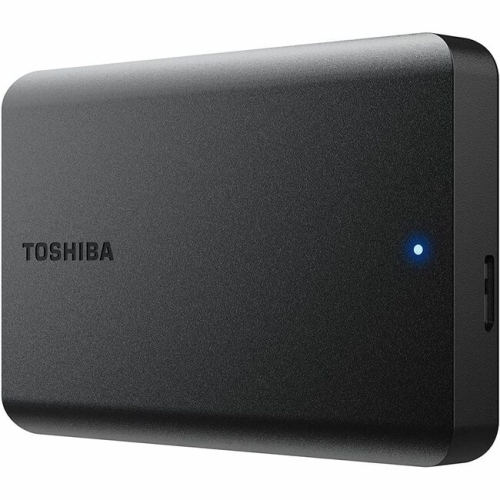
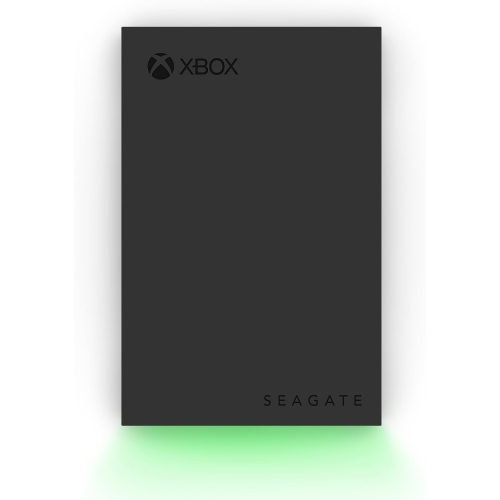
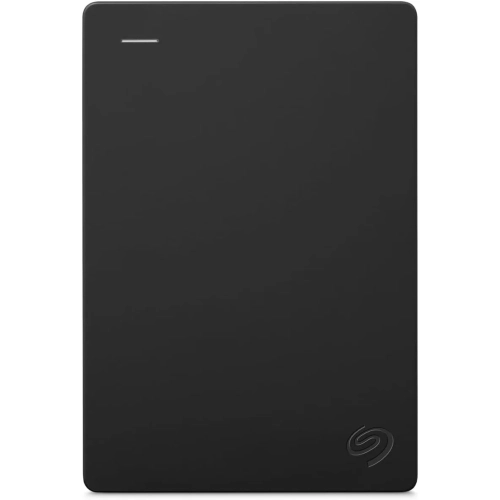
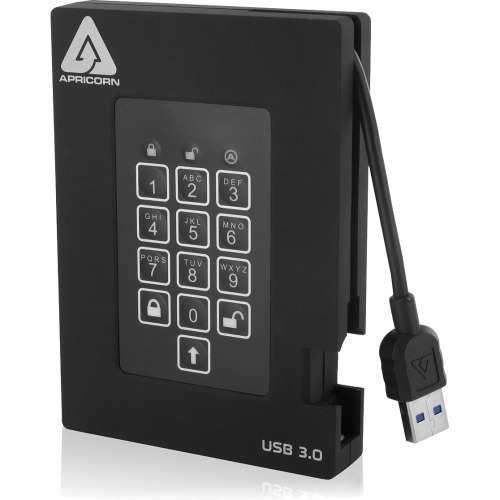
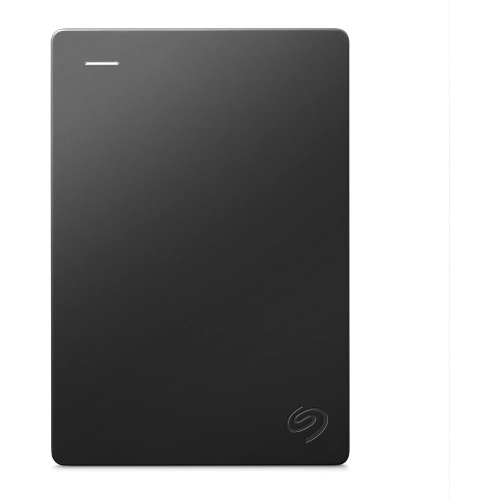
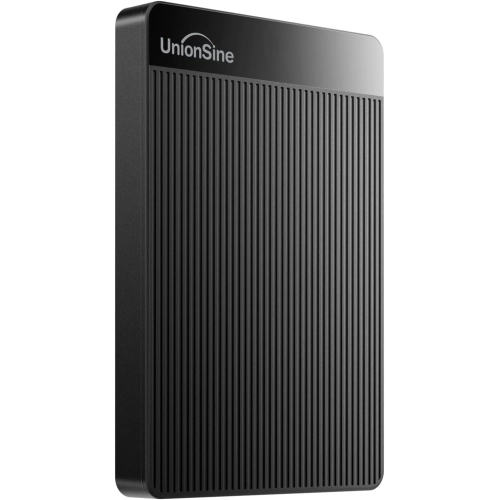
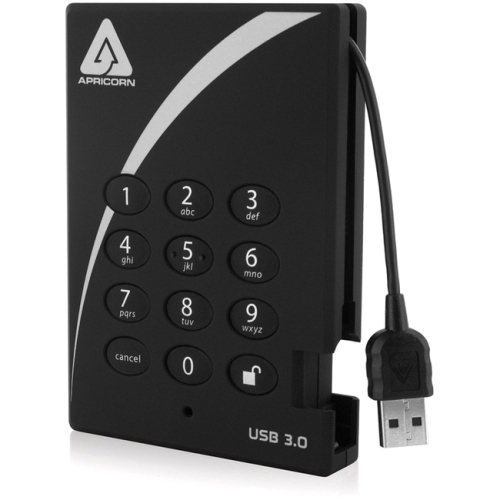
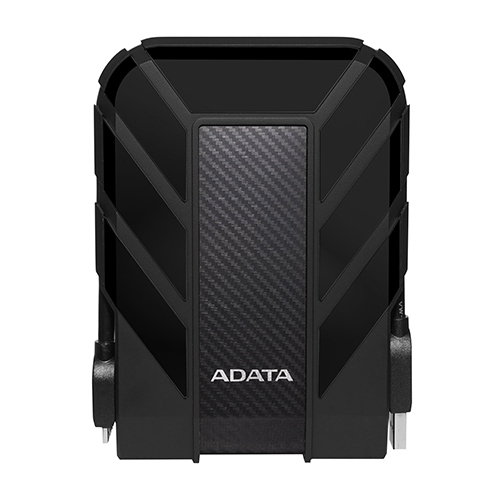
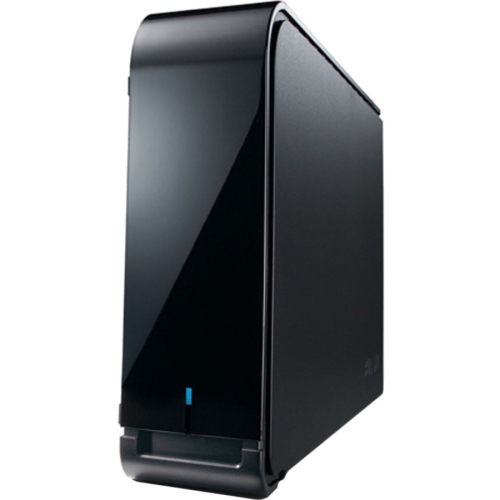
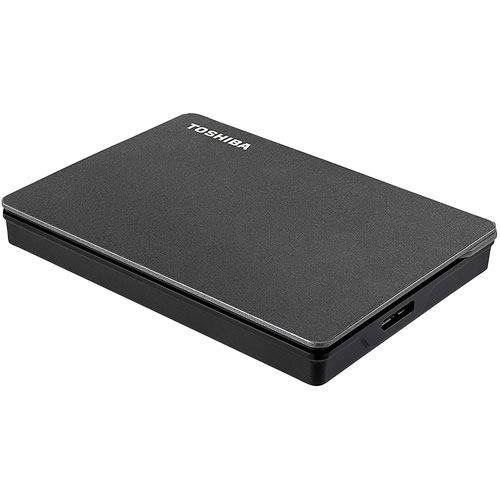
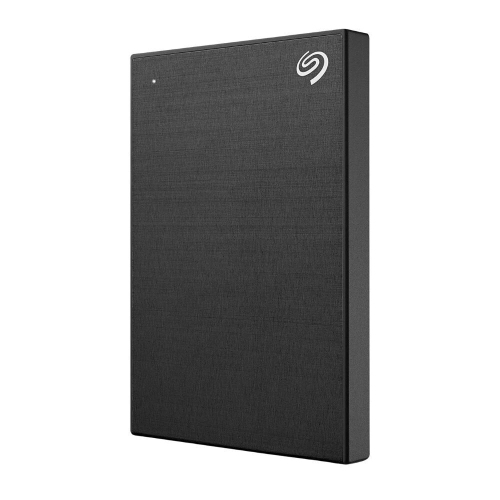
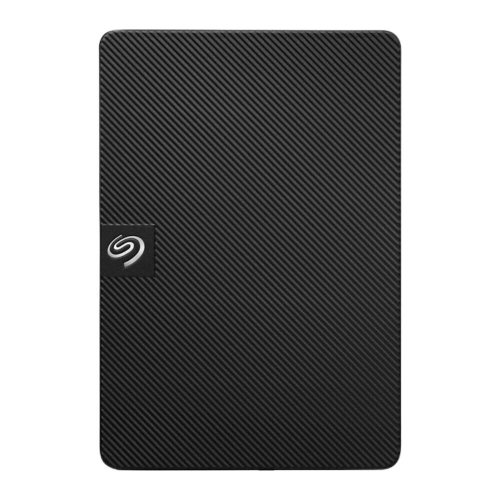
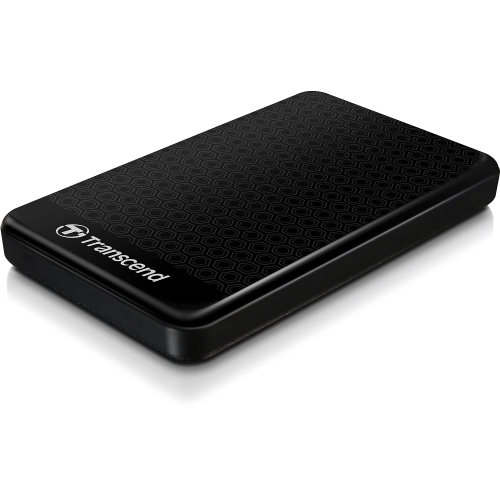
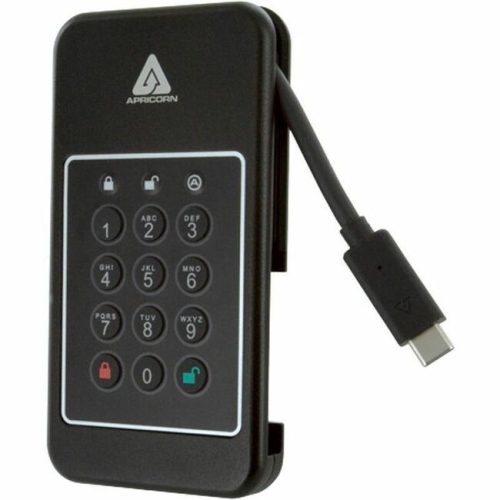
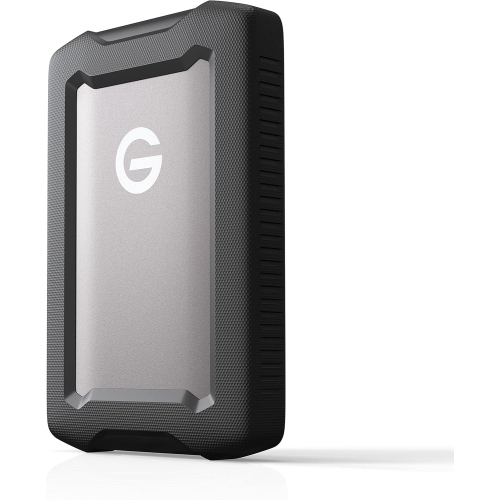
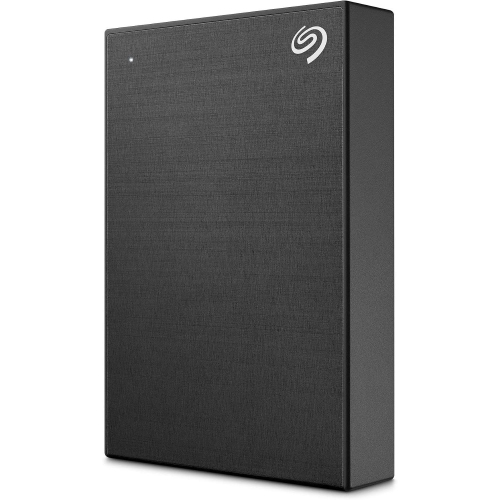
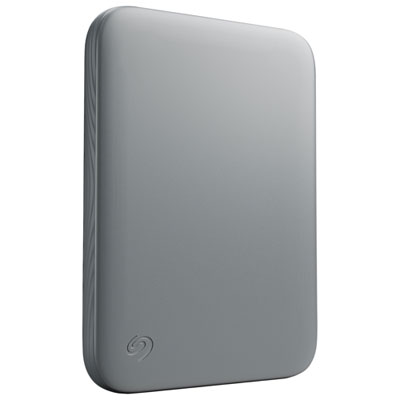
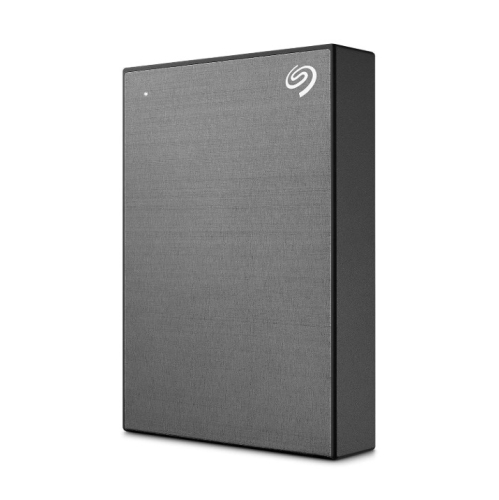
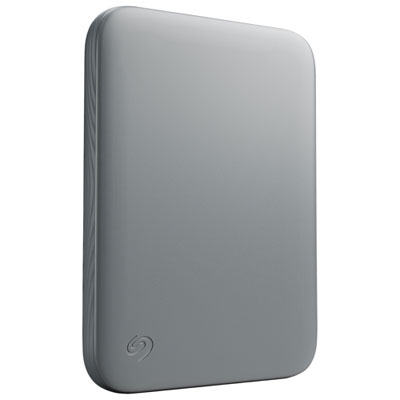
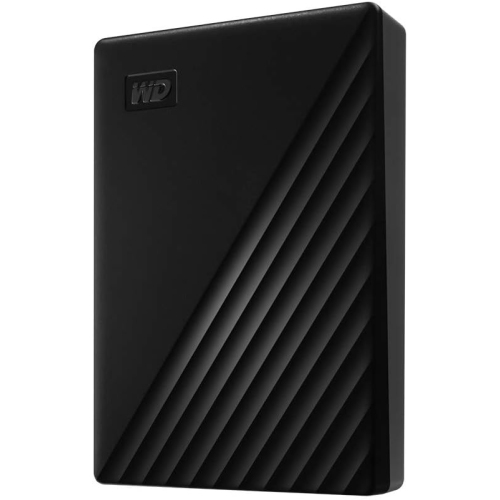
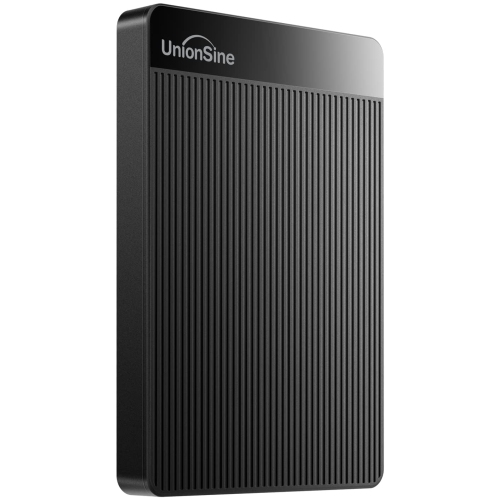
USB hard drives for laptops add storage for documents, photos, videos, and backups without replacing your laptop’s internal drive. When choosing an external hard drive, compare storage capacity and portability, and check compatibility with your laptop’s USB ports and operating system.


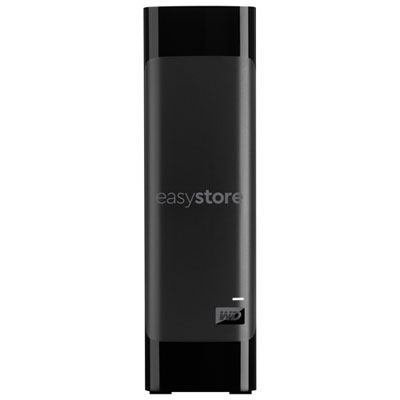
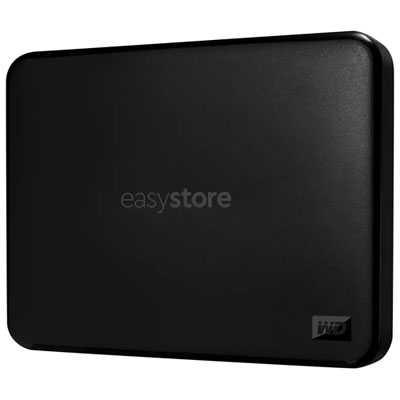
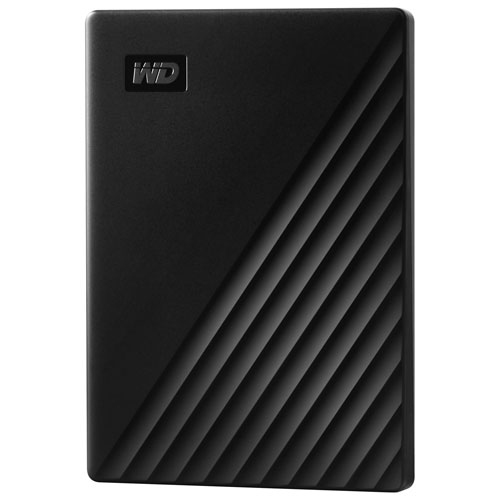


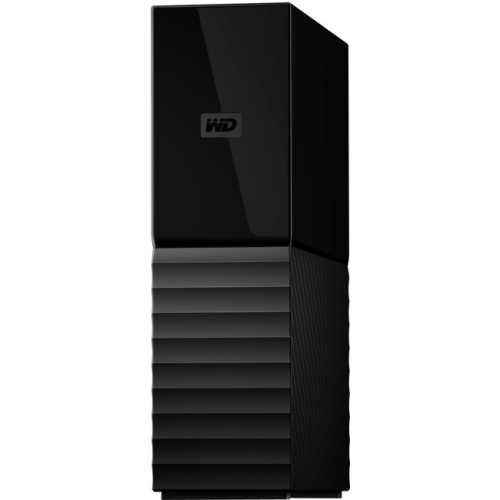
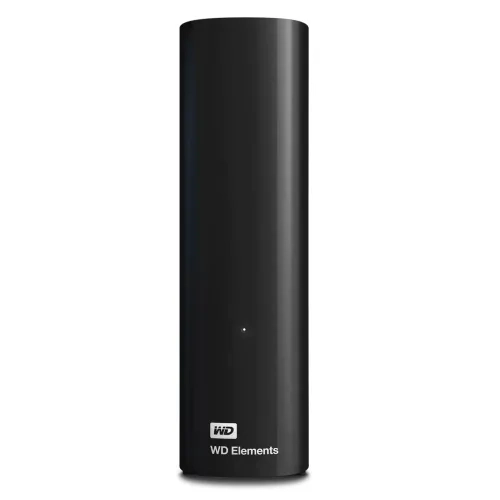
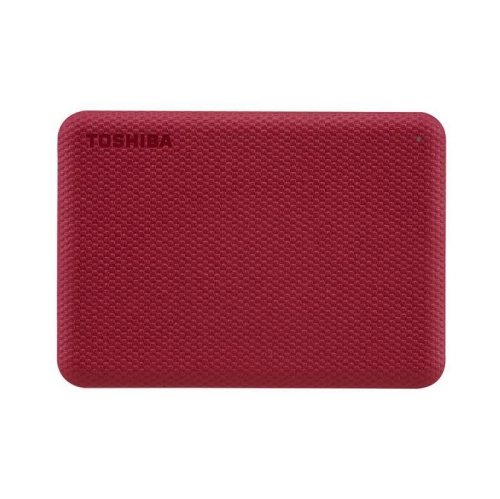
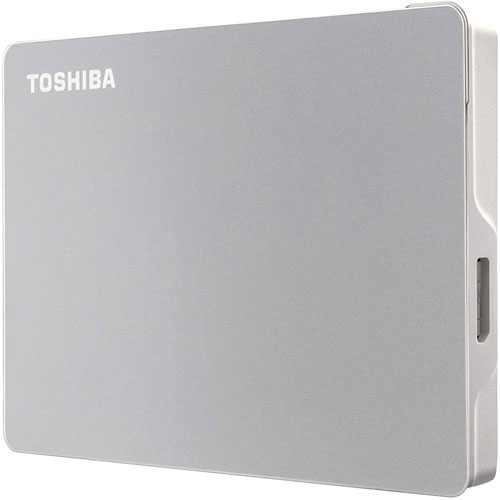









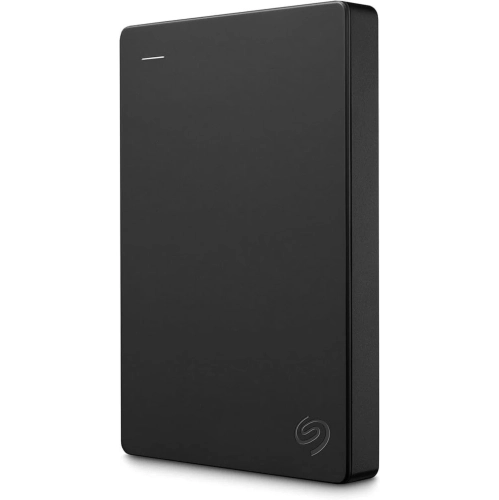
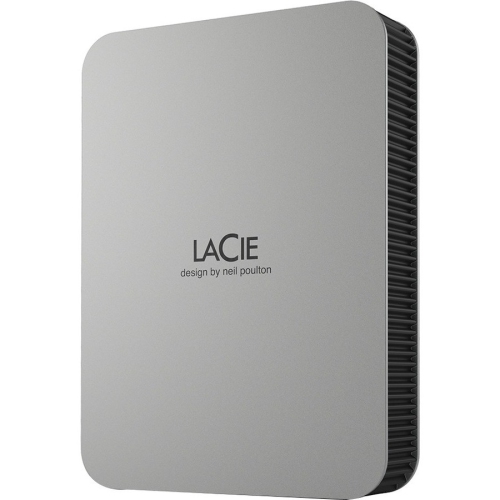

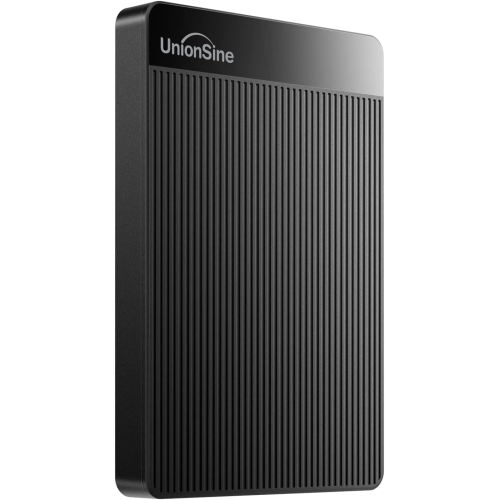
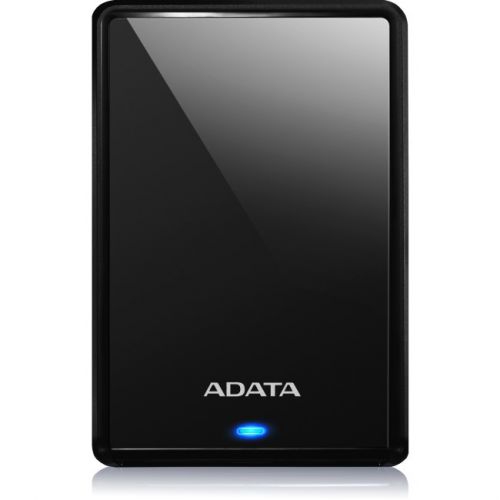

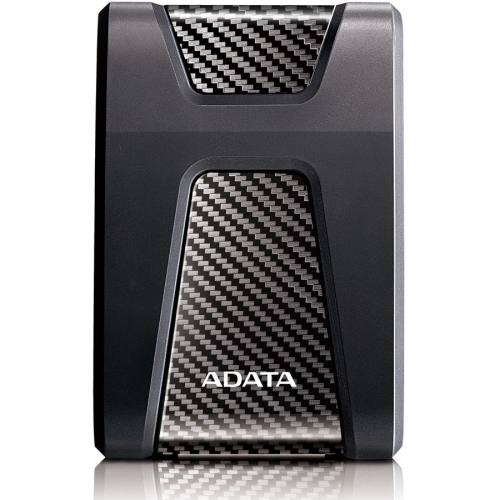
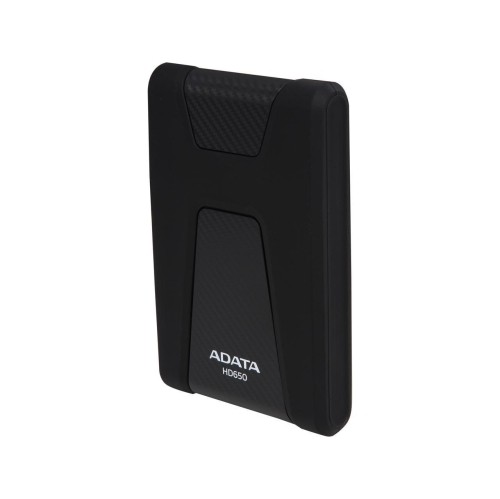
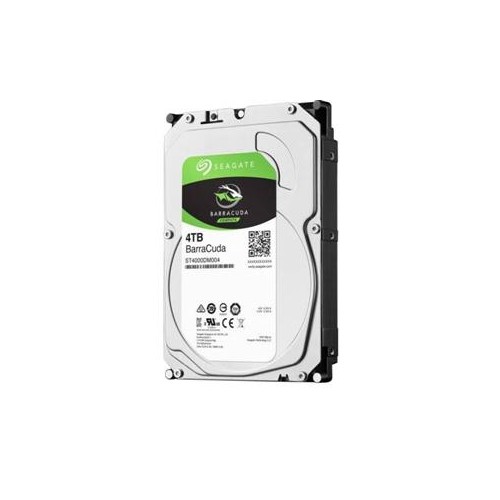
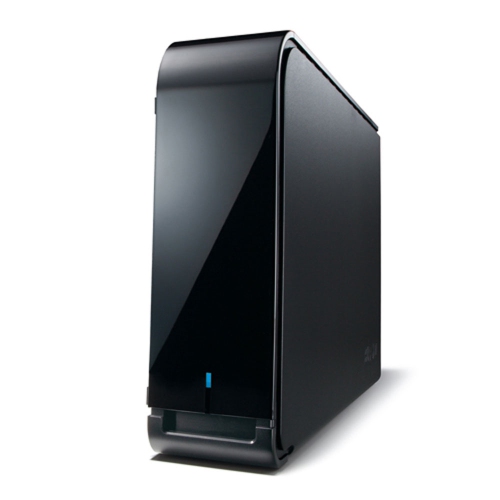
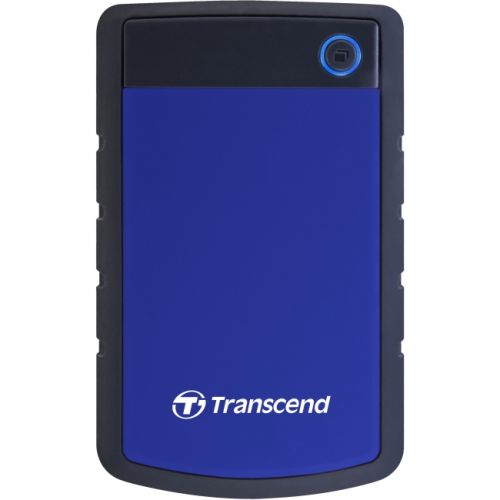
![TRANSCEND 2Tb USB3.0 "blue" [H3] 2.5" Storejet HDD](https://multimedia.bbycastatic.ca/multimedia/products/500x500/104/10438/10438264.jpeg)

FAQ
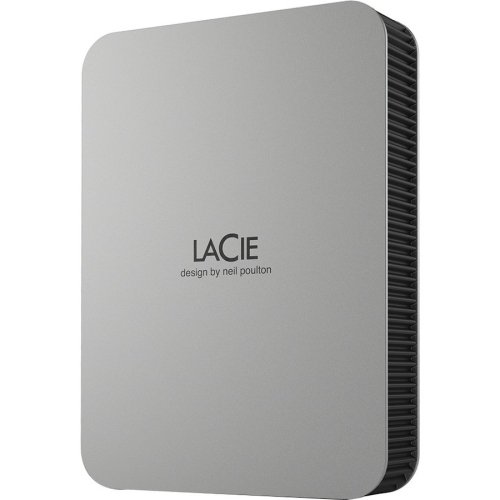
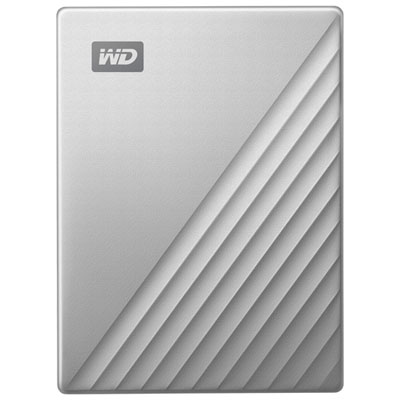
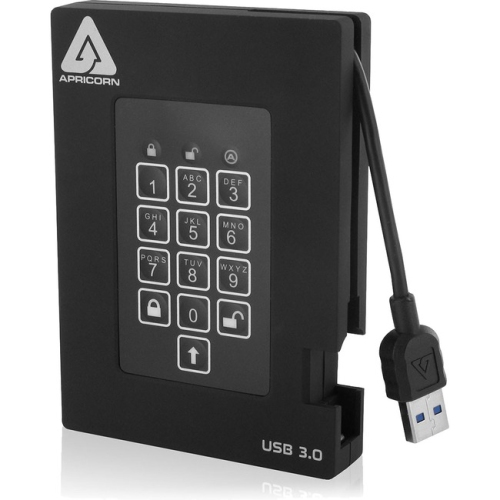
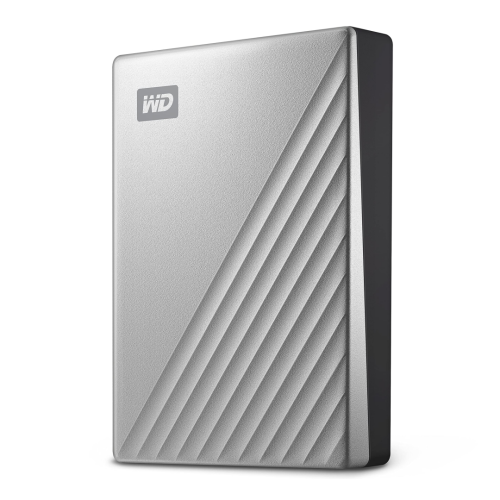
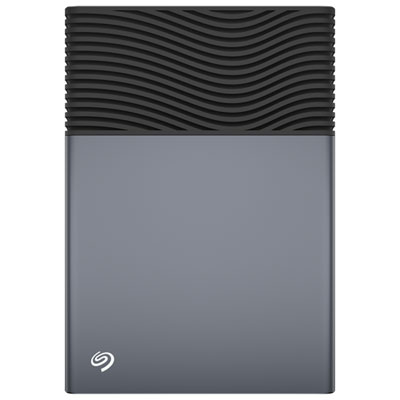
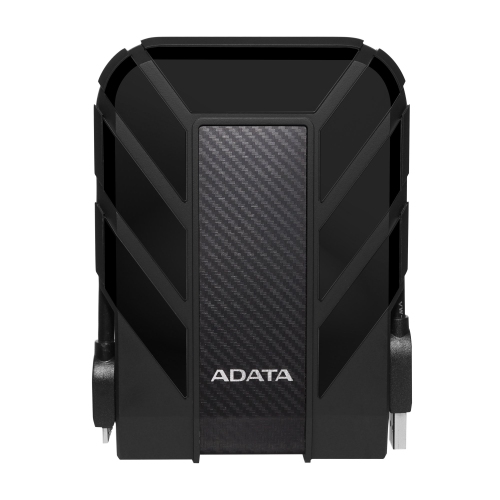
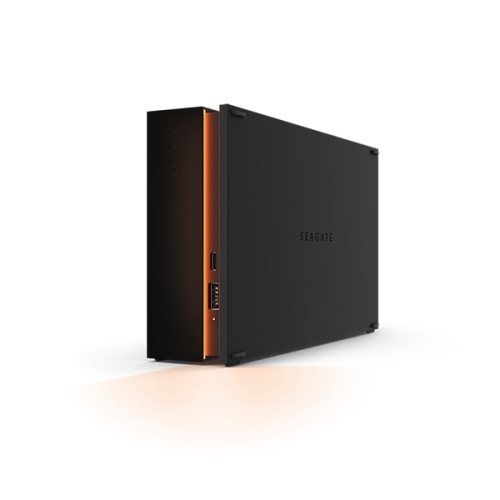
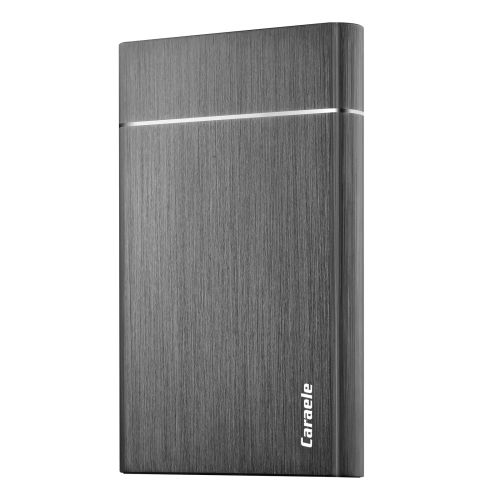
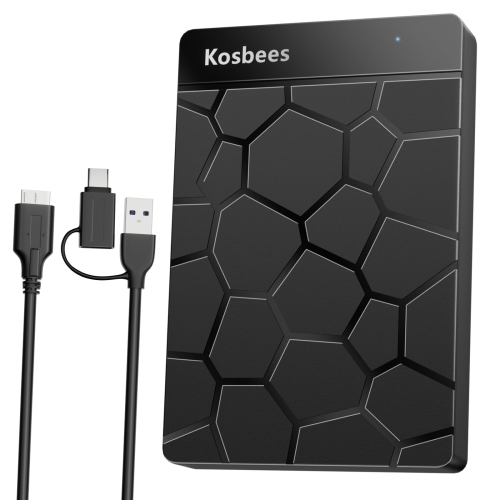
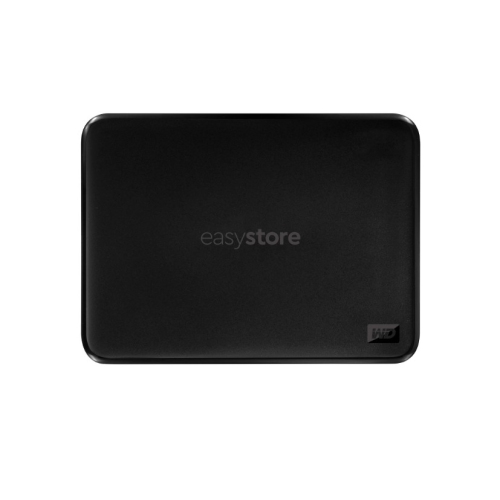
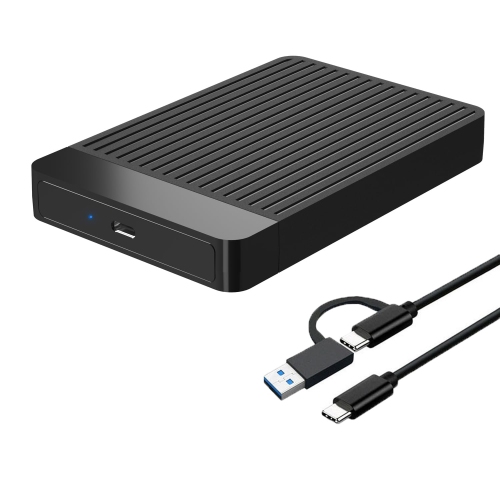
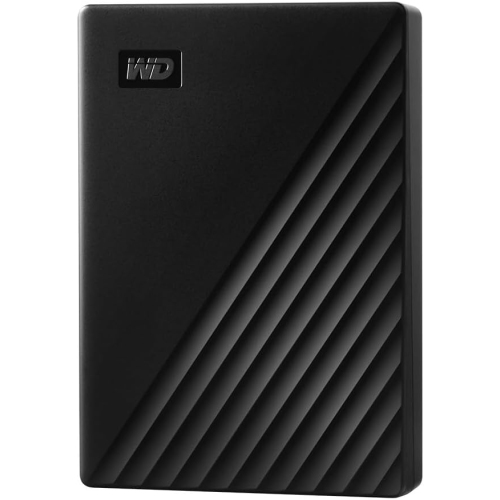
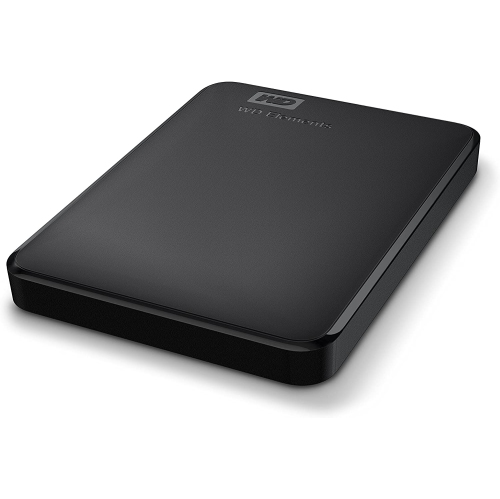
A USB hard drive is an external storage device that connects to your laptop through a USB port. It stores files on rotating magnetic platters and appears as a separate drive in your laptop’s file manager.
Yes, provided the drive’s file system is supported by both operating systems. exFAT is a common choice for sharing files between Windows and macOS, while other formats may have read or write limitations on one platform.
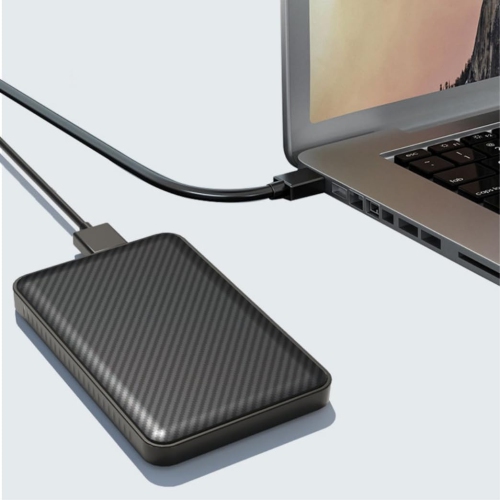
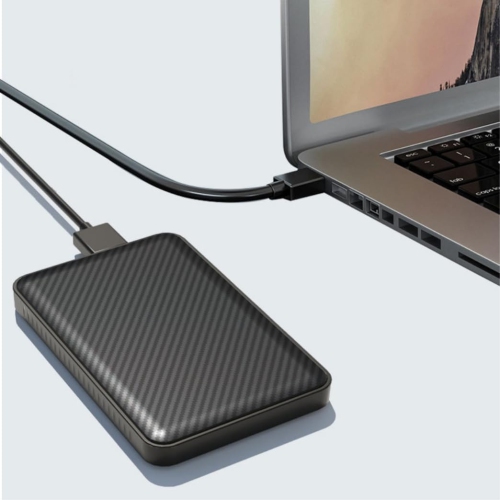
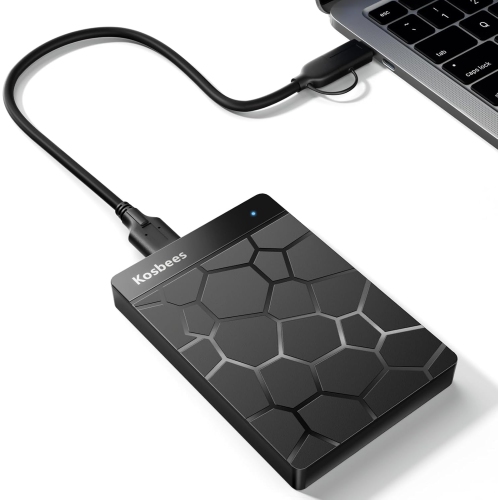
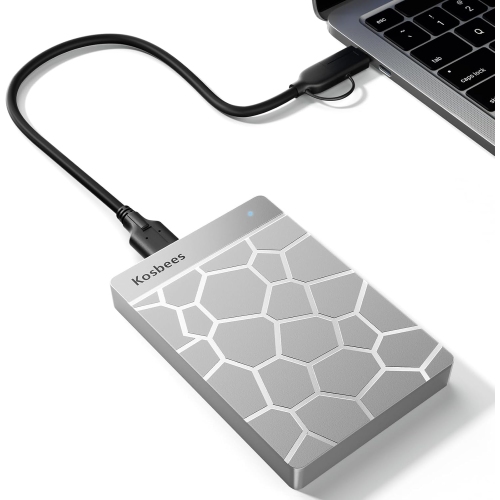
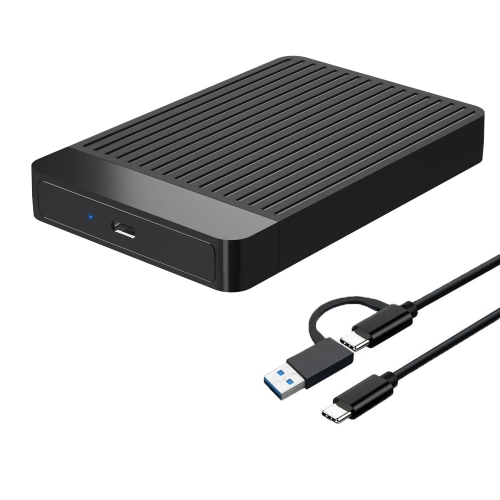
Yes, with a compatible data cable or adapter. Check the connector on the hard drive and the ports on your laptop to determine whether you need a direct cable connection or a USB-A-to-USB-C adapter.
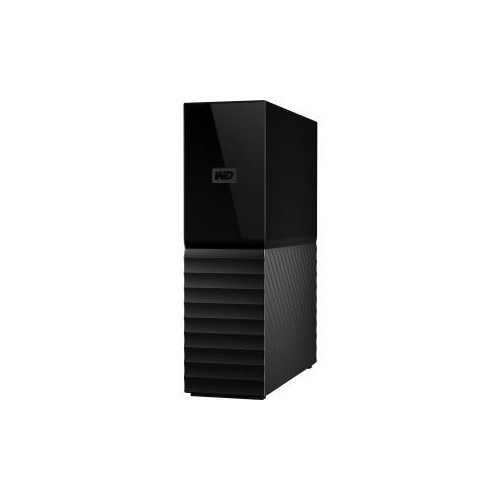
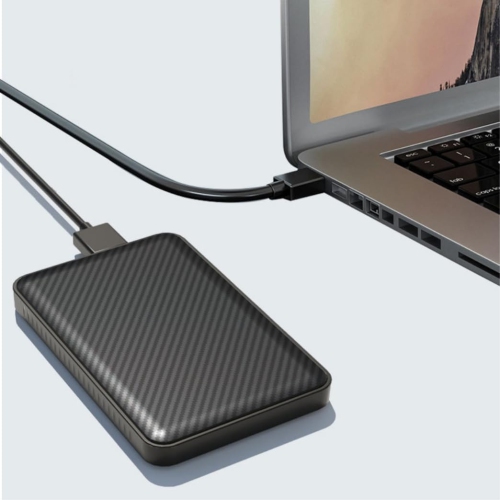
Many portable USB hard drives draw power directly from the laptop’s USB port. Other external hard drives require a separate power adapter, so check the drive’s power requirements before connecting it.
Once the drive is connected and recognized, open File Explorer on Windows or Finder on macOS and select the drive. You can then browse its folders and copy or move files between the drive and your laptop.
Top selling and popular products
Discover more categories related to USB Hard Drives for Laptops

Some products may be subject to Environmental Handling Fees (EHF) depending on your province. Learn more about EHFs.