Gaming Controllers for PC
If you're a gamer, you know that the right controller can make all the difference. Whether it's a sleek, high-end model or a budget-friendly alternative, here are some of the best gaming controllers for PCs.
Sort
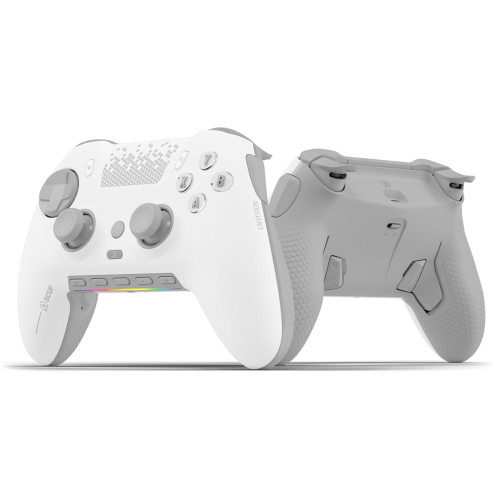
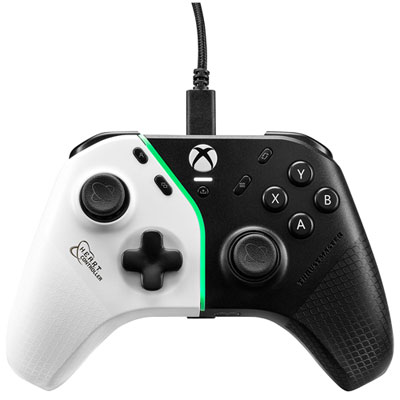
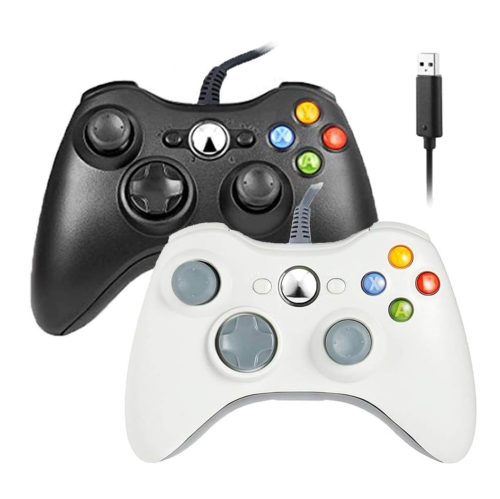

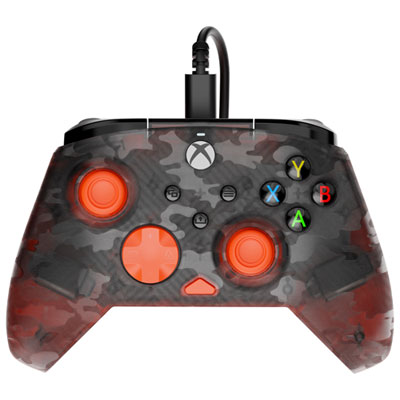
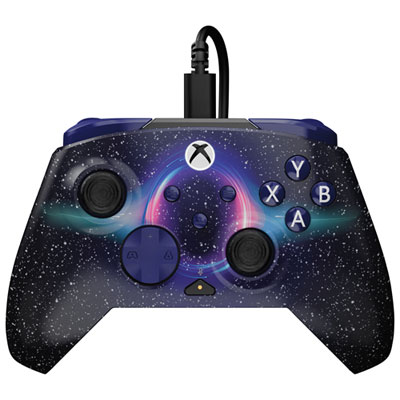
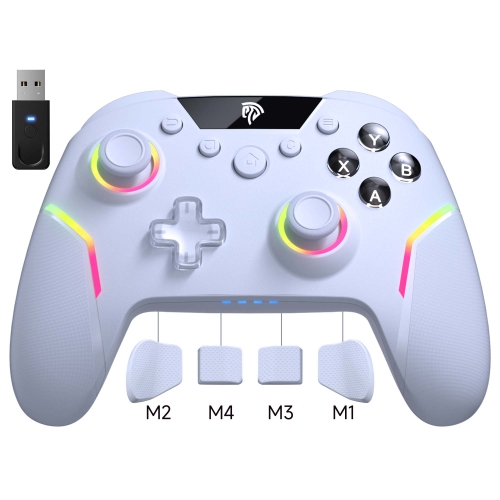
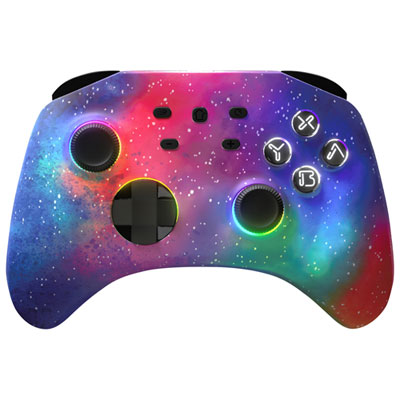

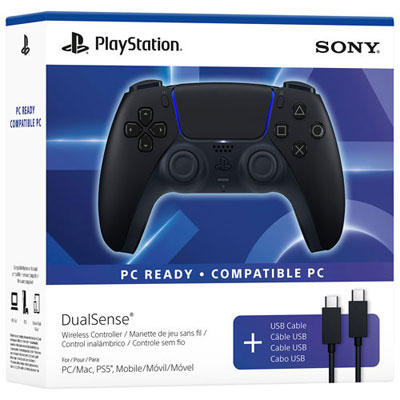
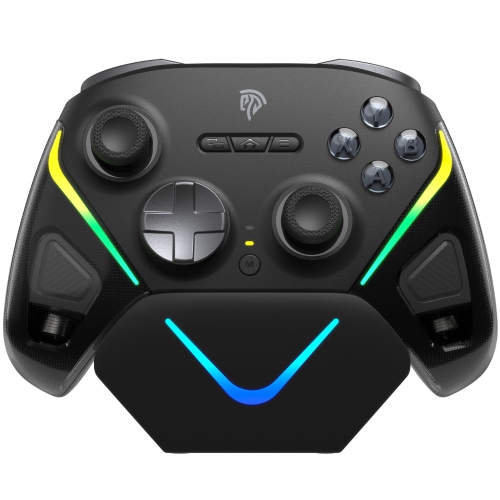
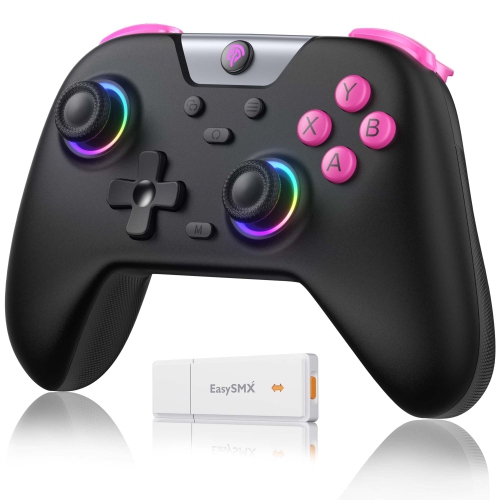
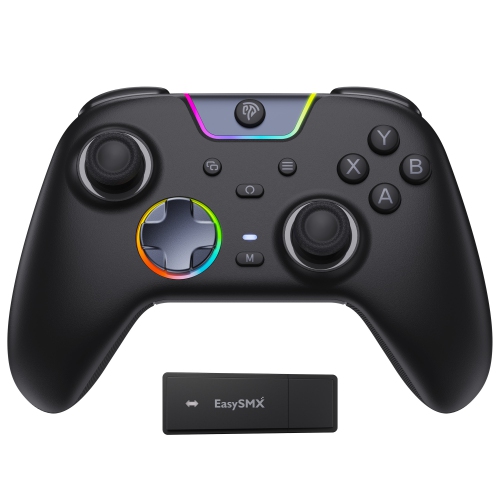
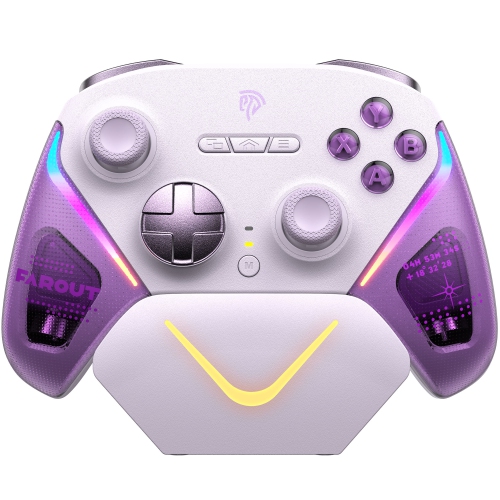
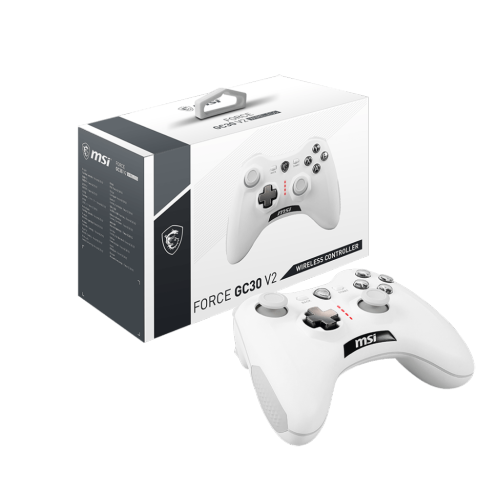
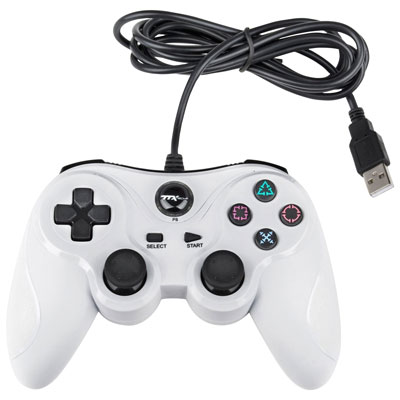
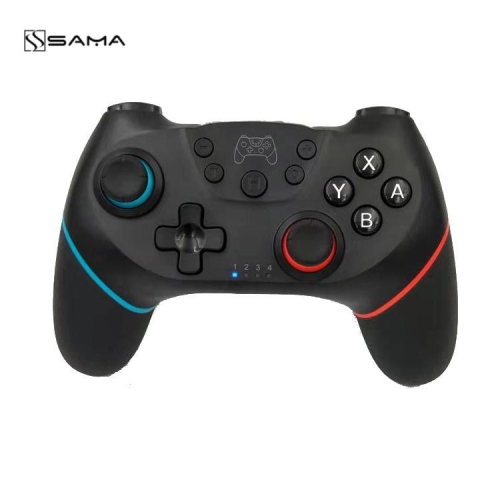
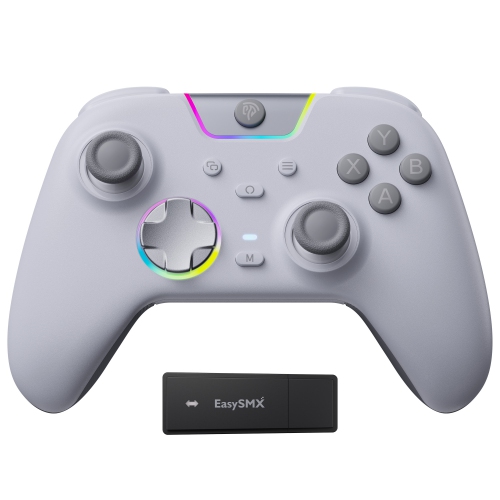
Comfortable control goes beyond a familiar button layout
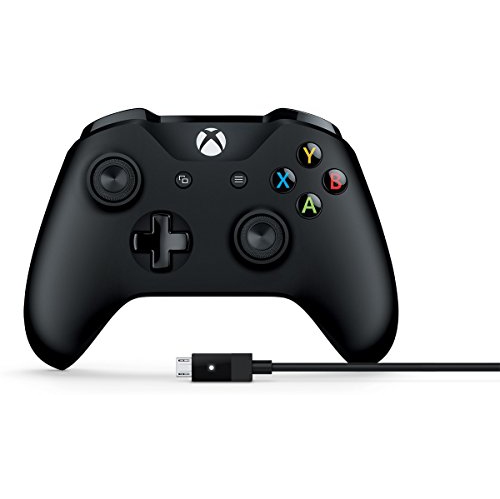
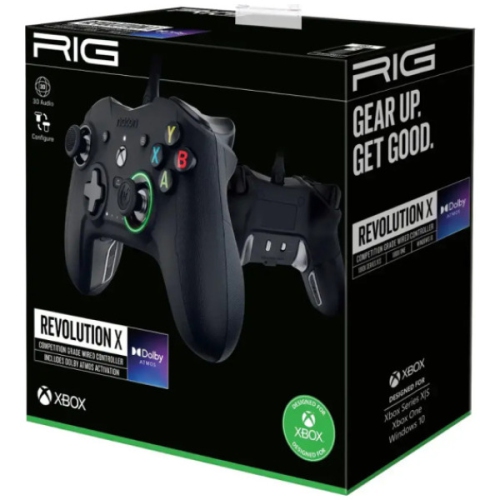
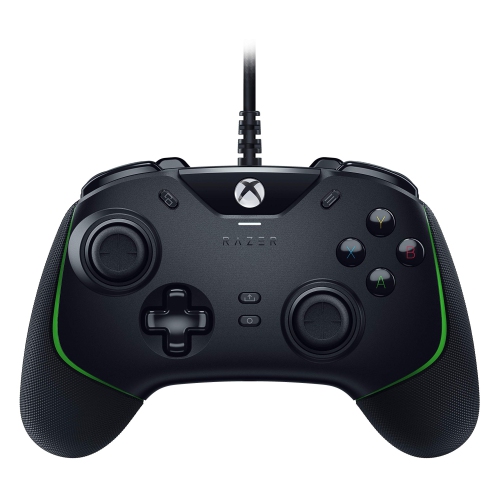
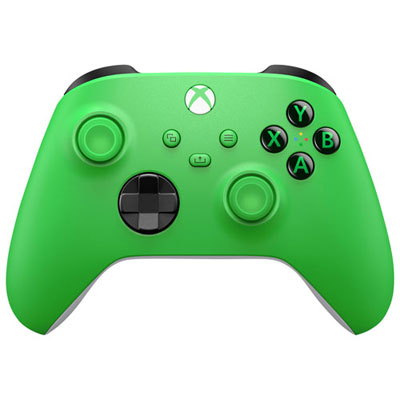
Gaming controllers for PC bring analogue movement, familiar button layouts, and comfortable handheld control to a wide range of computer games. A gamepad can make it easier to ease a car through a sweeping corner, guide a character along a narrow ledge, or settle into a sports match without keeping both hands at a desk. Analogue sticks and triggers register varying amounts of movement or pressure, giving supported games more nuanced input than a simple on-or-off button press. Controllers are especially well suited to racing, platforming, sports, fighting, and action-adventure games, while a keyboard and mouse may remain preferable for precise pointer movement or games with many commands. Compatibility matters as much as the layout: the controller needs to work with the computer’s operating system, and each game must support controller input directly or through compatible software. Familiar button prompts and automatic detection can help make the transition from console gaming feel straightforward, although prompts and available functions vary between games. Wired PC controllers connect through USB and avoid battery charging, making them practical for a dedicated desk setup or long play sessions. Cable length, connector type, and the position of the computer’s USB ports affect how comfortably a wired controller reaches a chair or sofa. Wireless PC controllers offer more freedom of movement and can connect through Bluetooth or a compatible USB receiver, depending on their design. A receiver may be included or required separately, so the connection method is an important part of compatibility. Wireless performance also depends on distance, obstructions, and nearby interference; an uninterrupted connection matters when a missed input can interrupt a carefully timed jump. Some controllers support both wired and wireless use, but a charging cable does not necessarily carry gameplay data. For shared-screen games, support for multiple controllers also depends on the game and connection setup. These practical differences help distinguish controllers intended for close-up desk play from those suited to a computer connected to a larger display across the room.
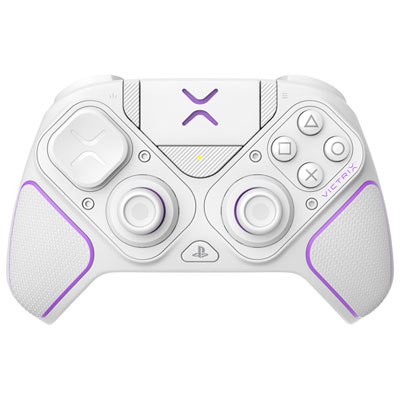
The best fit for a particular player often comes down to how the controls feel during repeated movements. Symmetrical and offset thumbstick layouts place the hands differently, while grip shape, controller weight, and the distance between buttons can influence comfort during longer sessions. Smaller hands may benefit from a more compact body and shorter reaches to the shoulder buttons; larger hands may feel more relaxed around fuller grips. Smooth plastic shells are easy to wipe down, while textured surfaces and rubberized grip areas can provide a firmer hold when palms become damp. A directional pad with distinct presses can be useful for menu navigation and deliberate fighting-game inputs, whereas thumbstick shape and tension affect fine adjustments when aiming or steering. Mechanical action buttons can provide a crisp, tactile press, though their sound and feel differ from softer membrane buttons. For players interested in stick durability, Hall effect and tunnel magnetoresistance, or TMR, sensors detect movement magnetically rather than relying on the same contacting components used in conventional potentiometer sticks. That design can reduce one source of wear associated with stick drift, but it does not make a controller immune to damage, calibration issues, or other causes of unwanted input. Trigger design is another meaningful distinction. Long analogue travel can suit gradual braking and acceleration, while adjustable trigger stops shorten the physical pull for supported actions that need a quick press. Shortening travel can also limit the range available for analogue input, so the preferred setting depends on the game. Rear buttons or paddles may let a player jump, crouch, or reload without lifting a thumb from a stick when those actions can be reassigned. Companion software may offer button remapping, sensitivity adjustments, dead-zone settings, and saved profiles, but these functions depend on the controller and software support. Polling rate describes how frequently input is reported to the computer; a higher rate can reduce the interval between reports, although it does not guarantee lower overall latency. Game performance, connection quality, and display response also contribute to how responsive a controller feels.
Everyday ownership involves more than the first few minutes of play. Rechargeable wireless controllers need a charging routine, and battery life varies with vibration, lighting, connection mode, and other features. A compatible charging dock can provide a designated place to put the controller between sessions, while designs with replaceable batteries offer a different approach to keeping a controller ready. Neither arrangement is inherently better for every setup; the useful choice is the one that fits the player’s habits and preferred playing distance. Vibration can add a sense of impact to collisions and on-screen action, while more detailed haptic feedback and adaptive trigger resistance require support from both the game and the connection method. A headset socket, where fitted, should also be checked for PC support because audio functions may not work through every wireless connection. Durability depends on the whole construction, including shoulder-button mechanisms, thumbstick surfaces, cable strain relief, and charging ports, rather than on a single highlighted feature. A secure place to store the controller helps protect sticks and triggers from being pressed in a drawer or bag. For routine care, unplugging the controller and wiping the shell with a soft cloth can remove fingerprints and residue; cleaning methods should follow the manufacturer’s directions, with moisture kept away from seams and ports. Snacks, spills, and a tightly bent cable can all take a toll on controls that otherwise receive ordinary daily use. For players who alternate between genres, a controller complements rather than replaces other PC inputs. Pairing a gamepad with Gaming Keyboards for PC supports a flexible setup for switching between relaxed third-person play and games built around keyboard commands. A PC controller can also be a thoughtful gift for someone who enjoys console-style controls, local multiplayer, or gaming from a sofa, provided it matches their computer and favourite games. Familiar layouts, accessible button placement, and suitable remapping options can make the gift more useful than a feature list alone. The strongest match balances dependable compatibility, a comfortable grip, and controls that suit the games the recipient actually plays.
The best fit for a particular player often comes down to how the controls feel during repeated movements. Symmetrical and offset thumbstick layouts place the hands differently, while grip shape, controller weight, and the distance between buttons can influence comfort during longer sessions. Smaller hands may benefit from a more compact body and shorter reaches to the shoulder buttons; larger hands may feel more relaxed around fuller grips. Smooth plastic shells are easy to wipe down, while textured surfaces and rubberized grip areas can provide a firmer hold when palms become damp. A directional pad with distinct presses can be useful for menu navigation and deliberate fighting-game inputs, whereas thumbstick shape and tension affect fine adjustments when aiming or steering. Mechanical action buttons can provide a crisp, tactile press, though their sound and feel differ from softer membrane buttons. For players interested in stick durability, Hall effect and tunnel magnetoresistance, or TMR, sensors detect movement magnetically rather than relying on the same contacting components used in conventional potentiometer sticks. That design can reduce one source of wear associated with stick drift, but it does not make a controller immune to damage, calibration issues, or other causes of unwanted input. Trigger design is another meaningful distinction. Long analogue travel can suit gradual braking and acceleration, while adjustable trigger stops shorten the physical pull for supported actions that need a quick press. Shortening travel can also limit the range available for analogue input, so the preferred setting depends on the game. Rear buttons or paddles may let a player jump, crouch, or reload without lifting a thumb from a stick when those actions can be reassigned. Companion software may offer button remapping, sensitivity adjustments, dead-zone settings, and saved profiles, but these functions depend on the controller and software support. Polling rate describes how frequently input is reported to the computer; a higher rate can reduce the interval between reports, although it does not guarantee lower overall latency. Game performance, connection quality, and display response also contribute to how responsive a controller feels.
Everyday ownership involves more than the first few minutes of play. Rechargeable wireless controllers need a charging routine, and battery life varies with vibration, lighting, connection mode, and other features. A compatible charging dock can provide a designated place to put the controller between sessions, while designs with replaceable batteries offer a different approach to keeping a controller ready. Neither arrangement is inherently better for every setup; the useful choice is the one that fits the player’s habits and preferred playing distance. Vibration can add a sense of impact to collisions and on-screen action, while more detailed haptic feedback and adaptive trigger resistance require support from both the game and the connection method. A headset socket, where fitted, should also be checked for PC support because audio functions may not work through every wireless connection. Durability depends on the whole construction, including shoulder-button mechanisms, thumbstick surfaces, cable strain relief, and charging ports, rather than on a single highlighted feature. A secure place to store the controller helps protect sticks and triggers from being pressed in a drawer or bag. For routine care, unplugging the controller and wiping the shell with a soft cloth can remove fingerprints and residue; cleaning methods should follow the manufacturer’s directions, with moisture kept away from seams and ports. Snacks, spills, and a tightly bent cable can all take a toll on controls that otherwise receive ordinary daily use. For players who alternate between genres, a controller complements rather than replaces other PC inputs. Pairing a gamepad with Gaming Keyboards for PC supports a flexible setup for switching between relaxed third-person play and games built around keyboard commands. A PC controller can also be a thoughtful gift for someone who enjoys console-style controls, local multiplayer, or gaming from a sofa, provided it matches their computer and favourite games. Familiar layouts, accessible button placement, and suitable remapping options can make the gift more useful than a feature list alone. The strongest match balances dependable compatibility, a comfortable grip, and controls that suit the games the recipient actually plays.
Top selling and popular products
-
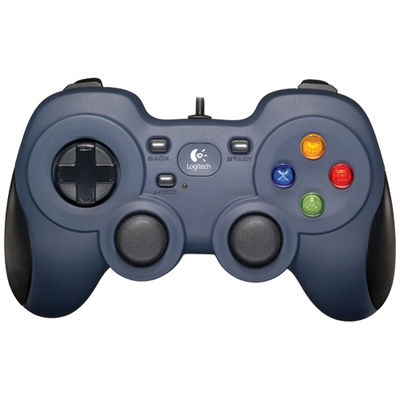 Your price for this item is $29.99
 -
 Your price for this item is $39.68
 -
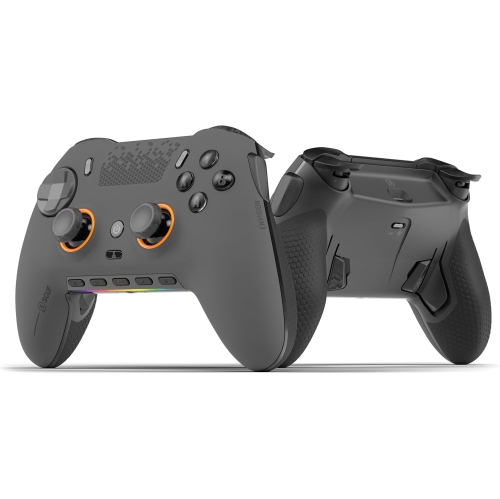 Your price for this item is $389
 -
 Your price for this item is $10.99
 -
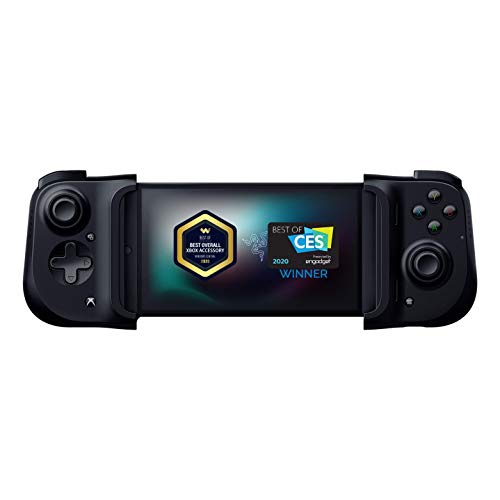 Your price for this item is $129.06
 -
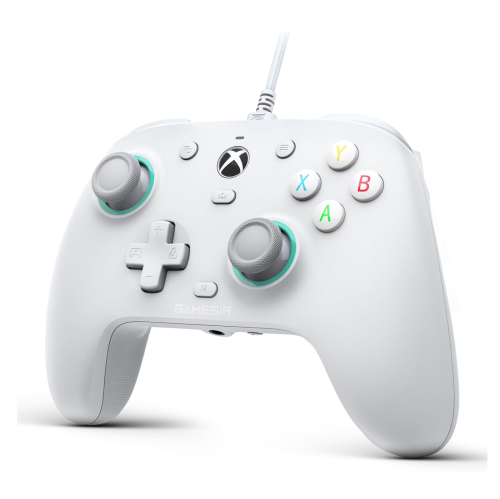 Your price for this item is $239
 -
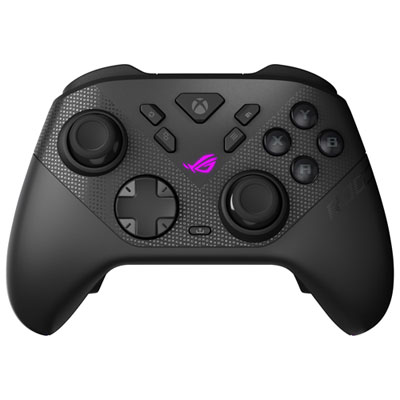 Your price for this item is $229.99
 -
 Your price for this item is $259.99
Discover more categories related to Gaming Controllers for PC
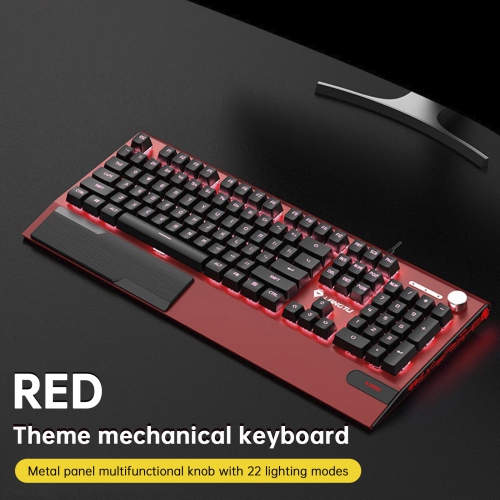
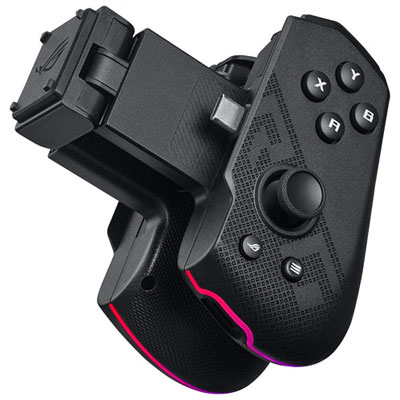
Top Collections:
Pokemon Centers, Best Cameras for Sports Photography, Kindle Devices, Samsung Galaxy Phones, Canon G7X Cameras, Pokémon 30th Celebration Cards, Refurbished Apple Laptops, iPhone 15 Apple, Laptops for Students, Budget Smartphones
Some products may be subject to Environmental Handling Fees
(EHF) depending on your province.
Learn more about EHFs.