Xbox Series S External Hard Drives
External hard drives are one of the best way to back up your data. They're portable, they're fast and they're cheap. But which one should you buy? We've tested the most popular models to help you find the best external hard drive for your needs.
Sort

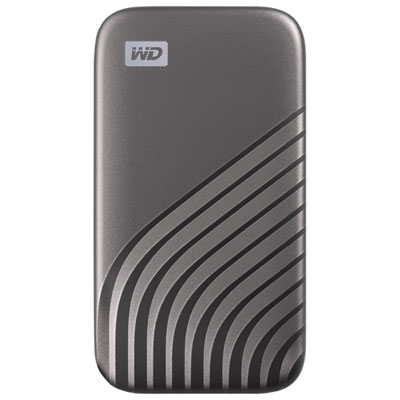
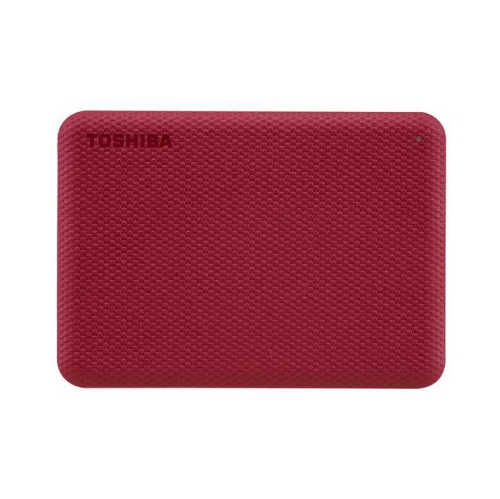
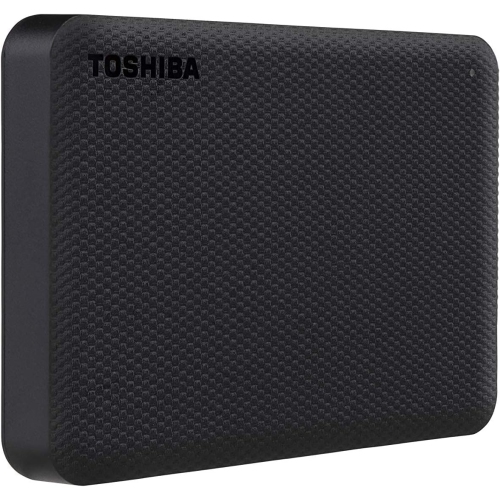
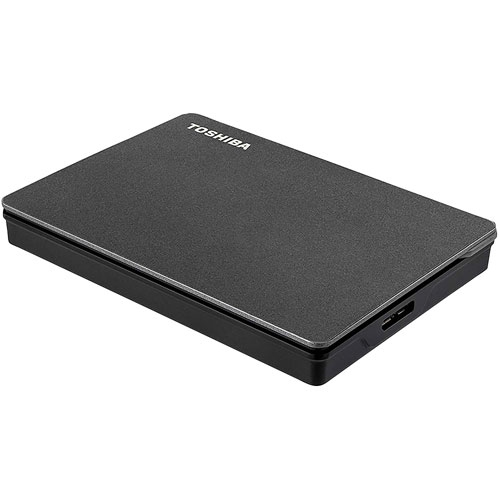

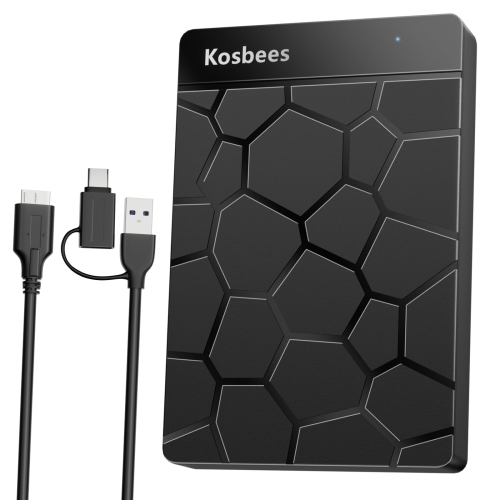
More room for games without downloading them again
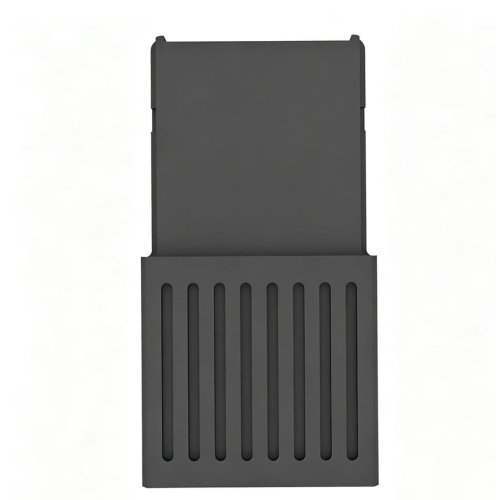
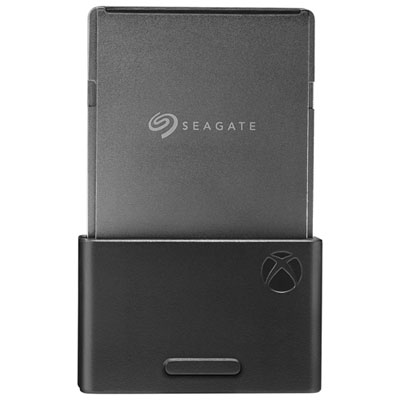
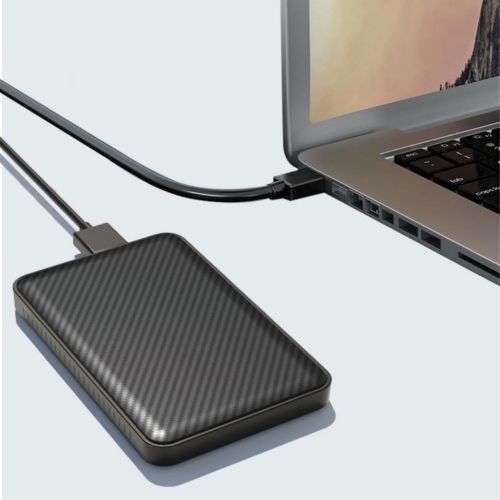
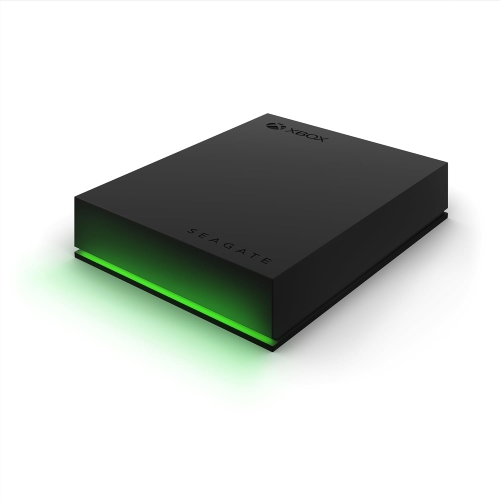
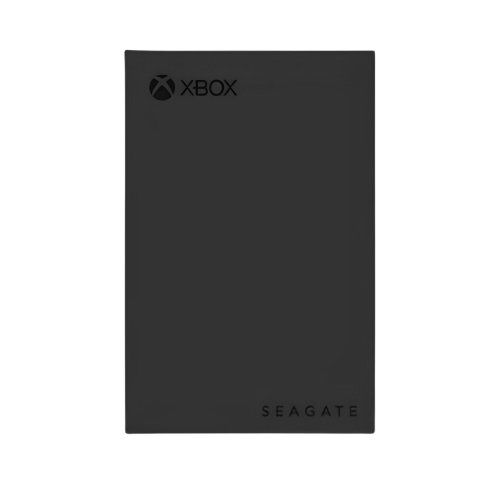
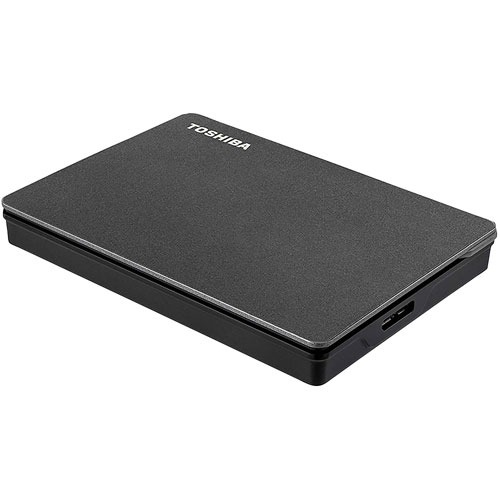
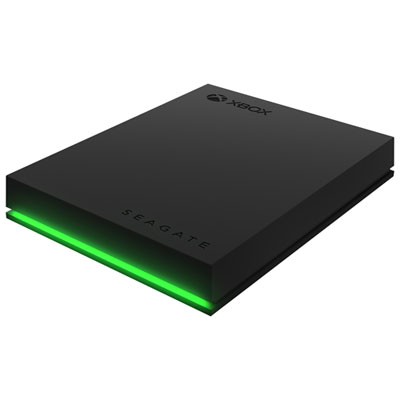
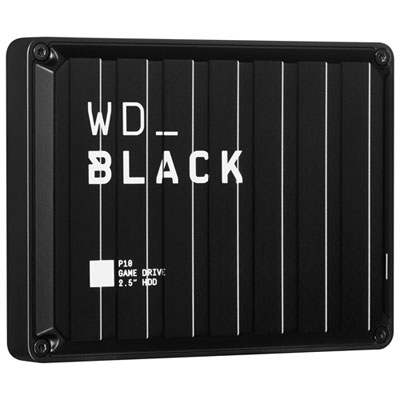
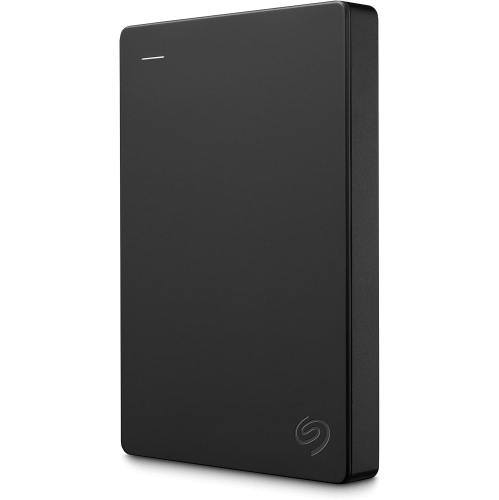
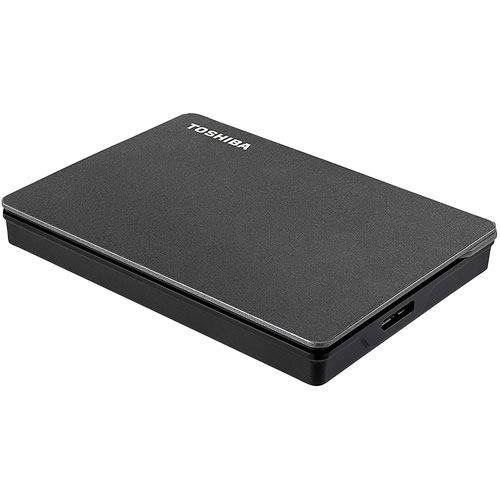
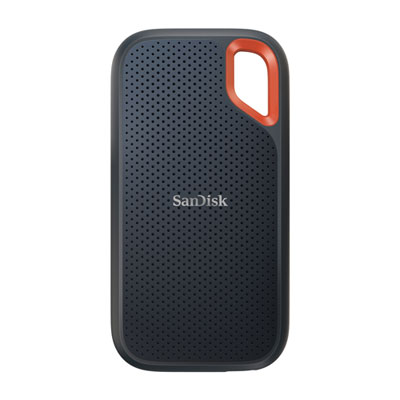
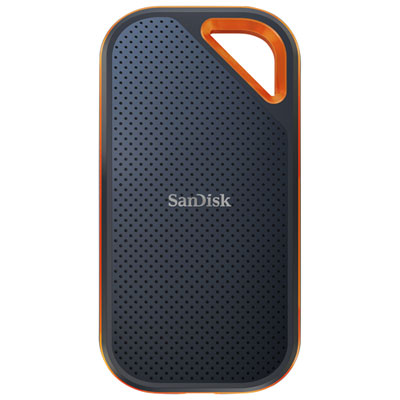
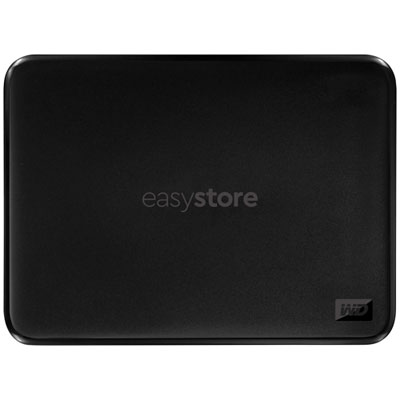
A growing digital game library can fill a console’s built-in storage faster than expected. Large downloads, add-ons and updates all compete for space, especially when several people share the same system. External Hard Drives for Xbox Series S provide extra room for installed games, making it easier to keep old favourites alongside the next adventure without repeatedly deleting and downloading them. For game storage, a compatible USB external drive must support USB 3.0 or later and have a capacity of at least 128 GB. The important distinction is between storing a game and playing it directly from the drive. Compatible backward-compatible titles from earlier console generations can generally run from USB storage, while most games optimised for this console generation need to run from the internal solid-state drive or a compatible dedicated storage expansion card. A USB hard drive can still hold those newer games; they simply need to be transferred back to supported storage before play. That makes an external drive particularly useful for anyone who rotates between a few large games rather than playing their entire library every day. Picture keeping a racing game and a favourite multiplayer title on the internal drive, with completed adventures and occasional party games tucked away on external storage. When the mood changes, moving a game locally can be more convenient than downloading the full installation again, particularly with a slower internet connection or a limited data allowance. Updates may still be necessary, and storage does not replace the account, licence or subscription required to access a game. For a digital-only console, though, having downloaded installations close at hand can make managing a collection considerably less frustrating. It also leaves more flexibility for the unexpected: a friend suggesting an older co-op favourite, a household member returning to a saved campaign, or a sizeable update arriving just before an evening of play.
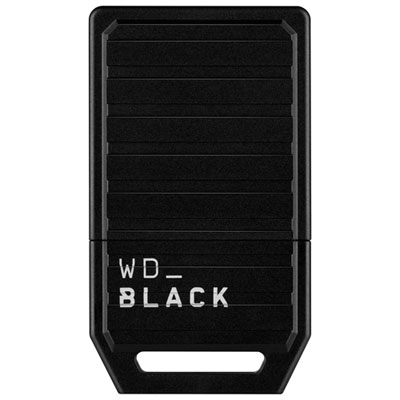
Capacity is often the first purchase consideration, but the right amount depends more on the games someone keeps than on the number of titles in their library. A collection of smaller independent releases has very different storage needs from several expansive adventures with high-resolution assets and additional content. Comparing capacities in terabytes is useful, but a fixed claim about how many games a drive holds rarely tells the whole story. Installation sizes vary, downloadable content adds up, and some space will be unavailable after formatting. Leaving room for future purchases and updates is more practical than choosing a drive that barely fits today’s collection. Traditional hard disk drives usually offer more capacity for the money, making them a good fit for a substantial game archive. External solid-state drives typically cost more per terabyte but can reduce transfer times and shorten loading times in compatible games played directly from USB storage. Actual performance depends on the drive, its connection and the console’s own limits, so a drive’s advertised maximum speed is not a promise of identical results during every transfer. Crucially, a faster USB solid-state drive does not remove the storage requirements for newer optimised games. A dedicated expansion card is a different type of product, designed for the console’s expansion slot rather than a USB port, and supports playing those games directly. For shoppers mainly seeking affordable space to hold installations, a USB hard drive may be the more relevant choice; for those who want more newer games immediately playable, the distinction matters before buying. Physical design deserves attention as well. Portable drives commonly draw power through their USB connection and fit neatly beside a console, while desktop models often need a separate power adaptor and more shelf space. Check the supplied cable, connector compatibility and power requirements rather than assuming every external drive will connect in the same way. A short, tidy cable can suit a compact setup, provided it reaches comfortably without pulling on either device.
Everyday placement and setup can make a noticeable difference to how convenient external game storage feels. A drive should sit on a stable surface with enough space around the console for ventilation, rather than balancing on the edge of a crowded television stand. Mechanical hard drives can produce a faint hum or vibration, which may matter in a quiet bedroom or a living room where the console sits close to the sofa. Solid-state drives have no moving parts and are generally quieter, although their higher cost may be harder to justify when the main purpose is storing games between play sessions. For a portable hard drive, avoid moving it while it is operating, and keep the cable away from places where pets or passing feet could catch it. Initial setup normally involves connecting the drive and following the console’s prompts to format it for games and apps. Formatting erases existing files, so a drive containing family photos or work documents should be backed up before it is repurposed. A dedicated game drive keeps that arrangement simpler, particularly in a household where accessories tend to migrate between computers and consoles. External storage can be a thoughtful gift for someone whose download queue is always busy, a student returning to familiar games after classes, or a family juggling different tastes on one system. Capacity, compatible connections and whether the recipient needs storage or direct-play expansion are more useful details to check than appearance alone. During the cooler months, when an evening indoors might shift from a solo adventure to a shared sports game, having a broader library installed can save some last-minute rearranging. The drive does not need to be flashy to earn its place in the setup. Its value is often felt in small, ordinary moments: keeping a much-loved game instead of deleting it to make room, moving a large installation while doing something else, or finding that an older favourite is still available when friends come over. Matching capacity, drive type and connection requirements to those habits makes extra storage a practical addition rather than just another accessory.
Capacity is often the first purchase consideration, but the right amount depends more on the games someone keeps than on the number of titles in their library. A collection of smaller independent releases has very different storage needs from several expansive adventures with high-resolution assets and additional content. Comparing capacities in terabytes is useful, but a fixed claim about how many games a drive holds rarely tells the whole story. Installation sizes vary, downloadable content adds up, and some space will be unavailable after formatting. Leaving room for future purchases and updates is more practical than choosing a drive that barely fits today’s collection. Traditional hard disk drives usually offer more capacity for the money, making them a good fit for a substantial game archive. External solid-state drives typically cost more per terabyte but can reduce transfer times and shorten loading times in compatible games played directly from USB storage. Actual performance depends on the drive, its connection and the console’s own limits, so a drive’s advertised maximum speed is not a promise of identical results during every transfer. Crucially, a faster USB solid-state drive does not remove the storage requirements for newer optimised games. A dedicated expansion card is a different type of product, designed for the console’s expansion slot rather than a USB port, and supports playing those games directly. For shoppers mainly seeking affordable space to hold installations, a USB hard drive may be the more relevant choice; for those who want more newer games immediately playable, the distinction matters before buying. Physical design deserves attention as well. Portable drives commonly draw power through their USB connection and fit neatly beside a console, while desktop models often need a separate power adaptor and more shelf space. Check the supplied cable, connector compatibility and power requirements rather than assuming every external drive will connect in the same way. A short, tidy cable can suit a compact setup, provided it reaches comfortably without pulling on either device.
Everyday placement and setup can make a noticeable difference to how convenient external game storage feels. A drive should sit on a stable surface with enough space around the console for ventilation, rather than balancing on the edge of a crowded television stand. Mechanical hard drives can produce a faint hum or vibration, which may matter in a quiet bedroom or a living room where the console sits close to the sofa. Solid-state drives have no moving parts and are generally quieter, although their higher cost may be harder to justify when the main purpose is storing games between play sessions. For a portable hard drive, avoid moving it while it is operating, and keep the cable away from places where pets or passing feet could catch it. Initial setup normally involves connecting the drive and following the console’s prompts to format it for games and apps. Formatting erases existing files, so a drive containing family photos or work documents should be backed up before it is repurposed. A dedicated game drive keeps that arrangement simpler, particularly in a household where accessories tend to migrate between computers and consoles. External storage can be a thoughtful gift for someone whose download queue is always busy, a student returning to familiar games after classes, or a family juggling different tastes on one system. Capacity, compatible connections and whether the recipient needs storage or direct-play expansion are more useful details to check than appearance alone. During the cooler months, when an evening indoors might shift from a solo adventure to a shared sports game, having a broader library installed can save some last-minute rearranging. The drive does not need to be flashy to earn its place in the setup. Its value is often felt in small, ordinary moments: keeping a much-loved game instead of deleting it to make room, moving a large installation while doing something else, or finding that an older favourite is still available when friends come over. Matching capacity, drive type and connection requirements to those habits makes extra storage a practical addition rather than just another accessory.
Top selling and popular products
-
 Your price for this item is $234.99
 -
 Your price for this item is $389.99
 -
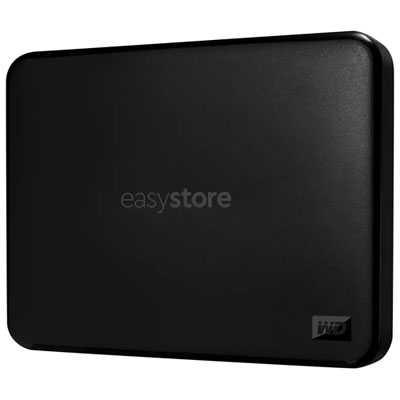 Your price for this item is $179.99
 -
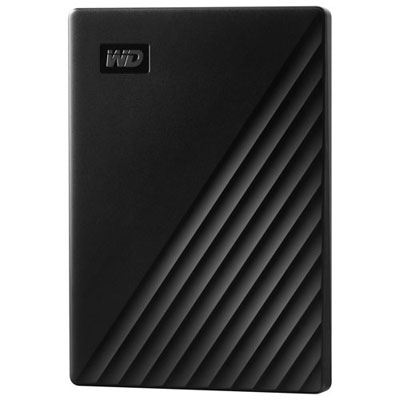 Your price for this item is $239.99
 -
 Your price for this item is $270.68
 -
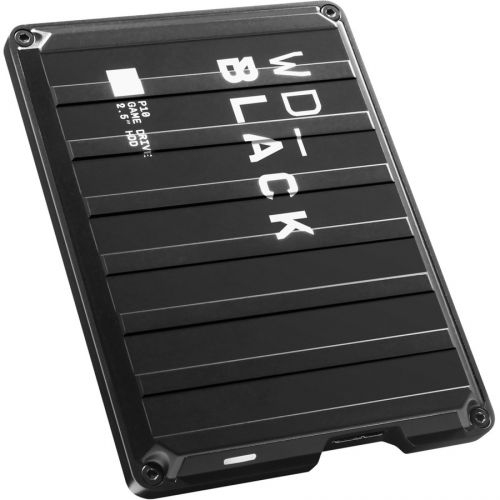 Your price for this item is $329.99
 -
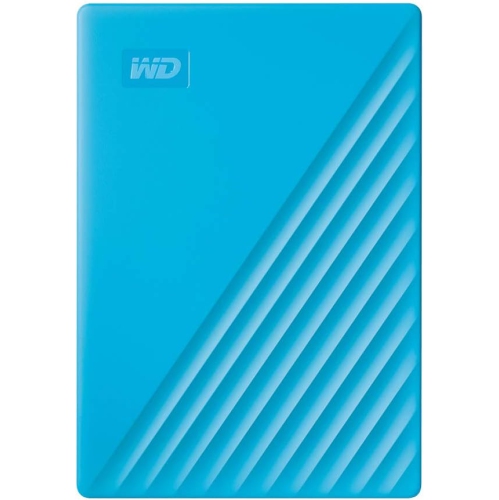 Your price for this item is $282.68
 -
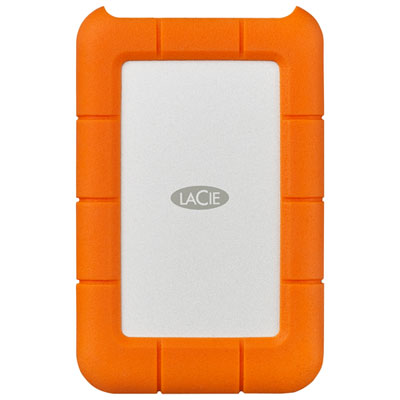 Your price for this item is $209.99
Discover more categories related to Xbox Series S External Hard Drives
Top Collections:
Pokemon Centers, Kindle Devices, Best Budget Office Chairs, Apple iPhones 16, Best Laptops for Writers, iPhone 15 Apple, Canon G7X Cameras, Refurbished Apple Laptops, Alarm Clock, Motorola Razr Phones
Some products may be subject to Environmental Handling Fees
(EHF) depending on your province.
Learn more about EHFs.