Arcade Sticks
Level up your gaming experience with an arcade stick that brings the thrill of the arcade right to your home. Designed for both casual players and competitive gamers, these powerful controllers offer precision and control that elevate every session. Whether you're into fighting games, classic retro hits, or modern masterpieces, an arcade stick provides the tactile feedback and responsiveness you need to dominate the leaderboards. Explore a variety of styles and configurations to find the perfect fit for your gaming setup, and get ready to unleash your full potential with every move.
Sort
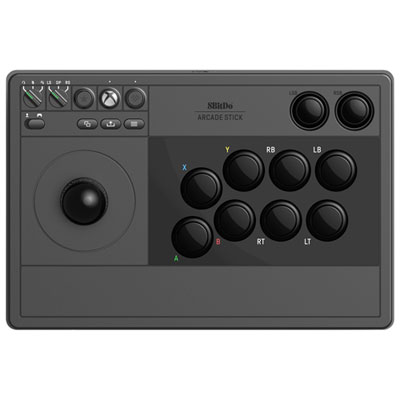
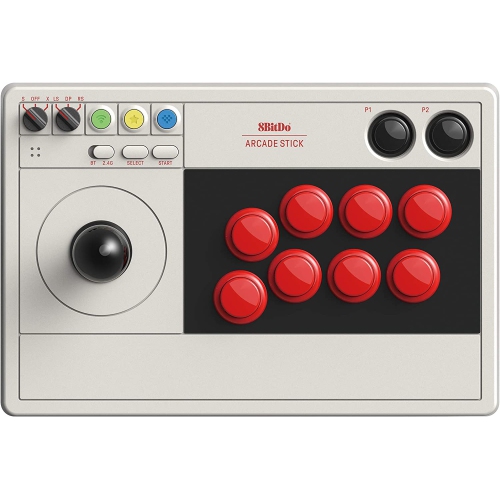
![HORI Fighting Stick Alpha Street Fighter 6 Edition Arcade Stick Controller []](https://multimedia.bbycastatic.ca/multimedia/products/500x500/173/17399/17399279.jpeg)
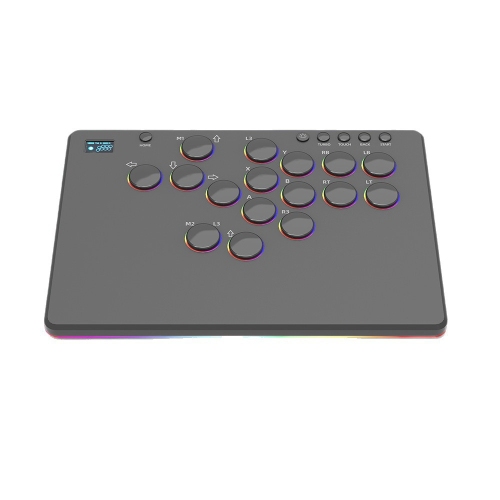
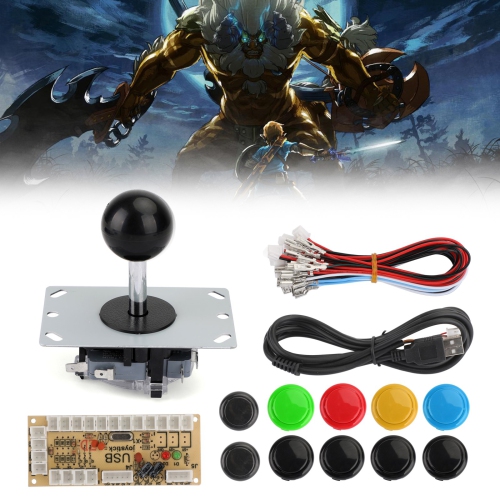
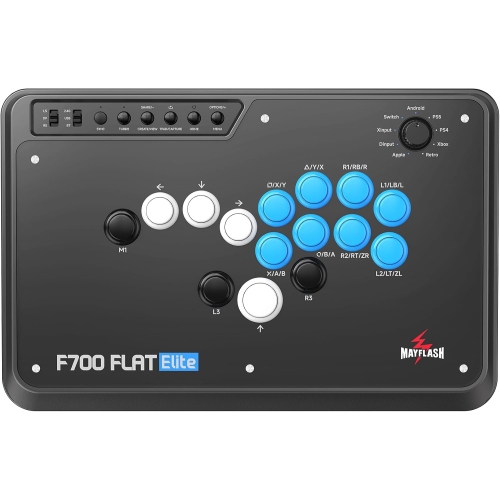
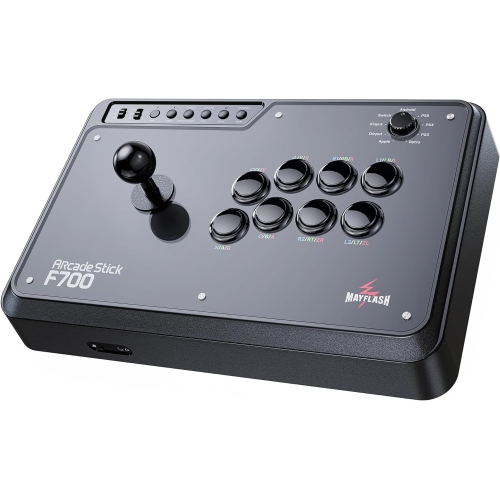

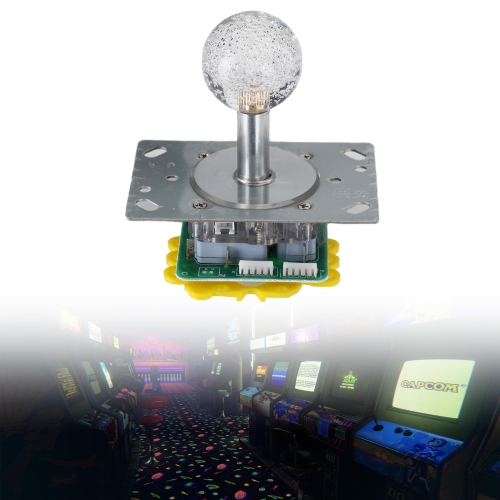
![RETRO-BIT Genesis Crimson 8 Button Arcade Pad USB Controller [] In Red](https://multimedia.bbycastatic.ca/multimedia/products/500x500/173/17399/17399267.jpeg)
The arcade feel starts with precise, responsive controls
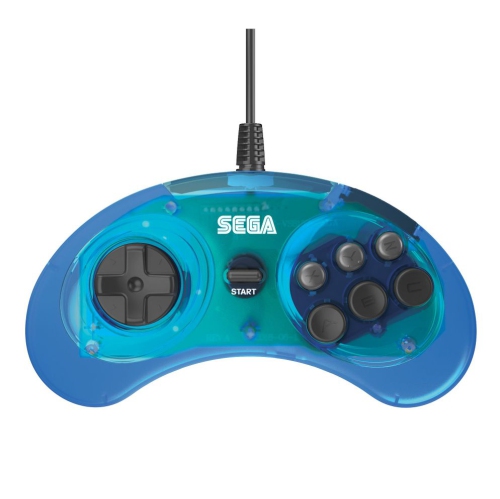
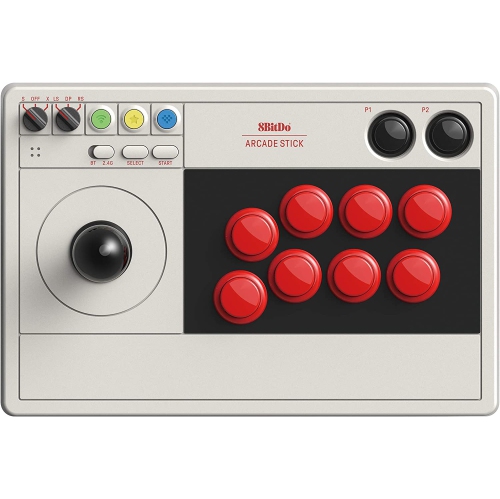
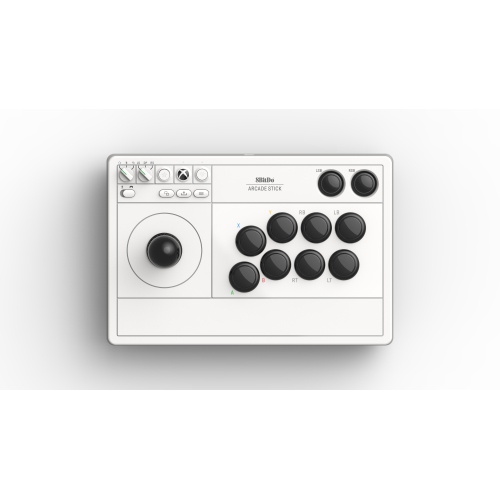
Arcade sticks, also known as fight sticks, bring the feel of a classic gaming cabinet to a home setup. Instead of relying on a standard gamepad’s small directional pad and thumb buttons, an arcade stick combines a full-size joystick with a row of large, responsive buttons that are easy to reach and press in quick succession. This layout is especially popular for fighting games, where precise quarter-circle motions, charge inputs, rapid button combinations, and well-timed blocks can make every round feel more controlled. Arcade sticks can also be enjoyable with arcade collections, action games, platformers, beat ’em ups, shoot ’em ups, and other titles designed around straightforward directional movement and fast reactions. The broad surface gives your hands a familiar, spacious arrangement, while the distinct click and movement of the controls add a tactile quality that many players associate with the arcade experience. They are a natural choice for anyone who enjoys fighting games such as Street Fighter 6 or Tekken 8, but they can also suit players who want a different way to enjoy their existing library. During the cooler months, an arcade stick can turn a living room, game room, or desk into a comfortable place for practice sessions, local multiplayer, and friendly matches. It can also be a thoughtful gift for someone who has recently discovered fighting games, a longtime arcade enthusiast, or a player who wants to add a dedicated controller to a growing collection.
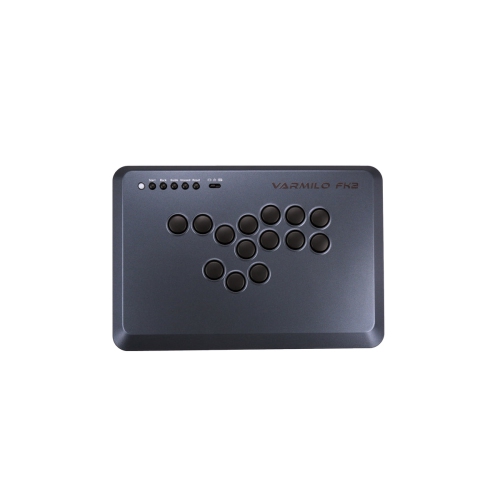
Compatibility is one of the most important details to check before choosing an arcade stick. Different models are designed for specific platforms, so confirm that the controller works with the console or computer where it will be used. Depending on the model, support may include PlayStation consoles, Xbox consoles, Nintendo Switch, PC, or more than one platform. PC players often have broad flexibility, but connection methods and game support can still vary, making it useful to review the listed compatibility information carefully. Wired USB connections are common and can provide a direct, dependable link for home play or competitive sessions. Wireless options can help keep a gaming area tidy and make it easier to move between a desk and television, though battery life, pairing, included receivers, and supported platforms may differ. Connection through USB-C, Bluetooth, or 2.4 GHz wireless technology may be available on some arcade sticks, while other models are built specifically for wired play. The control layout is another personal consideration. Traditional arcade sticks use a joystick, often with a ball-top or bat-top handle, alongside large action buttons. Leverless designs, sometimes called all-button controllers, replace the joystick with directional buttons and can offer a different approach to movement and input timing. Neither style is universally best; the right choice depends on the player’s habits, the games they play, and the physical feel they prefer. Players who are accustomed to a gamepad may need a little practice when moving to either layout, but the generous button spacing and clear hand positioning can become comfortable with regular use.
Build quality, size, maintenance, and customisation can also shape the experience. A heavier arcade stick may stay firmly in place on a lap or tabletop during an intense match, while a slimmer design can be easier to store and carry to a friend’s home. Look for a surface area that gives your hands enough room without taking up more space than your setup allows. Button responsiveness, joystick movement, cable length, and the placement of start, share, or menu controls all affect day-to-day use. Some mid-range and premium arcade sticks are designed with accessible interiors, allowing experienced users to replace buttons, change the joystick gate, install a different lever, or add artwork for a more personalised setup. This can be appealing to players who enjoy fine-tuning the sound, travel, resistance, or appearance of their controller, while a more straightforward model may be preferable for someone who wants to connect it and start playing. An arcade stick is also a practical addition to a multiplayer setup, particularly when two players want matching controls for local battles. It can make a memorable present for a student setting up a first gaming space, a family member who remembers the local arcade, or a competitive player preparing for tournaments and community events. For other dedicated gaming controls, shoppers may also want to browse Flight Sticks, which are designed around a very different style of play. Whichever arcade stick suits the setup, a comfortable position, a stable surface, and a little time spent learning the layout can help players settle into the rhythm of each match, from the first careful practice round to the satisfying moment when a complicated combination comes together cleanly.
Compatibility is one of the most important details to check before choosing an arcade stick. Different models are designed for specific platforms, so confirm that the controller works with the console or computer where it will be used. Depending on the model, support may include PlayStation consoles, Xbox consoles, Nintendo Switch, PC, or more than one platform. PC players often have broad flexibility, but connection methods and game support can still vary, making it useful to review the listed compatibility information carefully. Wired USB connections are common and can provide a direct, dependable link for home play or competitive sessions. Wireless options can help keep a gaming area tidy and make it easier to move between a desk and television, though battery life, pairing, included receivers, and supported platforms may differ. Connection through USB-C, Bluetooth, or 2.4 GHz wireless technology may be available on some arcade sticks, while other models are built specifically for wired play. The control layout is another personal consideration. Traditional arcade sticks use a joystick, often with a ball-top or bat-top handle, alongside large action buttons. Leverless designs, sometimes called all-button controllers, replace the joystick with directional buttons and can offer a different approach to movement and input timing. Neither style is universally best; the right choice depends on the player’s habits, the games they play, and the physical feel they prefer. Players who are accustomed to a gamepad may need a little practice when moving to either layout, but the generous button spacing and clear hand positioning can become comfortable with regular use.
Build quality, size, maintenance, and customisation can also shape the experience. A heavier arcade stick may stay firmly in place on a lap or tabletop during an intense match, while a slimmer design can be easier to store and carry to a friend’s home. Look for a surface area that gives your hands enough room without taking up more space than your setup allows. Button responsiveness, joystick movement, cable length, and the placement of start, share, or menu controls all affect day-to-day use. Some mid-range and premium arcade sticks are designed with accessible interiors, allowing experienced users to replace buttons, change the joystick gate, install a different lever, or add artwork for a more personalised setup. This can be appealing to players who enjoy fine-tuning the sound, travel, resistance, or appearance of their controller, while a more straightforward model may be preferable for someone who wants to connect it and start playing. An arcade stick is also a practical addition to a multiplayer setup, particularly when two players want matching controls for local battles. It can make a memorable present for a student setting up a first gaming space, a family member who remembers the local arcade, or a competitive player preparing for tournaments and community events. For other dedicated gaming controls, shoppers may also want to browse Flight Sticks, which are designed around a very different style of play. Whichever arcade stick suits the setup, a comfortable position, a stable surface, and a little time spent learning the layout can help players settle into the rhythm of each match, from the first careful practice round to the satisfying moment when a complicated combination comes together cleanly.
Top selling and popular products
-
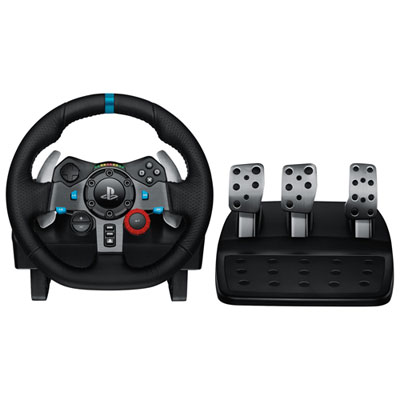 Your price for this item is $399.99
 -
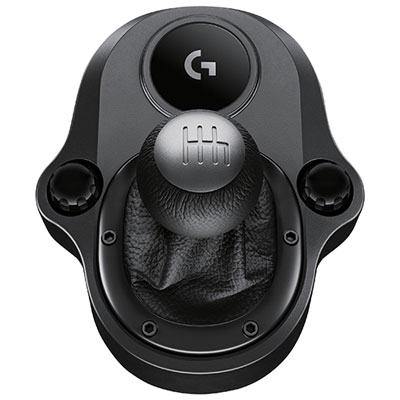 Your price for this item is $89.99
 -
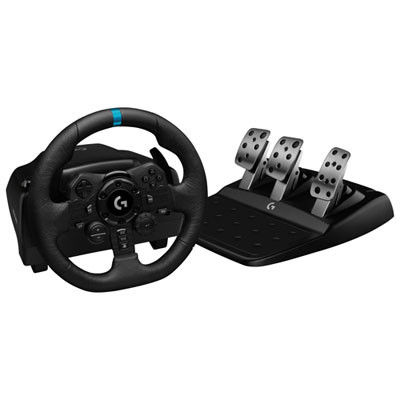 Your price for this item is $479.99
 -
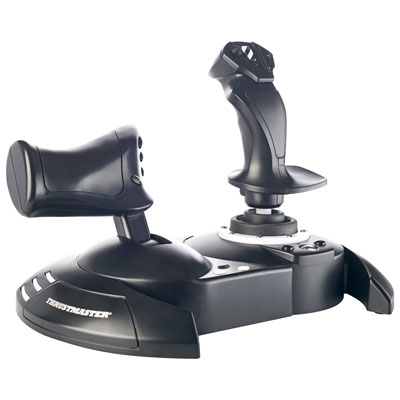 Your price for this item is $129.99
 -
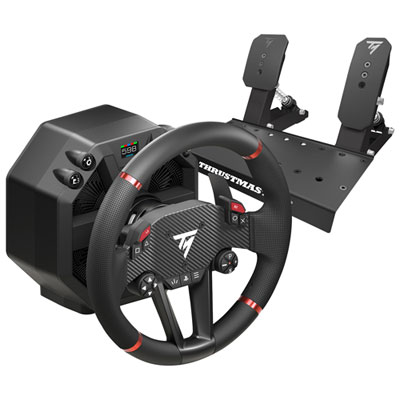 Your price for this item is $699.99
 -
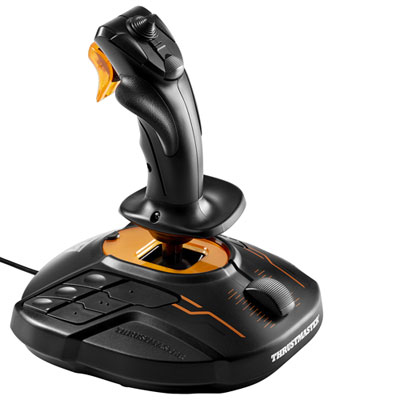 Your price for this item is $109.99
 -
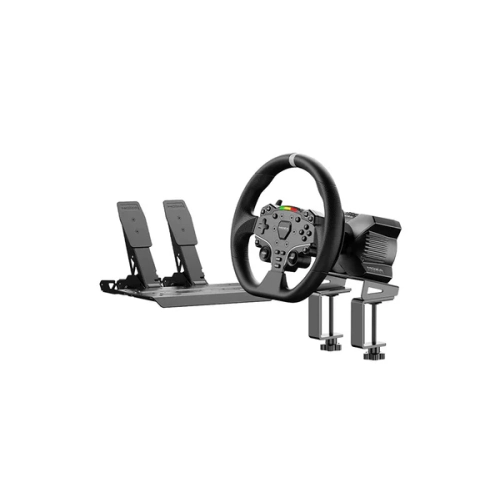 Your price for this item is $367.69
 -
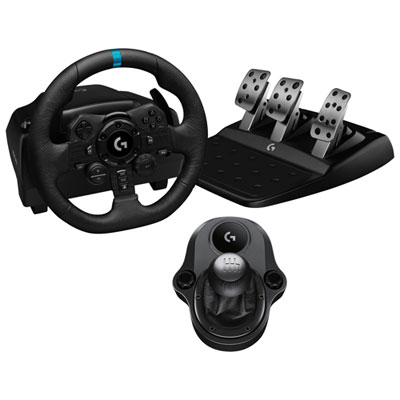 Your price for this item is $479.99
Discover more categories related to Arcade Sticks
Top Collections:
Pokemon Centers, Kindle Devices, Best Budget Office Chairs, Apple iPhones 16, Best Laptops for Writers, iPhone 15 Apple, Canon G7X Cameras, Refurbished Apple Laptops, Alarm Clock, Motorola Razr Phones
Some products may be subject to Environmental Handling Fees
(EHF) depending on your province.
Learn more about EHFs.