Back To School VR Headsets For Interactive Learning

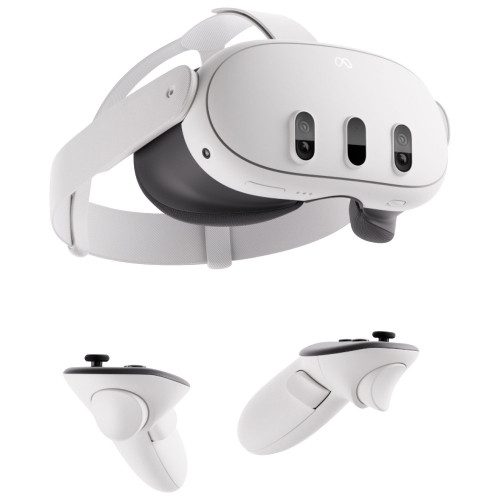
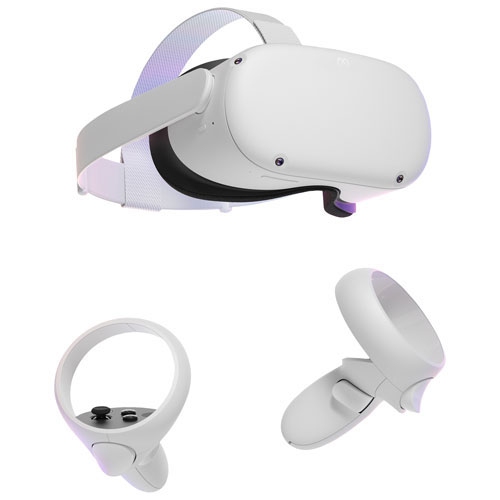
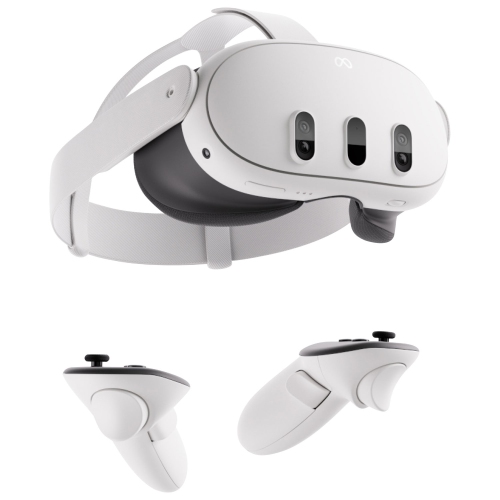
Shop back-to-school VR headsets for interactive learning, with options to compare for educational apps, virtual field trips, and immersive lessons. As you browse, consider headset comfort, age recommendations, and compatibility with your computer or other devices, and check support for the learning apps you plan to use.
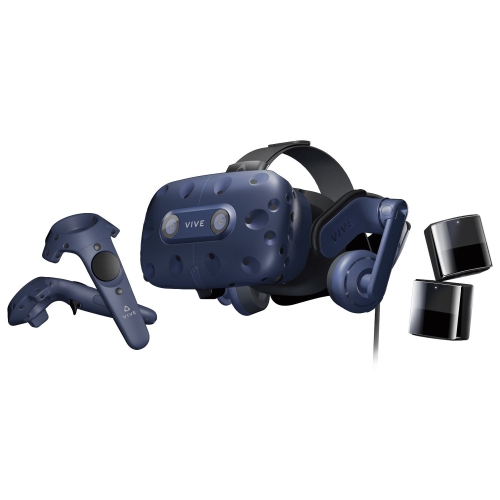
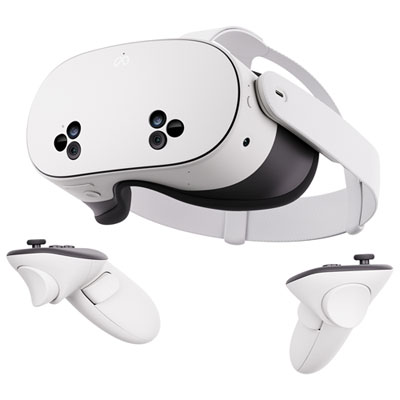
Read More

Back To School VR Headsets For Interactive Learning
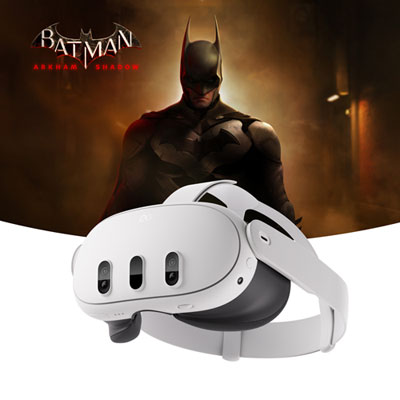
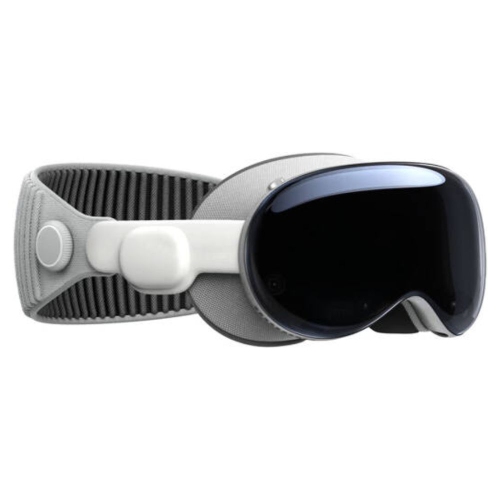
Back to School VR Headsets for Interactive Learning bring a different perspective to study time, giving students a way to explore ideas that can be difficult to picture on a flat screen. With compatible educational apps, a learner might examine a three-dimensional model of the human heart, explore a historical site, or trace the scale of the solar system from a viewpoint that a textbook cannot offer. Picture a student reading about ancient architecture, then stepping into a virtual reconstruction to get a sense of the height of a doorway or the layout of a courtyard. That shift from reading to observing can open up new conversations and make a topic feel more tangible. VR headsets can complement classroom lessons, home learning, and independent projects, particularly when the experience connects to something the student is already studying. The most useful choice is not necessarily the headset with the longest feature list, but the one that supports suitable learning content and fits comfortably into an existing study routine.

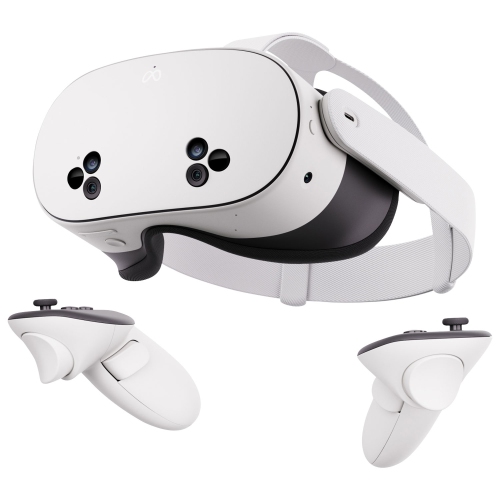
When browsing VR headsets for back-to-school learning, start with the software students will actually use and the equipment already available at home or in the classroom. Standalone headsets have built-in processing, while other models require a compatible computer or console; some educational applications also have their own hardware, account, or subscription requirements. Check those details before choosing, along with any separate costs for apps, accessories, or services. Display clarity matters when reading labels on a diagram, and lens adjustment options can help users find a clearer view. A well-balanced design, adjustable straps, and compatibility with glasses are worth close attention, especially when more than one person will share the headset. Controllers and supported hand tracking offer different ways to interact with virtual objects, so consider what the intended apps require and what the learner can use comfortably. For a shared household device, straightforward profile switching and easy-to-clean contact surfaces can make everyday use much more practical. Battery life, charging time, storage capacity, and access to reliable Wi-Fi also help determine how smoothly a headset fits between homework, family activities, and the next school day.

These headsets may appeal to older students exploring science, design, geography, or technical subjects, as well as teachers and families looking for another way to support a lesson. They can also make a thoughtful back-to-school gift, provided the recipient meets the manufacturer’s age requirements and has access to appropriate content and compatible equipment. A little planning makes the experience more useful: leave a clear play area, follow the headset’s safety guidance, and allow time for setup rather than expecting every session to begin immediately. Short sessions with regular breaks are a sensible starting point, and users should stop if they feel dizzy, nauseated, or uncomfortable. For younger users who meet the device’s age requirements, adult supervision, privacy settings, and controls for purchases and social features deserve particular attention. Where supported, casting the headset view to another screen lets a parent, classmate, or teacher follow along and discuss what is happening. Even a brief virtual visit can become part of a richer learning activity when it is followed by a sketch, a written observation, or a conversation about how it connects to the day’s lesson.

Read More

FAQ

Some products may be subject to Environmental Handling Fees (EHF) depending on your province. Learn more about EHFs.