Back To School AR Glasses For Interactive Learning
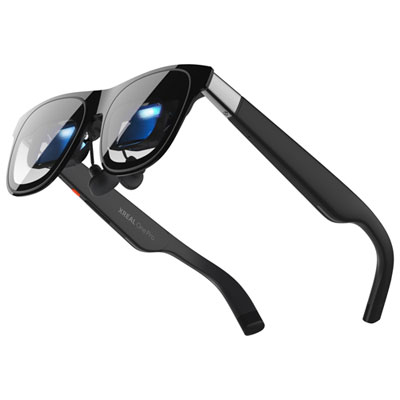
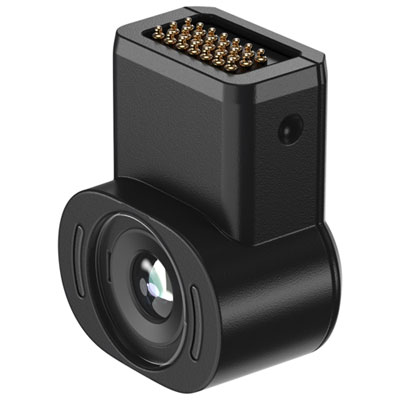
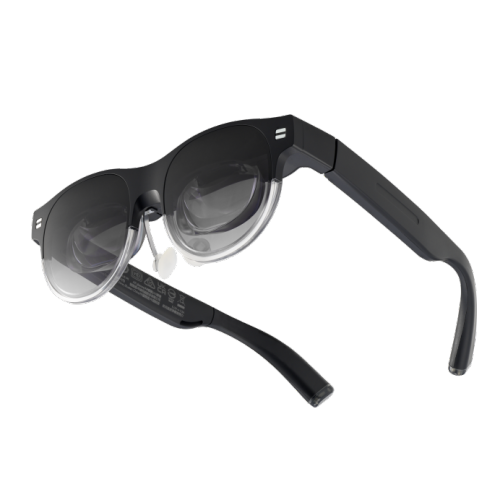
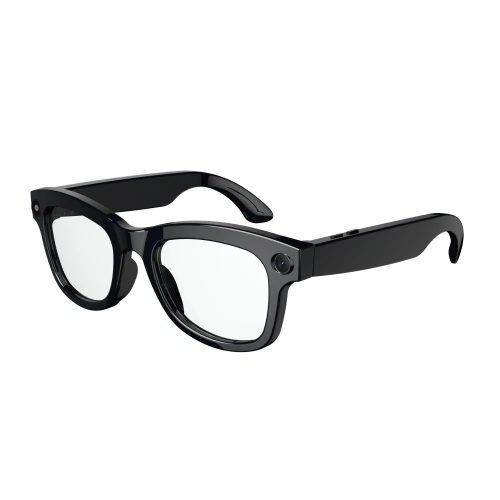
Explore back-to-school AR glasses for interactive learning, with augmented reality eyewear that can bring digital content into view alongside the real world. Compare device compatibility, fit, display features, and supported learning apps to find an option suited to your coursework and study setup.
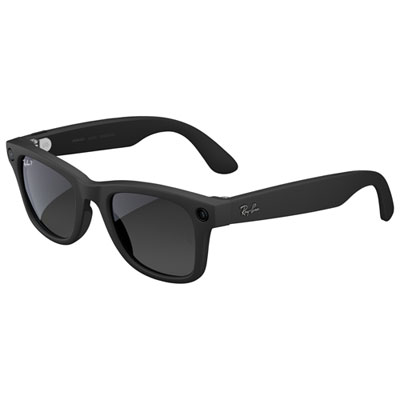
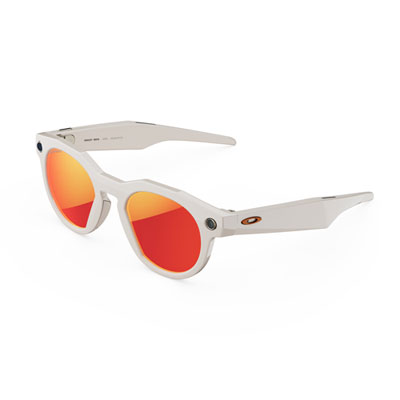
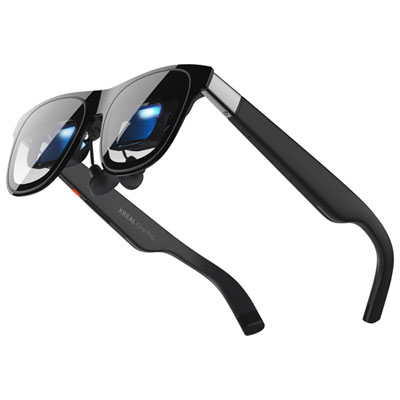

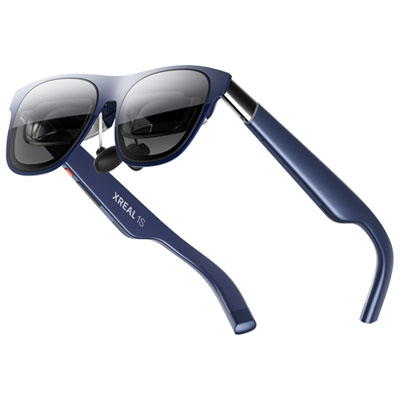
FAQ
Augmented reality (AR) glasses display digital content while keeping the physical surroundings visible. For school-related activities, compatible apps may present 3D models, text, diagrams or virtual screens alongside classroom materials. Features vary by device and software.
AR glasses add digital content to a view of the physical world, while virtual reality (VR) headsets typically replace that view with a fully digital setting. Some AR glasses mainly function as wearable displays, while others support spatial features that place digital objects within a room.
Check the glasses’ operating system requirements, supported phones or computers, and connection options. Some models require a wired connection with video output support, while others use wireless connections or standalone software. A USB-C port alone does not guarantee compatibility. School-managed devices may also have restrictions on installing companion apps.
Depending on the model and app, controls may include touch surfaces, handheld controllers, head tracking, hand gestures or voice commands. Some glasses also accept input from a connected phone, keyboard or mouse. Check which input methods each learning app supports.
Compatible software may offer interactive 3D models, virtual exhibits, astronomy visualizations or tools for viewing documents and presentations. Content availability depends on the glasses’ platform and app support. For back-to-school use, check whether the required course materials and school-approved apps work with the device.
Top selling and popular products
Discover more categories related to Back To School AR Glasses For Interactive Learning
Some products may be subject to Environmental Handling Fees (EHF) depending on your province. Learn more about EHFs.