Fortnite XBOX One Controllers
Level up your gaming sessions with a Fortnite XBOX One Controller, designed for players who want to experience immersive gameplay and responsive controls. Perfect for fans of the popular battle royale, these controllers offer reliable performance whether you're building, battling, or exploring new worlds. Browse a selection of Fortnite XBOX One Controllers to find the ideal match for your setup and enjoy hours of uninterrupted action on your console.
Sort
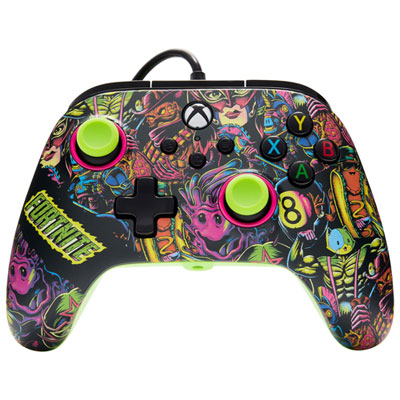
What matters beyond the Fortnite artwork
Fortnite-themed Xbox One controllers pair artwork inspired by the game with controls designed for Xbox One play. Some also work with Xbox Series X|S consoles and Windows 10 or 11 PCs, but compatibility varies by controller. Check the supported systems and connection type in the product details, particularly if the controller will move between an Xbox One in the living room and a PC at a desk. A wired controller connects by USB, so cable length matters more when the console sits across the room than when it sits within reach. For a wireless controller, check how it pairs with each system rather than assuming that the same connection works on both console and PC. Power is another practical difference: some wireless designs use replaceable batteries, while others use a rechargeable battery pack. Players who join voice chat through a wired headset can also check for a compatible headset jack, since a familiar controller layout doesn’t guarantee the same audio connections. The Fortnite artwork itself doesn’t change how the controller plays, but features separate from the design can affect how it feels during a match. A familiar stick and button layout can make it easier to switch from an older controller without having to rethink where everything is. Players who alternate between Battle Royale and Zero Build may use different inputs most often: building puts more demands on quick button changes, while tracking a moving opponent in Zero Build can make the feel of the right stick particularly noticeable. Some controllers have assignable rear buttons that can put an existing action within reach of another finger, so a player can jump or crouch without lifting a thumb from the aiming stick. Players who prefer the standard layout may be more comfortable with a simpler design, especially if they tend to squeeze the grips and would press a rear button by accident.
Fit comes down to more than the overall size of the controller. The angle of the handles, the height of the sticks and the distance from the grips to the bumpers all influence how the controller sits in the hands. An adult with smaller hands or a younger player may prefer a shape that lets the index fingers reach the bumpers without shifting the palms. Someone with larger hands may appreciate handles that leave more room for the fingers underneath, particularly when playing several matches in a row. An easy way to judge a familiar controller is to notice what happens when moving from the trigger to the bumper or from the right stick to a face button. If the controller slides in the hand with each movement, a different grip shape or surface texture may help more than extra buttons. Most designs use a rigid plastic shell, sometimes with textured areas where the palms or fingertips rest. A smooth shell tends to be straightforward to wipe down, while a textured grip can make the controller feel steadier during quick inputs. Thumbstick caps are another point of contact worth noticing: a concave top gives the thumb somewhere to settle during small aiming adjustments, while a raised rim offers an edge to push against when turning quickly. Weight and balance can matter just as much as grip. A heavier controller may feel settled when held close to the lap but less comfortable for someone who plays with their hands raised. A light controller can be comfortable to hold, yet a stiff or taut cable can tug at it every time the player moves. For a wired setup, a cable that reaches the usual seat with some slack can make a bigger day-to-day difference than a feature the player rarely uses. If the cable detaches, check the connector type before assuming an existing cable will work as a replacement.
A Fortnite-themed controller can be a personal gift for a fan who wants artwork from the game on something they use regularly. The most useful details to confirm are the recipient’s console or PC model, where they sit when they play and whether they normally connect a headset to the controller. A player who swaps between a desk and a TV may value support for both setups, while someone replacing a well-used Xbox One controller may care more about a familiar grip and button feel. For a shared console, it can be helpful to keep one controller set up with standard inputs so another player can pick it up without having to work out a custom layout. If the controller is meant as a spare and the Fortnite artwork isn’t essential, the Cheap XBOX One Controllers page is another place to compare layouts and connection types. A few simple habits can help protect either kind of controller from everyday wear. Keep a wired cable out of foot traffic and unplug it by gripping the connector rather than pulling the cord. When putting the controller away, leave the sticks centred instead of wedging it between cushions or under other gear, where a stick can stay pushed to one side. In a bag, a separate pocket or a case helps keep keys and loose cables from rubbing against the printed shell. A soft, dry cloth is a good starting point for wiping fingerprints from the handles and dust from around the buttons. Follow the manufacturer’s cleaning directions for stubborn marks, since the same cleaning method may not suit both a printed panel and a textured grip. Those small habits are especially useful when the artwork is part of the reason for choosing the controller and the controller gets picked up for more than just an occasional match.
Top selling and popular products
-
 Your price for this item is $84.99
-
 Your price for this item is $250
-
 Your price for this item is $39.99
-
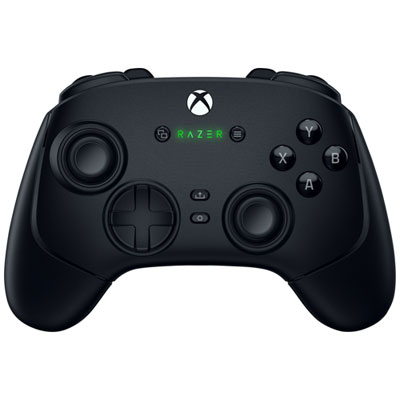 Your price for this item is $109.99
-
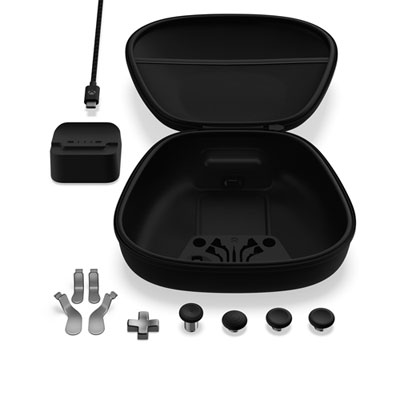 Your price for this item is $74.99
-
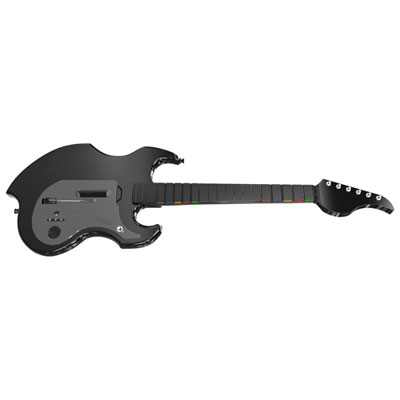 Your price for this item is $149.99
-
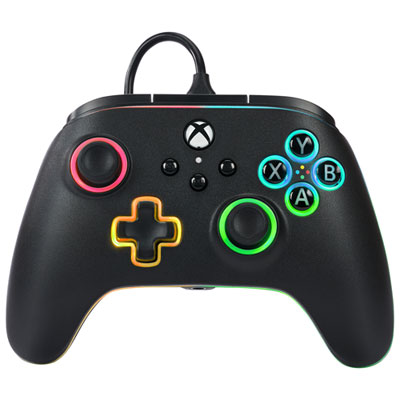 Your price for this item is $64.99
-
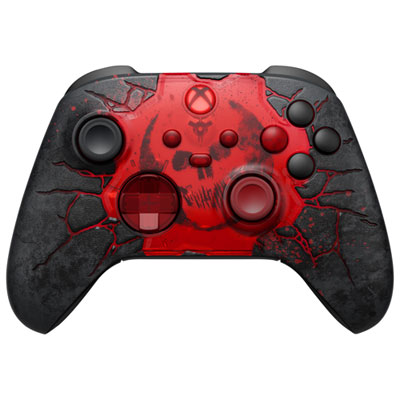 Your price for this item is $114.99
Discover more categories related to Fortnite XBOX One Controllers

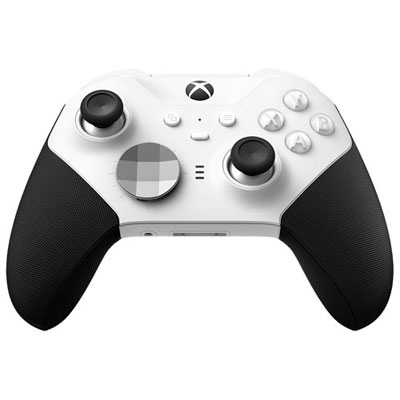
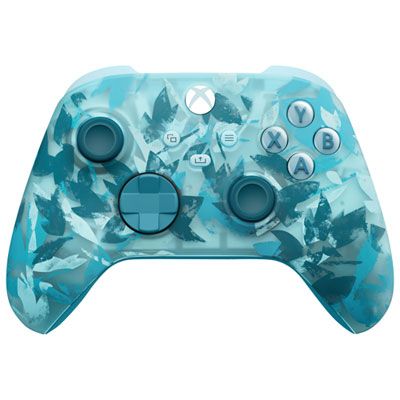
Top Collections:
Best Black Friday Deals This Year, Best Black Friday Deals On Electronics, Kindle Devices, Pokemon Centers, Best Black Friday Deals On Apple Products, Best Cameras for Sports Photography, Dyson Airwrap, Pokémon 30th Celebration Cards, Apple iPhone 17 Pro, Canon G7X Cameras
Some products may be subject to Environmental Handling Fees
(EHF) depending on your province.
Learn more about EHFs.