HDMI Repairs
Enhance your home entertainment setup by addressing any connectivity issues with our comprehensive HDMI repairs solutions. Whether you're experiencing audio dropouts, video glitches, or connection problems, finding the right repair tools and accessories is crucial for restoring seamless performance. Our selection is designed to help you tackle common HDMI problems with ease, ensuring that your devices communicate flawlessly for an uninterrupted viewing experience. Dive into our range of products tailored for HDMI repairs and keep your electronics running smoothly.
Sort

Why signal problems don’t always mean a damaged port
HDMI repairs focus on restoring the connection that carries digital picture and sound between devices, whether that connection supports a living-room entertainment setup, a gaming space, or a desk used for work and study. A damaged port can interrupt an otherwise dependable device: a television may stop detecting a connected source, a console may power on without producing an image, or sound may disappear even though the picture remains visible. Other symptoms can include brief blackouts, coloured speckles, an unstable image, or a connection that fails after equipment has been moved. These signs do not always point to a broken HDMI socket. Cable faults, display settings, software issues, and problems elsewhere in the signal path can look similar, which makes diagnosis an important part of the service. An assessment can help distinguish physical connector damage from a communication problem between devices or a fault within the internal circuitry. This distinction matters when a setup includes several connections, such as a source device routed through an audio receiver before reaching a display. The component showing the symptom is not necessarily the component causing it. Physical damage may be easier to recognize when a port has bent contacts, a distorted opening, or a loose mounting point, but the full extent of the problem may only become clear during inspection. HDMI repair services are relevant to people whose equipment still meets their needs but no longer connects reliably, including families sharing an entertainment centre, players dealing with an interrupted gaming setup, and people relying on an external display for everyday tasks. The purpose is not simply to make an image appear once. A meaningful repair assessment considers whether the connection remains stable during normal use and whether the reported fault can be reproduced, identified, and addressed without overlooking another cause. Clear diagnosis also helps establish whether the issue falls within the scope of a connector repair or requires a different kind of service.
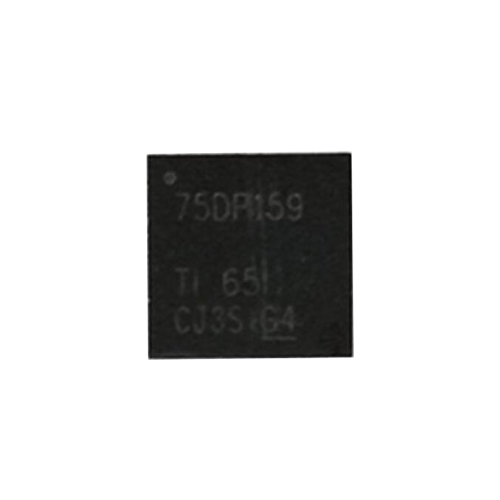
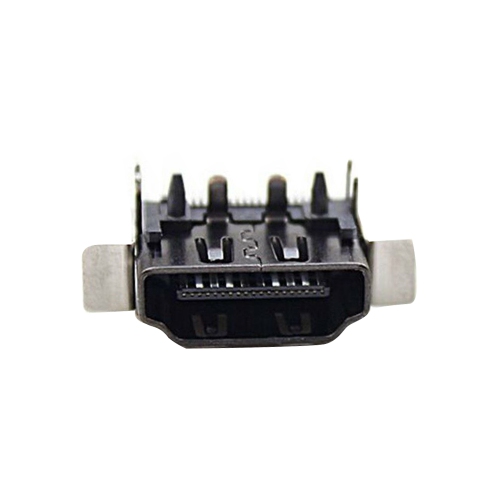
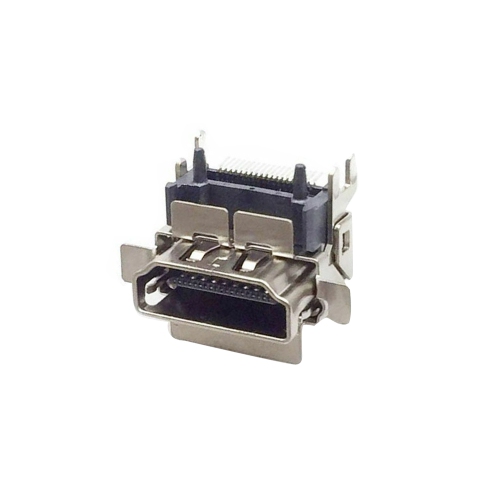
The work involved in an HDMI repair depends on the construction of the device and the condition of the surrounding circuitry. A socket attached directly to a circuit board may require precision soldering equipment, magnification, and careful handling of closely spaced contacts. The connector’s outer shell and mounting points provide mechanical support, while its smaller contacts carry the signals needed for picture, sound, and communication between connected devices. Damage to either area can affect performance. When a cable has been pulled sideways or a device has fallen with the plug still inserted, the problem may extend beyond the visible socket to lifted solder pads, damaged traces, or nearby components. Replacing the connector alone may therefore be only one part of the repair. In other cases, the socket may be intact and the fault may involve circuitry responsible for processing or protecting the HDMI connection. Service scope is important because connector replacement, circuit-board repair, and software-related troubleshooting involve different work. Details about HDMI Connectors can provide useful context for understanding connector formats and physical fit, although matching the shape of a port does not establish which video and audio features a device supports. Those capabilities depend on the equipment’s design and the complete connection path. Testing after a repair should relate to the device’s intended use rather than stop at a basic picture check. Where supported, relevant functions may include higher-resolution video, higher refresh rates, multichannel sound, or an audio return connection between a television and an audio system. A connection that works with a simple video signal may still need further assessment if the original problem appeared only during a more demanding activity. Secure mounting, clean solder joints, and suitable replacement components all contribute to a repair that can withstand ordinary connection and disconnection, though the condition of the board and the nature of the original damage remain important factors.
Choosing an HDMI repair service is largely about matching the reported fault, the device type, and the expected use with the work described. A household that mainly watches films may notice missing audio or occasional picture interruptions, while someone using a display for gaming may be more concerned about a connection that drops during high-refresh-rate play. In a home office, an unreliable external screen can make presentations, detailed documents, and video meetings difficult even when the computer itself continues to operate. These different situations give context to the symptoms and help define what successful testing should cover. Service intake is more informative when it captures how the fault began, whether it followed a move or an accidental cable pull, and whether the problem occurs consistently or only with certain connections. Intermittent faults can require more observation than a visibly damaged socket, particularly when the device works normally for a short period before losing its signal. Clear service documentation can explain the findings, the work performed, any remaining limitations, and the terms that apply after the repair. Handling of personal information also matters for devices that contain accounts, saved files, or stored settings; the service’s approach to access, resets, and data retention should be clear before work begins. Once a connection has been restored, the surrounding setup still affects how much strain reaches the port. Equipment positioned close to a wall can leave a cable sharply bent, while a tightly stretched cable can pull against the socket whenever a screen or console is moved. A stable placement with room for the plug and a relaxed cable path supports normal use without unnecessary pressure on the connection. These practical details are especially relevant in shared spaces where equipment is moved for cleaning or connections are changed frequently. A well-matched repair service combines an explanation of the fault with work appropriate to the damage and testing that reflects how the device is actually used.
The work involved in an HDMI repair depends on the construction of the device and the condition of the surrounding circuitry. A socket attached directly to a circuit board may require precision soldering equipment, magnification, and careful handling of closely spaced contacts. The connector’s outer shell and mounting points provide mechanical support, while its smaller contacts carry the signals needed for picture, sound, and communication between connected devices. Damage to either area can affect performance. When a cable has been pulled sideways or a device has fallen with the plug still inserted, the problem may extend beyond the visible socket to lifted solder pads, damaged traces, or nearby components. Replacing the connector alone may therefore be only one part of the repair. In other cases, the socket may be intact and the fault may involve circuitry responsible for processing or protecting the HDMI connection. Service scope is important because connector replacement, circuit-board repair, and software-related troubleshooting involve different work. Details about HDMI Connectors can provide useful context for understanding connector formats and physical fit, although matching the shape of a port does not establish which video and audio features a device supports. Those capabilities depend on the equipment’s design and the complete connection path. Testing after a repair should relate to the device’s intended use rather than stop at a basic picture check. Where supported, relevant functions may include higher-resolution video, higher refresh rates, multichannel sound, or an audio return connection between a television and an audio system. A connection that works with a simple video signal may still need further assessment if the original problem appeared only during a more demanding activity. Secure mounting, clean solder joints, and suitable replacement components all contribute to a repair that can withstand ordinary connection and disconnection, though the condition of the board and the nature of the original damage remain important factors.
Choosing an HDMI repair service is largely about matching the reported fault, the device type, and the expected use with the work described. A household that mainly watches films may notice missing audio or occasional picture interruptions, while someone using a display for gaming may be more concerned about a connection that drops during high-refresh-rate play. In a home office, an unreliable external screen can make presentations, detailed documents, and video meetings difficult even when the computer itself continues to operate. These different situations give context to the symptoms and help define what successful testing should cover. Service intake is more informative when it captures how the fault began, whether it followed a move or an accidental cable pull, and whether the problem occurs consistently or only with certain connections. Intermittent faults can require more observation than a visibly damaged socket, particularly when the device works normally for a short period before losing its signal. Clear service documentation can explain the findings, the work performed, any remaining limitations, and the terms that apply after the repair. Handling of personal information also matters for devices that contain accounts, saved files, or stored settings; the service’s approach to access, resets, and data retention should be clear before work begins. Once a connection has been restored, the surrounding setup still affects how much strain reaches the port. Equipment positioned close to a wall can leave a cable sharply bent, while a tightly stretched cable can pull against the socket whenever a screen or console is moved. A stable placement with room for the plug and a relaxed cable path supports normal use without unnecessary pressure on the connection. These practical details are especially relevant in shared spaces where equipment is moved for cleaning or connections are changed frequently. A well-matched repair service combines an explanation of the fault with work appropriate to the damage and testing that reflects how the device is actually used.
Top selling and popular products
-
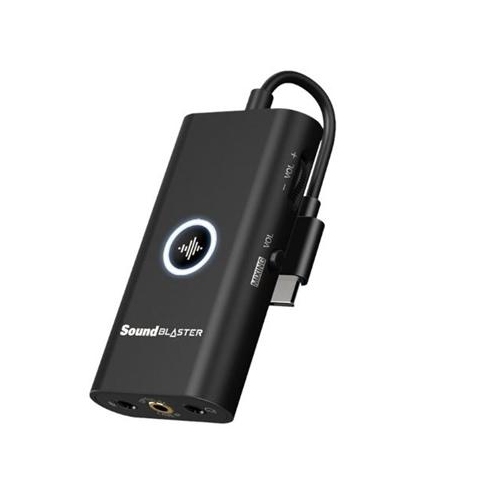 Your price for this item is $35
 -
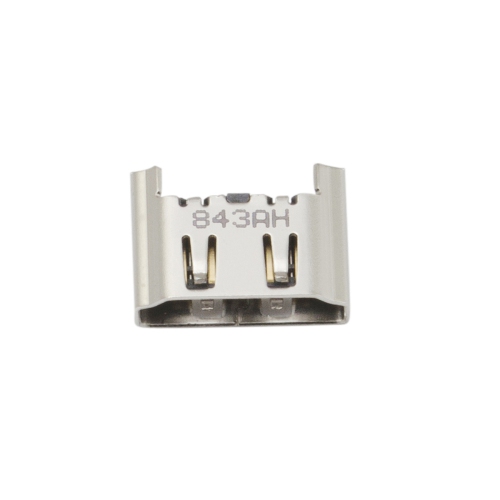 Your price for this item is $10
 -
![JUST4GAMES Far Cry 4 Steelbook Collector Case [Video Game]](https://multimedia.bbycastatic.ca/multimedia/products/500x500/152/15253/15253008.jpg) Your price for this item is $19.99
Your price for this item is $19.99 -
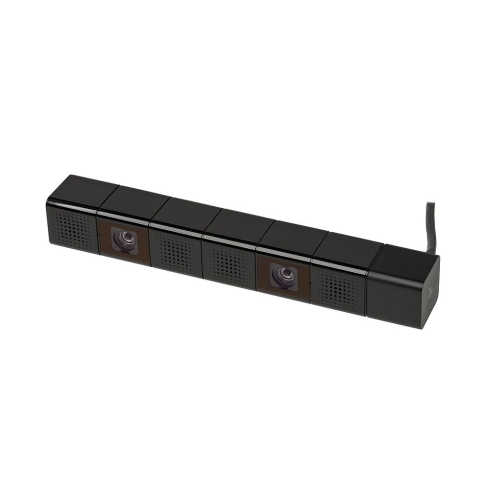 Your price for this item is $19.99
 -
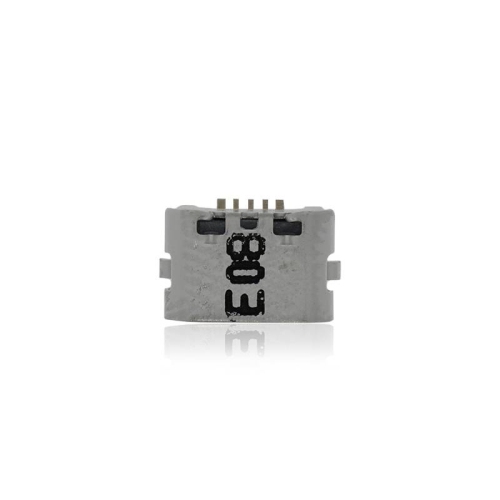 Your price for this item is $5.22
 -
 Your price for this item is $20
 -
 Your price for this item is $20
 -
 Your price for this item is $120
Discover more categories related to HDMI Repairs
Top Collections:
Pokemon Centers, Best Budget Office Chairs, Kindle Devices, Best Cameras for Sports Photography, Pokémon 30th Celebration Cards, Best Laptops for Writers, Apple iPhones 16, Laptops for Business Work, Canon G7X Cameras, iPhone 15 Apple
Some products may be subject to Environmental Handling Fees
(EHF) depending on your province.
Learn more about EHFs.