HDMI Connectors
Elevate your home entertainment and office setup with a reliable HDMI connector, the essential link for seamless audio and video transmission. Whether you're looking to connect your TV, gaming console, or computer, an HDMI connector ensures high-quality digital signal transfer for crisp visuals and clear sound. Perfect for both professional environments and personal use, these connectors are designed to handle a wide range of resolutions and formats, offering versatility and ease of use. Discover the convenience of a clutter-free space with compact designs that fit effortlessly into any setup. Explore options that cater to your needs and enhance your multimedia experience with the right HDMI connector today.
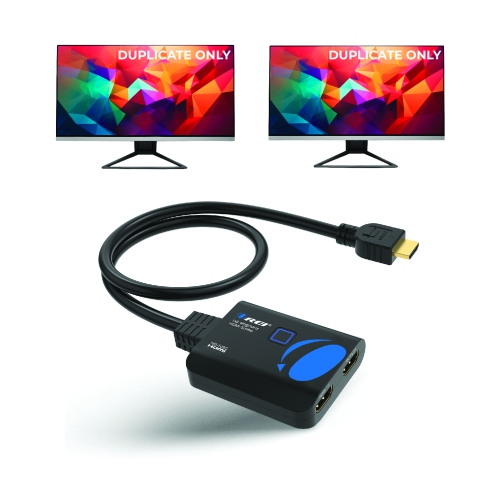
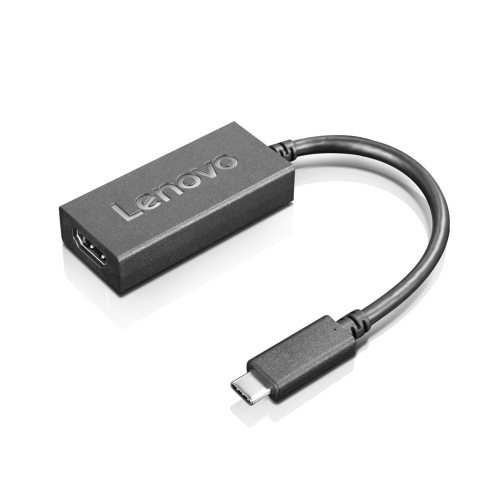
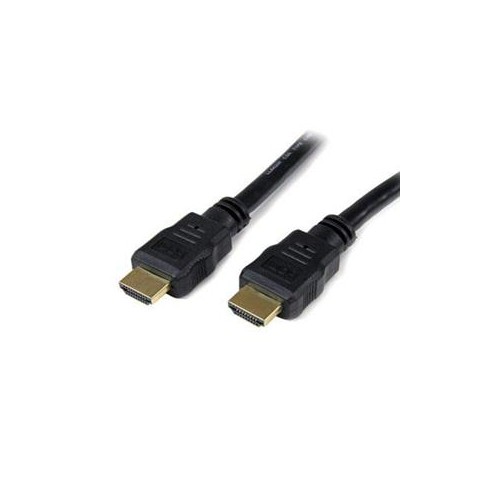
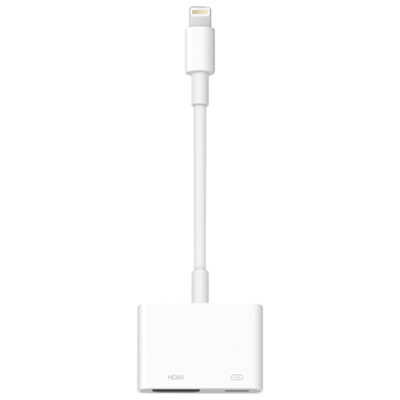
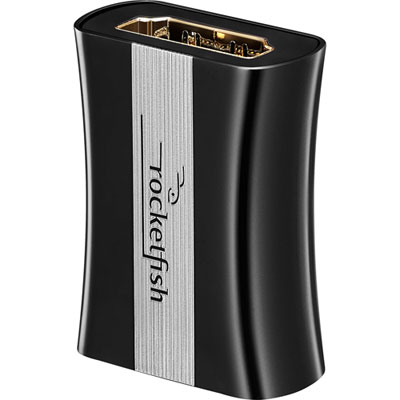
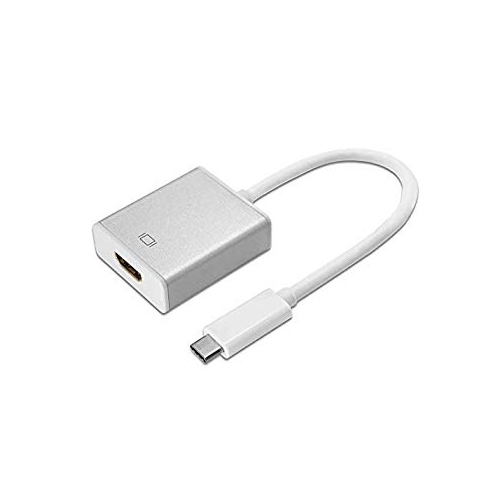
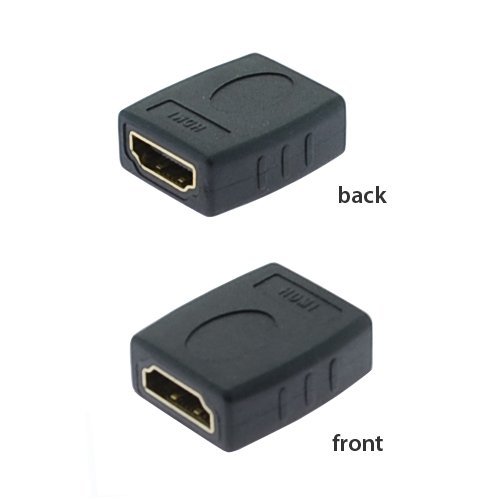
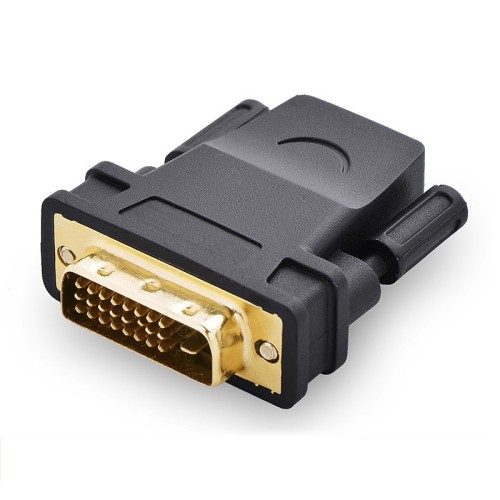
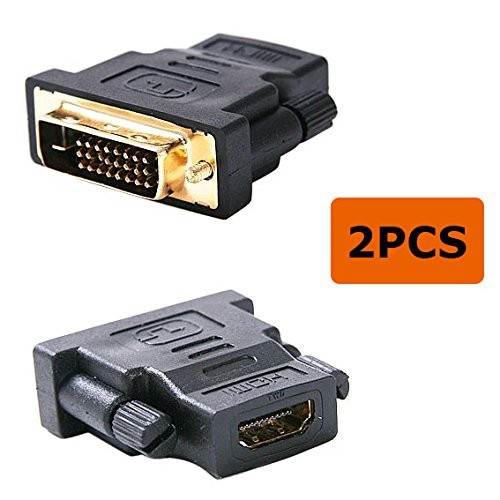
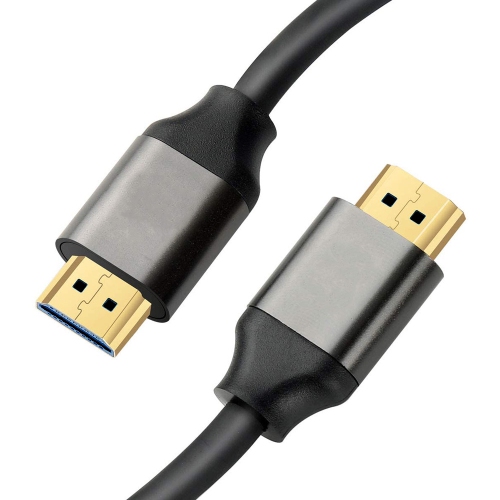
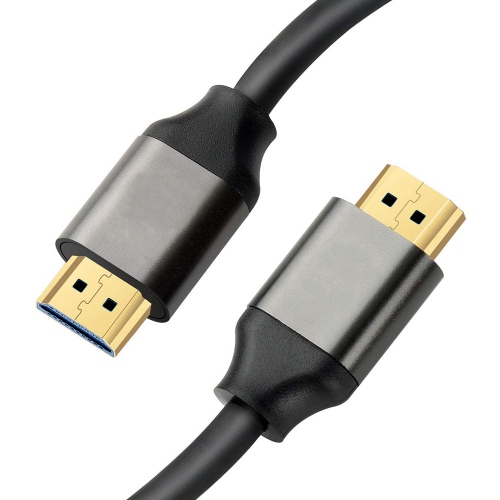



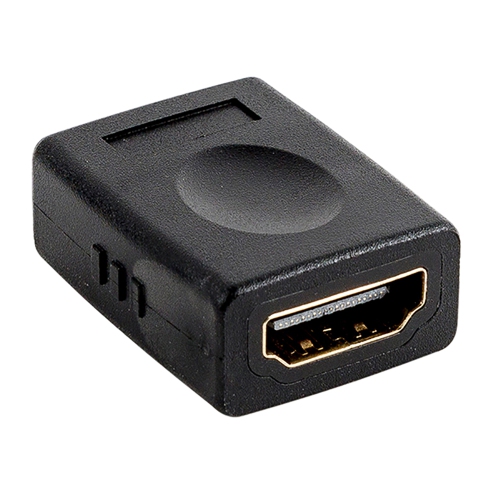
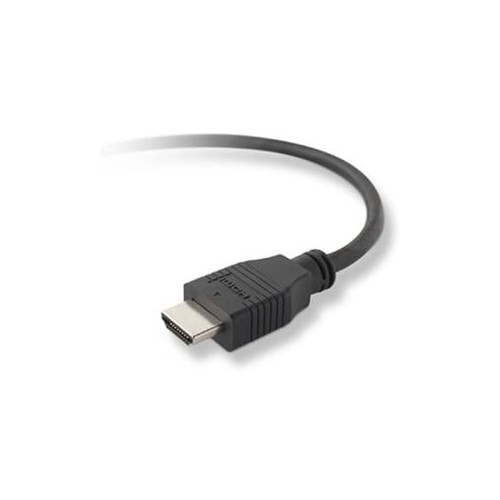
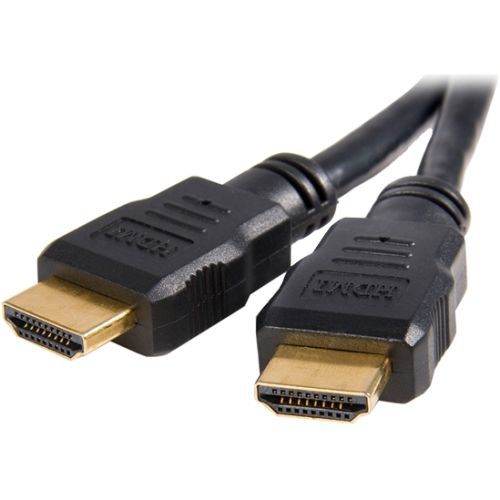
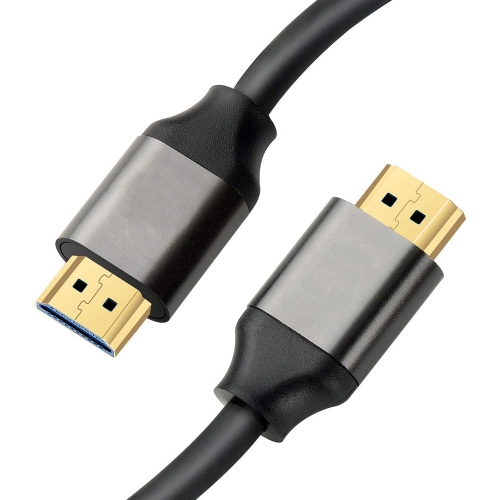
![UGREEN [2Pack] HDMI Cable 3Ft Metal Connector Case With Nylon Braid Support 3D](https://multimedia.bbycastatic.ca/multimedia/products/500x500/153/15341/15341096.jpeg)
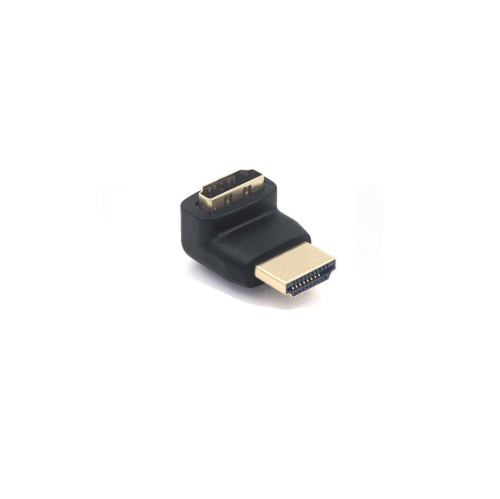
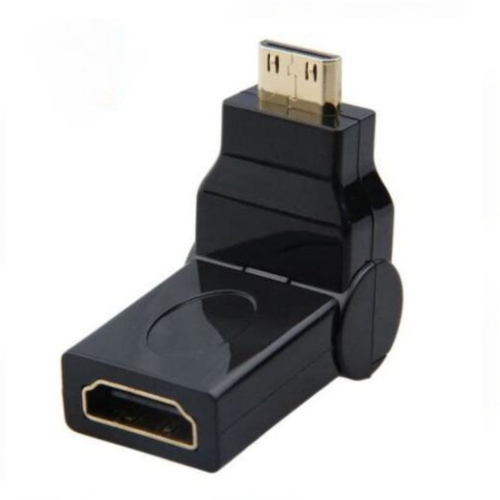
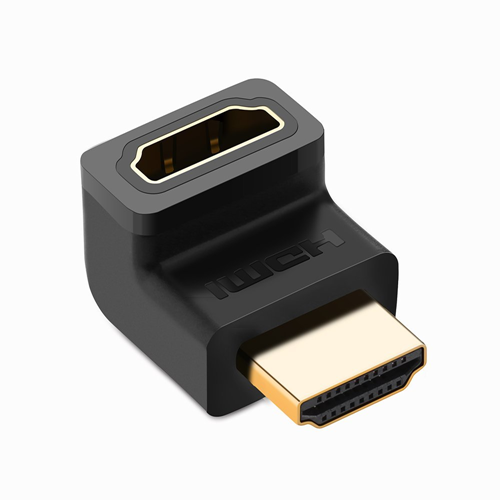
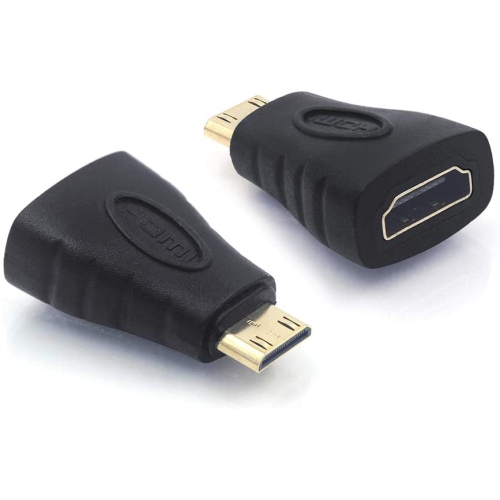
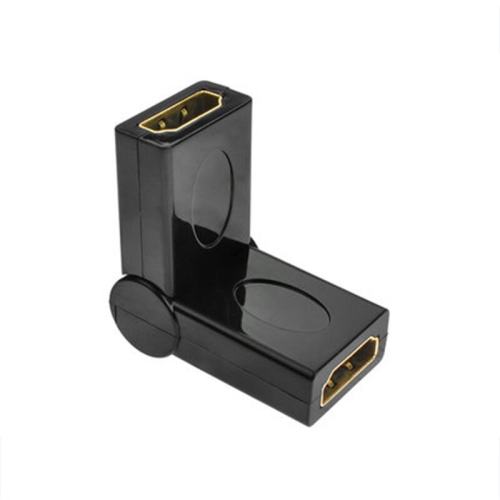
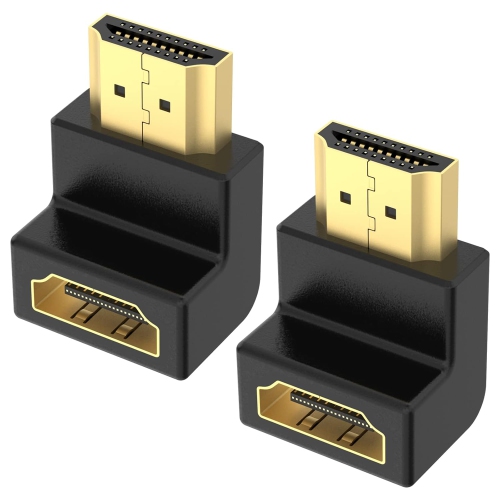
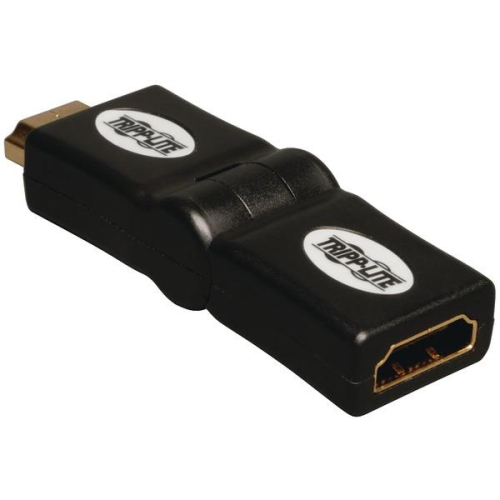
![V-MAX [2 Pack] Multi Angle HDMI Female to HDMI Adapter In Black](https://multimedia.bbycastatic.ca/multimedia/products/500x500/175/17553/17553163.jpeg)
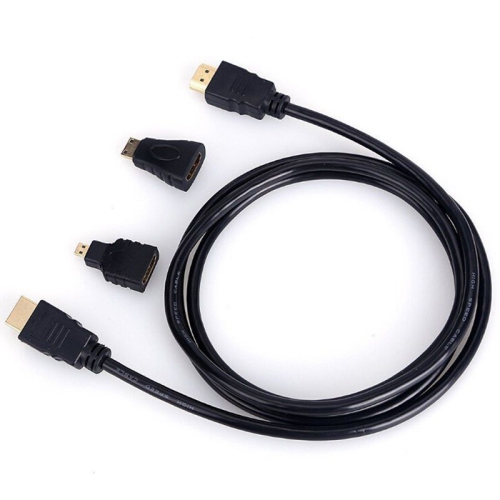
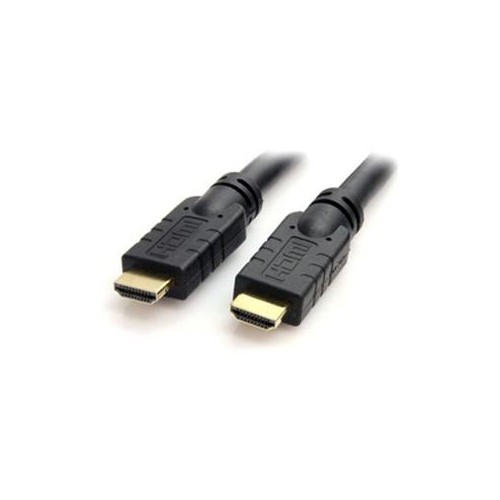

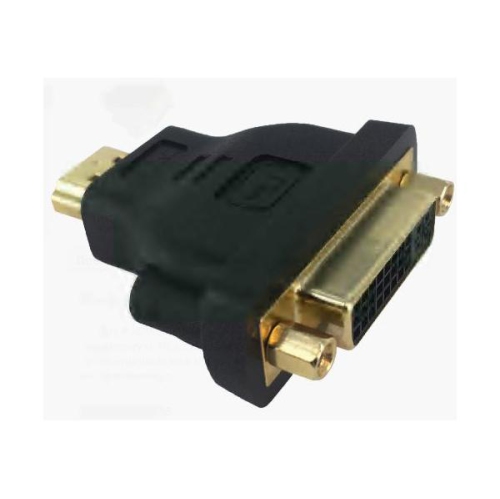
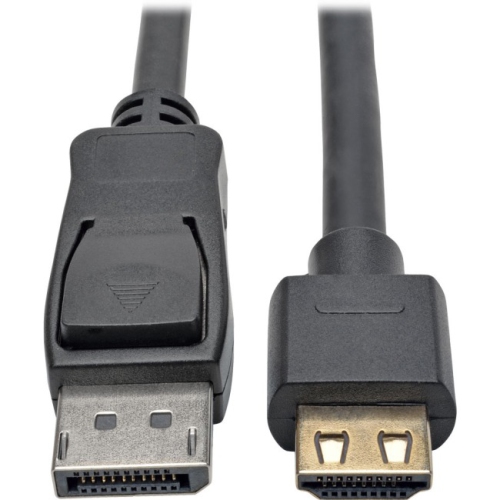


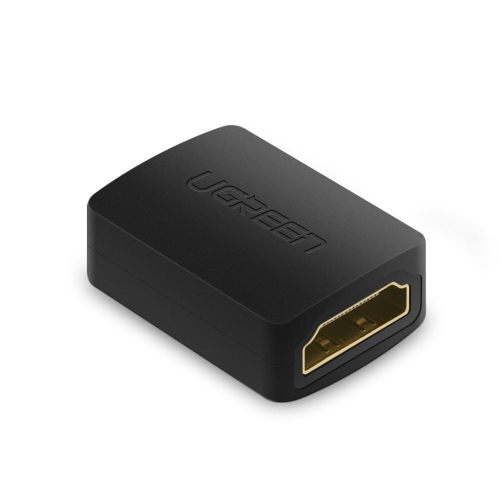

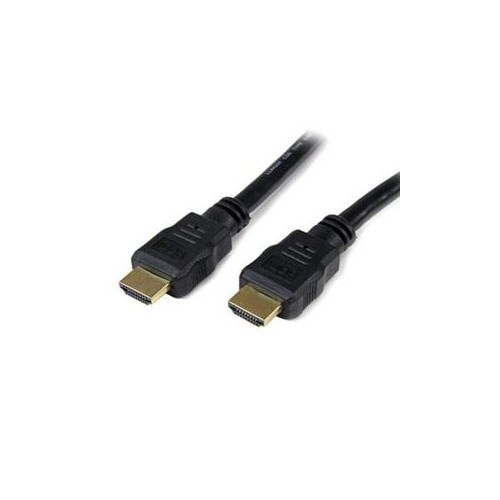
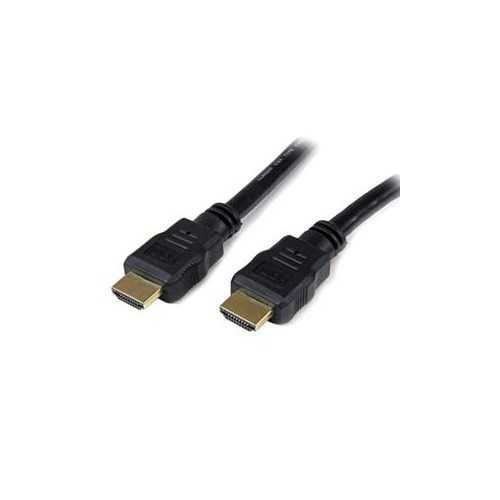
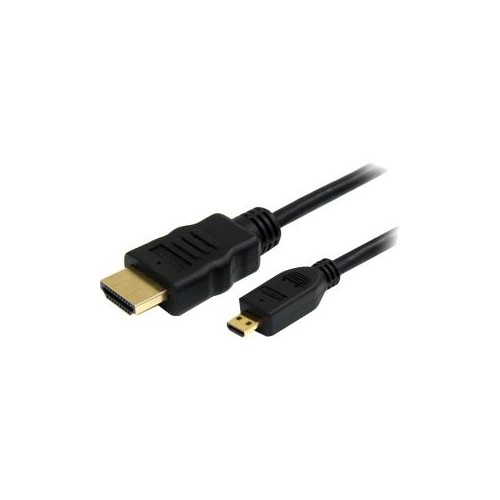
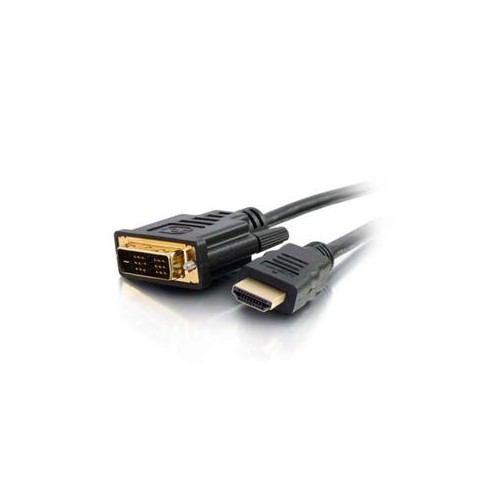

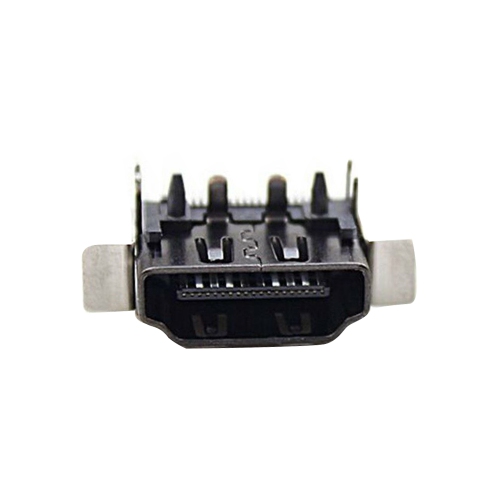
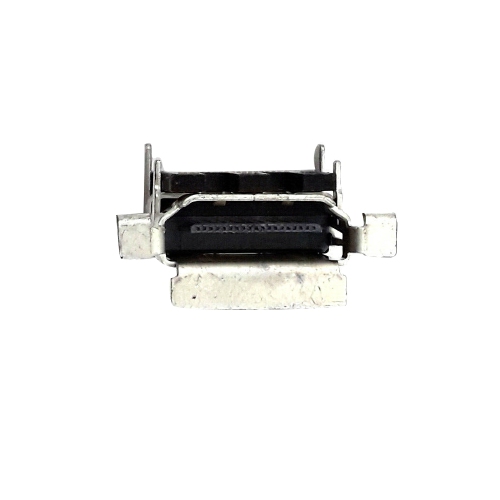
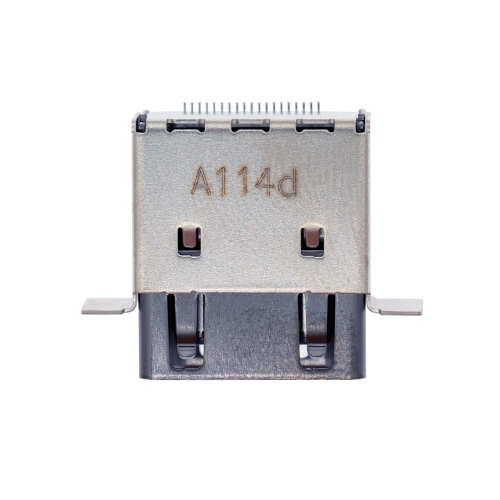
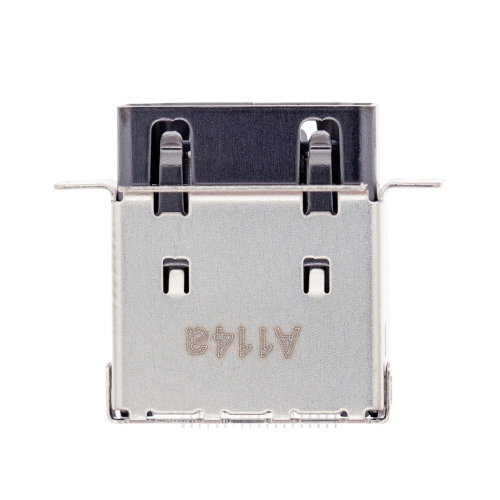
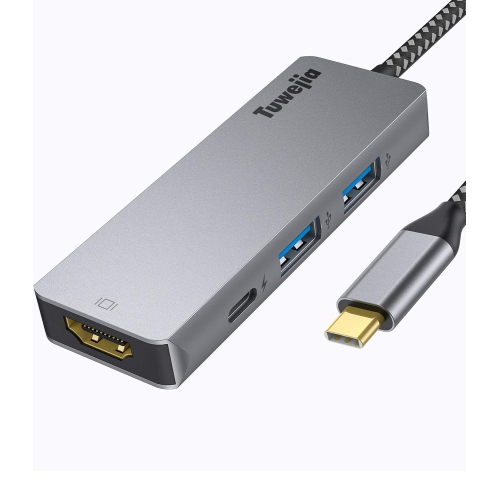
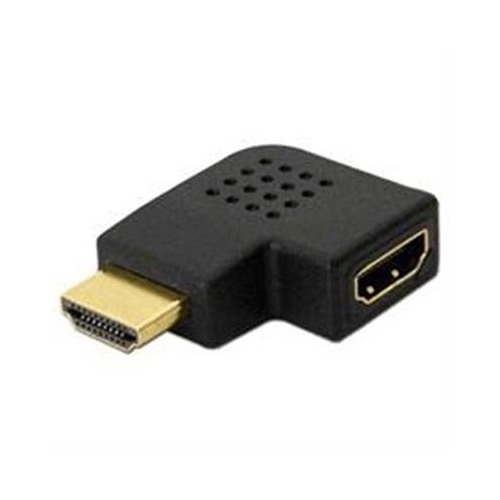
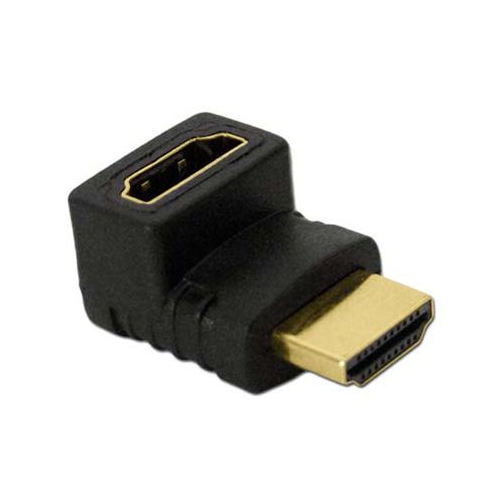
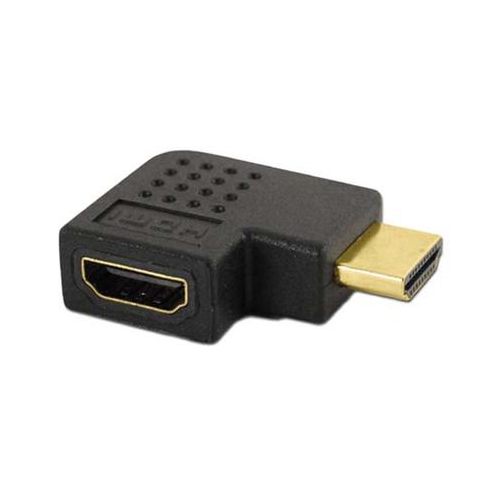
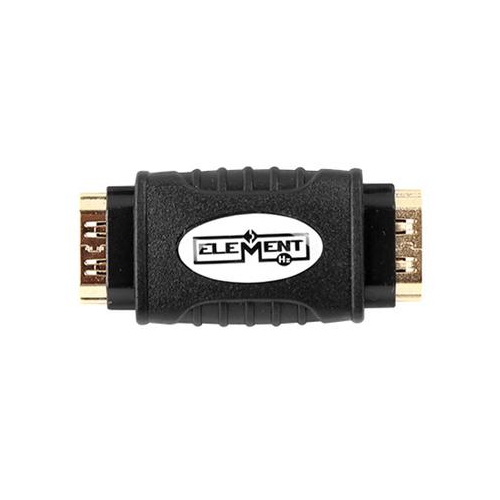
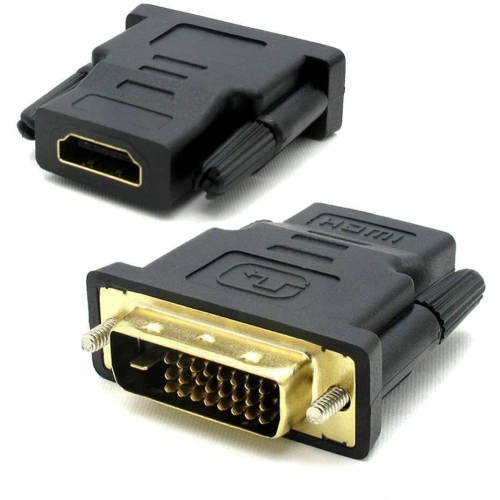
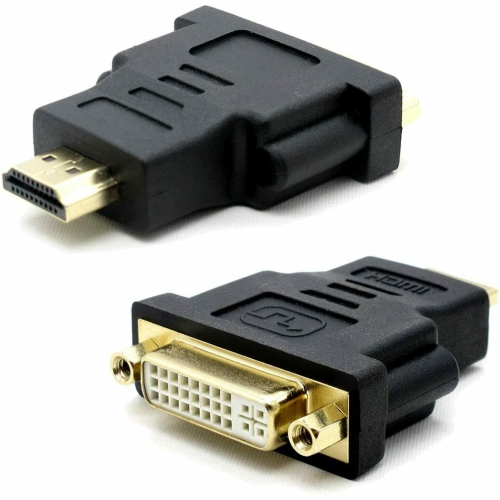
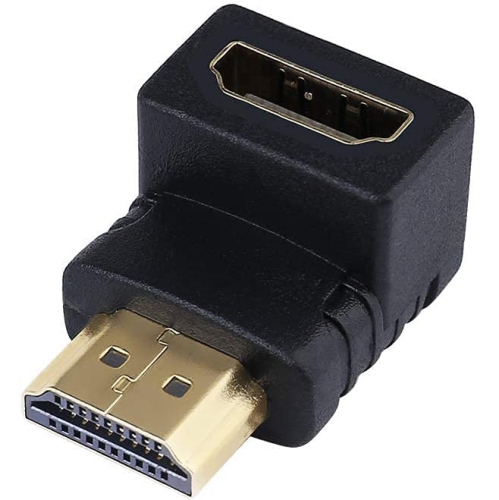
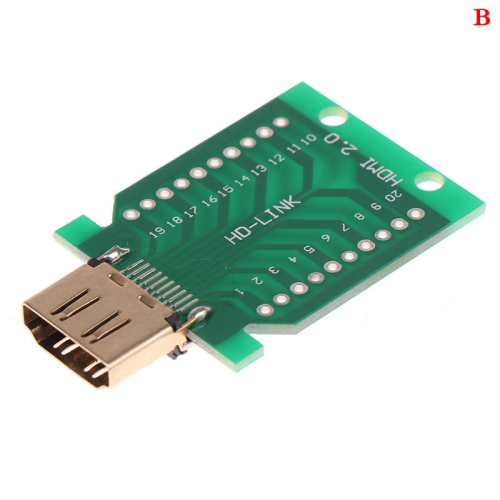
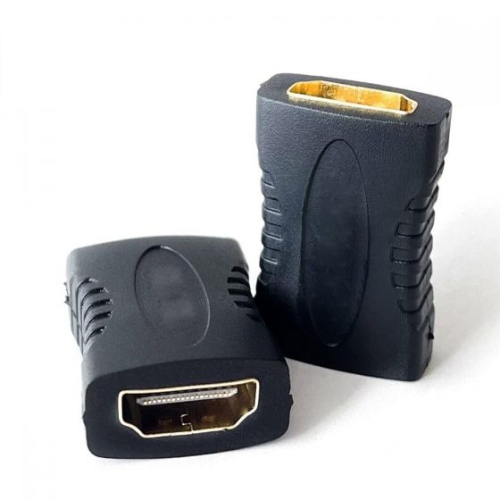
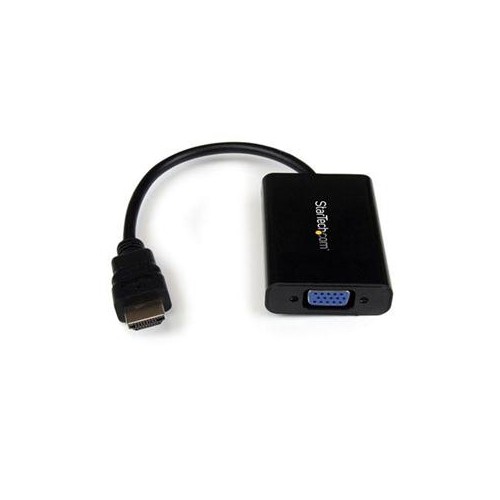
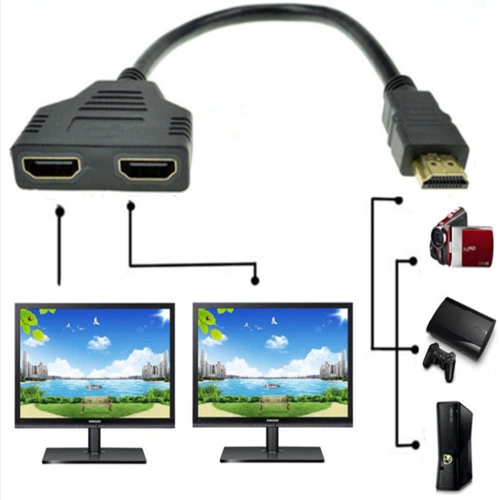
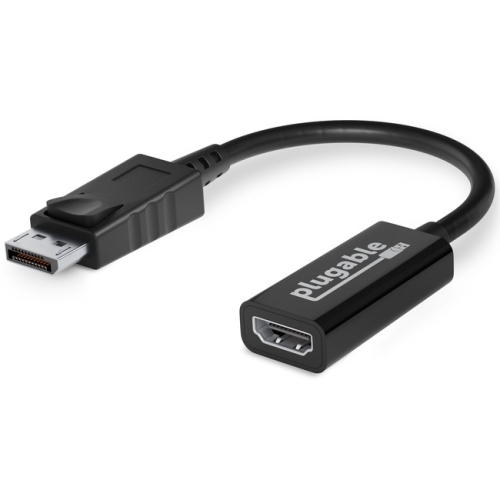
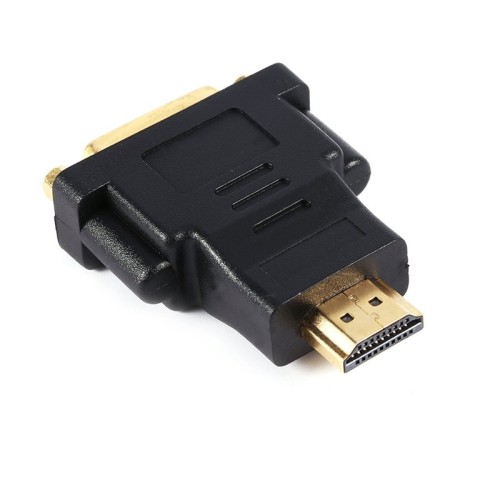
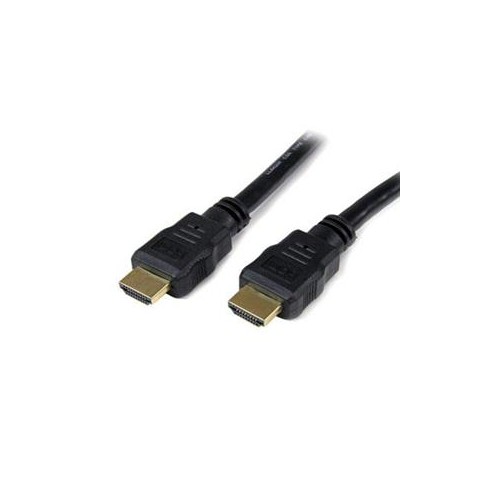
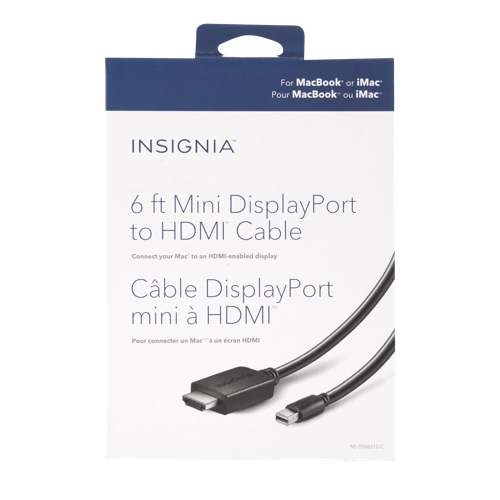
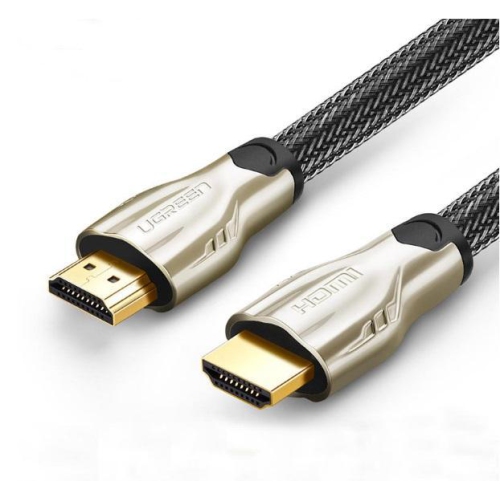
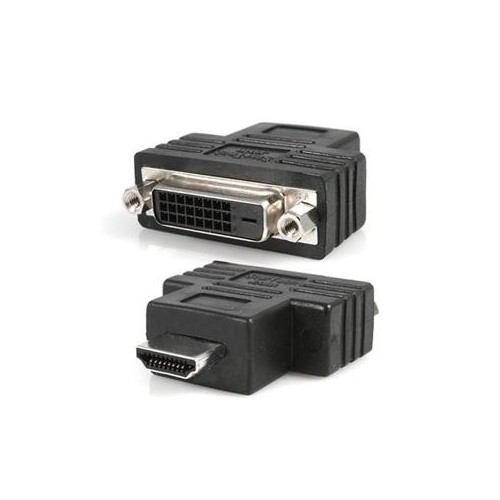
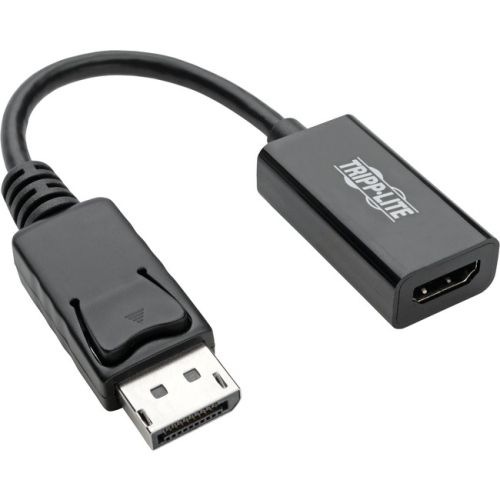
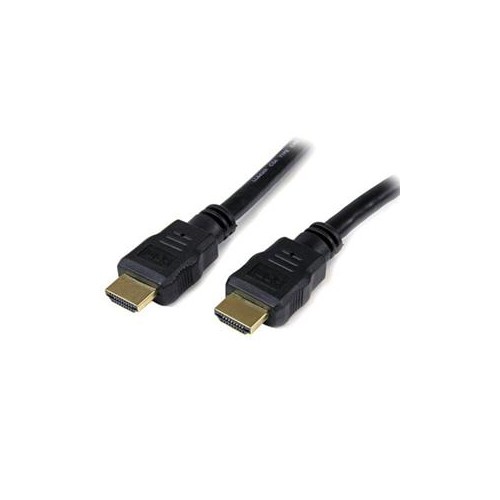
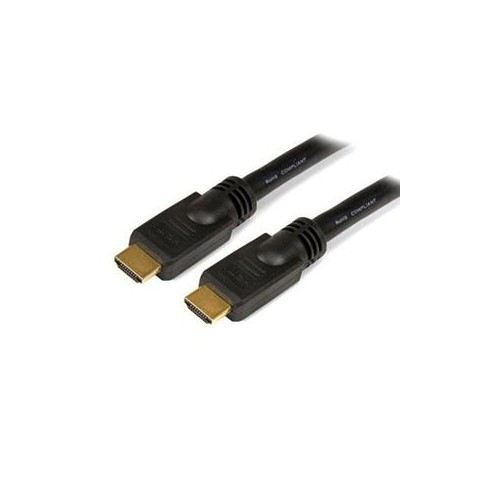
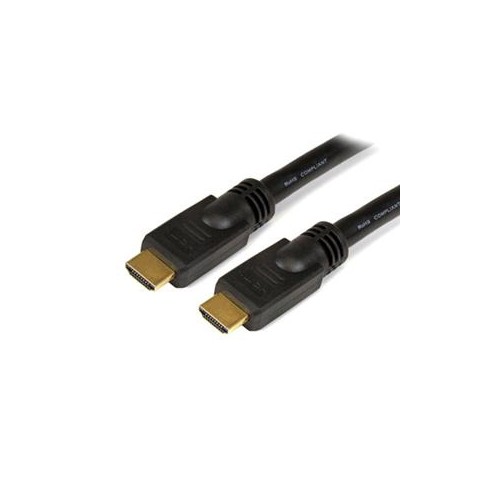
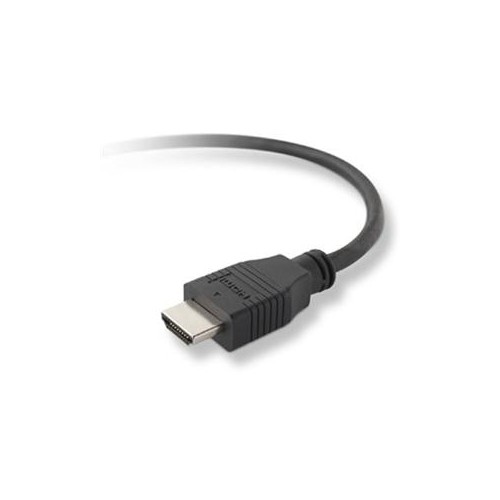
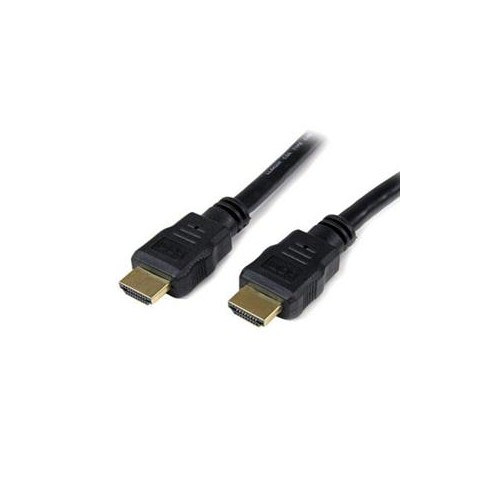
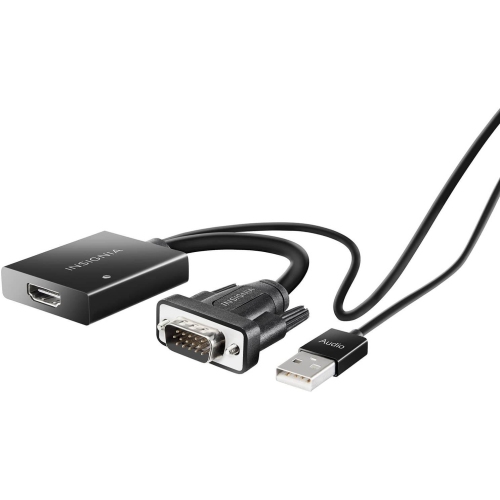
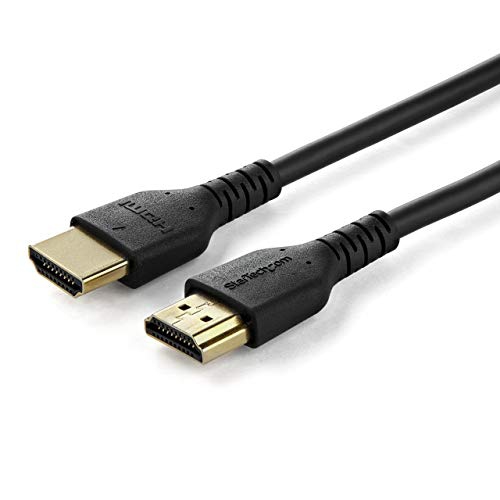

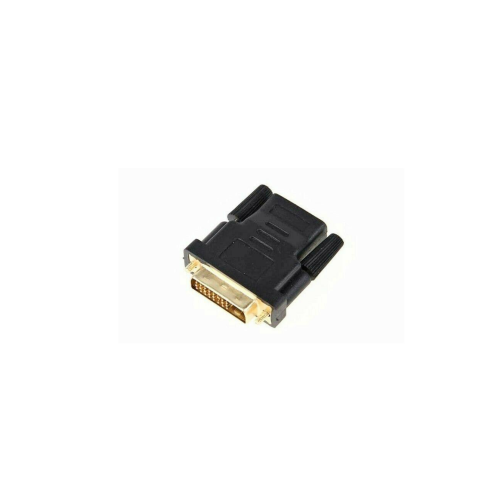
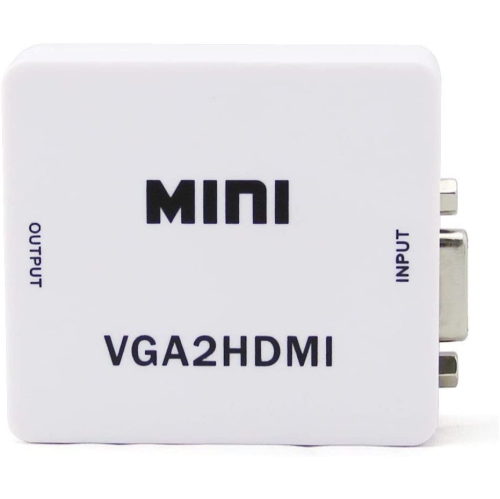
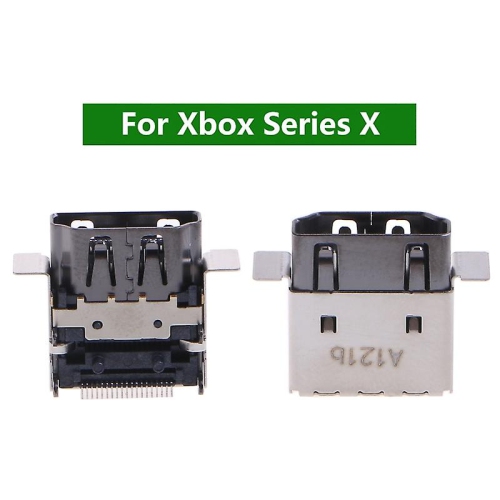
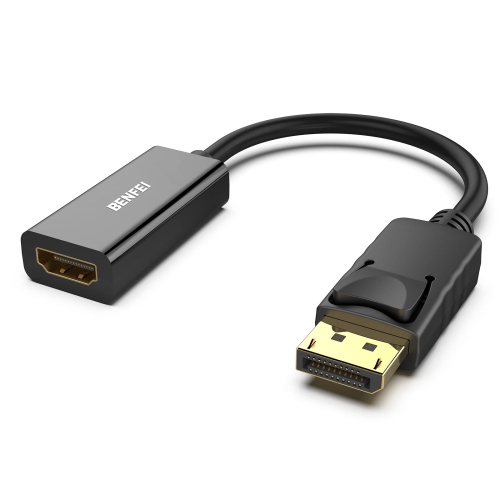
One connection can carry high-quality video and audio
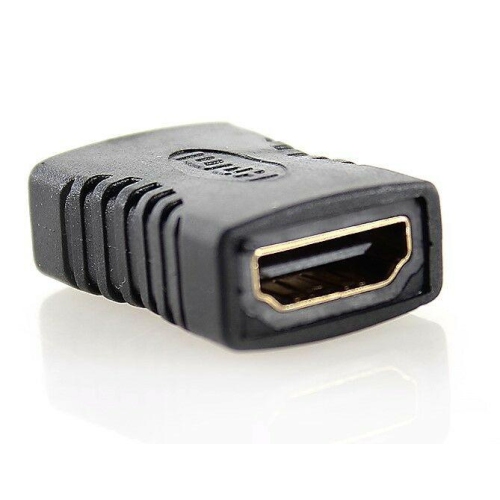
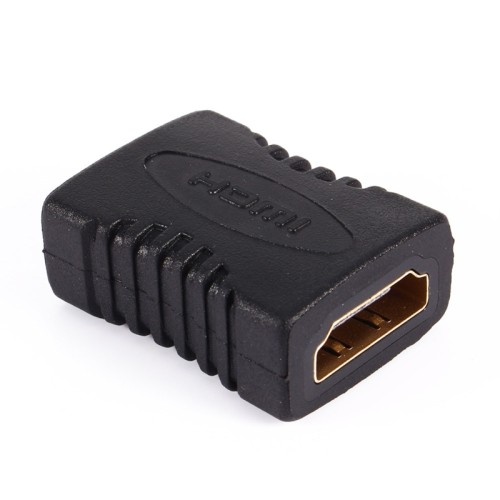
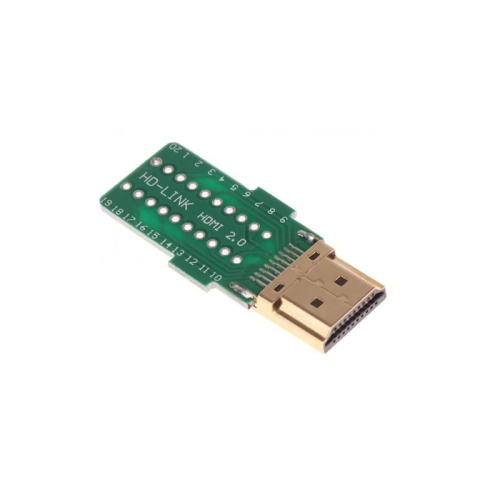
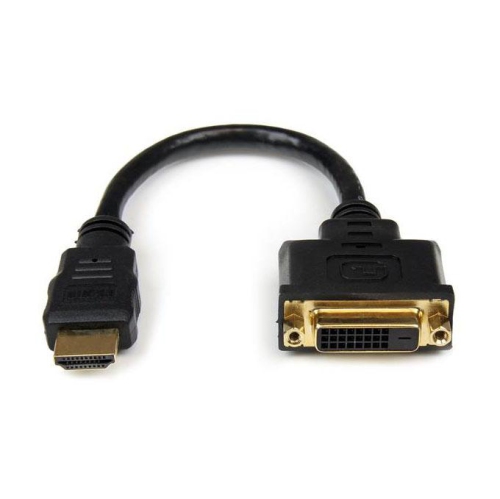
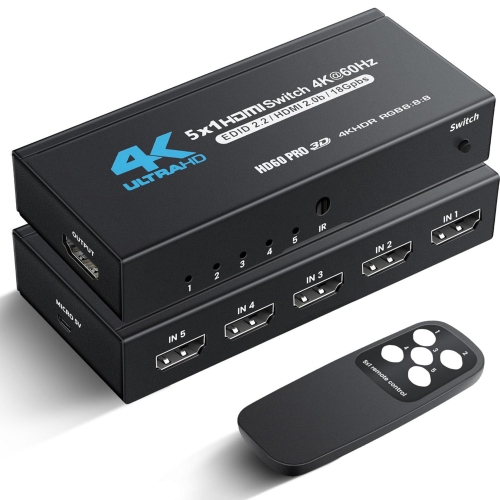
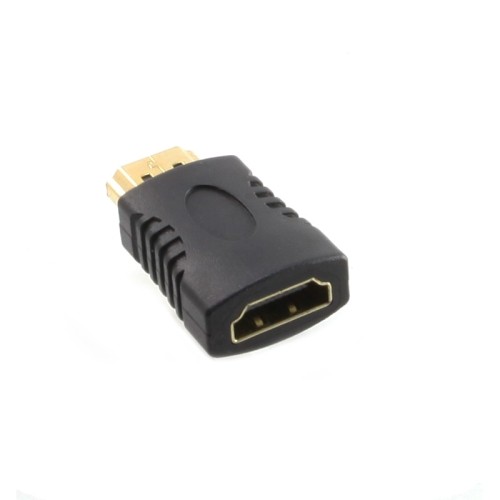
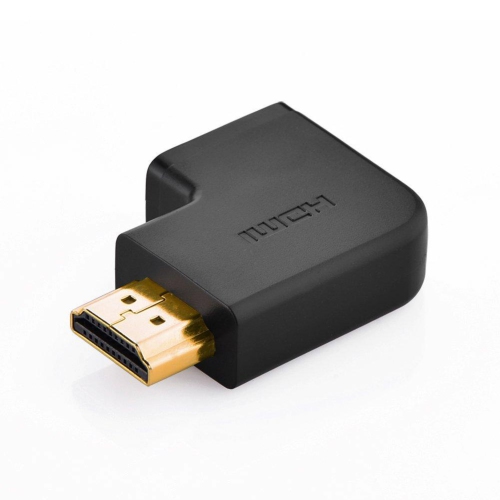
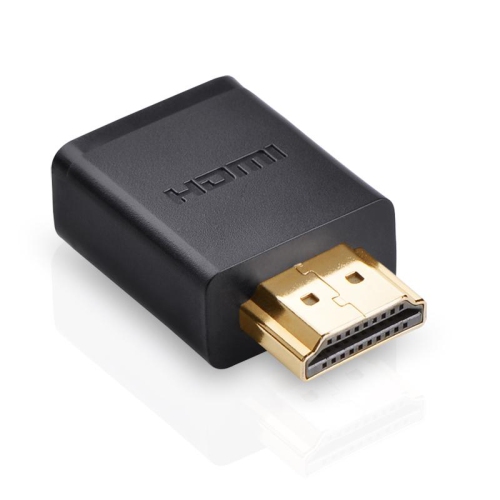
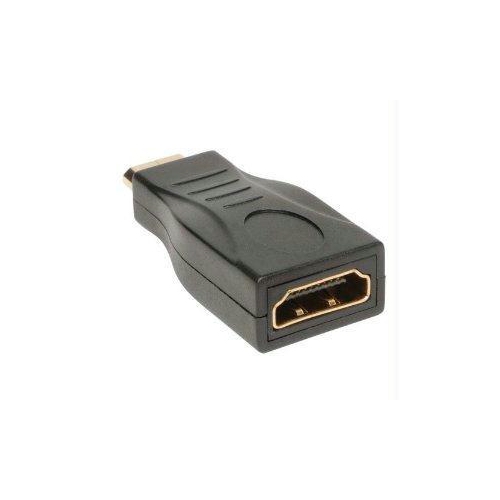
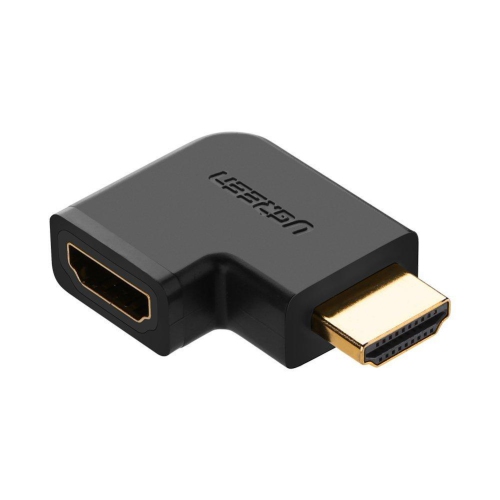
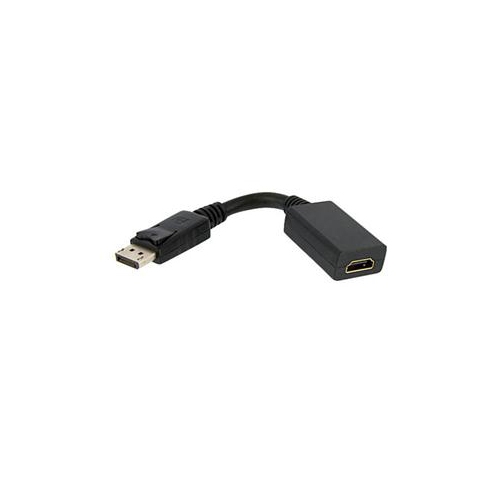
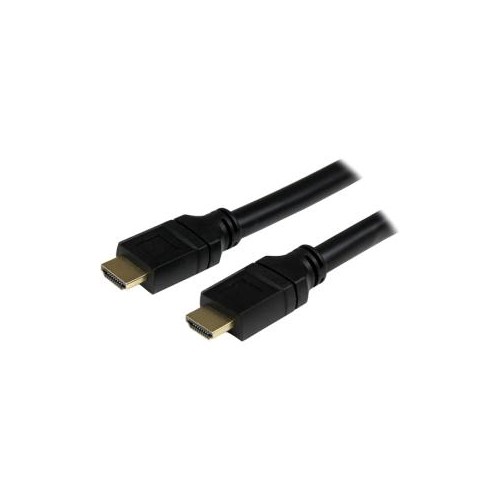
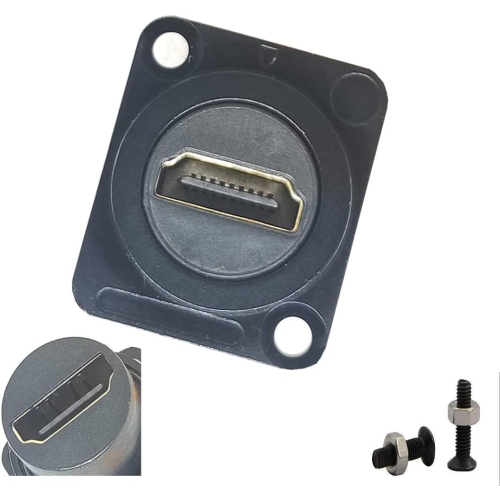
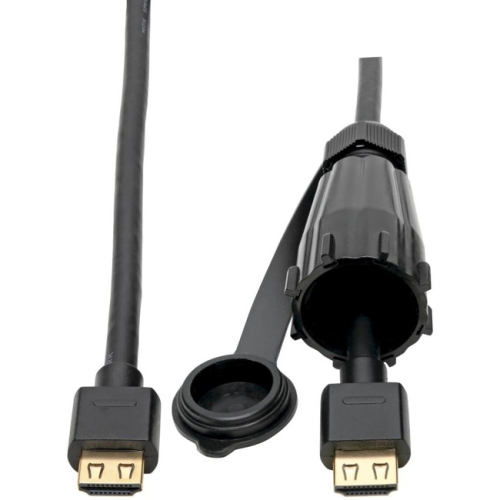
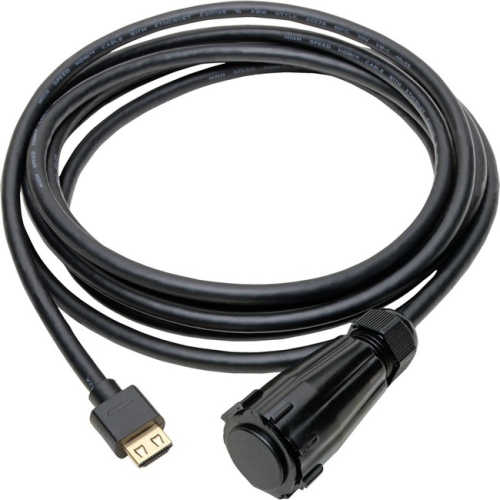
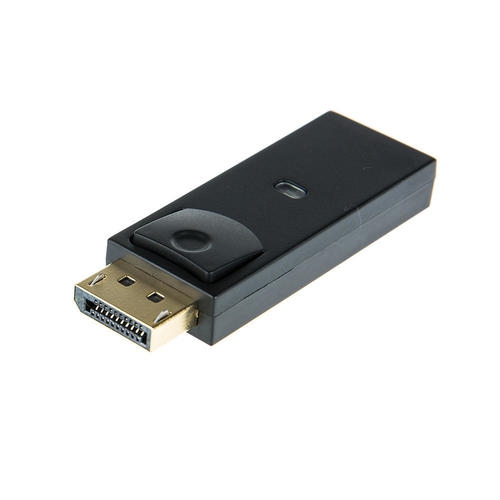
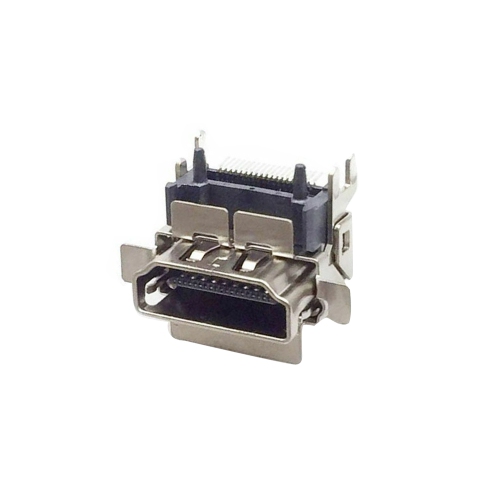
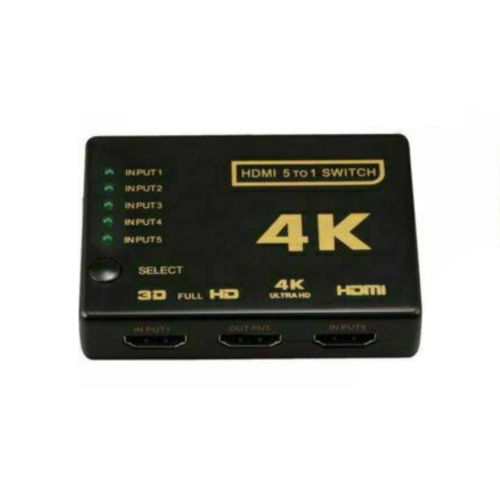
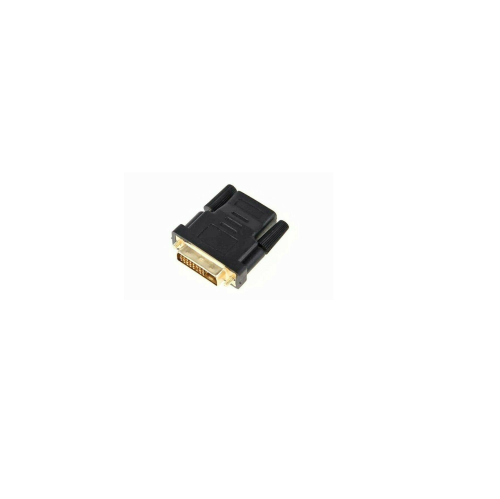
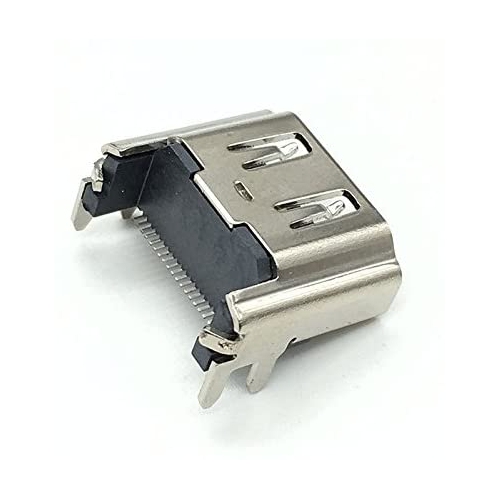
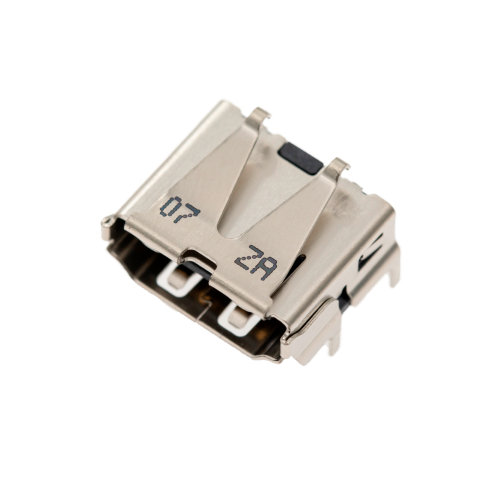
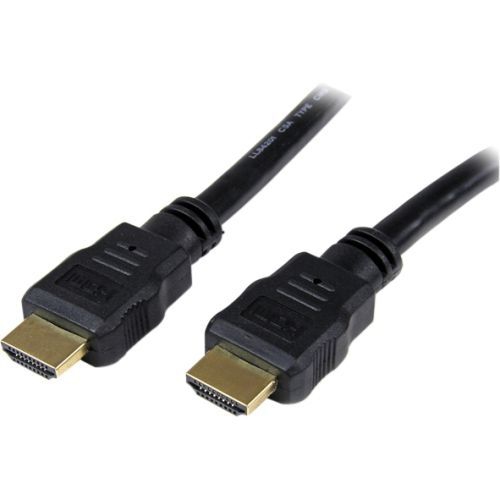
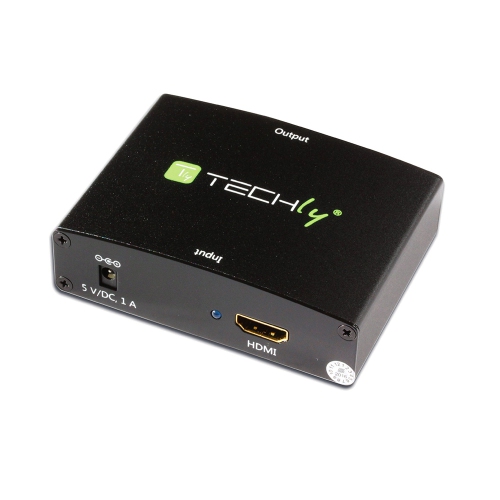
When choosing HDMI connectors, consider the equipment being connected, the distance between the devices, the desired resolution, and the features that need to pass through the connection. HDMI connectors use a 19-pin layout, but their capabilities can vary depending on the cable design, supported HDMI specification, and the devices at both ends. A setup intended for standard high-definition viewing may have different requirements from one designed for 4K or 8K video, high refresh rates, HDR content, or detailed computer graphics. Gamers may want a connection that can support smooth motion and responsive play, while film and television viewers may place more importance on clear picture quality and reliable audio. If a television and soundbar support Audio Return Channel or enhanced Audio Return Channel, a compatible HDMI connection can send audio from the television back to the soundbar or receiver, reducing the need for a separate audio cable. It is also worth checking whether the source device, display, and other components all support the same features; the connection generally performs according to the capabilities of the least advanced component in the chain. Cable length matters as well. A short connection can help reduce extra slack behind a display, while a longer run may be useful for a wall-mounted television, projector, desk setup, or room where components sit several metres apart. For tight spaces, a right-angle connector can help guide the cable close to a wall or cabinet, whereas a straight connector may be more practical when ports are easy to access. A low-profile design can be helpful behind slim displays, in entertainment units, or wherever a bulky plug could put pressure on the port.
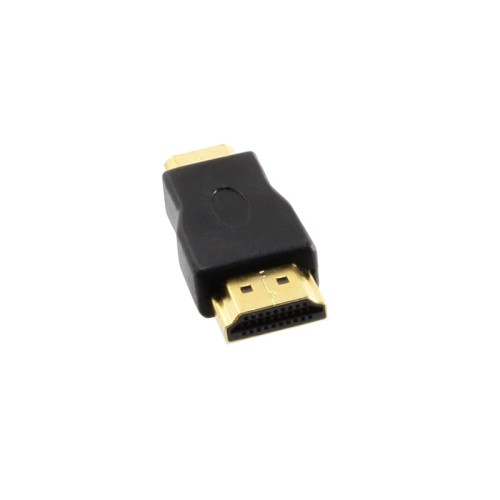
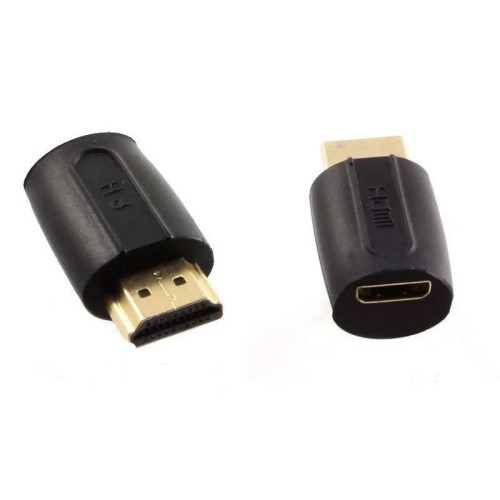
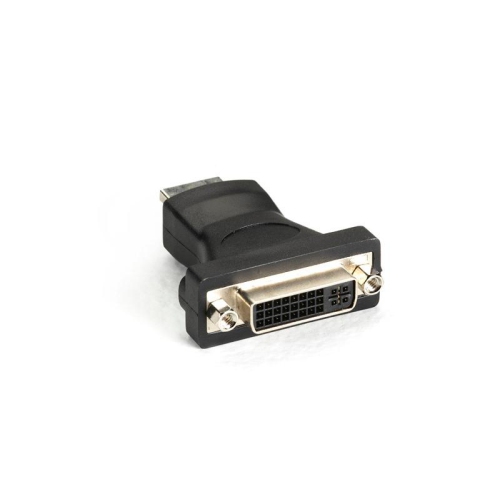
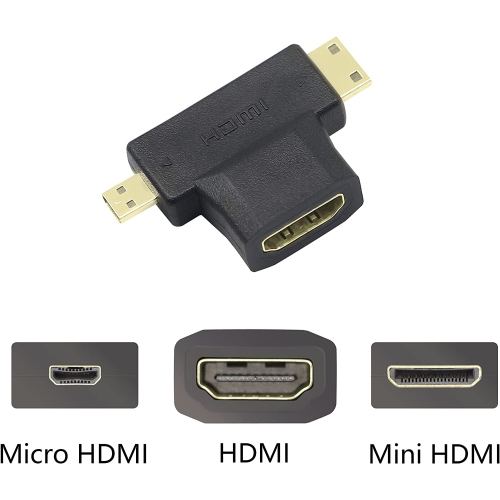
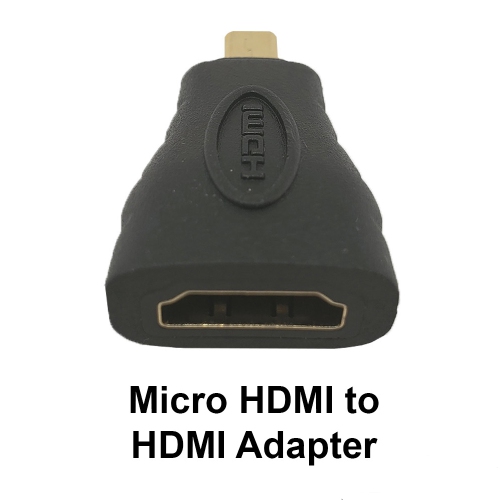
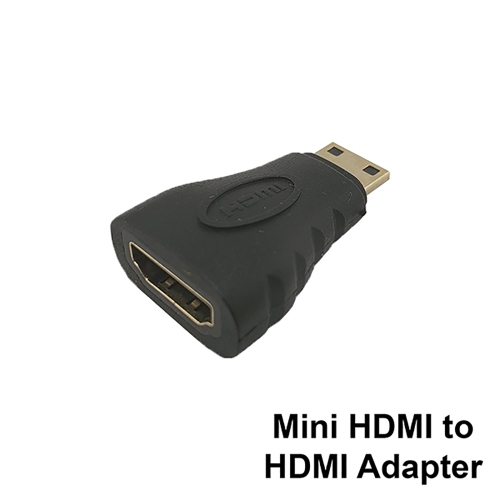
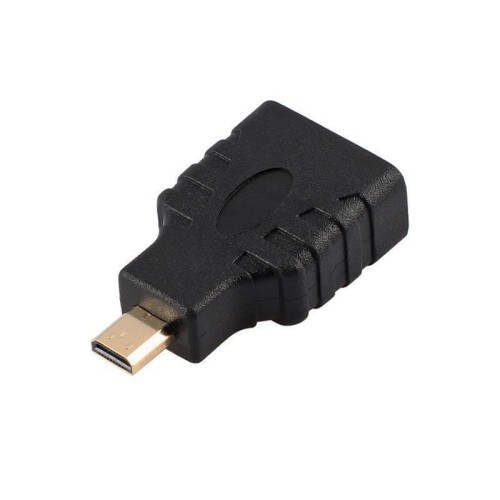
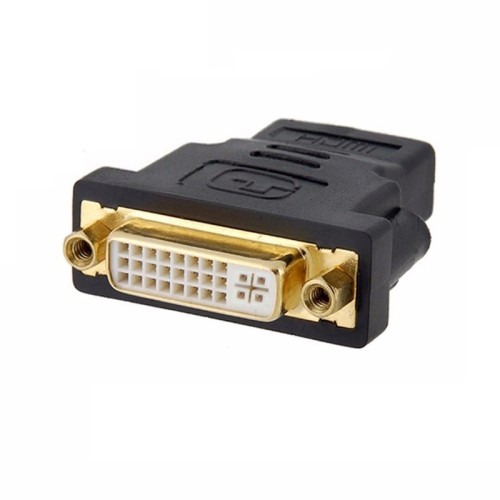
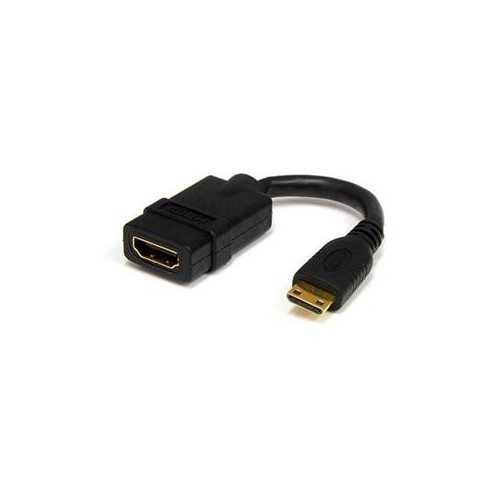
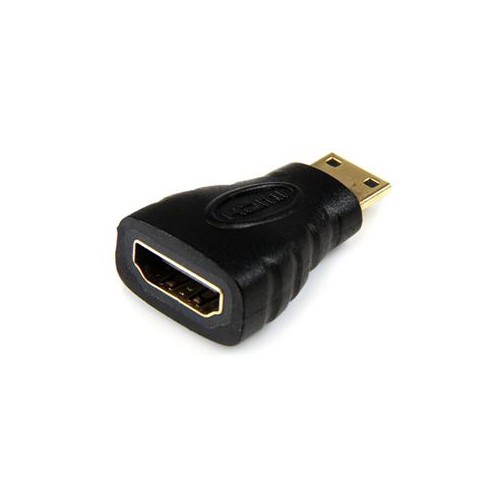
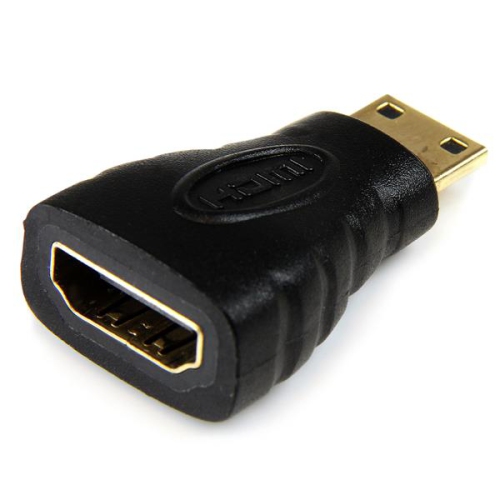
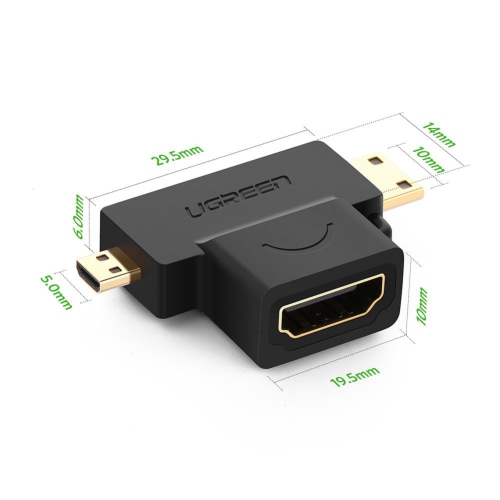
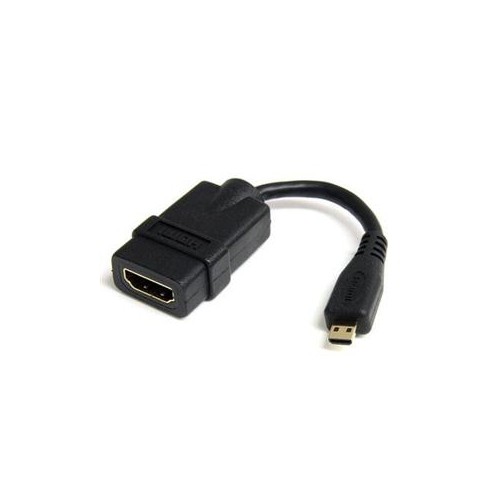
HDMI connectors can be useful for anyone building, updating, or troubleshooting a display setup. A family might use them to connect a console to the television before a game night, while a student could use a laptop-to-monitor connection for schoolwork, video calls, or presentations during the cooler months. They can also make practical gifts for someone moving into a new home, setting up a first apartment, adding a second monitor, or creating a dedicated entertainment area. Before buying, look closely at the labels and ports on the source and receiving devices. Confirm whether each side needs a standard, Mini, or Micro connector, and note whether the cable must connect different connector sizes. Inspect the available space behind the equipment, especially if the display is mounted close to a wall. It is helpful to measure the required route rather than relying on a rough estimate, leaving enough length for gentle bends without creating a loop that hangs from the port. HDMI connectors should fit firmly without excessive force; forcing an incompatible plug can damage the connector or device. If a display shows no image, check that the correct input is selected, each plug is fully seated, and the source device is powered on. For sound problems, review the television or receiver’s audio output settings and confirm that the chosen HDMI connection supports the required audio-return feature. With the right connector type, suitable length, and compatible performance, an HDMI connection can provide a clean way to bring video and audio together for entertainment, work, learning, and shared viewing throughout the seasons.
Top selling and popular products
-
 Your price for this item is $19.99
 -
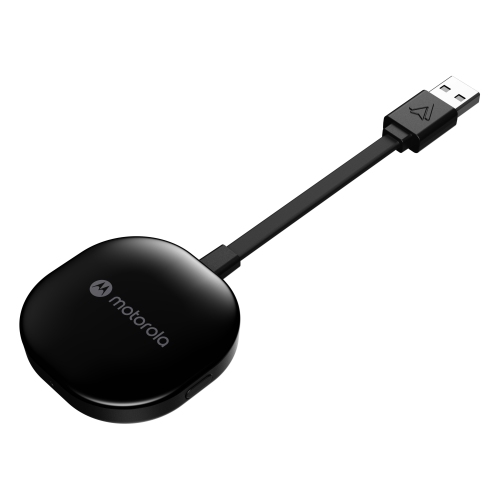 Your price for this item is $94.99
 -
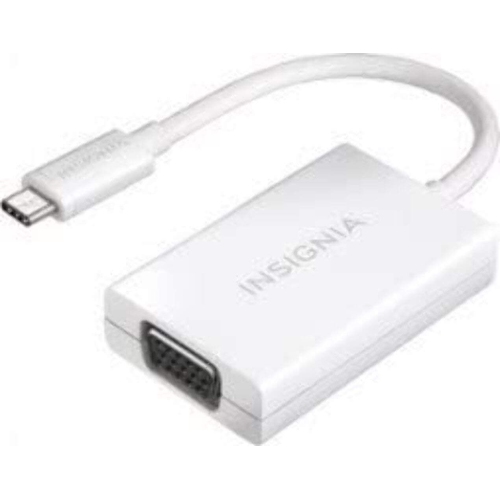 Your price for this item is $13.99
 -
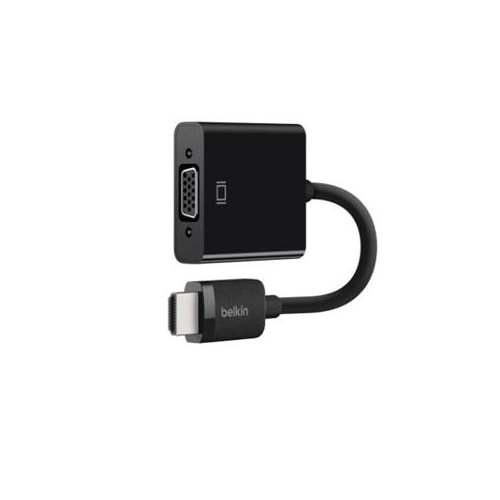 Your price for this item is $48.68
 -
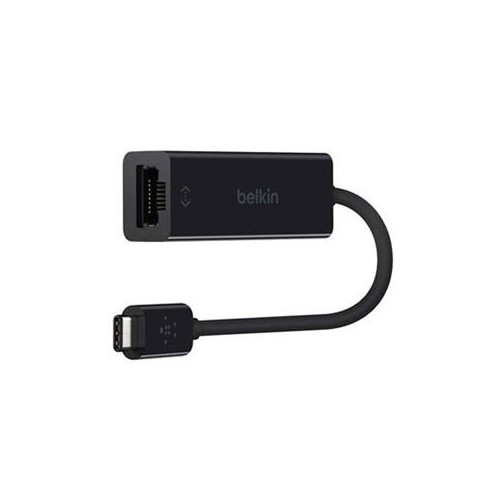 Your price for this item is $49.68
 -
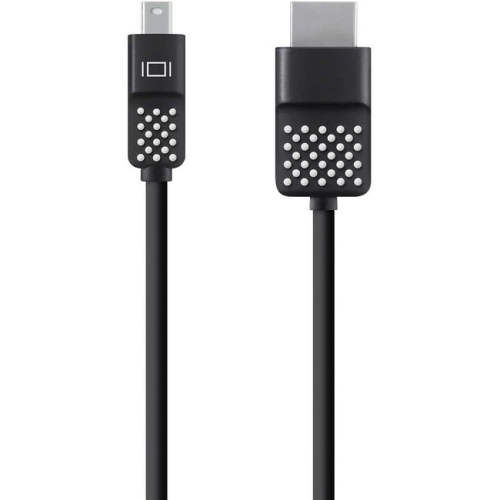 Your price for this item is $29.68
 -
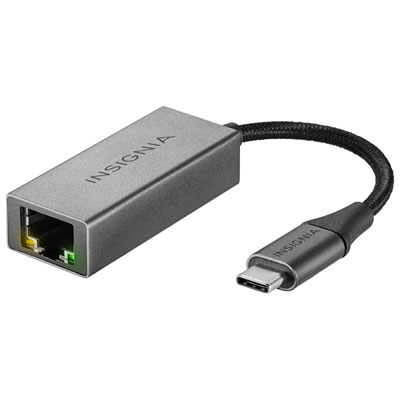 Your price for this item is $29.95
 -
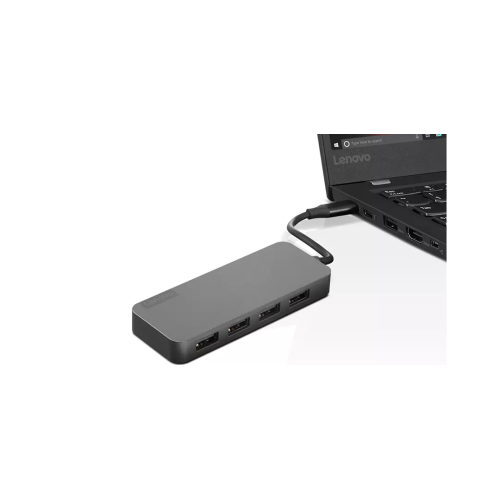 Your price for this item is $49.99