Switch Dock
Transform your gaming setup with a switch dock that seamlessly connects your console to the big screen, elevating your playtime experience. Whether you're gearing up for an intense multiplayer session or simply enjoying a solo adventure, a reliable switch dock ensures smooth transitions and uninterrupted gameplay. Designed for convenience and efficiency, these docks offer a sleek solution for organizing your gaming space while enhancing connectivity. Perfect for both casual gamers and dedicated enthusiasts, a switch dock is an essential accessory that brings versatility and ease to your entertainment area. Discover the perfect addition to your gaming arsenal today.
Sort
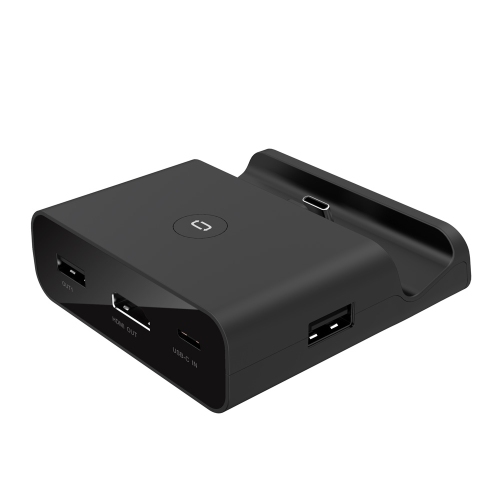
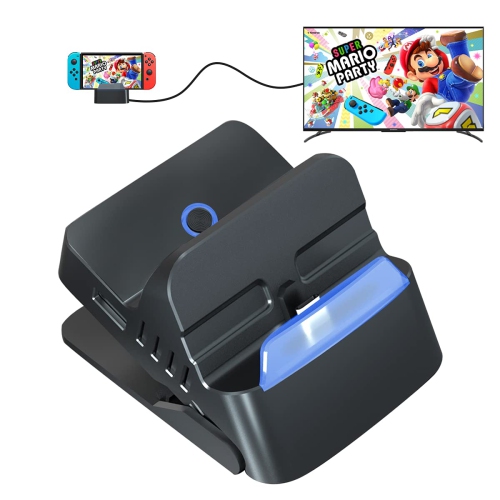
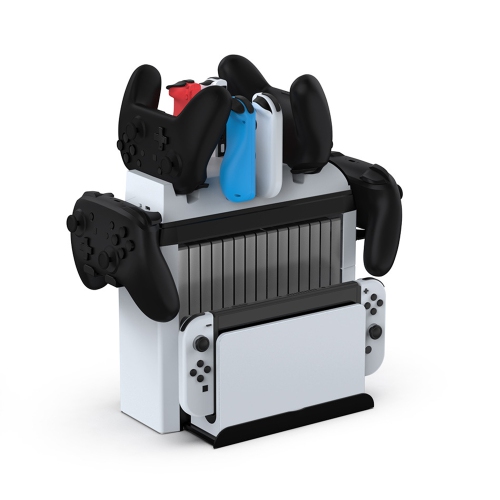
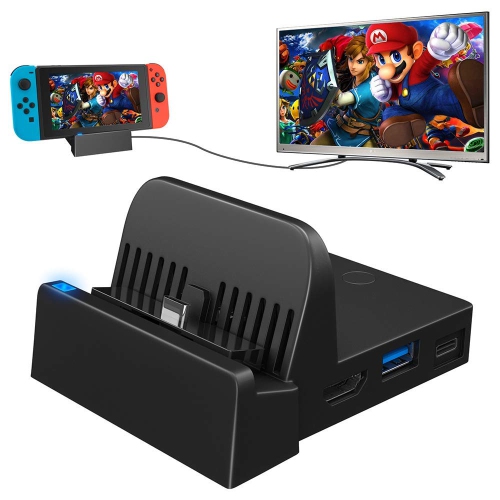

TV gaming takes more than a matching connector
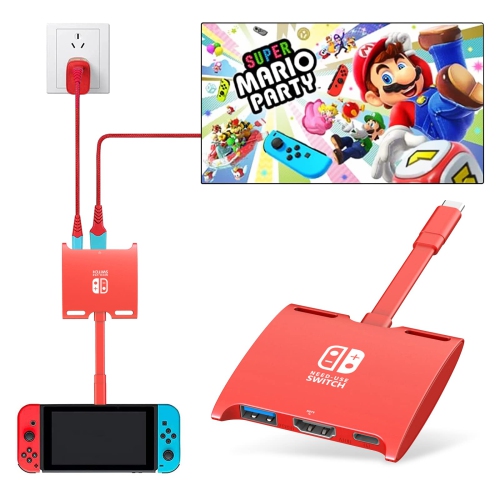
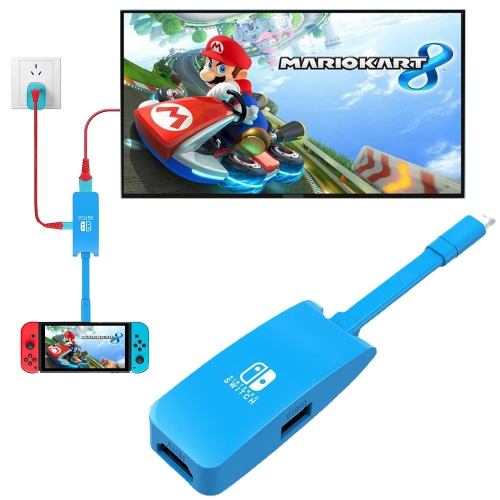
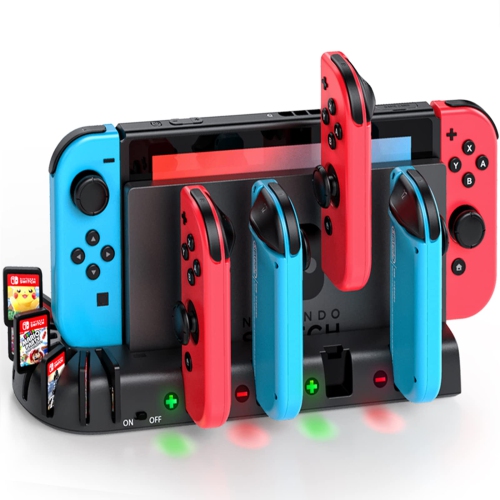
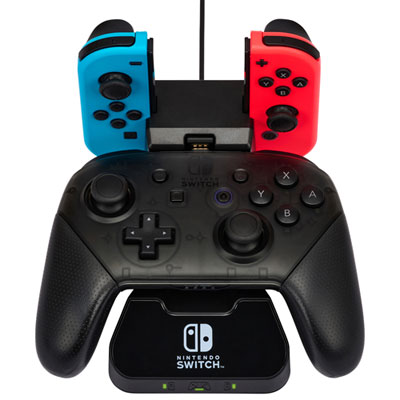
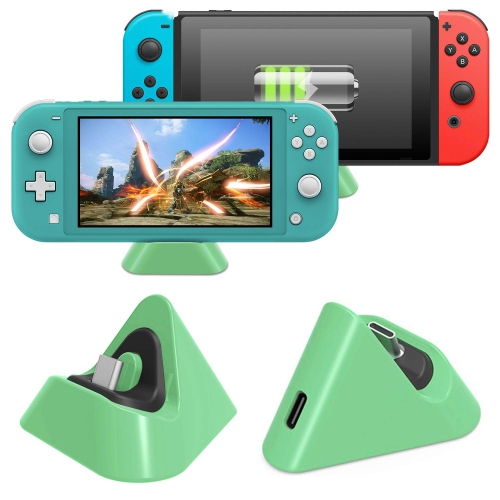
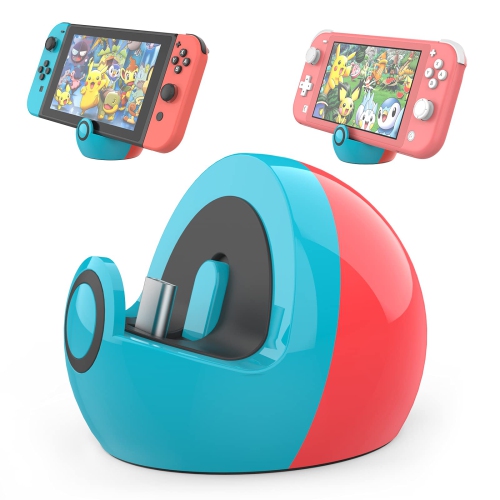
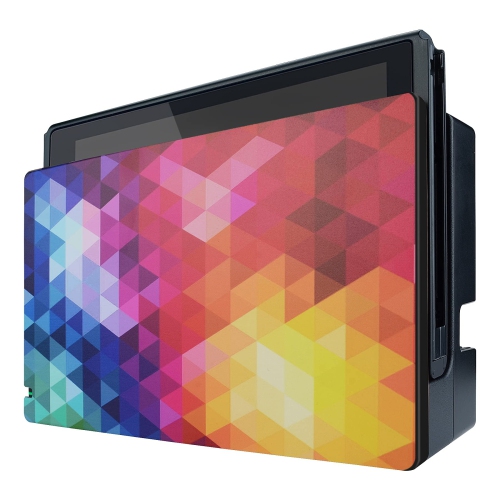
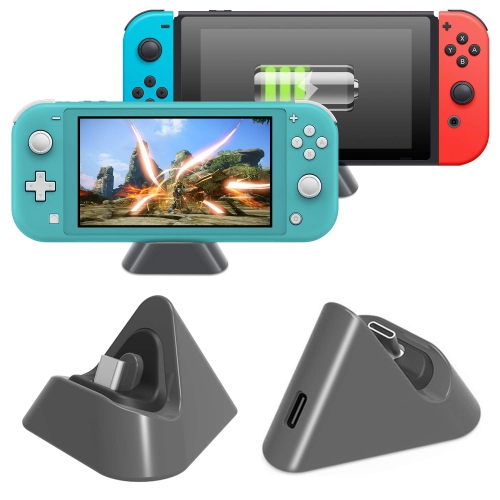
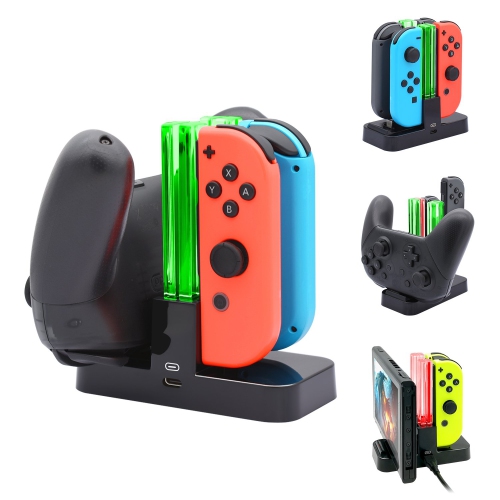
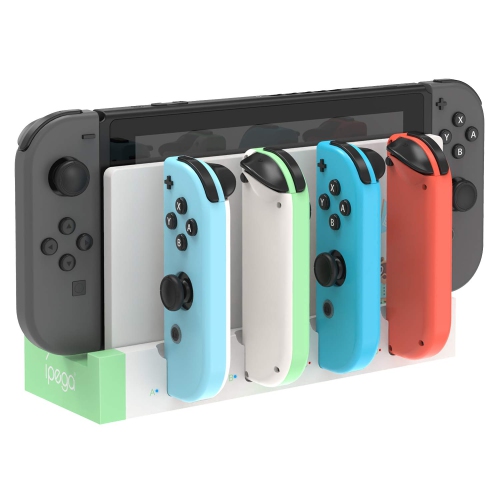
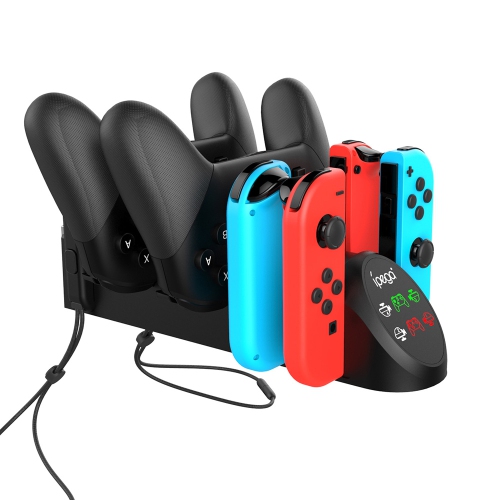
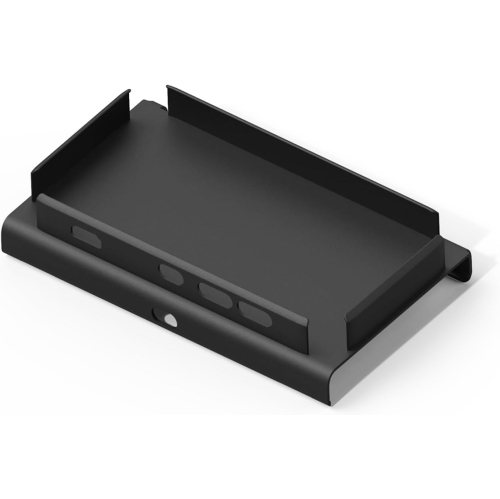
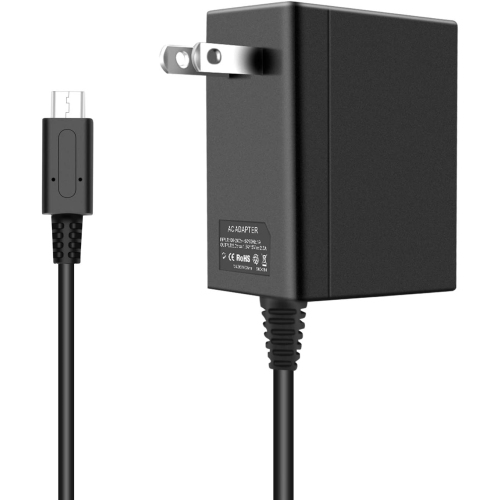
A Switch dock gives a compatible gaming console a dedicated connection point for playing on a television or monitor while receiving power. It can anchor a living-room gaming setup, replace a damaged docking station, or create another place to play without moving the main dock between rooms. A typical TV-connected setup involves the console, a compatible dock, an appropriate power adapter, an HDMI cable, and a display with an HDMI input. These components serve different roles: the dock handles the console connection, the adapter supplies power, and the HDMI cable carries supported video and audio to the screen. A dock sold on its own is not necessarily a complete connection kit, so the included accessories matter as much as the dock’s appearance. Compatibility is the most important distinction within this category. The console’s exact hardware version must be listed as supported; a connector that physically fits does not establish that charging, video output, or accessory connections will work correctly. Handheld-only systems that lack TV-output support cannot gain that function simply by connecting to a dock. Likewise, compatibility with one console generation does not automatically extend to another. Resolution, refresh rate, and other display features depend on the console, dock, cable, and screen working together, rather than on the dock alone. For someone who mainly plays on a large screen, a full-size docking station offers a familiar place to return the console after handheld play. For someone who alternates between a desk and a shared television, an additional compatible dock can make that routine less cumbersome. The practical benefit is a prepared connection point: the display cable and power adapter can remain in place, leaving fewer cables to unplug and reroute whenever gaming moves to another room. A dock is therefore both a connection accessory and part of the everyday arrangement of a gaming space.
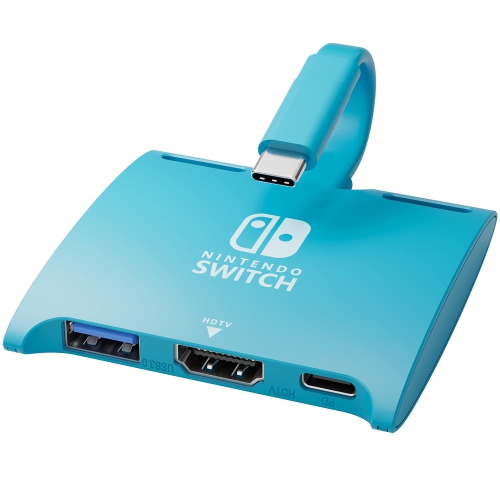
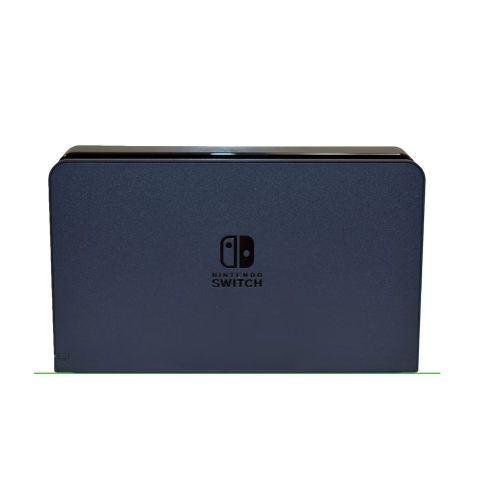
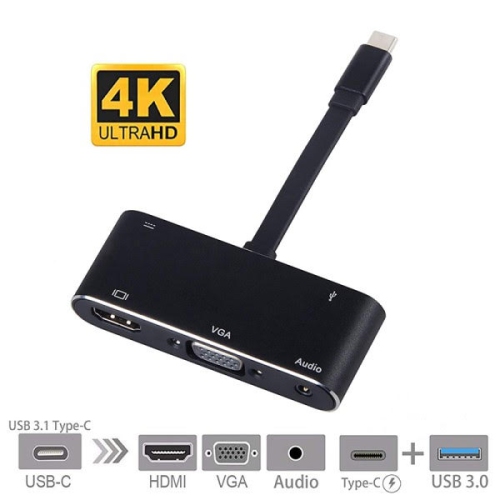
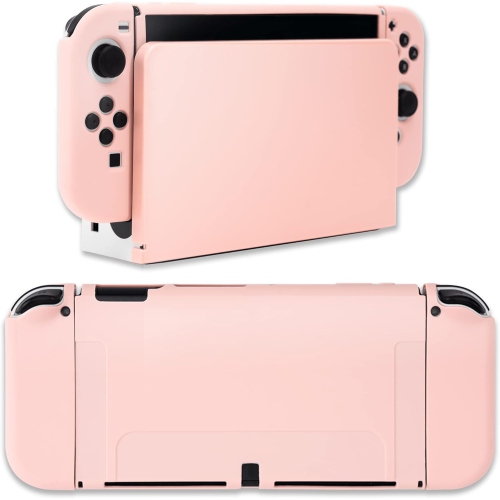
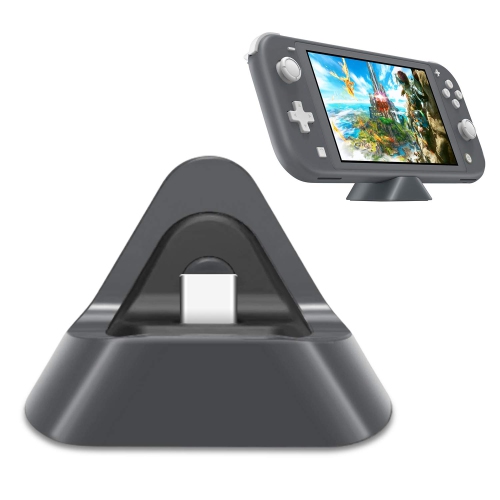
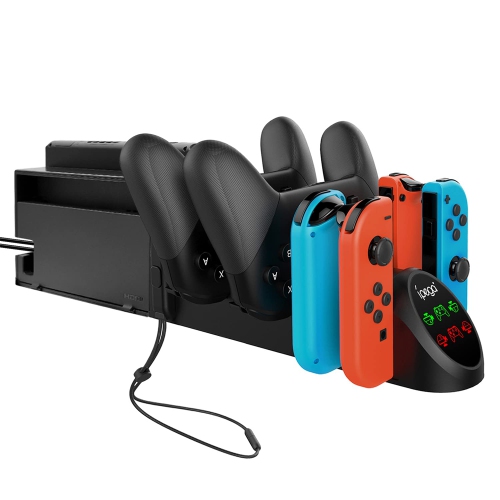
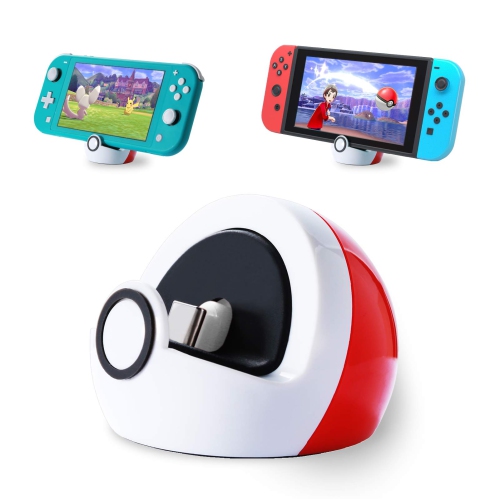
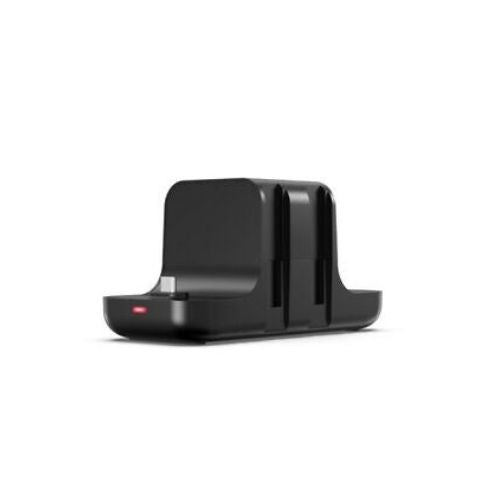
Dock designs range from upright cradles that support the console to compact adapters that connect through a short cable. Each shape suits a different arrangement. An upright design gives the console a defined position beside a television, while a smaller adapter takes up less room in a travel pouch or on a crowded desk. Compact size alone does not make an adapter suitable for every console, however; supported hardware and power requirements remain essential. Materials and construction affect how the dock feels in daily use. Plastic housings can keep weight down, while metal housings may provide a firmer feel, though material alone does not establish electrical quality or long-term reliability. A stable base, secure ports, smooth contact surfaces, and a connector that aligns without pressure are useful details for an accessory that may be handled frequently. Fit also includes any protective shell attached to the console. A case can add enough thickness to interfere with seating, even when the uncovered system fits correctly, and forcing the connection can place stress on the port. Cable exits deserve attention in narrow media cabinets: a dock may fit on the shelf while still leaving too little room for an HDMI plug or power cable to bend comfortably. Ventilation openings should remain unobstructed, with space around the console rather than a tight enclosure filled with loose accessories. Port selection shapes the setup as well. Depending on the design, USB connections may support compatible controllers or other accessories, while an Ethernet connection can provide a wired network option. These features vary, and an accessory port should not be assumed to support every device. For a desk shared with a computer, Monitor Docking Stations serve a different connection role; a computer docking station is not automatically a substitute for a console-compatible dock. The appropriate choice depends on the device being connected and the functions it needs to perform.
Everyday use often reveals which dock details matter most. In a household where several people share the television, an easy-to-reach cradle makes it simpler to lift the console out for handheld play when someone else wants the screen. At a dedicated gaming desk, tidy cable routing keeps the console’s connection separate from keyboard, headset, and monitor leads. A portable dock can suit visits to friends or family, provided a compatible display, power source, and the necessary cables are part of the plan. The smaller dock does not eliminate those requirements, and a television’s USB port should not be assumed to supply enough power for docked play. For travel, a pouch with separate space for the dock and cables helps keep plugs from rubbing against the housing or pressing against an exposed connector. At home, placing the dock on a stable, accessible surface reduces the chance of a cable being pulled when furniture is moved or a controller is picked up. Care is generally straightforward: follow the manufacturer’s cleaning directions, disconnect power before cleaning, and use a soft, dry cloth on exterior surfaces. Liquid cleaners should not be sprayed into ports, and dirt inside a connector should not be scraped out with a metal tool. Cables last better when handled by their plugs rather than tugged by the cord, and loose connections or visible damage deserve attention before further use. For gift giving, a dock can be a thoughtful accessory for someone setting up another gaming space or replacing a worn connection hub, but the recipient’s exact console version and existing accessories need to be known. A person who already has a suitable adapter and HDMI cable may need only the dock, while someone creating a separate setup may need those components too. Clear compatibility information, dependable construction, and a shape that suits the intended space make the accessory useful well beyond its first connection.
Dock designs range from upright cradles that support the console to compact adapters that connect through a short cable. Each shape suits a different arrangement. An upright design gives the console a defined position beside a television, while a smaller adapter takes up less room in a travel pouch or on a crowded desk. Compact size alone does not make an adapter suitable for every console, however; supported hardware and power requirements remain essential. Materials and construction affect how the dock feels in daily use. Plastic housings can keep weight down, while metal housings may provide a firmer feel, though material alone does not establish electrical quality or long-term reliability. A stable base, secure ports, smooth contact surfaces, and a connector that aligns without pressure are useful details for an accessory that may be handled frequently. Fit also includes any protective shell attached to the console. A case can add enough thickness to interfere with seating, even when the uncovered system fits correctly, and forcing the connection can place stress on the port. Cable exits deserve attention in narrow media cabinets: a dock may fit on the shelf while still leaving too little room for an HDMI plug or power cable to bend comfortably. Ventilation openings should remain unobstructed, with space around the console rather than a tight enclosure filled with loose accessories. Port selection shapes the setup as well. Depending on the design, USB connections may support compatible controllers or other accessories, while an Ethernet connection can provide a wired network option. These features vary, and an accessory port should not be assumed to support every device. For a desk shared with a computer, Monitor Docking Stations serve a different connection role; a computer docking station is not automatically a substitute for a console-compatible dock. The appropriate choice depends on the device being connected and the functions it needs to perform.
Everyday use often reveals which dock details matter most. In a household where several people share the television, an easy-to-reach cradle makes it simpler to lift the console out for handheld play when someone else wants the screen. At a dedicated gaming desk, tidy cable routing keeps the console’s connection separate from keyboard, headset, and monitor leads. A portable dock can suit visits to friends or family, provided a compatible display, power source, and the necessary cables are part of the plan. The smaller dock does not eliminate those requirements, and a television’s USB port should not be assumed to supply enough power for docked play. For travel, a pouch with separate space for the dock and cables helps keep plugs from rubbing against the housing or pressing against an exposed connector. At home, placing the dock on a stable, accessible surface reduces the chance of a cable being pulled when furniture is moved or a controller is picked up. Care is generally straightforward: follow the manufacturer’s cleaning directions, disconnect power before cleaning, and use a soft, dry cloth on exterior surfaces. Liquid cleaners should not be sprayed into ports, and dirt inside a connector should not be scraped out with a metal tool. Cables last better when handled by their plugs rather than tugged by the cord, and loose connections or visible damage deserve attention before further use. For gift giving, a dock can be a thoughtful accessory for someone setting up another gaming space or replacing a worn connection hub, but the recipient’s exact console version and existing accessories need to be known. A person who already has a suitable adapter and HDMI cable may need only the dock, while someone creating a separate setup may need those components too. Clear compatibility information, dependable construction, and a shape that suits the intended space make the accessory useful well beyond its first connection.
Top selling and popular products
-
 Your price for this item is $39.99
 -
 Your price for this item is $19.99
 -
 Your price for this item is $289.52
 -
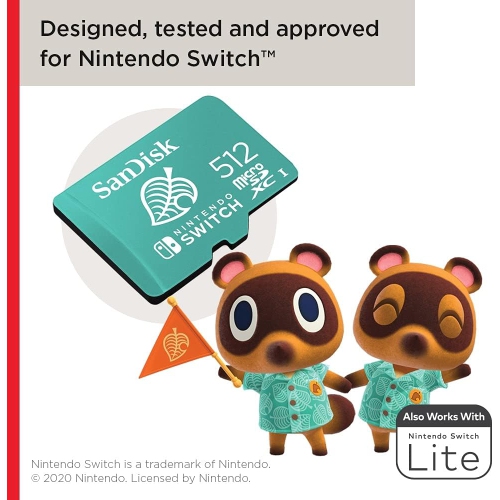 Your price for this item is $129.99
 -
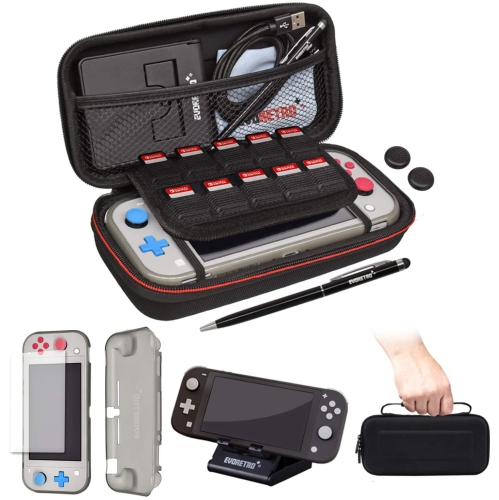 Your price for this item is $31.85
 -
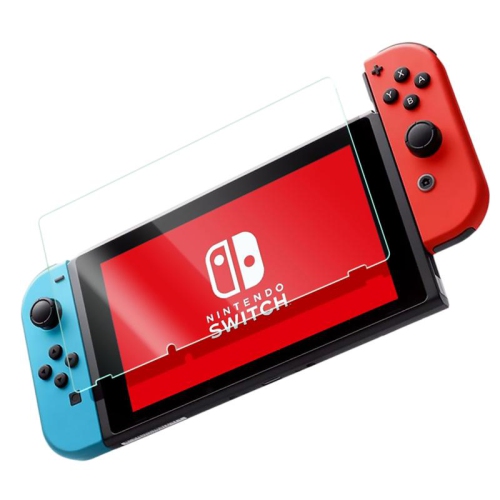 Your price for this item is $9.99
 -
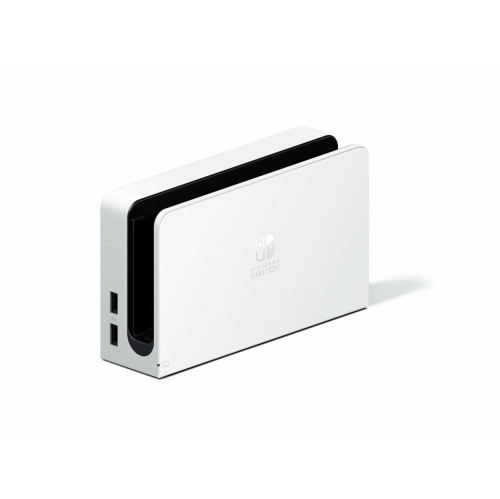 Your price for this item is $54.99
 -
![DATEL Action Replay Powersaves With Powertags for Amiibo []](https://multimedia.bbycastatic.ca/multimedia/products/500x500/119/11984/11984510.jpeg) Your price for this item is $34.49
Your price for this item is $34.49
Discover more categories related to Switch Dock

Top Collections:
Pokemon Centers, Kindle Devices, Best Budget Office Chairs, Apple iPhones 16, Canon G7X Cameras, iPhone 15 Apple, Alarm Clock, Refurbished Apple Laptops, Flip Phones, Best Laptops for Writers
Some products may be subject to Environmental Handling Fees
(EHF) depending on your province.
Learn more about EHFs.