Xbox Controller Chargers
Invest in a dependable Xbox controller charger to enhance your gaming experience and prevent low battery interruptions. Whether you're diving into an epic adventure or competing in intense multiplayer battles, having a dependable charging solution keeps you in the game longer. Discover options that suit your style and setup, from sleek docking stations to convenient USB cables, all designed to keep your controllers ready for action. With the right Xbox controller charger, you can focus on what matters most—winning!
Sort

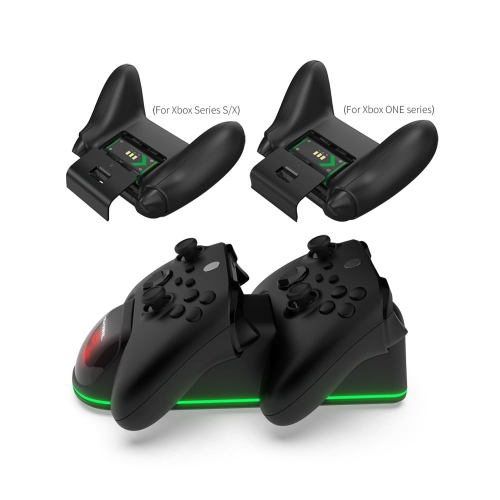
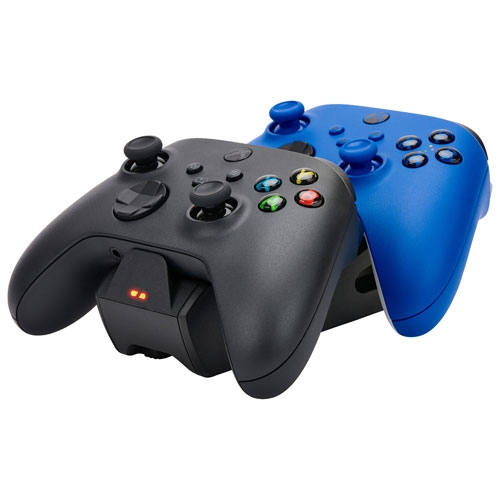
![PROGAMR Products Xbox Dual Charge Dock With 2 Additional Batteries for Xbox Series X/s Controllers + Elite [Xbox Series X/s Accessory]](https://multimedia.bbycastatic.ca/multimedia/products/500x500/157/15718/15718879.jpeg)
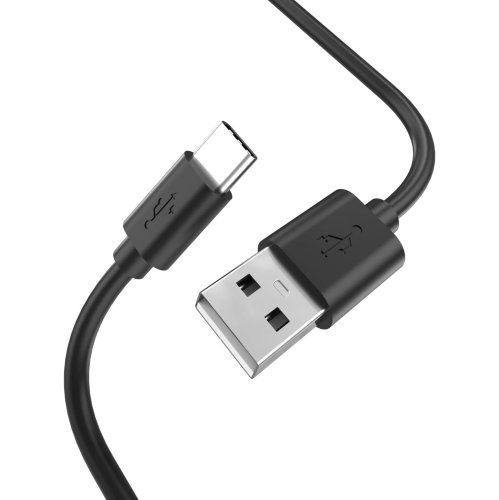
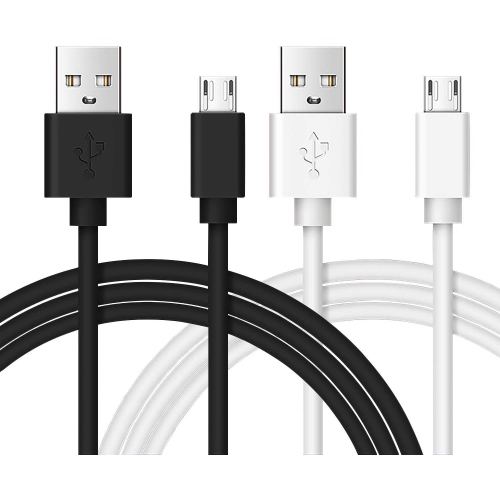
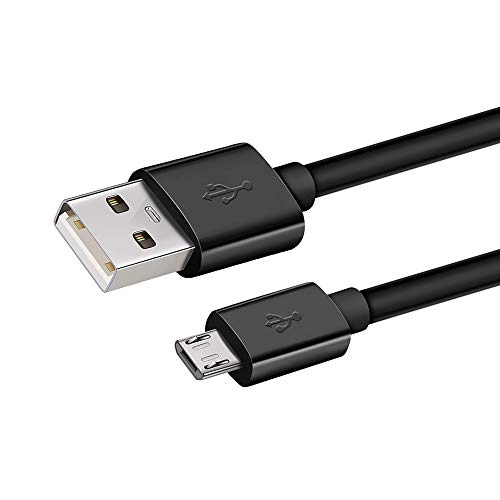
![KMD Type-C USB Charge Cable Xbox Series X & Ps5 Controllers []](https://multimedia.bbycastatic.ca/multimedia/products/500x500/174/17466/17466176.jpeg)
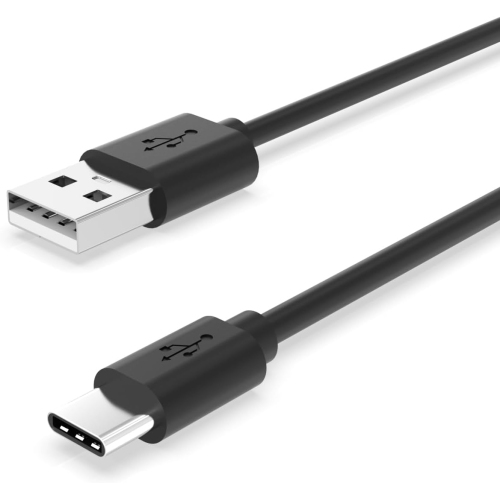
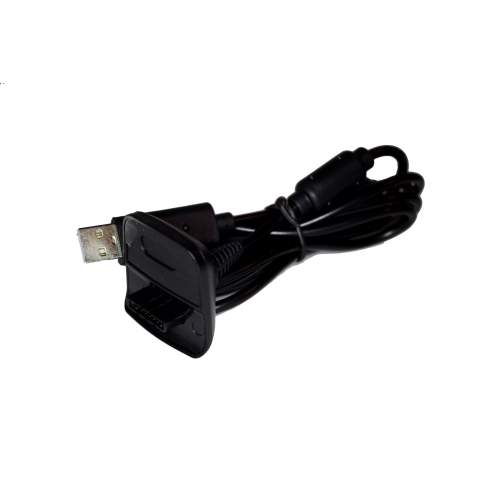
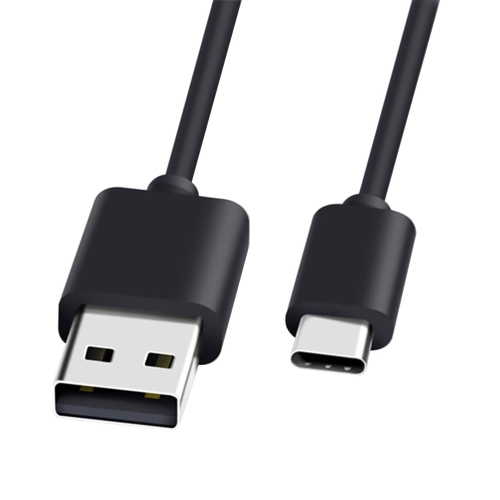
![TTX TECH Xbox 360 Charge & Play Pack [] In Black](https://multimedia.bbycastatic.ca/multimedia/products/500x500/174/17404/17404632.jpeg)
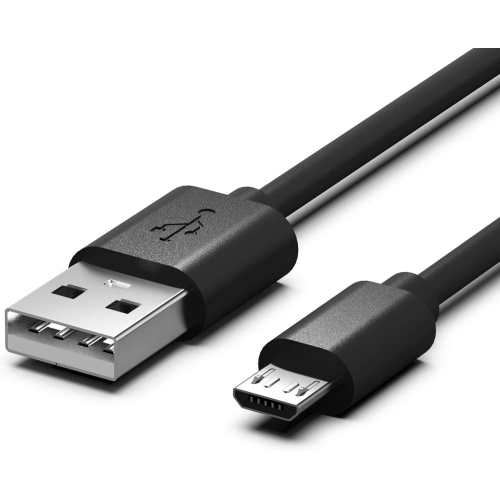
![TTX TECH Xbox 360 Charge & Play Pack [] In White](https://multimedia.bbycastatic.ca/multimedia/products/500x500/174/17406/17406376.jpeg)
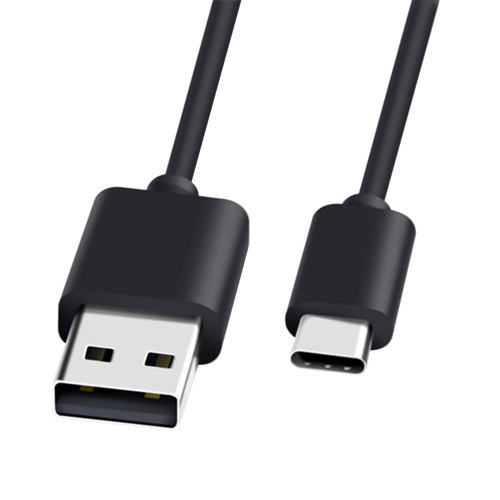
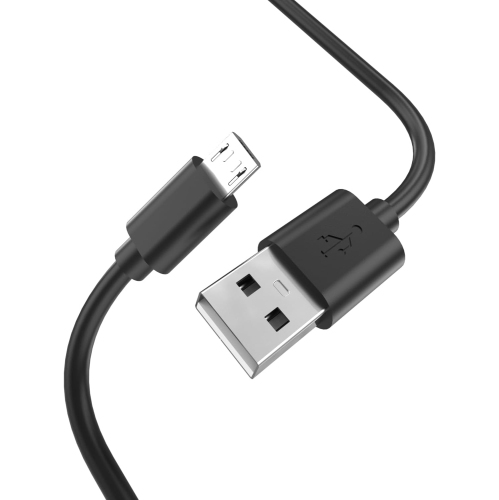
![OLD SKOOL Xbox Play N Charge Kit [] In Black](https://multimedia.bbycastatic.ca/multimedia/products/500x500/189/18930/18930978.jpeg)
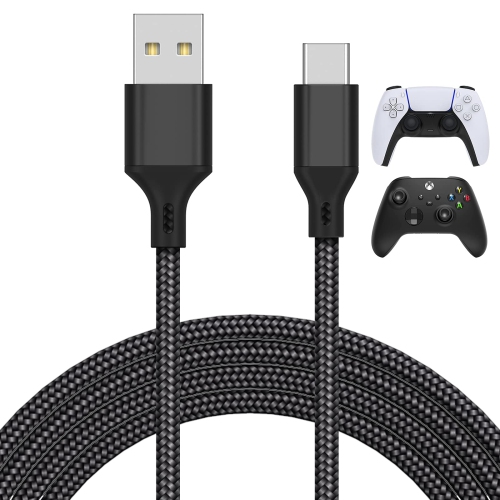
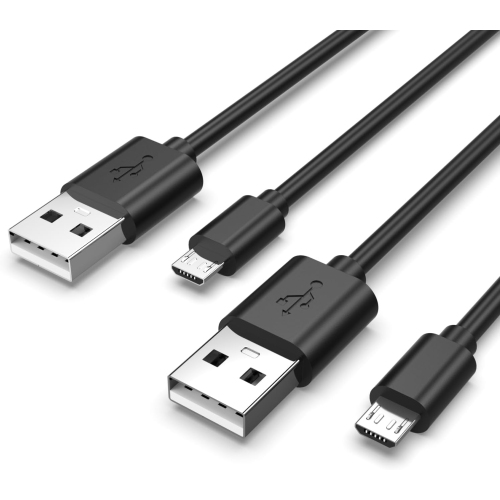
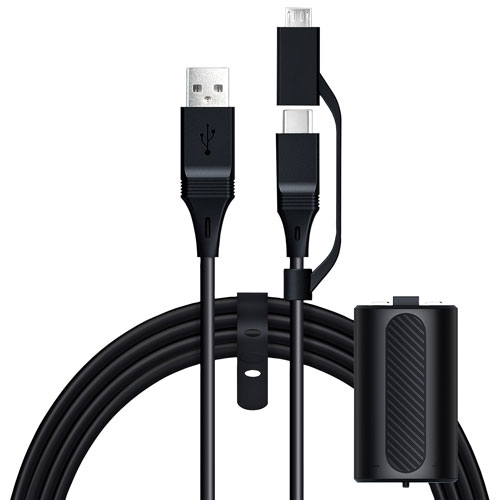
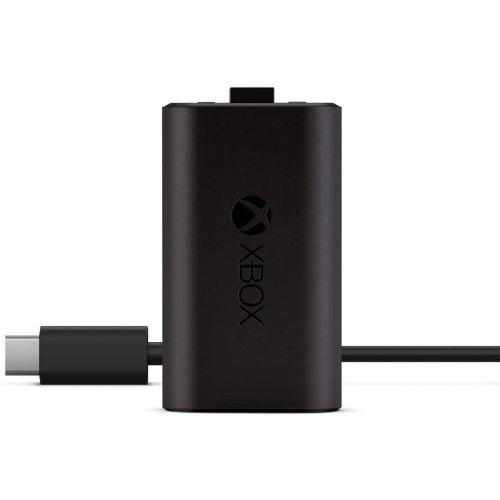
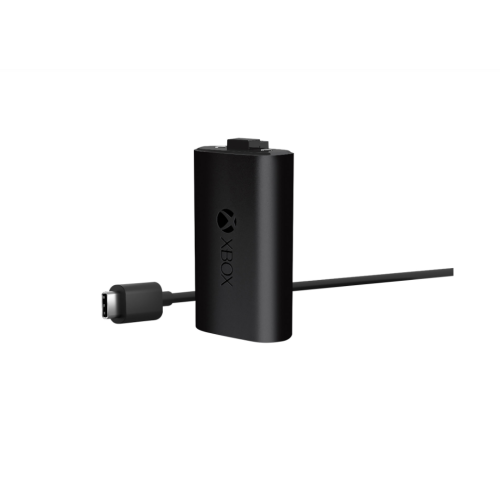
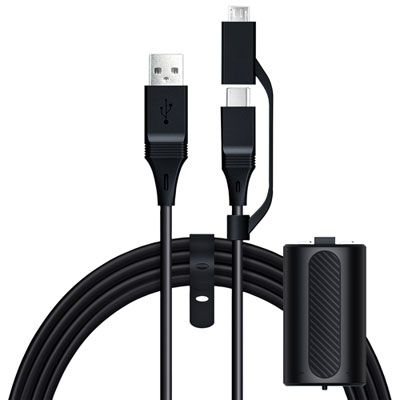
![XBOX Rechargeable Battery + USB-C Cable [ One Accessory]](https://multimedia.bbycastatic.ca/multimedia/products/500x500/161/16176/16176928.jpeg)



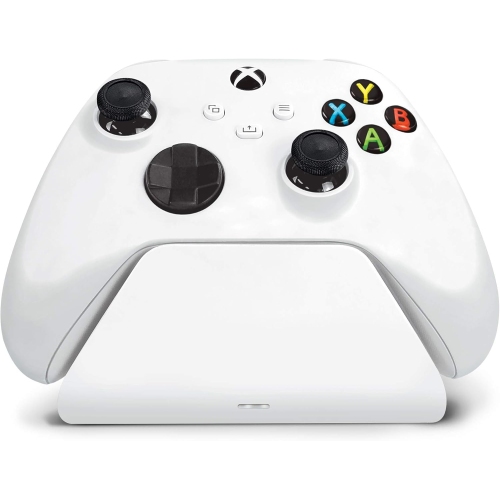
![CONTROLLER GEAR : Star Wars Squadrons Wireless Controller And Pro Charging Stand Bundle [Xbox Series X Accessory]](https://multimedia.bbycastatic.ca/multimedia/products/500x500/198/19881/19881713.jpeg)
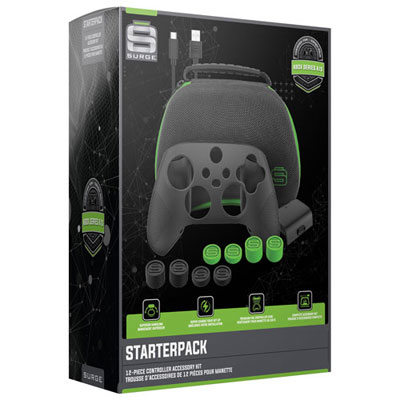
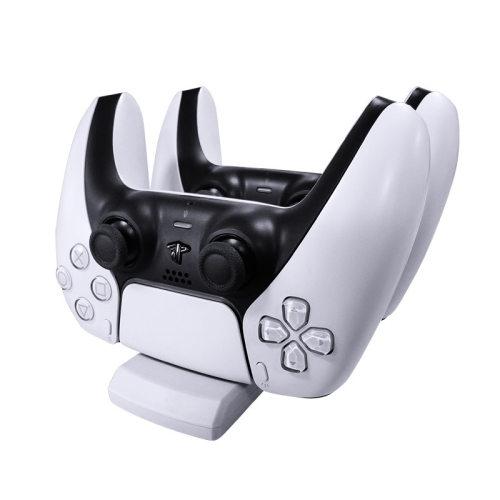
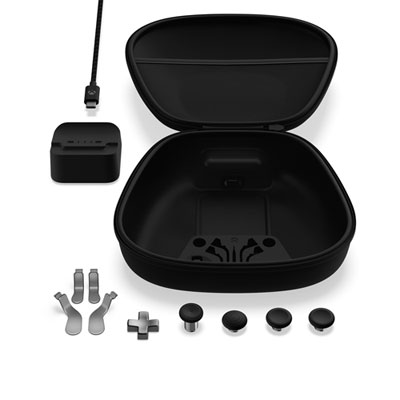
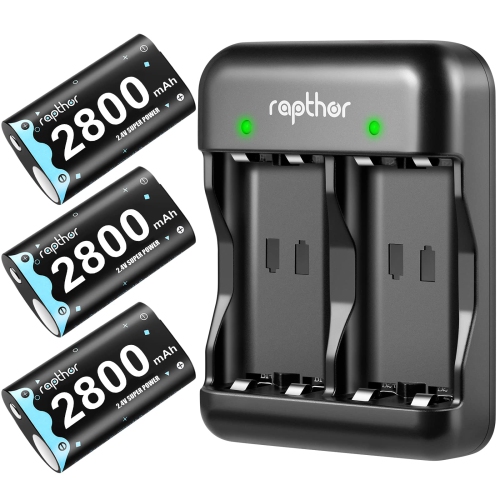
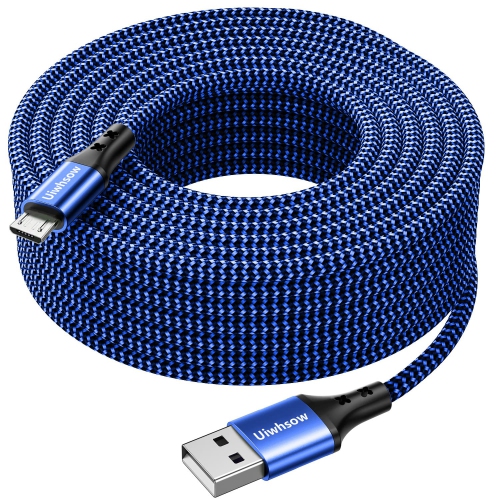
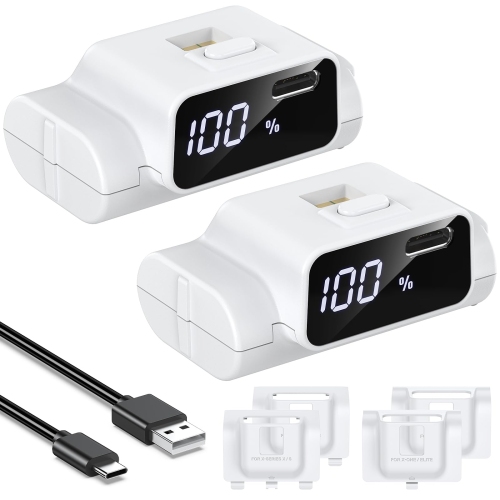
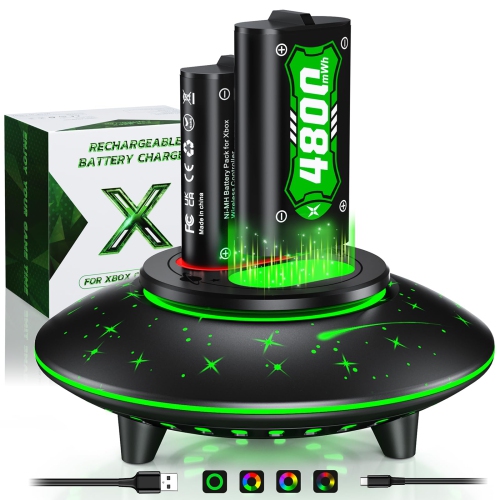
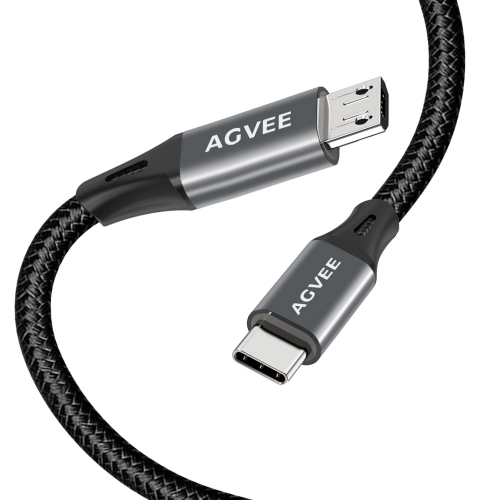
Charging options that match your controller and gaming routine
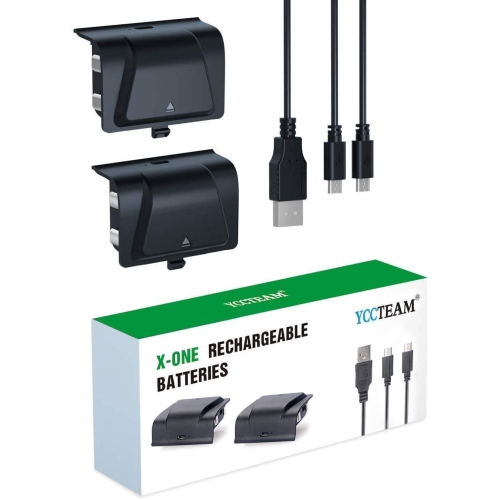
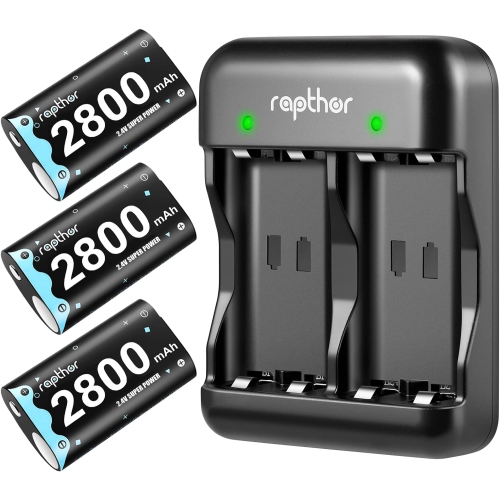
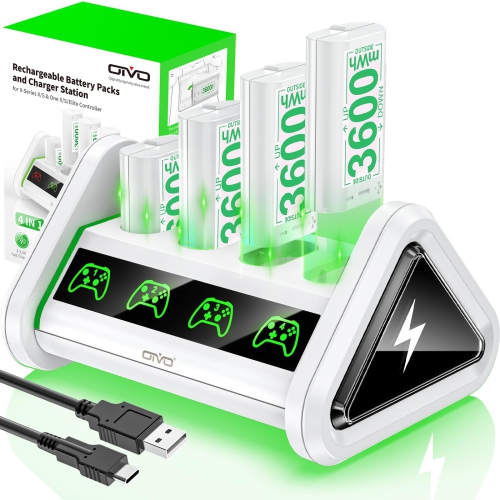
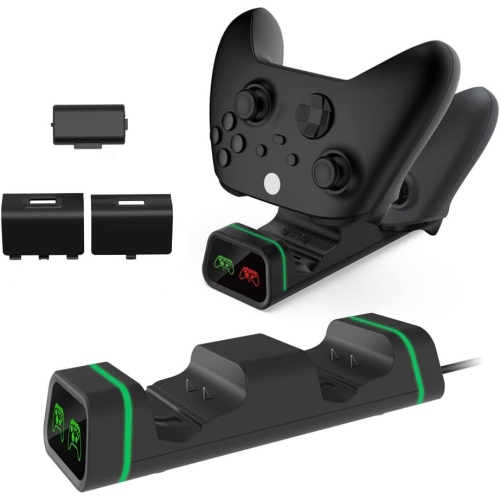
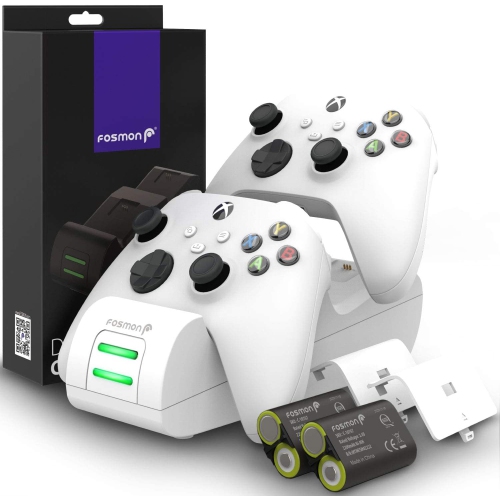
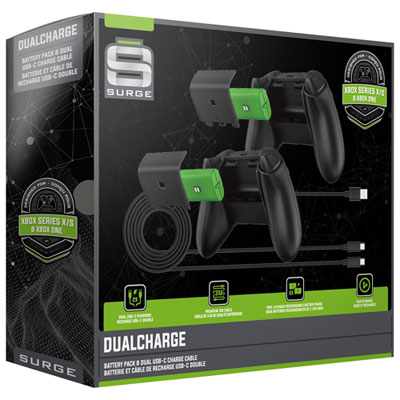
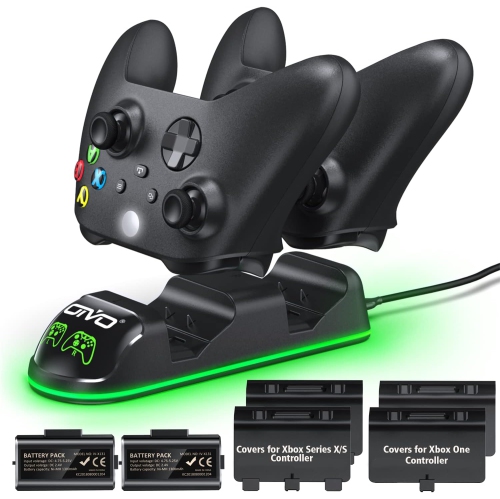
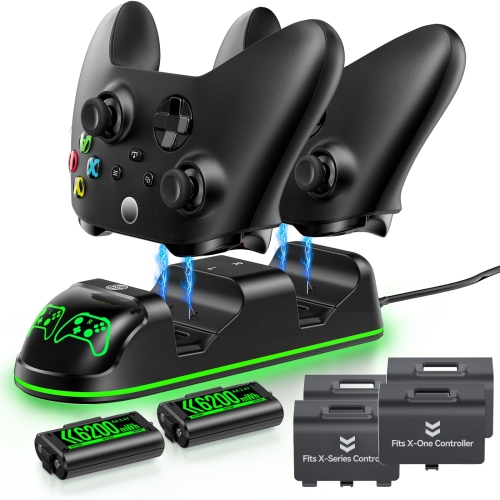
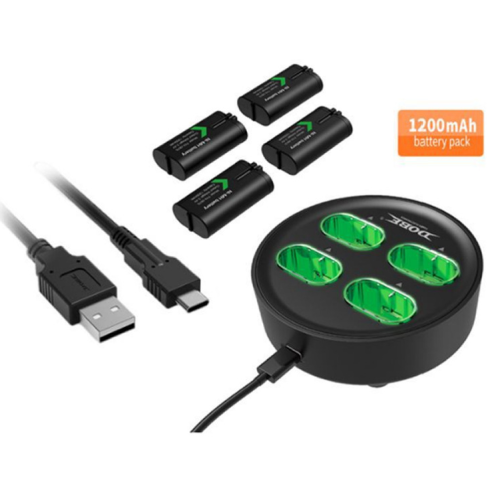
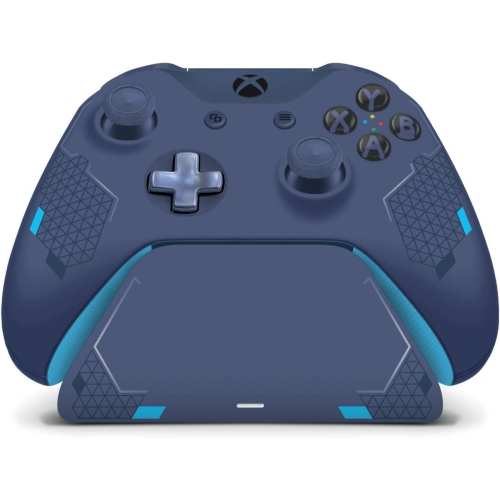
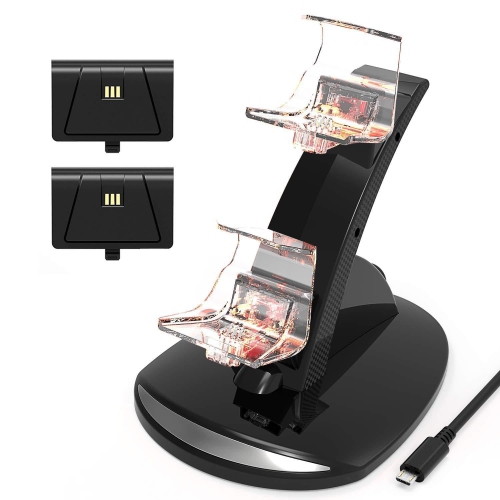
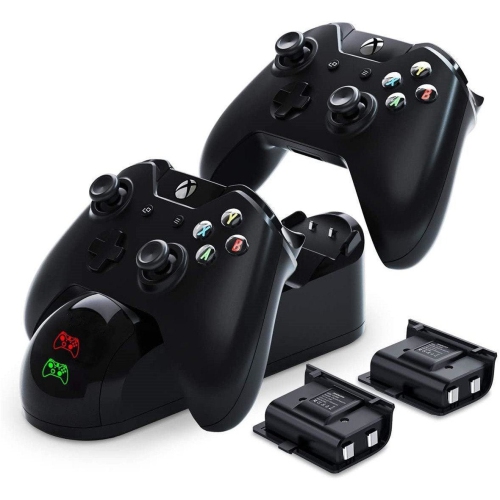
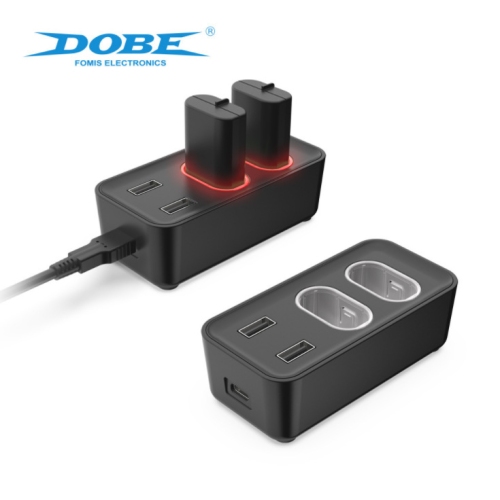
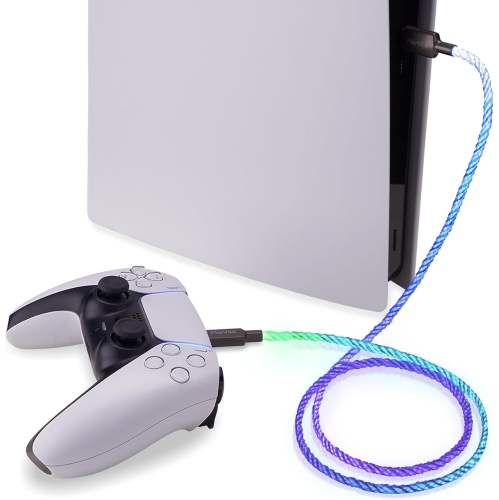
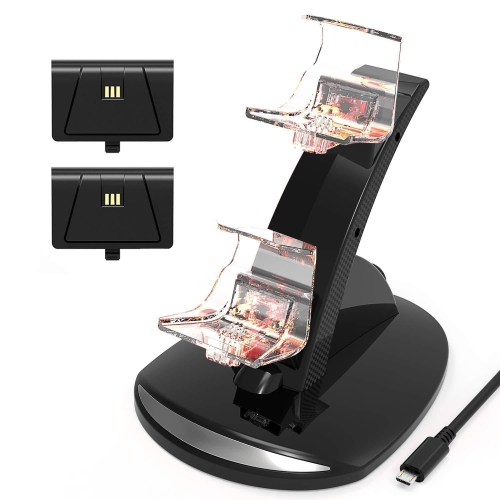
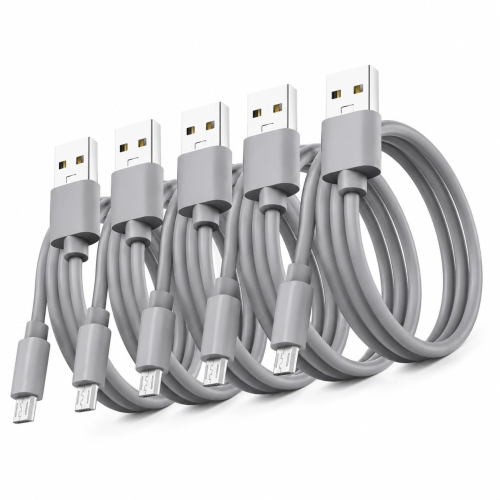
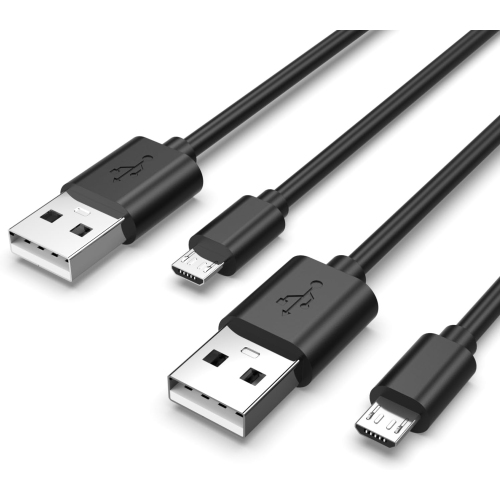
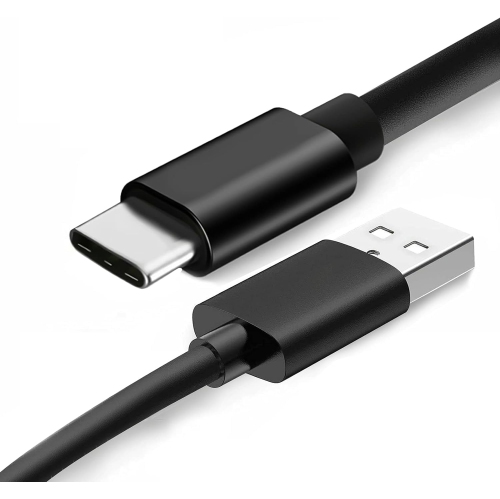
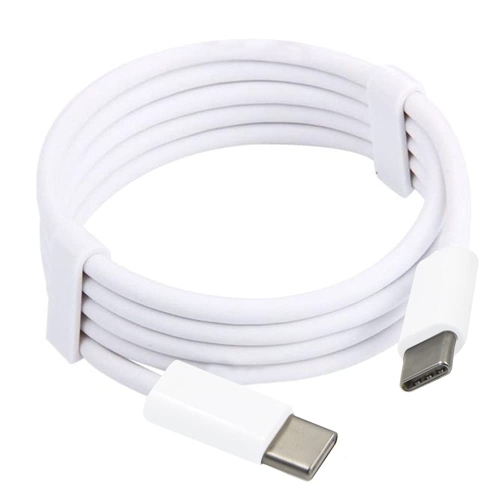
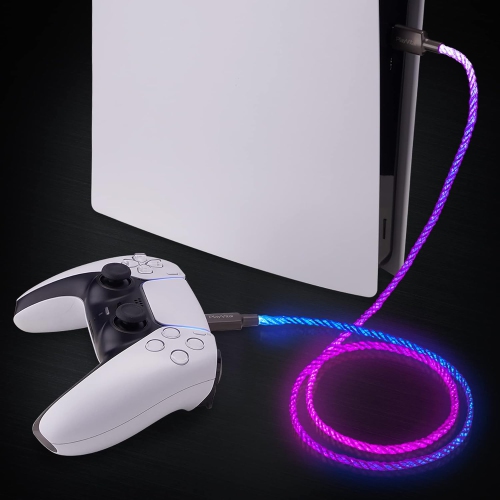
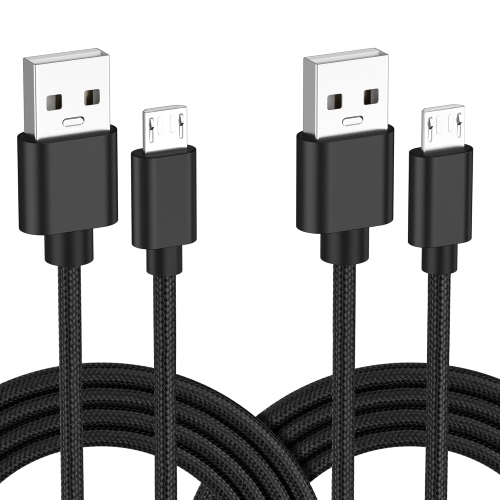
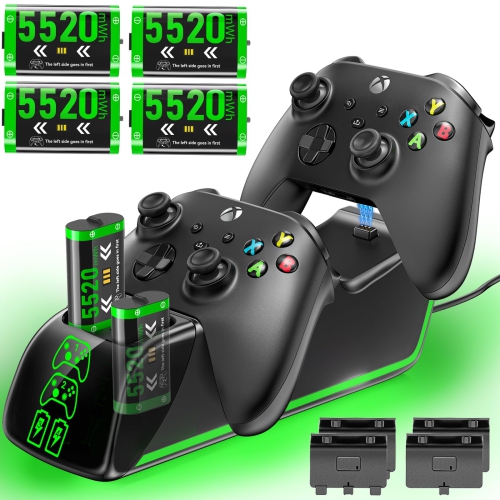
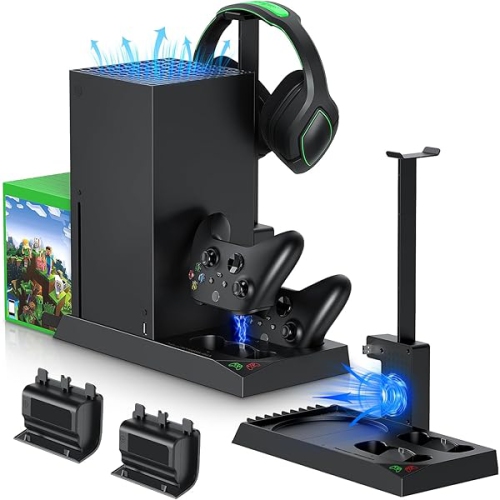
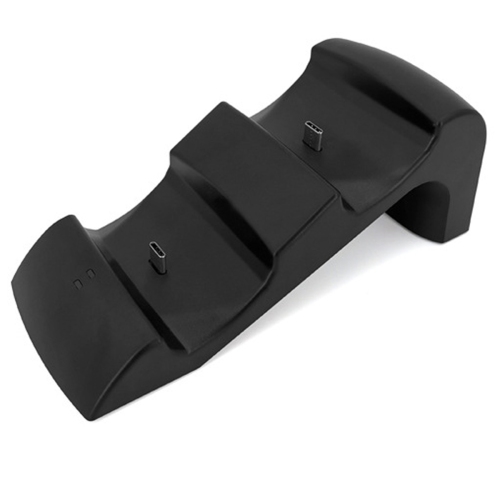
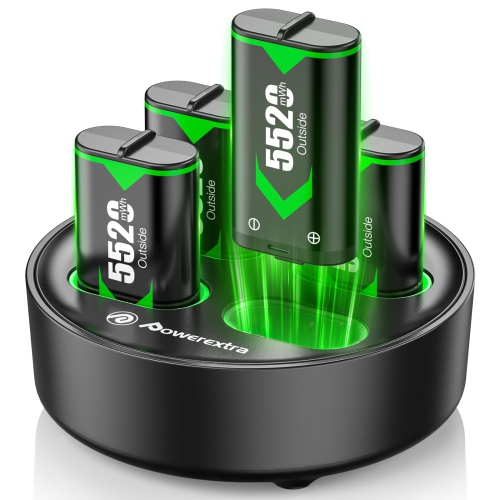
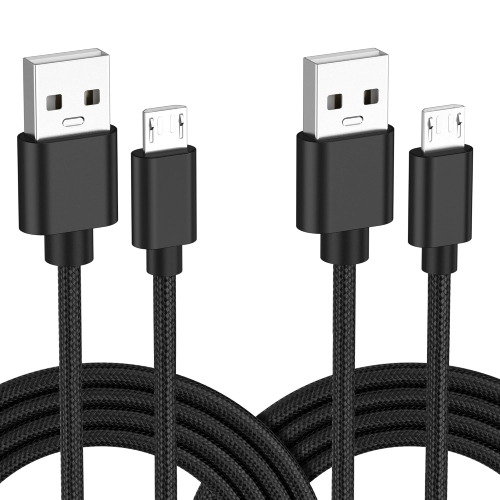
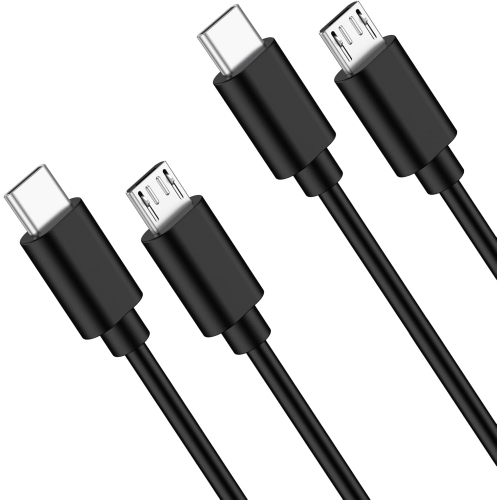
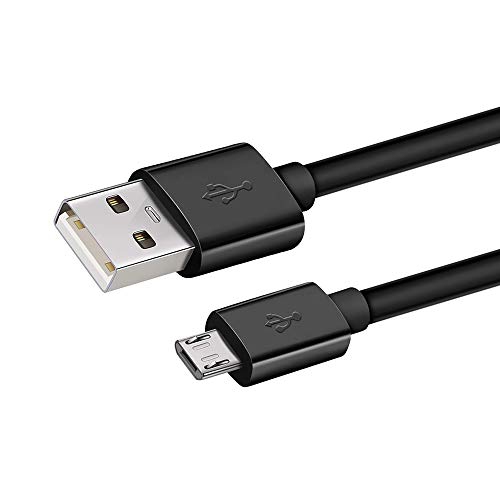
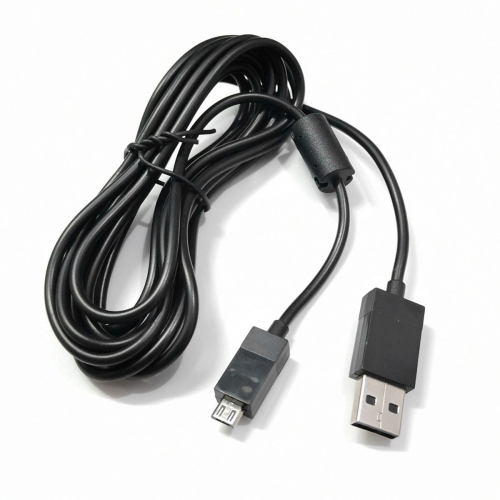
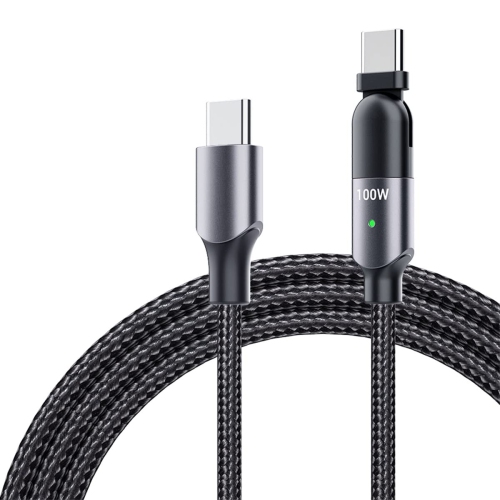
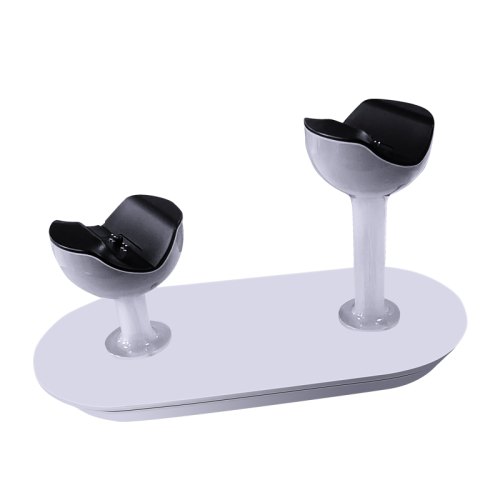
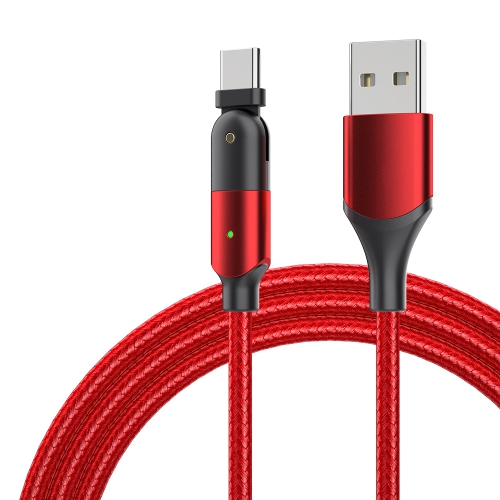
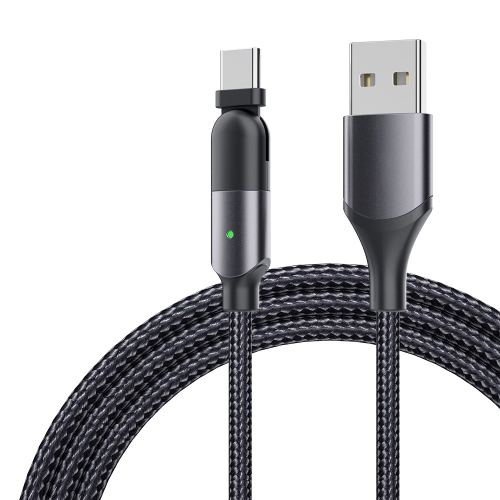
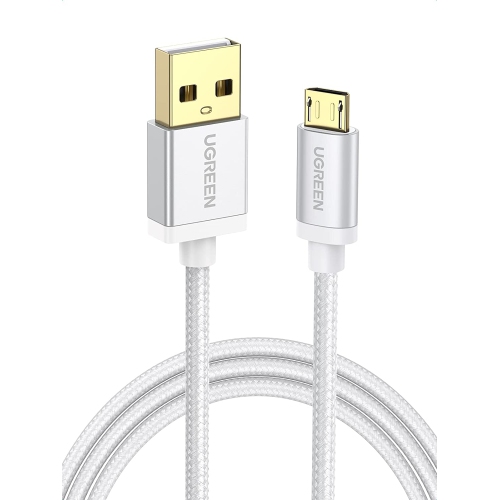
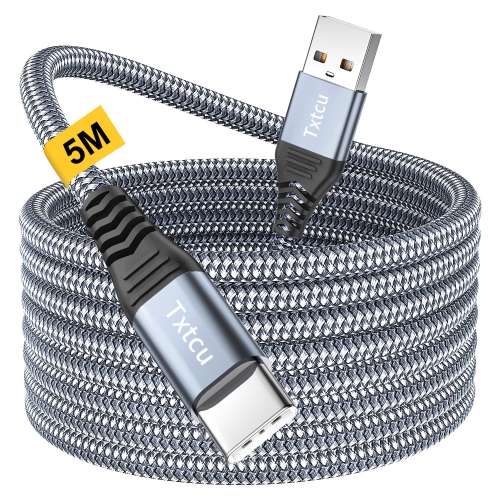
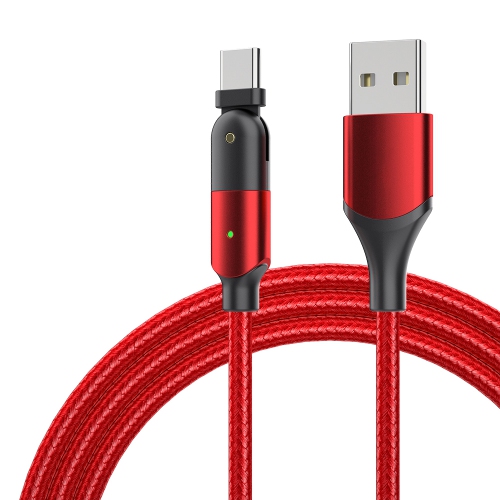
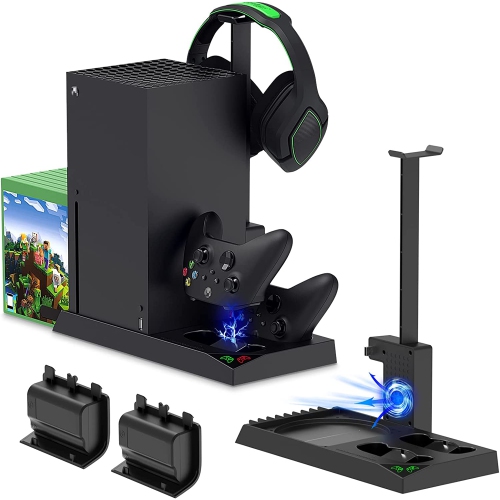
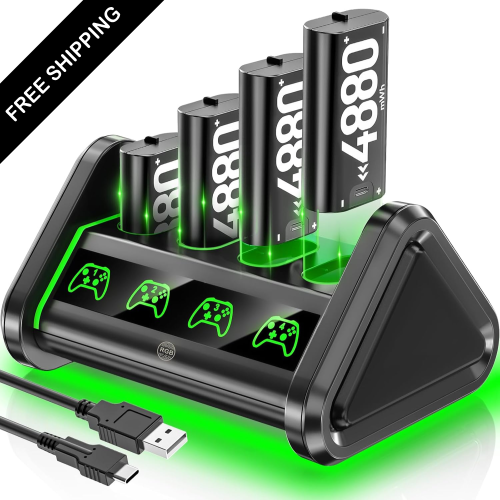
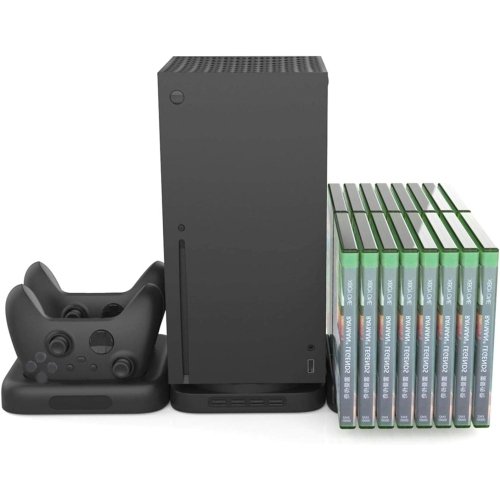
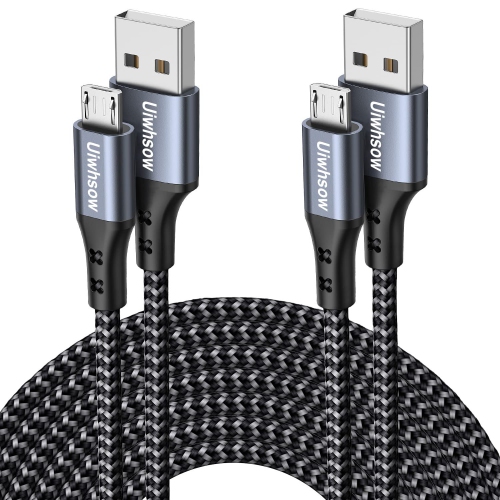
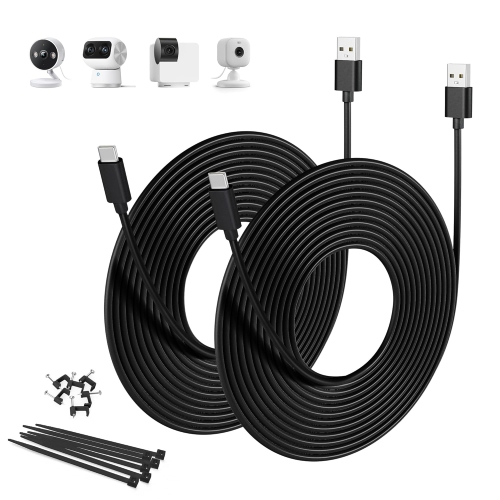
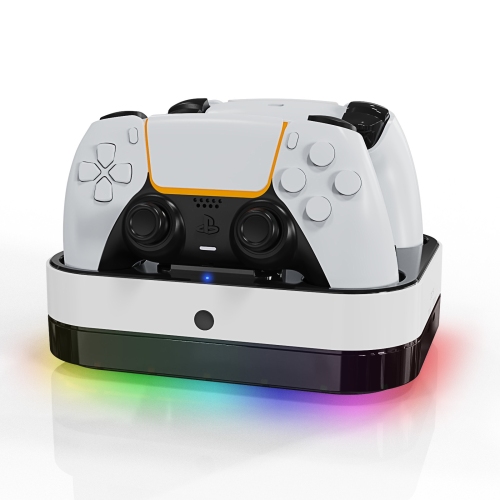
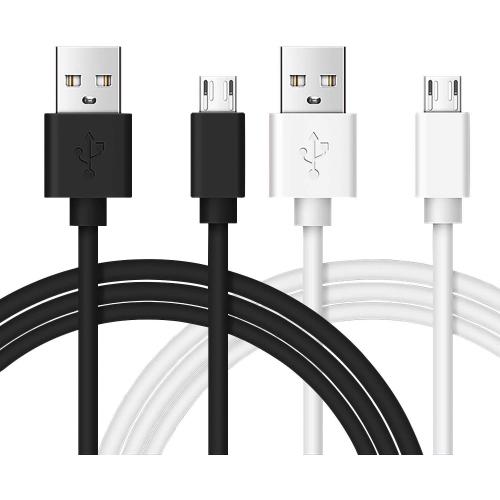
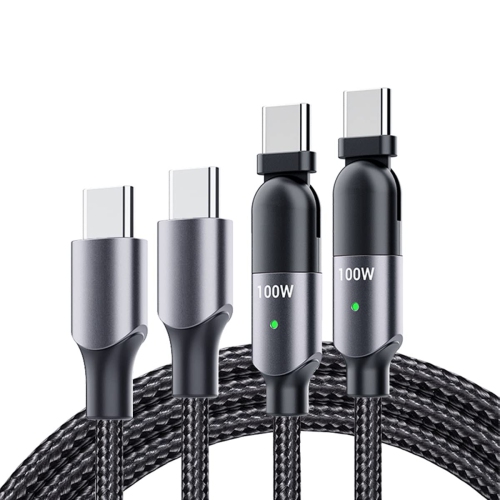
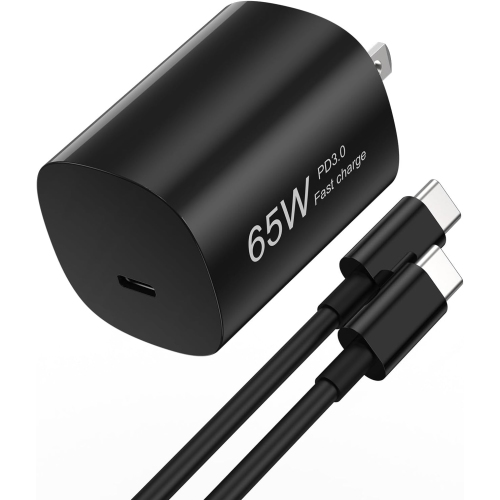
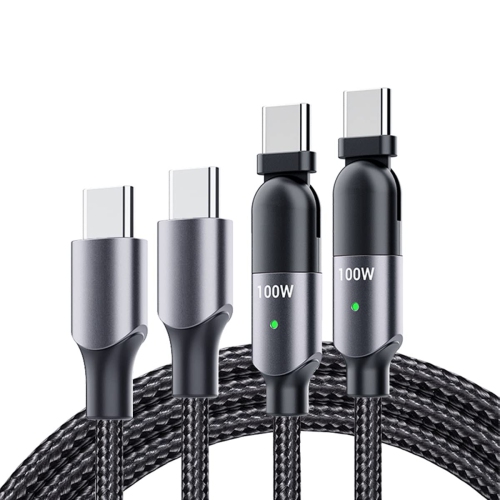
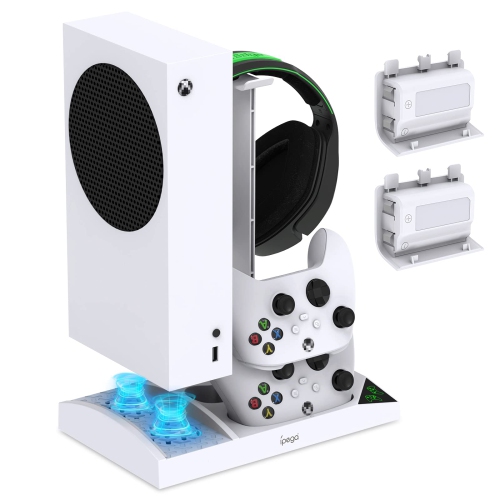
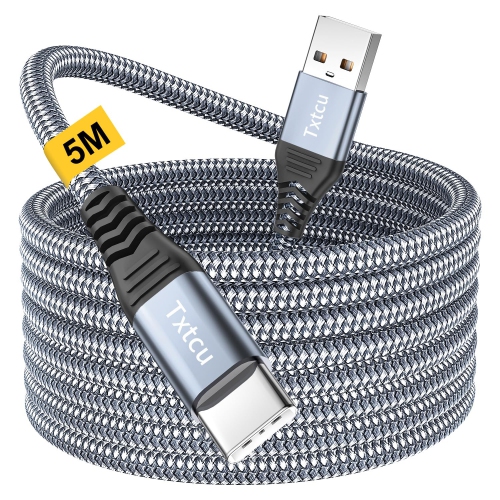
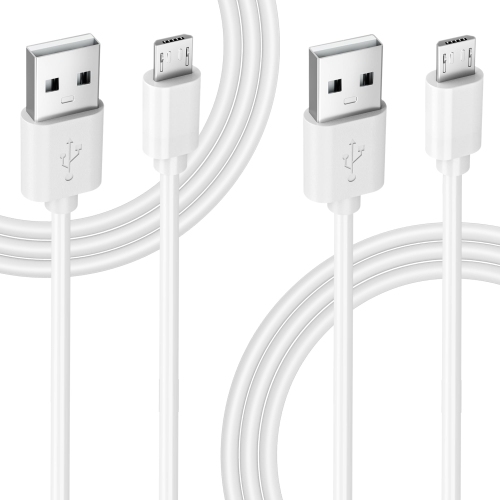
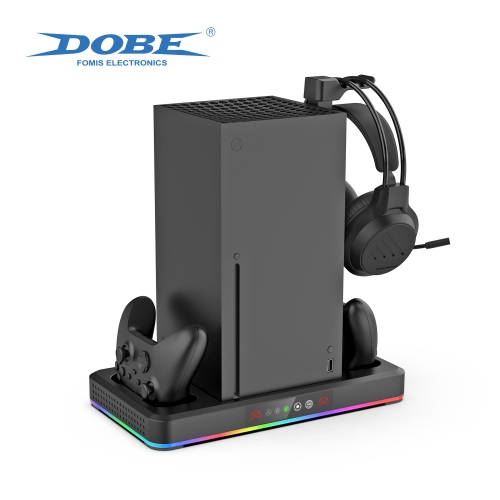
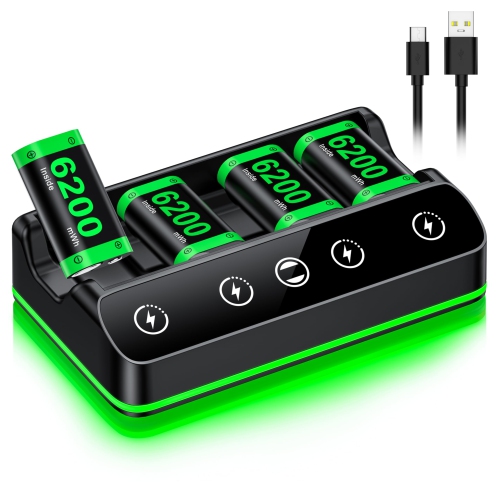
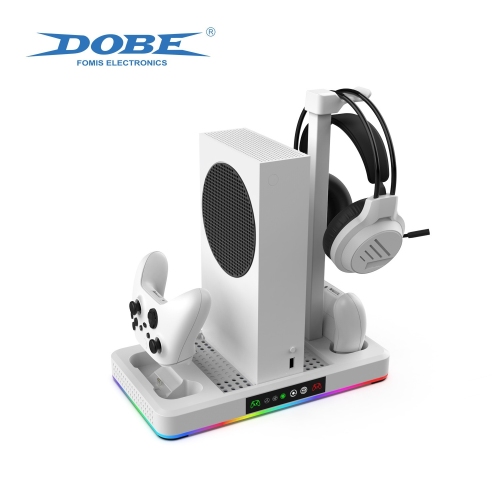
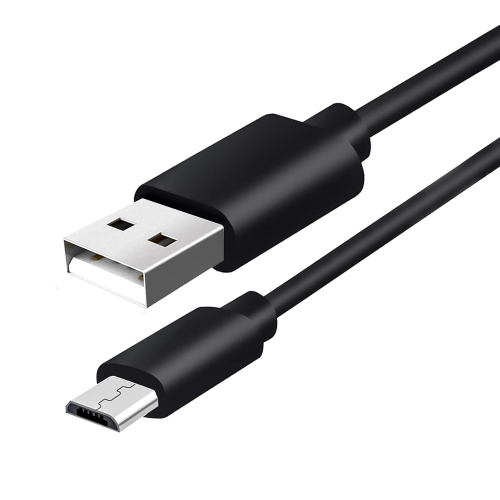
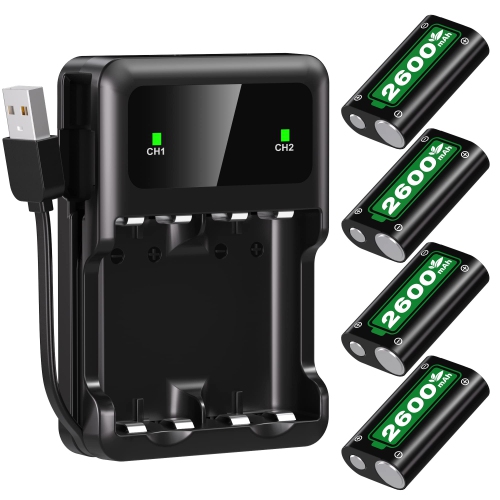
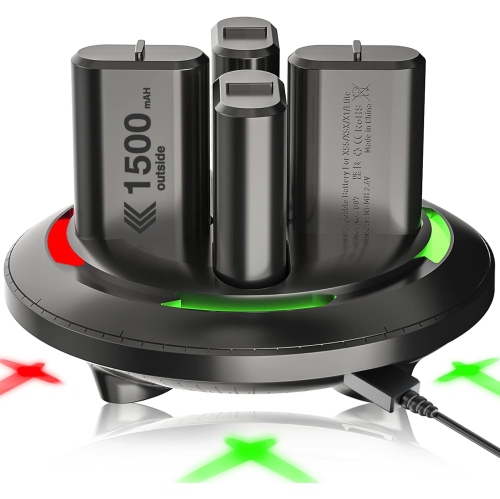
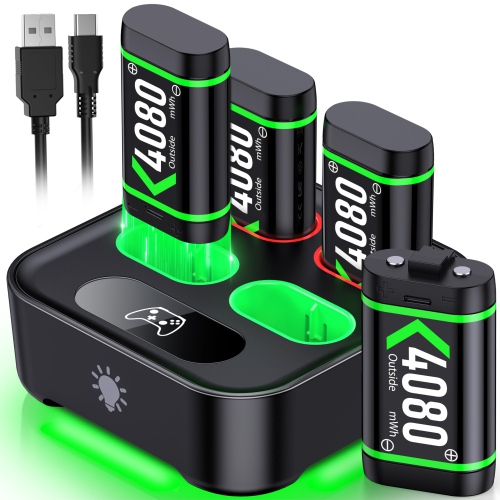
Xbox controller chargers help keep your gaming setup ready for another match, campaign, or co-op session without relying on a drawer full of disposable batteries. Depending on the design, a charger may use a rechargeable battery pack that fits inside the controller, a USB cable that lets you charge while playing, or a dock that holds one or two controllers between sessions. Charging stations are especially useful in shared spaces because they give controllers a designated home beside the console, while cable-based options can suit players who prefer a simple setup with fewer accessories. Some charging solutions include replacement battery doors or covers made to accommodate the rechargeable pack, so it is important to choose one that matches your controller rather than assuming every Xbox accessory fits every model. Compatibility may vary between Xbox One controllers, Xbox Series X|S controllers, and Elite Series 2 controllers, and even similar-looking controllers can use different battery compartments or connection types. Check the product details for the exact model support, included cables, battery packs, and charging method before buying. If your controller uses USB-C, look for a charger and cable that support that connection; older compatible controllers may use a different port. A good fit should sit securely, connect without forcing the plug, and leave the buttons, triggers, and headset jack easy to access.
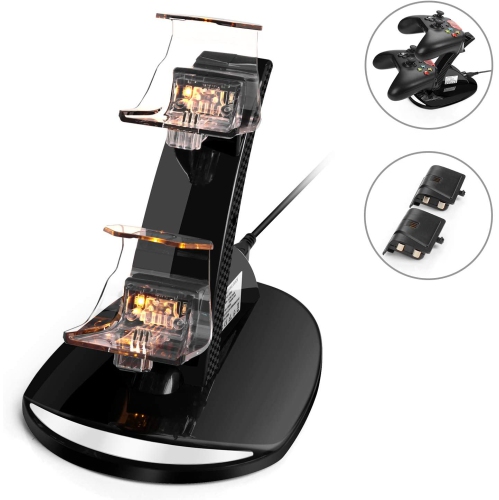
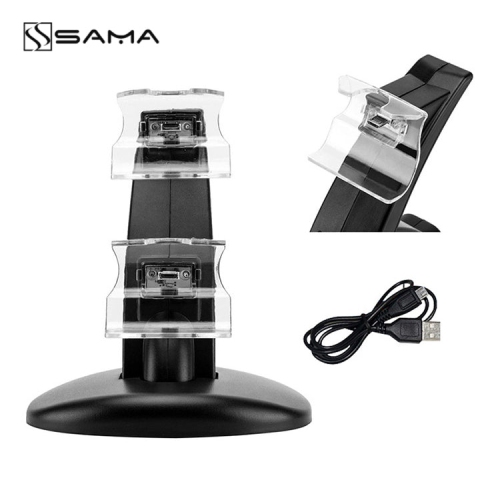
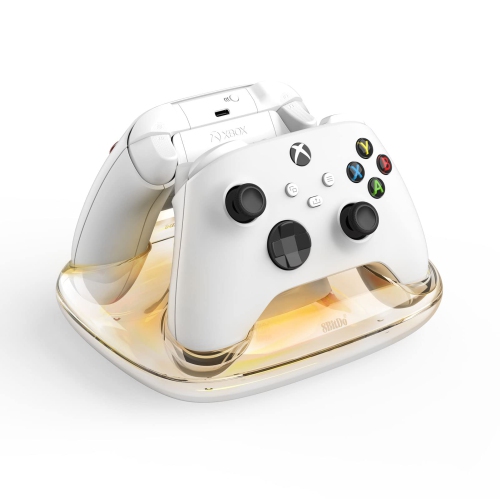
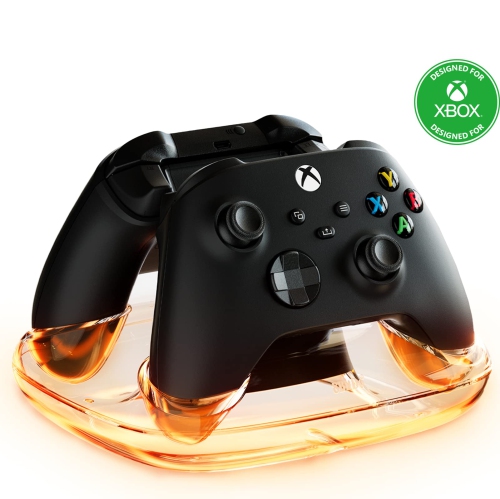
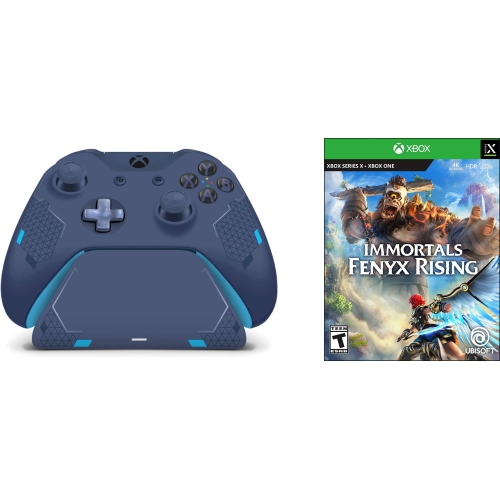
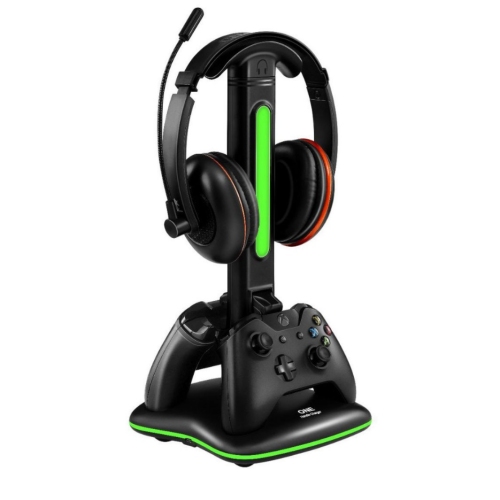
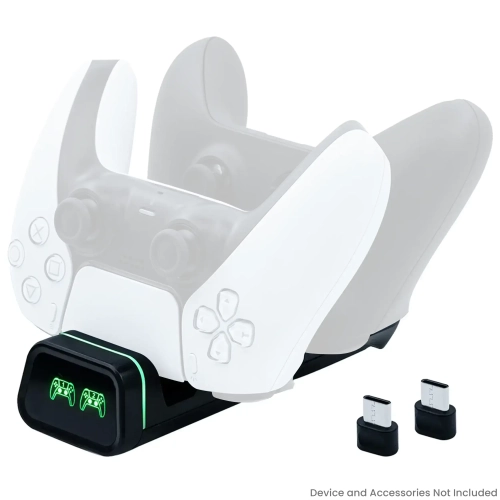
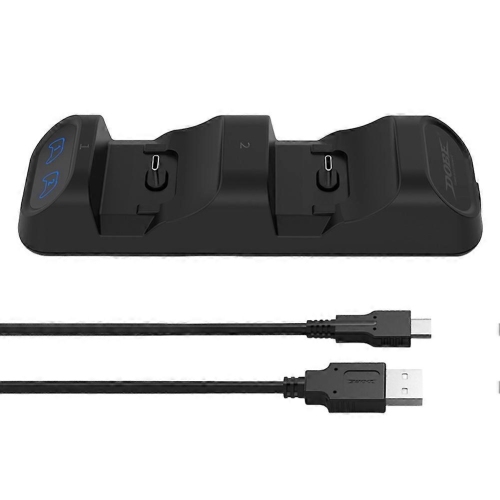
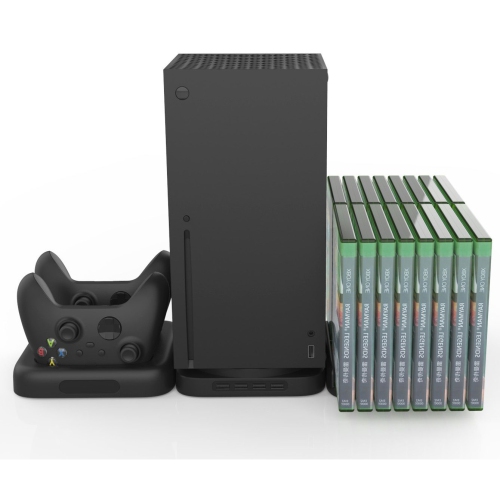
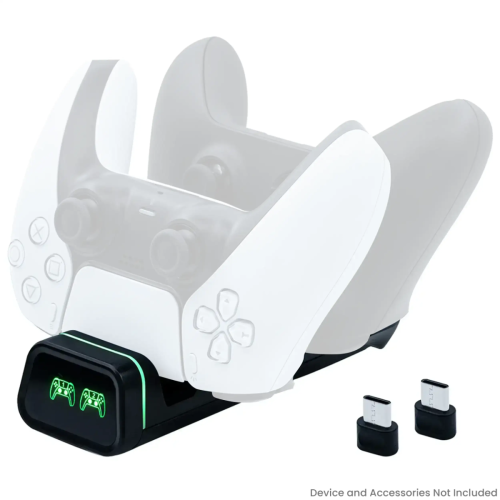
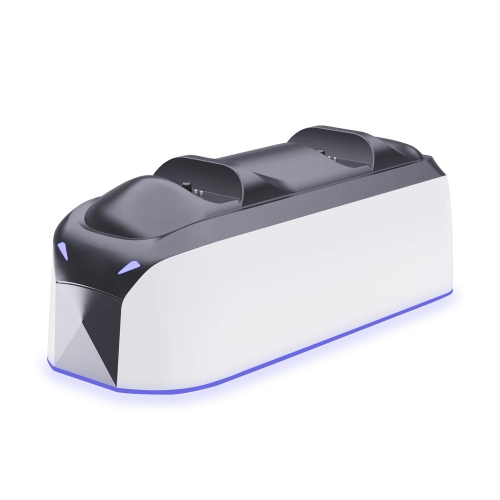
The most convenient choice often comes down to how and where you play. A drop-in dock can be a natural fit for a family room or gaming corner: after a late-night session, the controller can be placed into its slot instead of being left on the sofa or tucked beneath a cushion. Dual docks are helpful for local multiplayer, households with more than one player, or anyone who likes keeping a spare controller charged and ready. Models with charging indicators make it easier to see whether a controller is still charging or ready for use, which is handy when the room is dim and the console is already switched off. A compact cable-based charger can be better for a desk setup, travel bag, or smaller entertainment area, particularly when you want to continue playing while the battery replenishes. Some players prefer rechargeable AA batteries because they can keep a charged spare set available and swap batteries quickly when a session runs long. This approach offers flexibility, but it usually means purchasing a separate battery charger and remembering to rotate the sets. Dedicated rechargeable packs reduce that extra step and can create a tidier routine, while replaceable batteries may be more practical for households with several controllers or varied gaming accessories. Consider the number of controllers you use, how frequently you play, whether you share the console, and how much space is available near the television. It is also worth checking charging time, battery capacity, cable length, indicator lights, and whether the charger can power a controller with a protective case attached. Typical Xbox controller charging options can range from about $30 to $55, with the final price depending on the number of charging slots, battery capacity, included packs, construction, and additional accessories. For a broader look at dock-style options, browse Xbox Charging Stations.
An Xbox controller charger can be a thoughtful gift for a frequent player because it improves a small part of the gaming routine that is easy to overlook. It may suit someone setting up a first console, a student building a compact gaming station, a family preparing for more indoor entertainment during the cooler months, or a dedicated player who is tired of pausing a game to search for batteries. It can also be useful for a household where controllers regularly travel between a bedroom, family room, and gaming desk. Before giving one as a gift, confirm the recipient’s controller generation and whether they use a standard wireless controller, a special-edition model, or an Elite controller. If you cannot check discreetly, a flexible option with clearly listed compatibility and a familiar USB connection may be easier to match, though the included battery door or pack still deserves attention. For a gift, practical details can matter as much as appearance: a stable base, clear indicators, a non-slip underside, and enough cable length to reach a nearby outlet or console make the charger more pleasant to use every day. Look for safety and care information as well, including guidance on charging times, storage, and cleaning the contacts. Keep the charging area free of loose cables and avoid covering vents or placing the dock where it can be knocked onto the floor. With the right match, a charger becomes part of the rhythm of gaming: controller in hand for the evening, controller resting in its dock afterward, and a full charge waiting for the next round.
The most convenient choice often comes down to how and where you play. A drop-in dock can be a natural fit for a family room or gaming corner: after a late-night session, the controller can be placed into its slot instead of being left on the sofa or tucked beneath a cushion. Dual docks are helpful for local multiplayer, households with more than one player, or anyone who likes keeping a spare controller charged and ready. Models with charging indicators make it easier to see whether a controller is still charging or ready for use, which is handy when the room is dim and the console is already switched off. A compact cable-based charger can be better for a desk setup, travel bag, or smaller entertainment area, particularly when you want to continue playing while the battery replenishes. Some players prefer rechargeable AA batteries because they can keep a charged spare set available and swap batteries quickly when a session runs long. This approach offers flexibility, but it usually means purchasing a separate battery charger and remembering to rotate the sets. Dedicated rechargeable packs reduce that extra step and can create a tidier routine, while replaceable batteries may be more practical for households with several controllers or varied gaming accessories. Consider the number of controllers you use, how frequently you play, whether you share the console, and how much space is available near the television. It is also worth checking charging time, battery capacity, cable length, indicator lights, and whether the charger can power a controller with a protective case attached. Typical Xbox controller charging options can range from about $30 to $55, with the final price depending on the number of charging slots, battery capacity, included packs, construction, and additional accessories. For a broader look at dock-style options, browse Xbox Charging Stations.
An Xbox controller charger can be a thoughtful gift for a frequent player because it improves a small part of the gaming routine that is easy to overlook. It may suit someone setting up a first console, a student building a compact gaming station, a family preparing for more indoor entertainment during the cooler months, or a dedicated player who is tired of pausing a game to search for batteries. It can also be useful for a household where controllers regularly travel between a bedroom, family room, and gaming desk. Before giving one as a gift, confirm the recipient’s controller generation and whether they use a standard wireless controller, a special-edition model, or an Elite controller. If you cannot check discreetly, a flexible option with clearly listed compatibility and a familiar USB connection may be easier to match, though the included battery door or pack still deserves attention. For a gift, practical details can matter as much as appearance: a stable base, clear indicators, a non-slip underside, and enough cable length to reach a nearby outlet or console make the charger more pleasant to use every day. Look for safety and care information as well, including guidance on charging times, storage, and cleaning the contacts. Keep the charging area free of loose cables and avoid covering vents or placing the dock where it can be knocked onto the floor. With the right match, a charger becomes part of the rhythm of gaming: controller in hand for the evening, controller resting in its dock afterward, and a full charge waiting for the next round.
Top selling and popular products
-
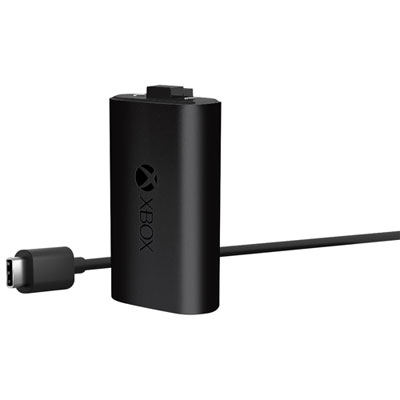 Your price for this item is $29.99
 -
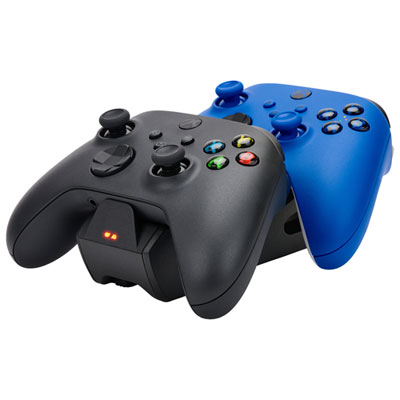 Your price for this item is $34.99
 -
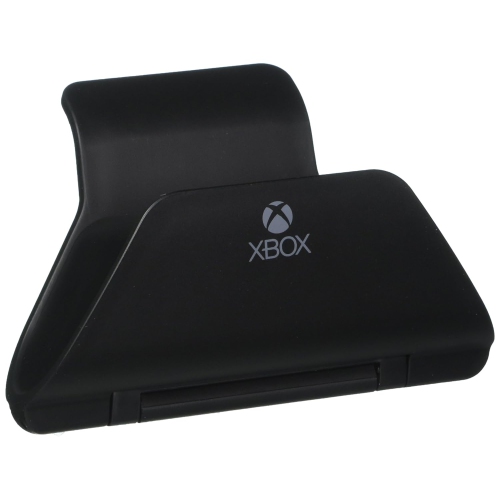 Your price for this item is $9.99
 -
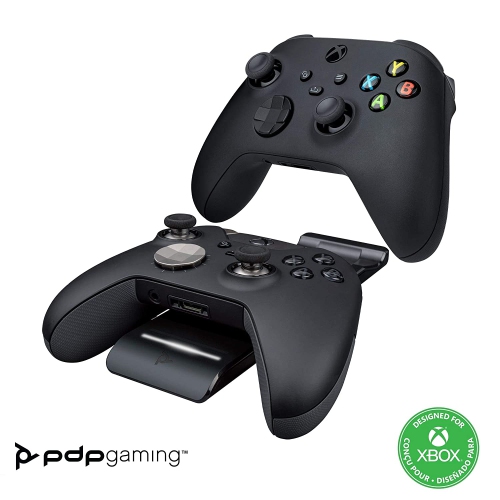 Your price for this item is $77.68
 -
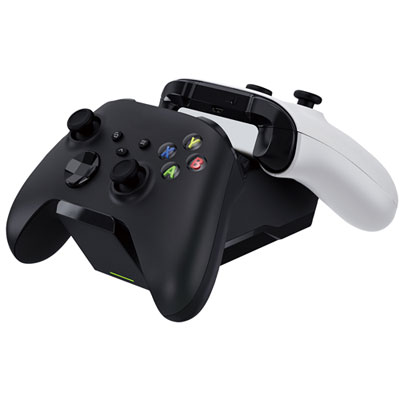 Your price for this item is $34.99
 -
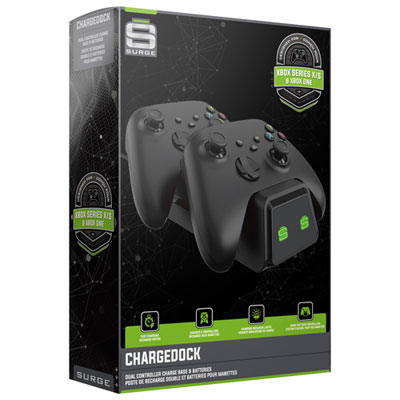 Your price for this item is $29.99
 -
 Your price for this item is $59.99
 -
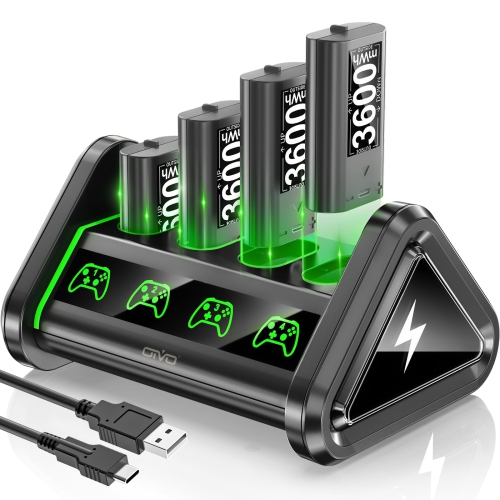 Your price for this item is $59.95
Discover more categories related to Xbox Controller Chargers
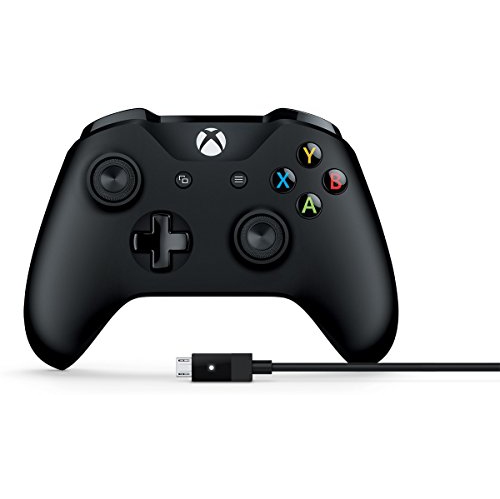
Top Collections:
Pokemon Centers, Kindle Devices, Best Budget Office Chairs, Canon G7X Cameras, Apple iPhones 16, Samsung Galaxy Phones, Refurbished Apple Laptops, Laptops for Students, iPhone 15 Apple, Budget Smartphones
Some products may be subject to Environmental Handling Fees
(EHF) depending on your province.
Learn more about EHFs.