Xbox Charging Stations
Keep your gaming sessions going strong with our selection of Xbox charging stations. Say goodbye to interruptions caused by dead controller batteries and ensure you always have a fully charged backup ready to go. These charging stations are designed to be efficient, convenient, and compatible with a variety of Xbox controllers. Say hello to uninterrupted gameplay and never miss a moment of the action again.
Sort
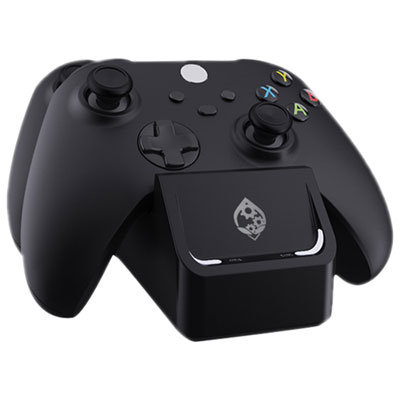
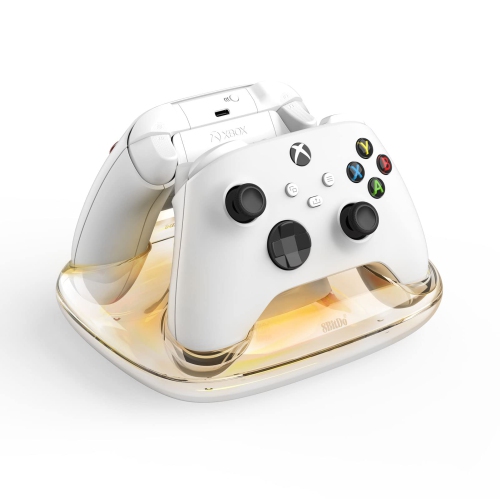
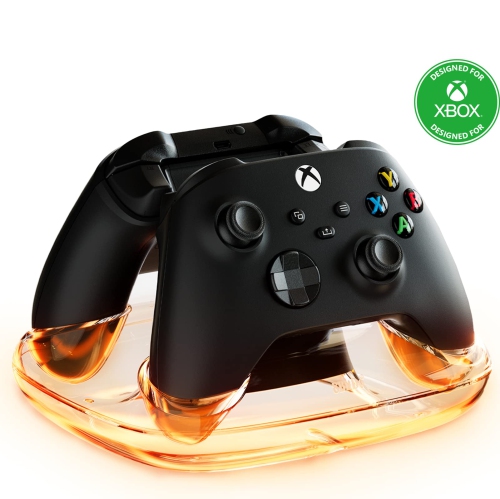
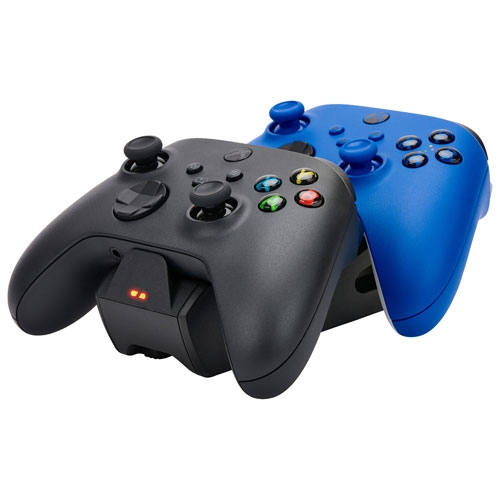
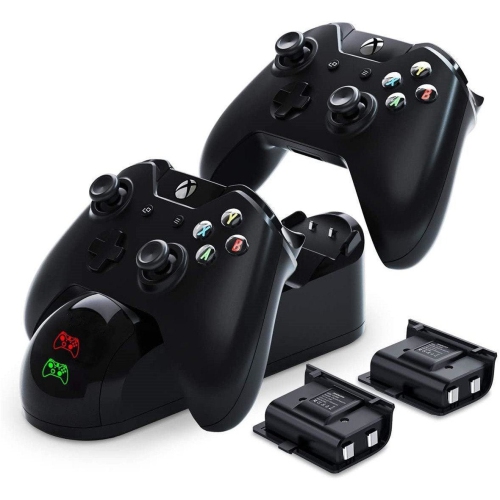
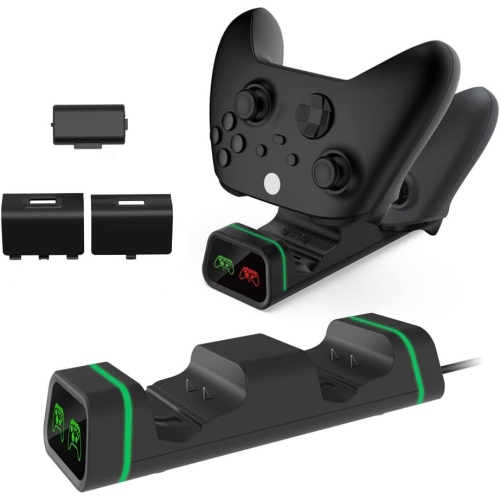
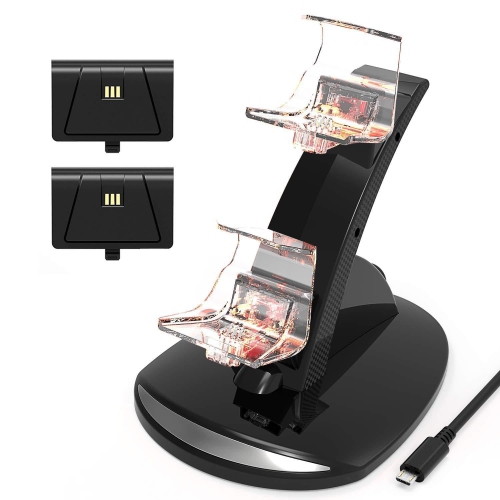
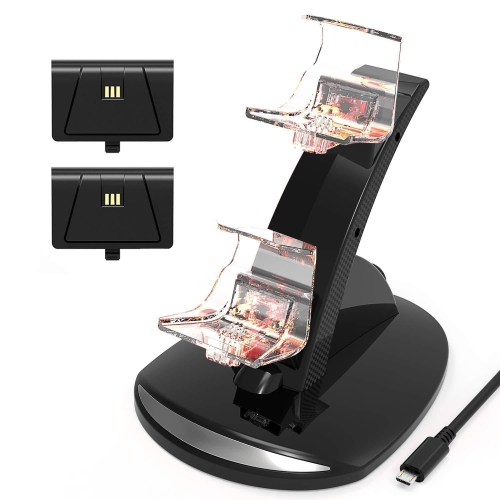
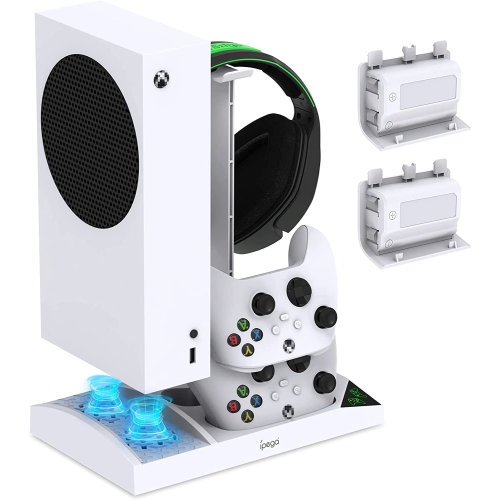
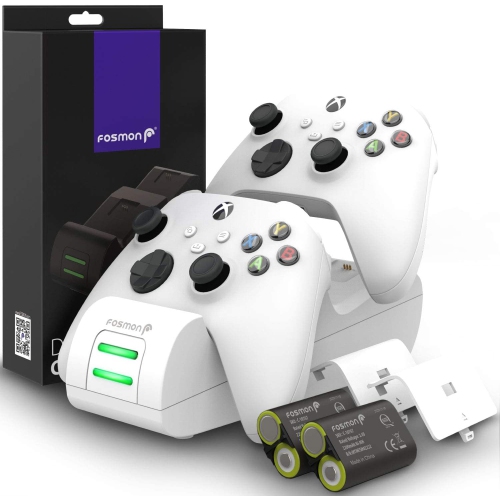
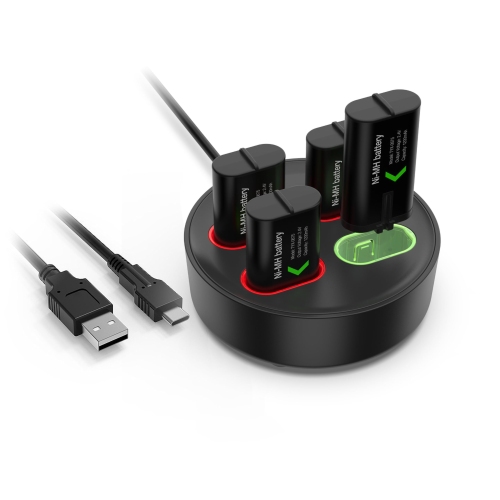
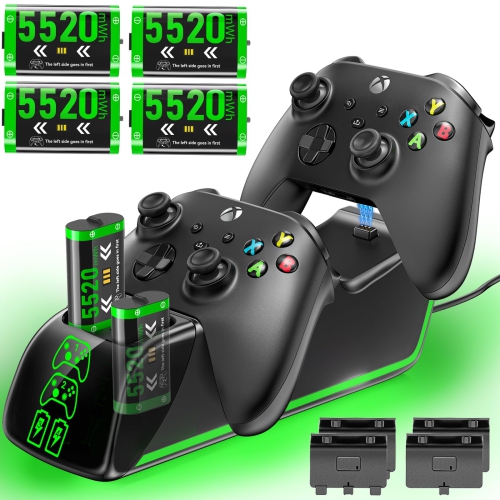
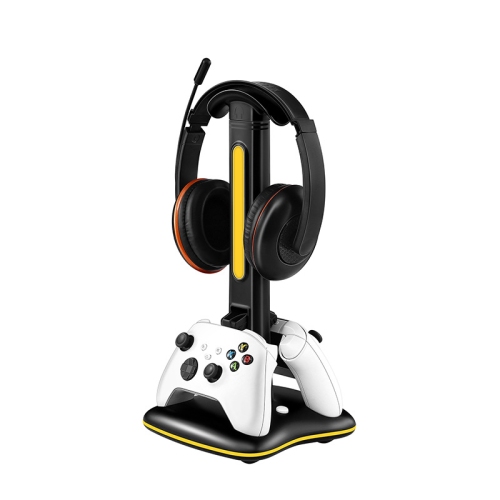
![PROGAMR Products Xbox Dual Charge Dock With 2 Additional Batteries for Xbox Series X/s Controllers + Elite [Xbox Series X/s Accessory]](https://multimedia.bbycastatic.ca/multimedia/products/500x500/157/15718/15718879.jpeg)
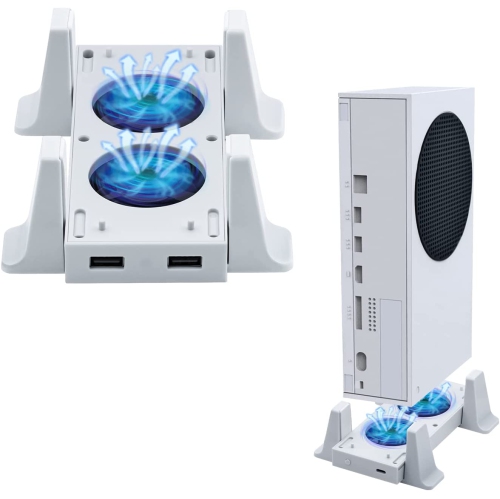
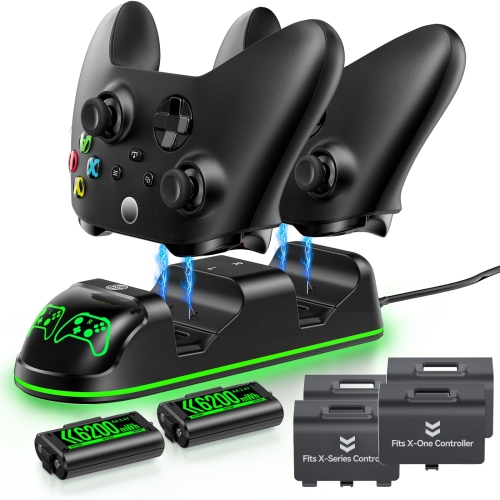
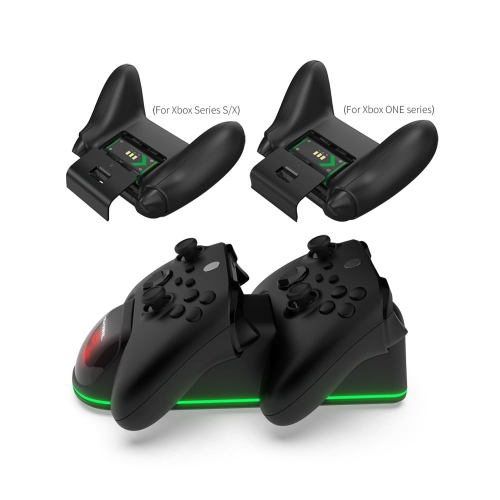

![OLD SKOOL Xbox Play N Charge Kit [] In Black](https://multimedia.bbycastatic.ca/multimedia/products/500x500/189/18930/18930978.jpeg)
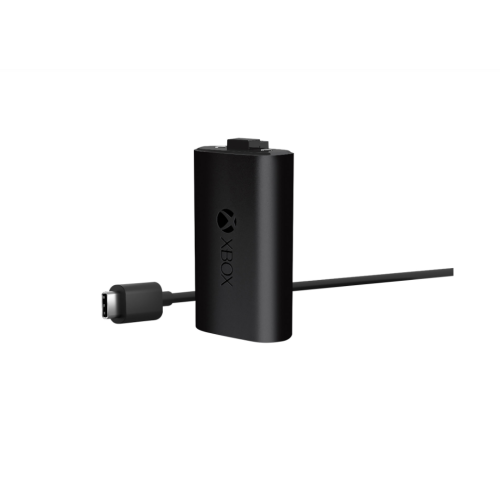
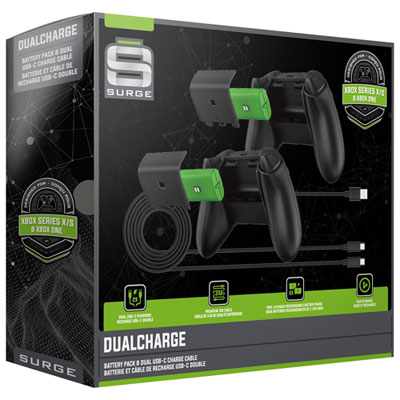
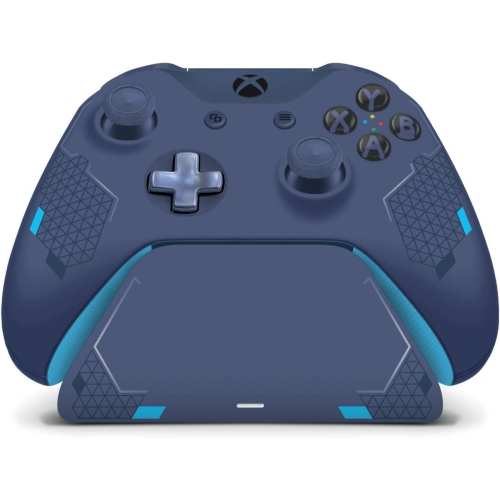
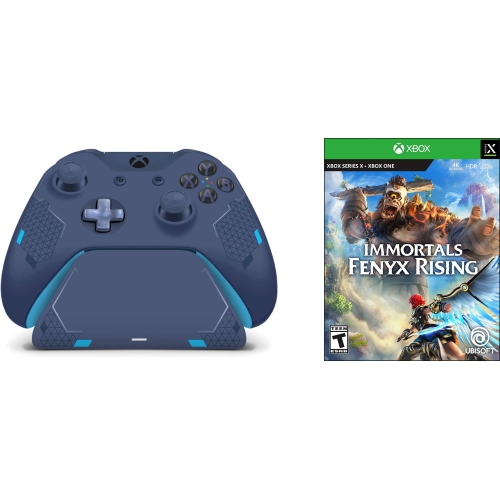
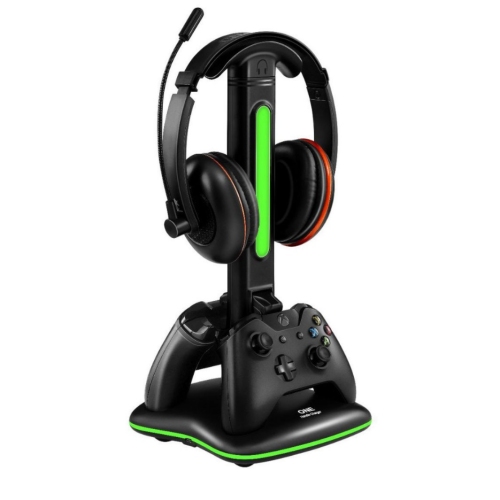
![CONTROLLER GEAR : Star Wars Squadrons Wireless Controller And Pro Charging Stand Bundle [Xbox Series X Accessory]](https://multimedia.bbycastatic.ca/multimedia/products/500x500/198/19881/19881713.jpeg)
![TTX TECH Xbox 360 Charge & Play Pack [] In White](https://multimedia.bbycastatic.ca/multimedia/products/500x500/174/17406/17406376.jpeg)
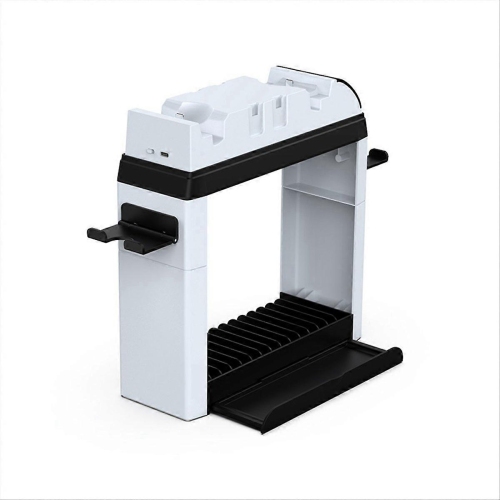
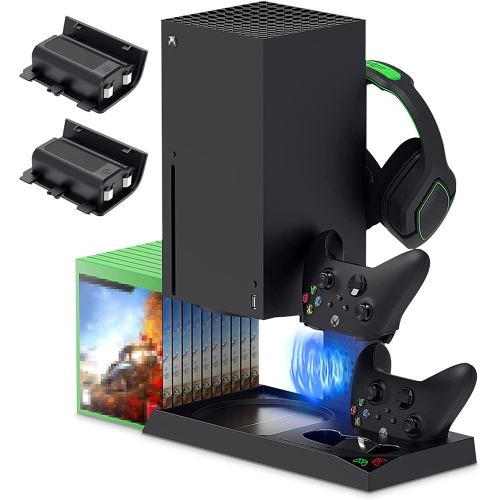

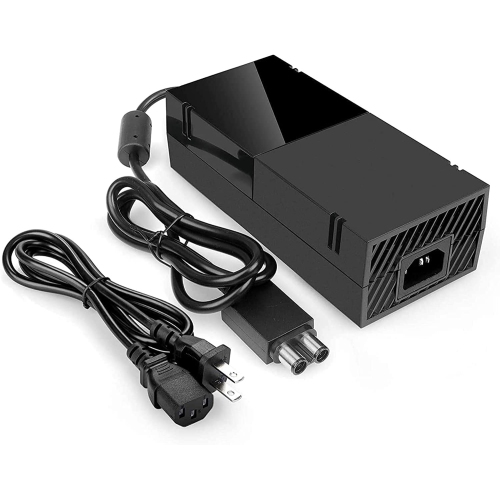
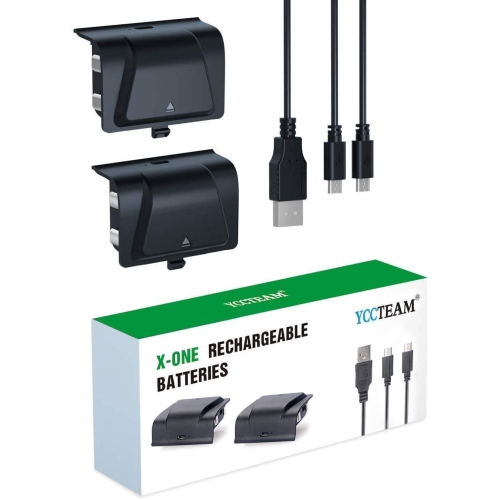
![TTX TECH Xbox 360 Charge & Play Pack [] In Black](https://multimedia.bbycastatic.ca/multimedia/products/500x500/174/17404/17404632.jpeg)
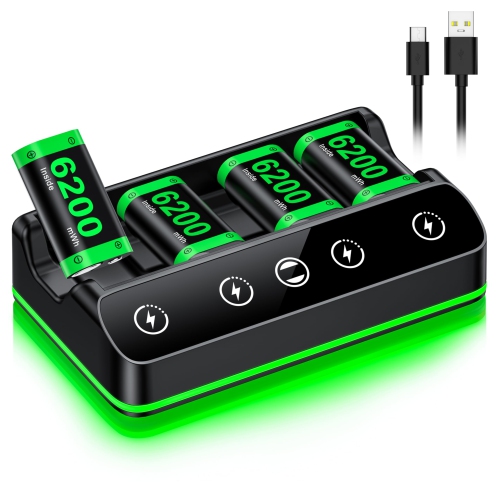
Compatibility and capacity shape the right charging setup
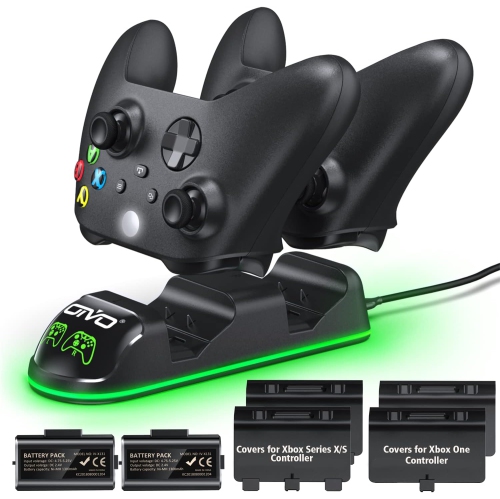
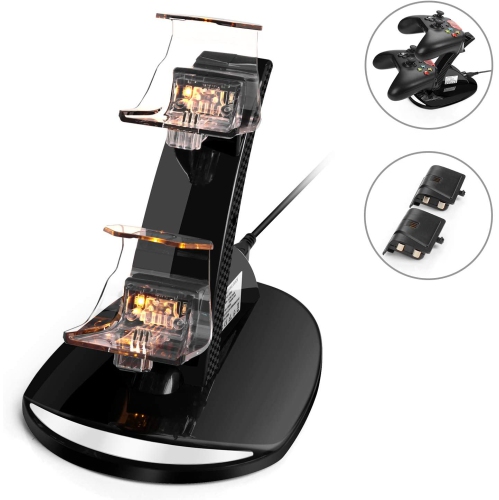
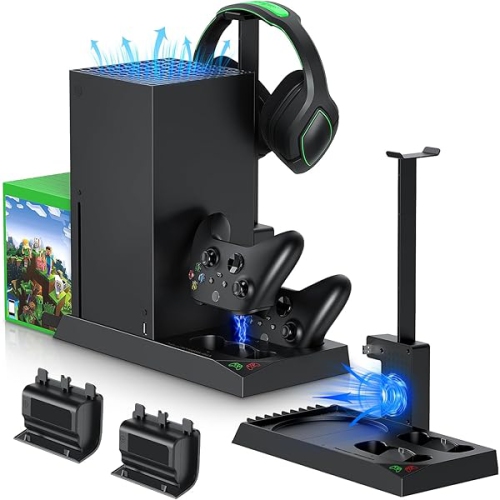
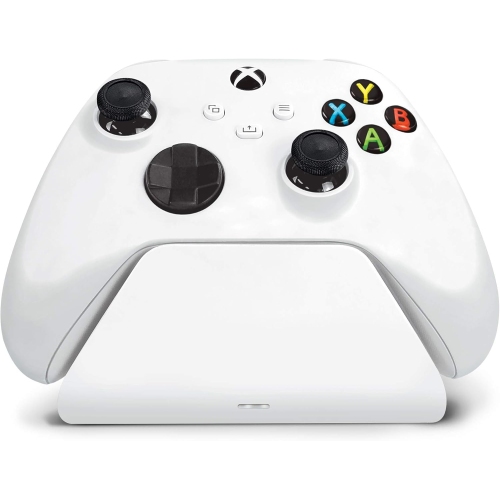
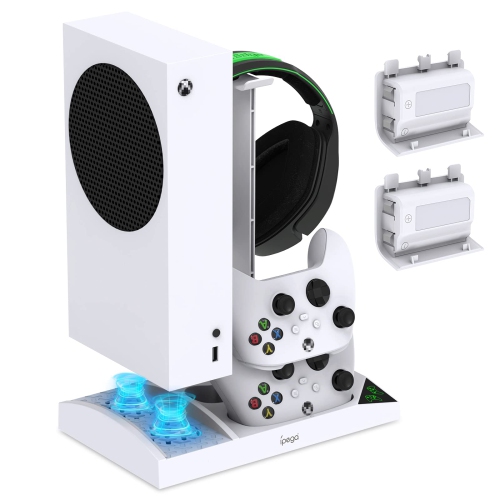
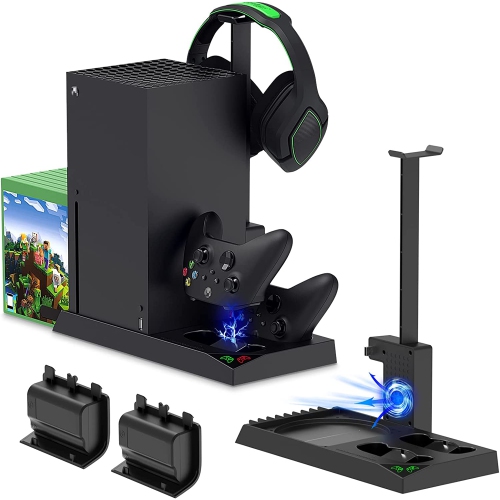
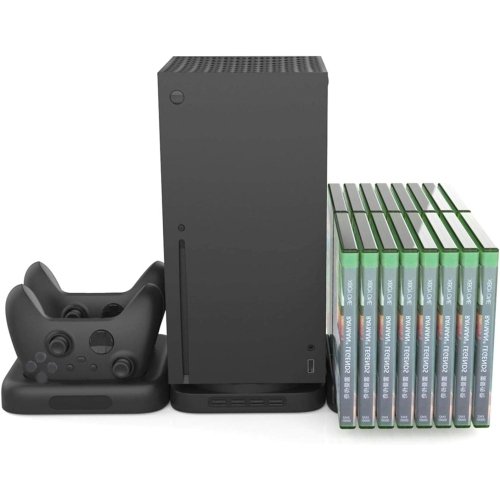
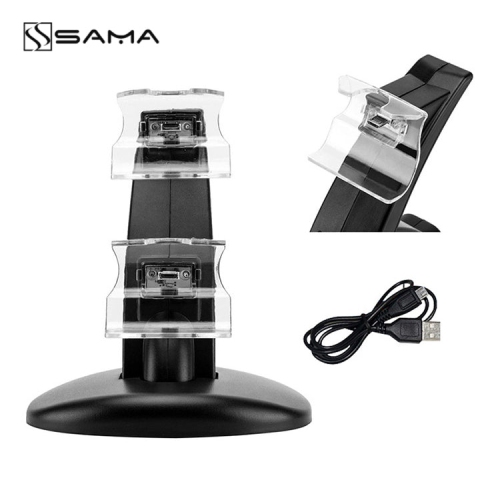
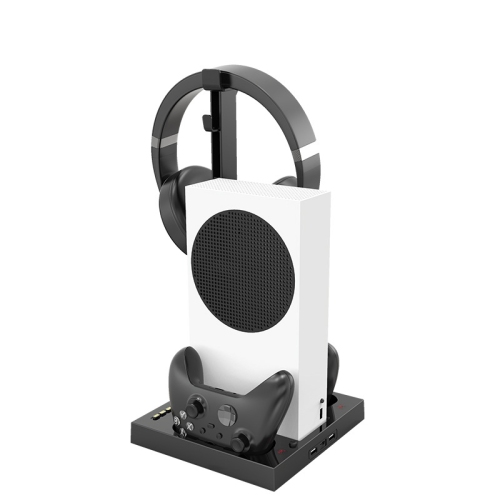
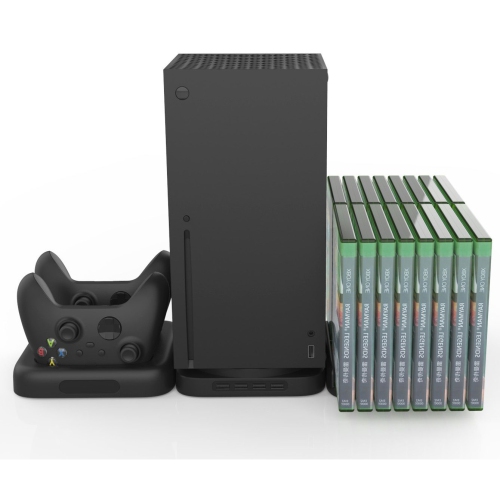
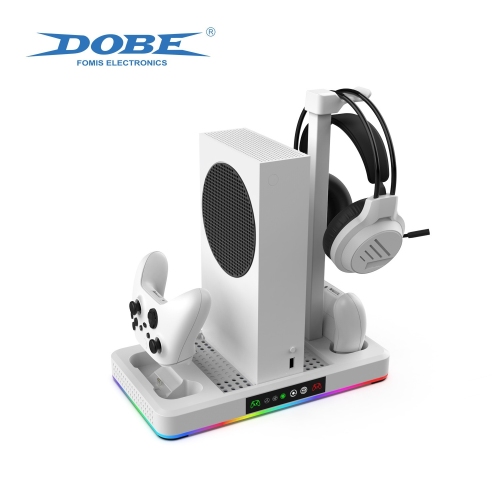
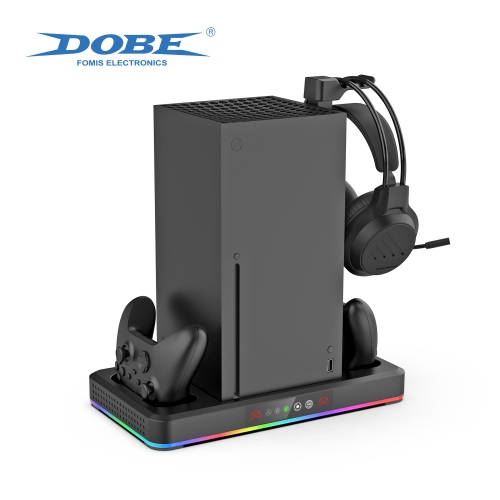
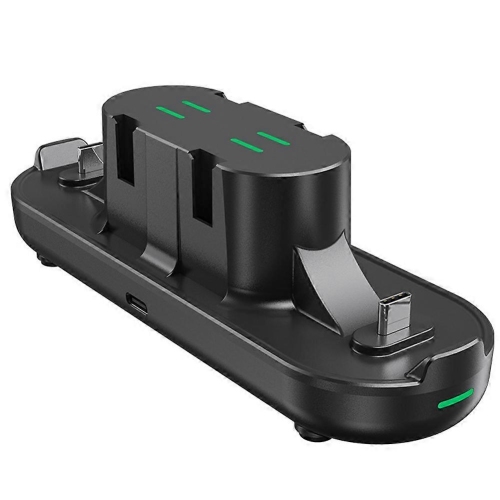
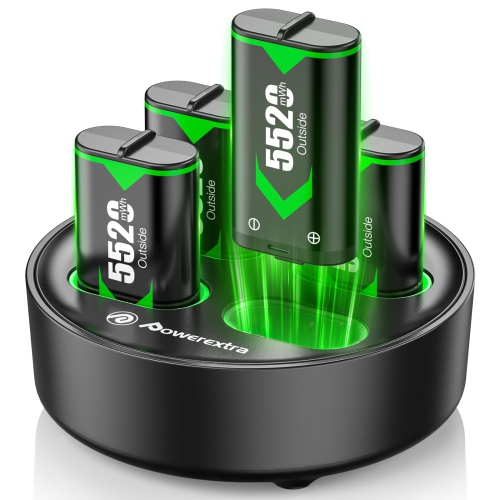
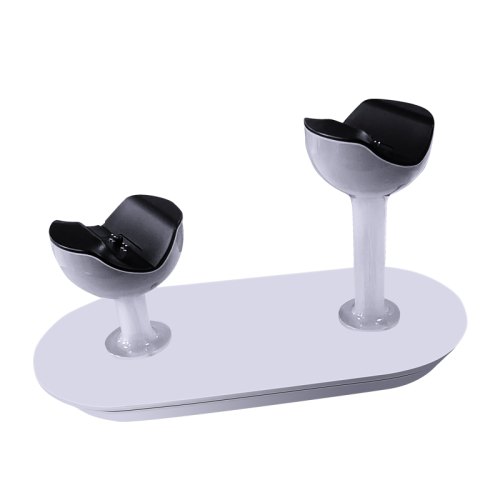
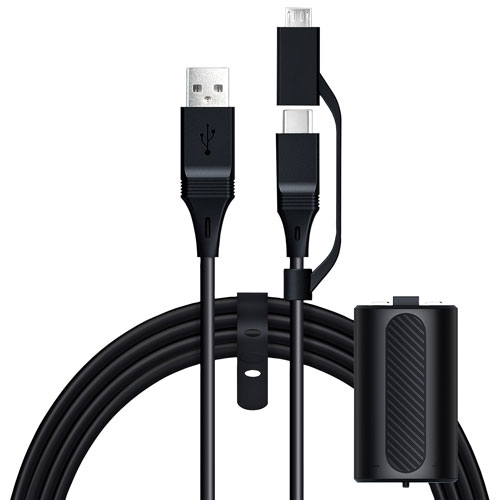
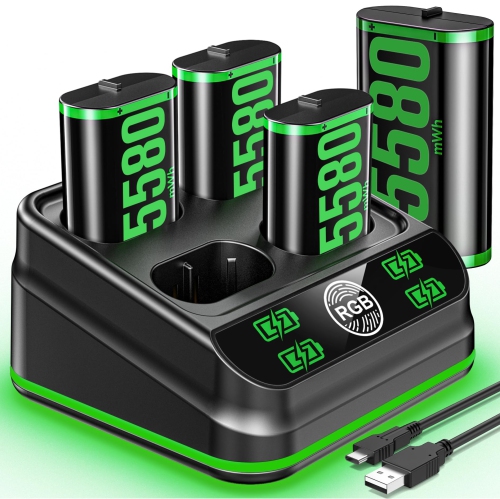
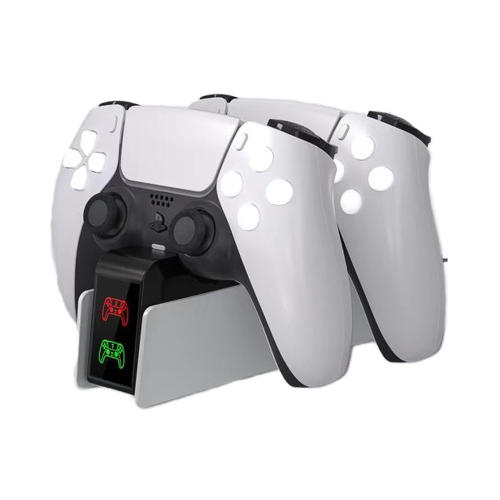
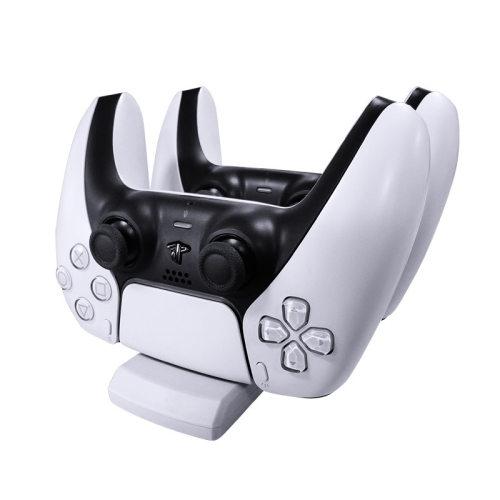
Xbox charging stations provide a convenient home for Xbox controllers while keeping rechargeable battery packs ready for the next gaming session. Rather than searching for a loose cable or discovering that a controller has run out of power just as a match begins, players can place the controller on a dedicated dock when they finish playing. Many charging stations are designed to hold one or two controllers, making them suitable for solo players, families, and shared gaming spaces where several people use the same console. A charging station may include rechargeable battery packs, replacement battery doors, or charging covers made for particular Xbox controller generations. Some sets are compatible with Xbox Series X|S and Xbox One controllers, while others are intended for a narrower range of models, so checking compatibility before purchase is one of the most important considerations. The controller’s fit, the battery compartment design, and the position of the charging contacts all affect how smoothly the system works. For more options that focus on keeping Xbox controllers powered and organized, browse these Xbox Controller Chargers. A proper fit should allow the controller to sit securely without forcing it into place, and charging indicators can make it easy to see whether the battery is still charging or ready for use. Depending on the design, indicators may use simple status lights or more noticeable illuminated accents, which can add a subtle gaming-room touch without taking up much space.
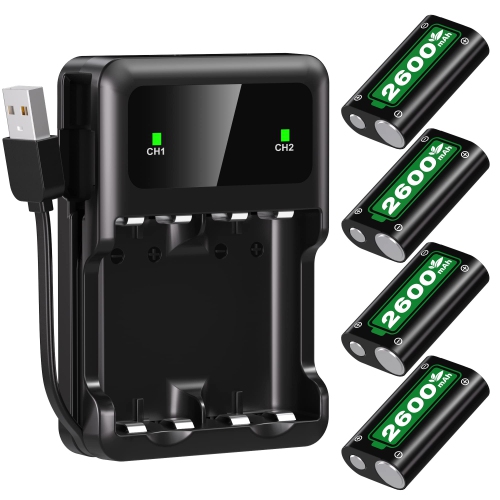
The number of controllers in the household is a useful starting point when comparing charging stations. A single-controller dock can be a practical choice for someone who usually plays alone and wants a tidy charging spot beside the console, television, or gaming monitor. A dual-charging station is better suited to local multiplayer, families, roommates, or anyone who likes to keep a spare controller ready. It can also help prevent the familiar scramble for a charged controller when friends arrive during the cooler months and indoor gaming becomes part of the evening routine. Battery capacity matters as well. Higher-capacity rechargeable packs may support longer sessions between charges, although actual runtime depends on the controller, headset use, vibration settings, and the games being played. Charging time, included battery packs, and whether the dock can charge both controllers at once are worth comparing. Some charging stations use direct contact points that allow for drop-and-charge storage, while others may rely on a cable or a removable battery connection. Magnetic contacts can make alignment quick and simple, but the station should still rest on a stable surface so it does not shift when a controller is placed on it. Look for a compact footprint if the charging area is on a crowded shelf, and consider cable length if the nearest power outlet is behind a cabinet or entertainment unit. A dock with a clear status indicator can be especially helpful in a darker gaming space, while adjustable or switchable lighting may be preferable for bedrooms, shared living rooms, or anyone who prefers a quieter look.
Xbox charging stations can be useful gifts for players of many ages, particularly when paired with a new console, an additional controller, or a refreshed gaming setup. They are also a thoughtful choice for a student’s dorm room, a family room, or a dedicated gaming area where accessories tend to collect between sessions. For a younger player, a charging dock can make it easier to establish a simple routine: place the controller on the station after playing, check the indicator, and leave the setup ready for the next use. For adults who play after work or on weekends, the same routine keeps the entertainment area neat and reduces the need to interrupt a game to look for batteries or cables. Before choosing a model, confirm whether the controller is an Xbox Series X|S model, an Xbox One model, or a specialised version with a different shape or battery compartment. Some stations include doors for more than one controller generation, while others may require a specific replacement part. It is also worth checking whether the package includes the rechargeable packs needed to begin charging immediately, how many packs are included, and whether the station is intended for charging only or also provides storage. A well-placed charging station can sit beside the console as part of the everyday setup, on a media cabinet for shared family use, or near a monitor in a compact gaming corner. With the right compatibility, capacity, and layout, it offers a straightforward way to keep controllers together, charged, and ready for the next race, campaign, sports game, or multiplayer match.
The number of controllers in the household is a useful starting point when comparing charging stations. A single-controller dock can be a practical choice for someone who usually plays alone and wants a tidy charging spot beside the console, television, or gaming monitor. A dual-charging station is better suited to local multiplayer, families, roommates, or anyone who likes to keep a spare controller ready. It can also help prevent the familiar scramble for a charged controller when friends arrive during the cooler months and indoor gaming becomes part of the evening routine. Battery capacity matters as well. Higher-capacity rechargeable packs may support longer sessions between charges, although actual runtime depends on the controller, headset use, vibration settings, and the games being played. Charging time, included battery packs, and whether the dock can charge both controllers at once are worth comparing. Some charging stations use direct contact points that allow for drop-and-charge storage, while others may rely on a cable or a removable battery connection. Magnetic contacts can make alignment quick and simple, but the station should still rest on a stable surface so it does not shift when a controller is placed on it. Look for a compact footprint if the charging area is on a crowded shelf, and consider cable length if the nearest power outlet is behind a cabinet or entertainment unit. A dock with a clear status indicator can be especially helpful in a darker gaming space, while adjustable or switchable lighting may be preferable for bedrooms, shared living rooms, or anyone who prefers a quieter look.
Xbox charging stations can be useful gifts for players of many ages, particularly when paired with a new console, an additional controller, or a refreshed gaming setup. They are also a thoughtful choice for a student’s dorm room, a family room, or a dedicated gaming area where accessories tend to collect between sessions. For a younger player, a charging dock can make it easier to establish a simple routine: place the controller on the station after playing, check the indicator, and leave the setup ready for the next use. For adults who play after work or on weekends, the same routine keeps the entertainment area neat and reduces the need to interrupt a game to look for batteries or cables. Before choosing a model, confirm whether the controller is an Xbox Series X|S model, an Xbox One model, or a specialised version with a different shape or battery compartment. Some stations include doors for more than one controller generation, while others may require a specific replacement part. It is also worth checking whether the package includes the rechargeable packs needed to begin charging immediately, how many packs are included, and whether the station is intended for charging only or also provides storage. A well-placed charging station can sit beside the console as part of the everyday setup, on a media cabinet for shared family use, or near a monitor in a compact gaming corner. With the right compatibility, capacity, and layout, it offers a straightforward way to keep controllers together, charged, and ready for the next race, campaign, sports game, or multiplayer match.
Top selling and popular products
-
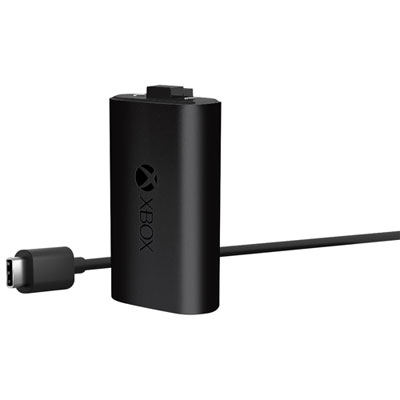 Your price for this item is $29.99
 -
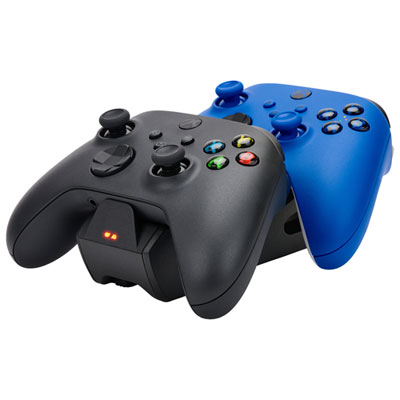 Your price for this item is $34.99
 -
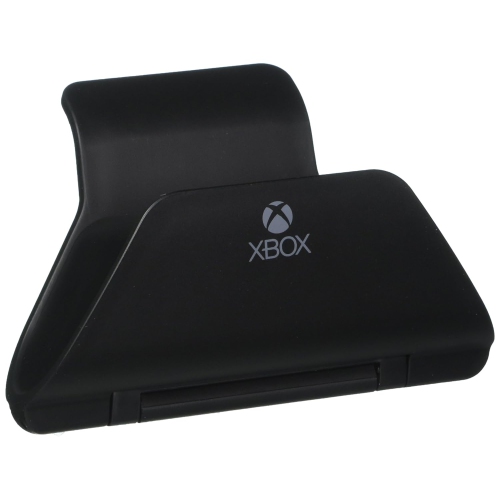 Your price for this item is $19.99
 -
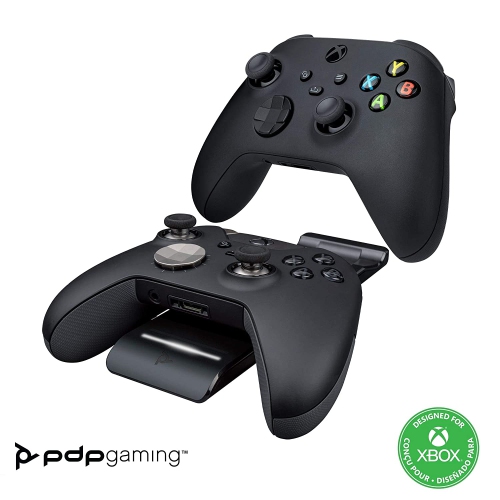 Your price for this item is $87.68
 -
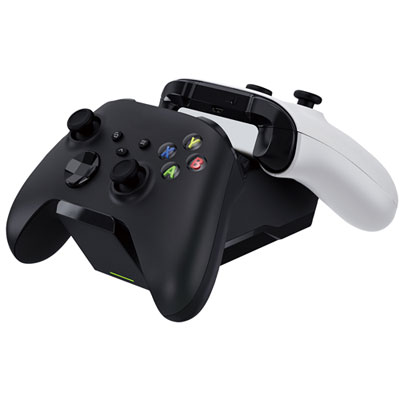 Your price for this item is $34.99
 -
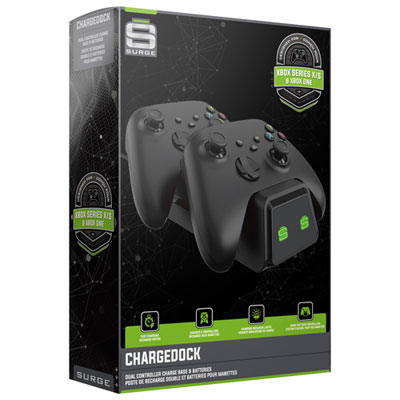 Your price for this item is $29.99
 -
 Your price for this item is $59.99
 -
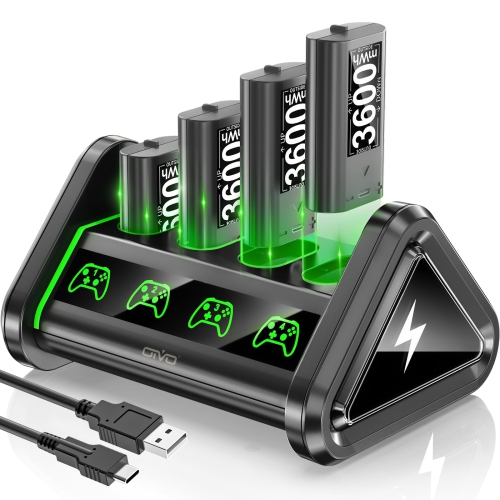 Your price for this item is $59.95
Discover more categories related to Xbox Charging Stations
Top Collections:
Pokemon Centers, Best Cameras for Sports Photography, Kindle Devices, Samsung Galaxy Phones, Canon G7X Cameras, Pokémon 30th Celebration Cards, Refurbished Apple Laptops, iPhone 15 Apple, Laptops for Students, Budget Smartphones
Some products may be subject to Environmental Handling Fees
(EHF) depending on your province.
Learn more about EHFs.