Best Webcam for Podcast
Bring your podcast into focus with webcams that help you connect with your audience on screen. Whether you’re recording interviews, hosting a livestream, or adding video to your audio show, explore the best webcams for podcasts, ranked by user review ratings. Compare video resolution, low-light performance, and microphone features to find the right fit for your setup.
What to look for in webcams for podcasts
1. Resolution and Frame Rate
2. Lighting and Focus
3. Field of View and Mounting
4. Audio and Software Compatibility
-
1

Logitech C922 Pro Stream 1080p HD Streaming & Gaming Webcam
About this product
A black webcam offering Full HD 1080p video at 30fps with dual omnidirectional microphones for streaming.
What customers like
(4,356)$149.99 Your price for this item is $149.99 -
2
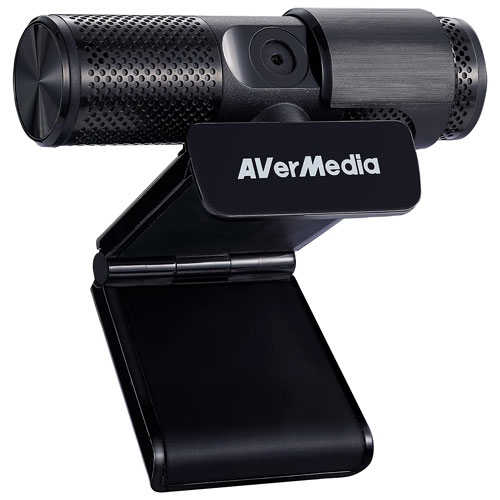
AVERMEDIA Refurbished (Excellent) - Live Streamer Cam 313 1080P HD Webcam (Pw313)
About this product
A plug-and-play USB webcam with 1080p HD video, dual microphones, and a 360-degree swivel design.
$89.99 Your price for this item is $89.99 -
3
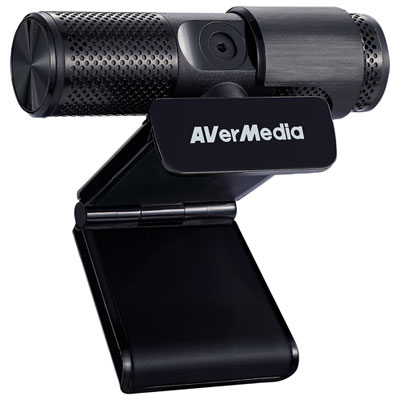
AVerMedia Live Streamer CAM 313 1080p HD Webcam (PW313)
About this product
A plug-and-play black webcam with 1080p HD video, dual microphones, and a 360-degree swivel design.
What customers like
(316)$59.99 Your price for this item is $59.99 -
4
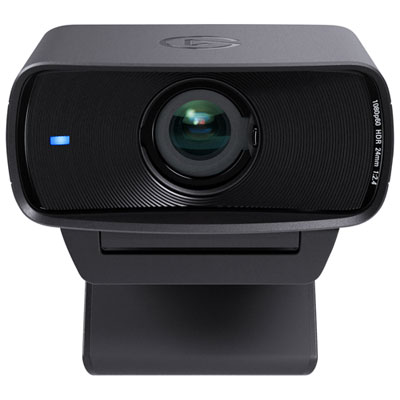
Elgato Facecam MK. 2 1080p Webcam (10WAC9901)
About this product
A black webcam delivering 1080p60 video, HDR technology, and advanced DSLR-style controls for professional streaming.
What customers like
(181)$169.99 Your price for this item is $169.99 -
5
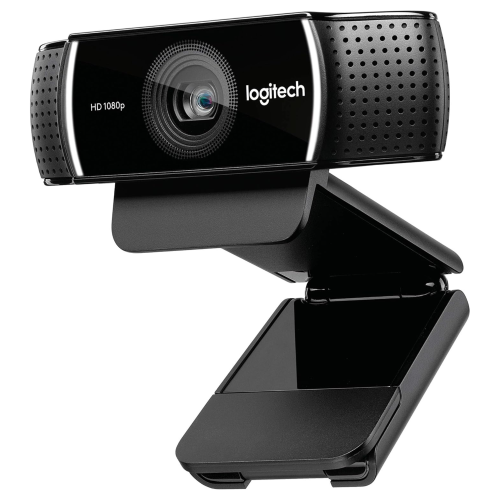
LOGITECH 1080P Pro Stream Webcam for HD Video Streaming And Recording At 1080P 30Fps (960-001211)
About this product
A high-definition webcam delivering smooth 1080p video, autofocus, and stereo audio for professional streaming.
$84.99Your price for this item is $84.99SAVE $15 -
6
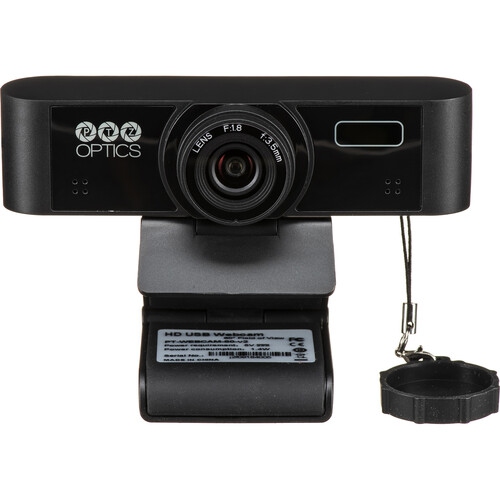
PTZOPTICS Webcam 80 V2 With Dual Microphones - - (Pt-Webcam-80-V2) In Black
About this product
A Full-HD black webcam featuring dual microphones and advanced video control options for professional streaming.
$65.99 Your price for this item is $65.99 -
7
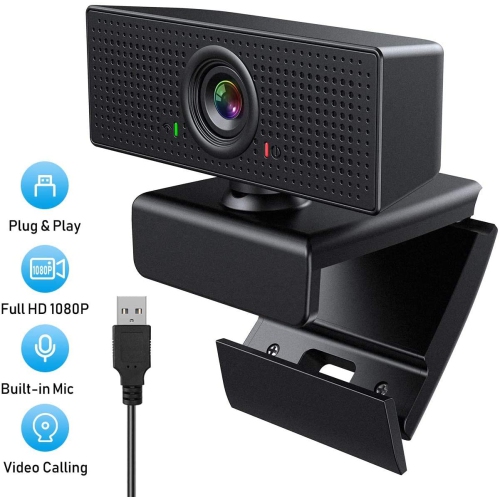
VIVIDER HD Webcam 1080P With Microphone, PC Laptop Desktop USB Webcams, Pro Streaming Computer Camera for Video Calling
About this product
A high-definition webcam with microphone for video calling on PC, laptop, and desktop computers.
(7)$29.99Your price for this item is $29.99SAVE $10 -
8
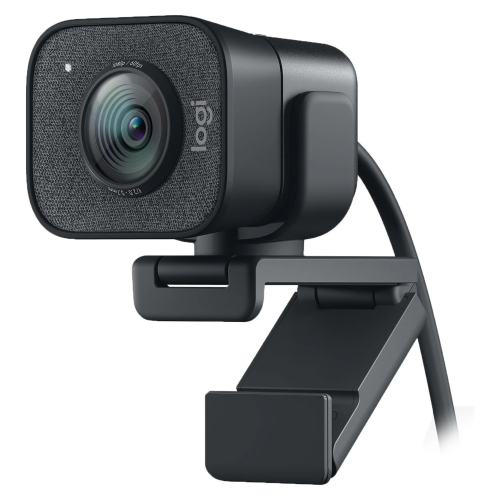
LOGITECH Streamcam Plus 1080 Webcam for Live Streaming And Content Creation - Graphite (960-001280)
About this product
A graphite webcam delivering smooth Full HD 1080p video at 60 fps with autofocus and dual microphones.
$189.99Your price for this item is $189.99SAVE $10 -
9
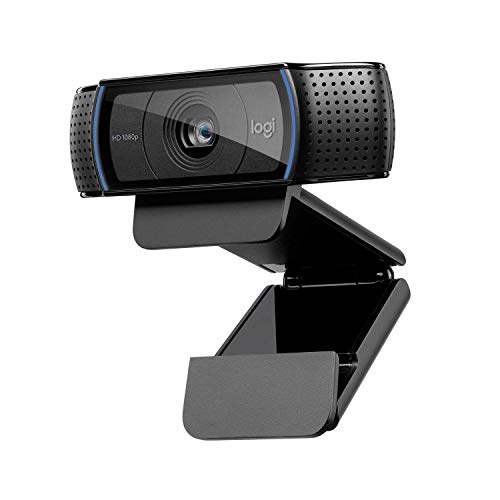
LOGITECH HD Pro Webcam C920X
About this product
A high-definition webcam with dual stereo mics for clear video calls and recordings.
$150.58Your price for this item is $150.58SAVE $22 -
10
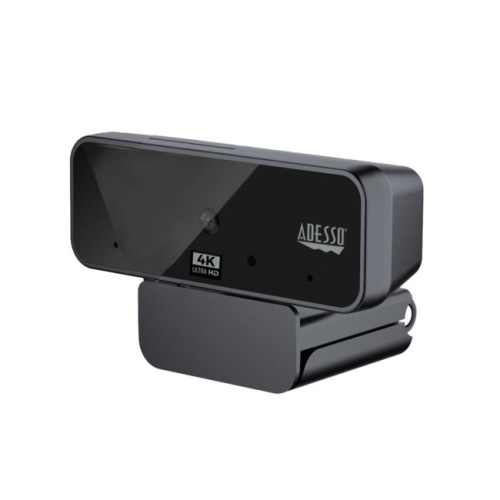
ADESSO Cybertrack H6 4K Ultra HD USB 2.0 Webcam With Built-In Dual Microphone & Privacy Shutter Cover - 8 Megapixel - 30 Fps - In Black
About this product
A 4K Ultra HD black webcam with dual microphones, privacy shutter, 8MP sensor, and 30 fps recording.
$115.68 Your price for this item is $115.68
FAQ
Look for Full HD or 4K video, reliable autofocus, adjustable exposure and compatibility with your recording software. A webcam with manual image controls lets you fine-tune your appearance, while flexible mounting options help you position the camera at eye level.
A 1080p webcam is a practical choice for podcasts published in Full HD. A 4K webcam captures more detail and gives you more flexibility to crop footage when editing a 1080p video. Your choice should also account for your computer’s processing capabilities and your recording platform’s supported resolution.
You can use a webcam’s built-in microphone, but a separate USB or XLR microphone typically offers more control over voice recording. Most podcast software lets you select the webcam as your video source and a separate microphone as your audio source. An XLR microphone generally requires an audio interface to connect to a computer.
Autofocus adjusts as you move closer to or farther from the camera, which can be useful if you shift position or show objects during a recording. Fixed focus suits a stationary setup when you remain within the webcam’s intended focus range. Some autofocus webcams also let you lock focus manually for a consistent shot.
Connect the webcam to a compatible USB port, then select it as the video input in your recording software. Choose your microphone separately and set the recording resolution and frame rate. Many webcams work with standard system drivers, though companion software may be needed to access additional image settings.
Top selling and popular products
Discover more categories related to Best Webcam for Podcast
Some products may be subject to Environmental Handling Fees (EHF) depending on your province. Learn more about EHFs.