Office Wi-Fi Routers
Transform your workspace into a hub of productivity with the right office WiFi router. Whether you're managing a bustling corporate environment or setting up a home office, choosing the ideal router is key to ensuring seamless connectivity and efficient workflow. At Best Buy, we offer a diverse selection of office WiFi routers designed to meet various needs and preferences, helping you stay connected with reliable speed and performance. Explore our range to find the perfect solution that keeps your devices online and your work uninterrupted.
Sort
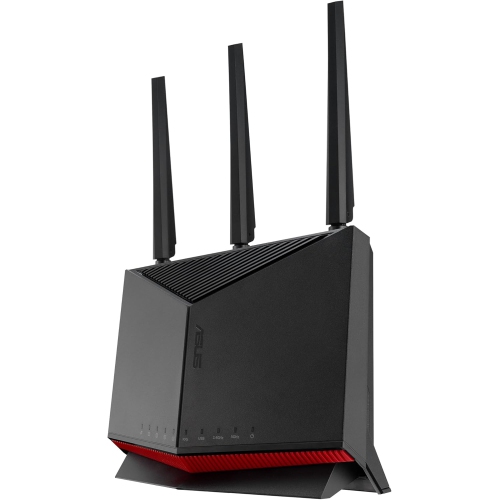
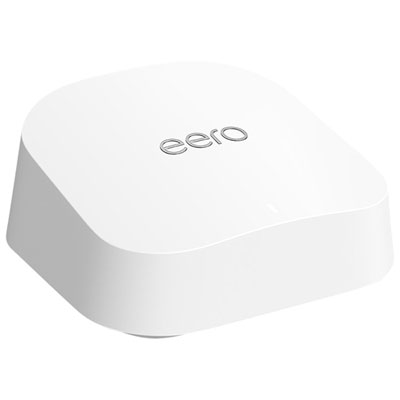
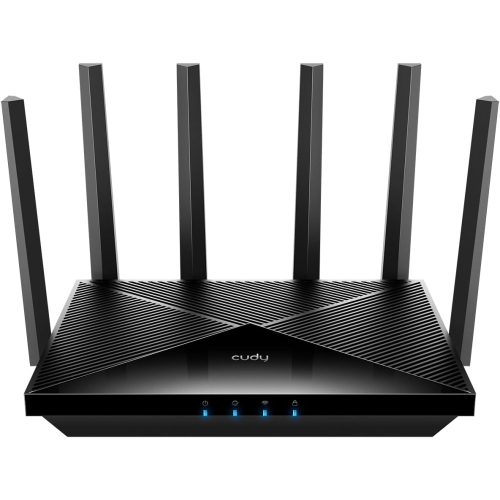

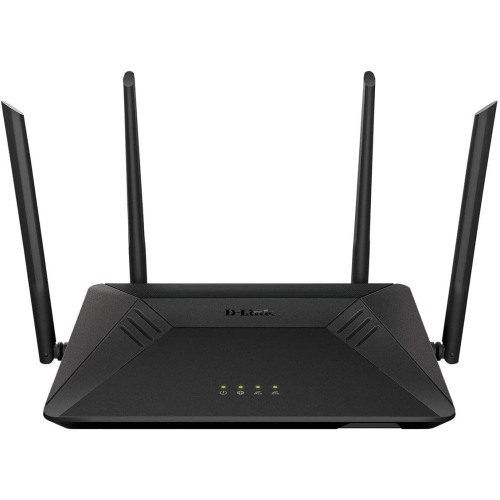
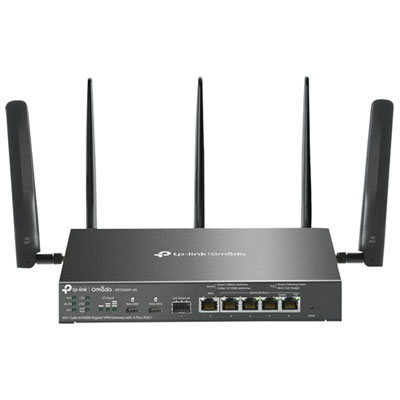
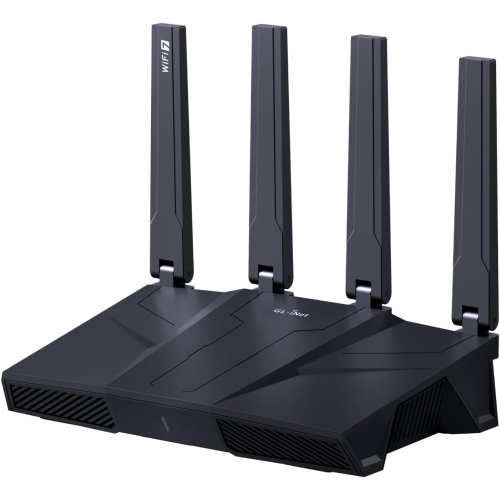
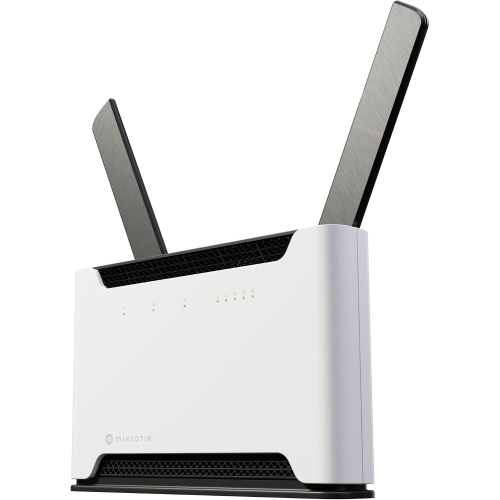

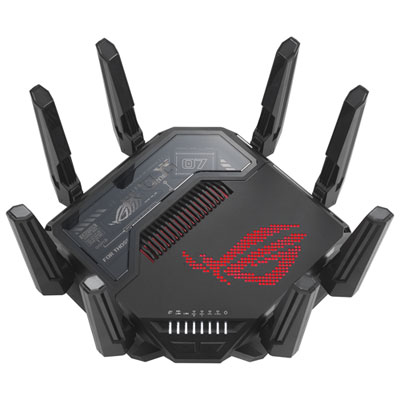

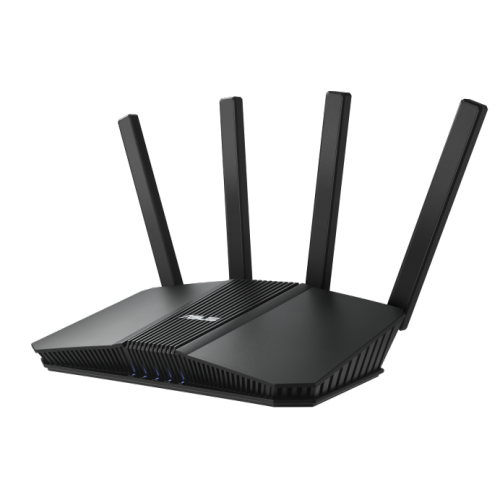
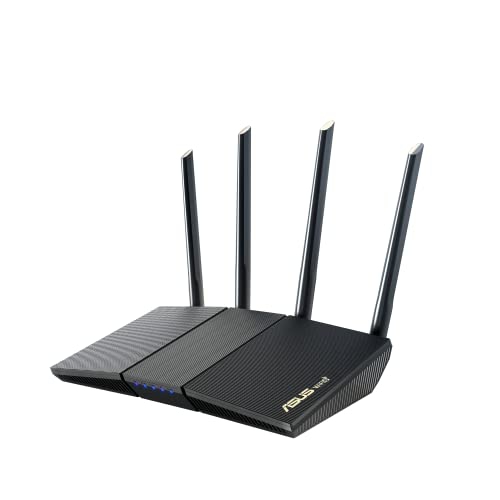
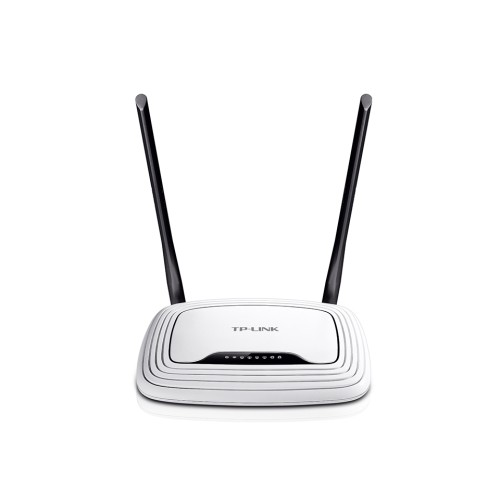
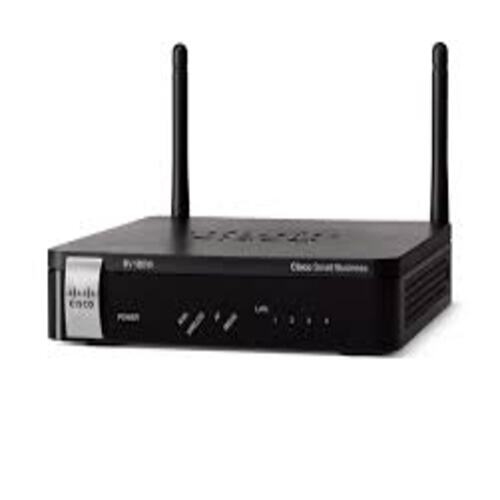
Reliable workplace connectivity depends on coverage, capacity, and security
Office Wi-Fi routers provide the central connection point for the devices, services, and people that keep a workplace moving. Whether your office occupies a quiet room at home, a compact storefront, or several rooms in a small business, the right router can help laptops, desktop computers, printers, phones, cameras, smart displays, and other connected equipment share an internet connection more reliably. Office networks often handle a mix of everyday browsing and demanding tasks at the same time: a video meeting in one room, a large cloud backup in another, a point-of-sale system processing transactions, and several employees accessing shared files. Wi-Fi 6 and Wi-Fi 7 routers are well suited to these busy environments because they are designed to manage multiple connected devices efficiently while supporting faster wireless performance. Wi-Fi 6 can be a strong choice for most offices, particularly when the internet plan and connected equipment use compatible speeds. Wi-Fi 7 is worth considering for newer workplaces with multi-gigabit internet, frequent large file transfers, high-resolution video collaboration, or a preference for the latest wireless standard. A router’s stated maximum speed is only one part of the experience, since real-world performance is also affected by the internet service, wall construction, distance, interference, client device capabilities, and network configuration. Placing the router in a central, elevated location with a clear path through the main working area can make a noticeable difference. Keeping it away from thick walls, enclosed cabinets, cordless phone bases, and other sources of interference may also help maintain a steadier signal. For a larger office or a space with several rooms, a mesh-capable router system can extend coverage by using additional nodes, helping reduce weak spots in meeting rooms, reception areas, upstairs offices, or workspaces positioned far from the main router. Those comparing options for a home-based workplace can also explore Wi-Fi Routers for Home Office Upgrade for products suited to professional tasks in a residential setting.
A suitable office Wi-Fi router should match the number of users, the number of connected devices, the size and layout of the space, and the type of work performed there. Count more than employee laptops: every wireless printer, tablet, phone, scanner, smart speaker, security device, guest device, and connected appliance adds activity to the network. A small team can still create a demanding environment when everyone is on a video call, moving files, using web-based applications, or connecting to cloud services simultaneously. Look for a router with a strong device capacity and technologies that help organize traffic when many connections are active. Features such as Quality of Service controls can prioritize important activities, while automatic band steering can guide compatible devices towards the most suitable wireless band. Dual-band routers can serve many everyday offices well, while tri-band designs may offer additional room for busy networks, mesh connections, and high-bandwidth devices. Wired connectivity remains valuable in an office, even when wireless access is the main priority. Desktop computers, network printers, switches, servers, and network-attached storage can benefit from Ethernet connections that are less affected by distance and interference. Multi-gigabit Ethernet ports, including 2.5 Gbps connections, are particularly useful for linking a router to a compatible switch, high-speed desktop, or NAS device, provided the rest of the network can support those speeds. Before choosing a router, check the internet plan’s advertised speed, the modem or gateway’s port specifications, and the cabling already installed in the office. A fast router cannot deliver its full potential when an older cable, switch, modem port, or client device creates a bottleneck. If a business relies on a virtual private network, remote access, hosted phone service, or cloud-based applications, review the router’s compatibility and management features as part of the buying decision. Simple setup tools can make installation easier, but offices with more complex requirements may benefit from detailed controls for address assignment, port management, traffic rules, firmware updates, and network monitoring.
Security deserves particular attention in an office because a wireless network may carry invoices, customer records, employee information, business documents, payment-related activity, and confidential communications. Choose a router with WPA3 support where compatible, along with a built-in firewall and automatic firmware updates or clear update controls. WPA3 can provide stronger protection for supported devices, while a firewall helps filter unwanted traffic between the office network and the wider internet. A separate guest network allows visitors, contractors, and personal devices to access the internet without placing them on the same network as shared drives, printers, computers, or other business equipment. Guest network isolation is especially helpful in offices that regularly welcome clients or host meetings. Some routers also provide parental controls or home-focused filtering tools, but office buyers should concentrate on business-relevant features such as access control, VPN support, device management, security notifications, and the ability to create separate networks for staff, guests, and smart devices. A small office may be managed from a mobile app, while a growing business may prefer a web interface with more detailed settings and administration options. Strong passwords, unique administrator credentials, current firmware, and two-factor authentication where available add important layers of protection. During the cooler months, when more work may take place indoors and remote staff may rely heavily on video calls and shared online tools, a dependable connection can make the office feel calmer and more organised: meetings start without repeated reconnections, files move without occupying the network for the entire afternoon, and staff can work from different corners of the space without constantly searching for a stronger signal. Office Wi-Fi routers can suit entrepreneurs, home-based professionals, small business owners, shared workspaces, and teams upgrading from an older wireless standard. The best fit is the one that combines appropriate speed, capacity, coverage, wired connectivity, and security for the way the office actually operates, with enough flexibility to support additional devices and changing work habits over time.
A suitable office Wi-Fi router should match the number of users, the number of connected devices, the size and layout of the space, and the type of work performed there. Count more than employee laptops: every wireless printer, tablet, phone, scanner, smart speaker, security device, guest device, and connected appliance adds activity to the network. A small team can still create a demanding environment when everyone is on a video call, moving files, using web-based applications, or connecting to cloud services simultaneously. Look for a router with a strong device capacity and technologies that help organize traffic when many connections are active. Features such as Quality of Service controls can prioritize important activities, while automatic band steering can guide compatible devices towards the most suitable wireless band. Dual-band routers can serve many everyday offices well, while tri-band designs may offer additional room for busy networks, mesh connections, and high-bandwidth devices. Wired connectivity remains valuable in an office, even when wireless access is the main priority. Desktop computers, network printers, switches, servers, and network-attached storage can benefit from Ethernet connections that are less affected by distance and interference. Multi-gigabit Ethernet ports, including 2.5 Gbps connections, are particularly useful for linking a router to a compatible switch, high-speed desktop, or NAS device, provided the rest of the network can support those speeds. Before choosing a router, check the internet plan’s advertised speed, the modem or gateway’s port specifications, and the cabling already installed in the office. A fast router cannot deliver its full potential when an older cable, switch, modem port, or client device creates a bottleneck. If a business relies on a virtual private network, remote access, hosted phone service, or cloud-based applications, review the router’s compatibility and management features as part of the buying decision. Simple setup tools can make installation easier, but offices with more complex requirements may benefit from detailed controls for address assignment, port management, traffic rules, firmware updates, and network monitoring.
Security deserves particular attention in an office because a wireless network may carry invoices, customer records, employee information, business documents, payment-related activity, and confidential communications. Choose a router with WPA3 support where compatible, along with a built-in firewall and automatic firmware updates or clear update controls. WPA3 can provide stronger protection for supported devices, while a firewall helps filter unwanted traffic between the office network and the wider internet. A separate guest network allows visitors, contractors, and personal devices to access the internet without placing them on the same network as shared drives, printers, computers, or other business equipment. Guest network isolation is especially helpful in offices that regularly welcome clients or host meetings. Some routers also provide parental controls or home-focused filtering tools, but office buyers should concentrate on business-relevant features such as access control, VPN support, device management, security notifications, and the ability to create separate networks for staff, guests, and smart devices. A small office may be managed from a mobile app, while a growing business may prefer a web interface with more detailed settings and administration options. Strong passwords, unique administrator credentials, current firmware, and two-factor authentication where available add important layers of protection. During the cooler months, when more work may take place indoors and remote staff may rely heavily on video calls and shared online tools, a dependable connection can make the office feel calmer and more organised: meetings start without repeated reconnections, files move without occupying the network for the entire afternoon, and staff can work from different corners of the space without constantly searching for a stronger signal. Office Wi-Fi routers can suit entrepreneurs, home-based professionals, small business owners, shared workspaces, and teams upgrading from an older wireless standard. The best fit is the one that combines appropriate speed, capacity, coverage, wired connectivity, and security for the way the office actually operates, with enough flexibility to support additional devices and changing work habits over time.
Top selling and popular products
-
 Your price for this item is $189.99
 -
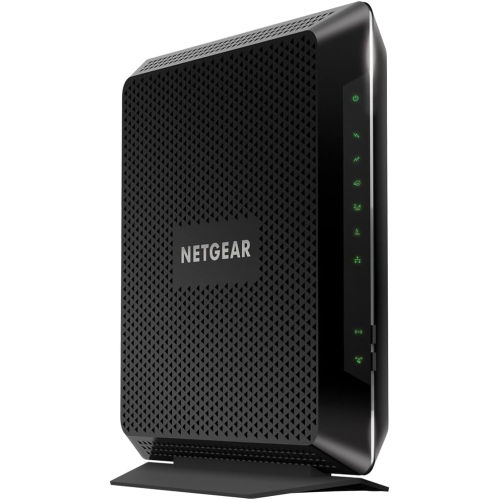 Your price for this item is $189.99
 -
 Your price for this item is $219
 -
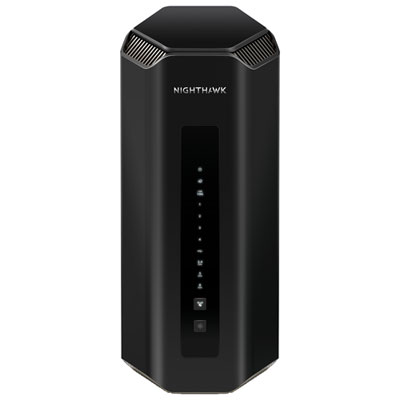 Your price for this item is $899.99
 -
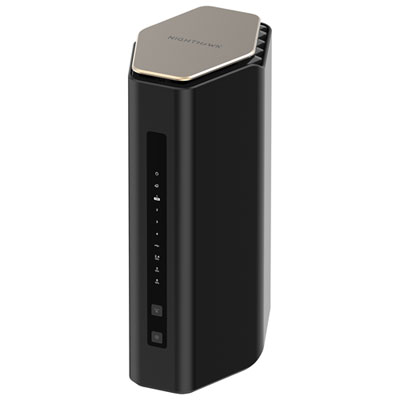 Your price for this item is $299.99
 -
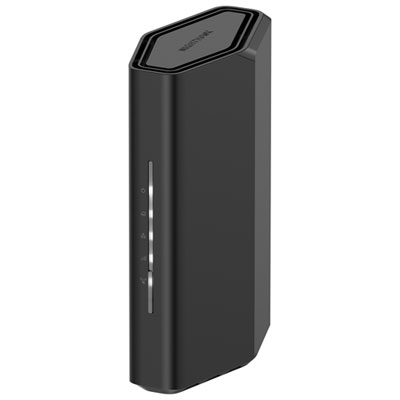 Your price for this item is $139.99
 -
 Your price for this item is $189.99
 -
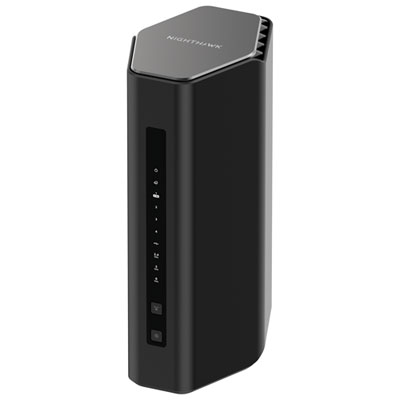 Your price for this item is $499.99
Discover more categories related to Office Wi-Fi Routers
Top Collections:
Pokemon Centers, Kindle Devices, Best Cameras for Sports Photography, Pokémon 30th Celebration Cards, Apple iPhones 16, Canon G7X Cameras, iPhone 15 Apple, Flip Phones, Samsung Galaxy Phones, Alarm Clock
Some products may be subject to Environmental Handling Fees
(EHF) depending on your province.
Learn more about EHFs.