Wireless Earbuds for iPhone 8 Plus
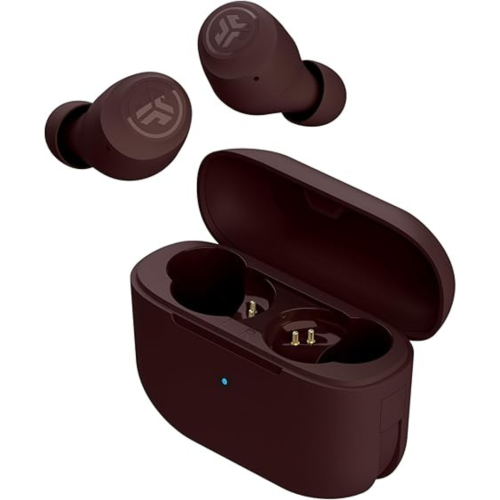
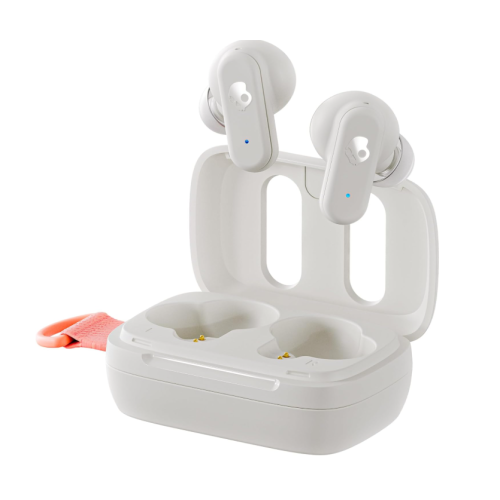
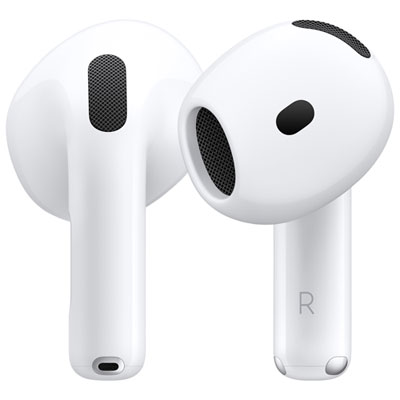
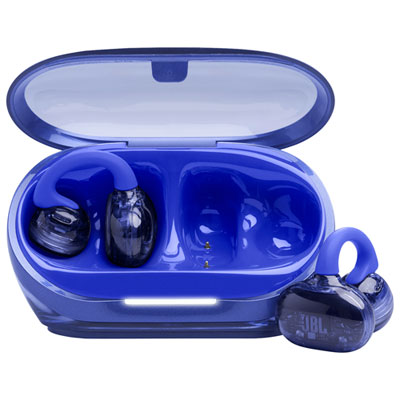
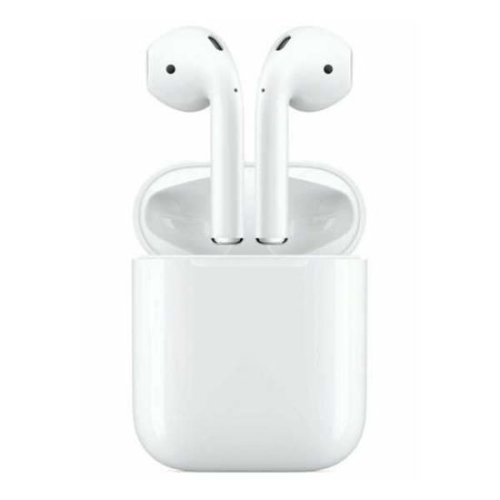
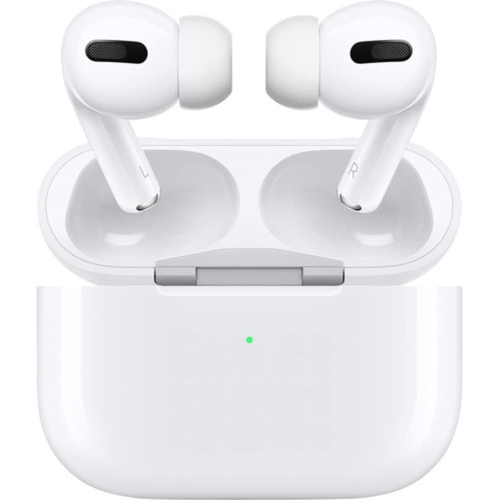
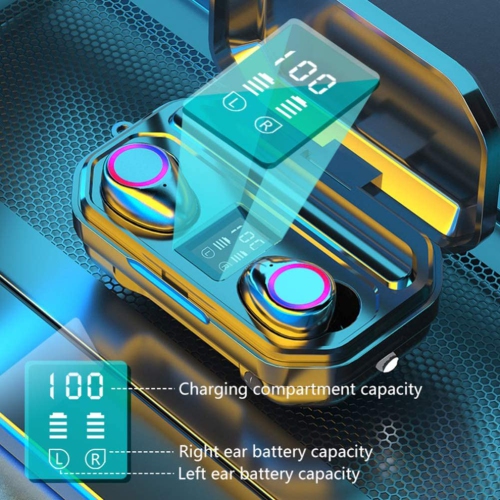
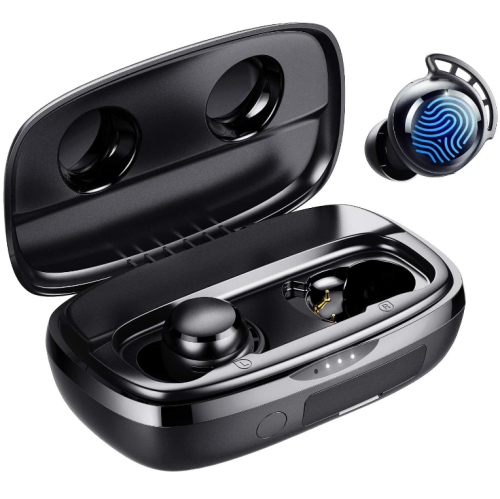
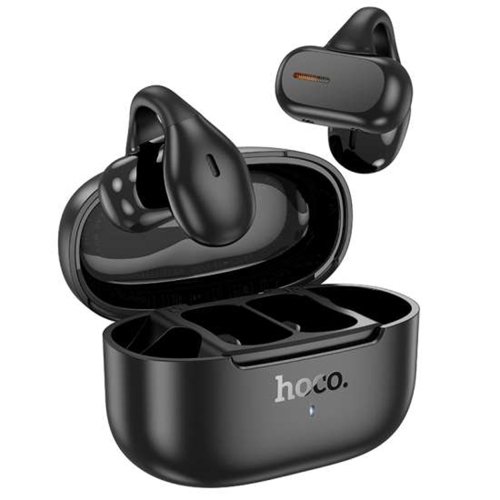
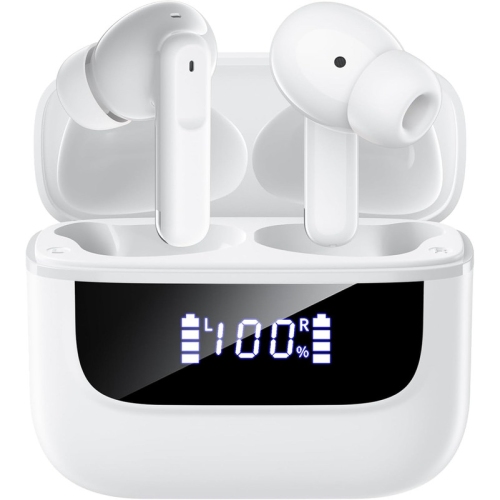
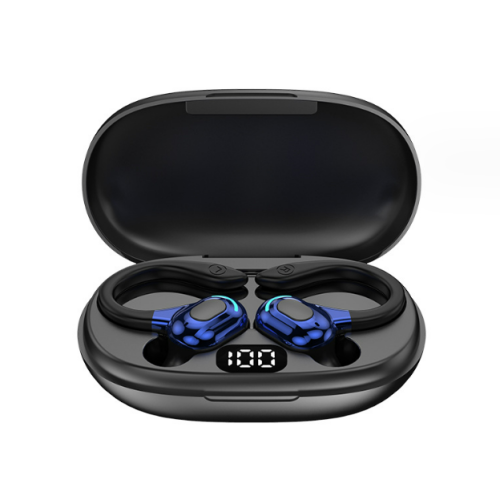
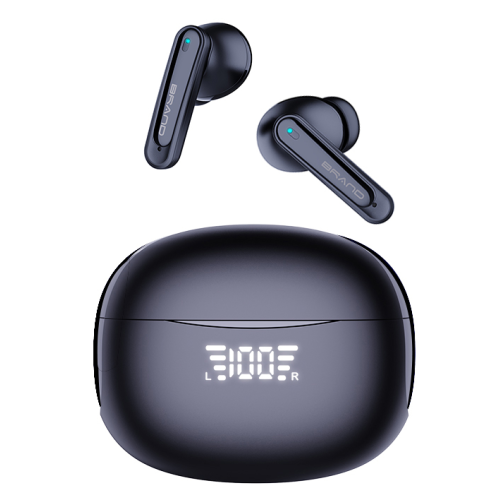
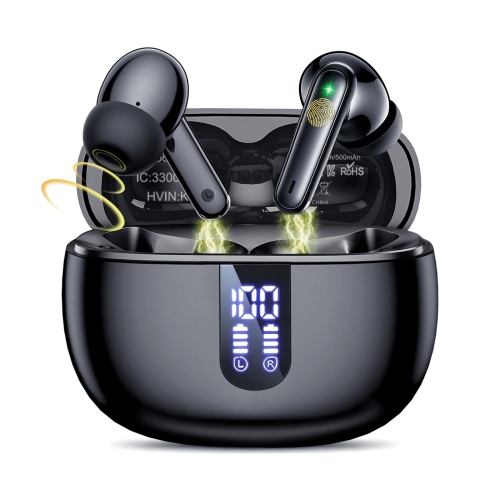
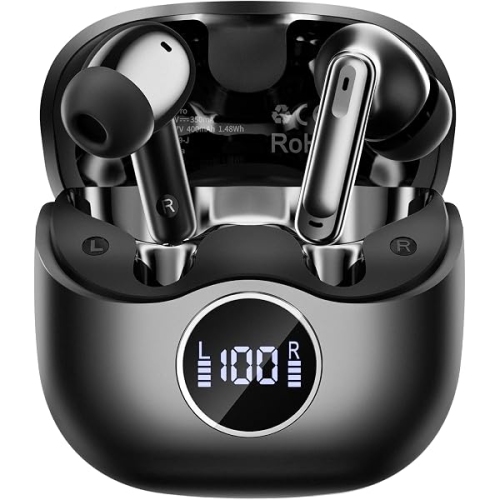
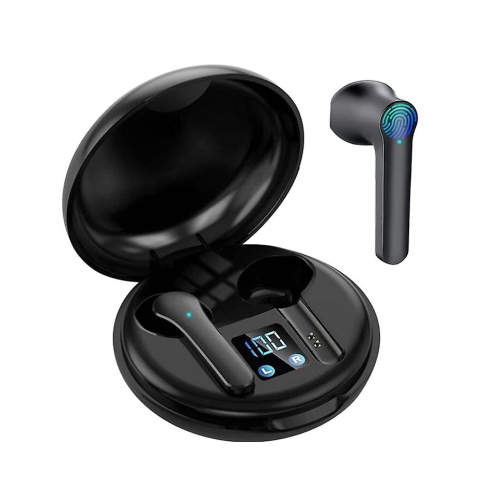
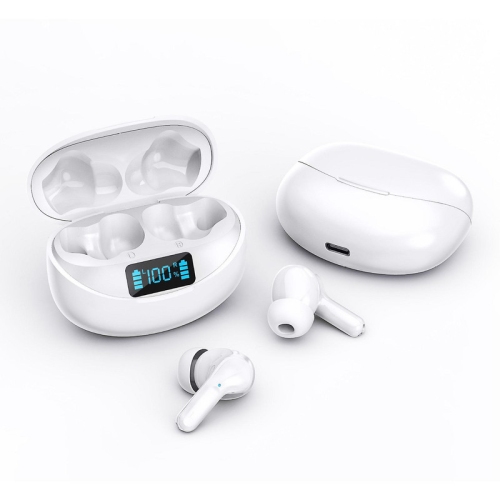
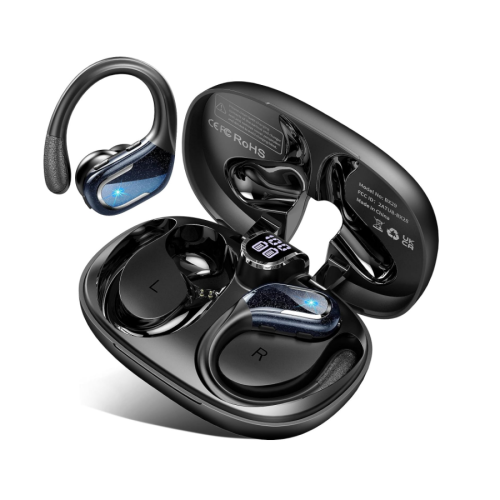
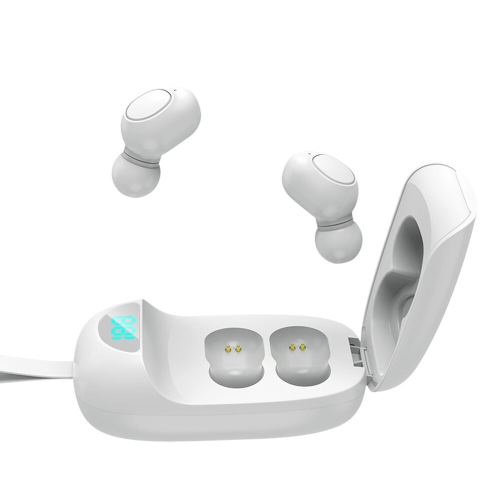
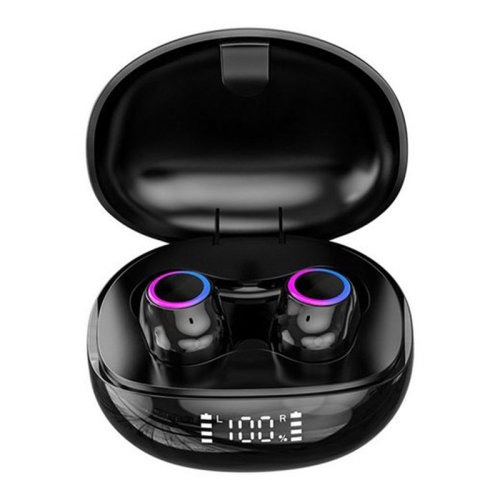
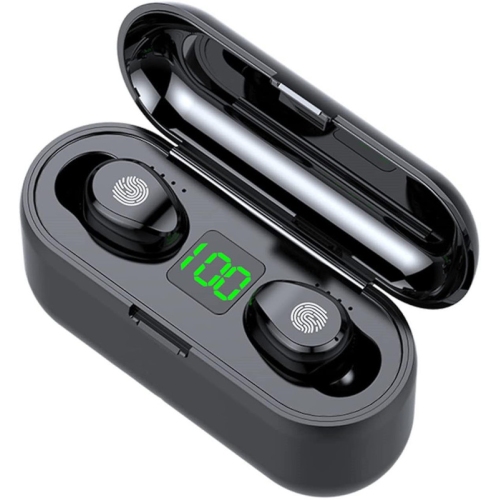
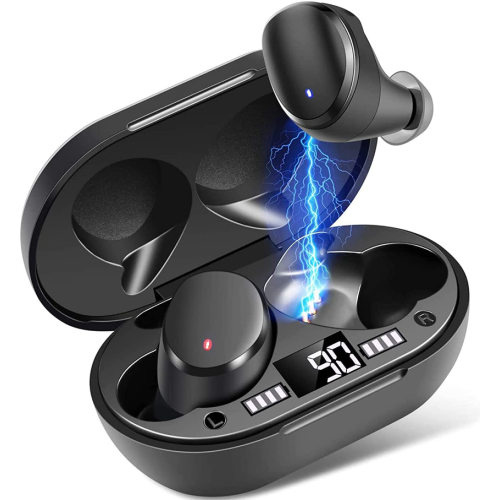
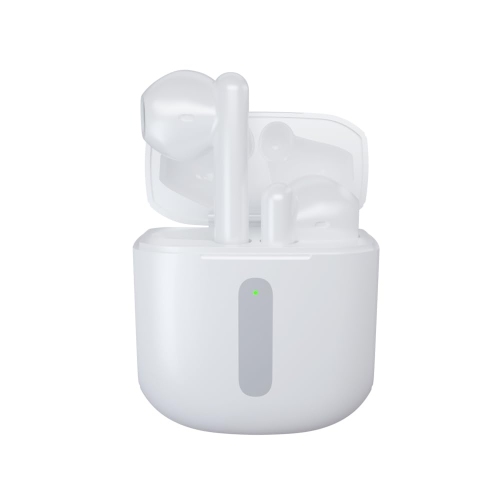
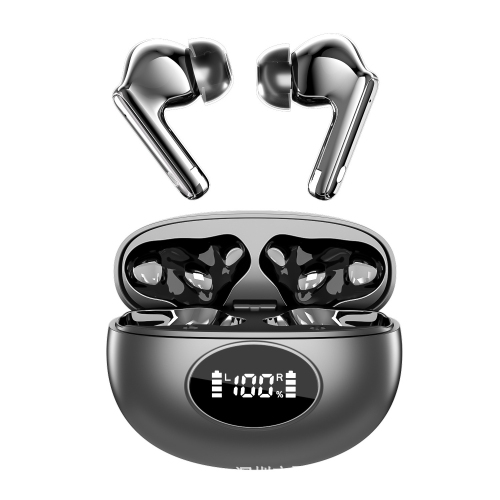
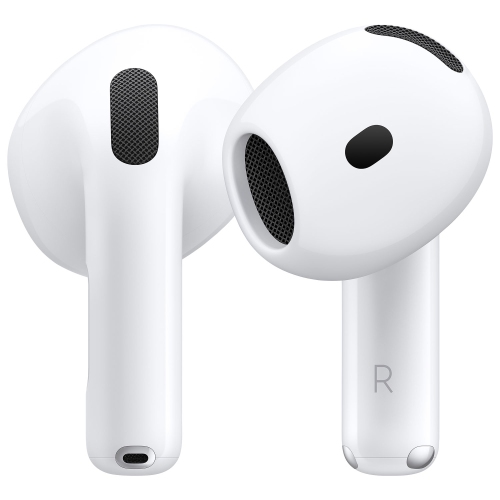
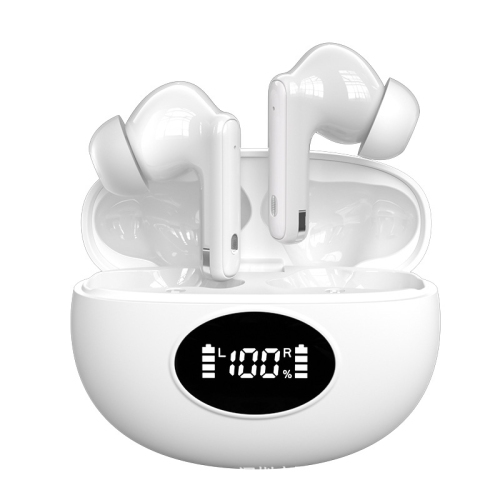
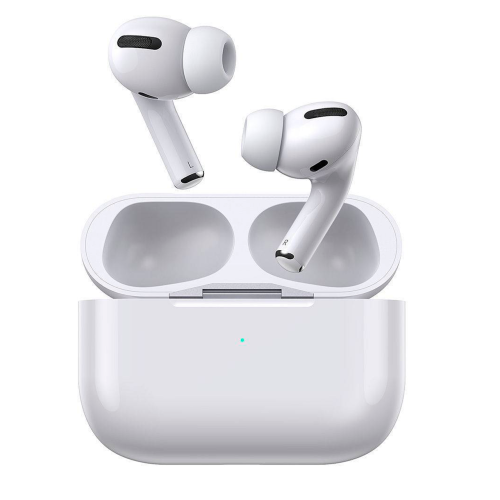
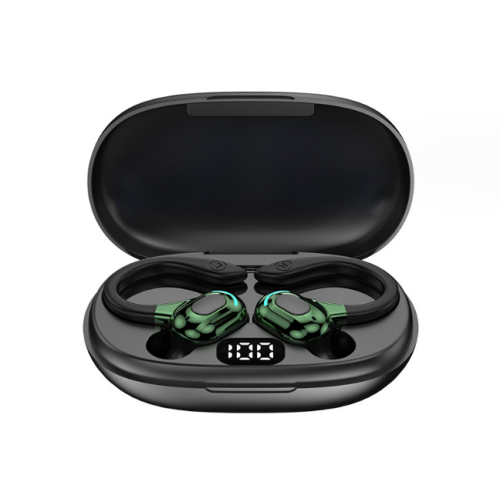
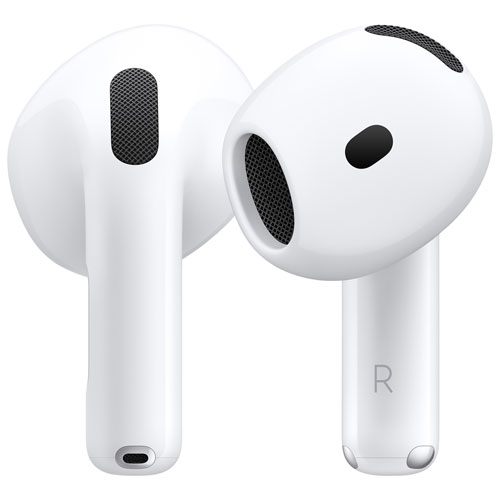
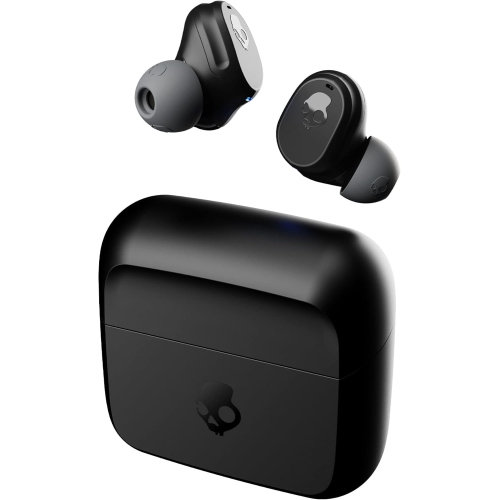
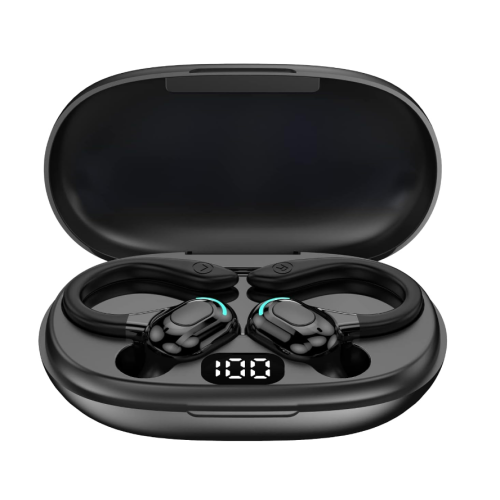
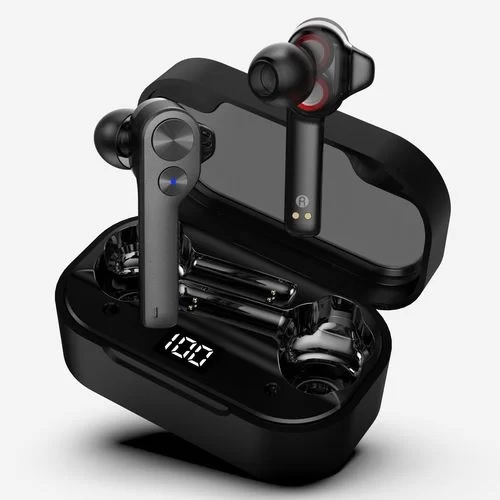
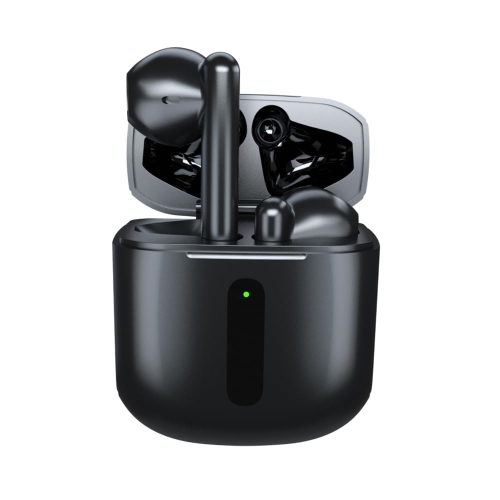
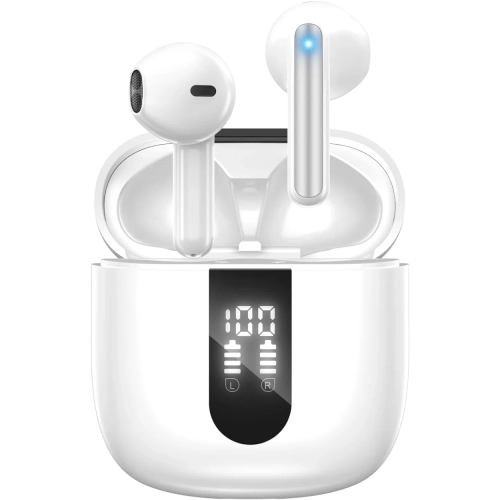
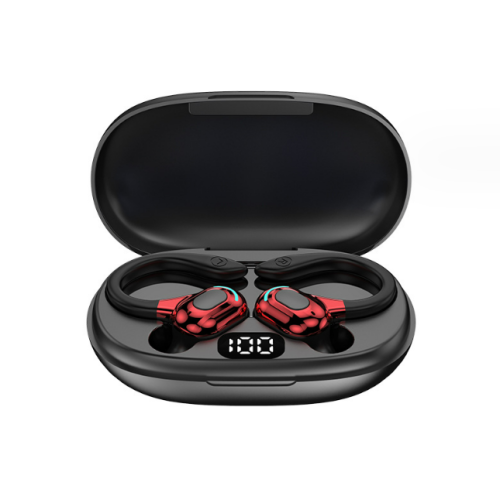
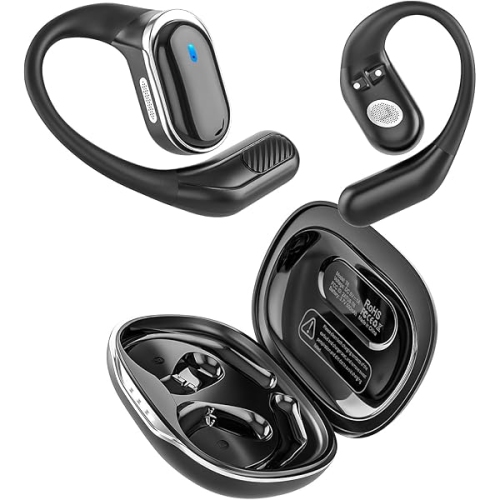
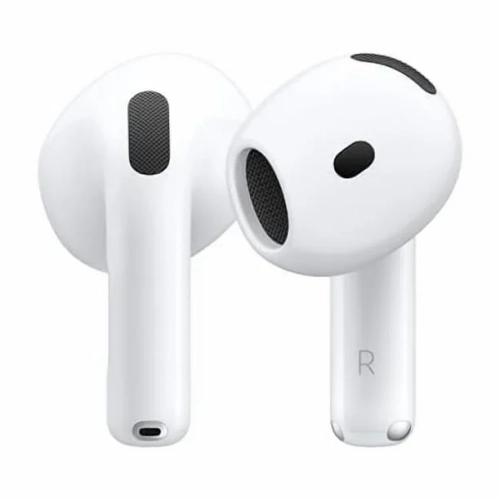
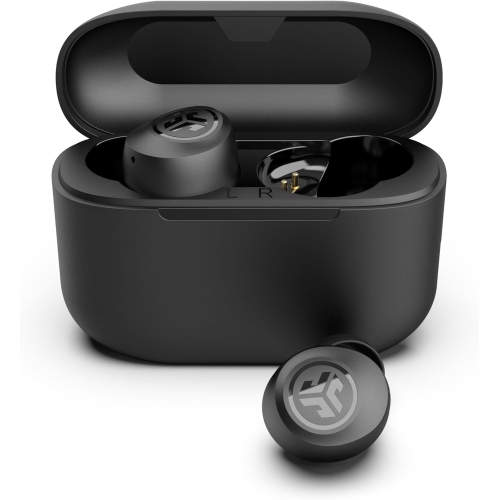
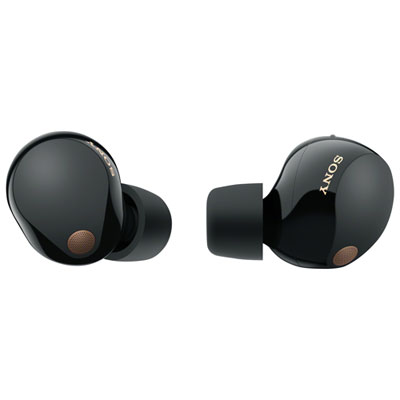
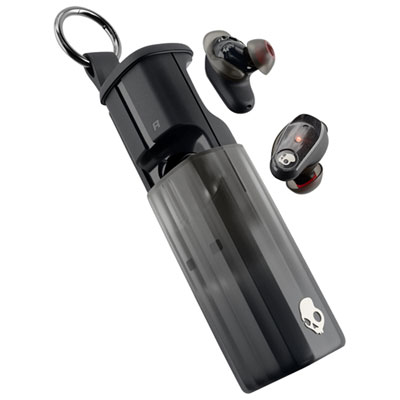
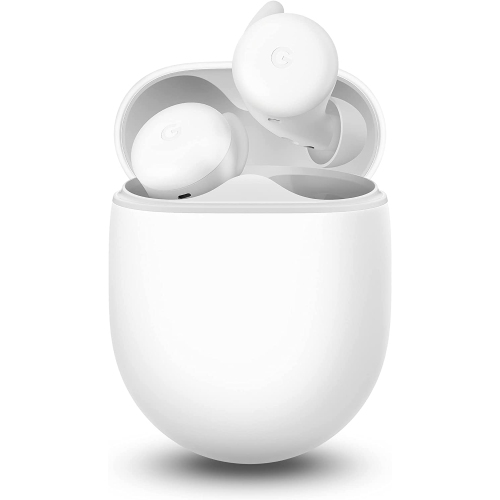
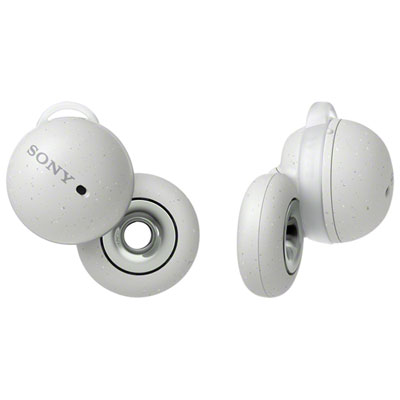
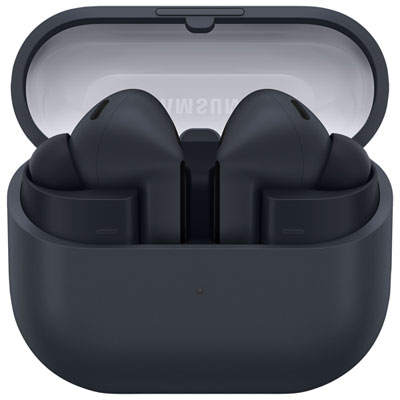
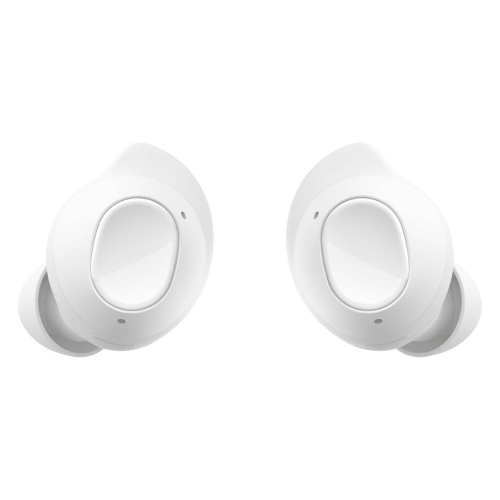
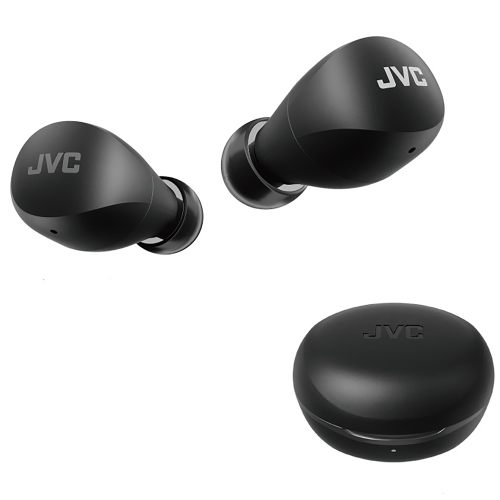
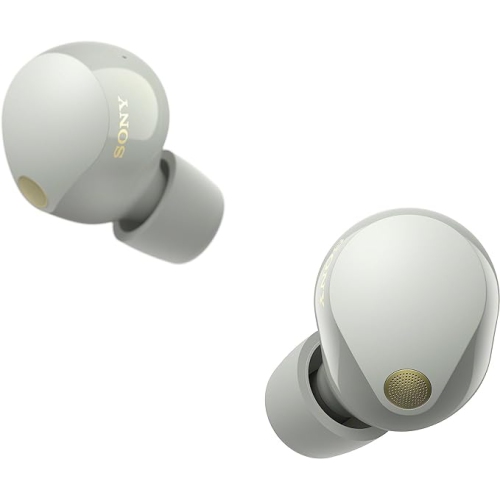
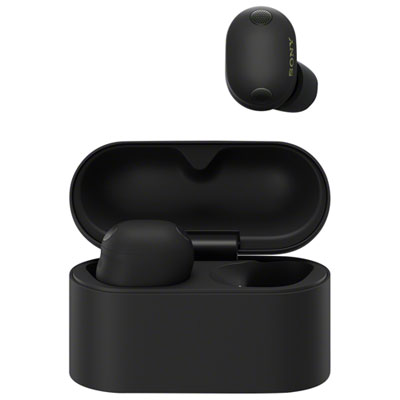
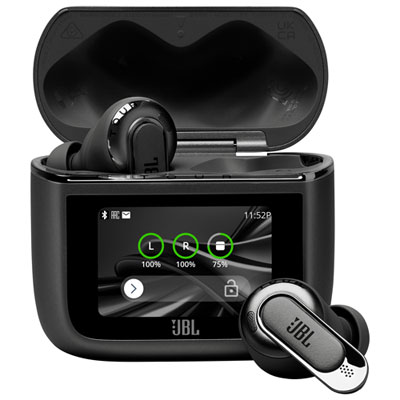
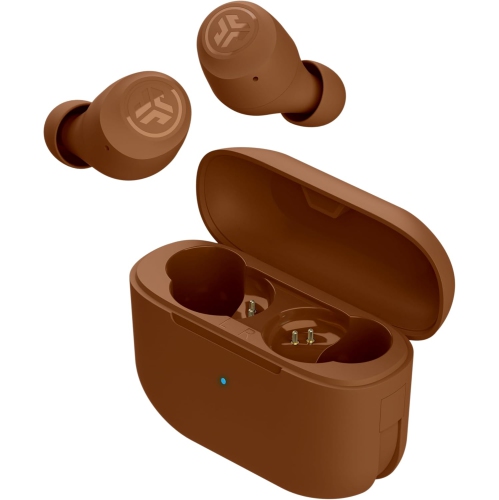
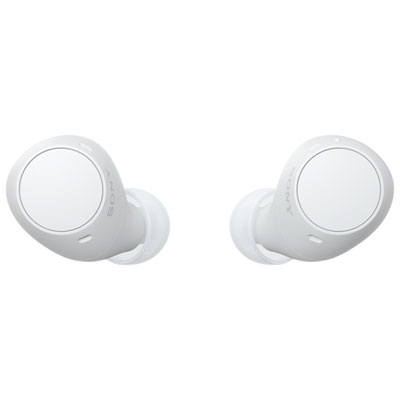
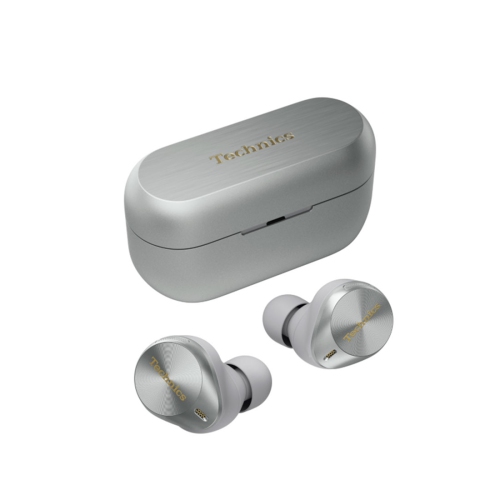
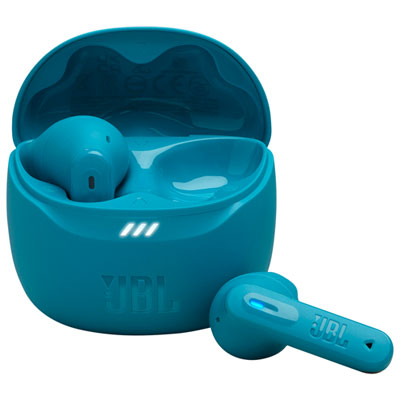
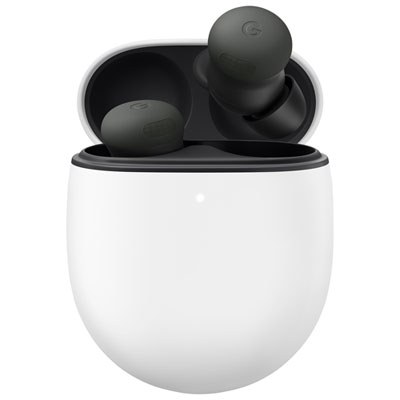
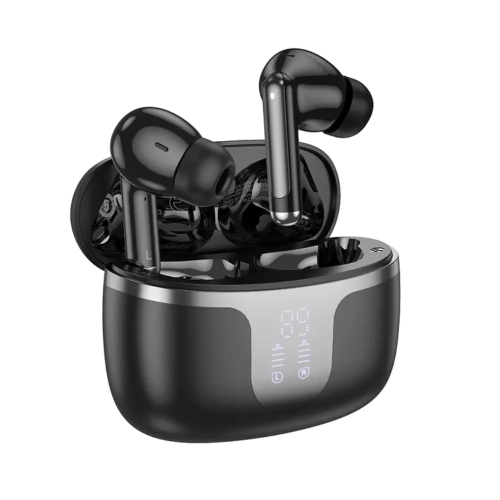
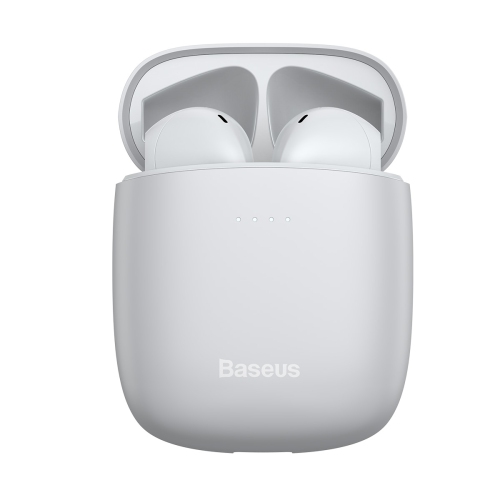
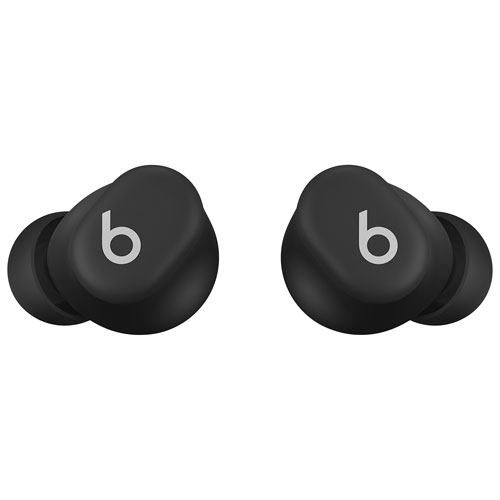
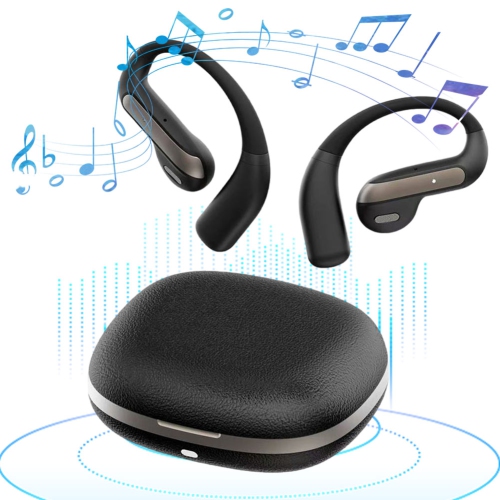
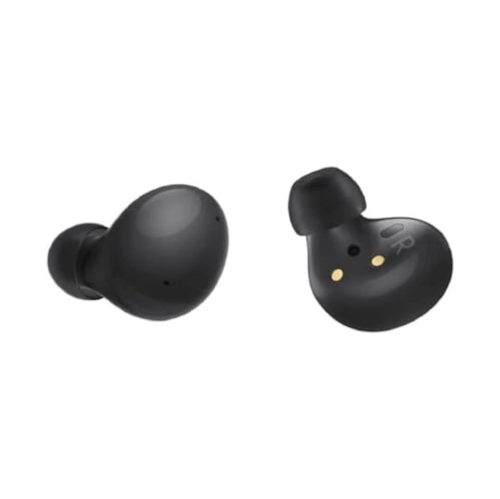
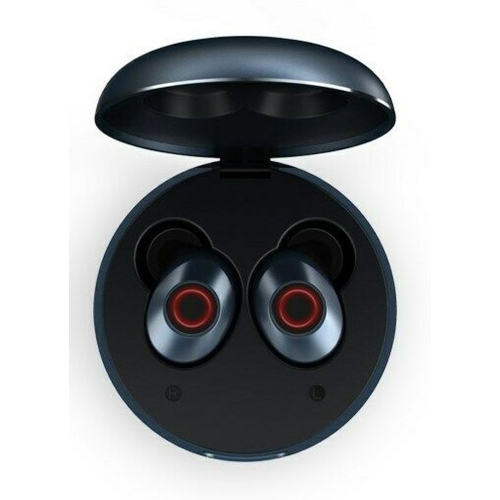
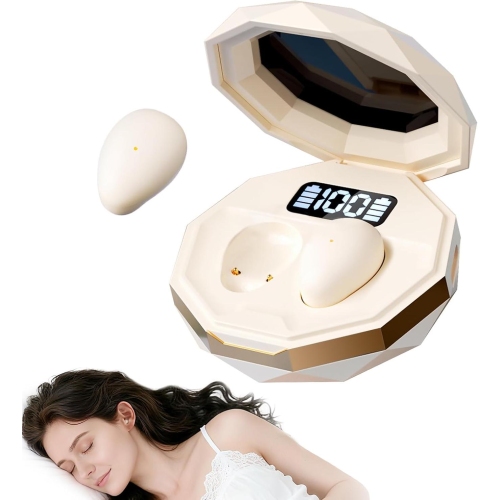
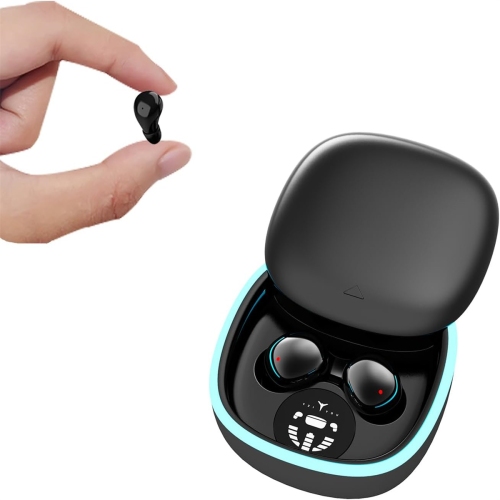
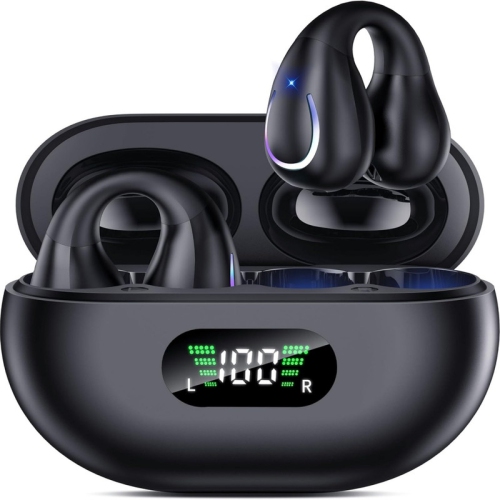
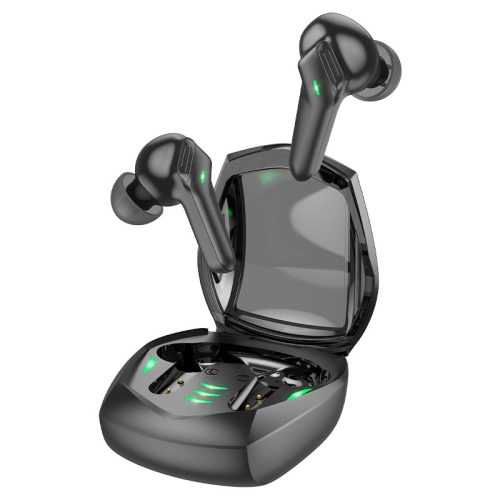
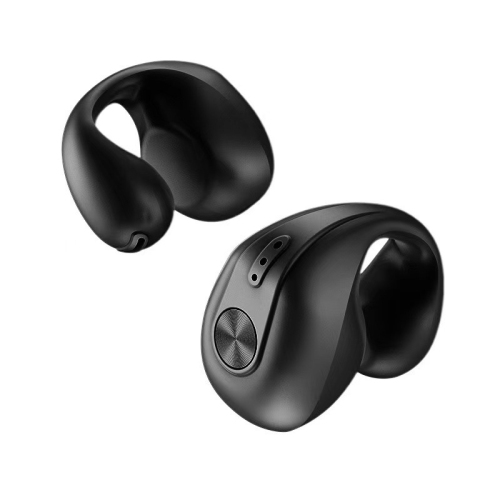
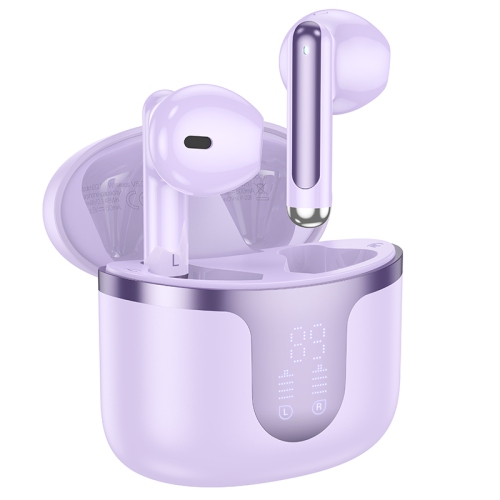
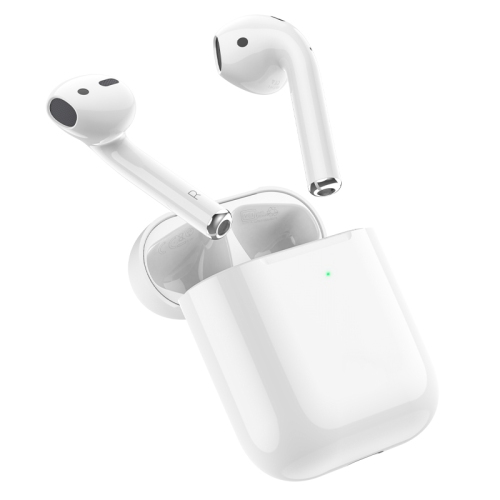
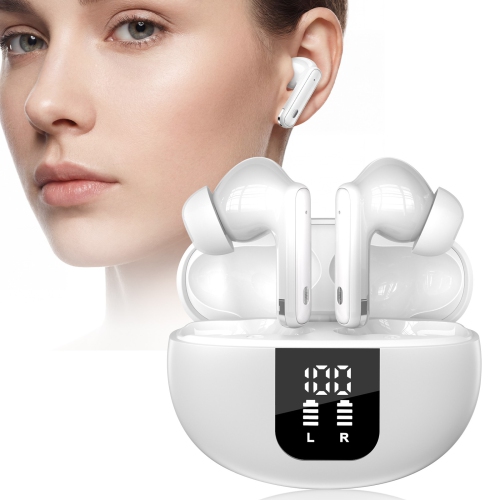
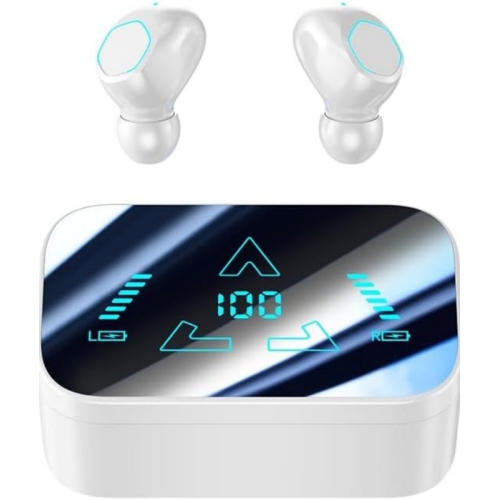
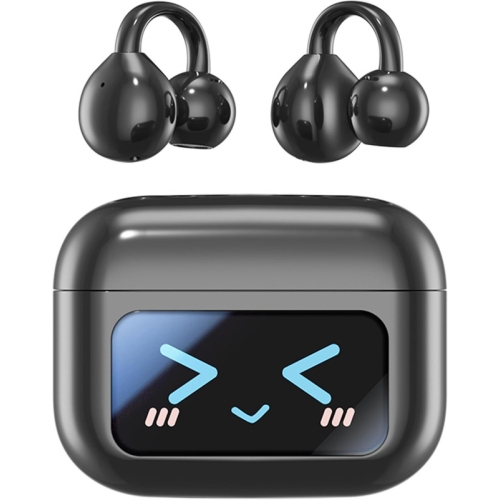
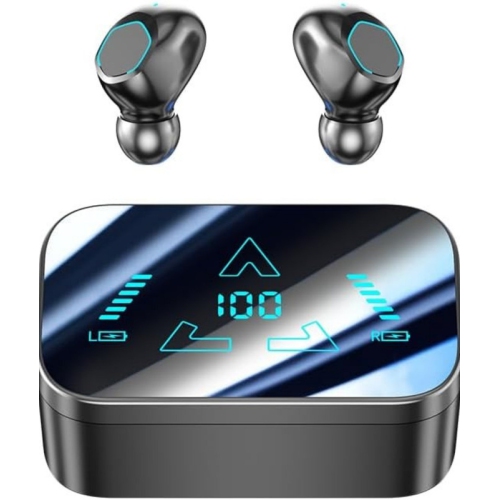
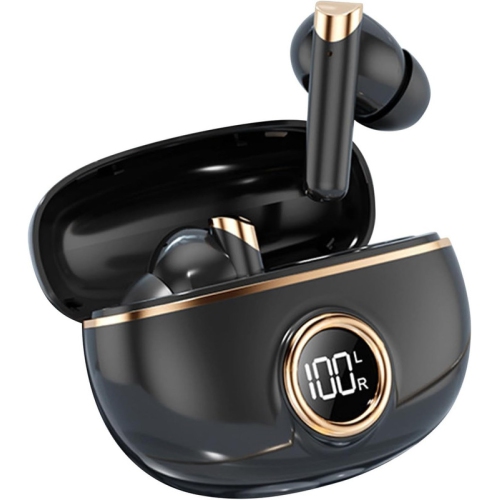
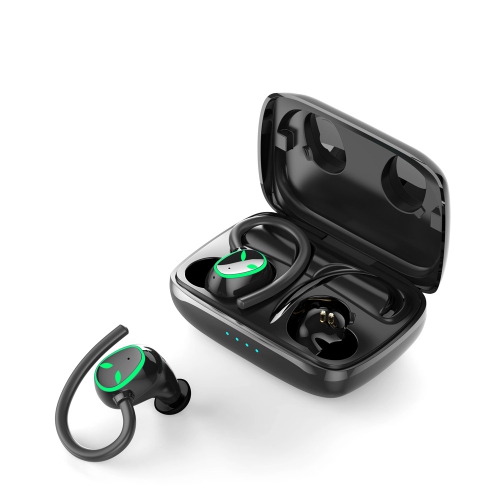
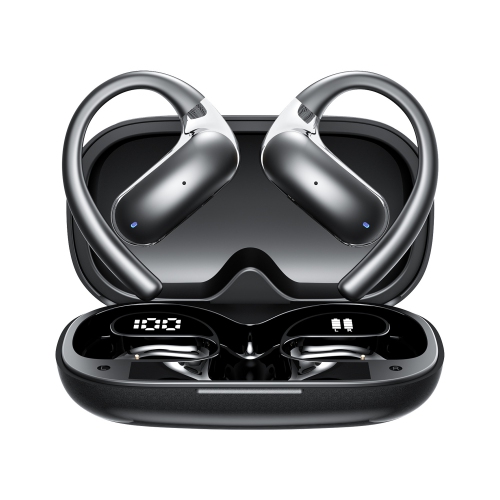
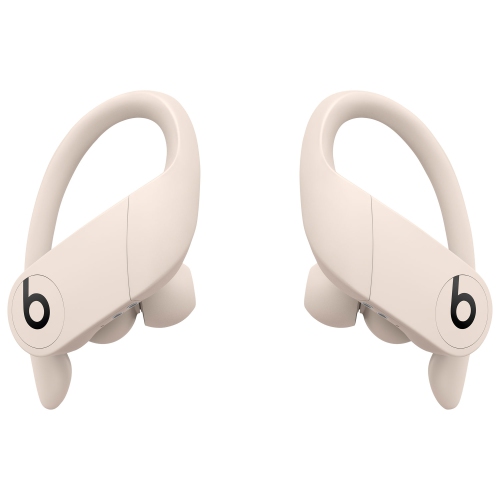
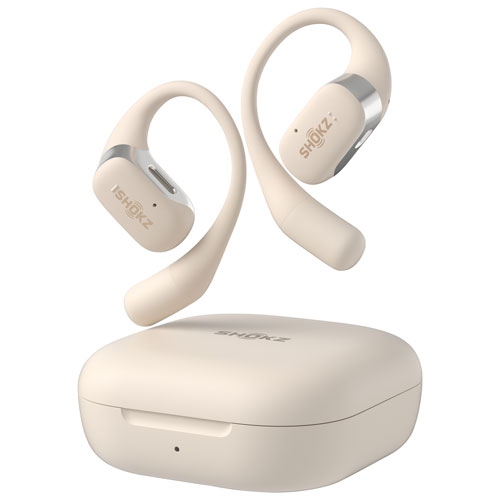
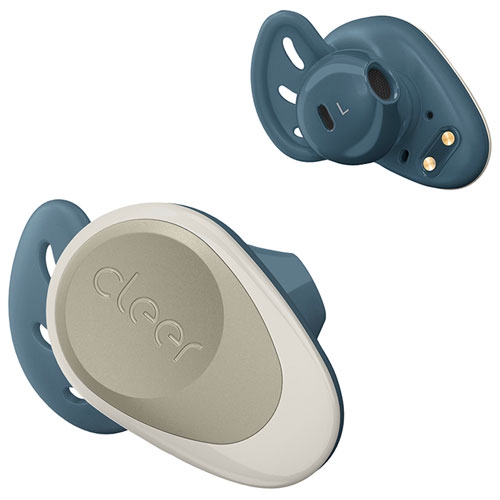
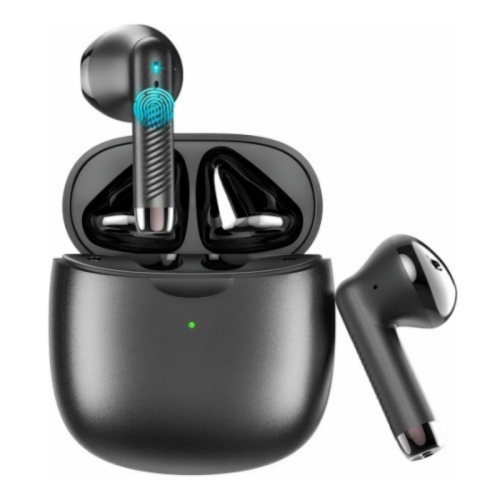
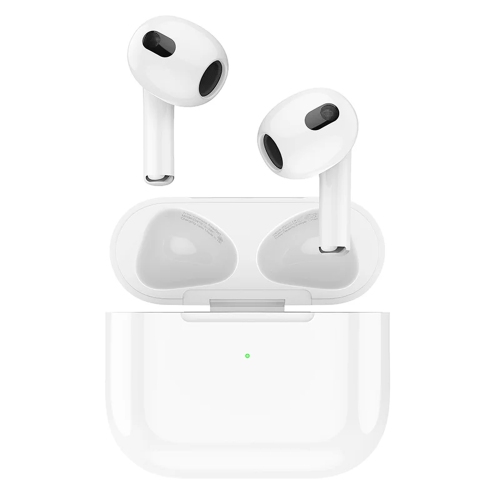
Find wireless earbuds for iPhone 8 Plus that connect via Bluetooth for music, podcasts, and calls without a headphone adapter. Compare fit, battery life, and charging options, and check compatibility with your iOS version if you want to use companion apps or additional features.

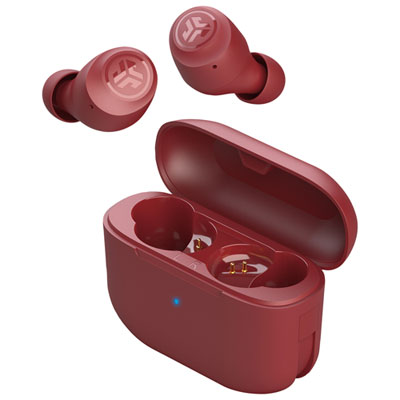
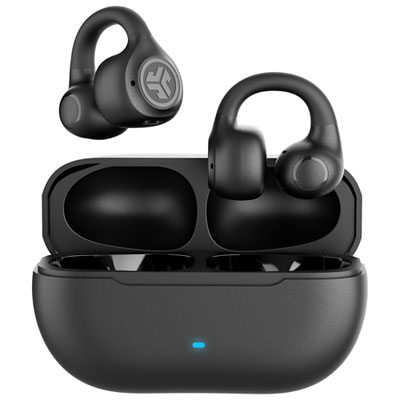
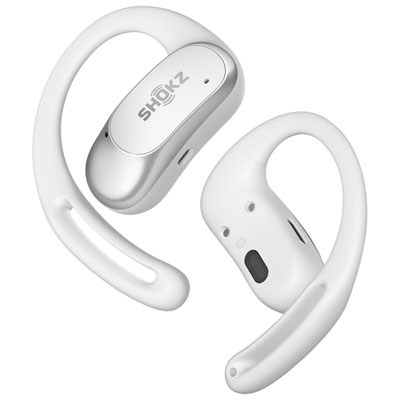
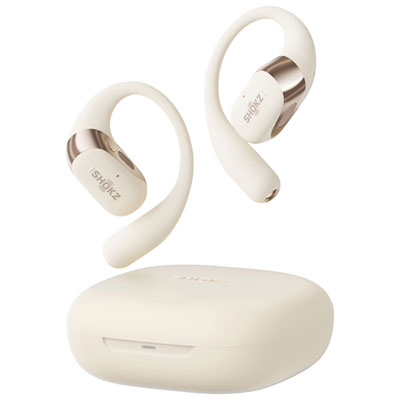


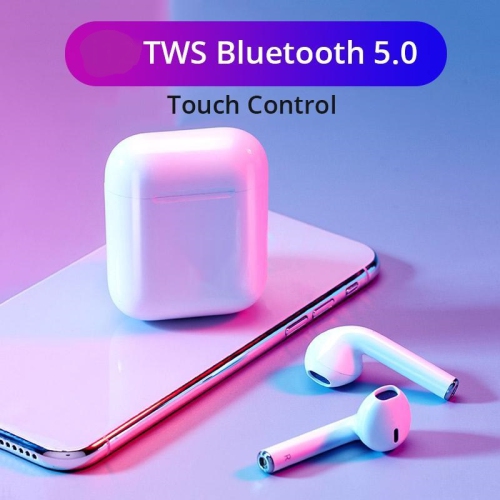

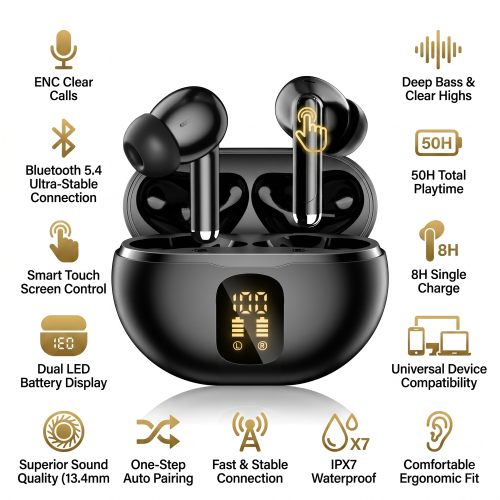
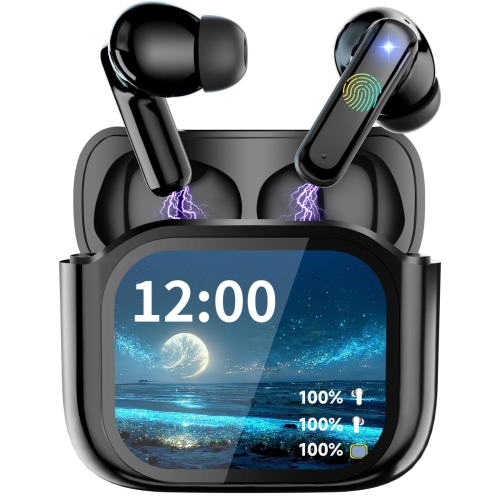
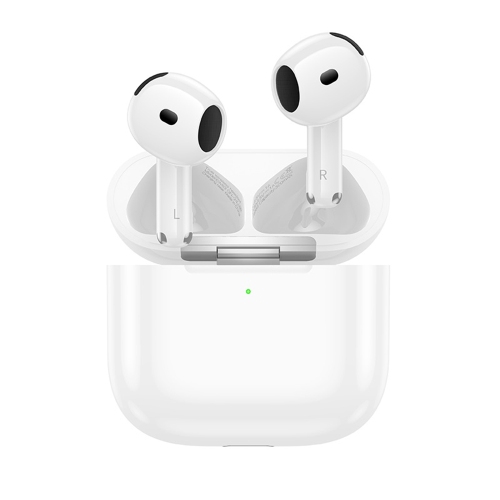
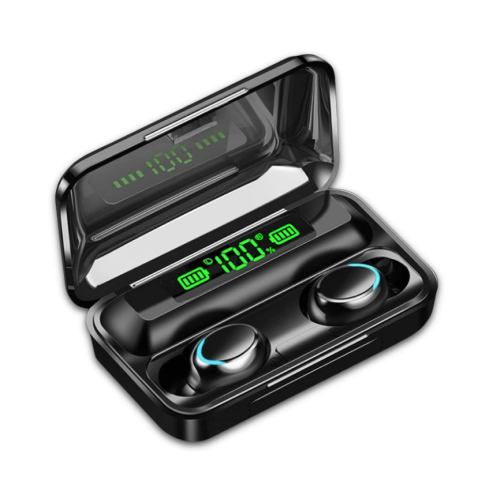
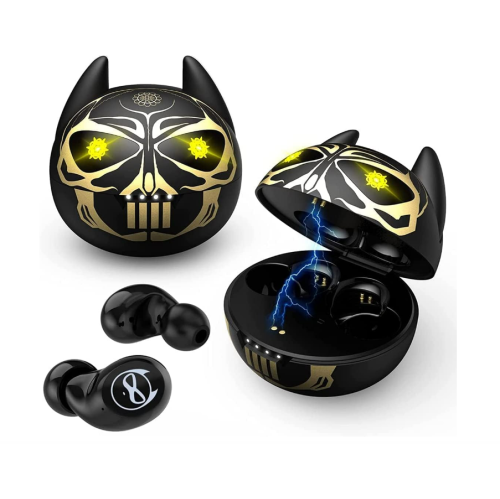
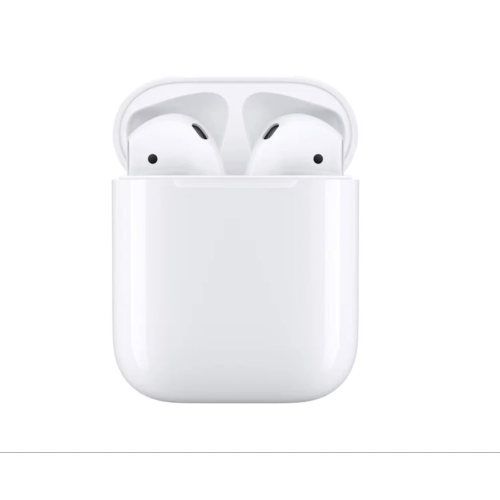
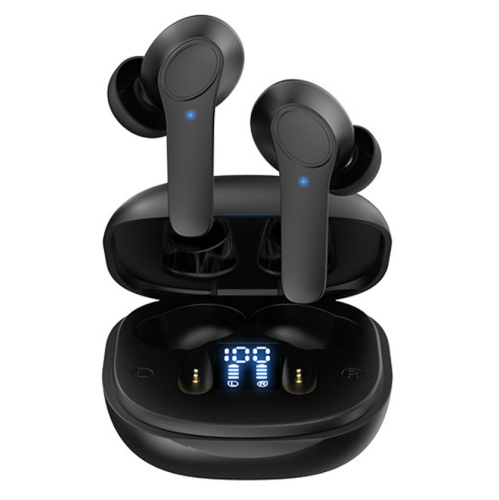
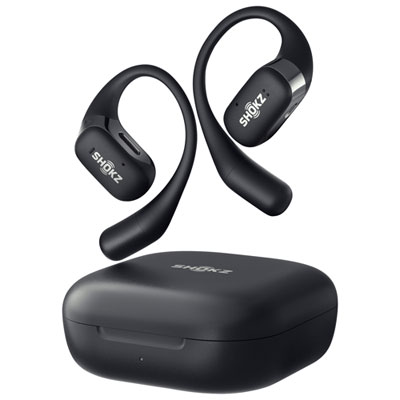
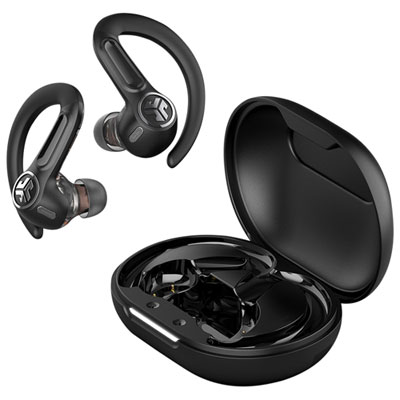
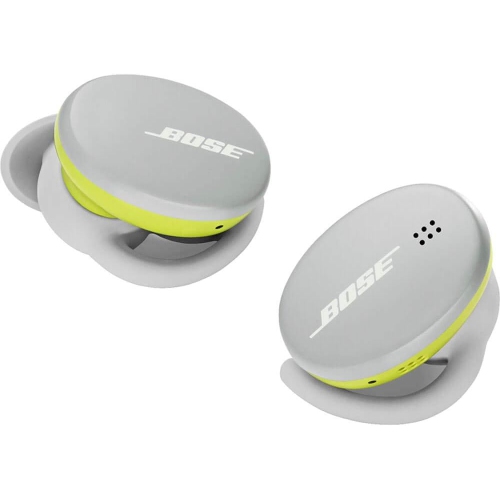
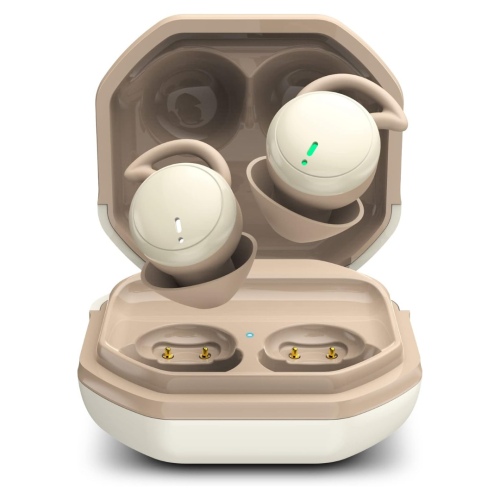

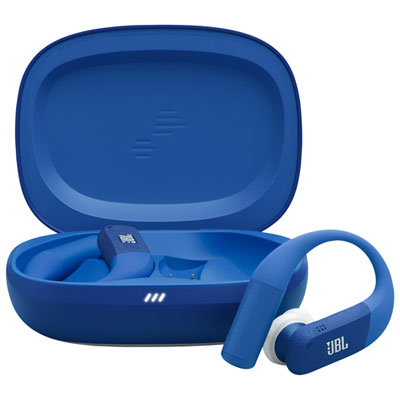
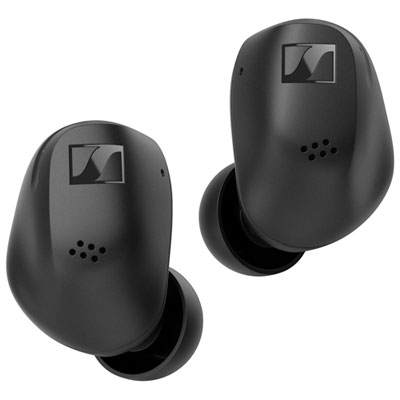

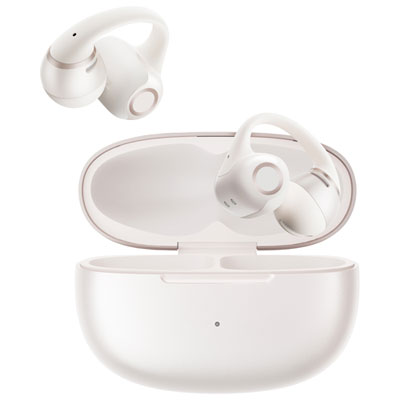

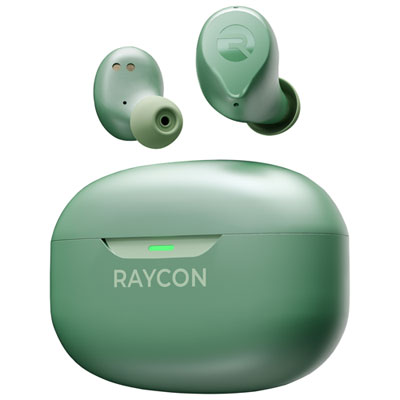


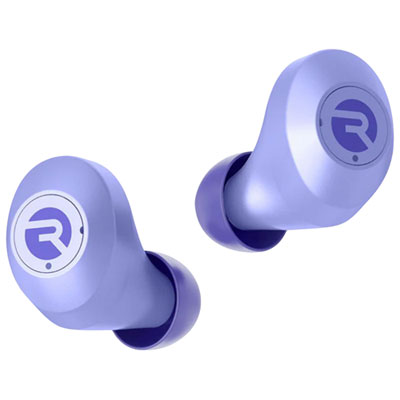
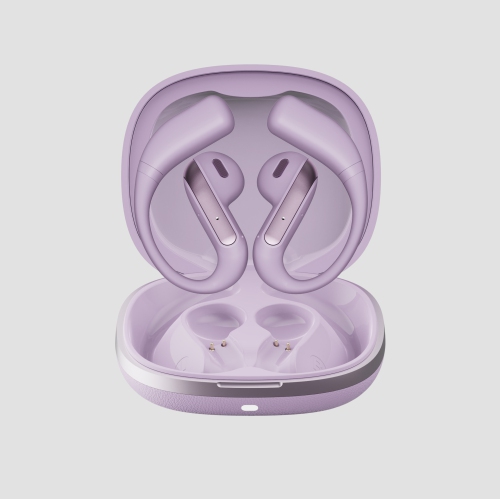
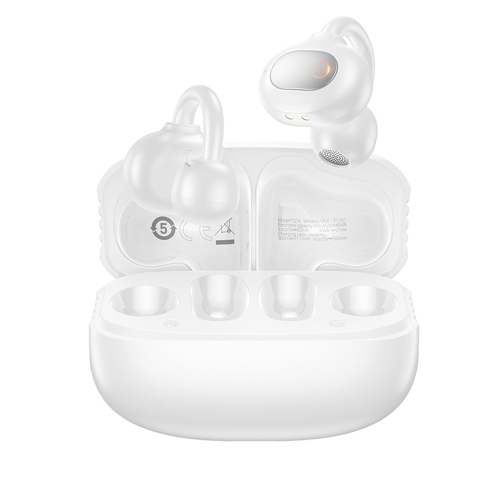
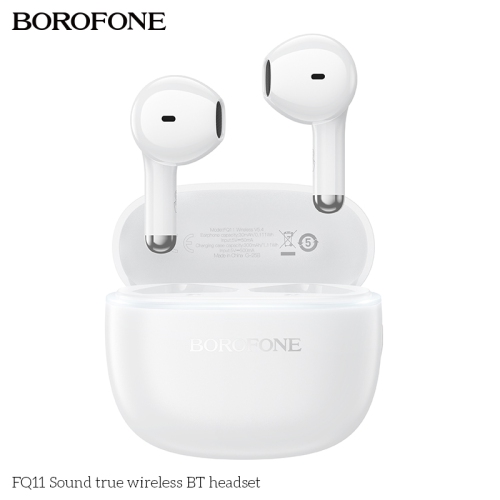

FAQ
Wireless earbuds that support standard Bluetooth audio can connect to the iPhone 8 Plus. Some companion apps and advanced features may require a newer iOS version, so check their requirements separately from basic Bluetooth compatibility.
Put your earbuds into pairing mode using the steps in their manual. On your iPhone, open Settings, select Bluetooth, and turn it on. Tap your earbuds when they appear in the device list, then follow any on-screen prompts.
No. Bluetooth earbuds connect wirelessly to the iPhone 8 Plus, so a Lightning audio adapter is not needed. Charging the earbuds or their case is separate, and the required cable or charger depends on the earbuds.
You can use Siri through compatible wireless earbuds when they are connected to your iPhone 8 Plus. Depending on the earbuds, you may activate Siri with a button, touch control, or supported voice command. Check the earbuds’ instructions for available controls.
Many wireless earbuds can remember pairings with more than one device. Earbuds with Bluetooth multipoint may connect to two devices at once, while others require you to disconnect from one before connecting to another. Switching options depend on the earbuds and connected devices.
Top selling and popular products
Discover more categories related to Wireless Earbuds for iPhone 8 Plus
Some products may be subject to Environmental Handling Fees (EHF) depending on your province. Learn more about EHFs.