Bluetooth Mice for Windows 10 Laptop
A Bluetooth mouse is a wireless computer mouse that uses Bluetooth technology to connect to your device. The mouse then connects wirelessly to your computer or tablet, allowing you to move the cursor around on your screen without any wires. Here are some of our favorites for Windows 10 laptops.
Sort
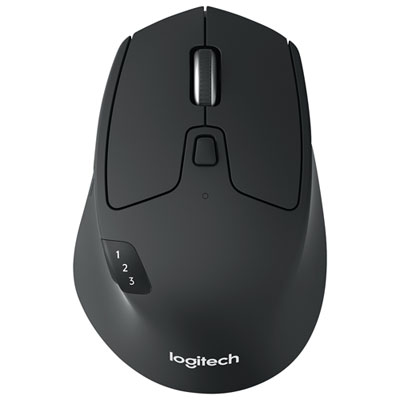
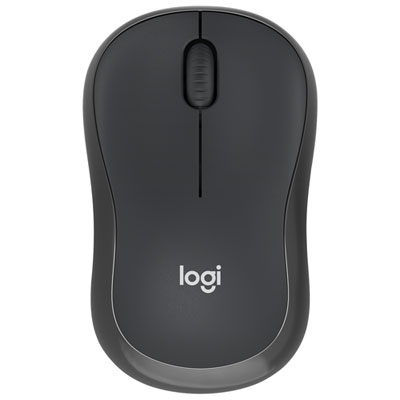
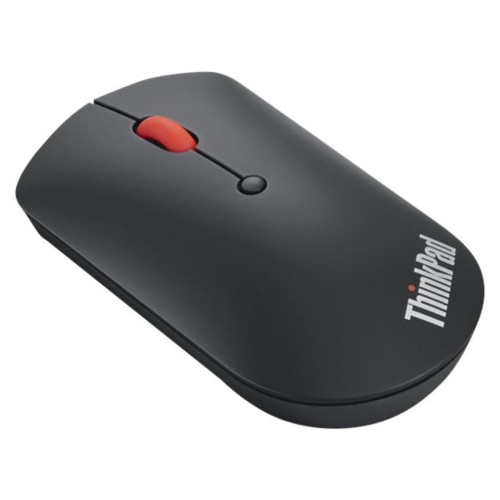
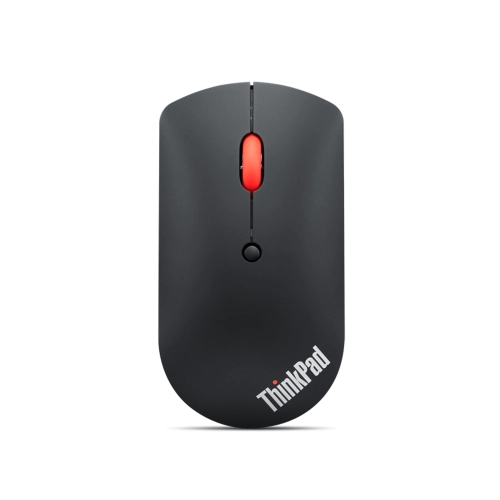
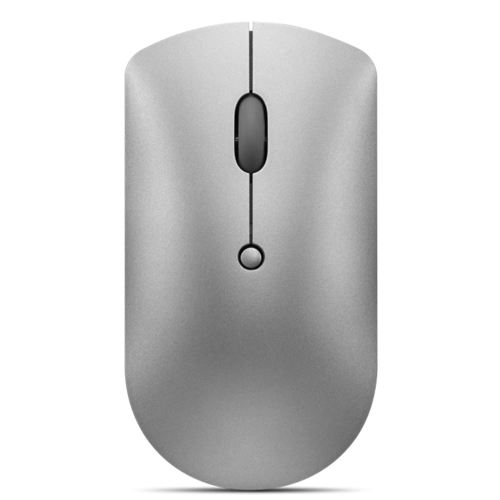
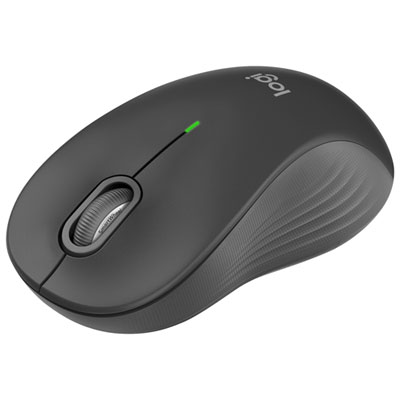
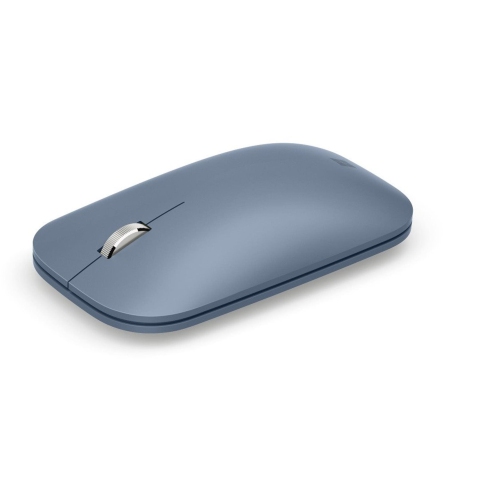
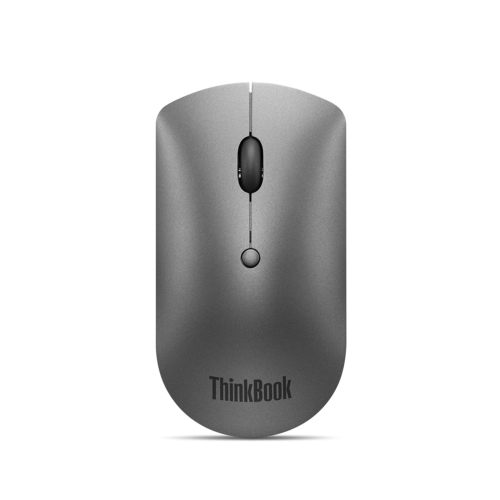
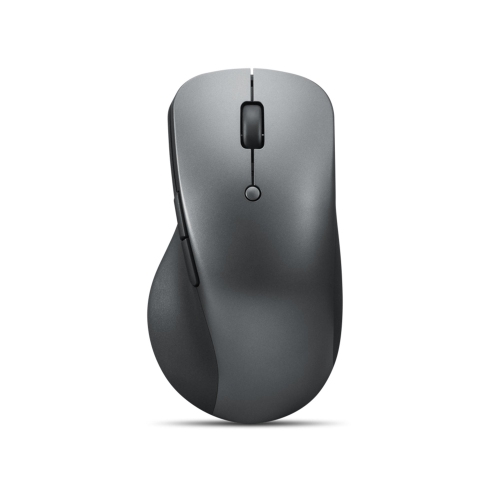
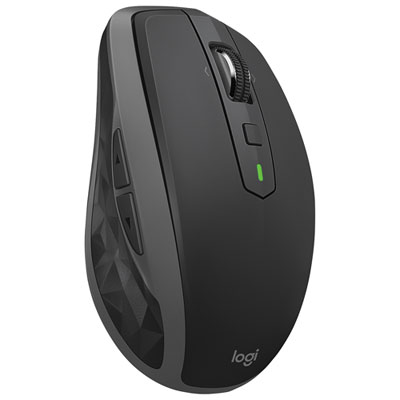
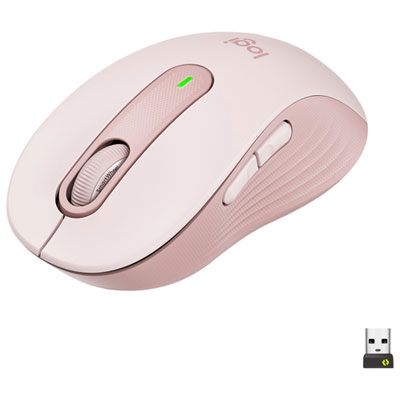
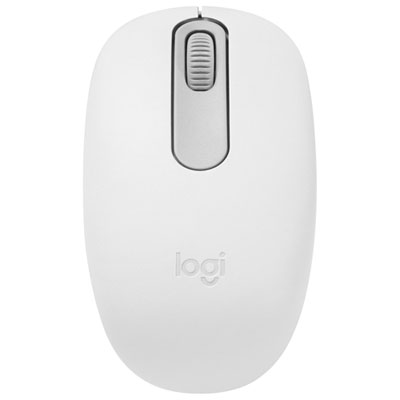
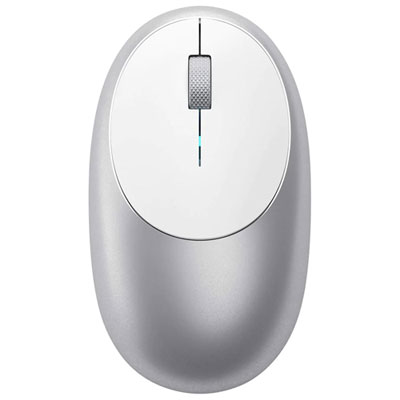
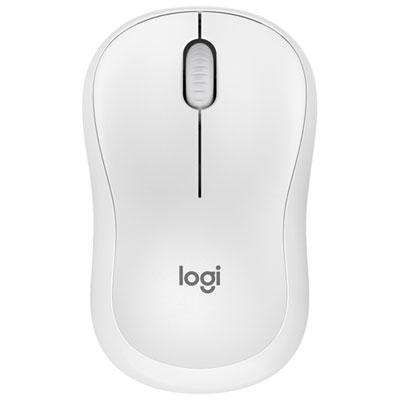
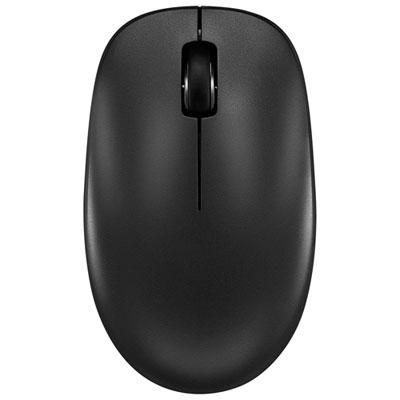
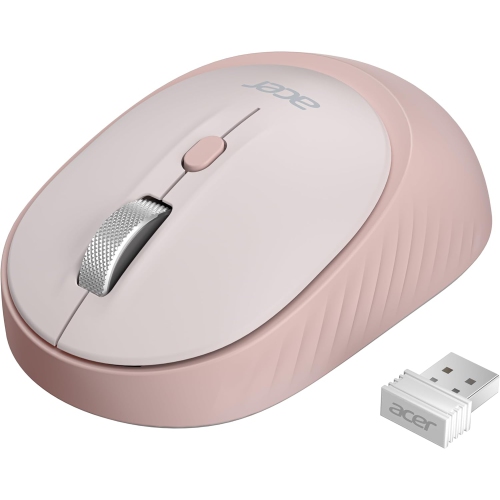

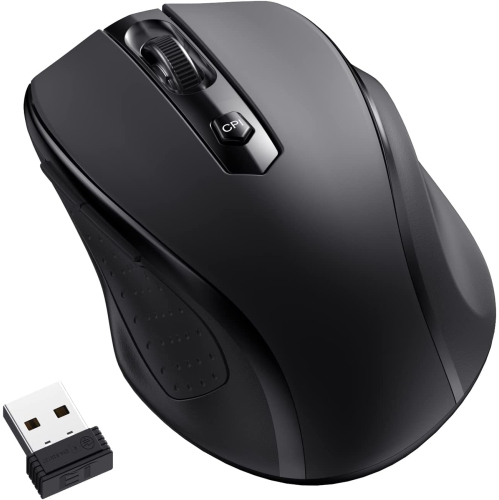
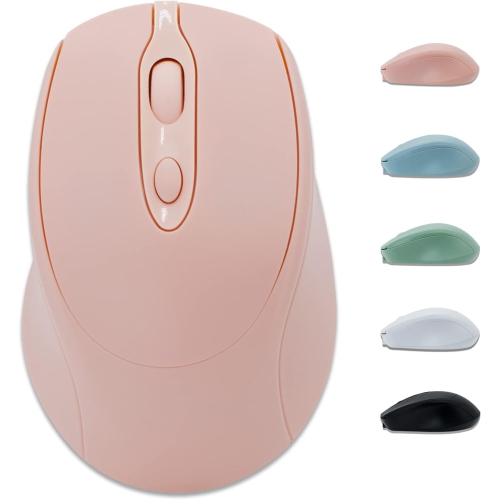
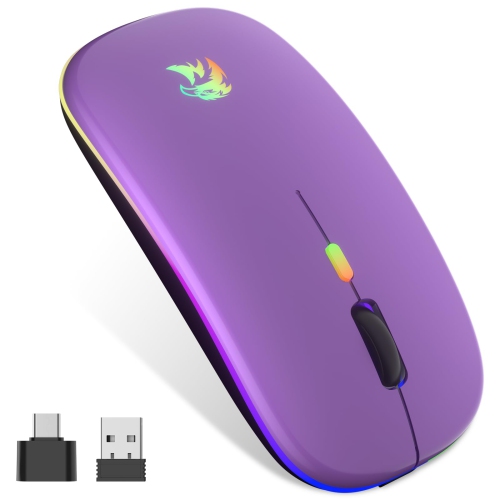


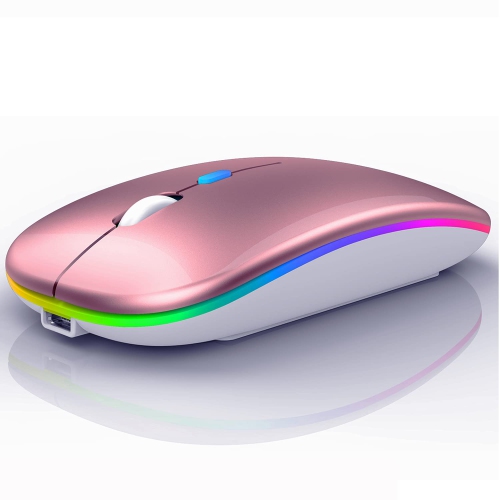
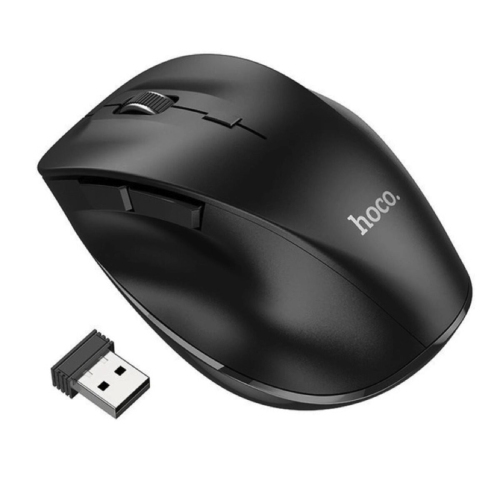
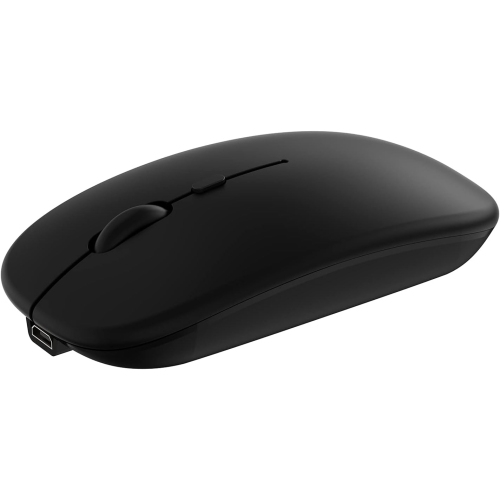
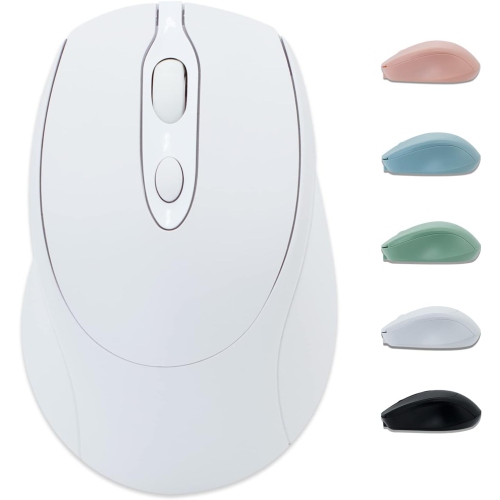
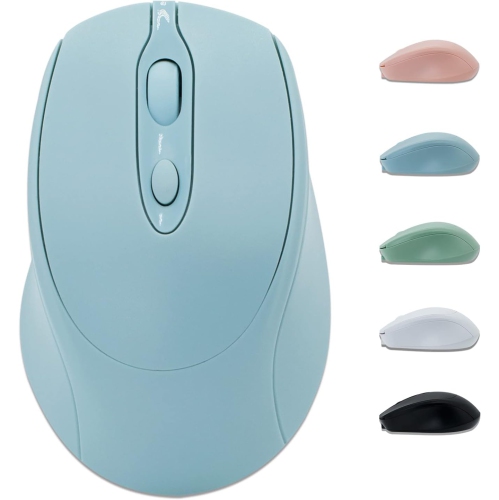
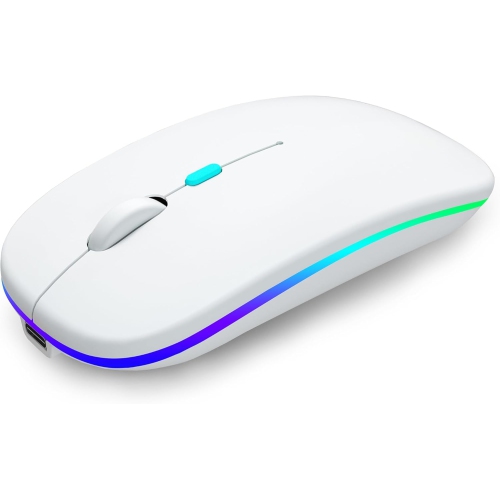
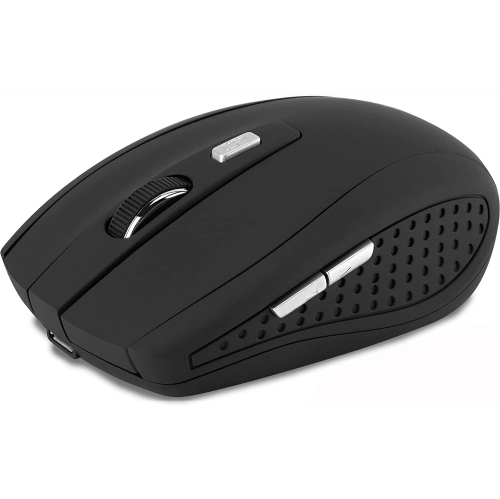
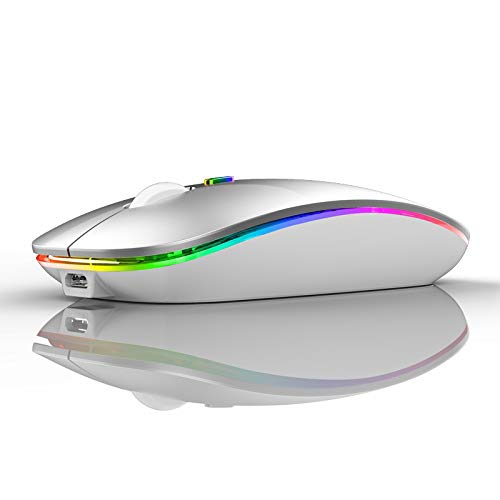
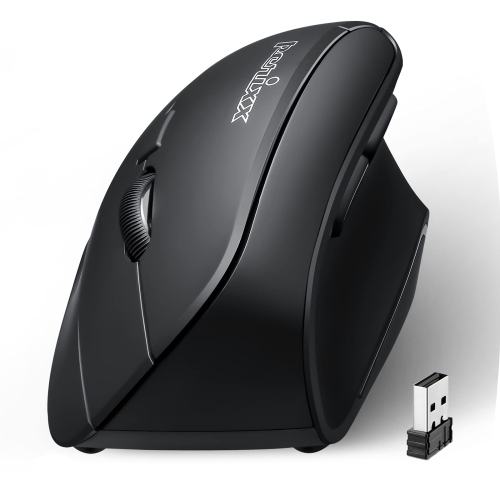
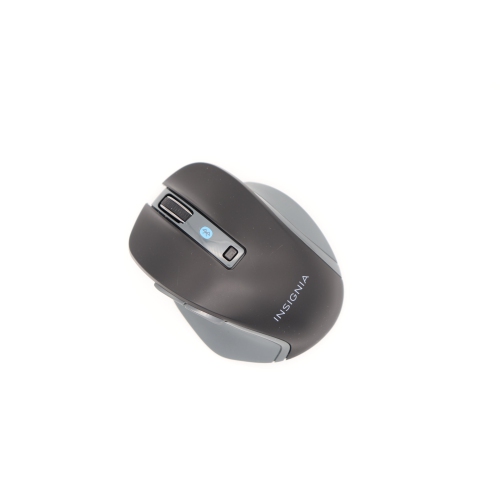
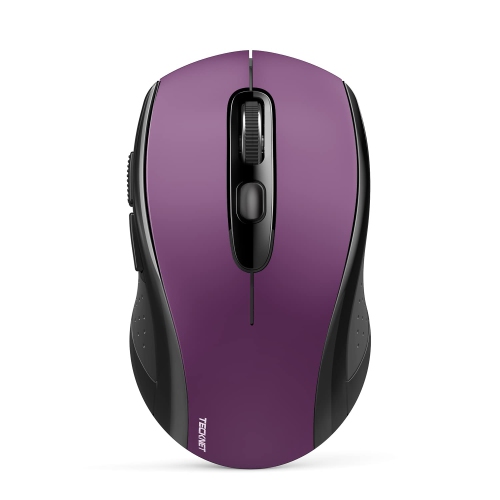
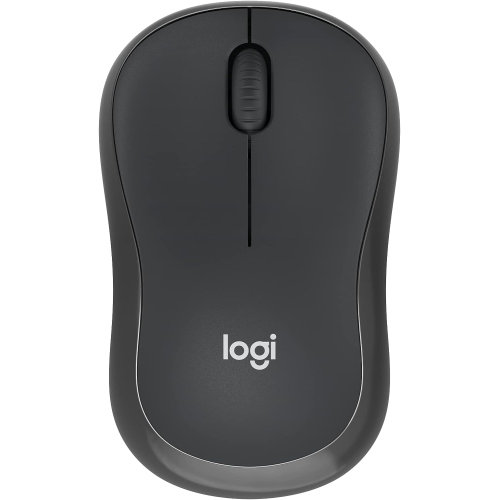
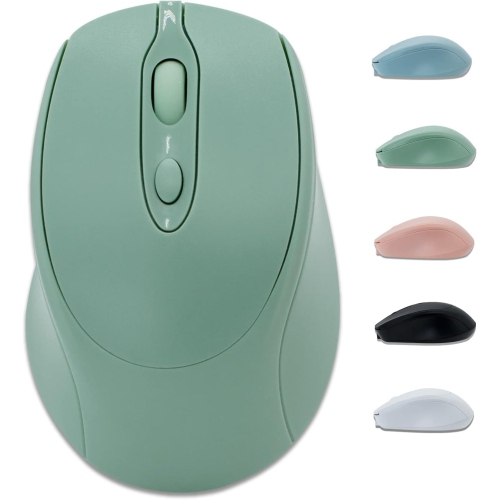
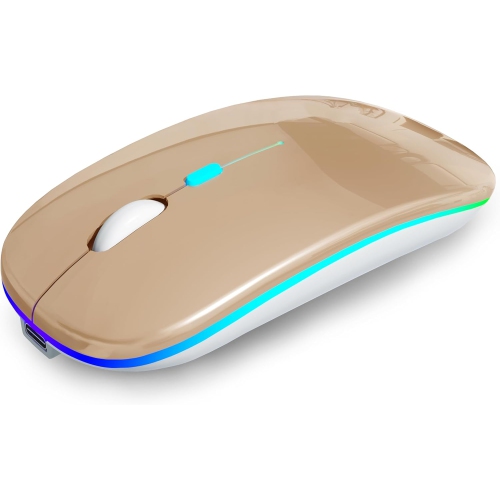
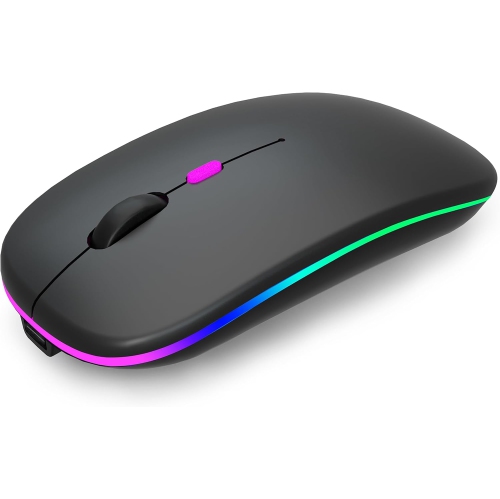
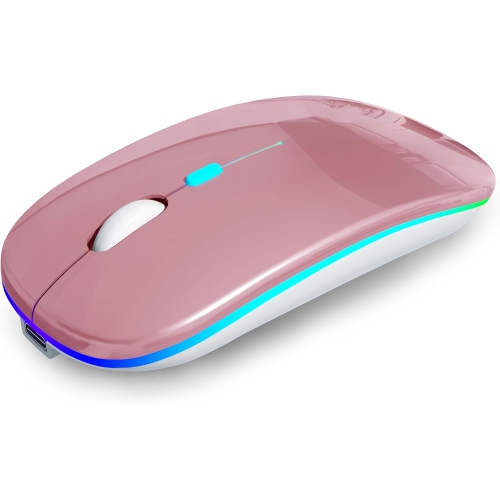
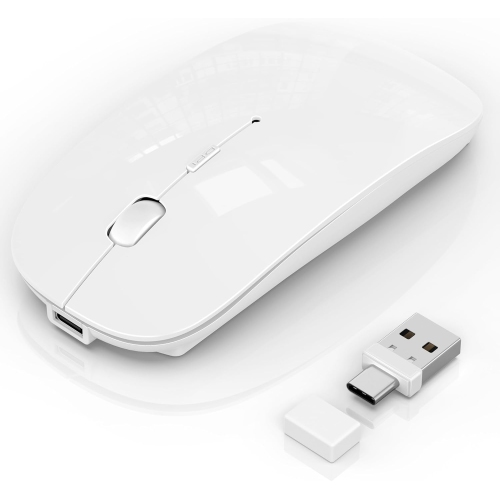
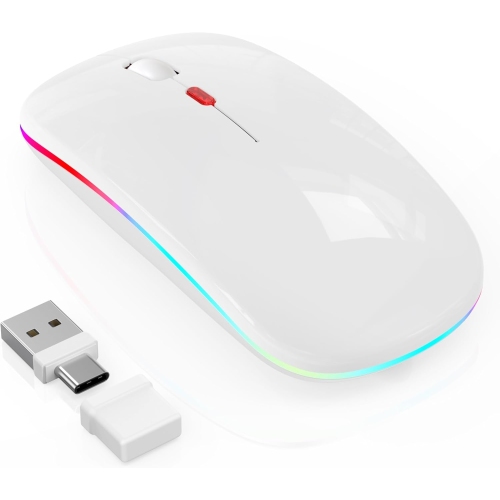
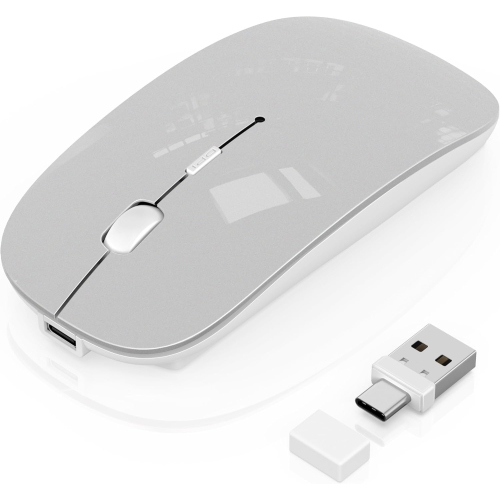
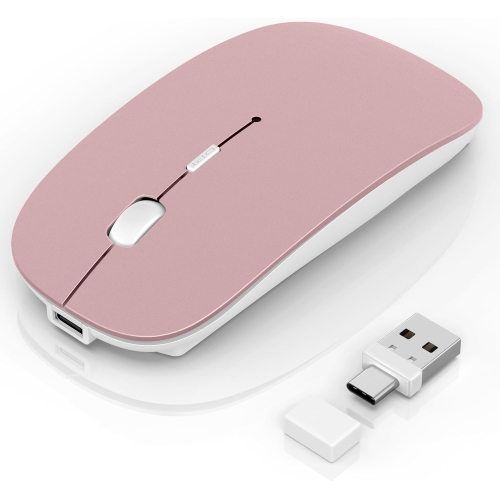
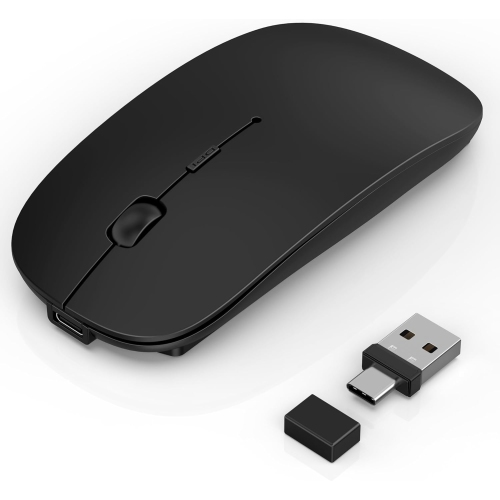
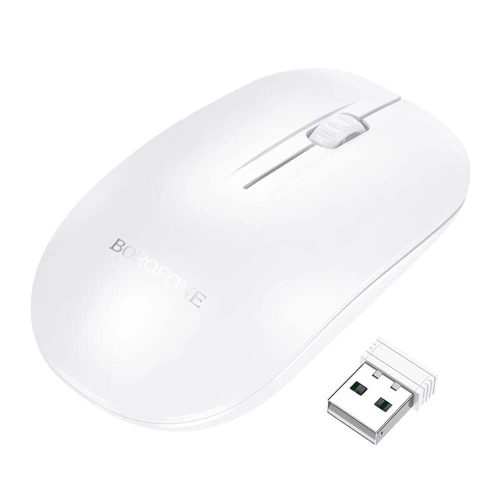
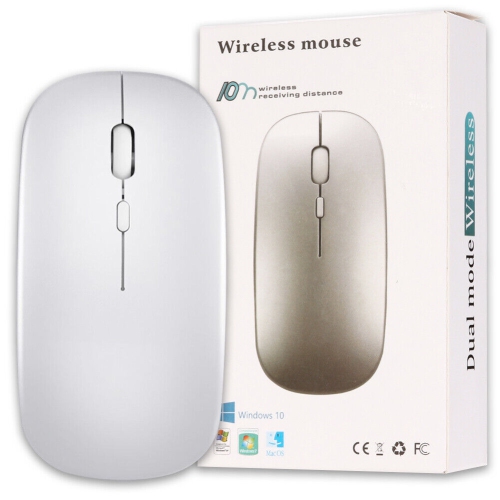
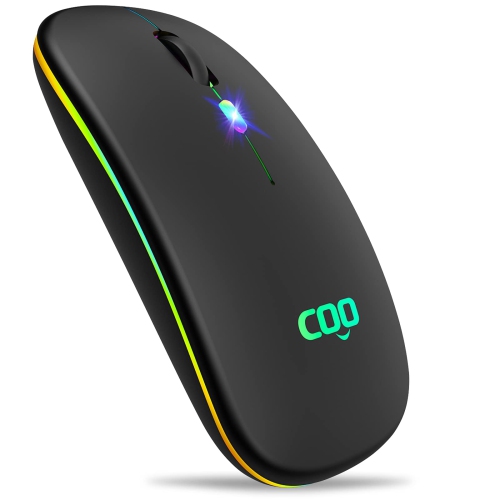
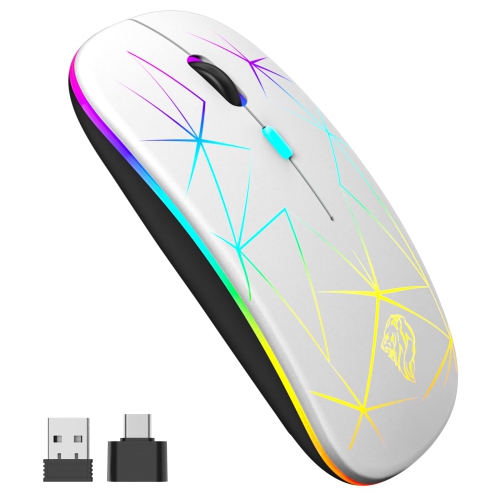
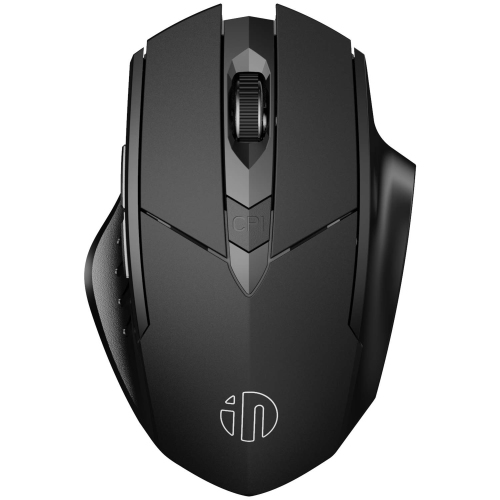
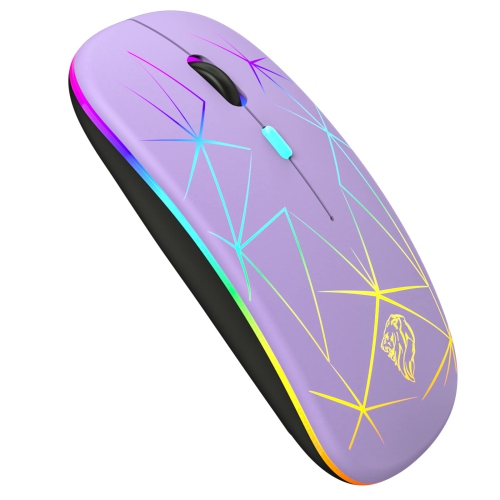
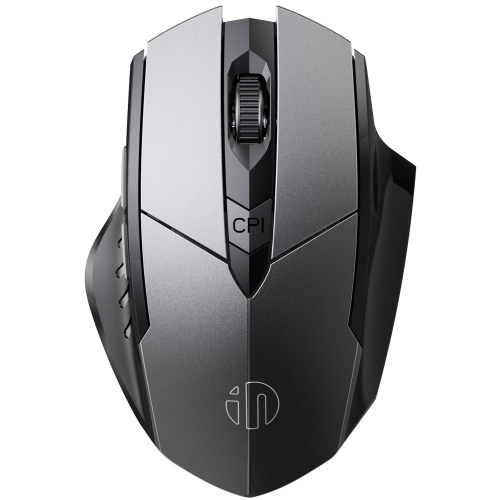
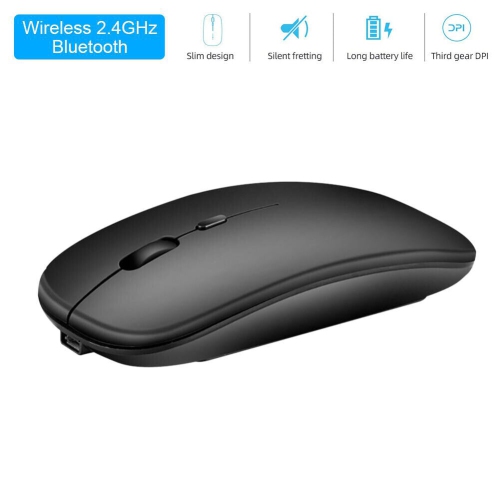
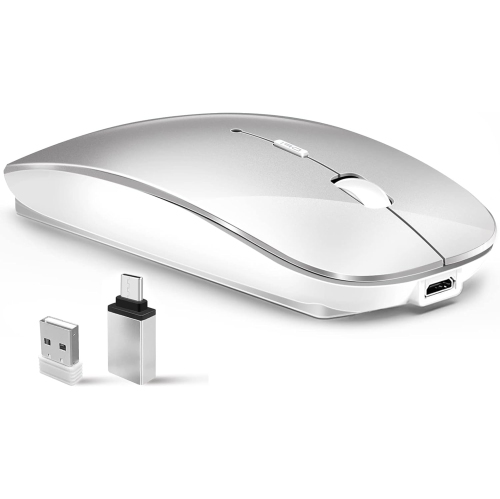
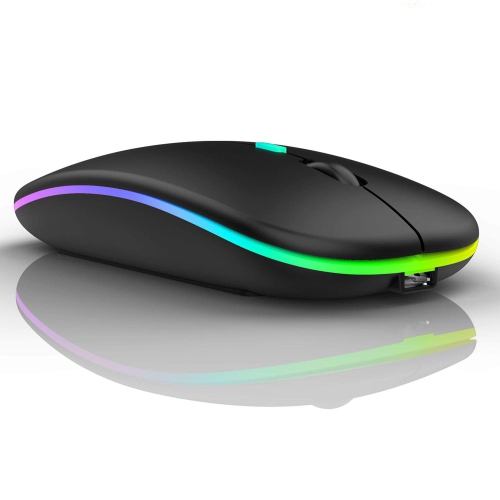
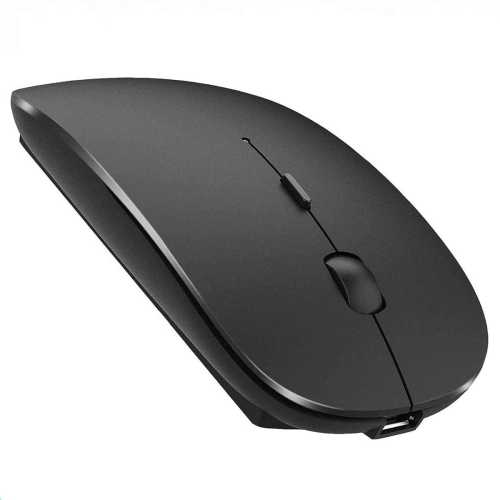
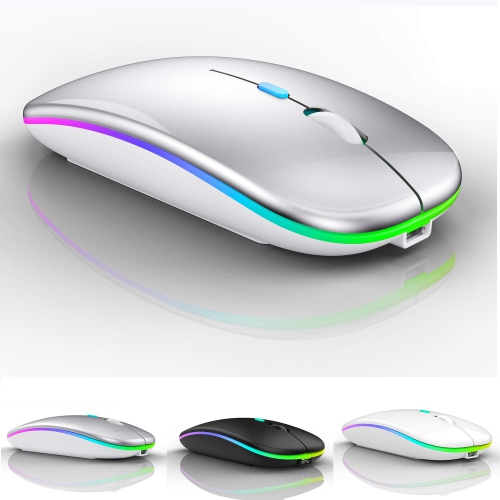
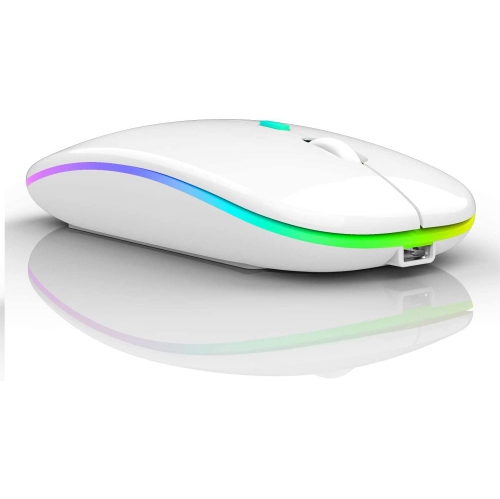
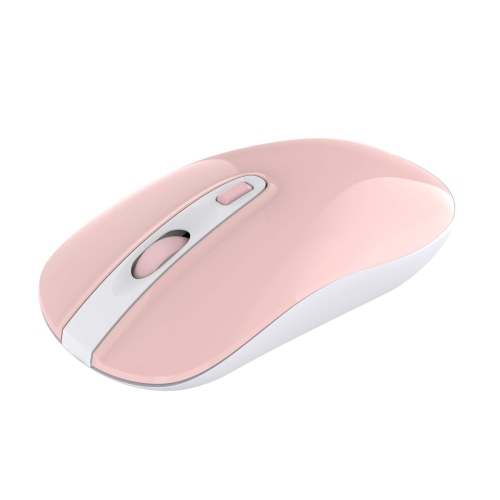
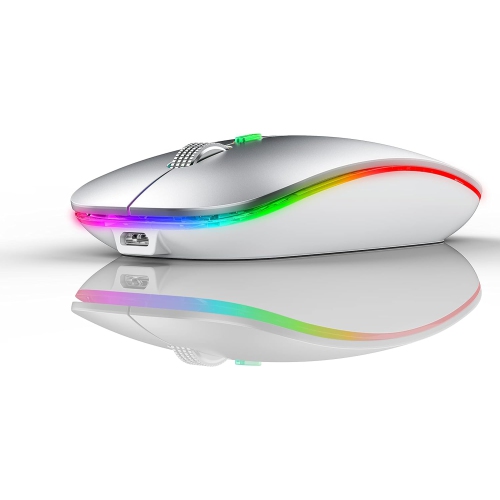
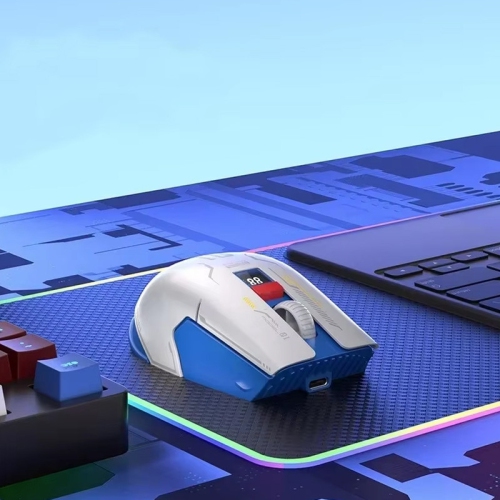
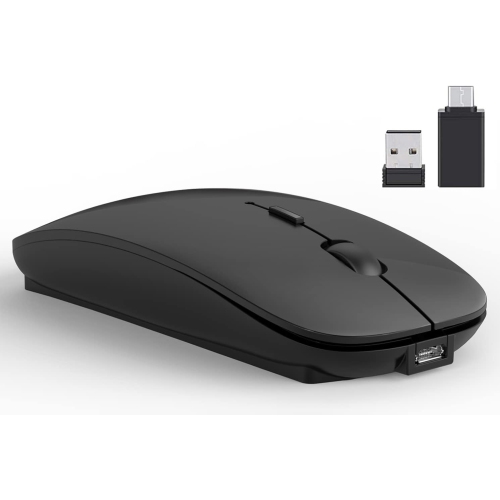
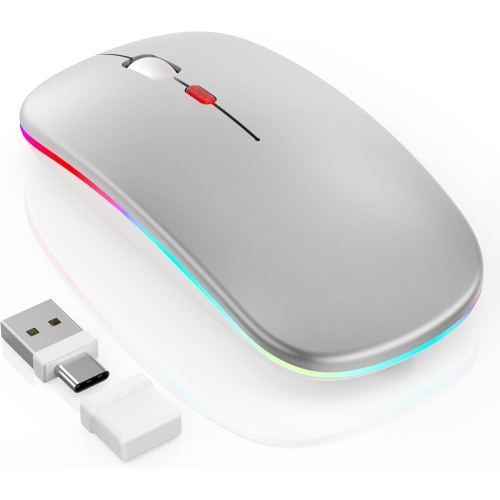
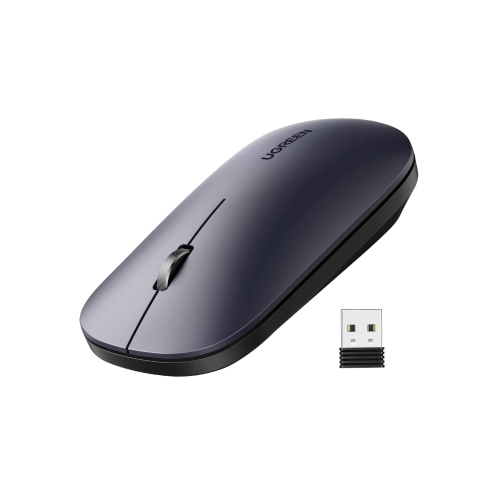

Comfort, portability, and reliable control for everyday computing
Bluetooth mice for Windows 10 laptops offer a convenient way to make everyday computer use feel more comfortable, precise, and flexible. Instead of relying on a cable or occupying a USB port with a receiver, a Bluetooth mouse connects directly to a compatible laptop through its built-in wireless settings. This can be especially useful for slim laptops with limited ports, or for anyone who regularly moves between a home office, classroom, library, and shared workspace. A Bluetooth connection also helps keep a desk tidy, with no cord trailing across the work surface and fewer accessories to pack into a laptop bag. When choosing a mouse for a Windows 10 laptop, check that the computer supports Bluetooth and that the mouse lists Windows compatibility. Most models pair through the Bluetooth and Devices settings, while some support Windows Swift Pair for a faster setup. Bluetooth Low Energy technology can help reduce power consumption, and newer Bluetooth versions may provide a stable connection with responsive pointer movement when the mouse is used within its normal range. Once paired, many mice reconnect automatically whenever they are switched on, making them practical for browsing, writing, video calls, schoolwork, spreadsheets, and other routine tasks. For an overview of additional wireless options, explore Wireless Mice for Windows 10.
The right shape and features depend on how and where the mouse will be used. A compact, lightweight design fits easily beside a laptop in a sleeve or backpack and is convenient for commuting, travelling, or working at a café. A larger contoured shape may feel more natural during long sessions at a desk, particularly when the hand benefits from a fuller palm rest and gently curved buttons. Ambidextrous designs can suit households where more than one person uses the same computer, while a model with additional side buttons may appeal to users who want quick controls for navigating web pages, switching applications, or working with creative software. Sensitivity is another useful consideration. A mouse with adjustable or higher dots-per-inch settings can move the pointer quickly across a large display, while moderate sensitivity may feel easier to control for documents, online forms, and detailed selections. Smooth optical tracking works well on many common desk surfaces, although a mouse pad can provide more consistent movement on glass, glossy finishes, textured tables, or uneven surfaces. Scroll-wheel design also affects daily comfort: a textured wheel can make it easier to move through long pages, while a quieter wheel and reduced-click-noise buttons are thoughtful choices for libraries, shared offices, bedrooms, and late-night work. Those who spend many hours navigating spreadsheets, editing images, or managing large collections of files may appreciate customizable buttons, a comfortable thumb position, and a sensor designed for accurate movement rather than simply choosing the smallest option available.
Battery and connection details are worth considering before adding a Bluetooth mouse to a Windows 10 laptop setup. Some models use a replaceable AA or AAA battery, which is convenient when a spare is already kept in a desk drawer or travel bag. Others have a built-in rechargeable battery that can be topped up with a charging cable between sessions. Battery life varies according to the design, sensor, connection settings, and frequency of use, so an automatic sleep mode and an accessible power switch can help extend time between charges or replacements. A low-battery indicator is useful for avoiding interruptions during a presentation, assignment, or important work session. If the mouse supports more than one device, it may be possible to move between a Windows 10 laptop, another computer, or a compatible tablet without carrying separate pointing devices; confirm the switching method and device compatibility before purchasing. Bluetooth mice can also make practical gifts for students setting up a study space, professionals refreshing a home office, travellers who want a more comfortable alternative to a laptop touchpad, or family members who find a touchpad difficult to use for extended periods. During the cooler months, when more work and entertainment take place indoors, a dependable mouse can make a kitchen table, reading nook, or dedicated desk feel better suited to everyday computing. Look for a balance of comfort, portability, tracking performance, battery convenience, and Windows 10 compatibility so the mouse feels natural from the first click and remains useful across work, study, and personal tasks.
The right shape and features depend on how and where the mouse will be used. A compact, lightweight design fits easily beside a laptop in a sleeve or backpack and is convenient for commuting, travelling, or working at a café. A larger contoured shape may feel more natural during long sessions at a desk, particularly when the hand benefits from a fuller palm rest and gently curved buttons. Ambidextrous designs can suit households where more than one person uses the same computer, while a model with additional side buttons may appeal to users who want quick controls for navigating web pages, switching applications, or working with creative software. Sensitivity is another useful consideration. A mouse with adjustable or higher dots-per-inch settings can move the pointer quickly across a large display, while moderate sensitivity may feel easier to control for documents, online forms, and detailed selections. Smooth optical tracking works well on many common desk surfaces, although a mouse pad can provide more consistent movement on glass, glossy finishes, textured tables, or uneven surfaces. Scroll-wheel design also affects daily comfort: a textured wheel can make it easier to move through long pages, while a quieter wheel and reduced-click-noise buttons are thoughtful choices for libraries, shared offices, bedrooms, and late-night work. Those who spend many hours navigating spreadsheets, editing images, or managing large collections of files may appreciate customizable buttons, a comfortable thumb position, and a sensor designed for accurate movement rather than simply choosing the smallest option available.
Battery and connection details are worth considering before adding a Bluetooth mouse to a Windows 10 laptop setup. Some models use a replaceable AA or AAA battery, which is convenient when a spare is already kept in a desk drawer or travel bag. Others have a built-in rechargeable battery that can be topped up with a charging cable between sessions. Battery life varies according to the design, sensor, connection settings, and frequency of use, so an automatic sleep mode and an accessible power switch can help extend time between charges or replacements. A low-battery indicator is useful for avoiding interruptions during a presentation, assignment, or important work session. If the mouse supports more than one device, it may be possible to move between a Windows 10 laptop, another computer, or a compatible tablet without carrying separate pointing devices; confirm the switching method and device compatibility before purchasing. Bluetooth mice can also make practical gifts for students setting up a study space, professionals refreshing a home office, travellers who want a more comfortable alternative to a laptop touchpad, or family members who find a touchpad difficult to use for extended periods. During the cooler months, when more work and entertainment take place indoors, a dependable mouse can make a kitchen table, reading nook, or dedicated desk feel better suited to everyday computing. Look for a balance of comfort, portability, tracking performance, battery convenience, and Windows 10 compatibility so the mouse feels natural from the first click and remains useful across work, study, and personal tasks.
Top selling and popular products
-
 Your price for this item is $29.99
 -
 Your price for this item is $50.44
 -
 Your price for this item is $39.99
 -
 Your price for this item is $49.99
 -
 Your price for this item is $159.95
 -
 Your price for this item is $44.68
 -
 Your price for this item is $44.68
 -
 Your price for this item is $31
Discover more categories related to Bluetooth Mice for Windows 10 Laptop

Top Collections:
Pokemon Centers, Kindle Devices, Best Budget Office Chairs, Apple iPhones 16, Best Laptops for Writers, iPhone 15 Apple, Canon G7X Cameras, Refurbished Apple Laptops, Alarm Clock, Motorola Razr Phones
Some products may be subject to Environmental Handling Fees
(EHF) depending on your province.
Learn more about EHFs.