Best Bluetooth Mice for Laptop
Find the best Bluetooth mice for laptops, ranked by user review ratings to help you compare shopper favourites. Whether you’re working, studying, or browsing on the go, explore options that connect wirelessly without a USB receiver, and look for features such as a comfortable grip, precise tracking, and a portable design that fits your daily routine.
What to look for in Bluetooth mice for laptops
1. Bluetooth Compatibility
2. Comfort and Portability
3. Tracking and Controls
4. Battery Life and Charging
-
1
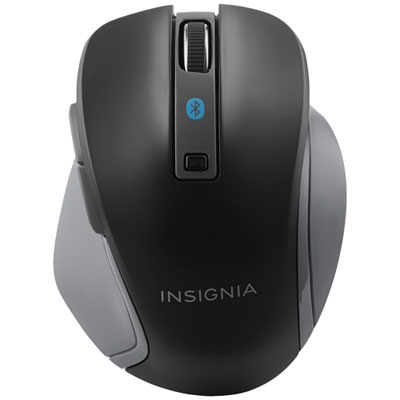
Insignia Bluetooth Blue Trace Mouse - Black - Only at Best Buy
About this product
A black Bluetooth wireless mouse featuring Blue Trace technology, adjustable DPI, and multiple navigation buttons.
What customers like
(1,652)$29.99 Your price for this item is $29.99 -
2

SteelSeries Aerox 3 2022 Edition 18000 DPI Bluetooth Optical Gaming Mouse - Black
About this product
A black Bluetooth optical gaming mouse featuring 18000 DPI, TrueMove Air sensor, and PTFE glide skates.
What customers like
(898)$119.98Your price for this item is $119.98SAVE $13 -
3
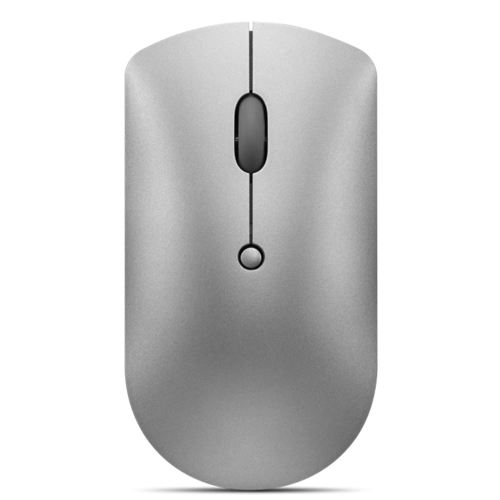
LENOVO 600 Bluetooth Silent Mouse
About this product
A wireless Bluetooth mouse featuring silent clicks, ideal for quiet and efficient computer use.
What customers like
(529)$27.99Your price for this item is $27.99SAVE $8 -
4
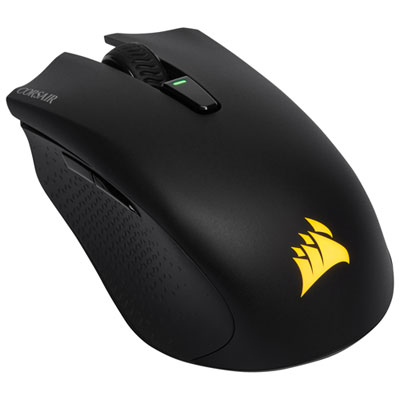
Corsair Harpoon RGB 10000 DPI Bluetooth Optical Gaming Mouse - Black
About this product
A lightweight black wireless gaming mouse offering 10,000 DPI precision and ultra-fast Bluetooth connectivity.
What customers like
(1,337)$84.99 Your price for this item is $84.99 -
5
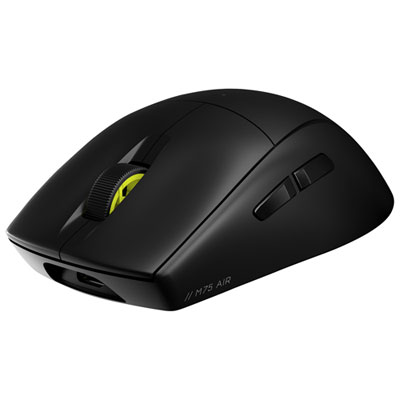
Corsair M75 AIR 26000 DPI Bluetooth Optical Gaming Mouse - Black
About this product
An ultra-light, symmetrical black Bluetooth mouse offering 26,000 DPI precision for high-performance gaming.
What customers like
(126)$120.95 Your price for this item is $120.95 -
6
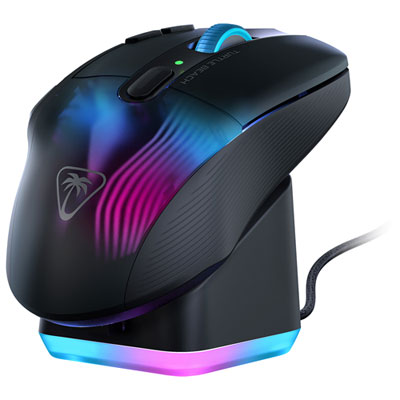
Turtle Beach Kone XP Air 19000 DPI Bluetooth Gaming Mouse - Black - Only at Best Buy
About this product
A high-precision gaming mouse with 19K DPI, wireless and Bluetooth connectivity, and durable Titan optical switches.
What customers like
(69)$59.99Your price for this item is $59.99SAVE $110 -
7
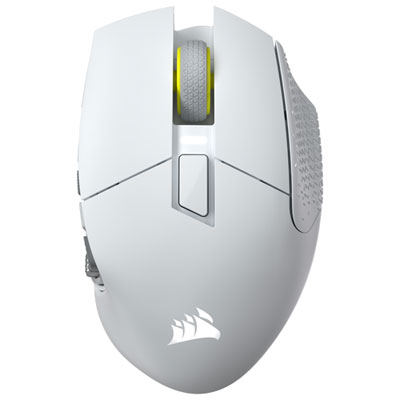
Corsair Scimitar Elite SE MMO 33000 DPI Bluetooth Gaming Mouse - White - Only at Best Buy
About this product
A white wireless gaming mouse with 33,000 DPI, 16 programmable buttons, and smooth PTFE feet.
What customers like
(43)$199.99 Your price for this item is $199.99 -
8
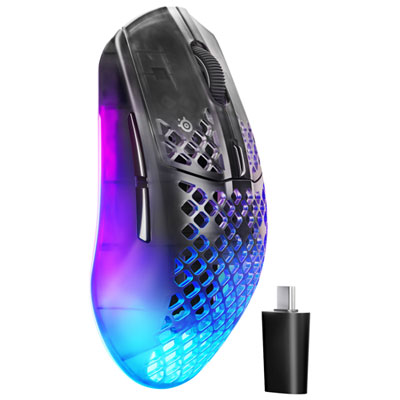
SteelSeries Aerox 3 Gen 2 26000 DPI Bluetooth Gaming Mouse - Black
About this product
A lightweight black gaming mouse with 26K DPI sensor, dual wireless connectivity, and customizable RGB lighting.
What customers like
(27)$149.99 Your price for this item is $149.99 -
9
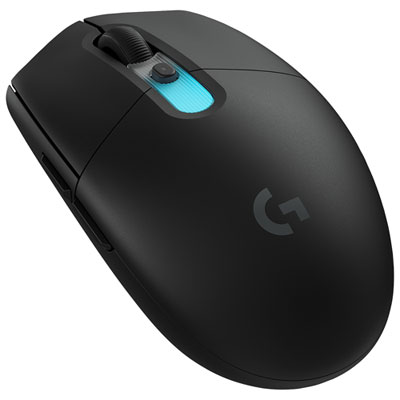
Logitech G305 X SUPERLIGHT 44000DPI Bluetooth Optical Gaming Mouse - Black
About this product
A black optical gaming mouse with 44,000dpi HERO sensor and tri-mode connectivity for precise control.
What customers like
(27)$99.99 Your price for this item is $99.99 -
10
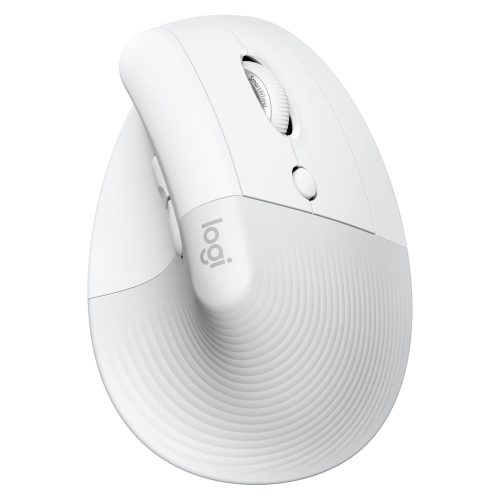
LOGITECH Lift for Mac Wireless Vertical Ergonomic Mouse, Bluetooth, Quiet Clicks, Silent Smartwheel, 4 Customizable Buttons, For
About this product
A white wireless vertical mouse with Bluetooth, quiet clicks, silent SmartWheel, and four customizable buttons for Mac.
What customers like
(23)$99.99Your price for this item is $99.99SAVE $10
FAQ
A Bluetooth mouse pairs directly with a laptop’s built-in Bluetooth, leaving USB ports available for other accessories. A receiver-based wireless mouse connects through a USB receiver plugged into the laptop. Some mice support both connection types.
Turn on Bluetooth in your laptop’s settings, switch on the mouse and activate its pairing mode. Select the mouse from the list of available Bluetooth devices and follow any on-screen prompts. Pairing controls vary by mouse, so check its documentation for the exact steps.
Some Bluetooth mice can store pairings for multiple devices and let you switch between them using a button or selector. This feature is often called multi-device pairing. Check how many devices the mouse supports and whether each connection uses Bluetooth or a USB receiver.
Bluetooth mice typically use either replaceable batteries or a built-in rechargeable battery. Rechargeable models generally charge through a cable, while models with replaceable batteries require the battery type specified by the manufacturer. Charging connections and whether the mouse can be used while charging vary by model.
Many Bluetooth mice offer adjustable pointer and scrolling settings through your laptop’s operating system. Models with programmable buttons may also use manufacturer software to assign shortcuts or app-specific controls. Available settings depend on the mouse, your operating system and software compatibility.
Top selling and popular products
Discover more categories related to Best Bluetooth Mice for Laptop
Some products may be subject to Environmental Handling Fees (EHF) depending on your province. Learn more about EHFs.