Workstation SSDs
Workstation SSDs provide reliable performance and ample storage capacity for demanding professional environments. Designed to handle intensive workloads, these drives support fast data access and efficient file management. Whether you are editing large media files, running complex applications, or managing extensive databases, workstation SSDs help ensure smooth and consistent operation. Explore a wide selection of workstation SSDs to find the right solution for your setup.
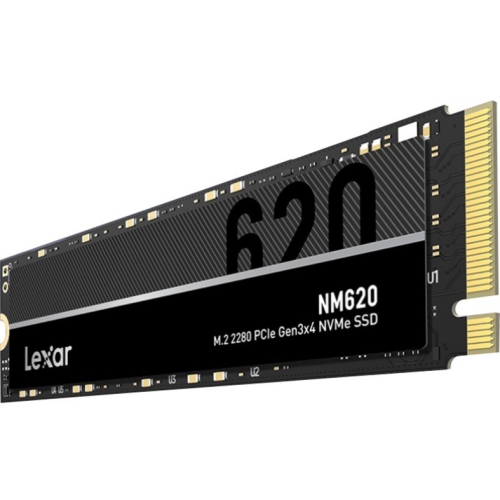
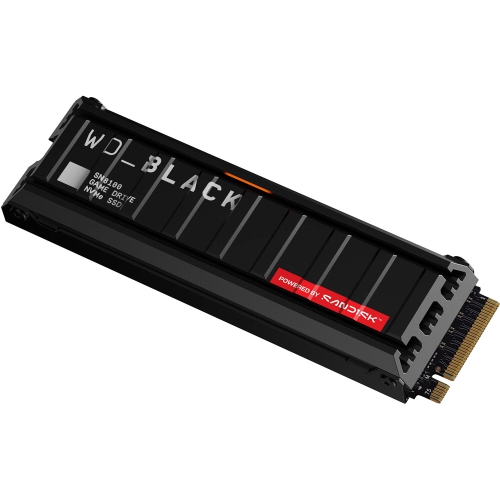
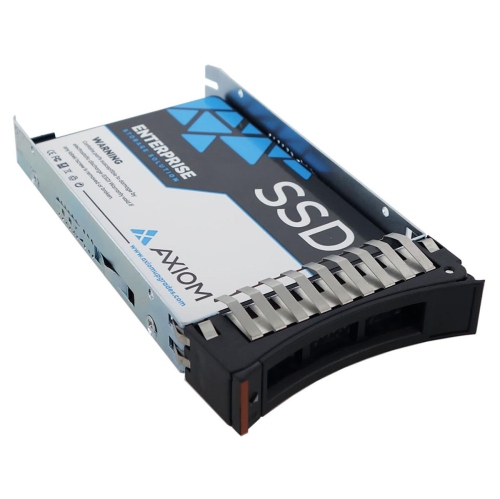
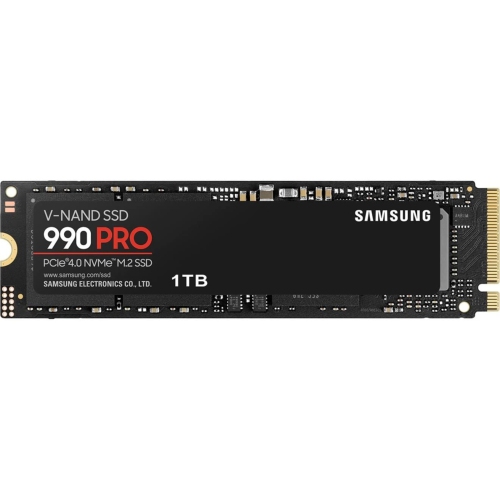
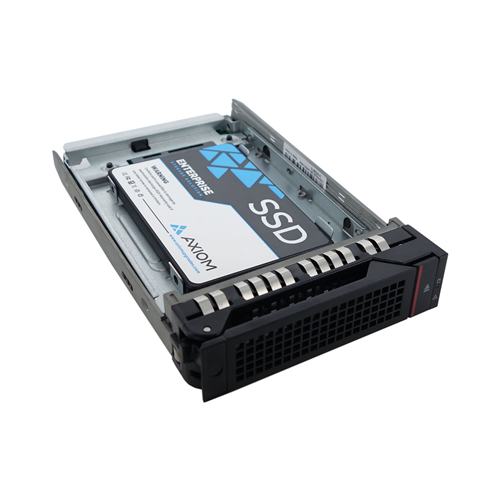
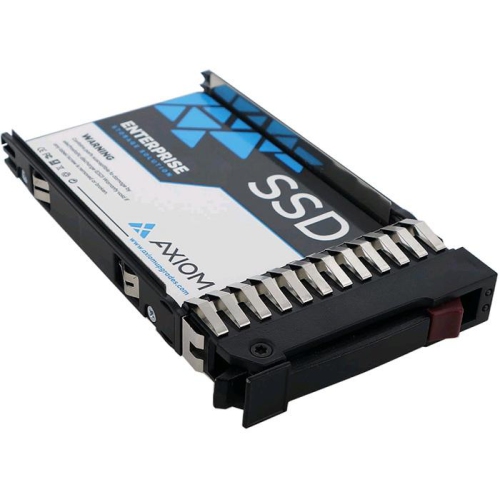
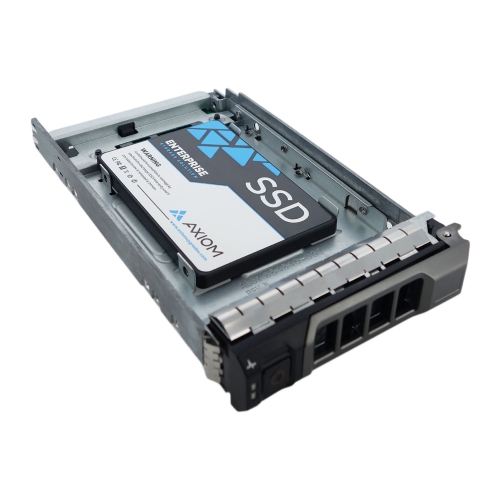
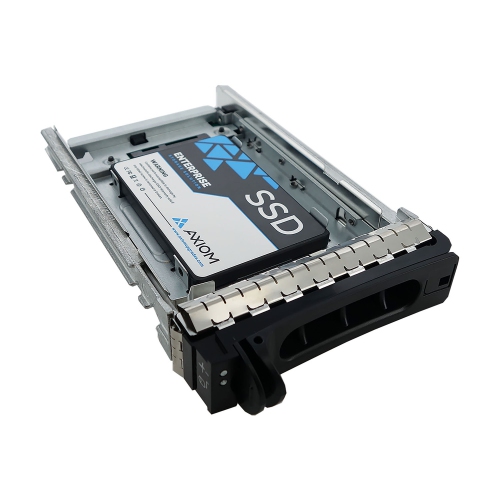
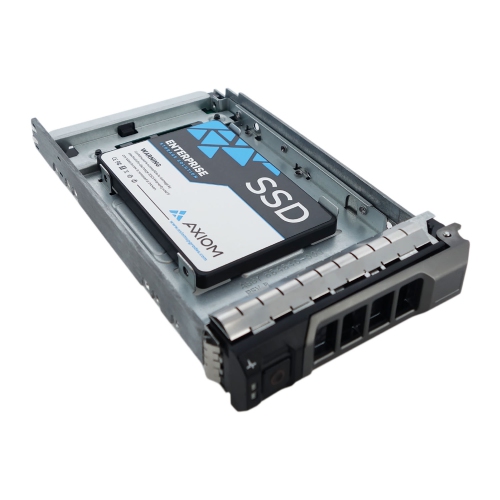
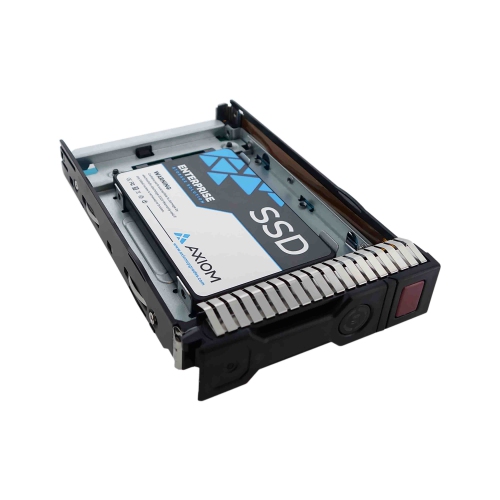
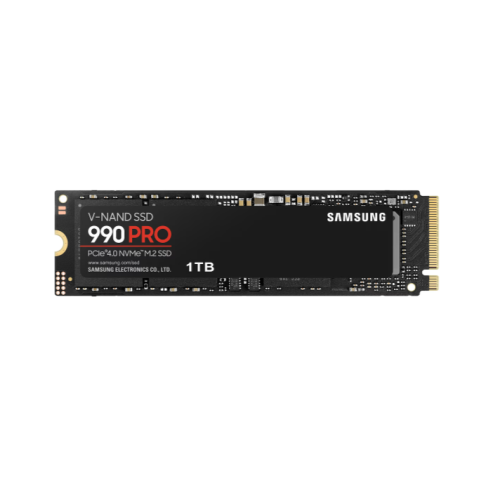
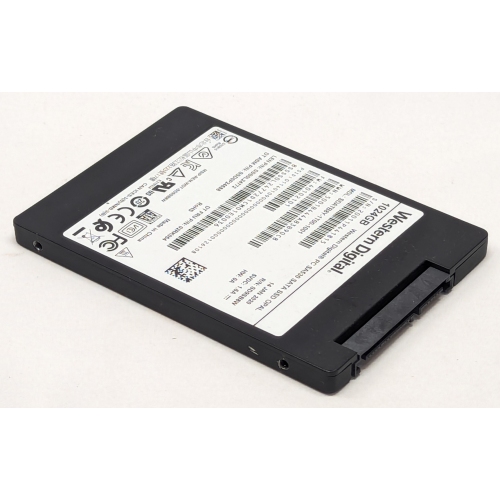
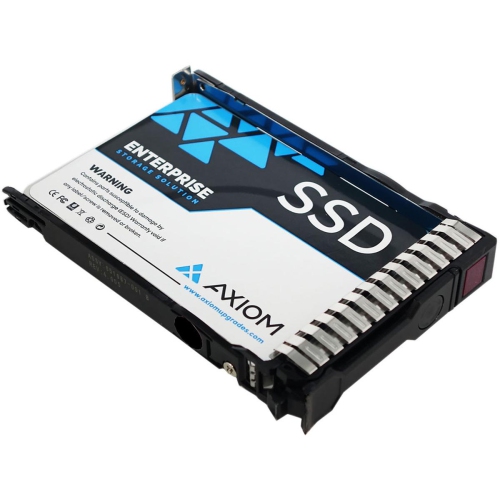
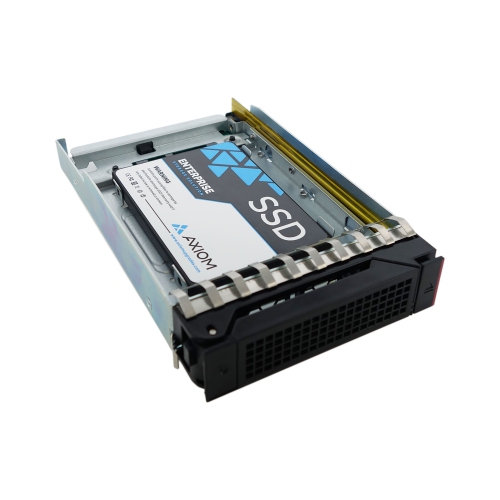
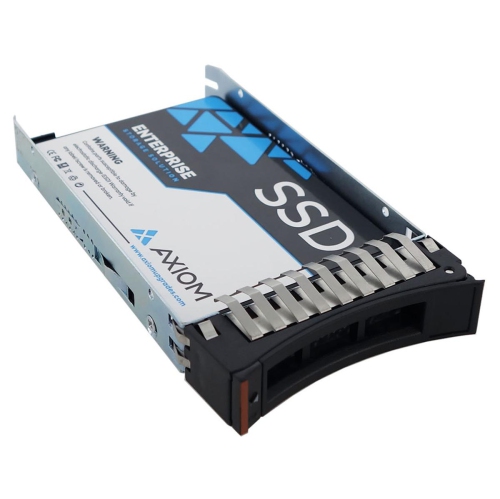
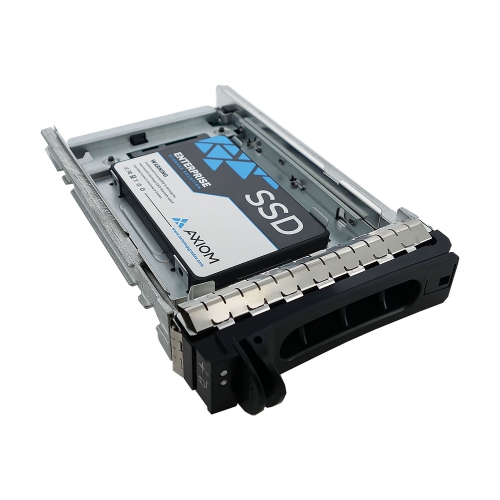
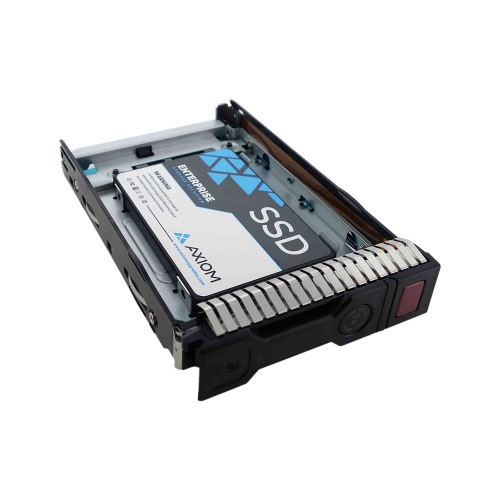
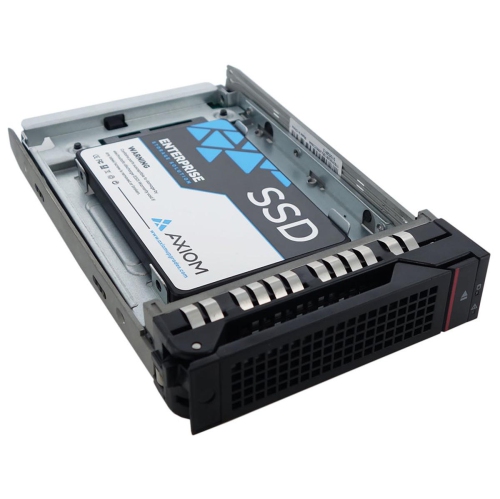
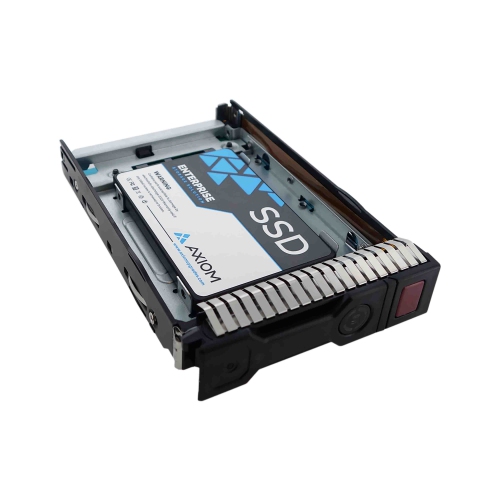

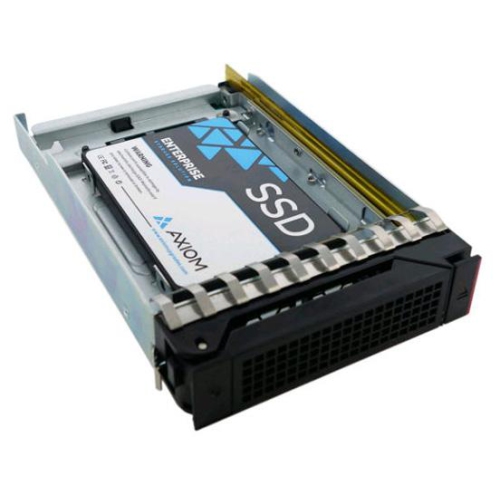
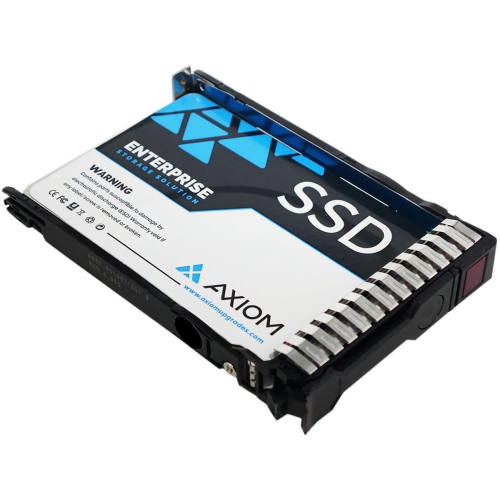
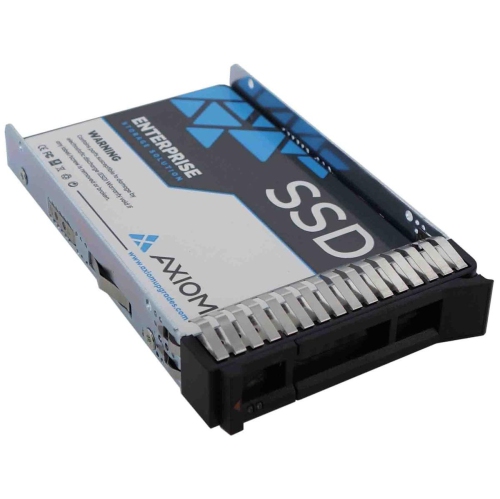
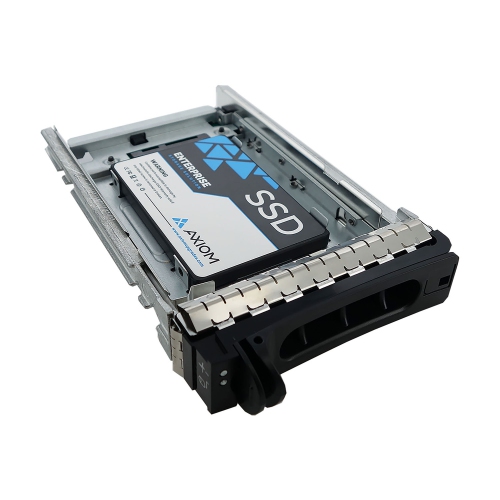
Reliable speed and capacity for demanding professional workflows
Gifting a workstation SSD can be a thoughtful and practical gesture, especially for students heading into a new school year, freelancers launching projects, or anyone embarking on a career that demands dependable technology. These drives are not just for professionals; creative hobbyists, gamers, and even families managing digital photo libraries can all appreciate the speed and reliability a quality SSD brings. It’s the kind of upgrade that often goes unnoticed until you experience the difference—files open instantly, applications launch without hesitation, and backups finish in a fraction of the time. As the weather shifts and routines change, having a dependable storage solution means you’re ready for whatever the season brings, from collaborative projects to personal creative pursuits. For those looking to compare options or learn more about integrating SSDs into everyday setups, the SSD For Everyday Digital Workspaces page offers additional insights and resources to help you make a confident choice tailored to your needs. Whether you’re upgrading for efficiency, reliability, or peace of mind, investing in a workstation SSD ensures your digital workspace is ready to handle everything from the everyday to the extraordinary.
FAQ
What are workstation SSDs and how do they differ from regular SSDs?
Workstation SSDs are solid-state drives designed specifically for high-performance computing environments, such as professional workstations used for tasks like video editing, 3D rendering, and scientific simulations. They typically offer higher endurance, faster read/write speeds, and enhanced reliability compared to consumer-grade SSDs.
Why should I consider using an SSD in my workstation?
Using an SSD in your workstation can significantly improve system responsiveness, reduce load times for large files and applications, and enhance overall productivity. SSDs also have no moving parts, making them more durable and less prone to mechanical failure than traditional hard drives.
Are workstation SSDs compatible with all types of computers?
Most workstation SSDs use standard interfaces like SATA or NVMe (PCIe), making them compatible with a wide range of desktops and laptops. However, it's important to check your device's specifications to ensure compatibility with the form factor and interface of the SSD you plan to install.
How do I maintain optimal performance for my workstation SSD?
To maintain optimal performance, keep your SSD firmware updated, avoid filling the drive to maximum capacity, enable TRIM support if available, and periodically monitor the drive's health using manufacturer-provided tools.
Can I use a workstation SSD for tasks like gaming or everyday computing?
Yes, you can use a workstation SSD for gaming or general computing. While these drives are optimized for demanding professional workloads, their high speed and reliability can also benefit other applications that require fast data access.
Top selling and popular products
-
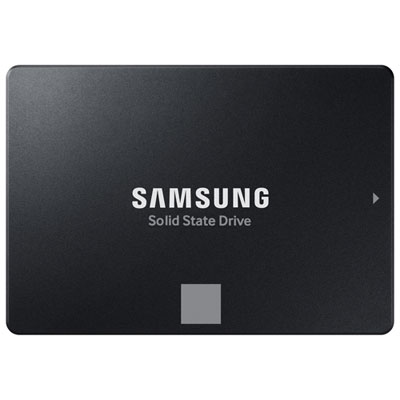 Your price for this item is $469.99
-
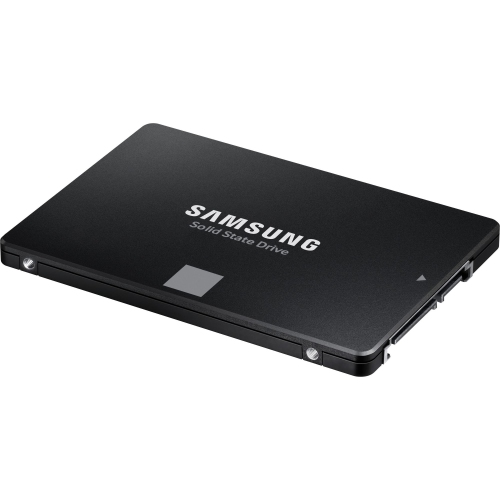 Your price for this item is $394.99
-
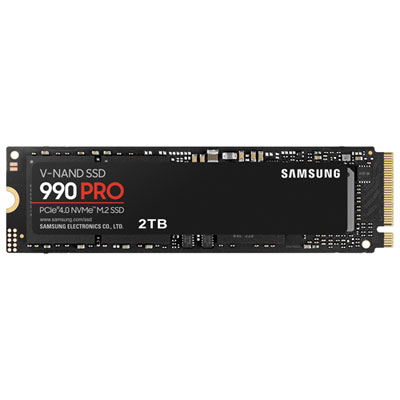 Your price for this item is $874.99
-
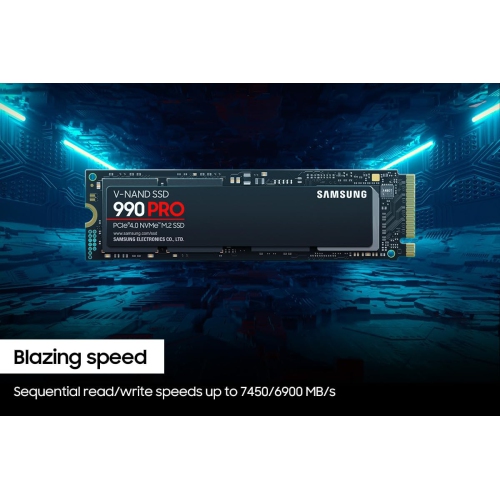 Your price for this item is $1471.99
-
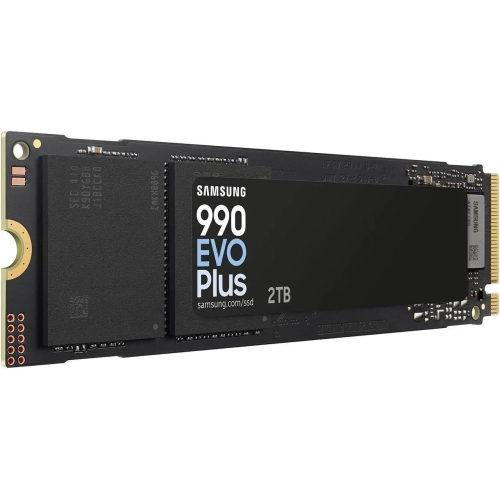 Your price for this item is $639.99
-
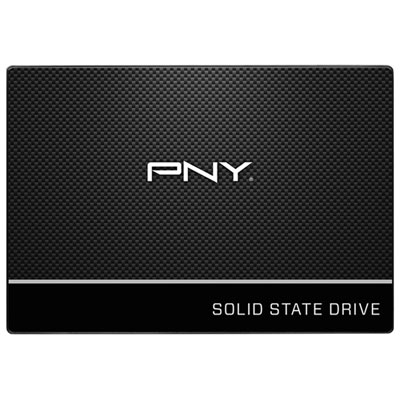 Your price for this item is $124.99
-
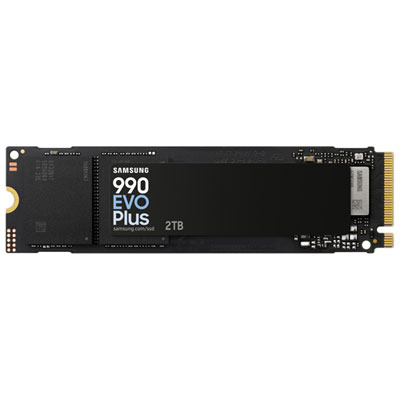 Your price for this item is $789.95
-
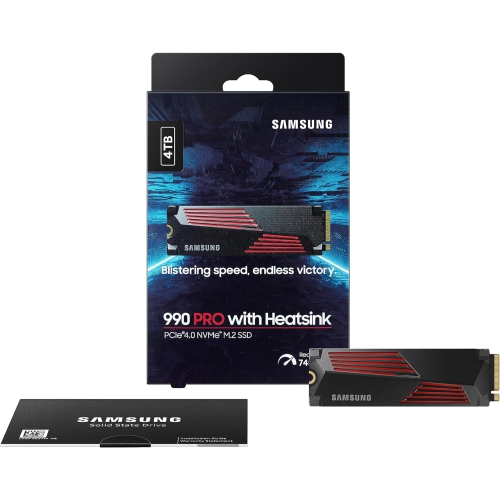 Your price for this item is $1449.99