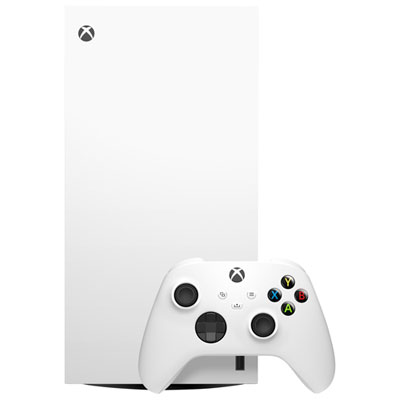
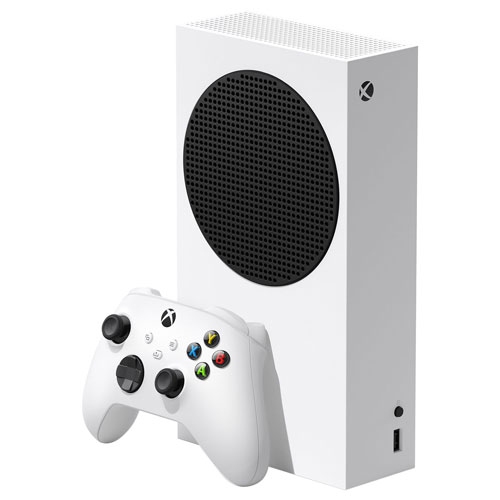
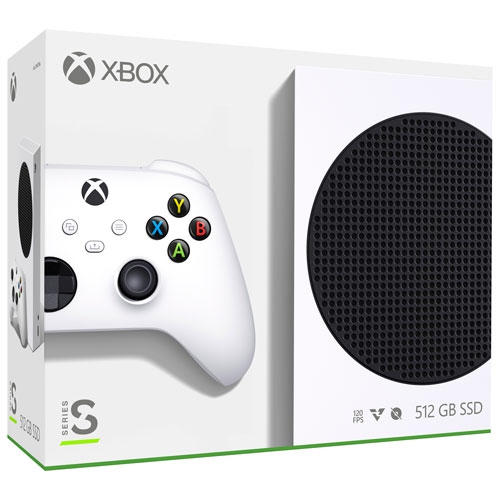
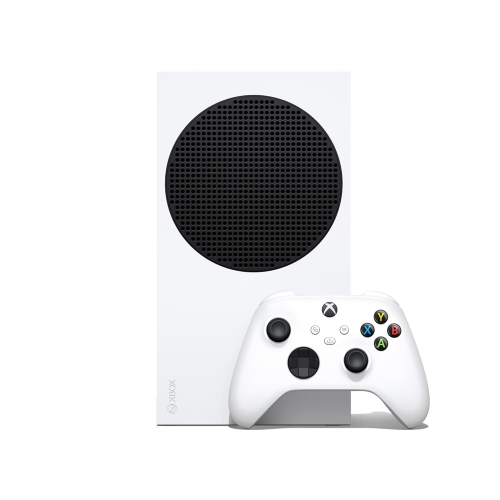
XBOX All Digital

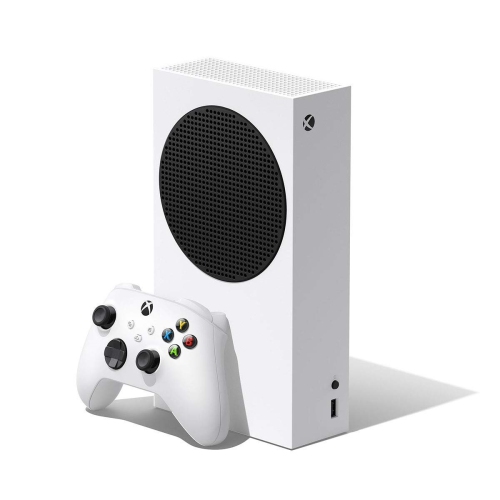
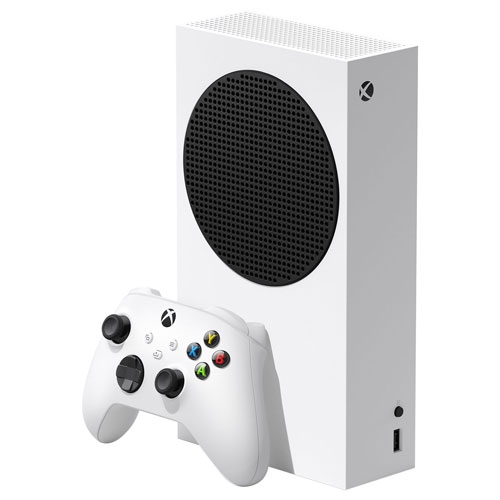
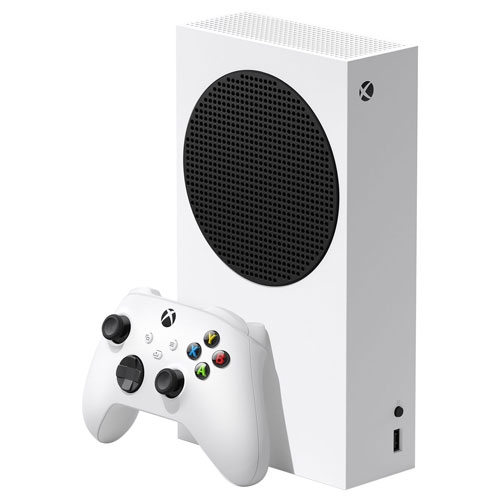
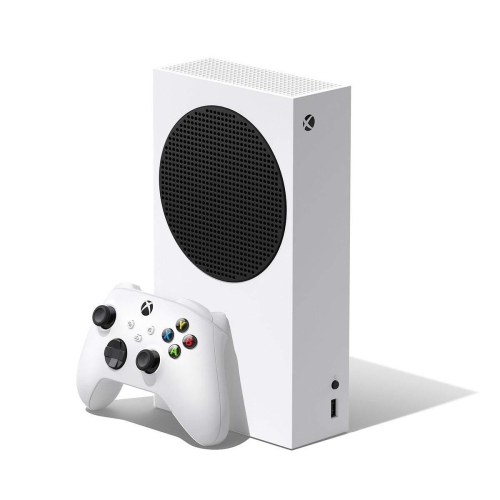
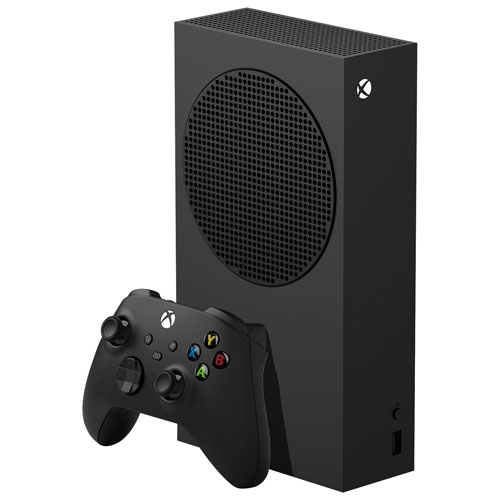
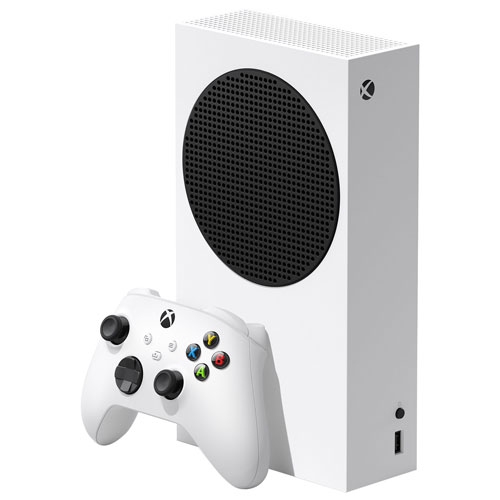
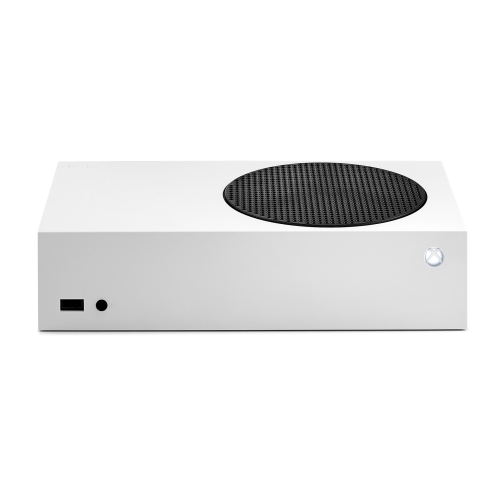
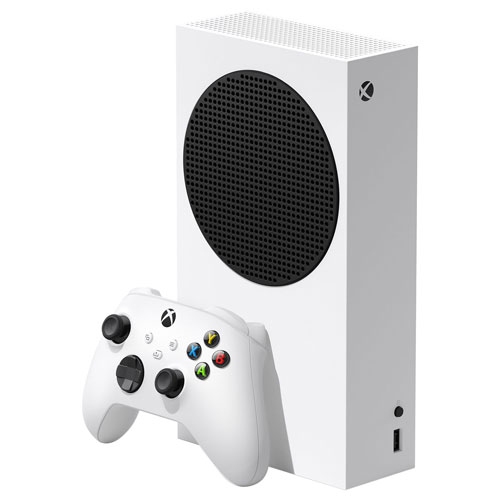
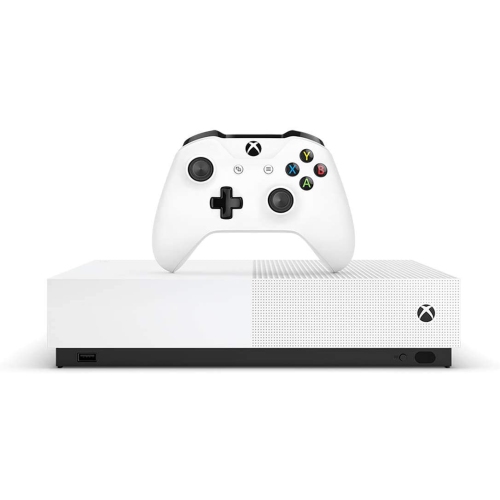
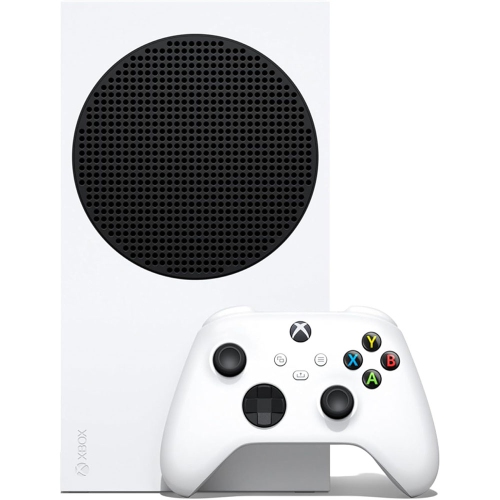
Explore Xbox all-digital consoles for gaming without physical discs. Compare options based on storage capacity and compatibility with your digital game library, and choose a console that fits how you play. All-digital models do not include a disc drive, so they cannot play disc-based games or Blu-ray movies.
Read More

Sort

What disc-free gaming means for your game library

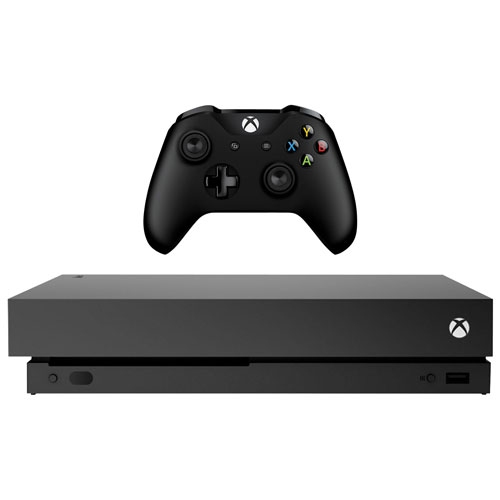
All-digital gaming consoles play downloaded games without a built-in disc drive, bringing a game library, entertainment apps, and account settings together in one system. Instead of inserting a physical game disc, players access compatible games through a digital storefront, a redeemed download code, or an eligible subscription catalogue. Games are generally installed to the console’s storage before play; cloud gaming, where supported, is a separate option with its own connection and service requirements. The disc-free format suits players who prefer browsing their library on screen, switching between installed games without changing discs, and keeping the television stand free of game cases. It also has an important limitation: physical game discs cannot be inserted, and owning a disc does not automatically provide a digital licence for the same game. Disc-based movies are not playable either, although compatible streaming apps may support film and television viewing. An all-digital design does not, by itself, determine graphics quality, loading speed, or game compatibility. Those capabilities depend on the console’s generation and hardware. Some systems support gaming at resolutions up to 4K and frame rates up to 120 frames per second in compatible titles, but these are not guaranteed together in every game. The game’s graphics settings, the display, and the connection between them all affect the result. On a large living-room screen, image detail may be a priority; at a desk, a responsive display and comfortable viewing distance may matter more. Fast internal storage can shorten loading times in games designed to take advantage of it, while the processor and graphics hardware influence how demanding scenes run. When browsing XBOX One S Consoles, the distinction between disc-equipped and all-digital versions remains important, since a console that accepts discs can also support downloaded games. Digital gaming describes how games are acquired and accessed, while all-digital describes hardware without a disc drive.

A digital library is closely tied to the account that holds its game licences, making account access an important part of everyday ownership. Signing in on another compatible console may allow previously acquired games to be downloaded again, but compatibility, account settings, and licensing requirements still apply. A title appearing in an account’s history does not guarantee that it will run on every hardware generation. Saved progress can also move between supported systems through cloud saves, depending on the game and service features involved. For a household with several players, individual profiles help keep achievements, saved games, and parental settings separate. Family controls can help manage spending permissions, communication, and access to age-rated content, while local multiplayer depends on each game’s support for multiple players on one screen. Subscription access is different from owning an individual digital game: playable titles can change, membership conditions apply, and access may end when a game leaves the catalogue or a membership expires. Internet access is needed for initial setup, downloads, and many account functions. Some downloaded single-player games support offline play after the necessary setup and licence checks, whereas online multiplayer and connected game features require a suitable connection. A wired network connection can provide steady performance when the router is nearby, while Wi-Fi offers more flexibility in rooms where running a cable is impractical. Large game installations and updates can take time, particularly when several people are using the same connection. Storage capacity therefore matters beyond the number printed on the box. System software uses part of the drive, and game sizes vary considerably, especially when additional language files, expansions, or texture packs are included. Keeping a few favourites installed can make a shared console easier to manage than maintaining a large collection of rarely played titles. Compatible expansion storage may provide more room, but external drives do not all offer the same capabilities. Some can store games that must be transferred back to faster storage before play, while others support running compatible titles directly. Storage compatibility depends on the console and game generation.

The physical fit of an all-digital console matters just as much as its place in a digital library. Compact hardware can suit a bedroom desk or a shared television area, but the shelf still needs enough space for ventilation, connected cables, and access to the power button. Horizontal and vertical placement are not interchangeable on every system; the supported orientation and any required stand depend on the hardware. A solid, open surface is preferable to a soft rug or a crowded cabinet that blocks air vents. Outer casings are commonly made from rigid plastic, with internal metal components and cooling hardware, so everyday care centres on keeping openings clear and protecting the system from knocks, spills, and cable strain. A soft, dry cloth is suitable for routine exterior dusting, with cleaning carried out according to the manufacturer’s directions. Controllers deserve similar attention because they are handled throughout every session. Grip shape, button reach, trigger resistance, and overall weight influence comfort, particularly for younger players or anyone who finds a larger controller tiring. Textured surfaces can help maintain a secure hold, while remappable controls and compatible accessibility accessories may make play more comfortable for different needs. Wireless controllers allow flexible seating, although battery arrangements and charging methods vary. Headsets add another consideration in shared spaces: adjustable headbands, cushioned earcups, microphone positioning, and connection compatibility can affect both comfort and communication. For a gift recipient, an all-digital console makes the most sense when their preferred games, existing account library, internet access, and display are compatible with the system. Someone with a shelf of physical games may have different needs from a player whose collection is already digital. Shared-screen games can bring friends together on the sofa, while solo adventures and online sessions suit more individual play. Matching those habits with suitable storage, comfortable controls, and an appropriate display helps the console fit naturally into the household without relying on the disc-free format alone to define the experience.
Read More

FAQ

Some products may be subject to Environmental Handling Fees (EHF) depending on your province. Learn more about EHFs.