2 Terabyte Flash Drives
Looking to expand your digital storage capabilities? Look no further than our collection of 2 terabyte flash drives. With their impressive capacity, these portable devices offer a convenient and efficient solution for storing and transferring large files, whether it's important documents, high-resolution photos, or even entire movie collections. With the ability to fit in your pocket and deliver lightning-fast data transfer speeds, our 2 terabyte flash drives are the perfect companion for professionals, students, and anyone in need of extra storage space on the go.
Sort
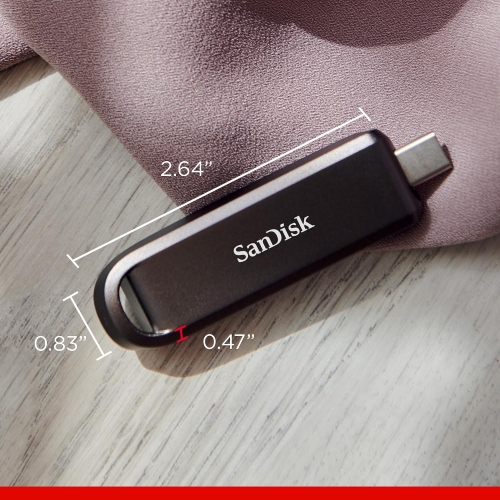
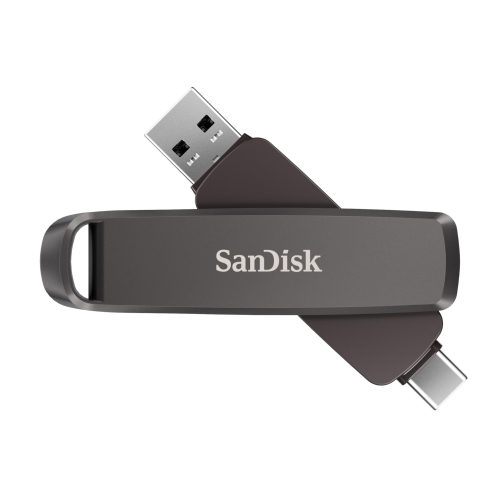

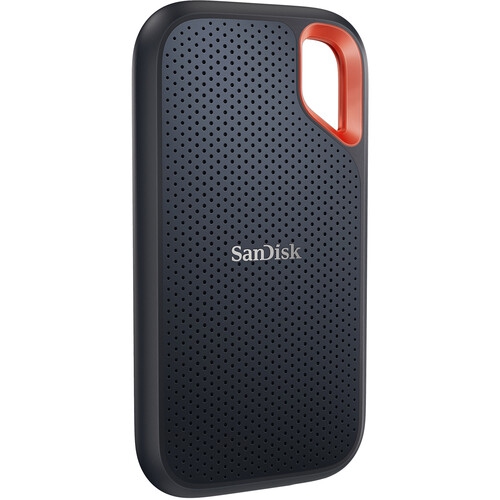
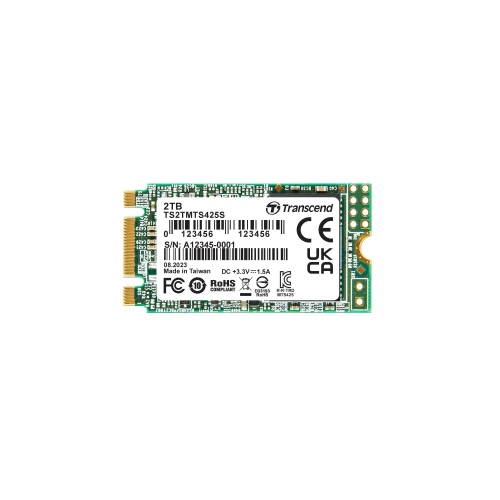
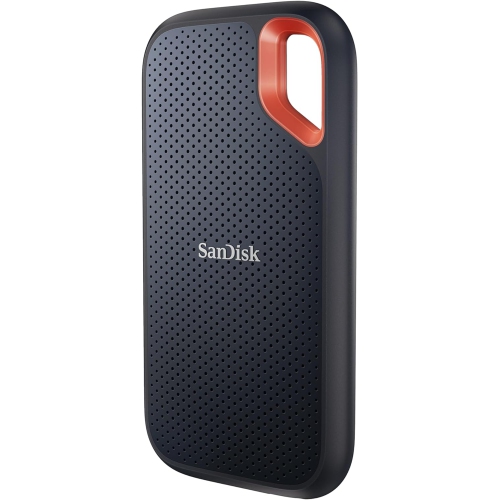
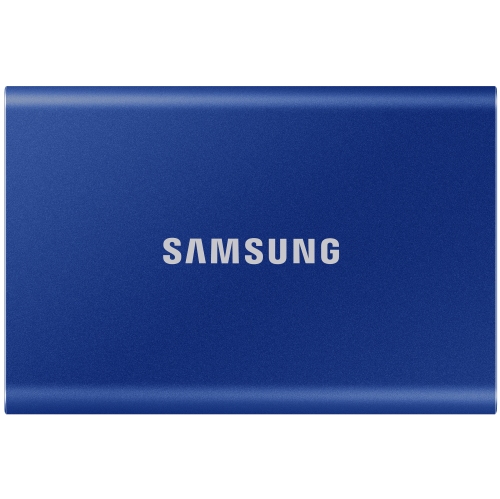
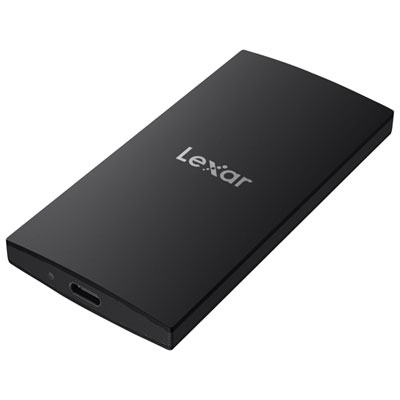

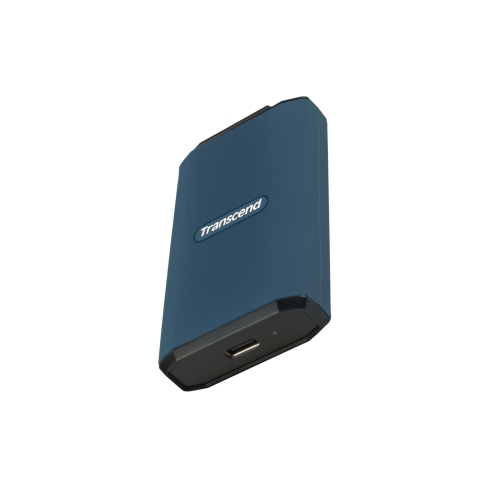


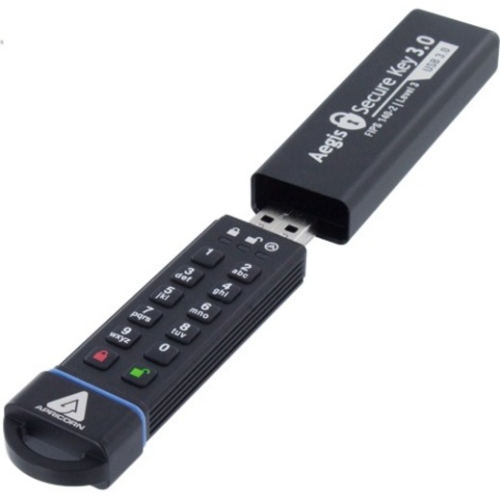

Large file collections in a pocket-sized USB drive
A 2 terabyte flash drive is a compact USB storage device with a stated capacity of 2TB, designed to carry large collections of files without the bulk of a separate drive enclosure and cable. That capacity equals 2 trillion bytes, although formatting and the way a device calculates storage affect the space shown on screen. An operating system that uses binary units may display approximately 1.82 tebibytes, or TiB, before formatting overhead; that difference alone does not indicate missing storage. For photographers, video creators, students, and people moving substantial work files between computers, 2TB USB flash drives can provide room for material that would quickly fill a smaller thumb drive. A collection might include original camera files, edited videos, design assets, presentation recordings, or years of scanned family photographs. The number of files that fit depends on their size rather than the capacity label alone: a folder of text documents takes far less space than high-resolution video footage. Their pocket-sized shape makes flash drives convenient for taking a project to a shared workstation, bringing a media collection on a trip, or handing over a large set of files in person. Physical construction matters when a drive travels frequently. Metal housings can resist everyday knocks, while lightweight plastic housings keep carrying weight low; neither material automatically makes a drive waterproof or resistant to crushing. A protective cap, retractable connector, or swivel cover can help shield the plug from lint and scratches inside a bag. Keyring loops offer another carrying option, though pressure from a crowded keyring can place strain on the housing. Keeping the connector clean and dry, avoiding sideways force while it is plugged in, and storing the drive in a small pouch can help preserve its condition. Compact storage is also easy to misplace, so sensitive documents benefit from encryption that works with the devices on which they will be opened.
Connection type and transfer performance shape how useful a high-capacity flash drive feels in daily use. USB-A connectors fit the rectangular ports found on many computers and other electronics, while USB-C connectors fit compatible newer laptops, tablets, and phones. A dual-connector design can simplify moving files between devices with different ports, but the connector shape does not establish the transfer speed. USB-C describes the physical connection, not a guaranteed performance level, and USB generation, host-device support, and the drive’s own memory and controller all influence results. Read speed affects how quickly files can be copied from the drive or accessed, whereas write speed affects how long it takes to save files onto it. These figures can differ considerably. A large advertised read-speed figure is therefore not a reliable estimate of the time required to copy a full video project onto the drive. Sustained write performance becomes especially important when moving hundreds of gigabytes in one session. A folder containing thousands of small files can also transfer more slowly than a few large files with the same total size because each file adds processing overhead. Actual performance depends on the connected port, any adapter or hub, and the computer’s storage speed as well. Compatibility extends beyond the plug: a phone must support external USB storage and provide sufficient power, while a television, vehicle audio system, or other media player may impose limits on capacity, file formats, or supported file systems. For moving large files between compatible Windows and Mac computers, exFAT is a common file-system choice because it supports files larger than the roughly 4GB limit associated with FAT32. Other devices may have different requirements, and reformatting removes existing files. Flash drives are particularly convenient for portable file transfers and occasional access. When sustained editing directly from external storage or repeated large backups are the main priority, a portable SSD is a separate storage category worth comparing, with performance assessed by its specifications rather than its size or connector alone.
Authentic capacity is a central consideration with 2TB thumb drives because the capacity reported by a computer is not, by itself, proof that the device contains that much usable memory. A falsely labelled drive can use a modified controller to report a much larger capacity than its physical storage supports. It may appear to accept files normally at first, then overwrite earlier data or produce unreadable files once its actual capacity is exceeded. A meaningful capacity check writes test data across the usable storage and reads it back to confirm that the information remains intact. Simply opening the drive’s properties, copying a few small documents, or seeing a 2TB label does not provide the same assurance. Full-capacity verification can take a substantial amount of time, and testing or formatting may remove existing data, making an empty drive the appropriate starting point. Clear specifications, an identifiable manufacturer, and documented warranty terms provide useful context when assessing a high-capacity storage device, but they do not replace confirmation that saved files can be retrieved correctly. Reliability also depends on how the drive is used after that initial check. Flash memory has a finite write life, and its lack of moving parts does not make it immune to electronic failure, connector damage, or accidental deletion. Allowing transfers to finish and using the operating system’s eject function before disconnecting helps reduce the risk of interrupted writes. Important photographs, schoolwork, and business records should remain in another location rather than existing only on a flash drive. For a smaller collection of documents or selected photos, the 100GB Flash Drives category provides a lower-capacity comparison. A 2TB flash drive can also be a practical gift for someone who regularly carries substantial files, provided its connection type and storage features suit their devices. For that recipient, dependable file access, a comfortable physical fit beside neighbouring USB ports, and protection for the connector can matter just as much as the capacity printed on the casing.
Connection type and transfer performance shape how useful a high-capacity flash drive feels in daily use. USB-A connectors fit the rectangular ports found on many computers and other electronics, while USB-C connectors fit compatible newer laptops, tablets, and phones. A dual-connector design can simplify moving files between devices with different ports, but the connector shape does not establish the transfer speed. USB-C describes the physical connection, not a guaranteed performance level, and USB generation, host-device support, and the drive’s own memory and controller all influence results. Read speed affects how quickly files can be copied from the drive or accessed, whereas write speed affects how long it takes to save files onto it. These figures can differ considerably. A large advertised read-speed figure is therefore not a reliable estimate of the time required to copy a full video project onto the drive. Sustained write performance becomes especially important when moving hundreds of gigabytes in one session. A folder containing thousands of small files can also transfer more slowly than a few large files with the same total size because each file adds processing overhead. Actual performance depends on the connected port, any adapter or hub, and the computer’s storage speed as well. Compatibility extends beyond the plug: a phone must support external USB storage and provide sufficient power, while a television, vehicle audio system, or other media player may impose limits on capacity, file formats, or supported file systems. For moving large files between compatible Windows and Mac computers, exFAT is a common file-system choice because it supports files larger than the roughly 4GB limit associated with FAT32. Other devices may have different requirements, and reformatting removes existing files. Flash drives are particularly convenient for portable file transfers and occasional access. When sustained editing directly from external storage or repeated large backups are the main priority, a portable SSD is a separate storage category worth comparing, with performance assessed by its specifications rather than its size or connector alone.
Authentic capacity is a central consideration with 2TB thumb drives because the capacity reported by a computer is not, by itself, proof that the device contains that much usable memory. A falsely labelled drive can use a modified controller to report a much larger capacity than its physical storage supports. It may appear to accept files normally at first, then overwrite earlier data or produce unreadable files once its actual capacity is exceeded. A meaningful capacity check writes test data across the usable storage and reads it back to confirm that the information remains intact. Simply opening the drive’s properties, copying a few small documents, or seeing a 2TB label does not provide the same assurance. Full-capacity verification can take a substantial amount of time, and testing or formatting may remove existing data, making an empty drive the appropriate starting point. Clear specifications, an identifiable manufacturer, and documented warranty terms provide useful context when assessing a high-capacity storage device, but they do not replace confirmation that saved files can be retrieved correctly. Reliability also depends on how the drive is used after that initial check. Flash memory has a finite write life, and its lack of moving parts does not make it immune to electronic failure, connector damage, or accidental deletion. Allowing transfers to finish and using the operating system’s eject function before disconnecting helps reduce the risk of interrupted writes. Important photographs, schoolwork, and business records should remain in another location rather than existing only on a flash drive. For a smaller collection of documents or selected photos, the 100GB Flash Drives category provides a lower-capacity comparison. A 2TB flash drive can also be a practical gift for someone who regularly carries substantial files, provided its connection type and storage features suit their devices. For that recipient, dependable file access, a comfortable physical fit beside neighbouring USB ports, and protection for the connector can matter just as much as the capacity printed on the casing.
Top selling and popular products
-
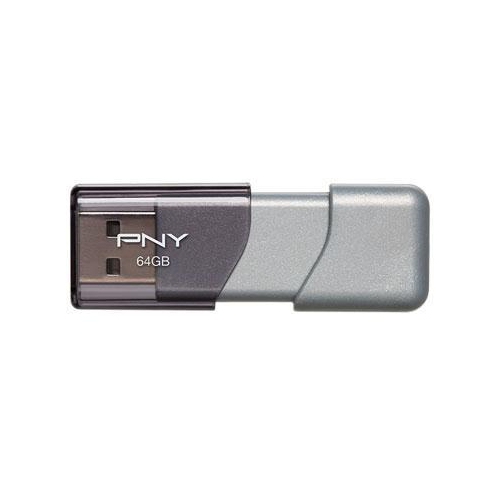 Your price for this item is $57.68
-
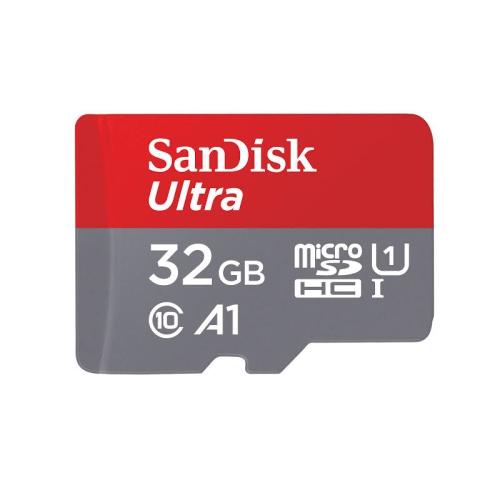 Your price for this item is $35.99
-
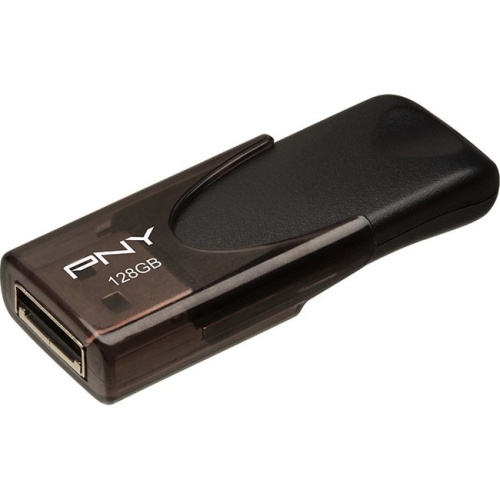 Your price for this item is $35.68
-
 Your price for this item is $52.68
-
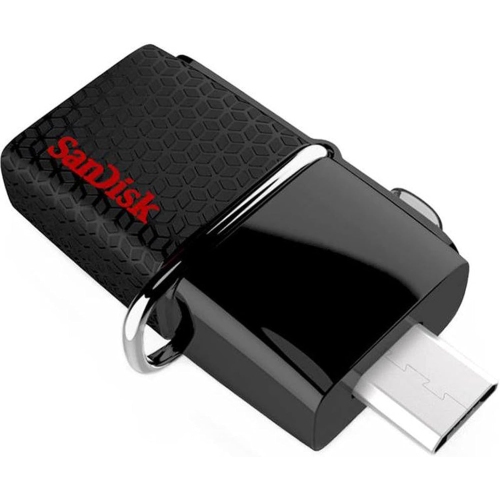 Your price for this item is $26.91
-
 Your price for this item is $186.68
-
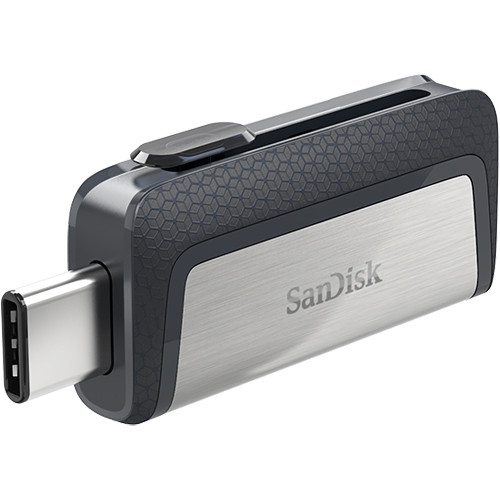 Your price for this item is $48.91
-
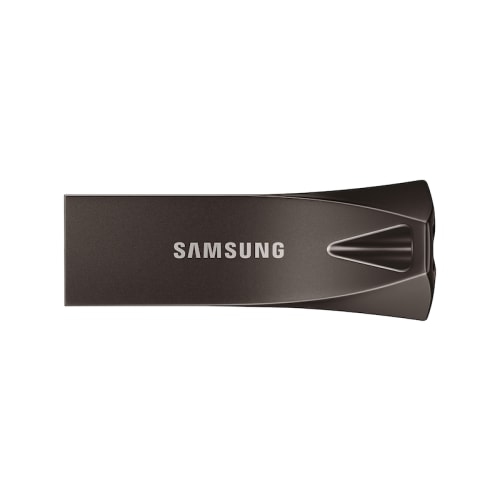 Your price for this item is $132.99
Discover more categories related to 2 Terabyte Flash Drives
Top Collections:
Pokemon Centers, Kindle Devices, Best Black Friday Deals This Year, Pokémon 30th Celebration Cards, Best Black Friday Deals On Electronics, Best Cameras for Sports Photography, Best Black Friday Deals On Apple Products, Canon G7X Cameras, iPhone 15 Apple, Candle Warmer Lights
Some products may be subject to Environmental Handling Fees
(EHF) depending on your province.
Learn more about EHFs.