16TB SSD Drives
Explore the impressive storage capabilities of a 16TB SSD Drive, designed to handle large files and demanding applications with ease. Ideal for professionals, creators, and anyone seeking expansive digital space, these drives offer a reliable solution for managing extensive data collections. Upgrade your setup with a 16TB SSD Drive to enjoy faster access times and streamlined performance for all your storage needs.
Sort
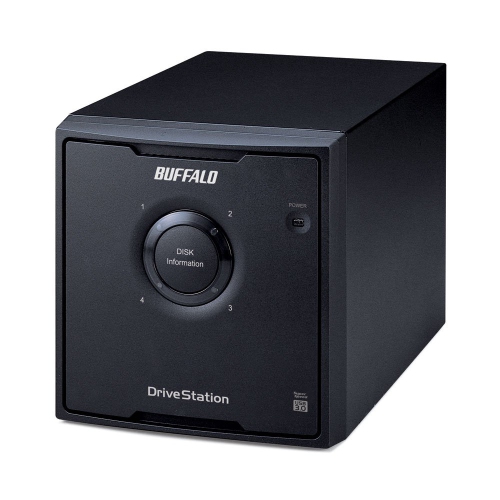
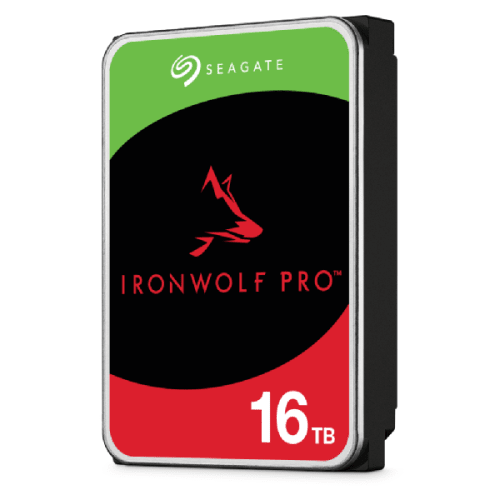
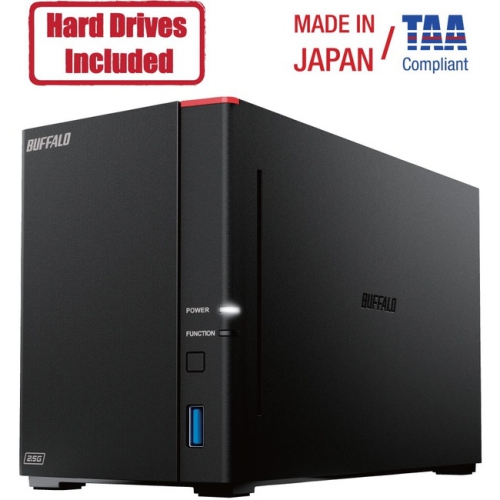
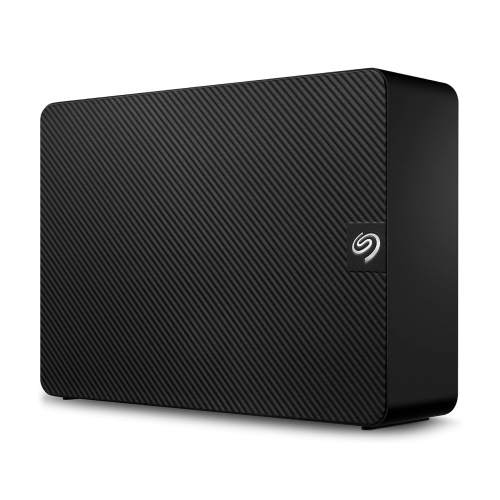
Big projects need more than a big drive
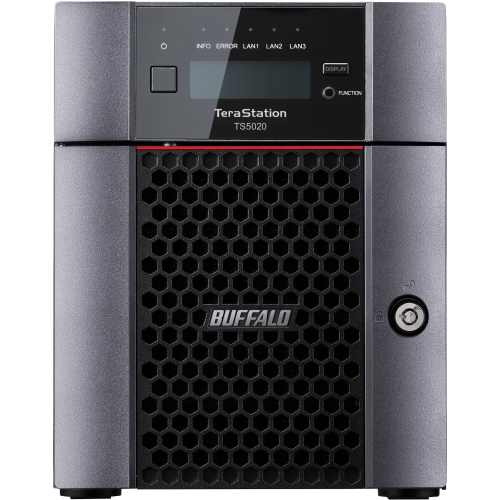
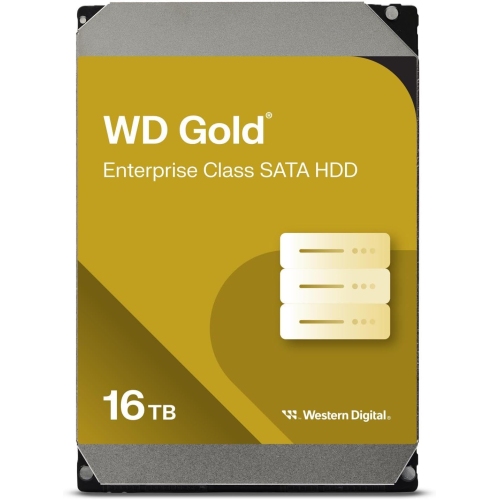
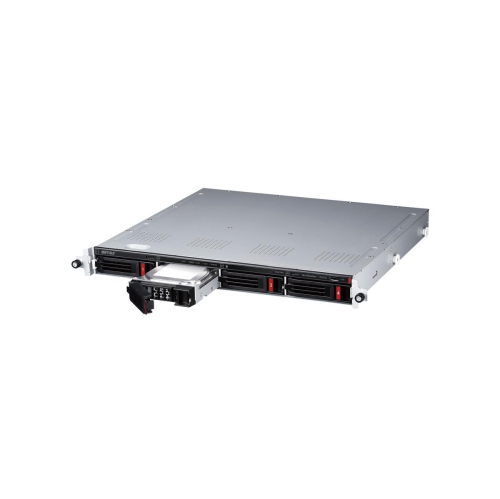
A 16TB SSD is a high-capacity solid-state drive that stores data in flash memory rather than on spinning magnetic platters. This capacity class is particularly relevant to professional workstations, servers, large media libraries, and specialized external storage systems. For a video editor, it can mean keeping camera originals, project files, audio tracks, and working exports together without constantly moving footage between smaller drives. Photographers working with large RAW collections, designers handling detailed project assets, and technical teams running virtual machines can also benefit from substantial storage with fast file access. Compared with a mechanical hard drive, an SSD generally offers much lower access latency, making it well suited to workloads that involve opening, searching, or processing many files. Capacity alone, however, does not establish performance or compatibility. Internal SSDs in this class are often designed for enterprise systems, while an external device may contain either one high-capacity SSD or several drives working together inside an enclosure. That distinction matters when comparing usable space, connection requirements, and data protection. An enclosure described as 16TB may be quoting the combined raw capacity of its drives; mirroring or parity-based configurations can leave less space available for files. Manufacturers also express capacity using decimal units, so a nominal 16TB represents approximately 14.6 tebibytes, or TiB. Some operating systems display this binary measurement, and formatting can further reduce the space available for storage. Nearby enterprise capacities, such as 15.36TB, are not identical to 16TB. For large projects, the practical benefit is having room for active work alongside supporting assets, rather than treating every completed task as a reason to reorganize storage. Keeping some space free also leaves room for application caches, temporary files, and growing projects, although the amount needed depends on the software and workload. A single large drive can simplify file organization, but it does not remove the need for separate backups.
The fit of a 16TB SSD depends on its interface, physical dimensions, and the system that will use it. SATA, SAS, and PCIe NVMe are different connection technologies, and similar-looking drives are not necessarily interchangeable. A 2.5-inch enterprise SSD, for example, may require a different interface, greater mounting clearance, or a compatible server backplane rather than a standard laptop drive bay. U.2 and U.3 connections also require compatible hardware; they should not be assumed to work with an ordinary SATA connection. M.2 describes a physical form factor, not a guarantee of capacity or compatibility, and an internal storage slot must support the drive’s interface and dimensions. For external SSD storage, the enclosure’s controller, supported drive types, power requirements, and connection to the computer all affect the result. A USB-C connector identifies the connector shape, not the transfer speed: the host port, enclosure, and cable must support the intended connection standard. Some external systems draw power through their data cable, while others need a separate power supply, which affects how easily they move between workspaces. Performance figures also need context. Large sequential transfers, such as copying a folder of video footage, differ from opening thousands of small documents or running several virtual machines at once. Advertised maximum speeds may describe short transfers under favourable conditions rather than sustained performance during a lengthy write. For frequent recording, rendering, or other write-heavy work, endurance ratings such as terabytes written or drive writes per day help describe the workload the drive is designed to handle over its rated service period. Warranty terms and rated endurance are related considerations, but neither promises that data cannot be lost. Features such as power-loss protection may be valuable for certain professional uses, though they are not standard across all SSDs. Adequate airflow and any specified heatsink or enclosure cooling remain important during demanding workloads, particularly when large transfers run for extended periods.
Durability and day-to-day handling matter whether a high-capacity SSD stays inside a workstation or travels with a production team. With no moving storage mechanism, an SSD avoids the mechanical vulnerabilities of spinning platters, but it is not immune to impact, damaged connectors, liquid exposure, or electronic failure. An aluminium enclosure can help distribute heat, while the overall construction, connector protection, and any documented resistance ratings provide more useful detail about physical protection than the housing material alone. A protective case helps prevent a portable drive and its cable from being knocked around in a bag; during use, the enclosure still needs the ventilation specified for it. Secure cable connections and the operating system’s safe-removal function help reduce interruptions during file transfers. For confidential client files or business records, encryption support may be important, but password protection, software encryption, and hardware encryption are not interchangeable features. Compatibility and recovery arrangements deserve attention because a lost encryption key can make otherwise intact files inaccessible. Capacity verification is another consideration with unusually high-capacity storage: the size reported by an operating system does not, by itself, prove that all of that flash storage is present and working. Clear technical documentation, warranty information, and a full write-and-read capacity test on an empty drive can provide greater confidence before important files are entrusted to it. Such testing can overwrite data, so it is not a substitute for protecting existing files. For collections accessed only occasionally, 12TB Hard Drives offer a different capacity and storage technology to consider alongside SSDs, especially when fast random access is less important than keeping a secondary copy. An SSD can serve as fast working storage while another device holds a separate backup. Keeping an additional copy off-site adds protection against events affecting the entire workspace. Mirroring may help maintain access after a drive failure, but it cannot replace a backup that protects against accidental deletion, corrupted files, or loss of the enclosure itself.
Top selling and popular products
-
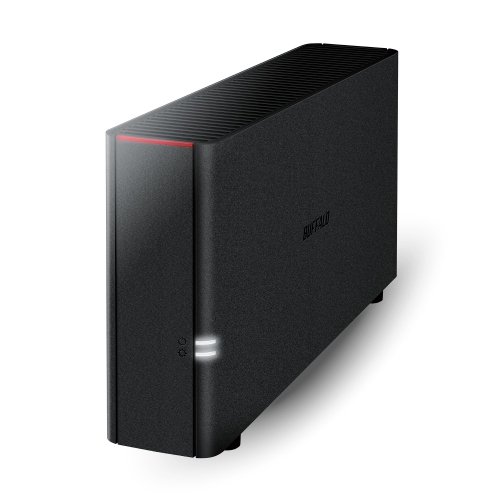 Your price for this item is $253.99
-
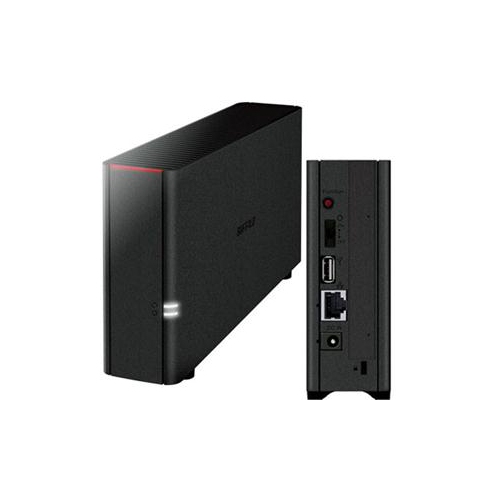 Your price for this item is $327.37
-
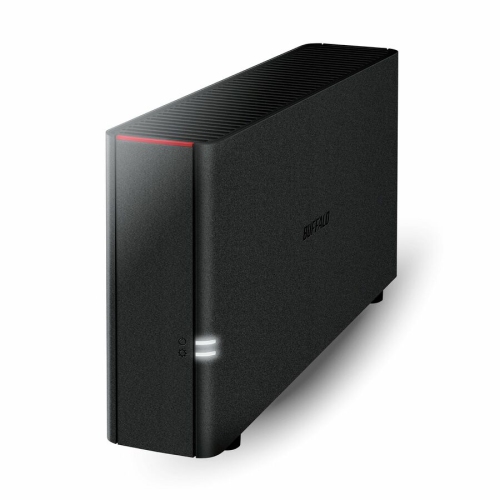 Your price for this item is $285.99
-
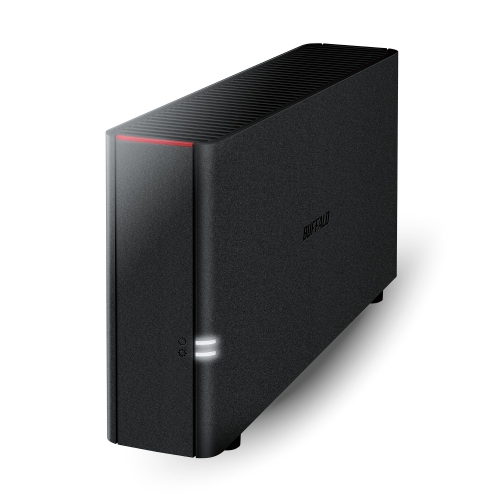 Your price for this item is $452.99
-
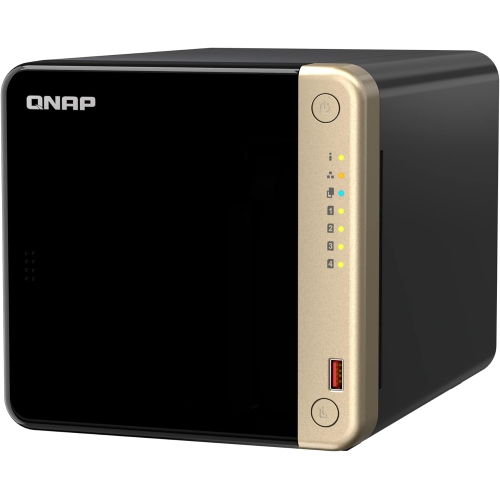 Your price for this item is $1059
-
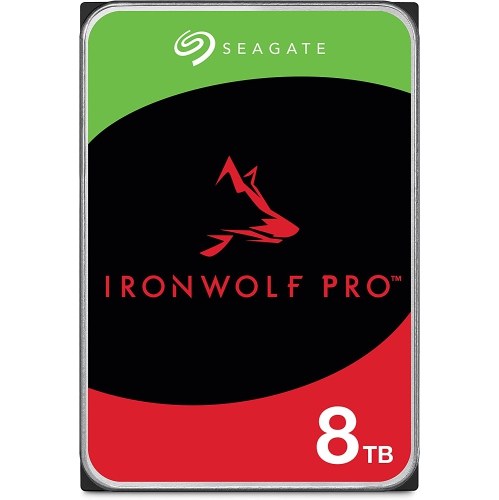 Your price for this item is $540.99
-
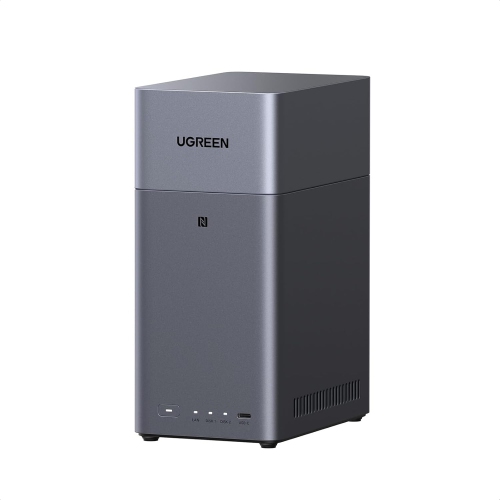 Your price for this item is $293.99
-
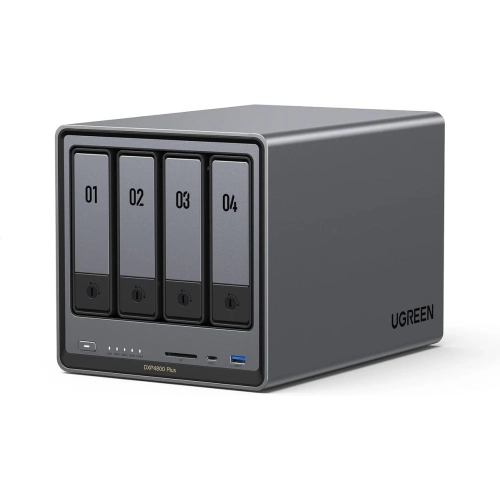 Your price for this item is $872.69
Discover more categories related to 16TB SSD Drives
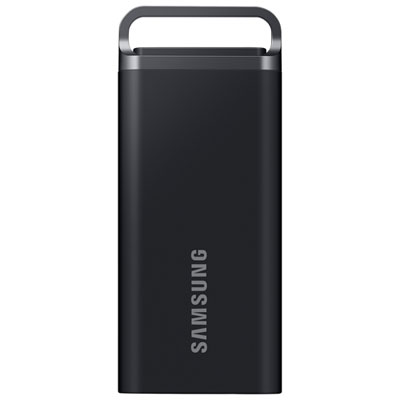
Top Collections:
Best Black Friday Deals This Year, Best Black Friday Deals On Electronics, Kindle Devices, Pokemon Centers, Best Black Friday Deals On Apple Products, Best Cameras for Sports Photography, Dyson Airwrap, Pokémon 30th Celebration Cards, Apple iPhone 17 Pro, Canon G7X Cameras
Some products may be subject to Environmental Handling Fees
(EHF) depending on your province.
Learn more about EHFs.