3.5 mm Wired Earbuds
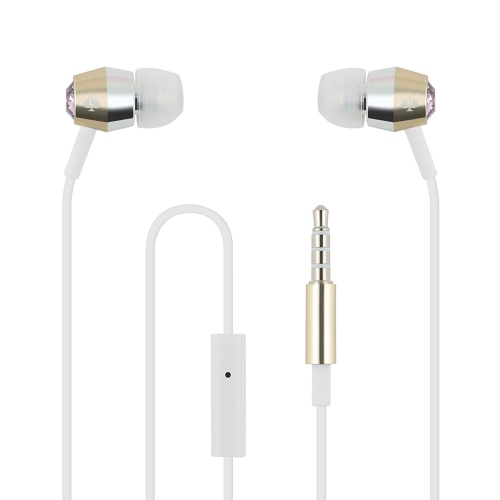
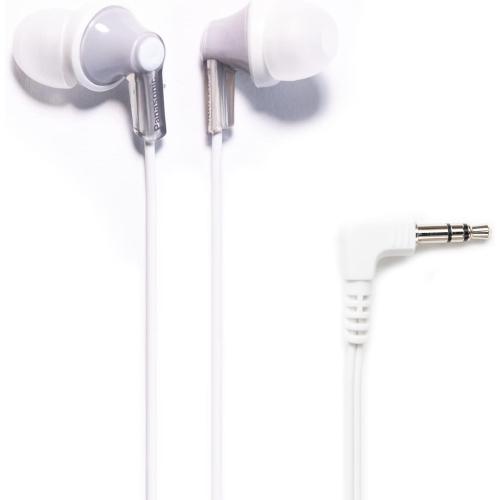
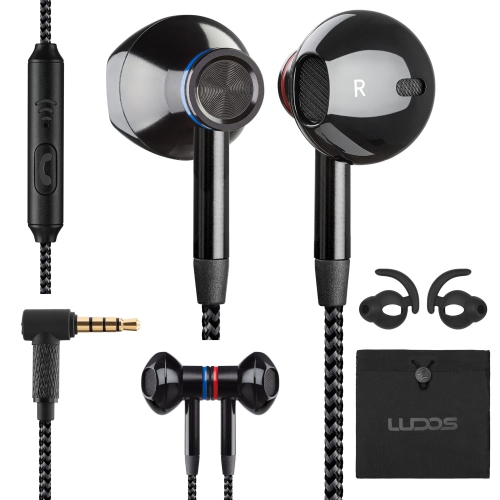
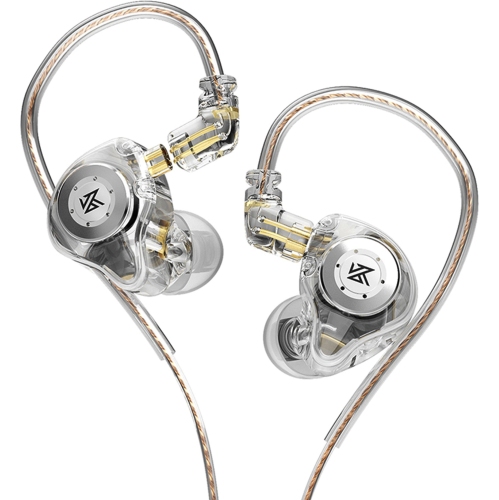
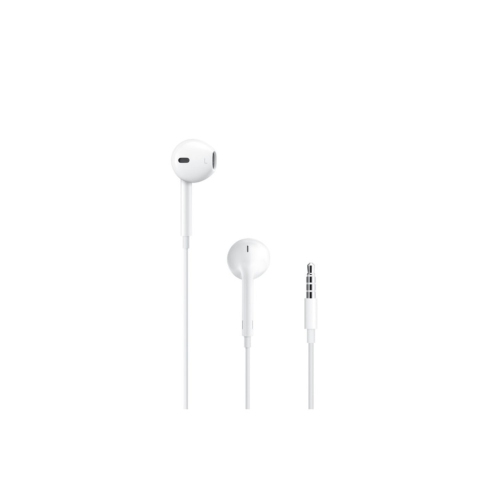
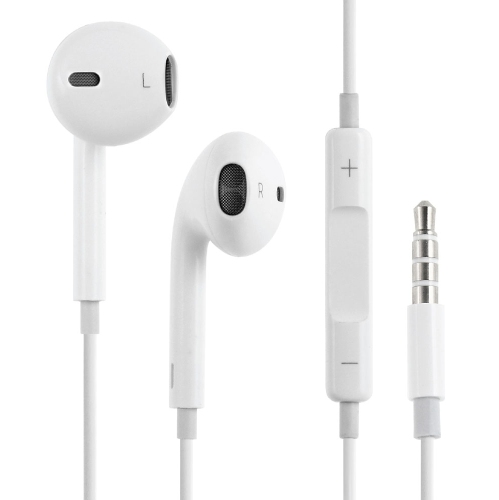
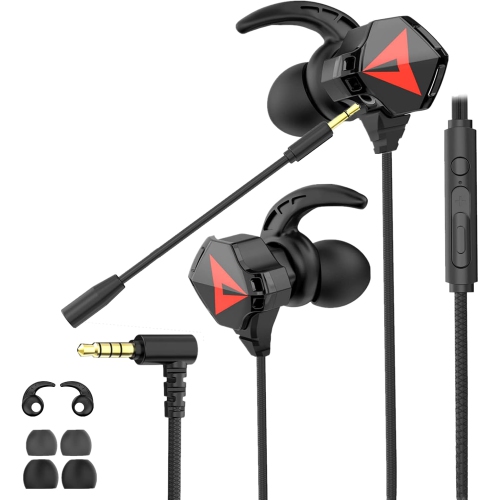
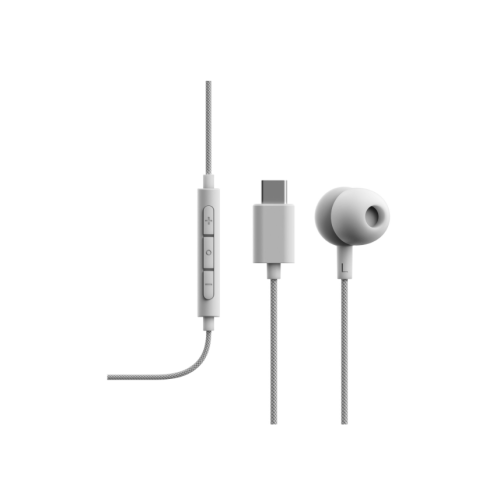
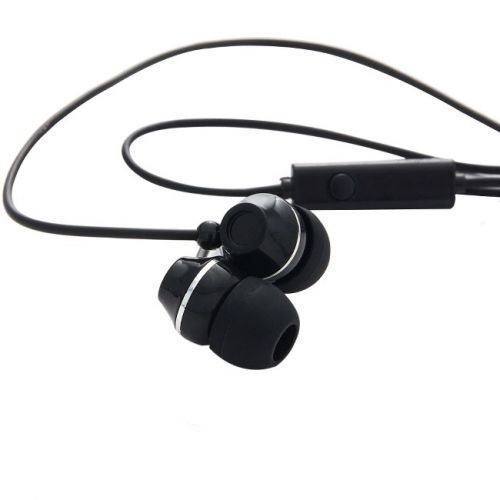
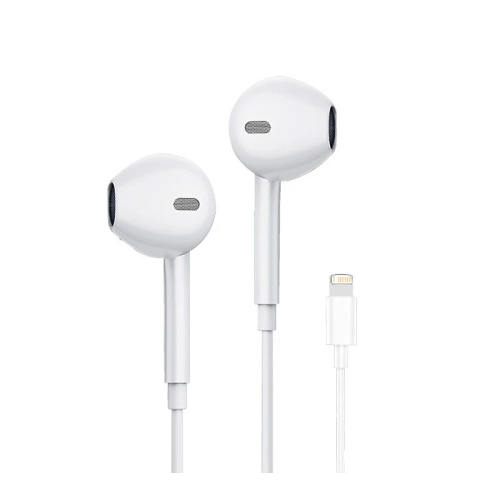
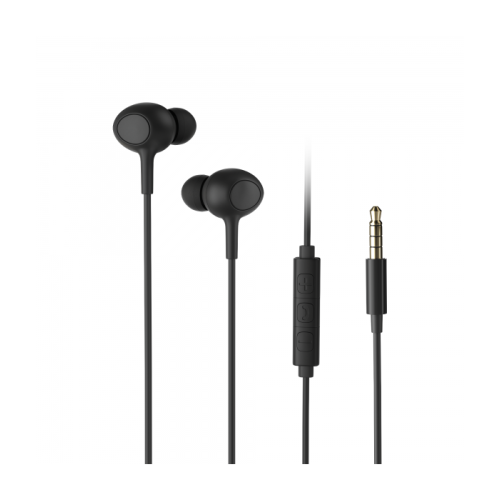
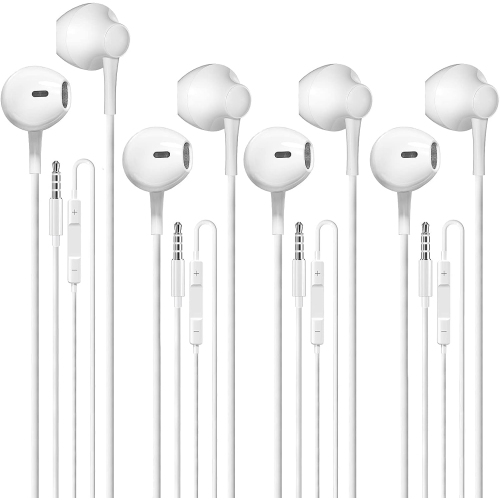
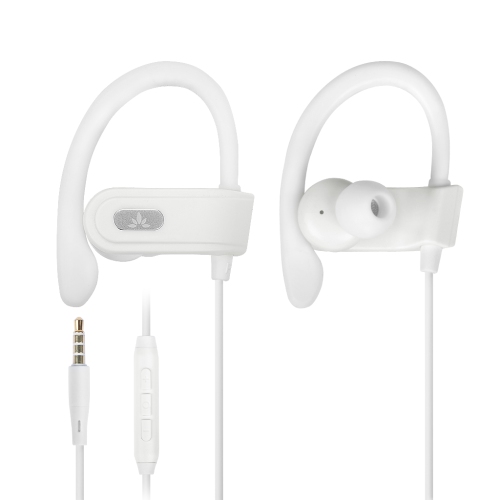
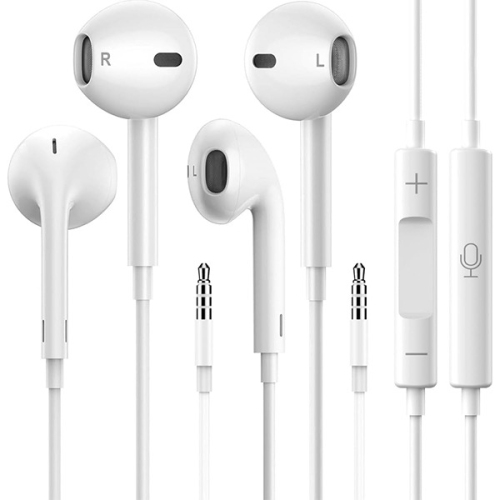
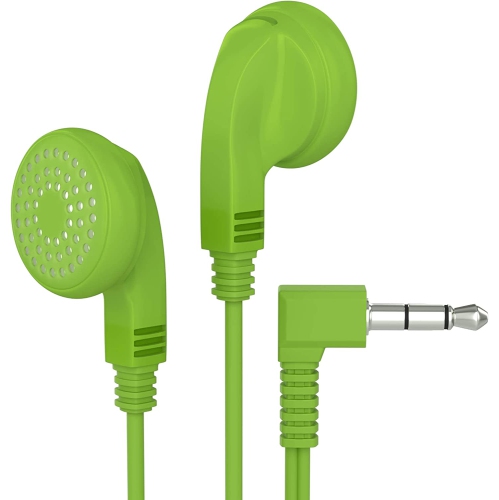
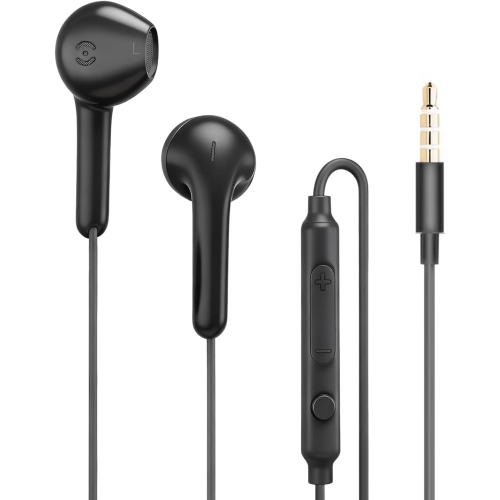
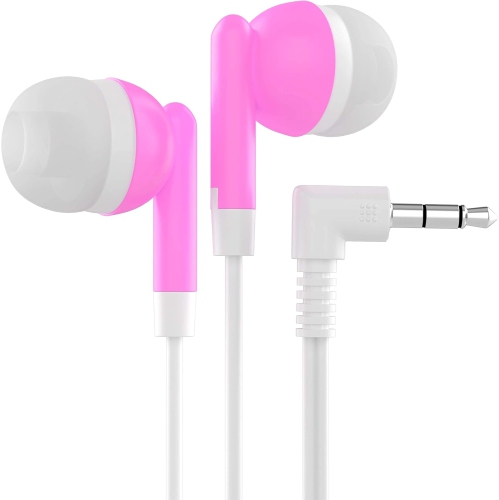
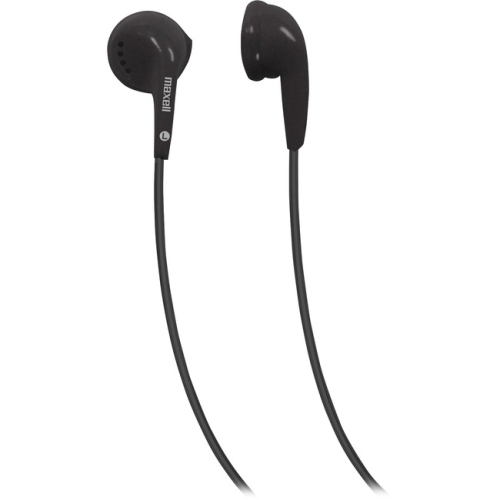
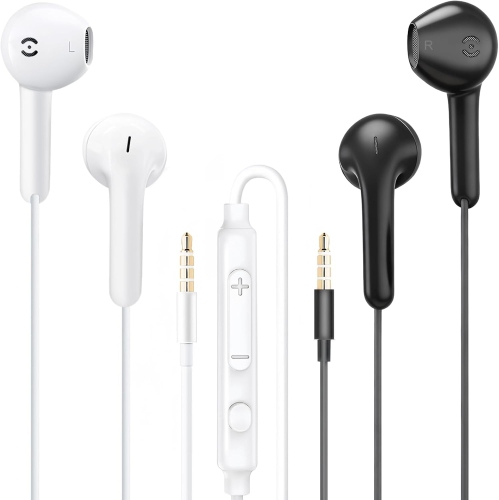
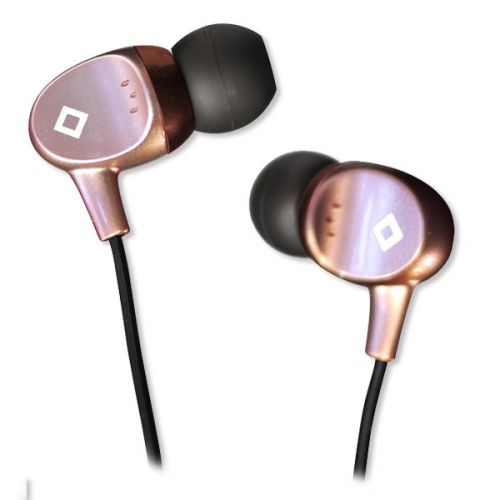
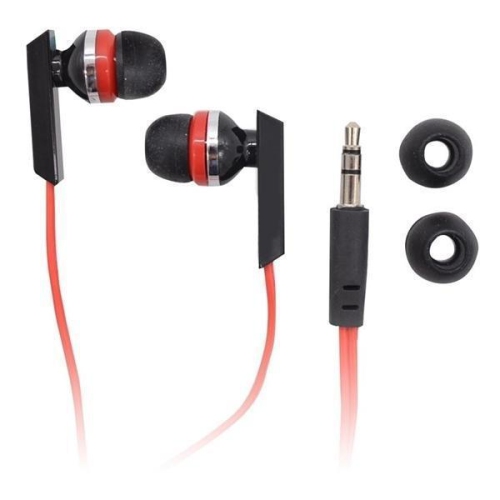
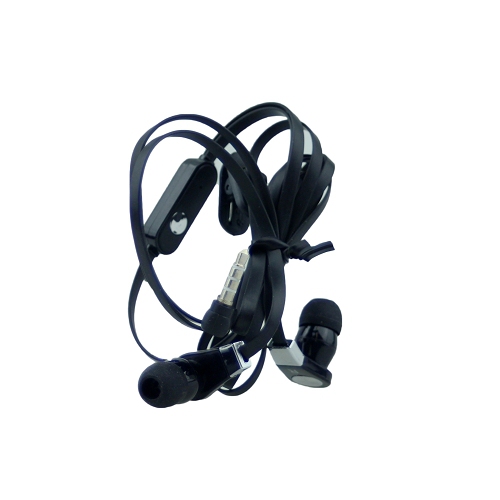
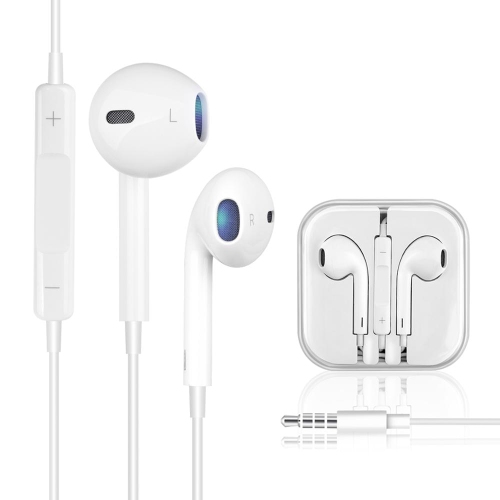
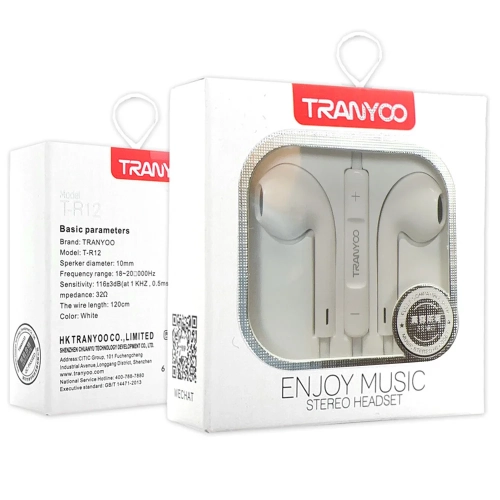
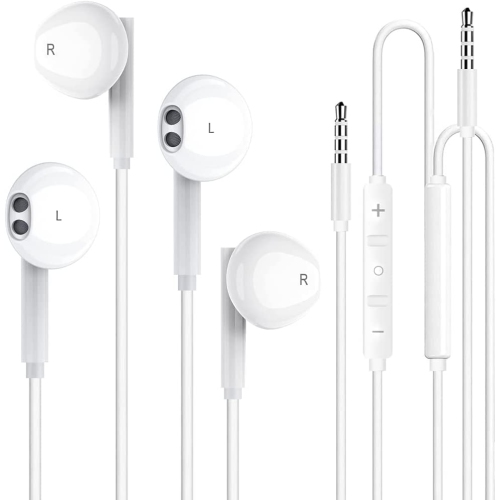
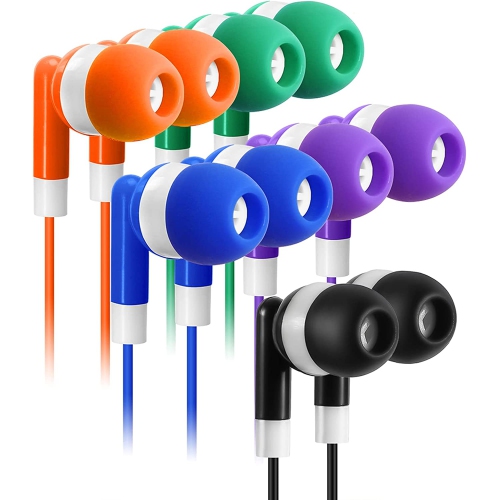
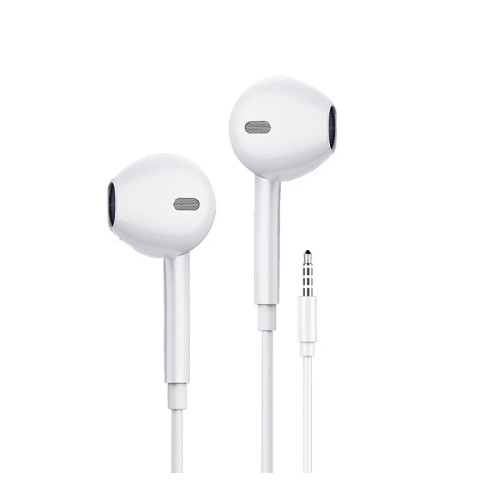
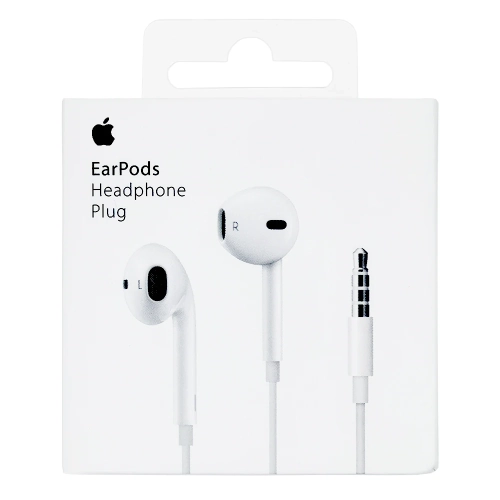
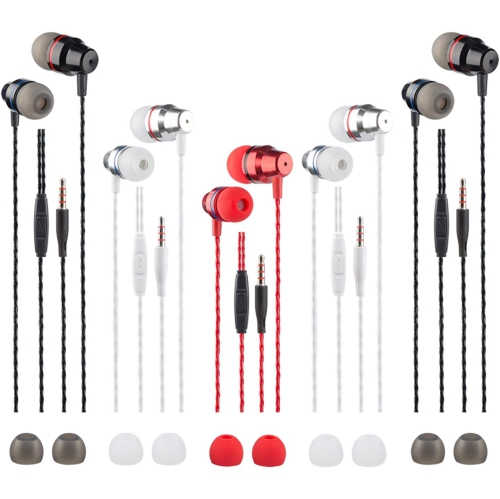
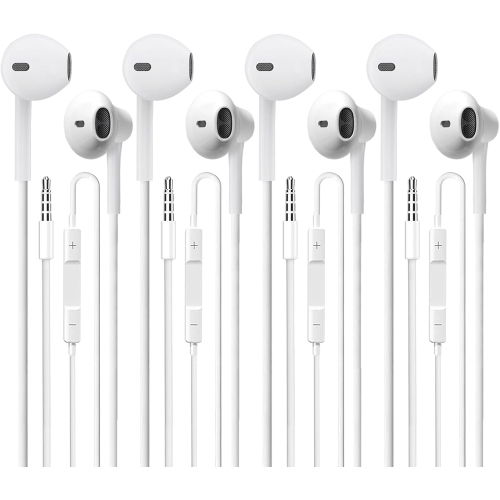
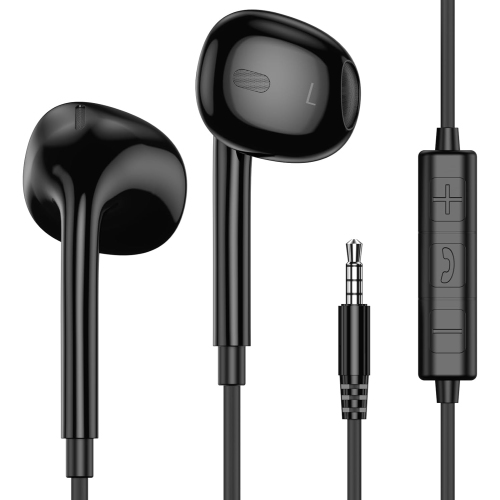
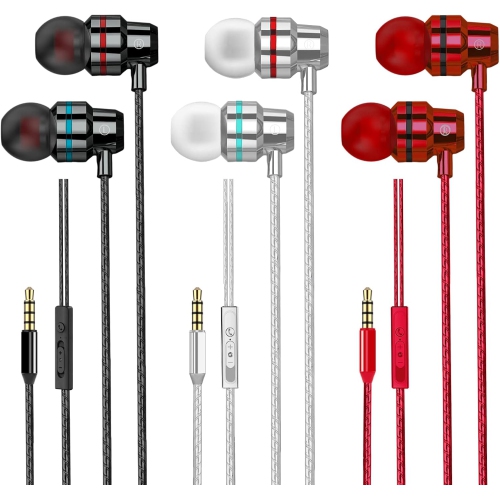
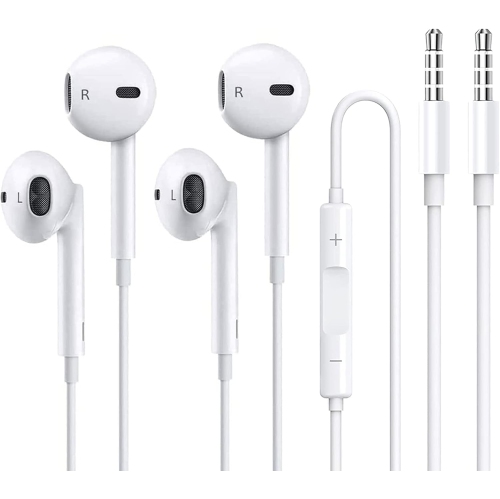
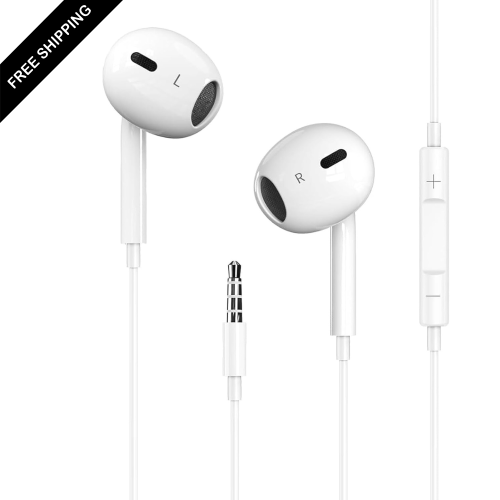
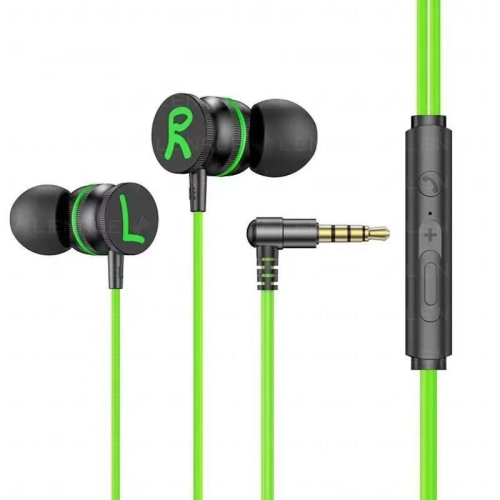
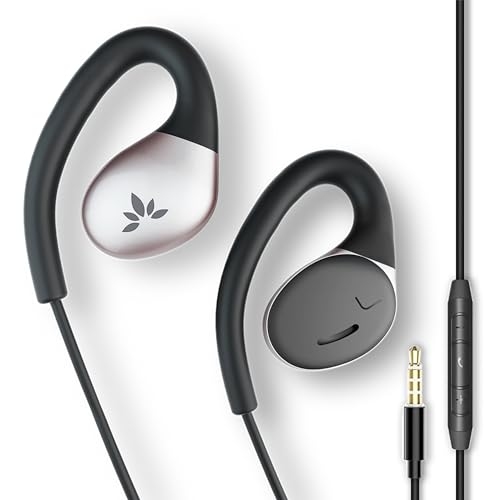
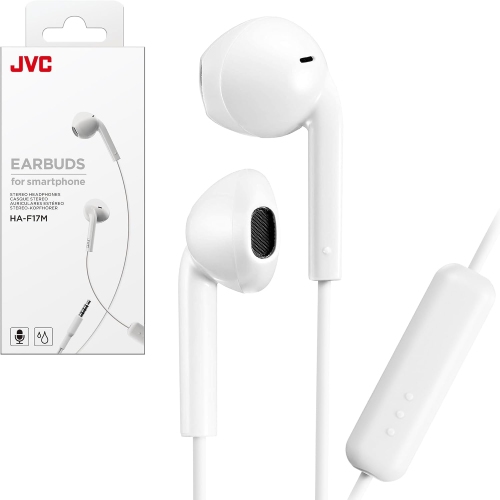
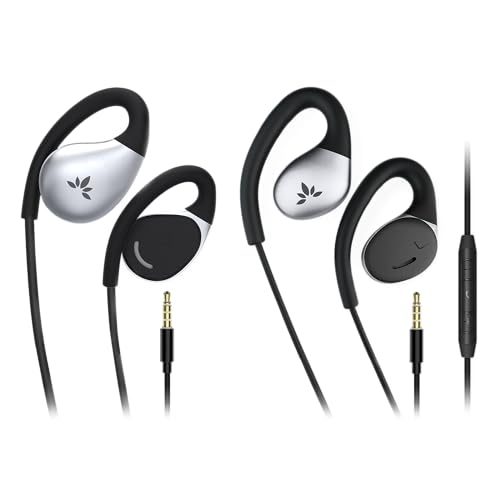
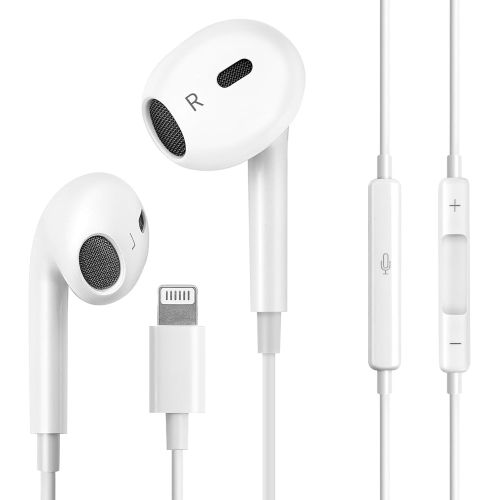
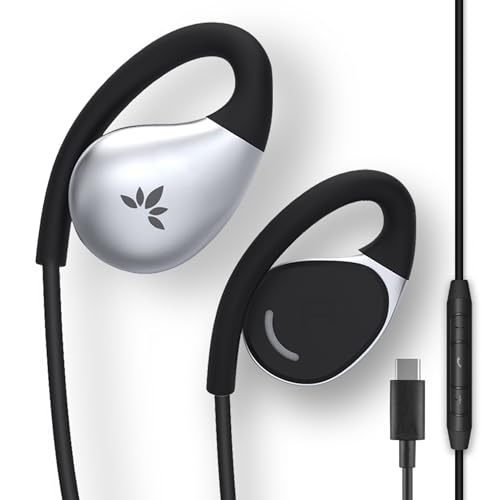
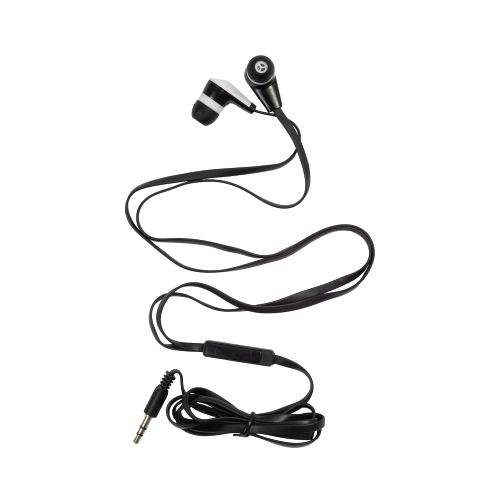
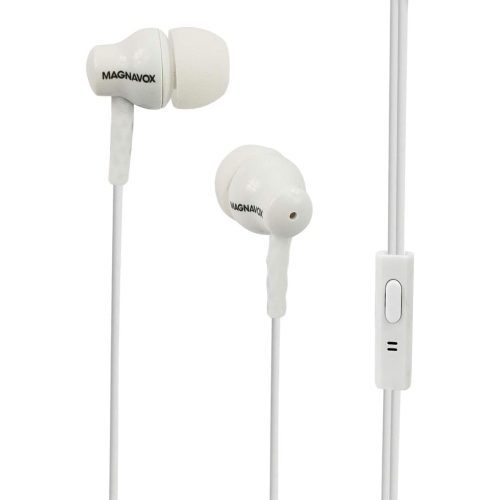
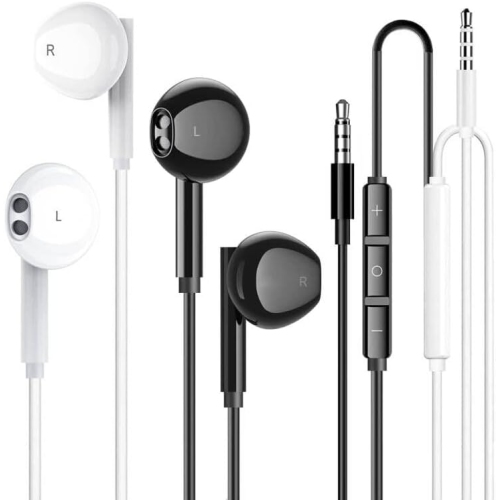
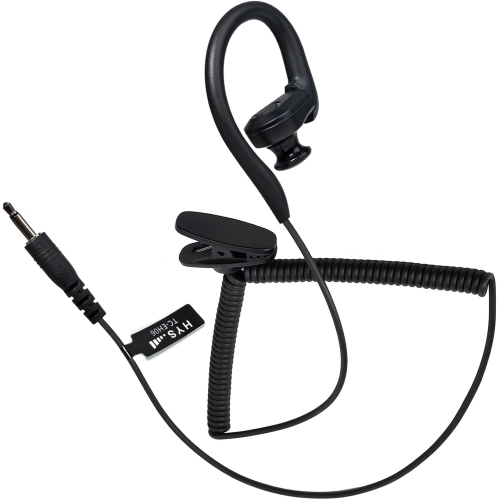
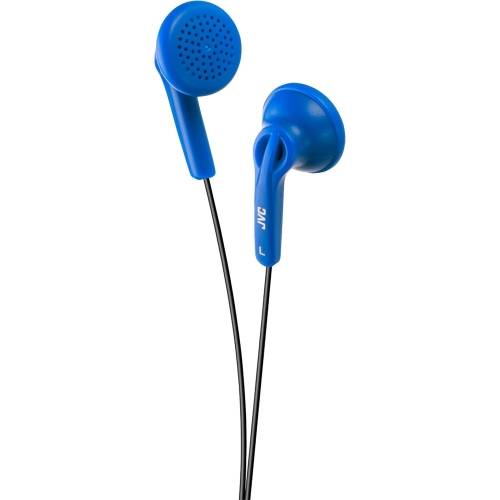
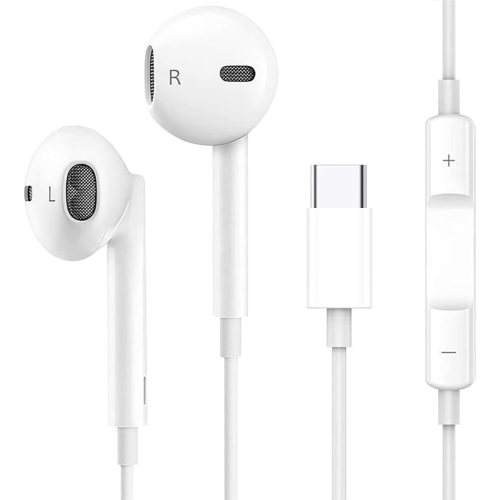
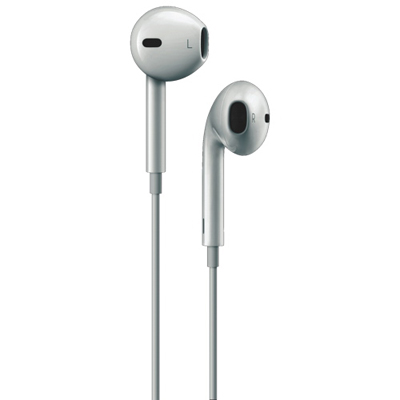
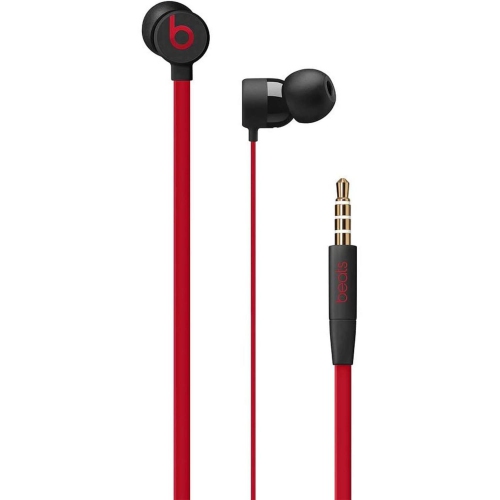
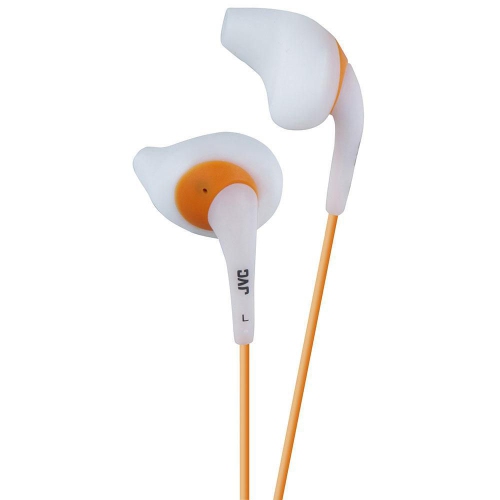
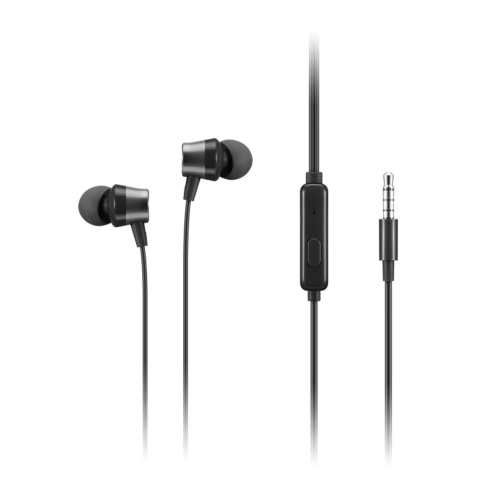
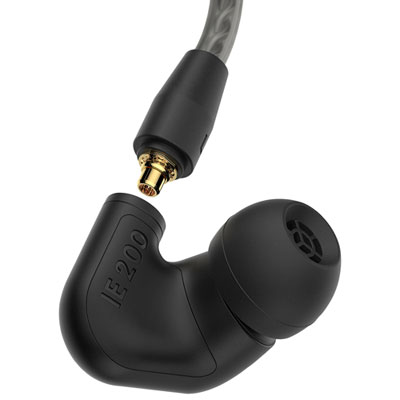
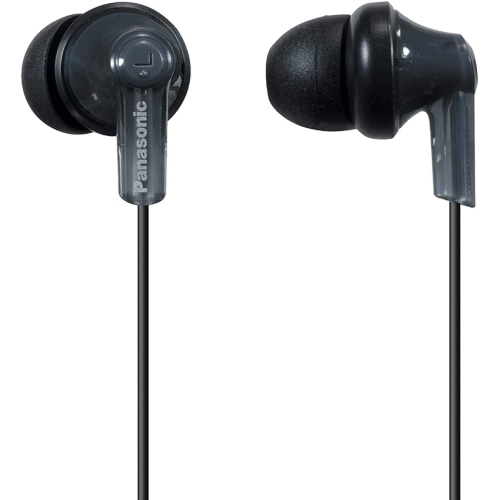
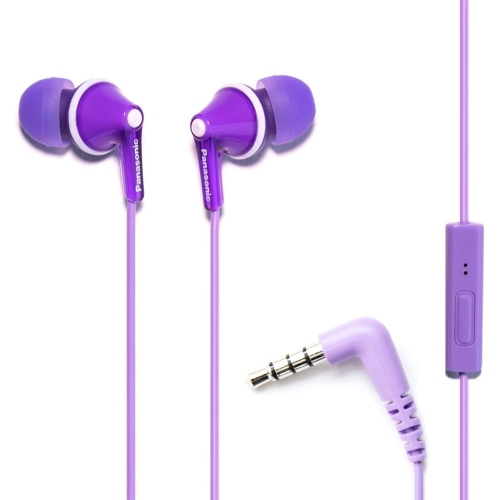
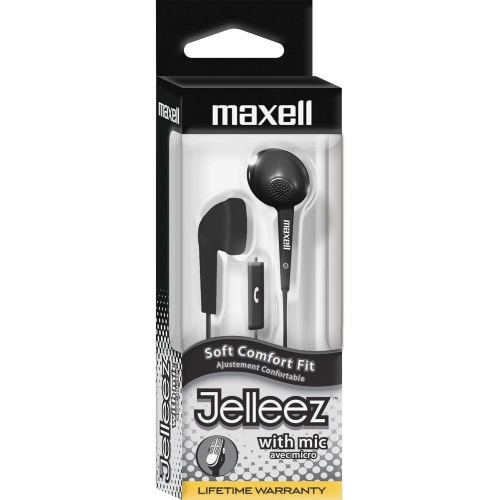
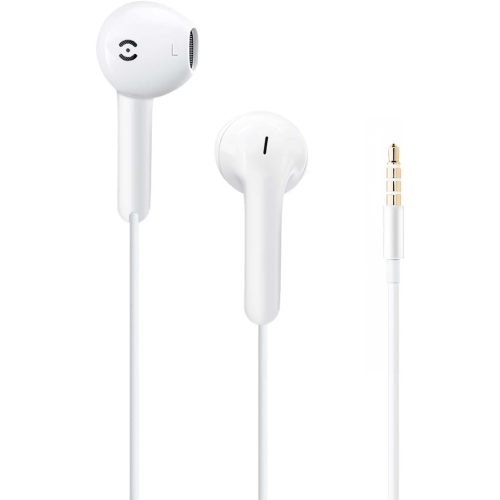
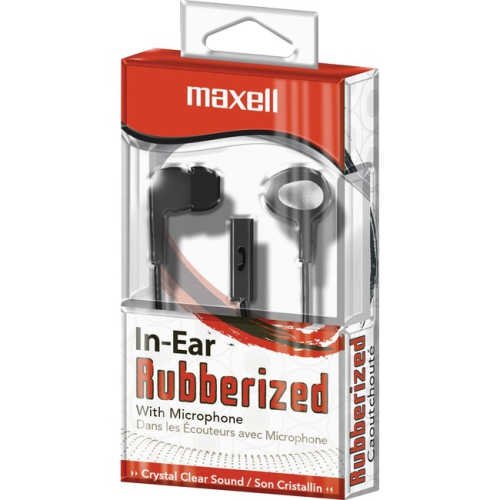
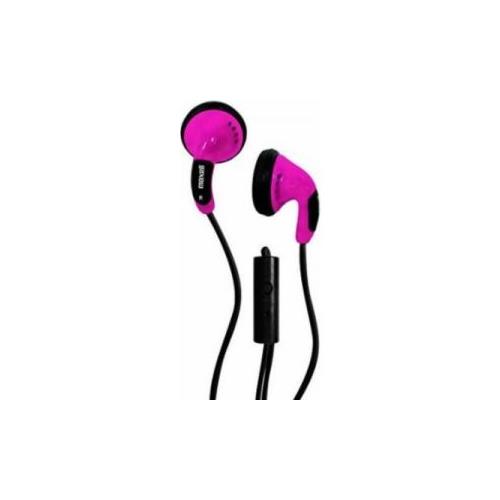
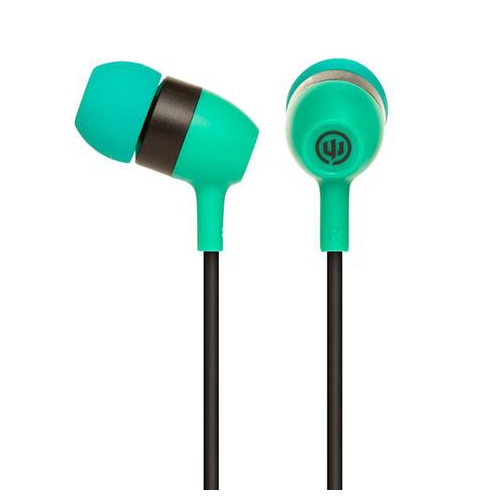
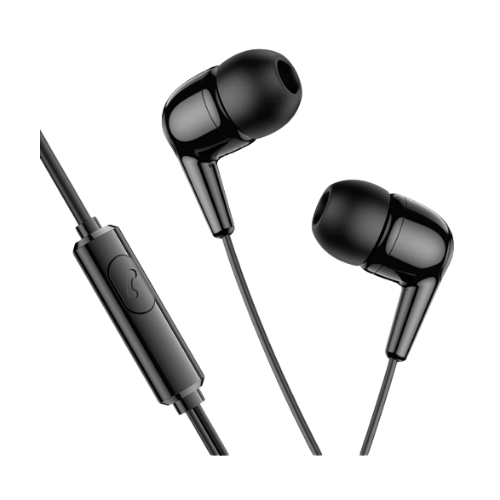
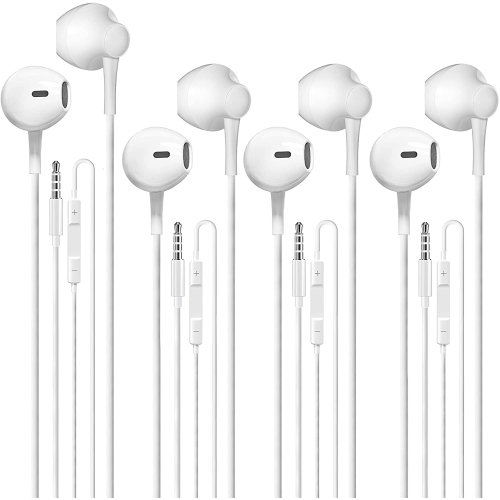
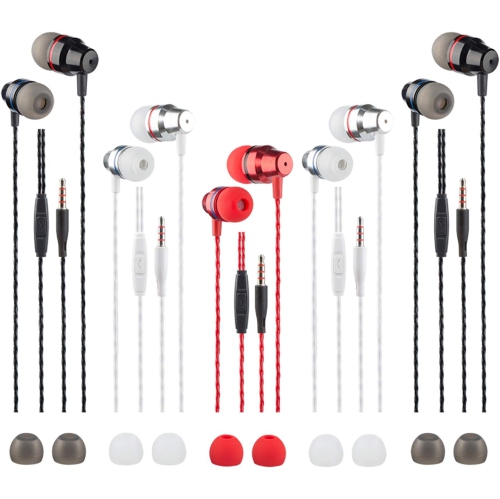
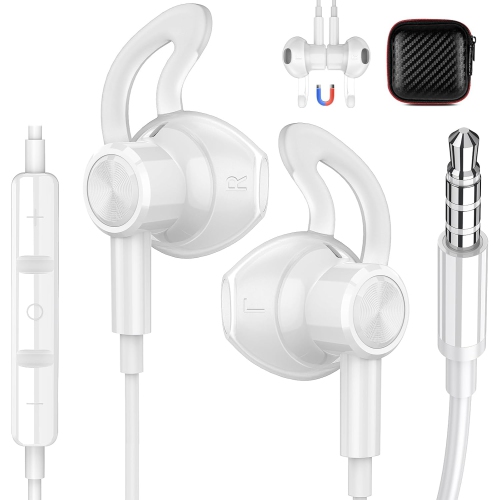
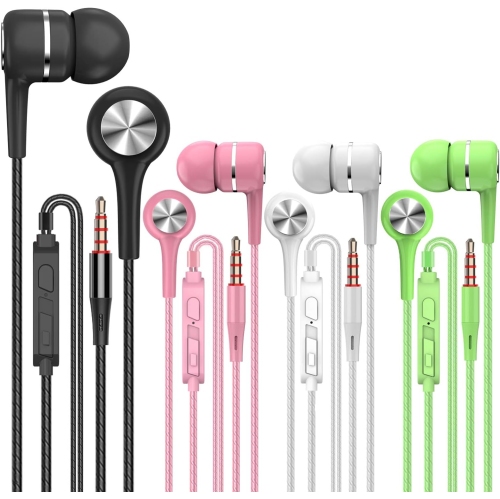
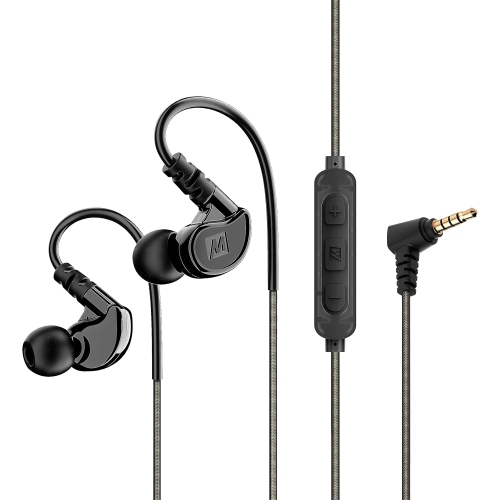
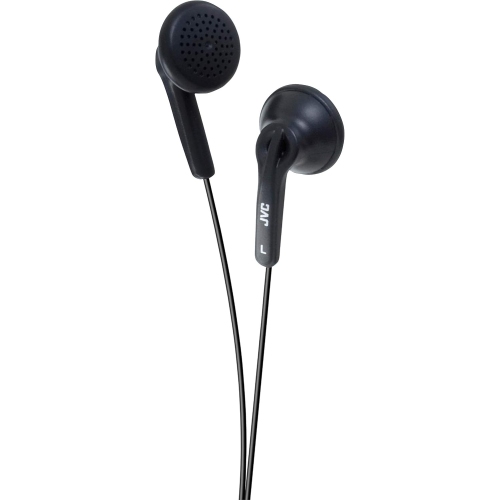
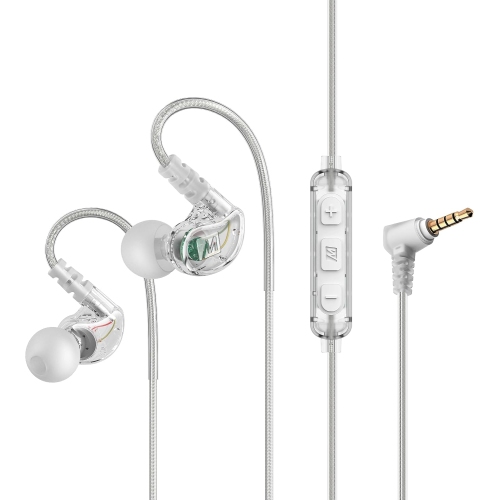
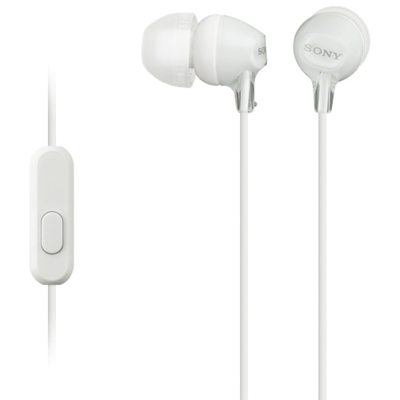
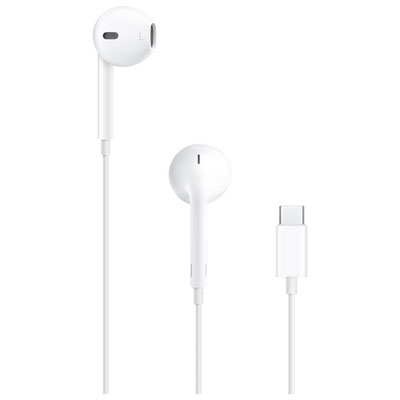
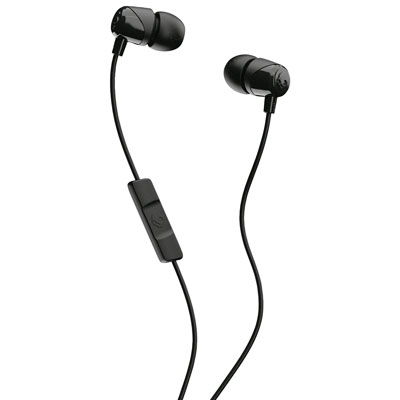
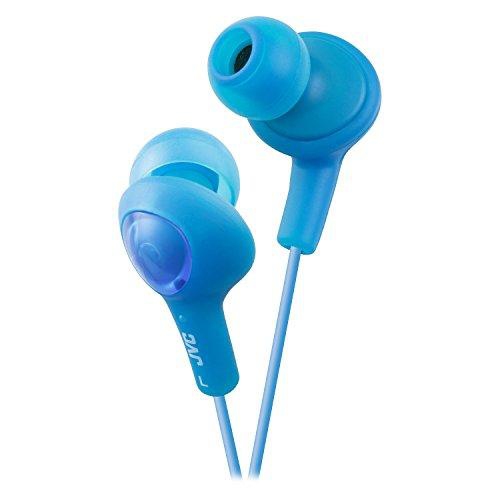
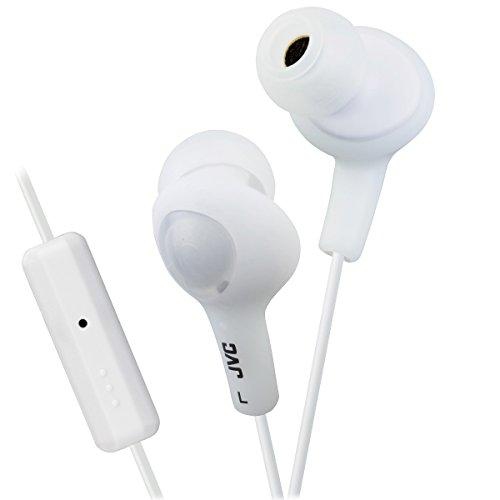
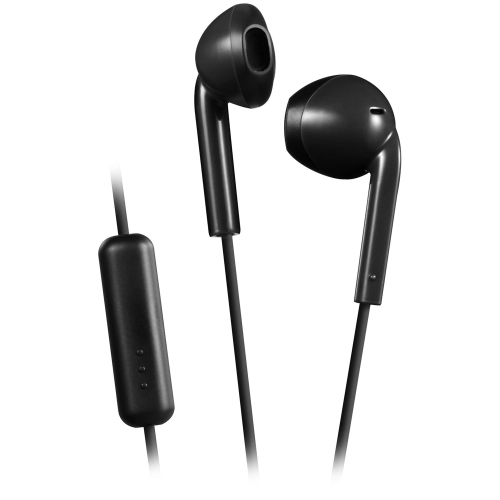
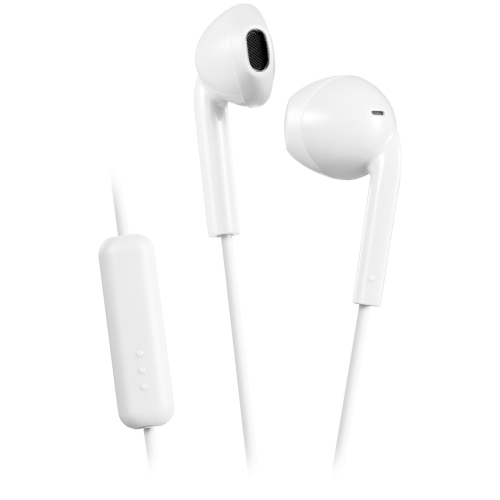
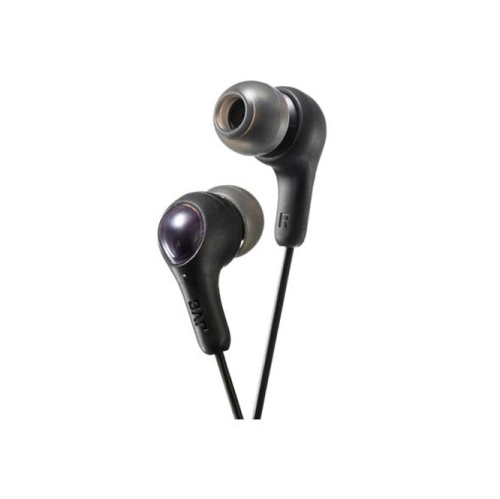
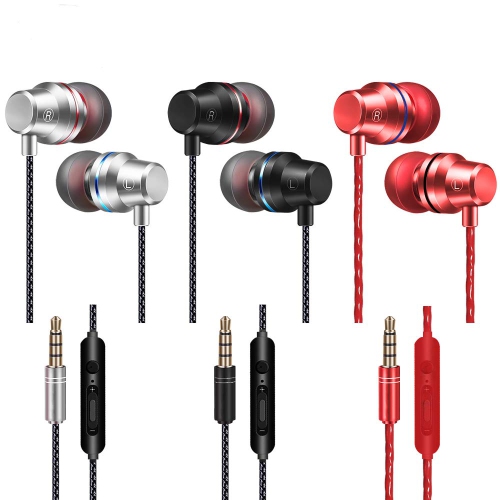
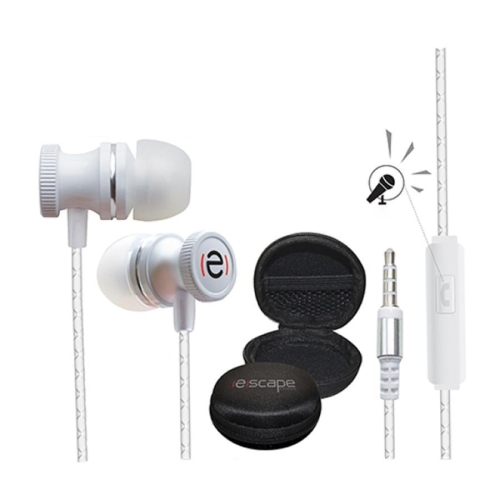
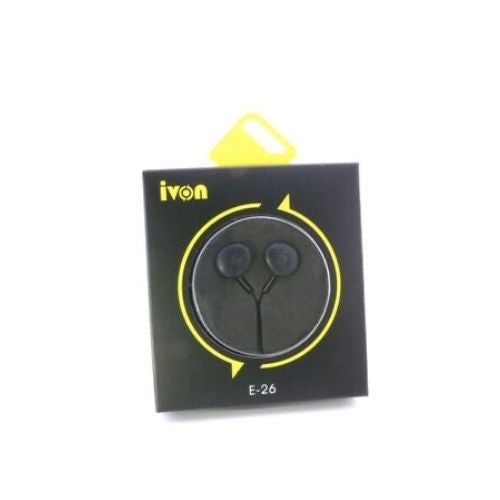
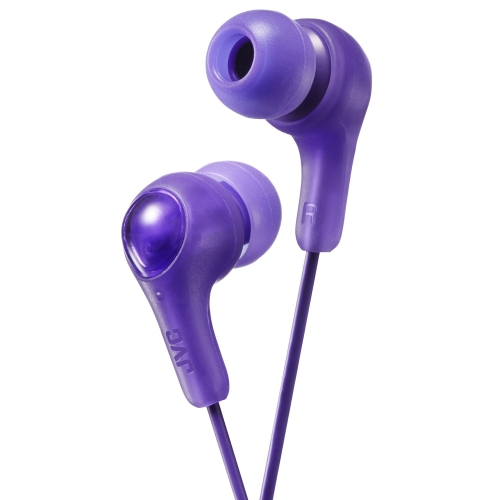
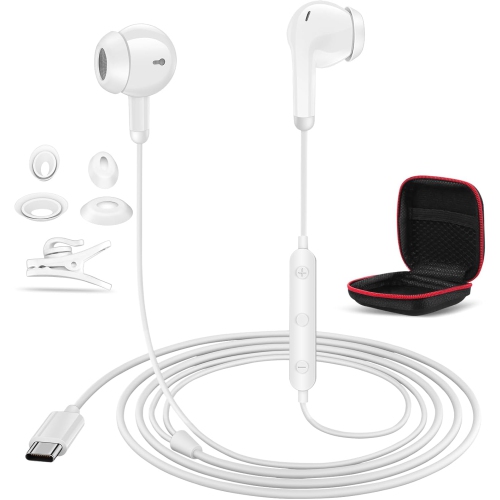
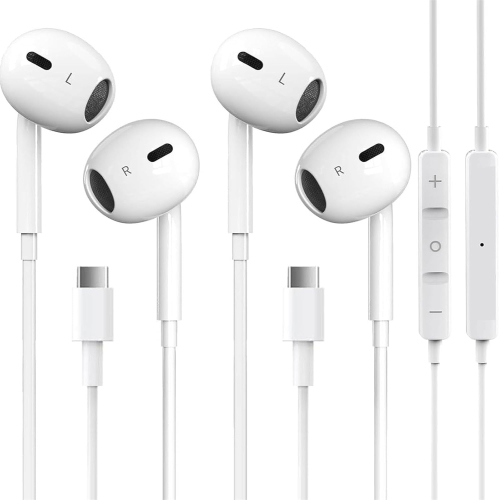
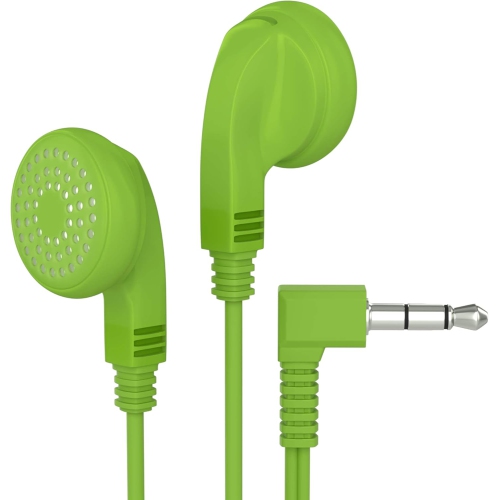
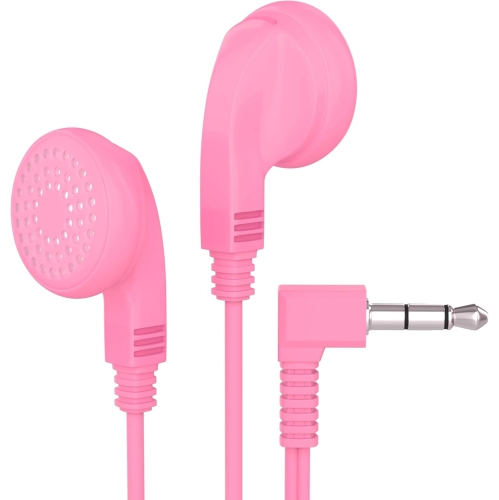
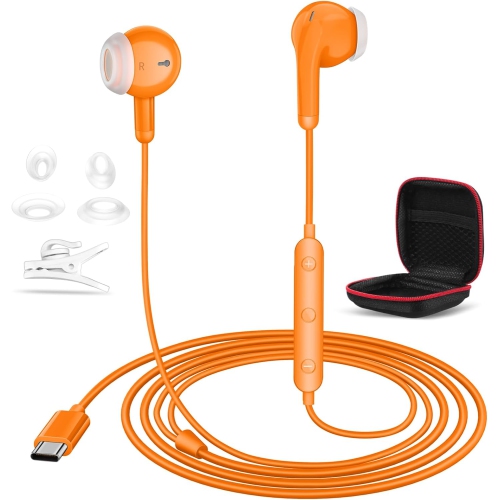
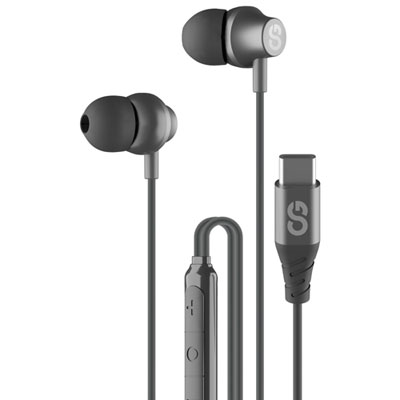
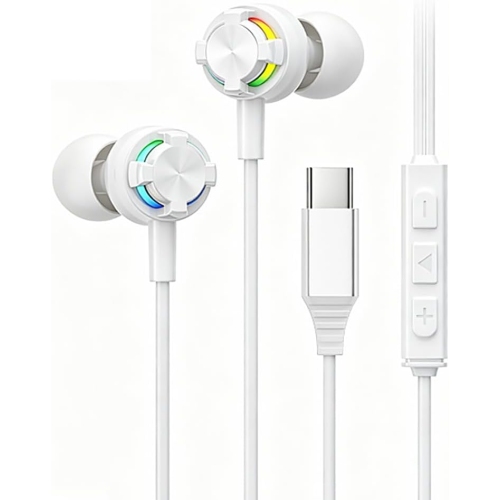
3.5 mm wired earbuds connect directly to devices with a compatible headphone jack, so you can listen without Bluetooth pairing. Compare fit, cable length, and listed features such as a microphone or in-line controls to find a pair for everyday listening. Check your device’s audio port before choosing, as some devices require an adapter.


















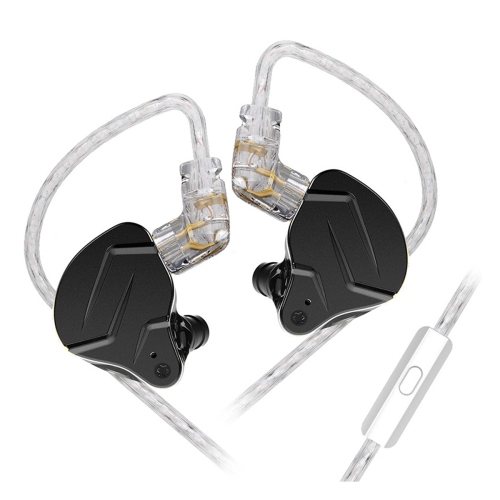

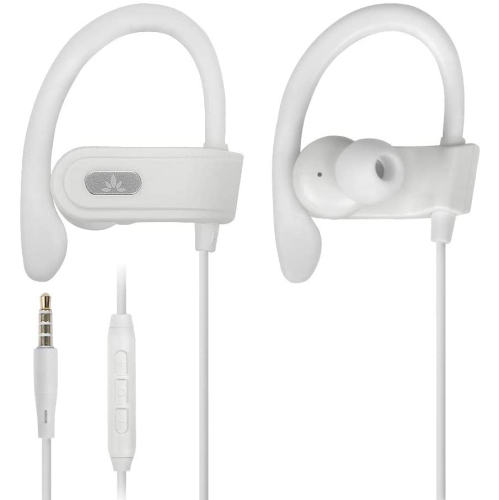

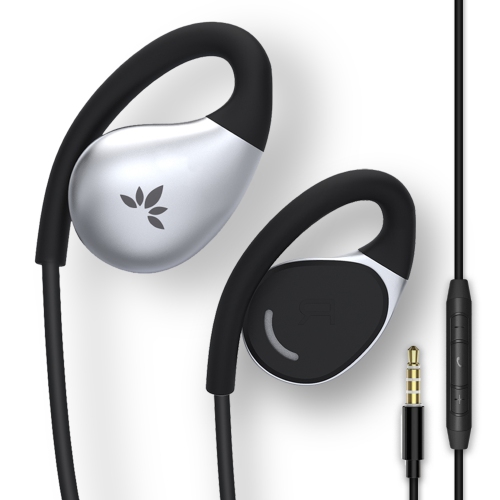

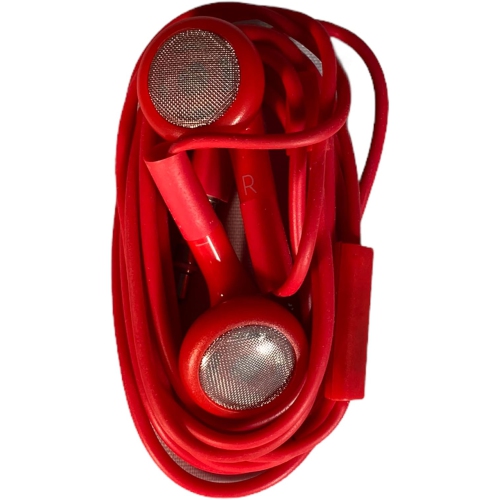






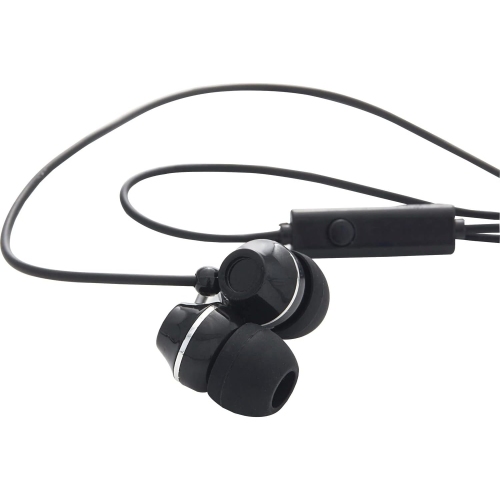
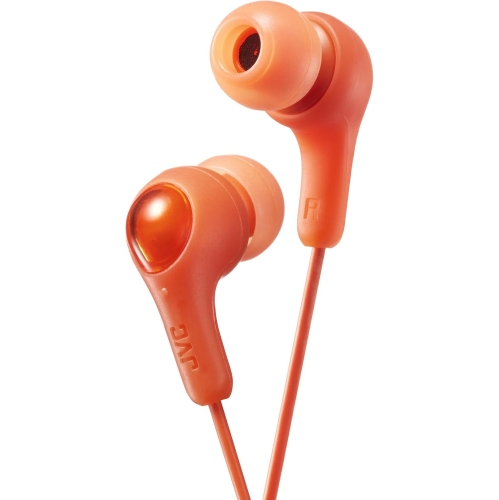
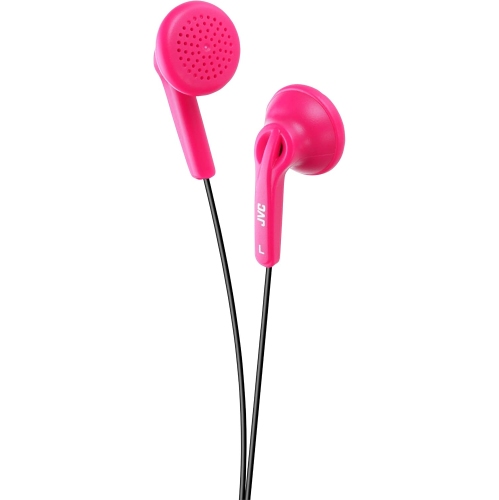
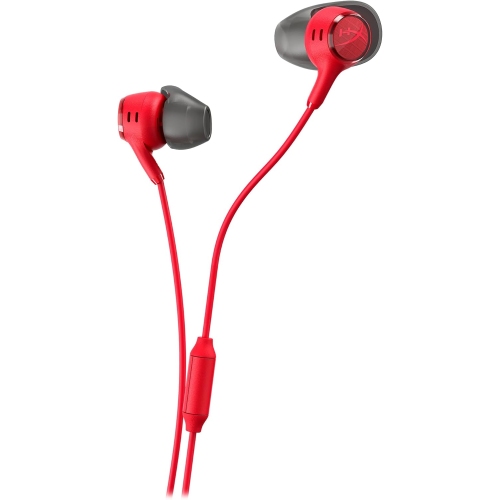





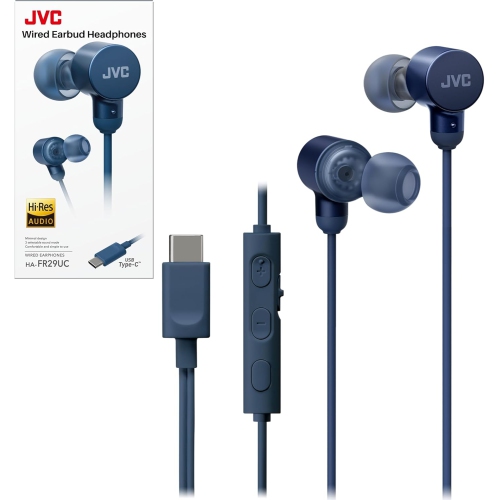
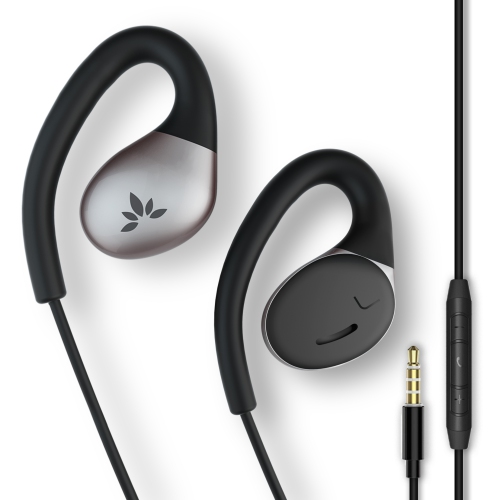
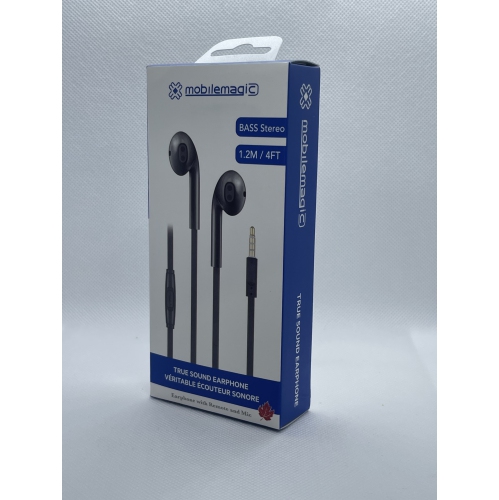
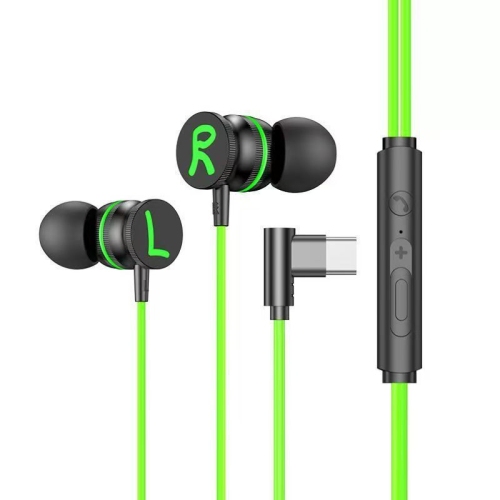


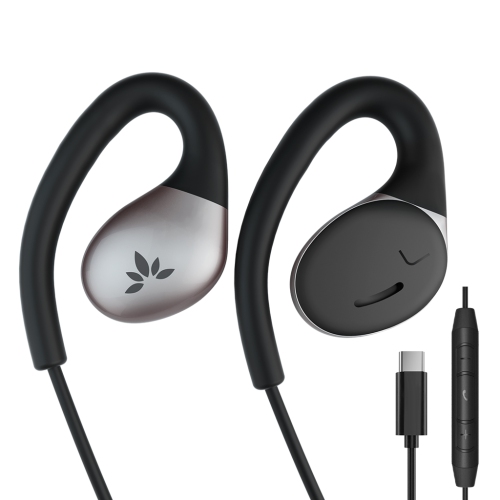
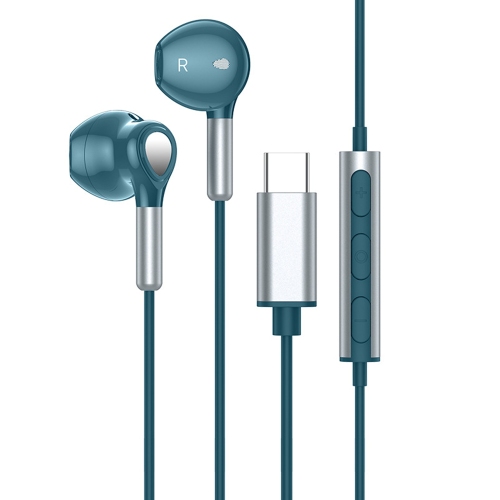
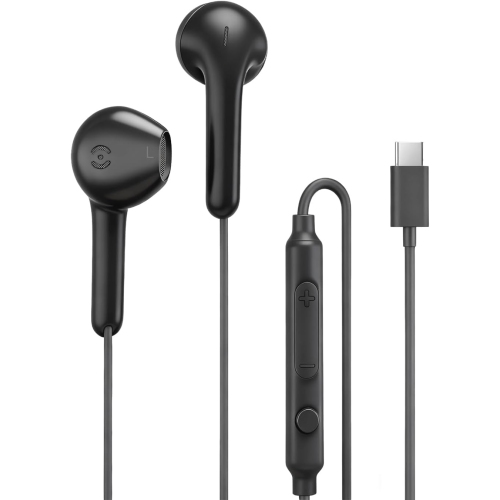
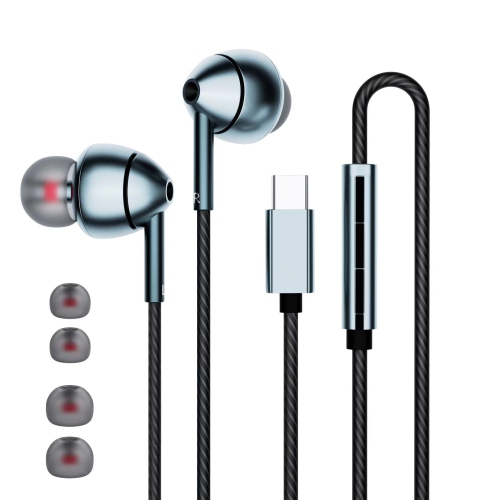


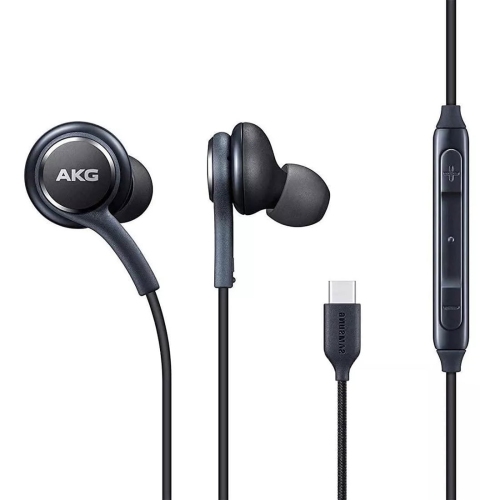
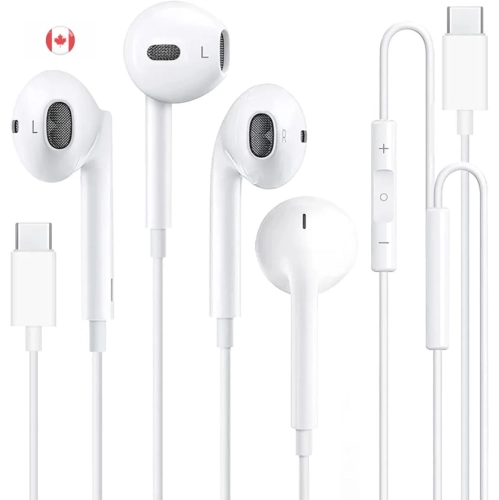
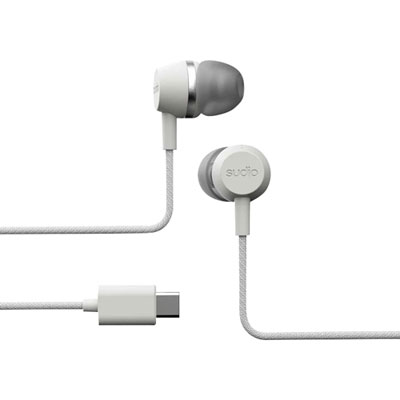



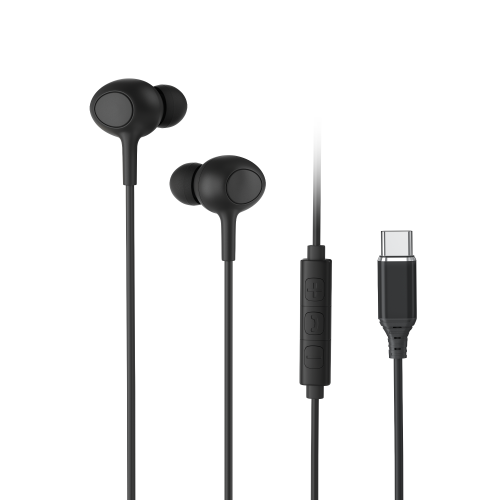
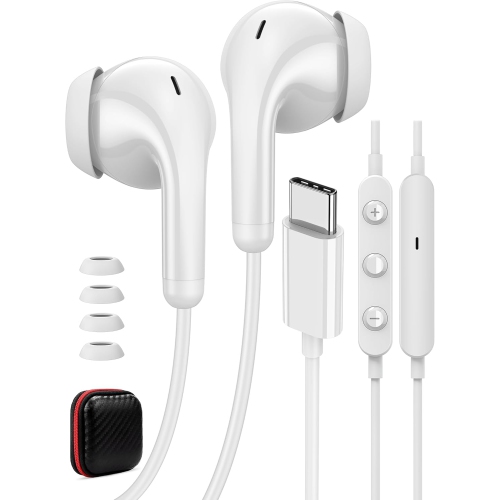
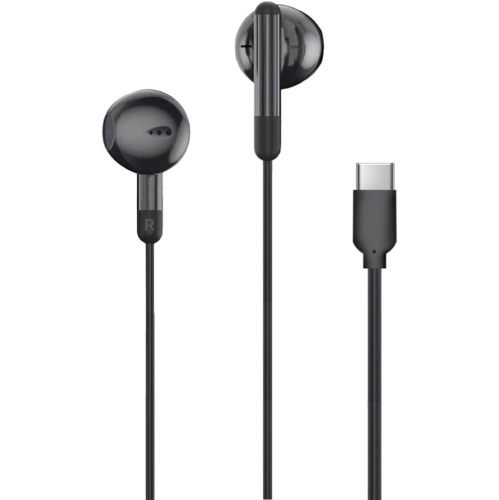
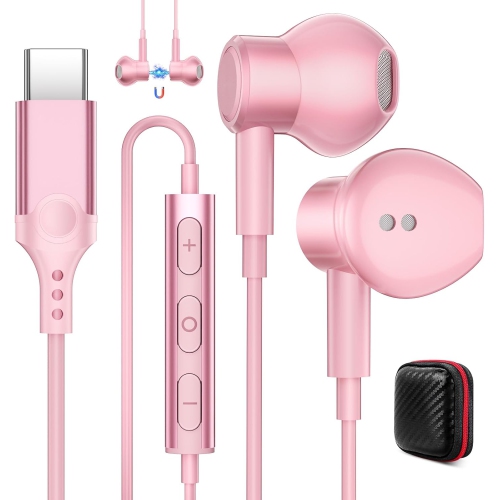
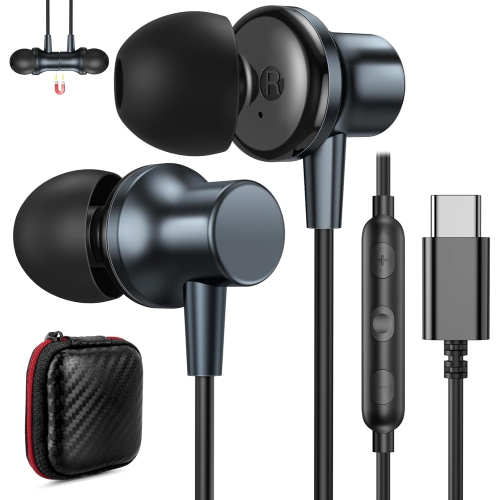
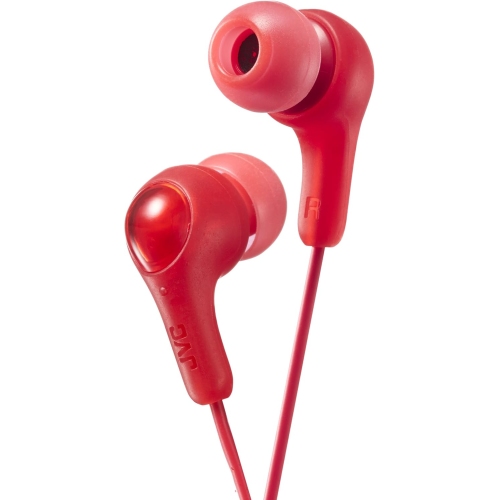
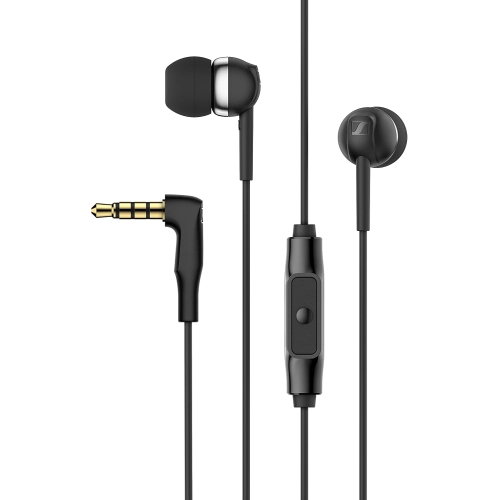
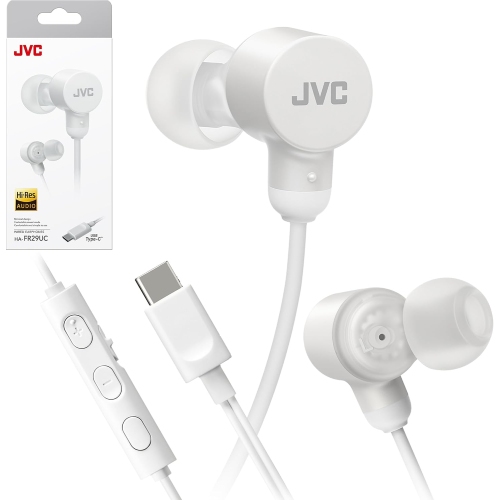
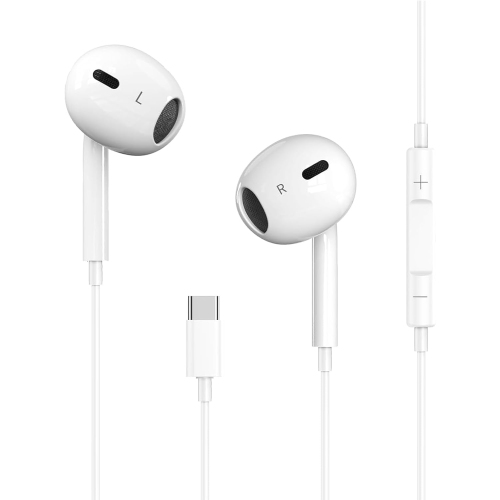
FAQ
You can connect 3.5 mm wired earbuds to devices with a compatible headphone jack, including many laptops, desktop computers, tablets, portable audio players, and game controllers. Check that the device’s port supports headphone audio rather than microphone input only.
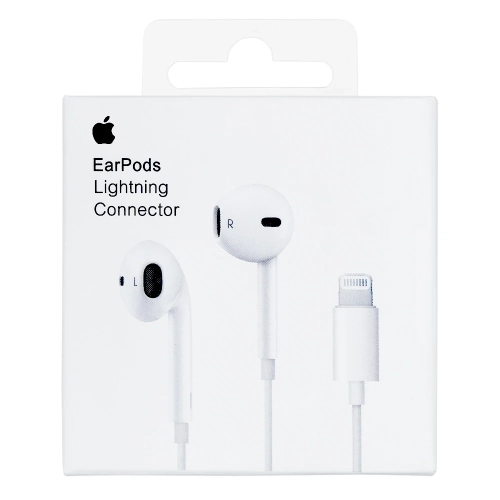
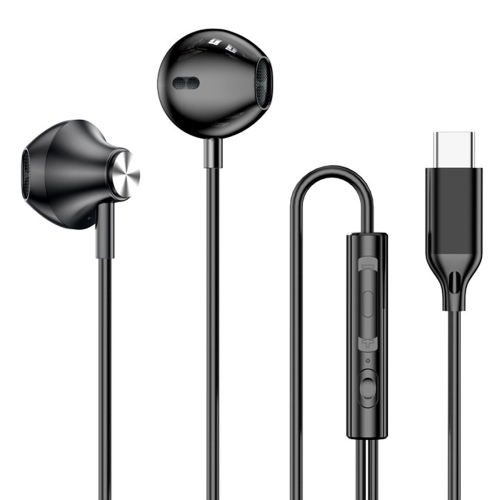
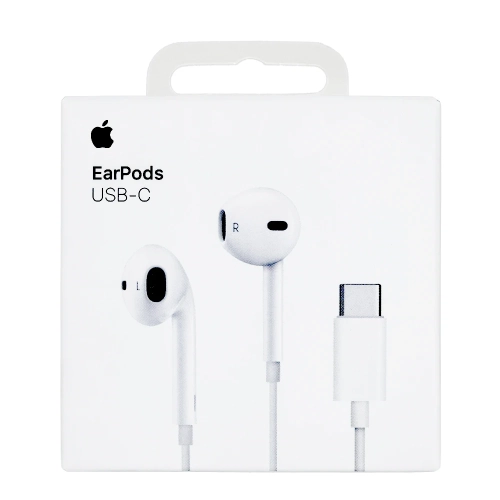
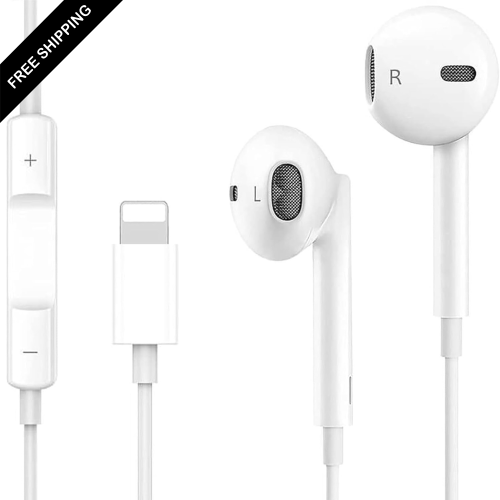
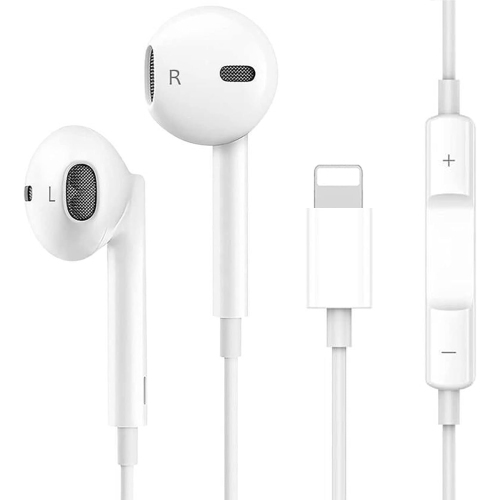
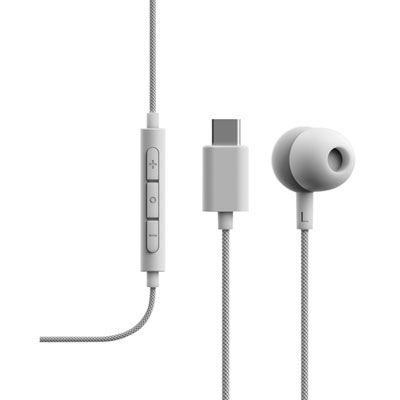
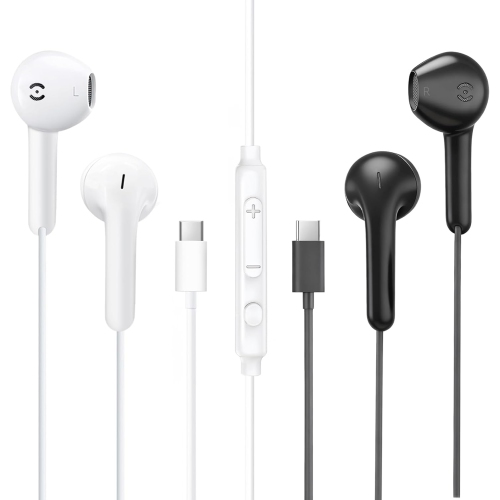
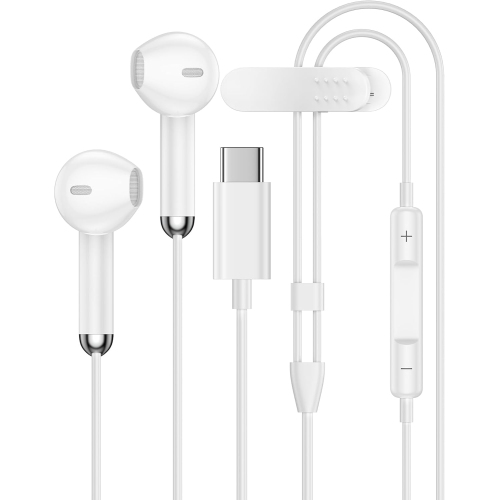
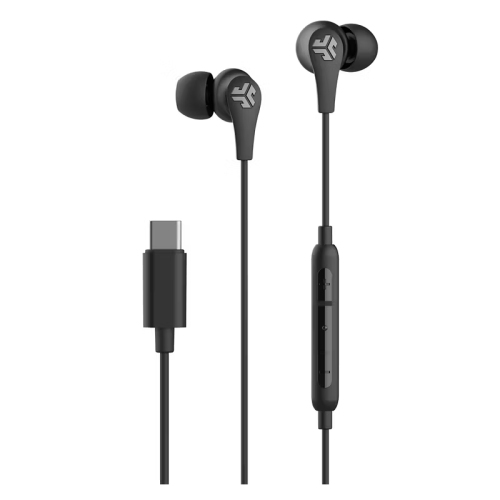
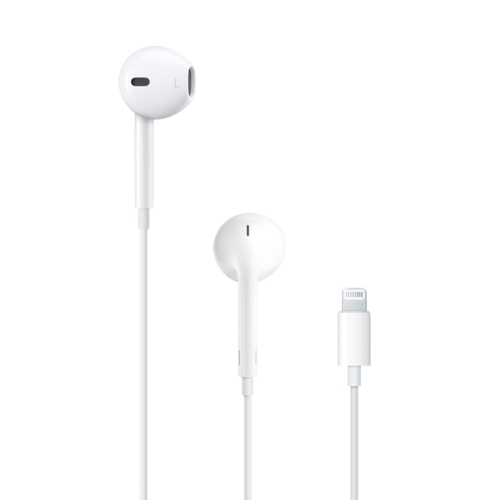
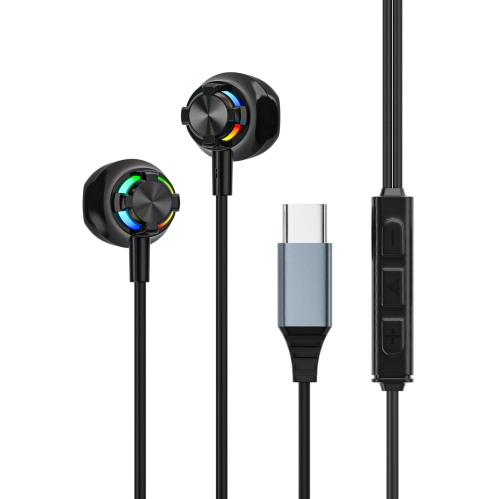
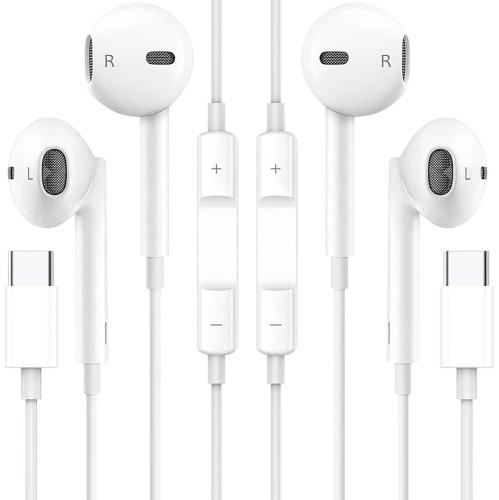
Yes, you can use a compatible USB-C-to-3.5 mm or Lightning-to-3.5 mm audio adapter. Check that the adapter supports your device and, if needed, microphone input and inline controls. Some USB-C devices require an adapter with a built-in digital-to-analogue converter, or DAC.
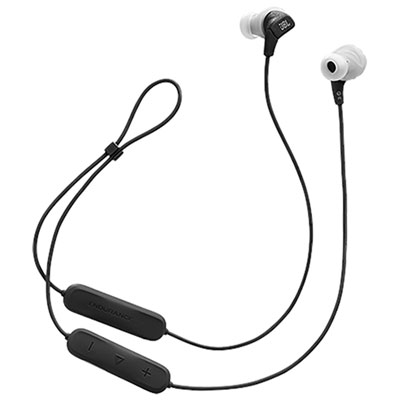
Standard wired earbuds do not need charging or Bluetooth pairing because they receive the audio signal and power through the cable. Simply connect them to a compatible headphone output. Earbuds with additional powered features may have separate battery requirements.
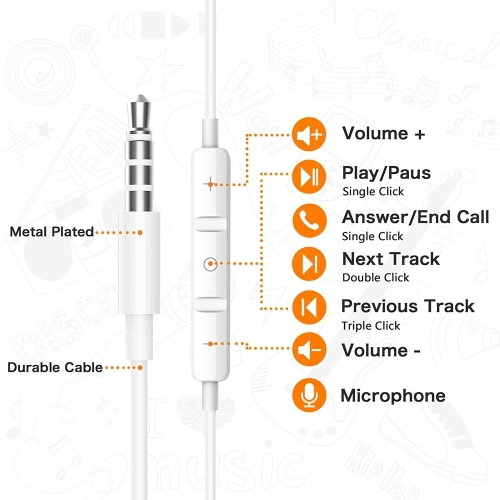
Not always. Microphone support and functions such as volume adjustment, playback control, and answering calls depend on compatibility between the earbuds, connected device, and any adapter. A device may support audio playback without supporting every inline control.
TRS plugs have three electrical contacts and typically carry stereo audio. TRRS plugs have four contacts and can carry stereo audio plus a microphone signal. The plug and device must use compatible wiring for all functions to work, and some computers with separate headphone and microphone ports require a headset splitter.
Top selling and popular products
Discover more categories related to 3.5 mm Wired Earbuds

Some products may be subject to Environmental Handling Fees (EHF) depending on your province. Learn more about EHFs.