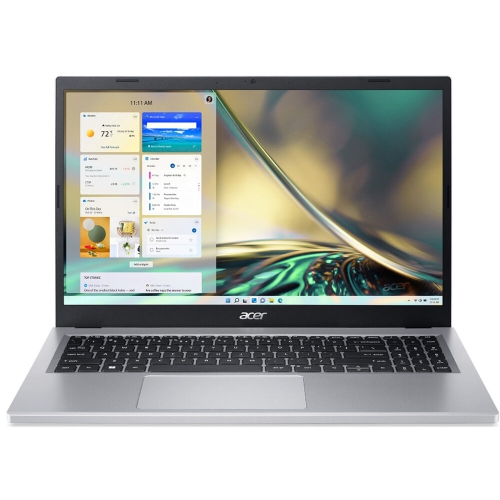
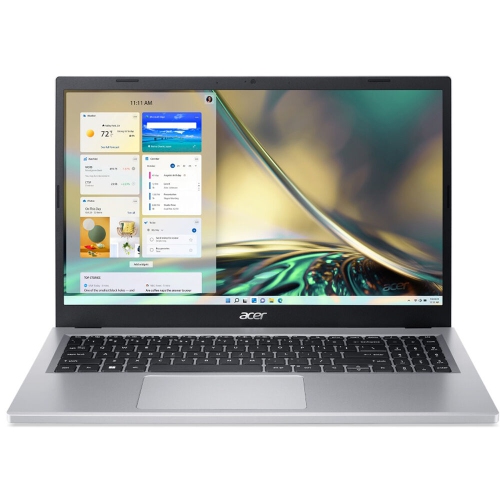
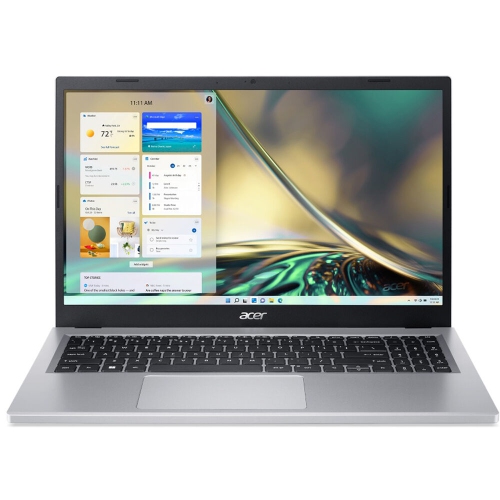
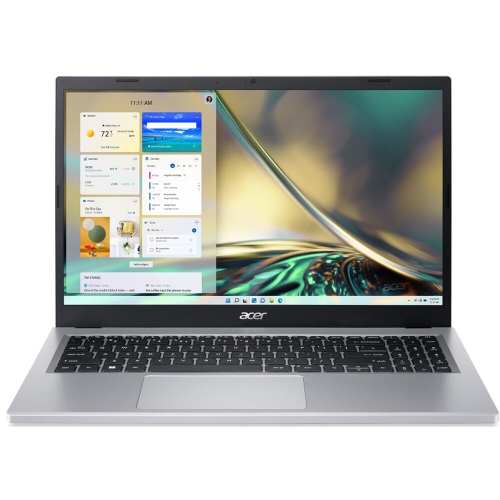
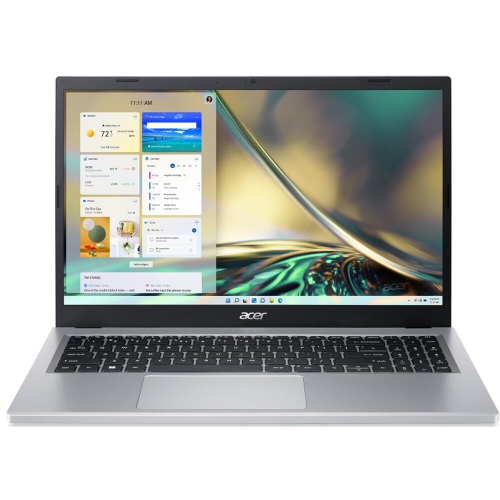
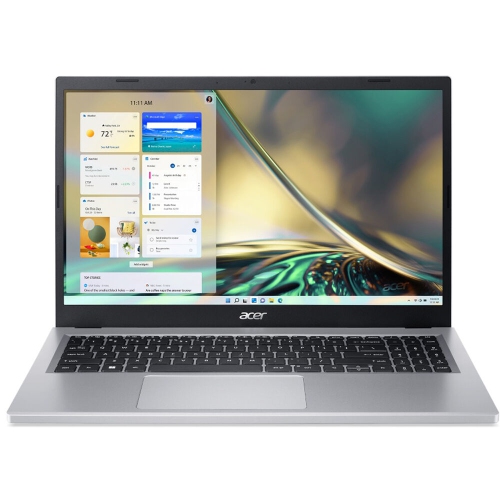
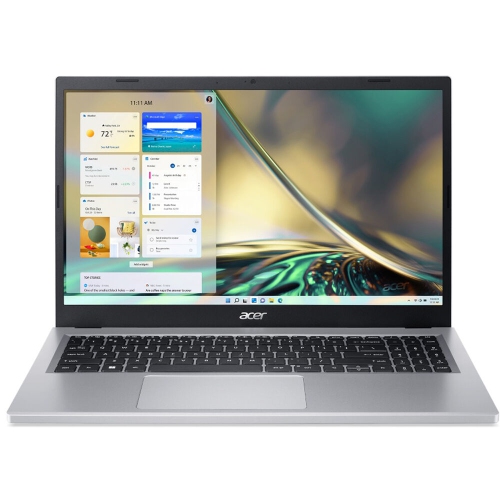
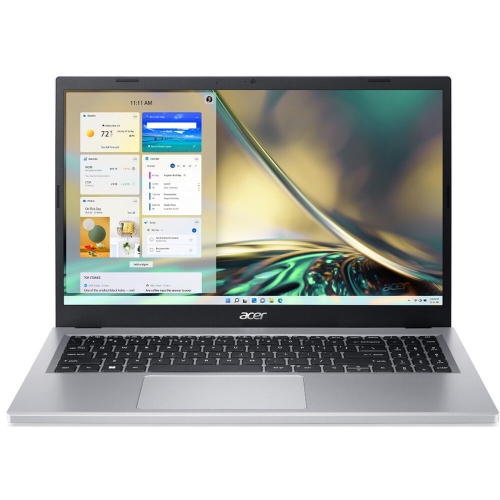
Acer Laptop Prices

Compare Acer laptop prices to find a model that fits your budget and everyday needs. Explore the selection with an eye on processor, memory, storage and screen size, and weigh the features that matter most for work, study or home use.
Sort

How everyday tasks shape the laptop you need

Laptops bring everyday computing into a format that can move from a desk to a meeting room, classroom, or kitchen table without leaving files and familiar tools behind. The right configuration depends on what fills a typical day: browser tabs and documents place different demands on a computer than video editing, detailed design work, or graphically intensive games. A processor handles the calculations behind those tasks, while memory helps keep applications responsive when several are open at once. Someone working with a spreadsheet, a video call, and a collection of research tabs needs enough memory to move between them comfortably. Storage has a different role, holding applications, photographs, downloads, and saved projects. Solid-state storage generally provides quick startup and file access, while capacity determines how much can remain on the laptop without relying on external drives or online storage. Display characteristics also shape the experience in ways that specifications alone may not capture. Resolution affects how sharply text and images appear, brightness influences visibility in well-lit rooms, and a matte finish can help reduce distracting reflections. A larger screen provides more space for side-by-side documents, while a smaller one is easier to carry between appointments. For long writing sessions, keyboard spacing, key feel, and a responsive touchpad deserve attention alongside processing power. A dedicated number pad can be useful for frequent data entry, though it changes the keyboard layout and is more common on larger laptops. Connections matter just as much when the computer becomes part of a regular workspace. External displays, a wired mouse, a headset, and portable storage may each require a suitable port or adapter. USB-C ports can support different functions, so charging and display output should be confirmed rather than assumed from the connector’s shape. Reliable Wi-Fi and a clear webcam round out a setup that supports both independent work and conversations with people elsewhere. Microphone quality and convenient audio controls can make those conversations easier to manage, especially when meetings alternate with focused work throughout the day.
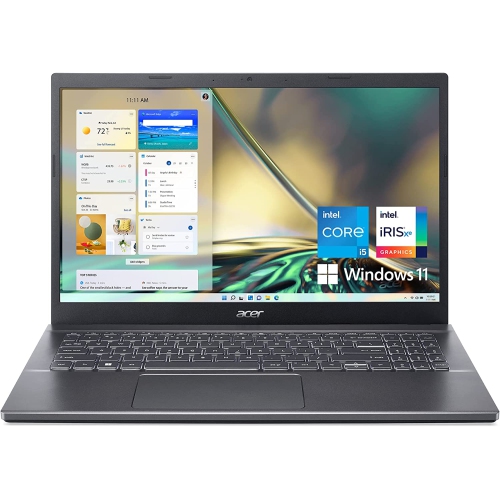
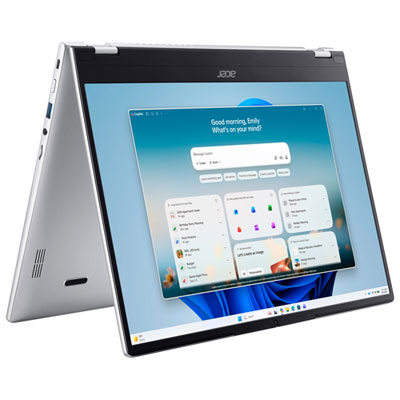
Portability involves more than choosing the smallest screen. Overall weight, body dimensions, charger size, and the space available in a bag all affect how comfortable a laptop is to carry regularly. A compact computer may suit someone moving between lecture halls, while a larger design can make more sense for a person who mainly works at one desk and occasionally takes their computer elsewhere. Metal and plastic housings each appear across a wide range of designs; material alone does not establish durability. Hinge construction, chassis rigidity, and how securely the lid closes also contribute to everyday handling. Convertible designs add another consideration, with hinges that allow the screen to fold into different positions for reading, presenting, or handwritten notes when compatible pen input is supported. A touchscreen can be convenient for some tasks, but it is not essential for a comfortable typing-focused setup. Battery life varies with screen brightness, applications, wireless activity, and power settings, so advertised estimates are best understood in relation to the testing conditions behind them. A day spent reading documents can use power quite differently from a day filled with video meetings. Charging options deserve a practical check, particularly when a laptop will travel between several workspaces. At a desk, a stand and separate keyboard can help position the display more comfortably, provided the arrangement leaves ventilation openings clear. On the move, a padded sleeve protects against light bumps and prevents loose objects in a bag from rubbing against the lid. Keeping drinks away from the keyboard and lifting the computer by its base rather than its screen are simple habits that help prevent damage. Cleaning should follow the manufacturer’s directions, typically using a soft cloth and avoiding liquid sprayed directly onto the computer. Dust around vents can interfere with airflow, and soft furnishings can block openings underneath. Routine software updates, regular backups, and sensible handling all support dependable use, whether the laptop travels daily or stays mostly on a desk.

Different users also need different kinds of flexibility from a laptop. For students, the fit often comes down to course requirements, carrying comfort, and the ability to work away from a power outlet. A writing-heavy program may centre on research, documents, and presentations, while engineering, media, or design courses can require specialized applications with more demanding hardware requirements. The Acer Laptops for Students page offers a related starting point for exploring laptops with academic use in mind. Checking a school’s software requirements remains important, since some applications need a particular operating system, processor type, or graphics capability. The same principle applies beyond the classroom. Remote workers may prioritize a comfortable keyboard, clear calls, and support for an external monitor; photographers may place greater emphasis on display colour accuracy and room for large image libraries. Video editing and three-dimensional work can benefit from dedicated graphics, although graphics hardware also affects power use, cooling needs, and portability. Gaming similarly depends on the relationship between the graphics hardware, processor, memory, and display rather than a single headline specification. For shared household use, separate user accounts help keep documents, settings, and browser sessions organized, while accessible controls can make everyday tasks easier for people with different needs. A laptop given as a gift is most useful when it matches the recipient’s habits rather than simply offering the longest list of features. Familiar software, preferred screen size, and any existing accessories can make the transition smoother. Someone who types for hours may appreciate a different layout from someone who mainly joins calls and reads online. Before transferring important files to a new computer, confirming backup access and application compatibility helps avoid interruptions. Enough storage for expected projects, suitable connections for existing equipment, and a comfortable physical design create a more useful everyday fit than an isolated specification. Together, those details help a laptop support the work, study, entertainment, and personal projects it will actually be used for.

FAQ

Some products may be subject to Environmental Handling Fees (EHF) depending on your province. Learn more about EHFs.