Acer Laptops
Acer Laptops offer a versatile range of options to suit your everyday computing needs, whether you're working, studying, or enjoying entertainment at home or on the go. With a variety of models available, it's easy to find the right fit for your lifestyle and budget. Explore the selection of Acer Laptops to discover reliable performance and modern design that help you stay connected and productive wherever you are.
Sort
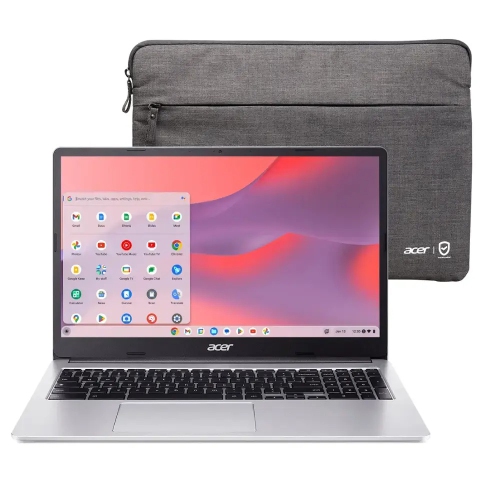
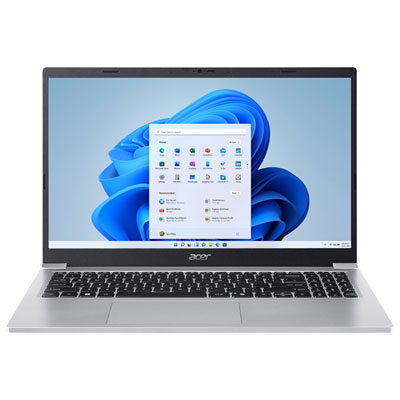
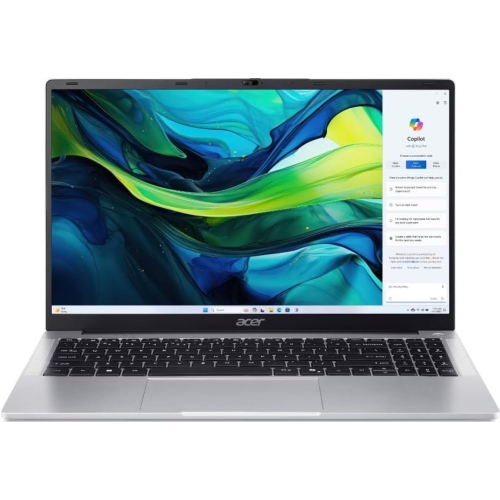
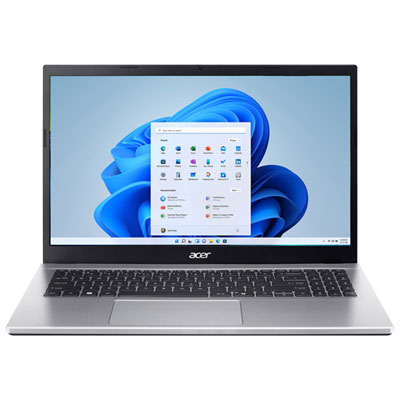
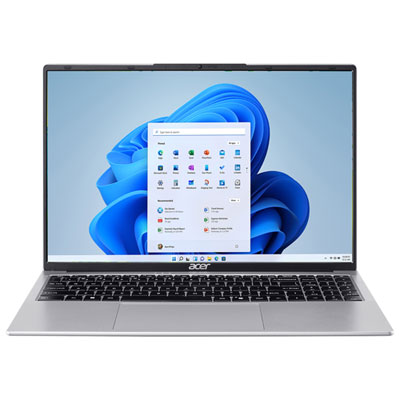
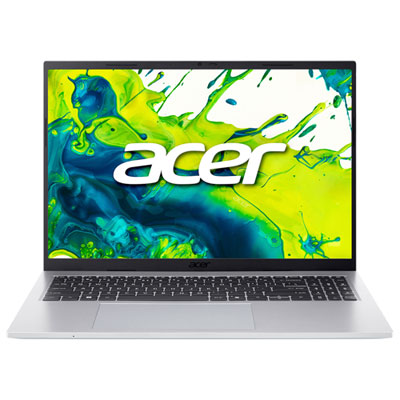
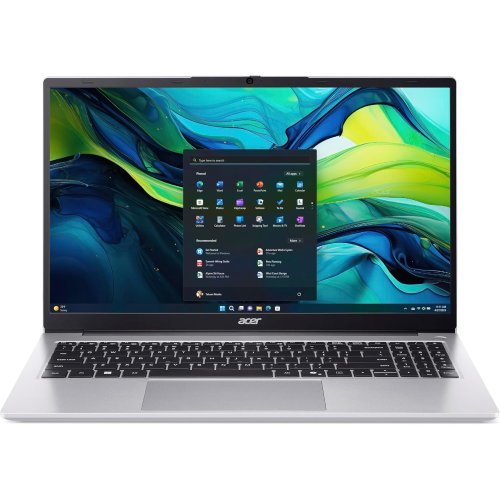
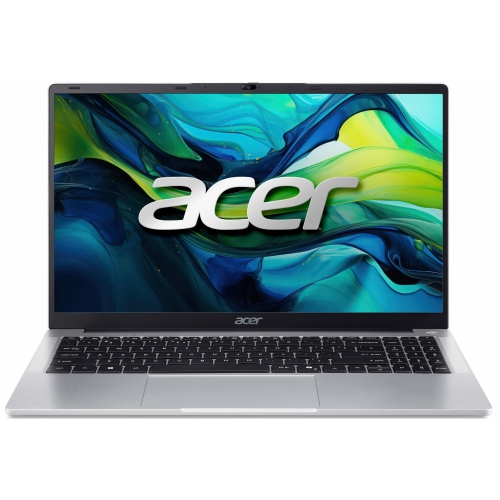
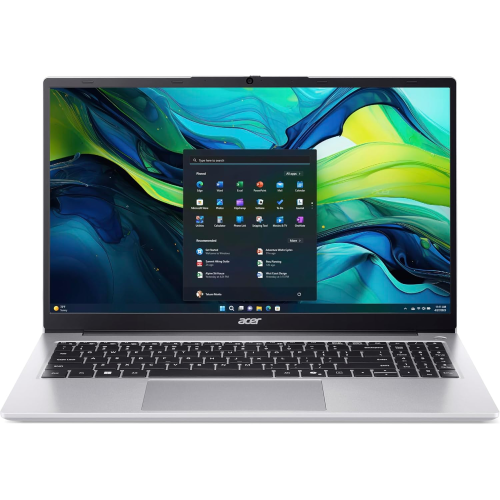
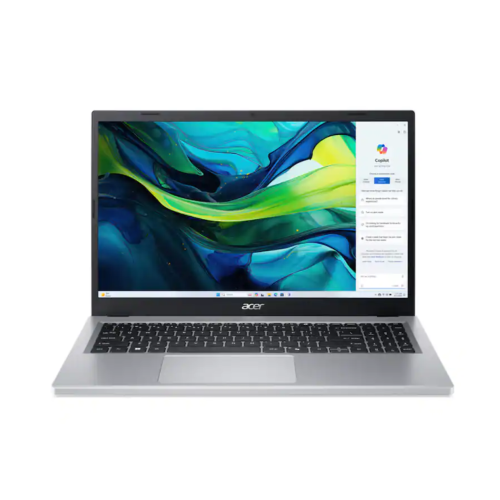
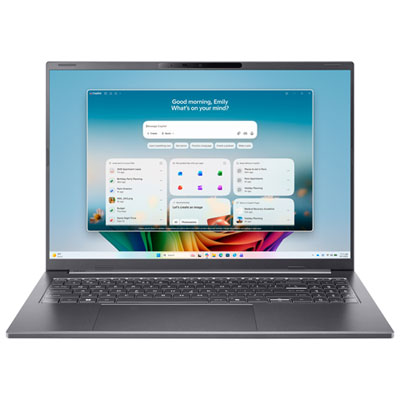
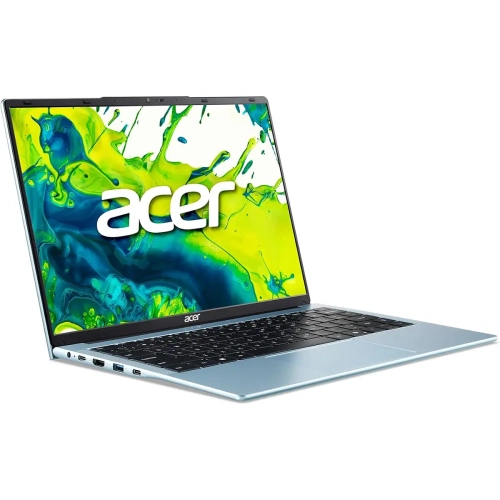
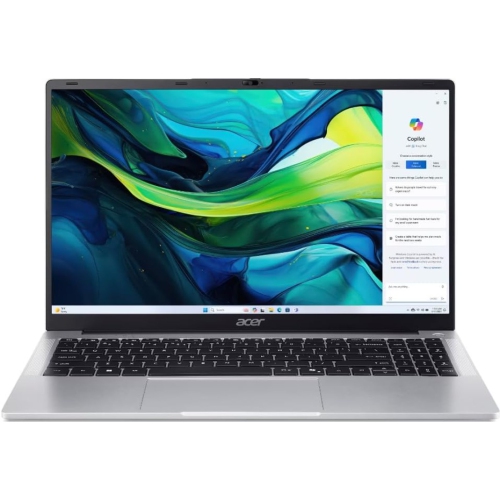
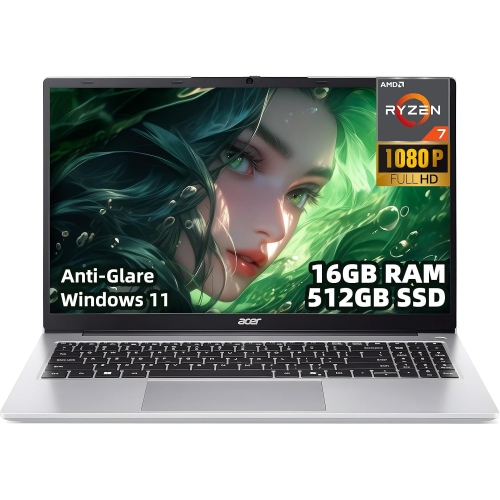
How laptop performance and portability fit your routine
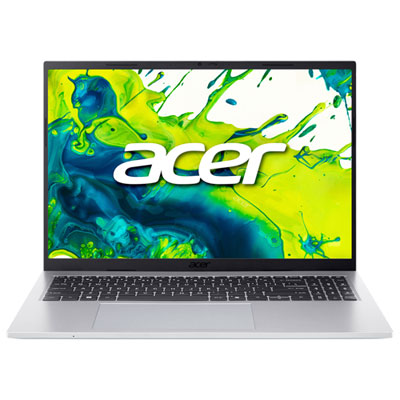
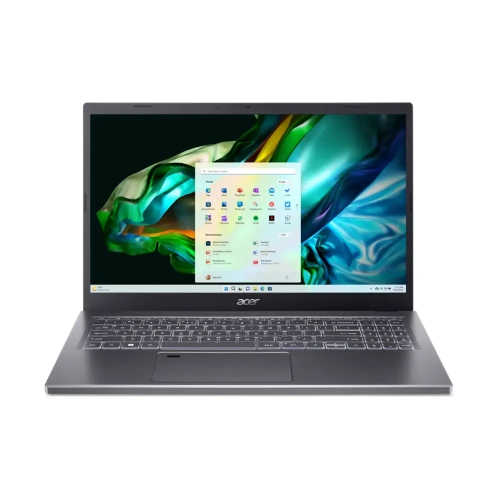
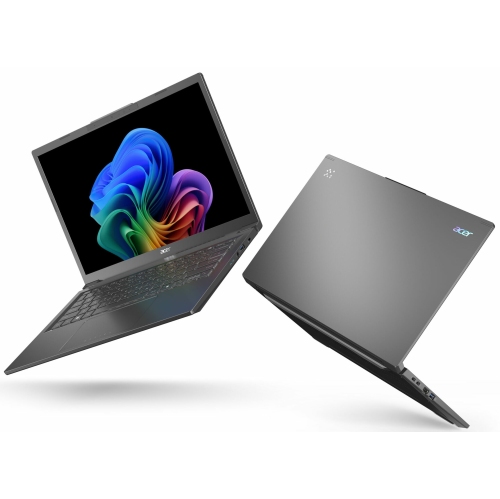
Laptops bring everyday computing, entertainment, study, and demanding creative work into a portable design, with different configurations suited to different routines. For someone who mainly checks email, joins video calls, writes documents, and watches streamed content, a straightforward laptop with responsive solid-state storage can cover the essentials without adding unnecessary weight or complexity. A household computer might move from the kitchen table for bill payments to the living room for a film, while a work laptop may need to handle large spreadsheets, presentations, and several applications at once. The processor affects how quickly the computer completes tasks, while memory helps keep active programs and browser tabs running smoothly together. Around 8 GB of memory can suit lighter use, while 16 GB offers more room for multitasking; demanding editing, development, and other specialized workloads may benefit from 32 GB or more. These figures are useful starting points rather than guarantees, since software requirements and the rest of the hardware also matter. Solid-state storage helps with startup times and opening files, but capacity deserves equal attention: a collection of video projects, downloaded games, or high-resolution photographs takes considerably more space than text documents. Thin, lightweight laptops emphasize portability, while performance-focused designs generally make more room for cooling and powerful components. Gaming laptops typically pair dedicated graphics with cooling systems designed for sustained workloads, and some also feature displays with higher refresh rates for smoother motion. Dedicated graphics can also support compatible video-editing, animation, and design applications, although the benefit depends on the software. Web-focused laptops take a different approach, centring much of the experience on a browser and online tools. They can suit straightforward schoolwork and shared household tasks, provided the required applications, file formats, and offline functions are supported. The most useful distinction is not simply between basic and powerful computers, but between hardware that fits a person’s actual tasks and hardware whose capabilities would rarely be used.
Screen size and physical design shape how comfortable a laptop feels throughout the day. A 13-inch or 14-inch display generally makes for an easier fit in a backpack or smaller work area, while a 15-inch or 16-inch display provides more room for side-by-side documents, spreadsheets, and editing timelines. Screen resolution affects detail, but text scaling, brightness, reflections, and viewing angles also influence everyday readability. For photography and design, accurate colour reproduction and suitable colour coverage matter more than resolution alone. A touchscreen can make navigation feel more direct, and a convertible hinge can support handwriting or annotation when the laptop is compatible with an active pen. Neither feature is essential for someone who spends most of the day typing. Keyboard layout is another practical consideration: well-spaced keys, a comfortable palm rest, and a responsive touchpad can make lengthy assignments or reports less tiring. A number pad may be helpful for frequent data entry, though it usually requires a wider chassis. For students comparing computers for assignments and campus routines, Acer Aspire Laptops for Students offers a more focused place to explore. Portability involves more than the computer’s weight, since its charger, protective sleeve, and accessories also travel in the bag. Battery run time varies with screen brightness, wireless activity, applications, and performance settings, so demanding tasks generally require more frequent charging than document editing. Connections deserve attention, too. A suitable display output supports an external monitor, while USB ports accommodate storage drives, keyboards, and other accessories. USB-C capabilities vary between laptops and ports; the connector shape alone does not guarantee charging, display output, or a particular transfer speed. Wi-Fi capability matters for wireless access, but connection quality also depends on the router and network. A clear webcam, useful microphone, and convenient headphone connection can be especially valuable for remote classes, interviews, and calls with family.
Materials, construction, and care all contribute to how a laptop holds up to daily use. Metal and plastic chassis each appear in a wide range of designs, and neither material alone establishes durability; hinge construction, panel rigidity, and the way the computer is carried matter as well. A padded sleeve or appropriately sized laptop compartment helps protect the lid and edges from contact with other belongings. Carrying the computer closed, rather than lifting it by the screen, reduces unnecessary strain on the display assembly. For regular use, a firm, flat surface leaves ventilation openings clearer than bedding or a cushion, which can restrict airflow and trap heat. Fans may become more noticeable during gaming, rendering, or other intensive tasks, making cooling layout and expected sound levels relevant to shared spaces. Cleaning is usually simple: a soft, lint-free cloth removes fingerprints, while cleaning liquids should never be sprayed directly onto the screen or keyboard. The manufacturer’s care directions take precedence, particularly for coated displays. Storage and memory upgrade options differ by design, with some components replaceable and others fixed in place, so future flexibility depends on the individual configuration. Software support, accessible repair options, and warranty terms are also worth considering alongside physical specifications. Regular updates, secure sign-in settings, and a separate backup of important files help protect school projects, personal photographs, and work documents. For a home desk, an external keyboard and a raised screen can support a more comfortable setup without sacrificing portability when the laptop needs to travel. As a gift for a student, family member, or someone starting a new role, a laptop is most useful when its operating system, screen size, and software compatibility match the recipient’s needs. Someone editing video has different priorities from someone reading course notes or keeping in touch with relatives. Matching those routines with a comfortable design and appropriate performance helps make the computer a practical part of everyday life.
Top selling and popular products
-
 Your price for this item is $449
-
 Your price for this item is $3099
-
 Your price for this item is $1800.68
-
 Your price for this item is $664.05
-
 Your price for this item is $869.99
-
 Your price for this item is $2960.48
-
 Your price for this item is $489.7
-
 Your price for this item is $1199
Discover more categories related to Acer Laptops

Top Collections:
Best Black Friday Deals This Year, Best Black Friday Deals On Electronics, Kindle Devices, Best Black Friday Deals On Apple Products, Best Budget Office Chairs, Best Cameras for Sports Photography, Dyson Airwrap, Canon G7X Cameras, Best Laptops for Writers, Samsung Galaxy Phones
Some products may be subject to Environmental Handling Fees
(EHF) depending on your province.
Learn more about EHFs.