Antivirus Software for Android
The best antivirus software for Android phones and tablets is the kind that you'll use. It should be easy to install and use, and it should be able to protect you from viruses, malware, and other threats without slowing down your device. Here are some of the best antivirus software for Android devices.
Sort
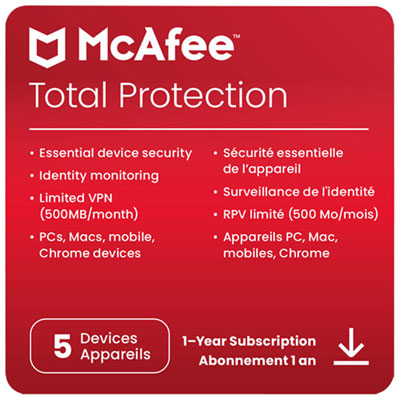


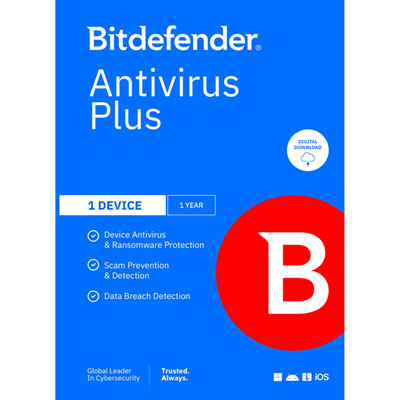

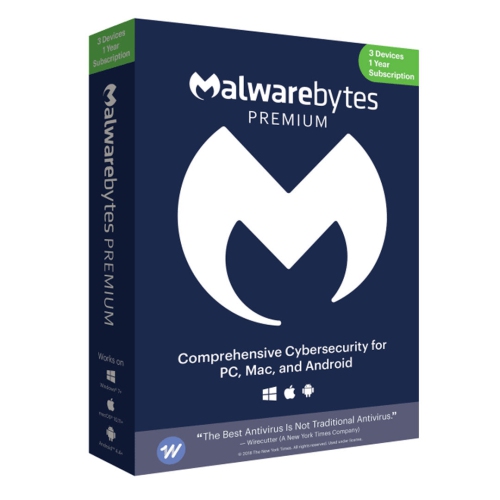




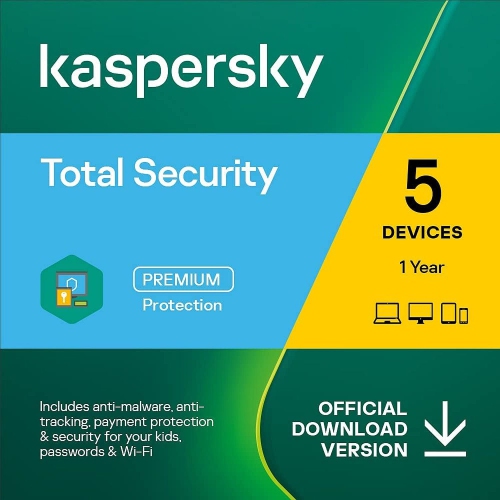
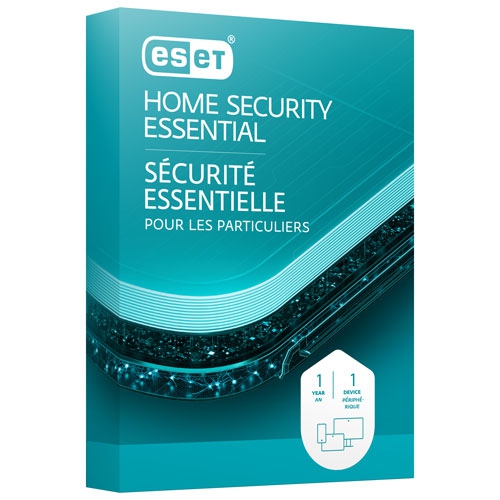
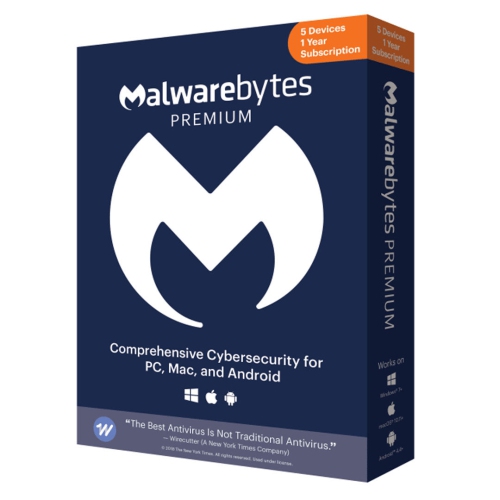




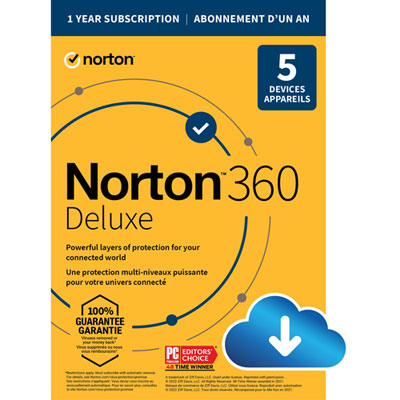
Mobile security features that support safer Android use
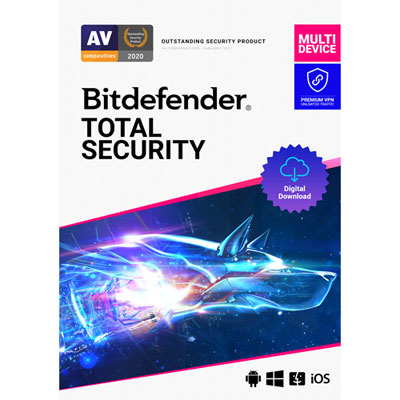
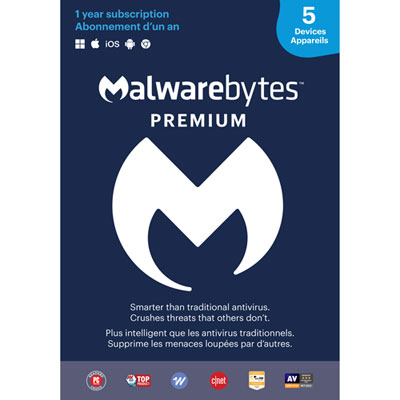
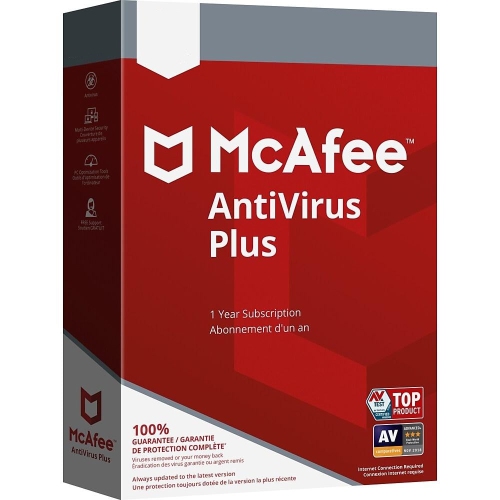
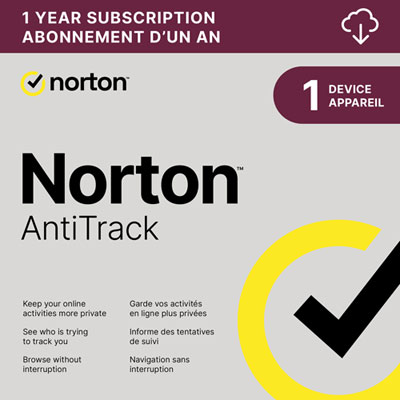
Antivirus software for Android can add an extra layer of protection to the phones and tablets people use for banking, shopping, messaging, streaming, travel bookings, and everyday browsing. Android devices are designed with built-in security features, but a dedicated mobile security app can help identify suspicious files, unsafe applications, deceptive websites, and links associated with scams. This can be especially useful for anyone who regularly installs apps, downloads attachments, connects to public Wi-Fi, or receives messages from unfamiliar senders. A good place to begin is by deciding whether you want a free app with essential scanning tools or a paid subscription that adds broader coverage and advanced features. Free options may provide on-demand or real-time malware scans, while paid plans may include web protection, anti-phishing tools, privacy monitoring, identity alerts, or support for multiple devices. Some subscriptions are intended for one Android phone, whereas others can protect several phones, tablets, and computers under one account. Comparing the number of covered devices, subscription length, renewal terms, and supported Android versions can help prevent surprises after installation. It is also worth checking whether a security app is available through the official Google Play Store and whether its features work in Canada, since app availability and included services can vary by region. For a broader look at mobile protection features and popular options, explore Best Mobile Antivirus.
Performance matters just as much as protection when choosing antivirus software for Android. A security app that runs quietly in the background should scan new applications and files without making a phone feel sluggish or draining its battery during the day. Cloud-based scanning can help reduce the amount of processing handled directly on the device, while scheduled scans can be set for a convenient time, such as when the phone is charging overnight. Look for clear controls that make it easy to start a manual scan, review detected items, adjust notifications, and understand why an app or website has been flagged. Web protection can warn users before they enter login details on a suspicious page, which is helpful when an email, text message, or social media post leads to an unfamiliar website. Anti-scam features may examine links and messages for signs of fraud, while privacy tools can identify applications requesting access to contacts, the microphone, location, or other sensitive information. Some mobile security subscriptions include a VPN for added privacy on public networks, although users should confirm data limits, server availability, and whether the VPN is included in the advertised price. Anti-theft tools may help locate, lock, or erase a missing device, depending on the phone model, account settings, and permissions enabled. Breach alerts can also notify users if an email address or other account information appears in a known data leak, giving them a prompt to change passwords. These features are most effective when notifications are read, updates are installed promptly, and the app is allowed to perform the functions required for scanning and alerts.
Antivirus software for Android can be a practical choice for students, remote workers, frequent travellers, families, older adults, and anyone who wants more guidance when navigating online threats. A busy parent might use it to add safeguards to a child’s first phone, while a traveller could appreciate warnings about questionable links while managing reservations and accessing accounts over hotel or café Wi-Fi. It can also make a thoughtful gift for someone who has recently purchased an Android phone, upgraded to a tablet, or begun using their device for online banking and shopping. For a family, check whether the subscription covers multiple users and whether separate profiles or device-management tools are available. For an older relative or less confident smartphone user, a simple interface, plain-language alerts, and automatic scanning may be more valuable than a long list of advanced settings. During the cooler months, when people often spend more time indoors browsing, streaming, ordering gifts, and keeping in touch through messages, a security app can provide reassurance without changing familiar routines. Even with antivirus protection installed, everyday habits remain important: download apps from trusted sources, keep Android and app updates current, use unique passwords with multi-factor authentication, avoid entering personal information through links in unexpected messages, and review permissions before granting access. When selecting a subscription, consider the device owner’s habits, the type of coverage needed, the number of devices involved, and the balance between essential protection and additional privacy or anti-theft features. The best fit is one that is compatible with the Android device, straightforward to manage, and equipped with tools that will be used consistently.
Performance matters just as much as protection when choosing antivirus software for Android. A security app that runs quietly in the background should scan new applications and files without making a phone feel sluggish or draining its battery during the day. Cloud-based scanning can help reduce the amount of processing handled directly on the device, while scheduled scans can be set for a convenient time, such as when the phone is charging overnight. Look for clear controls that make it easy to start a manual scan, review detected items, adjust notifications, and understand why an app or website has been flagged. Web protection can warn users before they enter login details on a suspicious page, which is helpful when an email, text message, or social media post leads to an unfamiliar website. Anti-scam features may examine links and messages for signs of fraud, while privacy tools can identify applications requesting access to contacts, the microphone, location, or other sensitive information. Some mobile security subscriptions include a VPN for added privacy on public networks, although users should confirm data limits, server availability, and whether the VPN is included in the advertised price. Anti-theft tools may help locate, lock, or erase a missing device, depending on the phone model, account settings, and permissions enabled. Breach alerts can also notify users if an email address or other account information appears in a known data leak, giving them a prompt to change passwords. These features are most effective when notifications are read, updates are installed promptly, and the app is allowed to perform the functions required for scanning and alerts.
Antivirus software for Android can be a practical choice for students, remote workers, frequent travellers, families, older adults, and anyone who wants more guidance when navigating online threats. A busy parent might use it to add safeguards to a child’s first phone, while a traveller could appreciate warnings about questionable links while managing reservations and accessing accounts over hotel or café Wi-Fi. It can also make a thoughtful gift for someone who has recently purchased an Android phone, upgraded to a tablet, or begun using their device for online banking and shopping. For a family, check whether the subscription covers multiple users and whether separate profiles or device-management tools are available. For an older relative or less confident smartphone user, a simple interface, plain-language alerts, and automatic scanning may be more valuable than a long list of advanced settings. During the cooler months, when people often spend more time indoors browsing, streaming, ordering gifts, and keeping in touch through messages, a security app can provide reassurance without changing familiar routines. Even with antivirus protection installed, everyday habits remain important: download apps from trusted sources, keep Android and app updates current, use unique passwords with multi-factor authentication, avoid entering personal information through links in unexpected messages, and review permissions before granting access. When selecting a subscription, consider the device owner’s habits, the type of coverage needed, the number of devices involved, and the balance between essential protection and additional privacy or anti-theft features. The best fit is one that is compatible with the Android device, straightforward to manage, and equipped with tools that will be used consistently.
Top selling and popular products
-
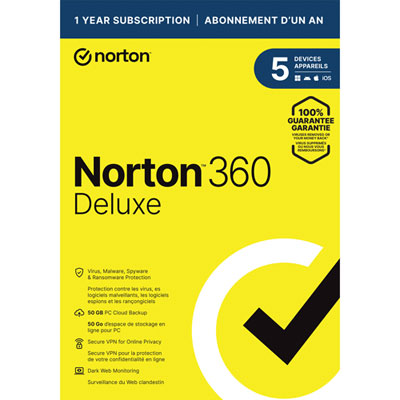 Your price for this item is $89.99
 -
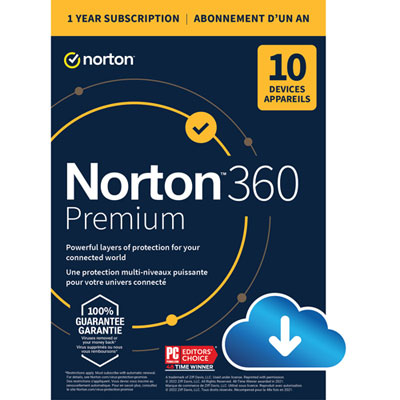 Your price for this item is $99.99
 -
 Your price for this item is $89.99
 -
 Your price for this item is $89.99
 -
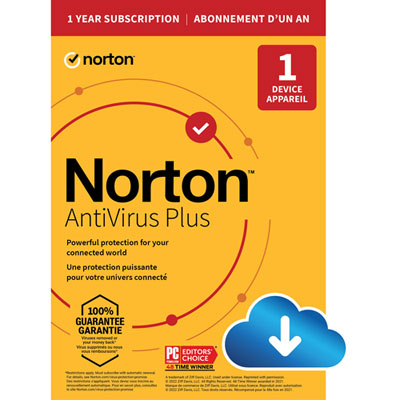 Your price for this item is $14.99
 -
 Your price for this item is $49.99
 -
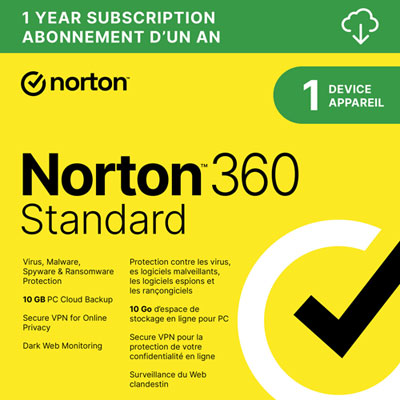 Your price for this item is $69.99
 -
 Your price for this item is $59.95
Discover more categories related to Antivirus Software for Android

Top Collections:
Pokemon Centers, Kindle Devices, Best Budget Office Chairs, Apple iPhones 16, Best Laptops for Writers, iPhone 15 Apple, Canon G7X Cameras, Refurbished Apple Laptops, Alarm Clock, Motorola Razr Phones
Some products may be subject to Environmental Handling Fees
(EHF) depending on your province.
Learn more about EHFs.