Best Mobile Antivirus

Protect your smartphone or tablet with the best mobile antivirus options, ranked by user review ratings. Whether you’re looking for malware detection, safer browsing, or tools to help safeguard your personal information, compare antivirus solutions to find the right fit for your device and everyday needs.

Read More

What to look for in mobile antivirus solutions

1. Device Compatibility

Check that the software supports your phone’s operating system and version. Android apps may offer malware scanning, while iPhone security apps focus on features such as phishing protection and breach alerts rather than scanning other apps.

2. Security Features

Look for protection against malicious links, phishing attempts and unsafe websites. Depending on the plan, additional tools may include a VPN, password manager or alerts when your personal information appears in a known data breach.

3. Performance and Ease of Use

Choose software with clear controls, automatic updates and security alerts you can act on. Independent test results can help you compare Android malware detection, false alarms and effects on battery life or device speed.

4. Subscription Value

Compare the number of covered devices, included features and subscription length. Check introductory pricing, the cost when your plan renews and cancellation terms, along with any limits on features such as VPN data.
Citrus catapult arrow
  1. 1

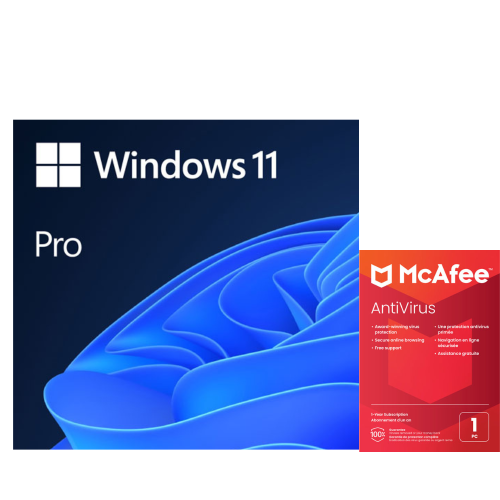
    MICROSOFT Windows 11 Pro (PC) & Norton 360 Standard (PC/mac) - 1 Device - 10GB Cloud Backup - 1 Year Subscription | Digital Download

    About this product

    A powerful and secure Windows 11 Pro operating system with McAfee Antivirus for comprehensive protection.

    (2)
    $249.00 Your price for this item is $249
  2. 2

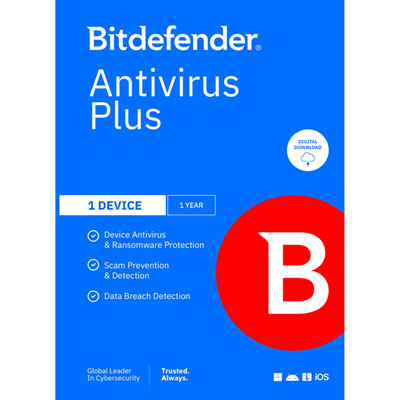
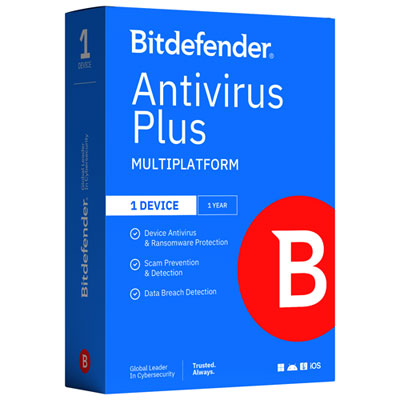
    Bitdefender Antivirus Plus (PC/Mac/iOS/Android) - 1 Device - 1 User - 1 Year - Digital Download

    About this product

    A comprehensive antivirus solution offering advanced protection against scams and ransomware for one device and user.

    (2)
    $49.99 Your price for this item is $49.99
  3. 3

    KASPERSKY Anti-Virus 3-User - 1 Year(Key Card Only)

    About this product

    A reliable antivirus solution providing one year of protection for up to three users via key card.

    (1)
    $43.99
    SAVE $16
    Your price for this item is $43.99
  4. 4

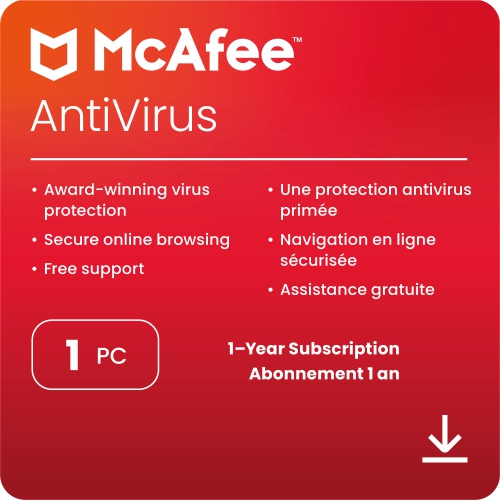
    MCAFEE Antivirus Software (1 PC 1 Year English) - Digital Download

    About this product

    A comprehensive antivirus solution offering virus protection, PC optimization, and Wi-Fi security for one device.

    (1)
    $29.99 Your price for this item is $29.99
  5. 5

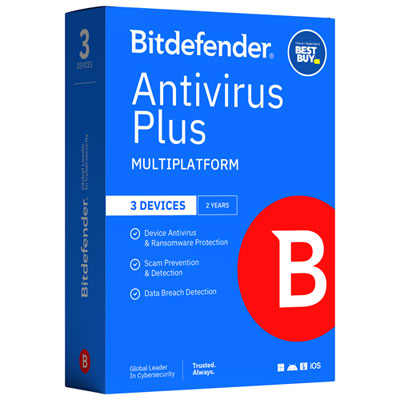
    Bitdefender Antivirus Plus Bonus Edition (PC/Mac/iOS/Android) - 3 Device - 1 User - 2 Year - Only at Best Buy

    About this product

    A comprehensive security solution offering multi-layer ransomware defence, scam detection, VPN, and data breach alerts.

    (8)
    $34.99 Your price for this item is $34.99
  6. 6

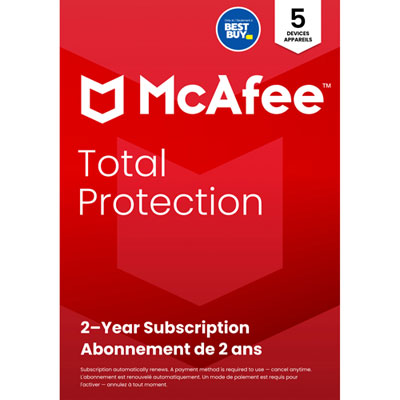
    McAfee Total Protection (Windows/Mac/Android/iOS) - 5 Device - 2 Year - 2025 - Only at Best Buy

    About this product

    A comprehensive security suite offering antivirus, identity protection, scam detection, and a no-log VPN for five devices.

    What customers like

    • Good value for the price
    • Reliable multi-device protection
    • Easy installation and setup
    • Comprehensive security features
    • User-friendly interface
    (71)
    $59.99 Your price for this item is $59.99
  7. 7

    McAfee+ Premium (Windows/Mac/Android/iOS) - Unlimited Devices - 1 Year

    About this product

    An all-in-one security suite offering antivirus protection, text scam detection, and personal data cleanup for all devices.

    What customers like

    • Comprehensive security features including antivirus and VPN
    • Easy to install and set up
    • User-friendly interface and clear instructions
    • Protects multiple devices with one subscription
    • Low impact on system performance
    (69)
    $49.99 Your price for this item is $49.99
  8. 8

    McAfee+ Premium Family (Windows/Mac/Android/iOS) - Unlimited Devices - 1 Year

    About this product

    A comprehensive security suite offering antivirus, VPN, scam text detection, and parental controls for all household devices.

    What customers like

    • Includes VPN and advanced security tools
    • User-friendly interface and clear instructions
    • Easy installation and setup
    • Comprehensive protection across multiple devices
    • Effective parental controls and privacy features
    (69)
    $199.99 Your price for this item is $199.99
  9. 9

    Bitdefender Antivirus Plus (PC/Mac/iOS/Android) - 1 Device - 1 User - 1 Year

    About this product

    A comprehensive antivirus solution offering ransomware defence, scam detection, VPN, and data breach alerts for one device.

    (3)
    $49.99 Your price for this item is $49.99

Phone protection that fits your operating system and routine

The best mobile antivirus software combines dependable threat detection, effective protection against malicious links, and a light impact on everyday phone performance. The right fit depends on the phone’s operating system, the way it is used, and the security features included with the software. Mobile antivirus is a digital security product, often supplied through a subscription, that can help protect personal information during browsing, messaging, shopping, and other daily activities. A phone may hold banking apps, saved passwords, work emails, family photos, and digital boarding passes, making protection useful well beyond checking downloaded files. A convincing text about a missed delivery or a sign-in page that looks almost identical to a familiar service can put that information at risk without an obvious warning. Depending on the operating system and permissions granted, mobile security software may help flag suspicious websites, assess installed apps, or warn about potentially unsafe connections. Malware detection remains an important consideration, but the best mobile antivirus for a particular person also needs to suit their routine. Someone who downloads apps frequently may value automatic app scanning, while someone who mainly uses their phone for email and online banking may place greater importance on phishing protection and clear security alerts. Independent testing can provide useful evidence of detection performance, false alarms, and effects on device speed, particularly when the results cover the same operating system as the phone being protected. No antivirus can guarantee that every threat will be caught, and an impressive list of extras does not necessarily mean stronger core protection. Consistent updates, clearly explained features, and alerts that distinguish a genuine concern from a routine notification are meaningful qualities. For daily use, security should fit around activities such as navigating across town, joining a video call, or showing a ticket at the door, rather than making the phone noticeably harder to use. Protection that is easy to understand is also easier to keep active over time.

Compatibility is especially important because mobile antivirus works differently on Android and iOS. Android security apps can offer malware scanning of installed apps and certain files, subject to the device’s software version and the permissions provided. On iOS, third-party apps cannot perform a traditional system-wide antivirus scan or inspect other apps in the same way. Security software for those devices generally focuses on features such as malicious website protection, scam alerts, connection security, and account-related monitoring. A shared product name across both platforms does not mean that every feature is identical. Supported operating system versions, browser requirements, and any limitations on message filtering therefore matter as much as the overall feature list. Everyday performance also deserves attention. Background scanning and web protection should have a manageable effect on battery life, mobile data use, and responsiveness, although actual results vary with the device and settings. On an older phone, the difference may be most noticeable during a long commute or a day spent away from a charger. Straightforward controls, readable alerts, and accessible support can make security software a better fit for a student’s first phone, a busy household, or a relative who prefers minimal setup. Some tools require sensitive permissions, such as access to notifications or accessibility functions, to provide particular protections. Clear explanations of those permissions and how personal information is handled help distinguish useful access from access that is unnecessary for the intended use. Digital security products do not have materials or physical wear to assess; their lasting usefulness depends instead on continued software support, timely threat updates, and compatibility with future operating system changes. Automatic updates can help maintain protection, but they do not replace updates for the phone itself. A device that no longer receives operating system security updates may retain weaknesses that an antivirus app cannot fix. The strongest fit is software that supports both the phone’s technical requirements and the owner’s ability to manage it comfortably.

Additional mobile security features can be useful when they address a specific need rather than simply expanding the feature list. A virtual private network, or VPN, encrypts traffic between the device and the VPN service, which can add a layer of privacy when connecting through shared Wi-Fi at a café, hotel, or airport. It does not make a fraudulent website trustworthy, prevent every form of tracking, or replace malware protection. Password management, where included, can help maintain different passwords for different accounts, while breach monitoring may alert someone when certain personal details appear in known exposed data. Those alerts cannot prevent a breach or guarantee that every exposure will be found. Lost-device features may also be relevant, although remote location, locking, and erasing capabilities depend on the platform, account settings, and connectivity; some are already built into the phone. For households protecting several screens, the number of supported devices and the mix of eligible operating systems can determine whether a security subscription suits the whole family. A phone used for commuting and a tablet shared for homework may need different settings even when both are covered by the same subscription. Related Tablet Antivirus Software provides another category to consider when protection needs extend beyond a handset. A subscription intended as a gift is most useful when it matches the recipient’s device and can be activated under their own account without sharing private credentials. For work phones, employer requirements may take priority over personal preferences, especially where company-managed security tools are already installed. Across these situations, practical value comes from dependable protection, appropriate device coverage, and features that will actually be used. Mobile antivirus works best alongside a screen lock, unique passwords, multi-factor authentication, regular backups, and care with unexpected links. Together, those measures help protect the everyday moments that depend on a phone, from sending a family photo to checking a bank balance while away from home.
Read More

FAQ

Some products may be subject to Environmental Handling Fees (EHF) depending on your province. Learn more about EHFs.