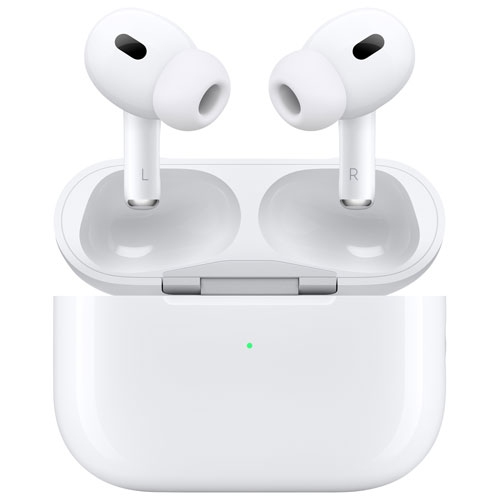
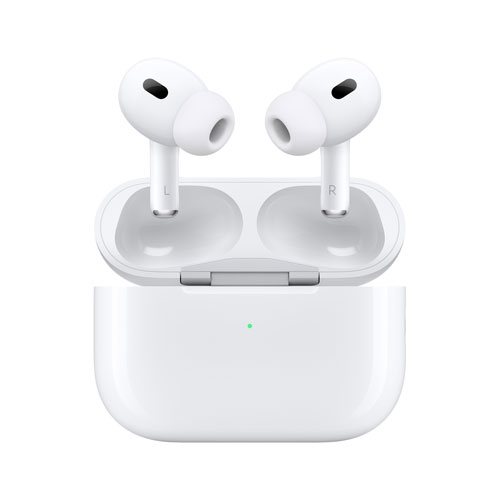
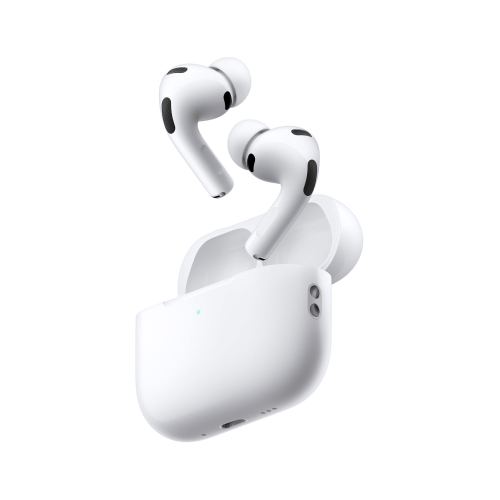
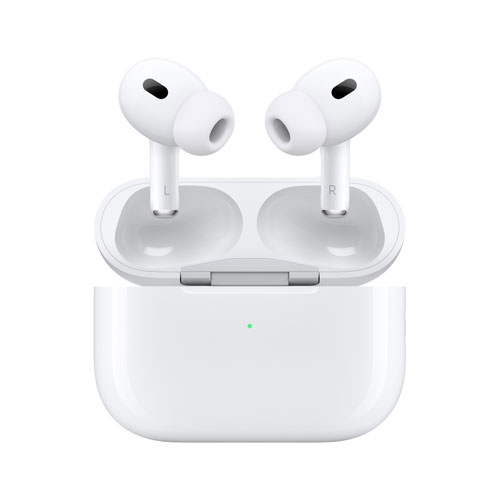
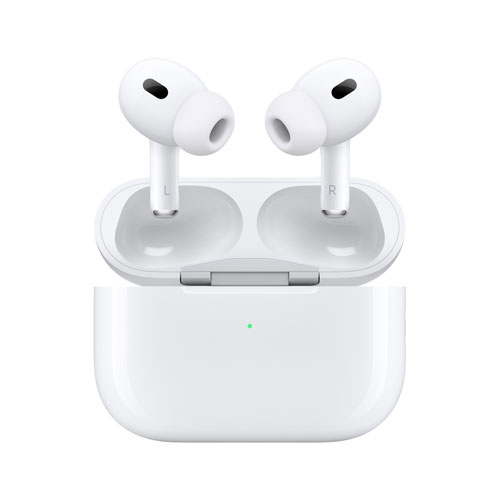
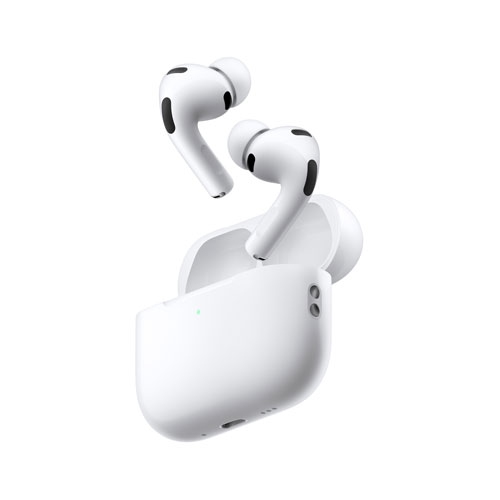
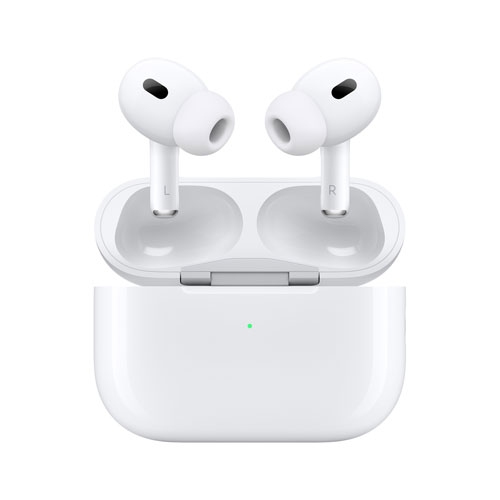
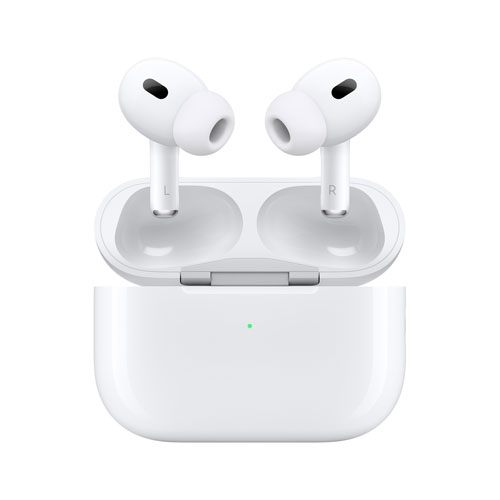
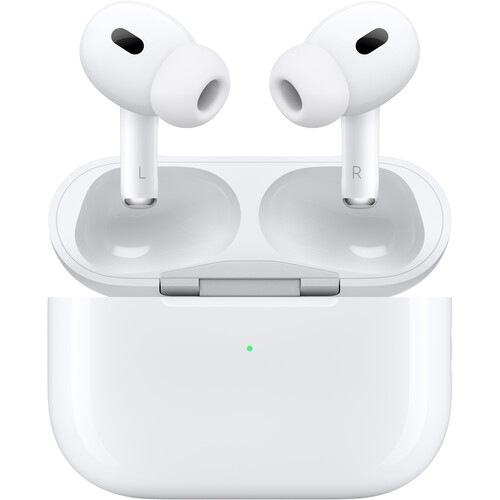
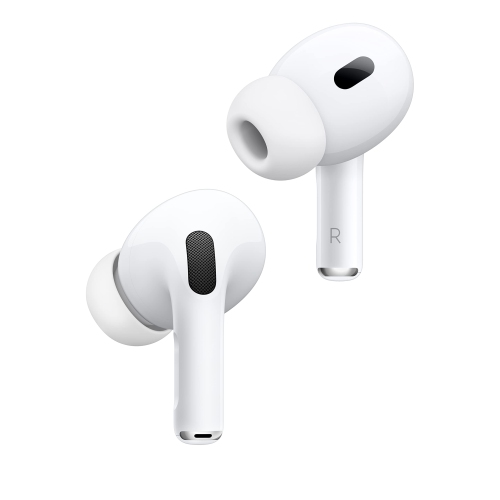
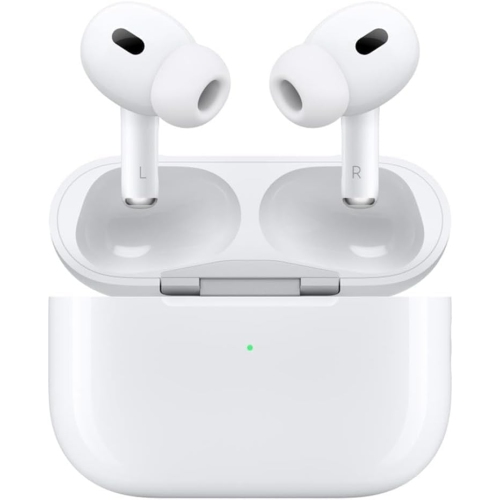
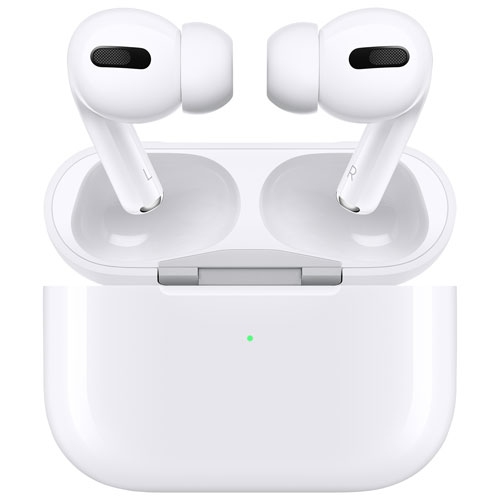
Apple AirPods Pro with Wireless Charging Case
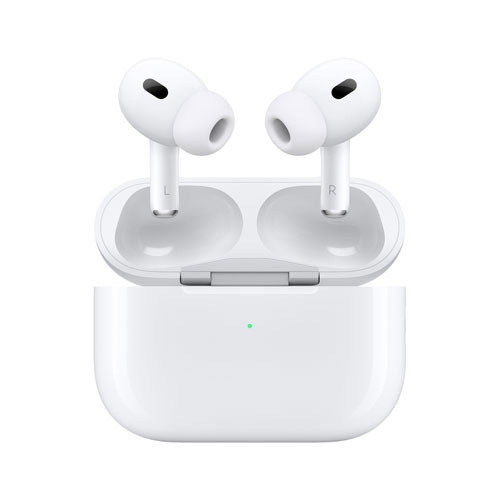
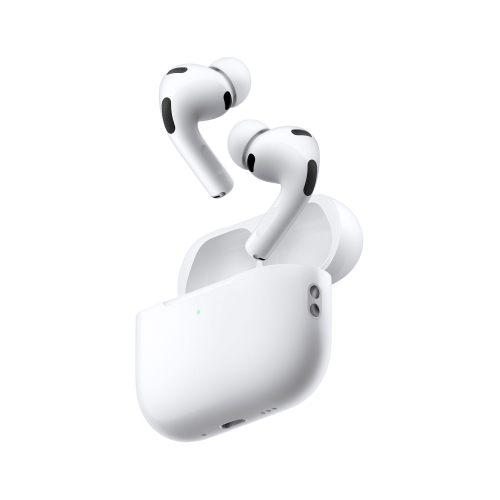
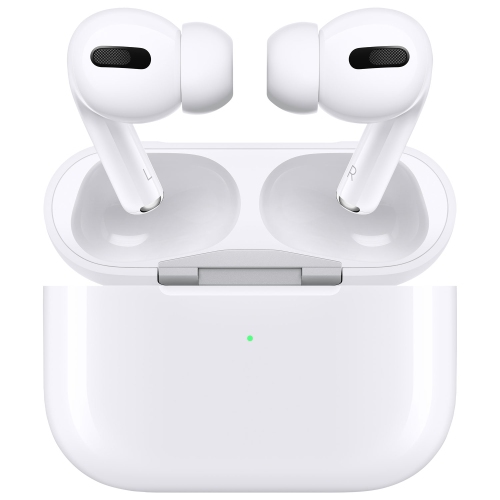
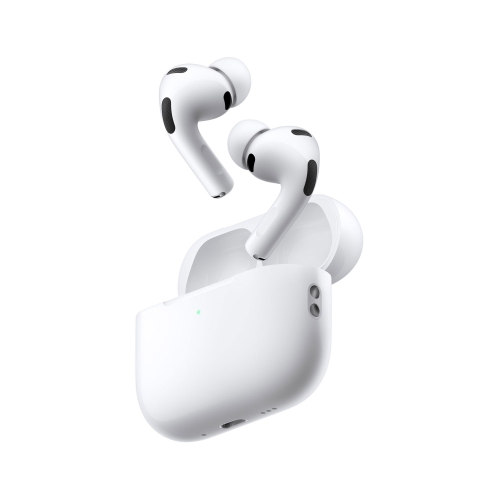
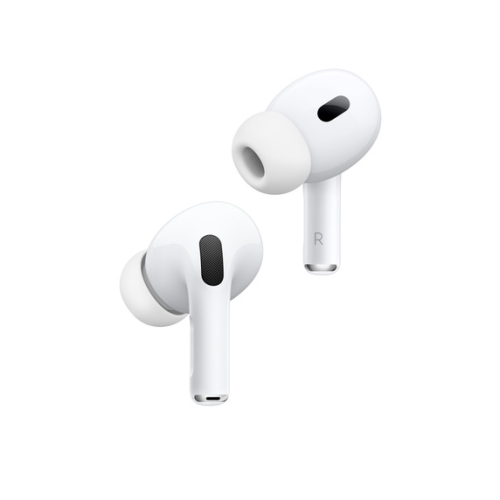
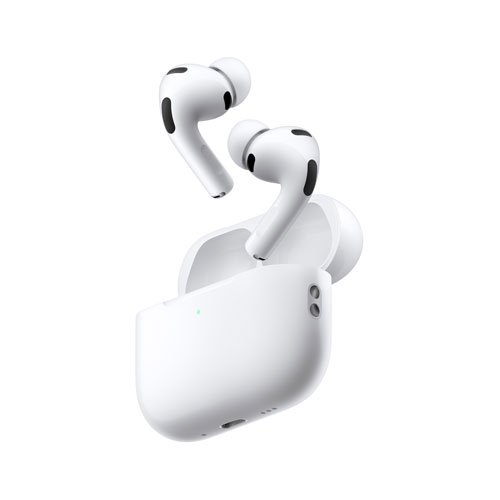
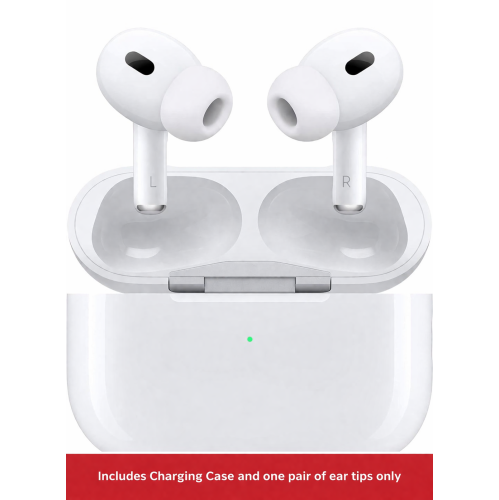
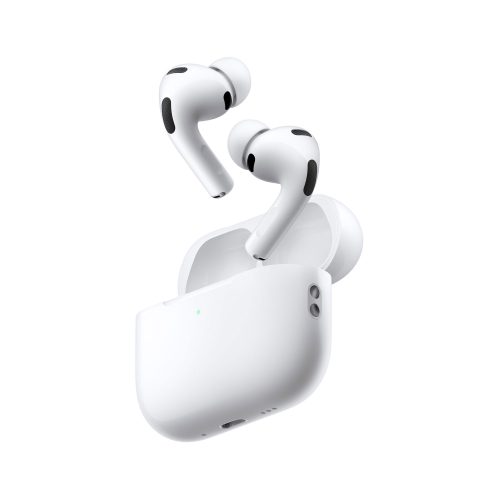
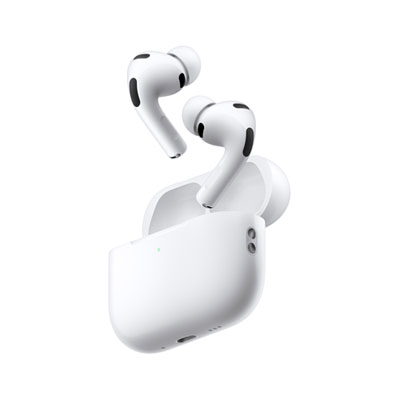
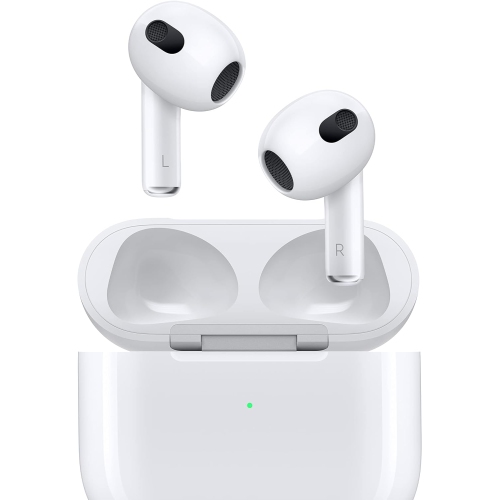
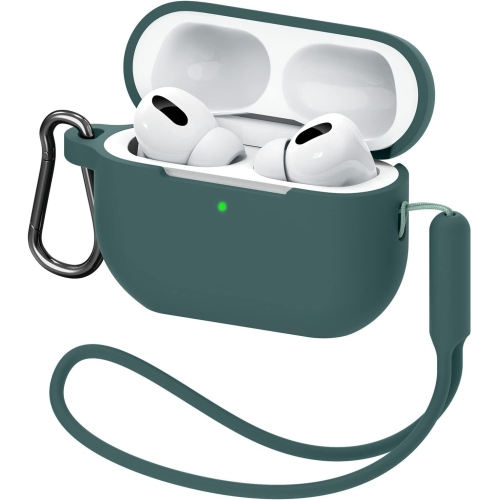
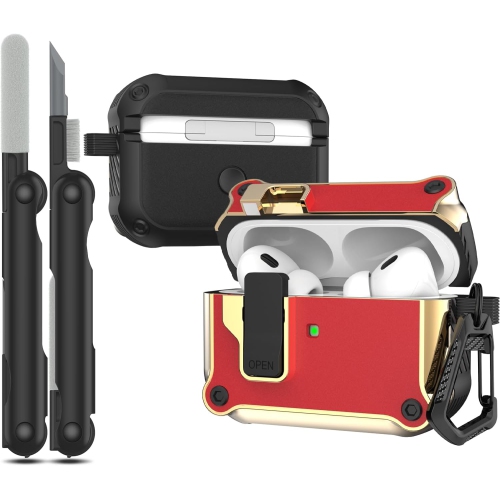
Shop Apple AirPods Pro with a wireless charging case, and compare listings to find the right pair for your iPhone and everyday listening. Check each listing for the AirPods Pro generation, charging case type, condition, and included accessories so you know what you’re getting.









































FAQ
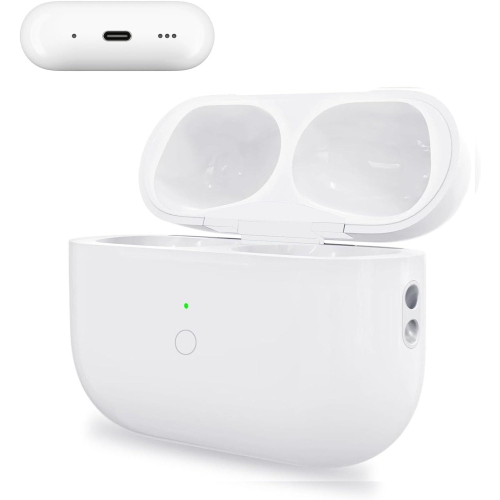
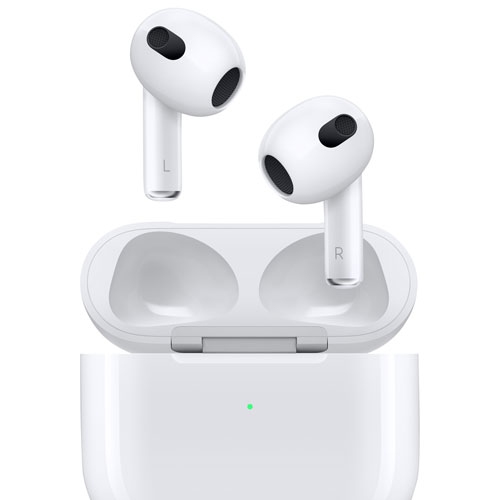
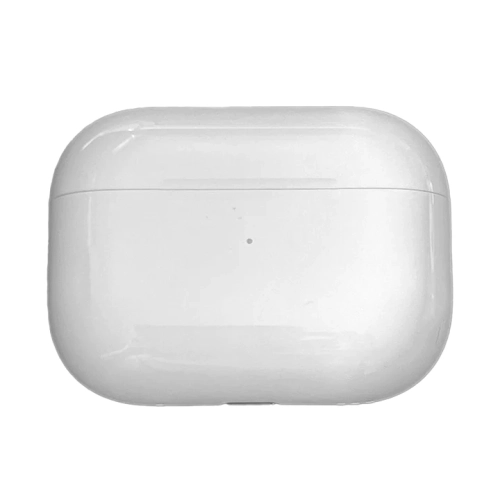
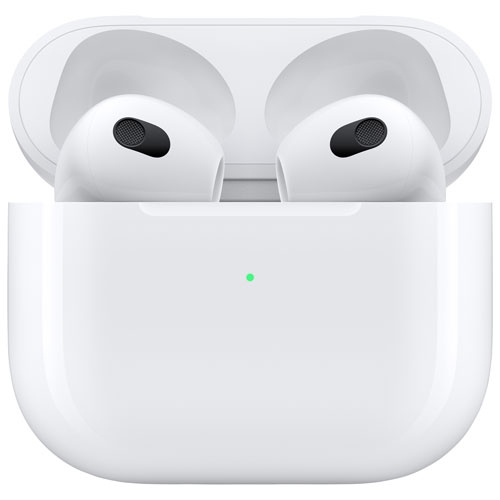
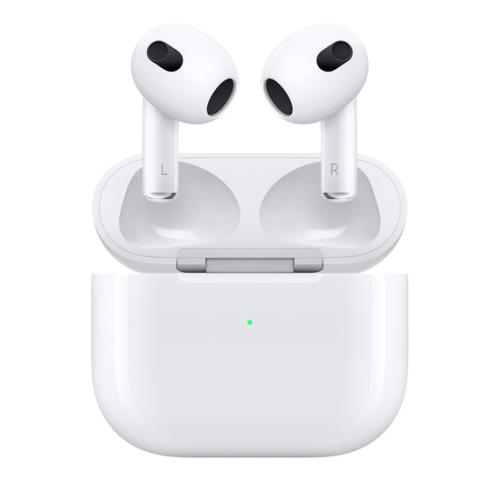
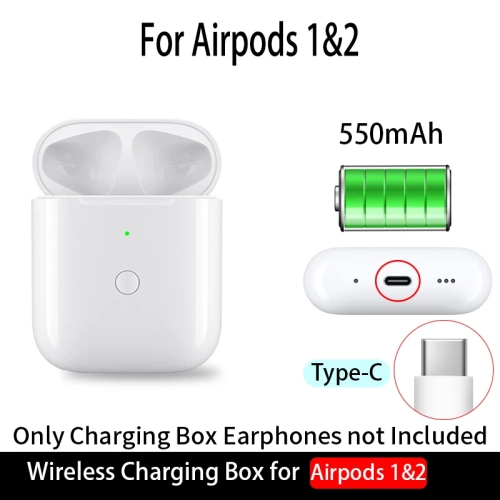
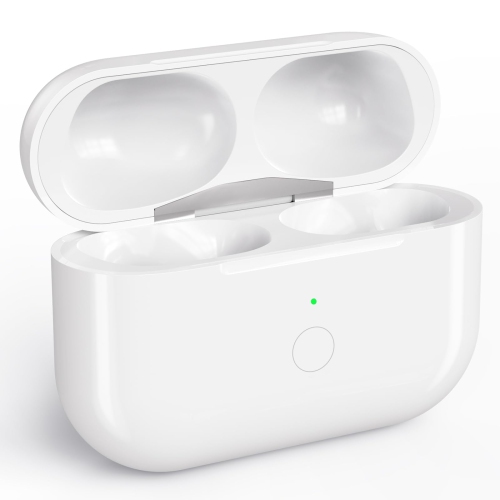
Place the charging case on a compatible Qi-certified charging pad with the status light facing up and the lid closed. Connect the charging pad to power, then position the case in the centre of the pad. The status light briefly turns on to show that charging has started.
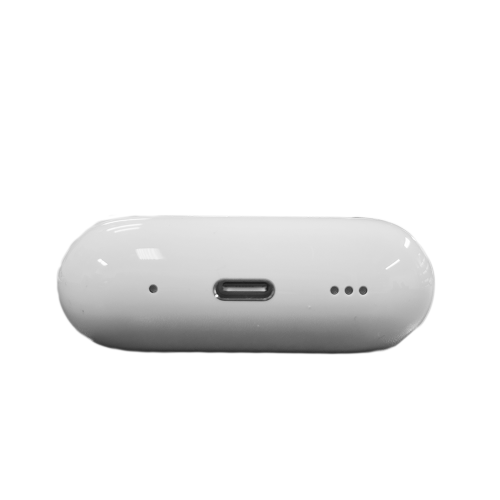
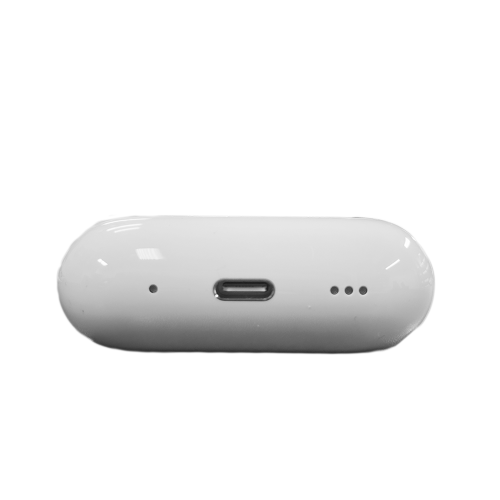
Yes. AirPods Pro wireless charging cases also support wired charging. Depending on the case generation, you will need either a Lightning or USB-C cable and a compatible USB power source.
Yes. AirPods Pro can connect to compatible Android phones and Windows computers through Bluetooth for audio playback and calls. Some features, such as Siri and automatic switching between Apple devices, require compatible Apple hardware and software.
Yes. The case can charge wirelessly or with a cable while the earbuds are in use. Once the case has power, it can charge the earbuds when you place them inside and close the lid, even when the case is unplugged.
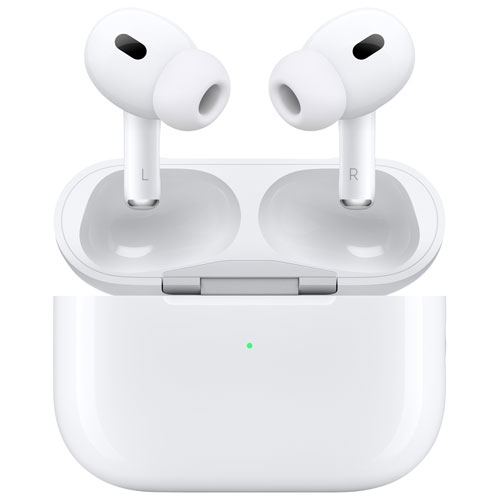
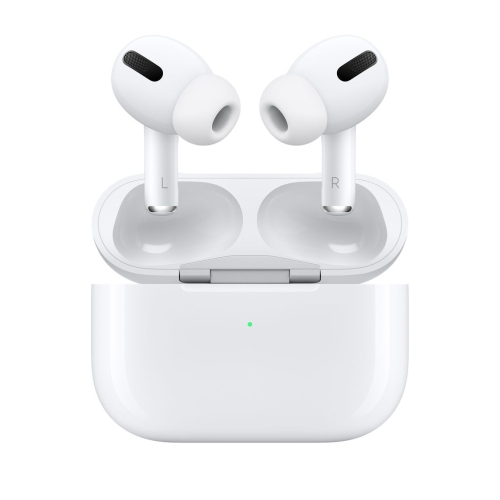
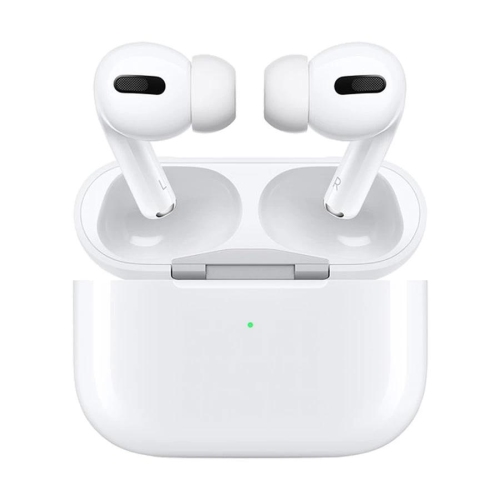
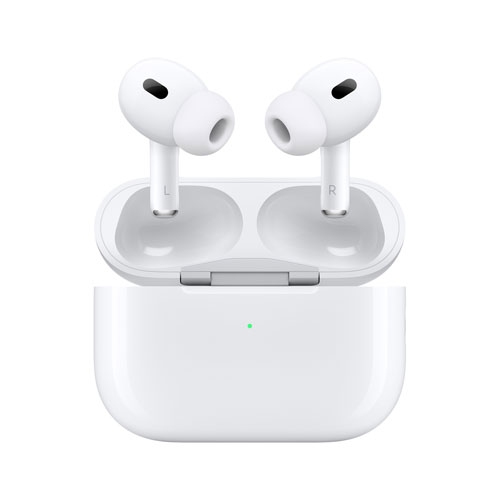
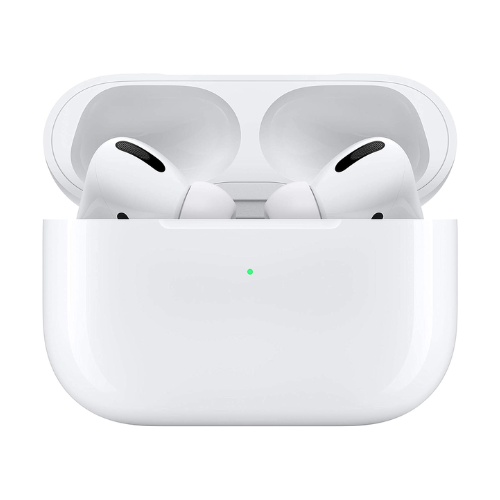
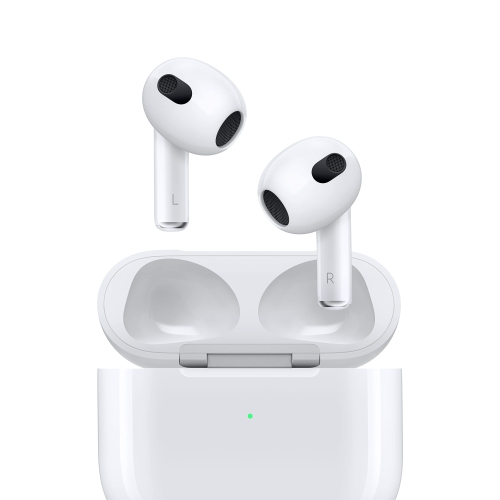
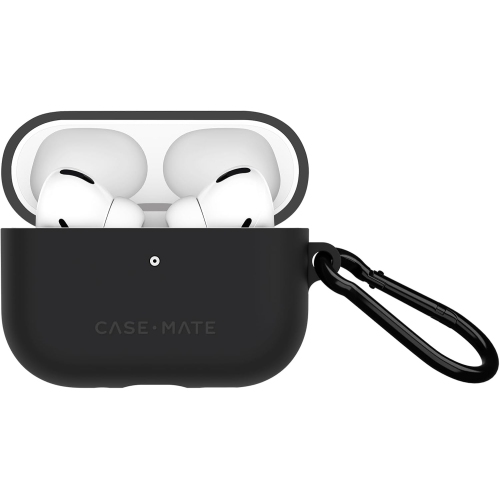
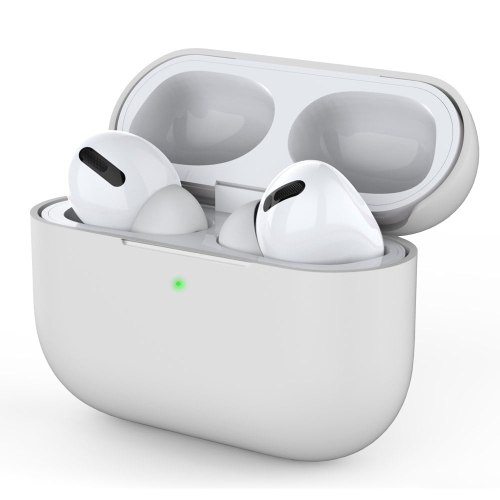
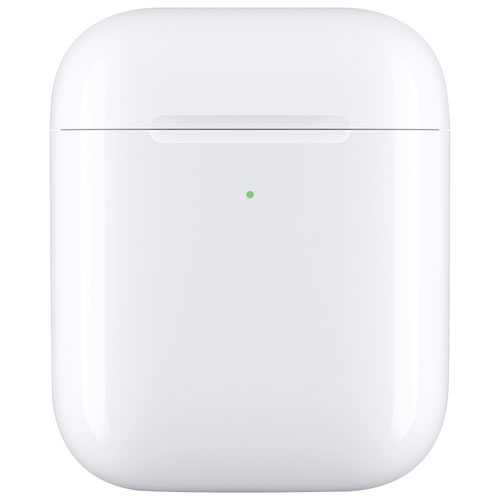
On a paired iPhone or iPad, open the case lid with the earbuds inside and hold it near the device to view battery information. You can also use the Batteries widget. The case status light shows the earbuds’ charge when they are inside or the case’s charge when they are removed: green means fully charged, while amber means less than one full charge remains.
Top selling and popular products
Discover more categories related to Apple AirPods Pro with Wireless Charging Case
Some products may be subject to Environmental Handling Fees (EHF) depending on your province. Learn more about EHFs.