Cool Desk Fans
Cool Desk Fans are the perfect addition to any workspace, offering a refreshing breeze to help you stay comfortable and focused throughout the day. Whether you're working from home or at the office, these compact and stylish fans fit seamlessly on your desk without taking up too much space. With a variety of designs to choose from, finding the right Cool Desk Fan to match your personal style and cooling needs is simple. Explore options that make it easy to enjoy a cooler, more productive environment right at your fingertips.
Sort
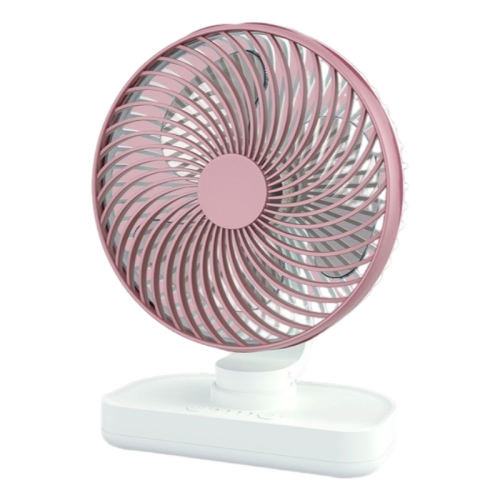

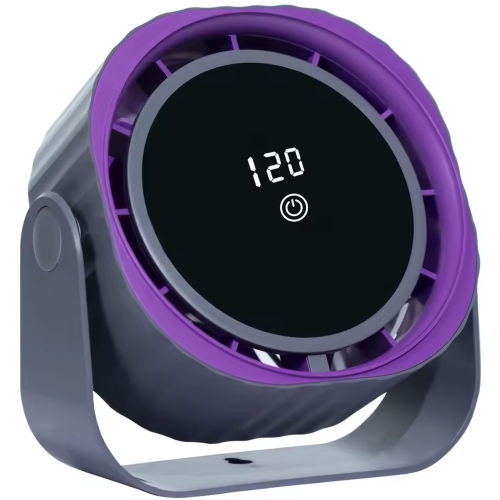
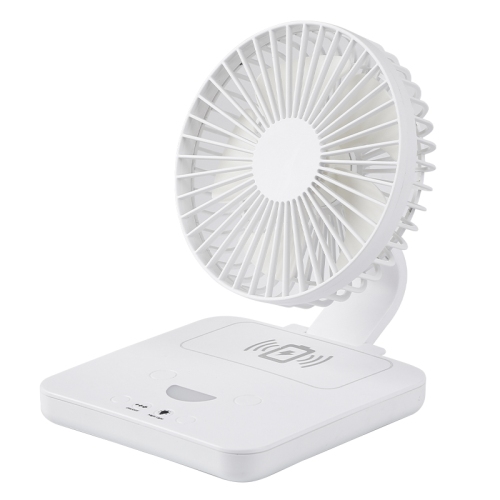
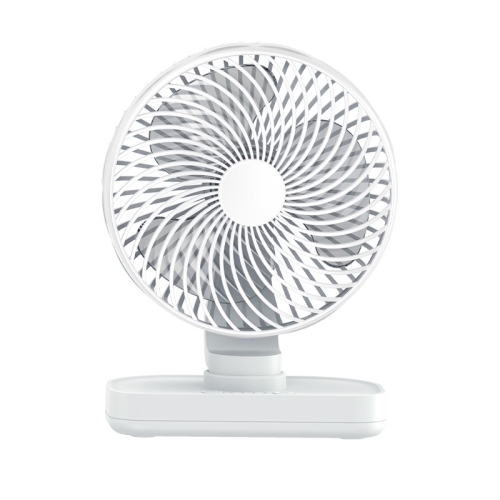
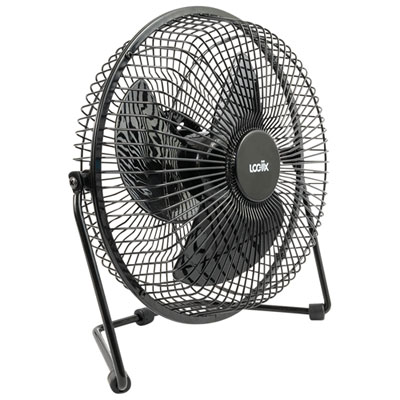
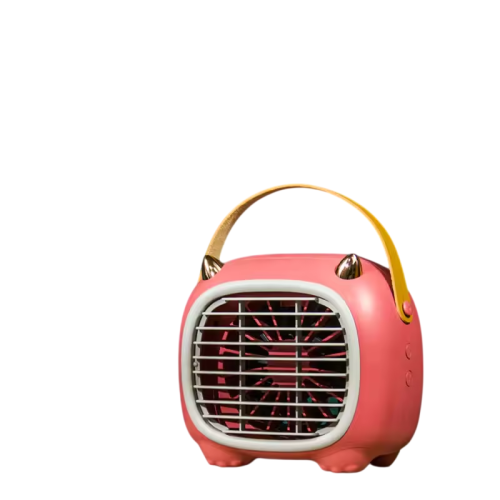
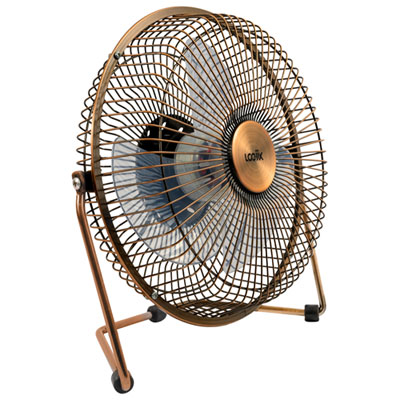
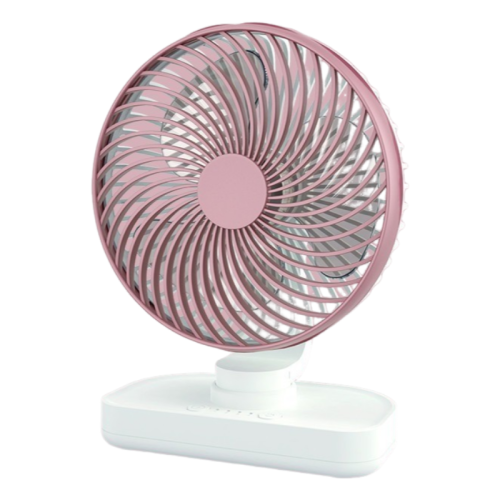
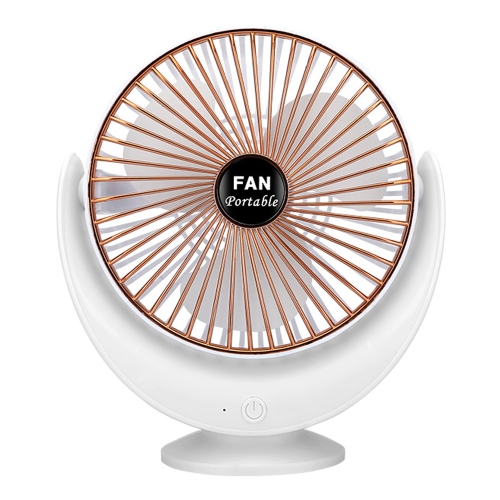
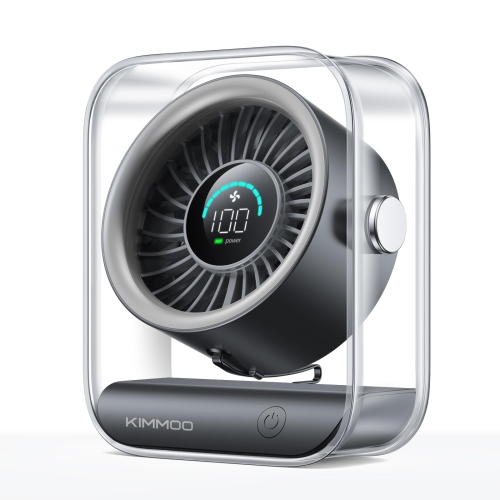
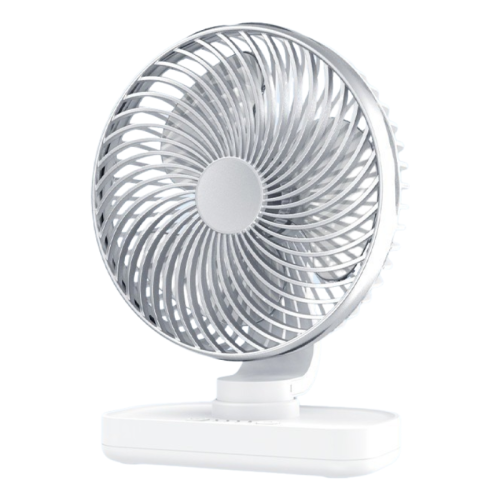
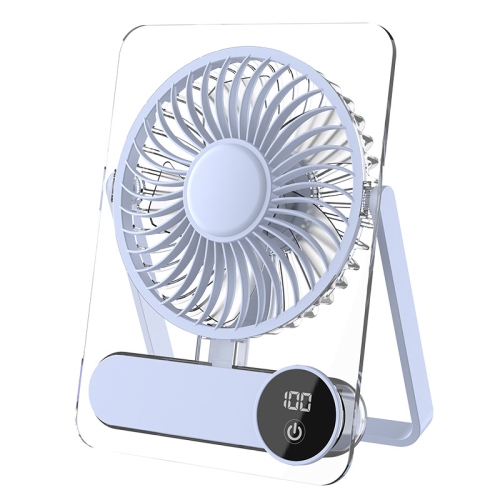
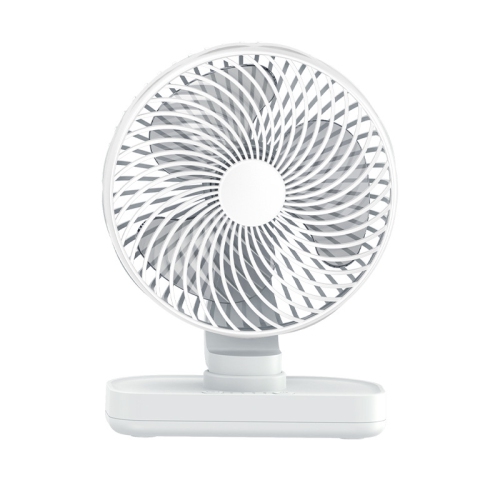
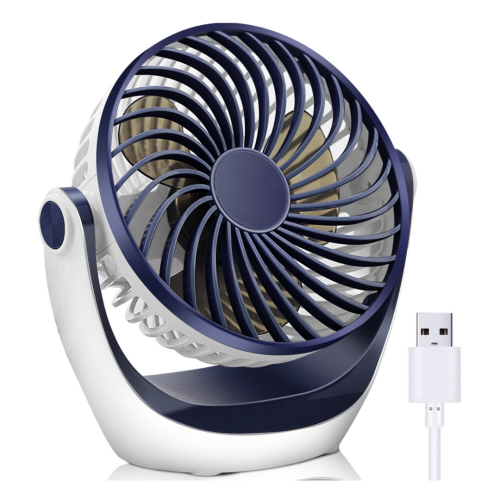
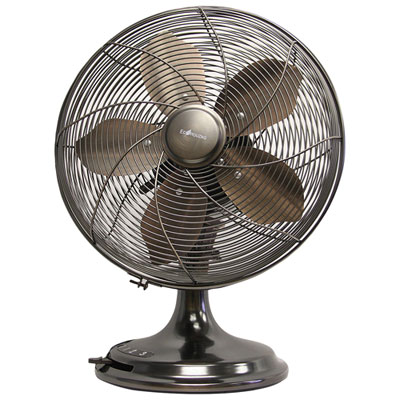
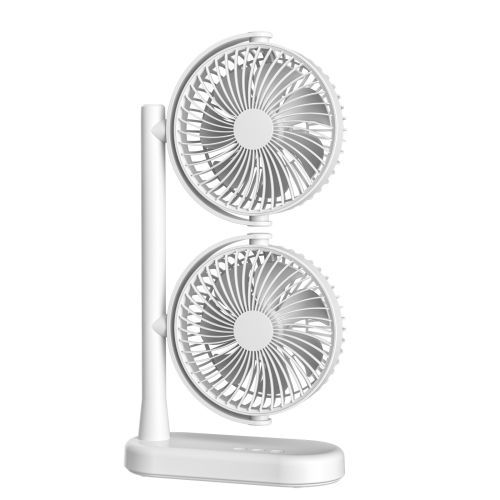
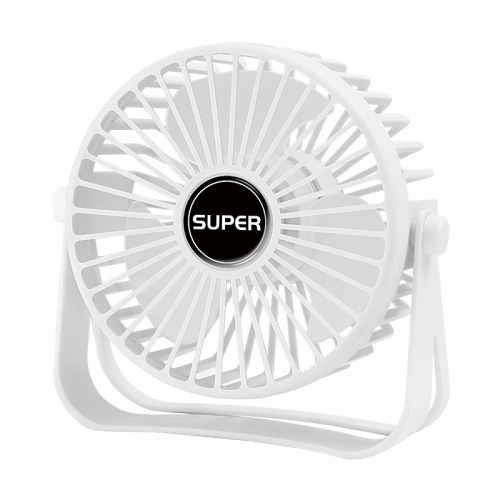
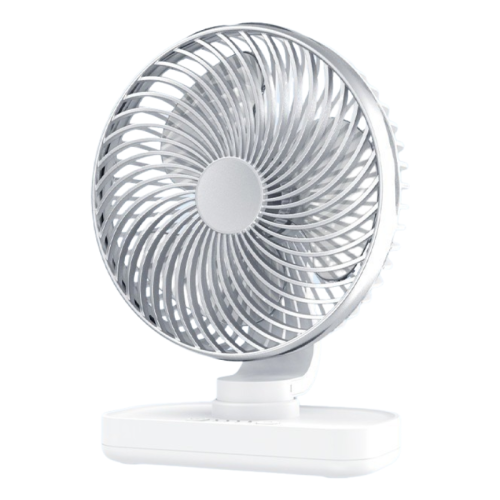
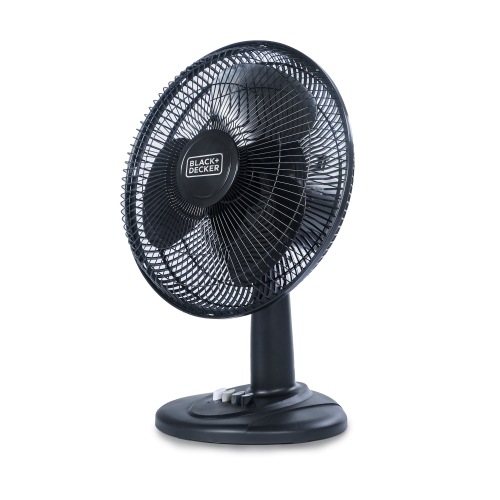
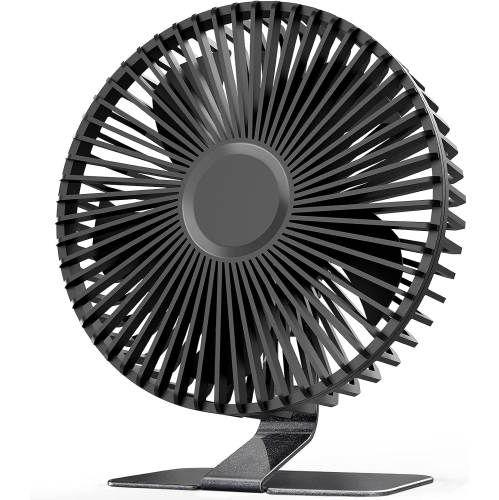
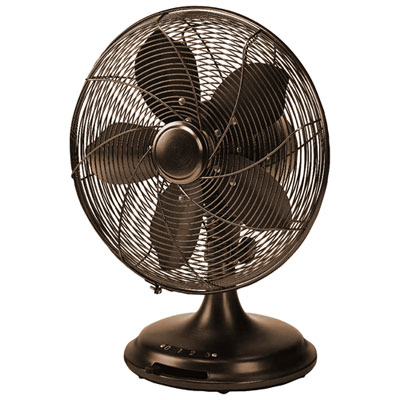
A quiet breeze without crowding your desk
A good desk fan for home or office use combines a compact footprint with quiet operation and enough airflow to feel at a normal sitting distance. The point is to move air where someone is actually sitting, not to send a breeze across the whole room. A small fan aimed across the space between a keyboard and a monitor can be more useful than a larger one angled past the chair. Size alone doesn’t tell the whole story: the shape of the outlet, the angle of the fan head and the distance to the chair all affect how the breeze feels. A narrow stream gives one person a steady breeze without much spillover, while an oscillating fan spreads airflow over a wider area. That wider sweep can be handy at a workbench or a long desktop where someone shifts between a laptop and a clear work surface. A fixed fan is often a better fit beside loose notes or in a shared workspace where someone at the next desk may not want a breeze. The useful footprint is more than the width of the base. A fan tucked next to a monitor stand still needs room for the head to tilt or turn, space behind it for air to enter and a path for the cord that doesn’t cross the mouse pad. A low-profile fan can sit below a screen without blocking it, while a taller one can direct air over a docking station or a stack of notebooks. An adjustable head is particularly helpful on a shallow desk: tilting the breeze slightly upward can keep it off papers without forcing the fan to the back edge. A clip-on design saves desktop space when there’s a sturdy shelf or desk edge within reach, but the clip needs to open wide enough for the surface and sit flush against it. On a sit-stand desk, a fan that moves with the work surface can keep the same angle and distance when the desk is raised.
Quiet operation matters most when the fan sits close by for long stretches. For video calls, reading or recording, a low setting that still produces a noticeable breeze is often more useful than an especially powerful top speed. Sound isn’t just a matter of how loud the motor is. The rush of air through a grille, a faint tick as the head turns or a base that vibrates against a hollow desktop can be more distracting than a steady hum. Rubber feet can help keep vibration from carrying through the desk, and separate controls for speed and oscillation let the air stay pointed in one direction when the turning motion is distracting. Decibel figures are most useful when they’re measured at comparable speeds and distances; a quiet rating at the lowest speed doesn’t tell much about the sound at full power. Placement makes a difference on calls, too. Directing the breeze across the side of the chair rather than straight toward a microphone can cut down on wind noise. The Office Desk Fans collection is a natural place to look for fans suited to shared workspaces, home offices and desks that do double duty for work and study. The power connection can be as important as the controls in those settings. A USB-powered fan can keep a setup tidy if a nearby port or adapter supplies the power it needs, but a fan connected to a computer or hub may stop when that device goes to sleep. A plug-in fan makes sense for a permanent setup with an outlet within reach. A rechargeable design is easier to move from a desk to a craft table without rerouting a cord, though it will generally run for less time on a higher speed. Controls within easy reach make a difference when the fan sits behind a screen, and straightforward speed buttons can be easier to use by feel than a flush control panel.
Materials affect how a desk fan feels in daily use and how well it holds up to being moved or adjusted. A plastic housing can keep the fan light enough to carry between rooms, while a rigid grille, a broad base and a hinge that holds its angle matter more if the fan gets bumped or repositioned often. A heavier base can feel steadier on a shared desk, where reaching for a charger or pulling a notebook out from under a monitor is enough to jostle a lighter fan. A closely spaced grille helps keep fingers away from the blades, but it isn’t a substitute for keeping the fan and its cord out of reach of young children and pets. Grille design also affects upkeep. Dust tends to gather around the air intake and grille openings, where it’s easy to overlook on a fan that sits against a wall. With the fan switched off and disconnected from power, a soft brush or dry cloth can lift loose dust from the outside. A removable grille can make the blades easier to clean where the manufacturer allows it; a housing that isn’t designed to open should stay closed. A compact fan can make a practical gift for a student with a narrow study desk, a remote worker who spends much of the day on calls or a hobbyist who spends hours at a work surface. The same features won’t suit every recipient. A small base leaves valuable space for an open textbook, a steady low speed is useful beside a microphone, and a head that stays put can keep the breeze away from fabric scraps or lightweight drawing paper. If the desk layout is unfamiliar, a freestanding fan with an adjustable angle is less dependent on the furniture than a clip that needs a particular edge. For a fan that will spend most of its time in one spot, the simplest measure of fit is whether it can deliver a comfortable breeze from that spot without taking over the work surface.
Top selling and popular products
-
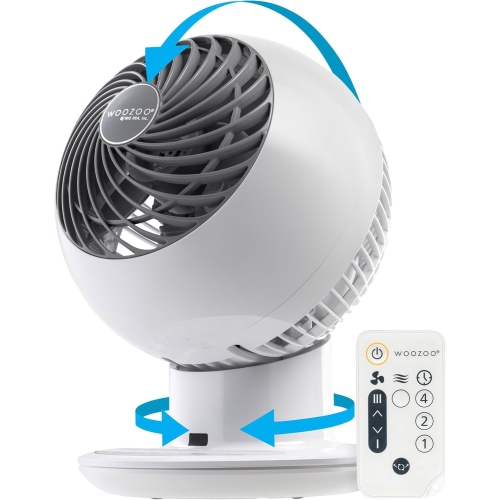 Your price for this item is $64.08
-
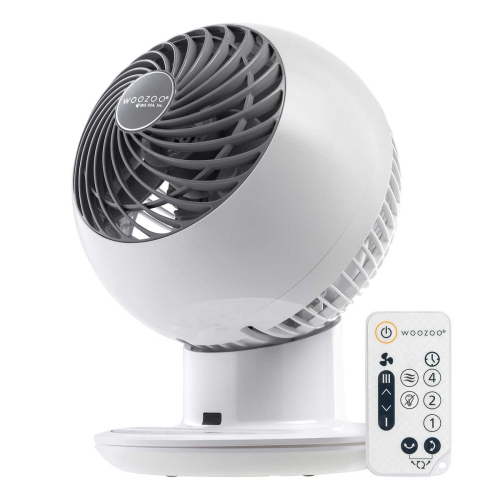 Your price for this item is $64.08
-
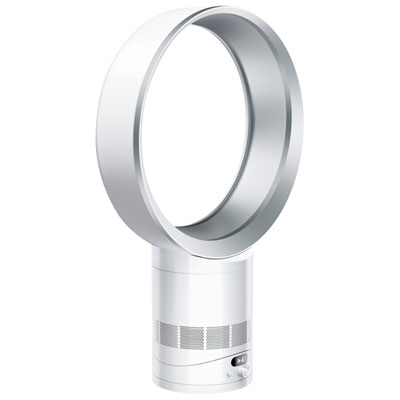 Your price for this item is $379.99
-
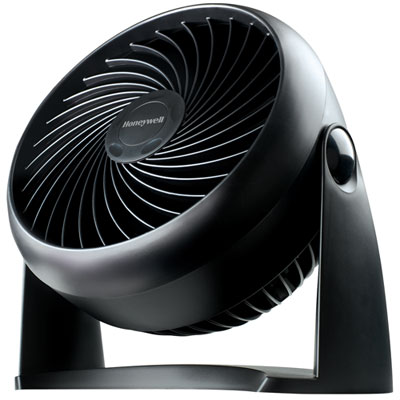 Your price for this item is $24.99
-
 Your price for this item is $49.99
-
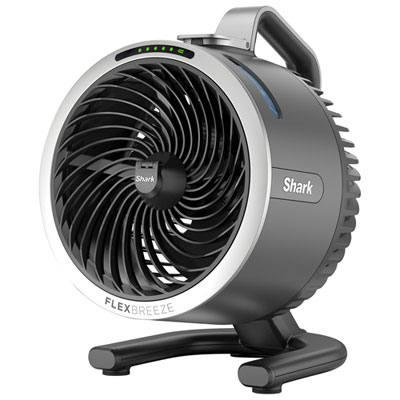 Your price for this item is $129.99
-
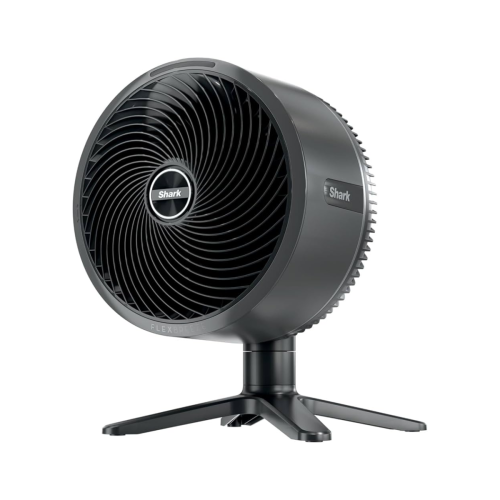 Your price for this item is $199.99
-
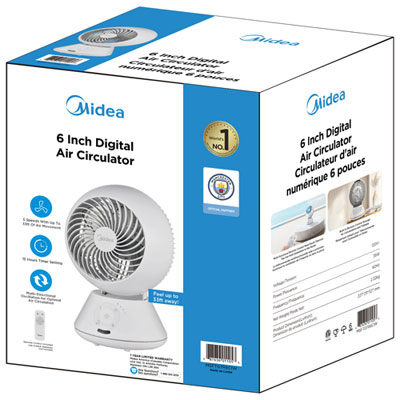 Your price for this item is $44.99
Discover more categories related to Cool Desk Fans
Top Collections:
Best Black Friday Deals This Year, Best Black Friday Deals On Electronics, Kindle Devices, Pokemon Centers, Best Black Friday Deals On Apple Products, Best Cameras for Sports Photography, Dyson Airwrap, Pokémon 30th Celebration Cards, Apple iPhone 17 Pro, Canon G7X Cameras
Some products may be subject to Environmental Handling Fees
(EHF) depending on your province.
Learn more about EHFs.