Robot Vacuums for A Cleaner New Year
FAQ
Robot vacuums with scheduling features let you choose cleaning days and start times, usually through a companion app. Depending on the model, you may also be able to assign different rooms to different days and adjust your schedule as your New Year routine takes shape.
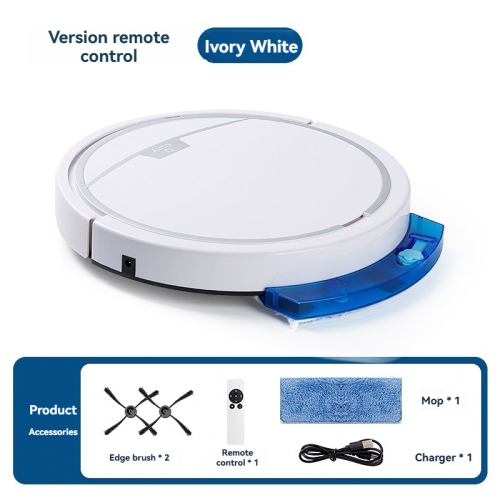
Many robot vacuums offer basic controls through onboard buttons without Wi-Fi. Connected features, such as remote app access and voice assistant integration, generally require a compatible network. Check the model’s connectivity requirements to confirm which features are available with and without Wi-Fi.
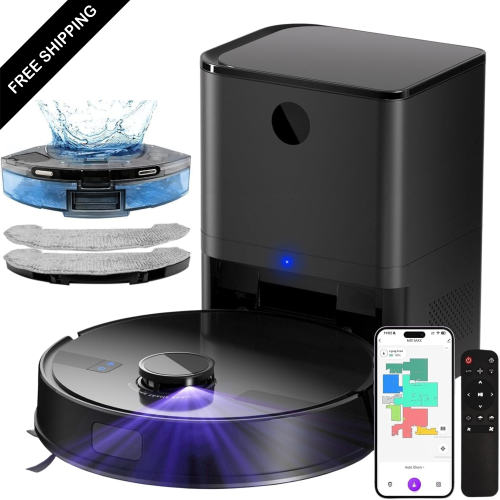
Some robot vacuums can create floor maps that you can view and edit in a companion app. Depending on the model, options may include naming rooms, selecting specific rooms for a cleaning session, setting virtual boundaries and storing maps for multiple floors.
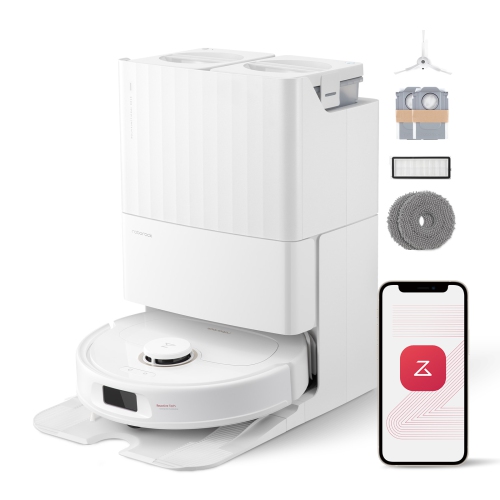
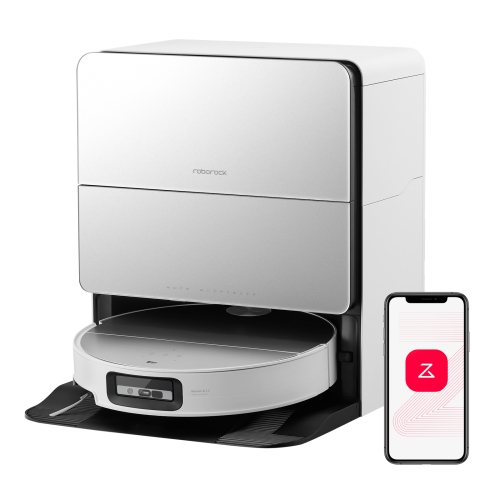
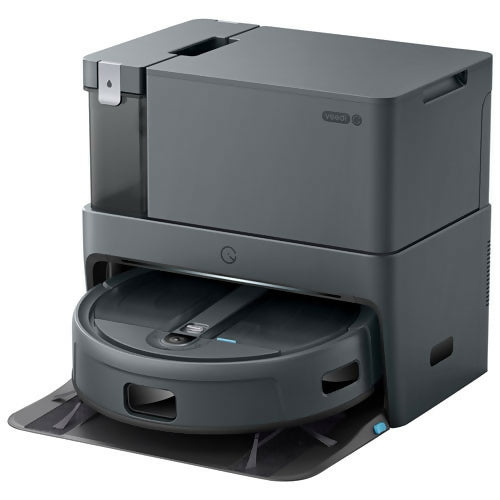
A standard charging dock recharges the robot vacuum, while a self-emptying dock also transfers debris from the robot’s dustbin into a separate container or bag. Some combination vacuum-and-mop models have docks with additional functions, such as washing or drying mop pads. Dock features vary by model.
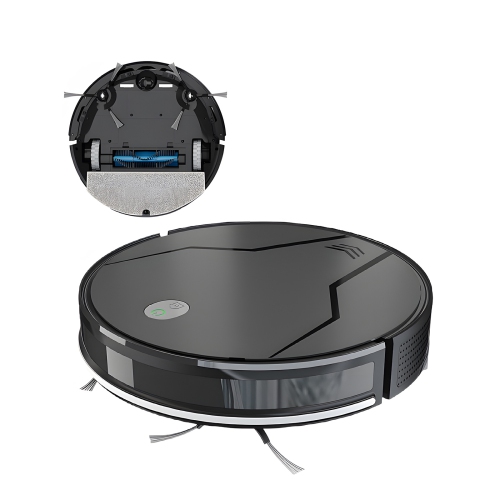
Routine maintenance typically includes emptying the dustbin, removing tangled hair from brushes, cleaning filters and wiping sensors as directed in the owner’s manual. Models with mopping functions may also need mop-pad washing and water-tank care. Follow the manufacturer’s maintenance and replacement schedule for your model.
Top selling and popular products
Discover more categories related to Robot Vacuums for A Cleaner New Year
Some products may be subject to Environmental Handling Fees (EHF) depending on your province. Learn more about EHFs.