USB Cooling Fans
Stay cool and comfortable while working or gaming with our wide selection of USB cooling fans. These versatile and portable devices are designed to provide a refreshing breeze wherever you go, whether it's at your desk, in your car, or during outdoor activities. With their convenient USB connectivity, these fans can be easily powered by your laptop, power bank, or any other USB-enabled device. Beat the heat and stay productive with our range of USB cooling fans that offer efficient cooling solutions for every need.
Sort





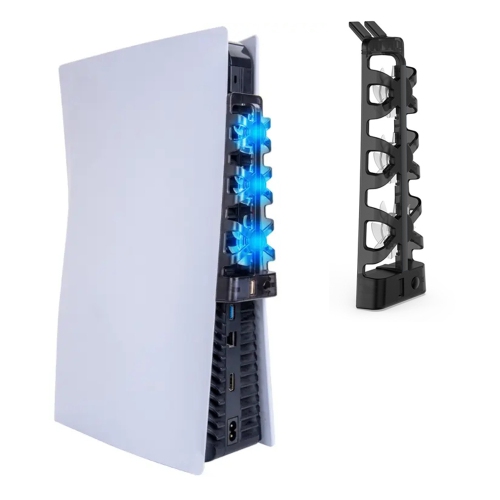
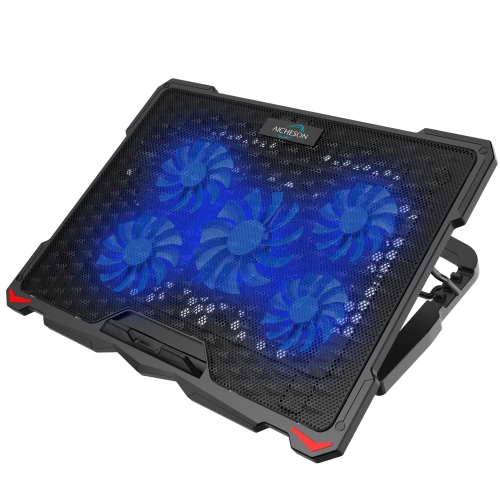
![HLD Wind - Laptop Cooling Pad - 11"- 19", Ps4 - [ 4 Fans ] - Light, Quiet Rapid Cooling Action - Ergonomic Ventilated Support](https://multimedia.bbycastatic.ca/multimedia/products/500x500/138/13811/13811145.jpg)

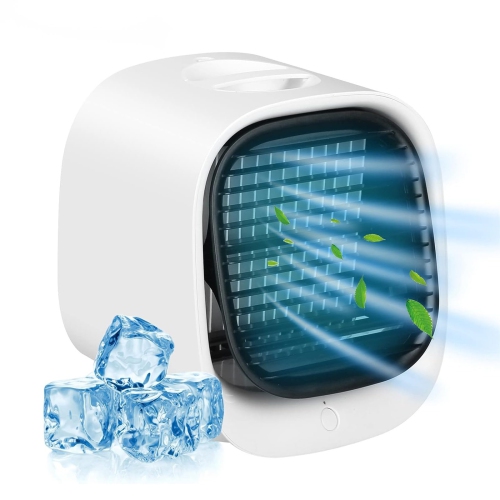
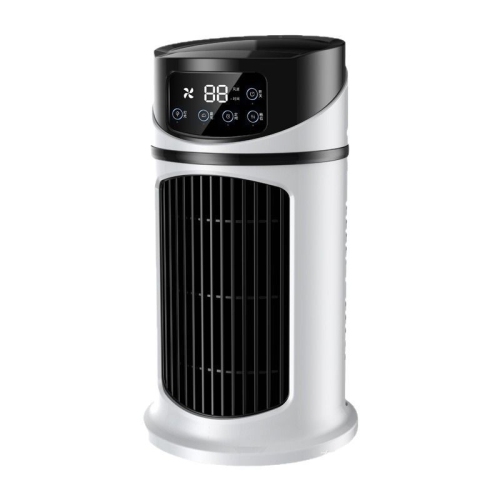
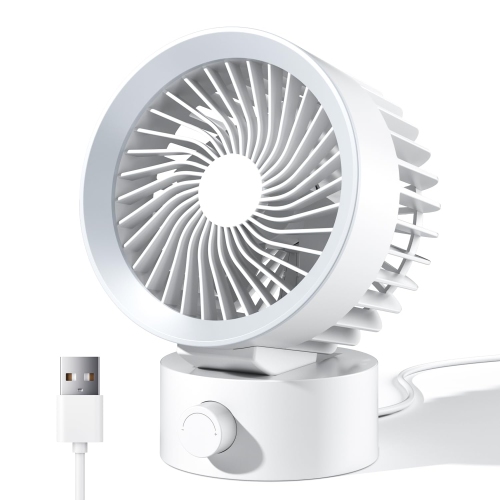


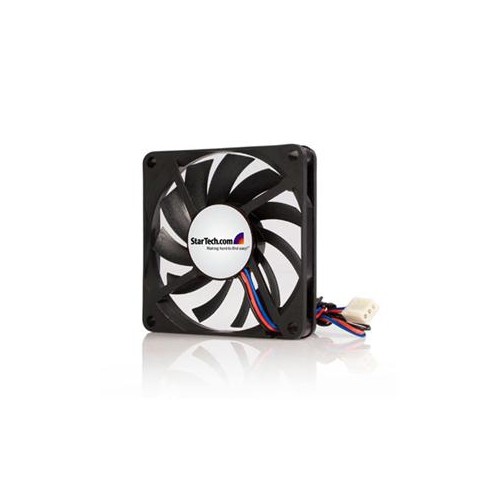

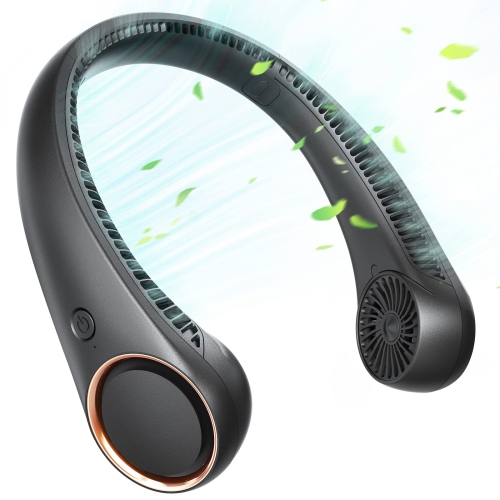
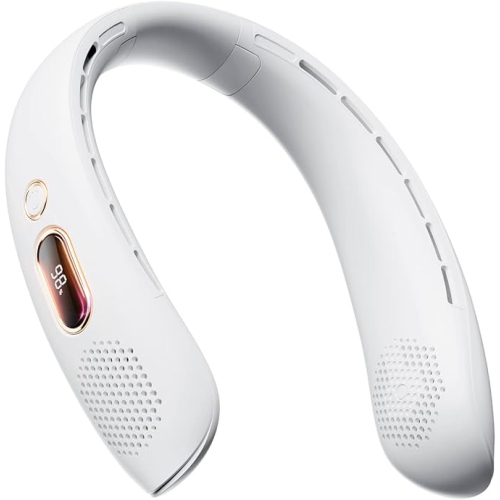
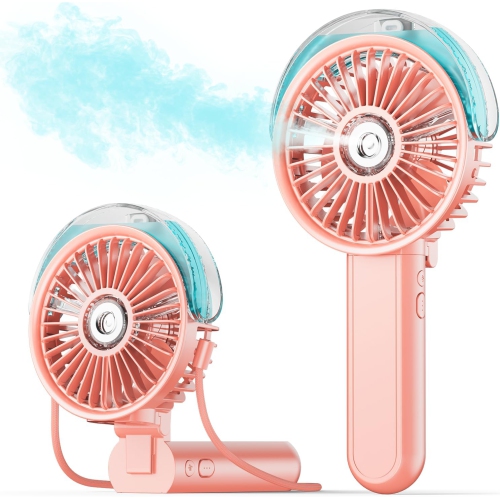







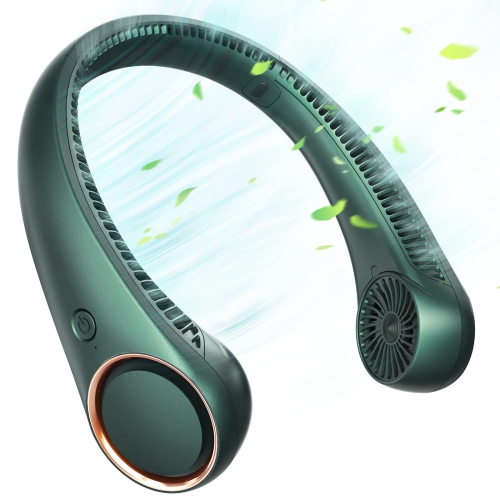

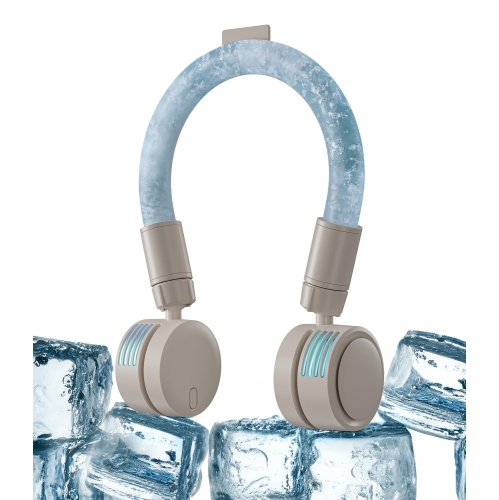
Focused airflow for desks, electronics, work, and travel
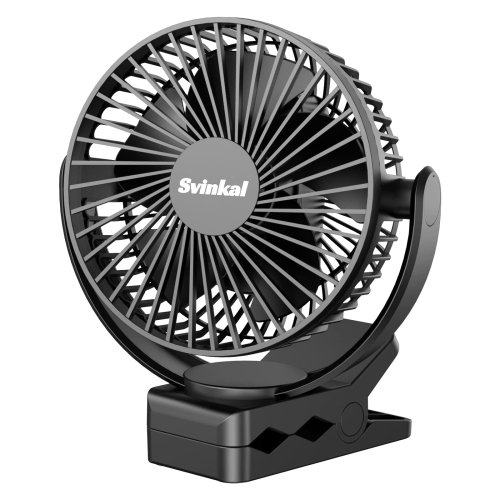
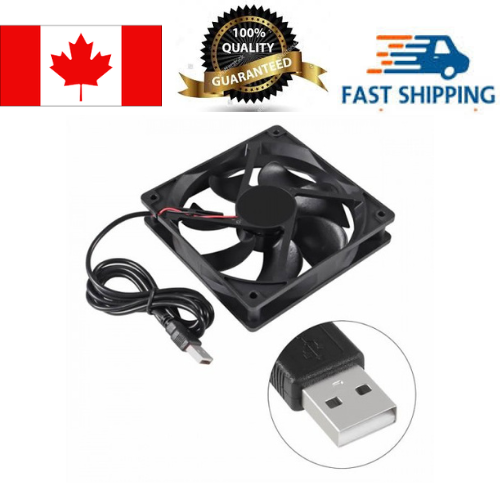
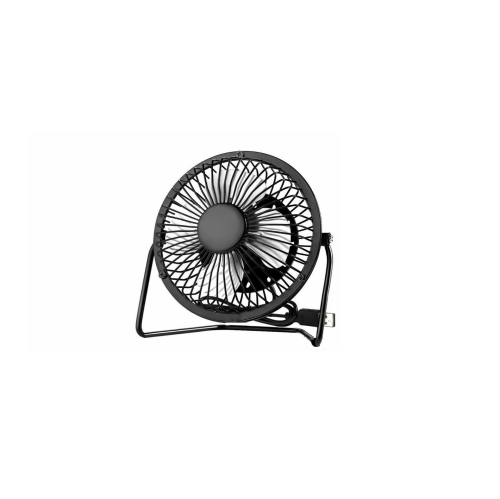
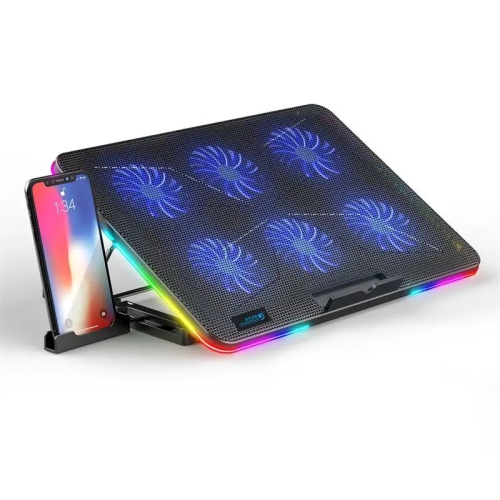
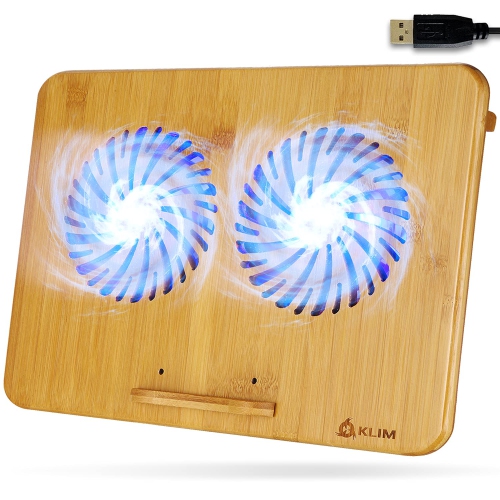
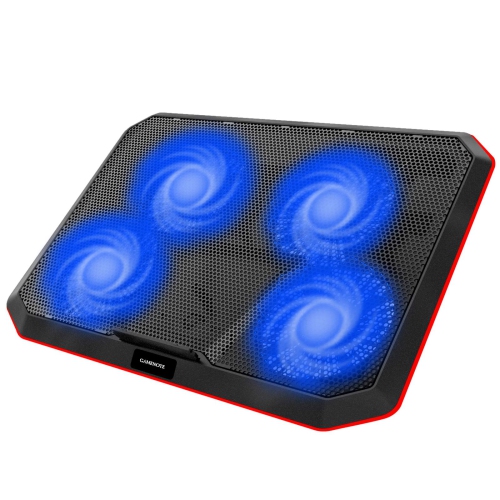
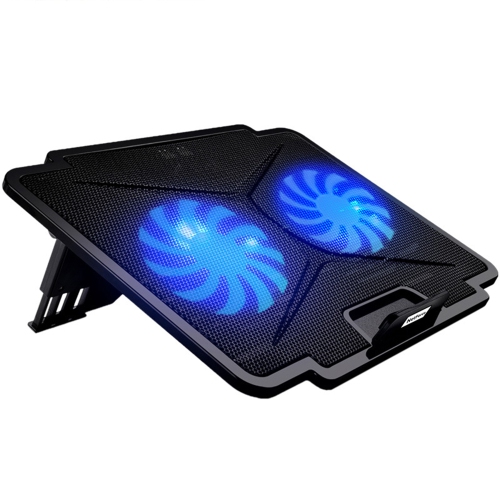
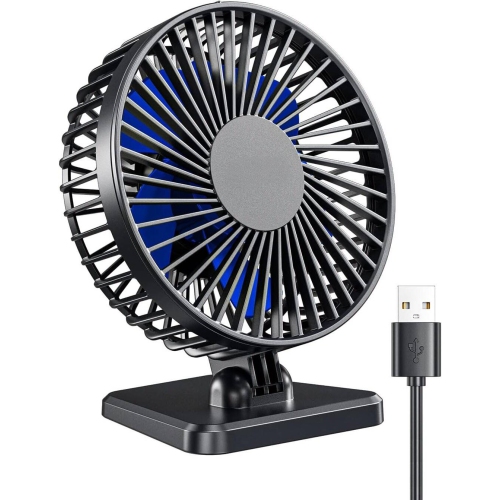
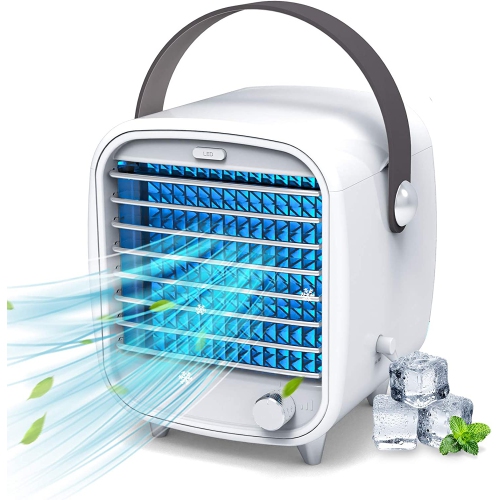
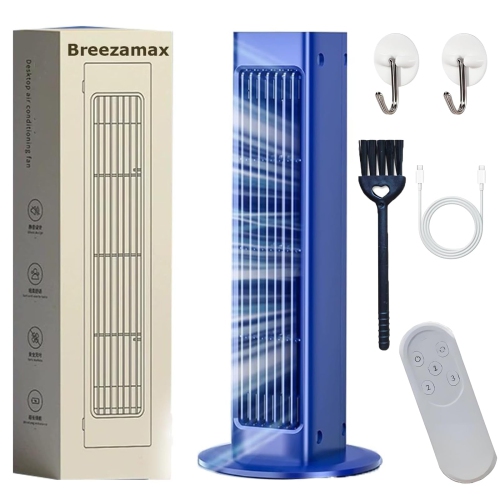
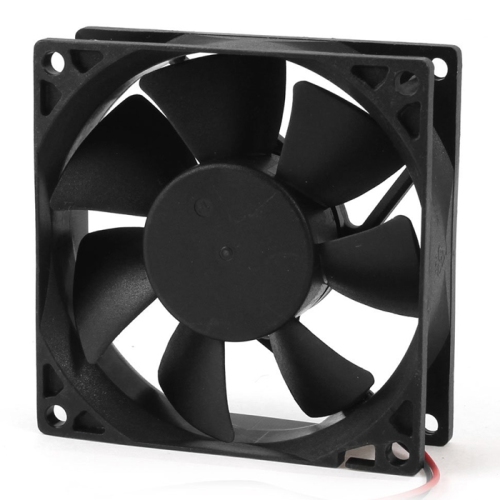
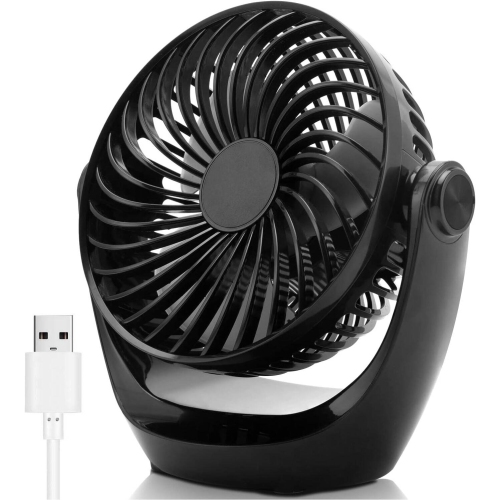
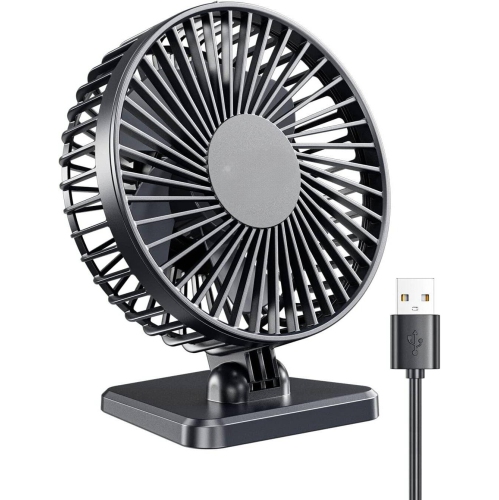
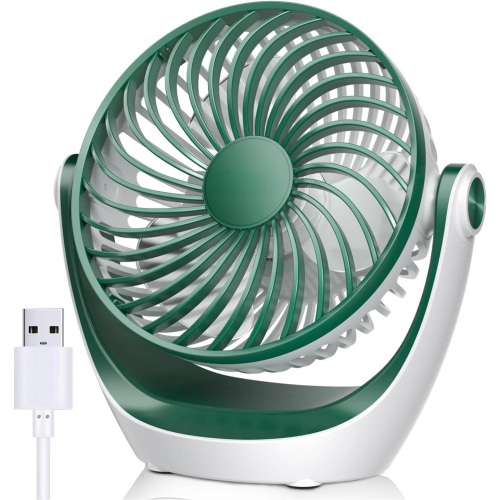
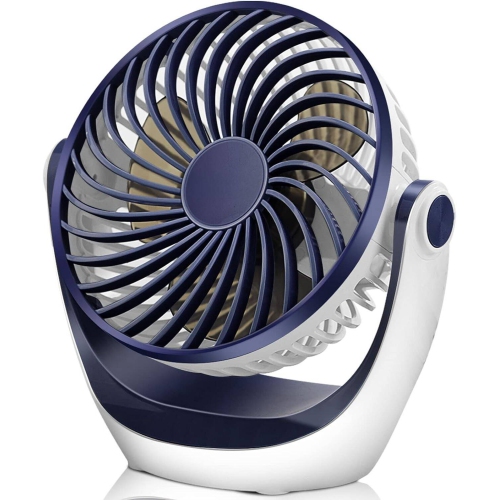
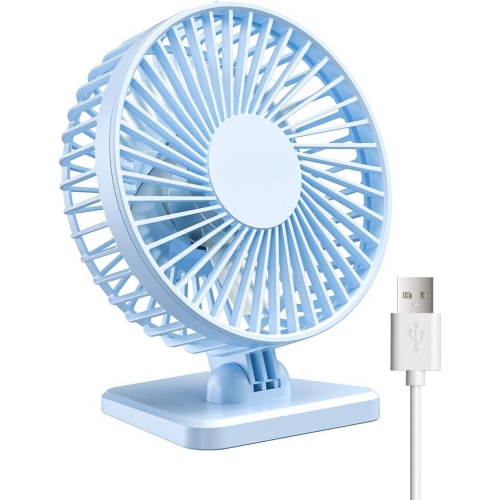
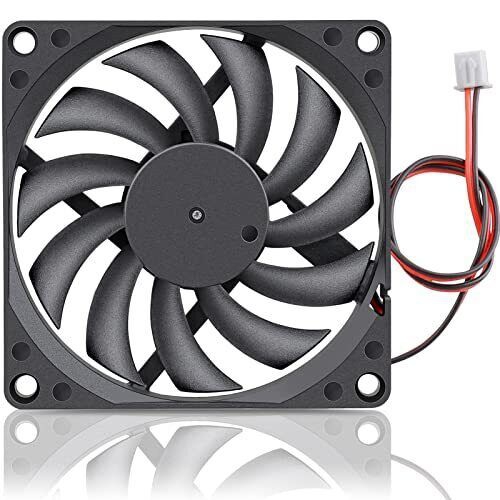
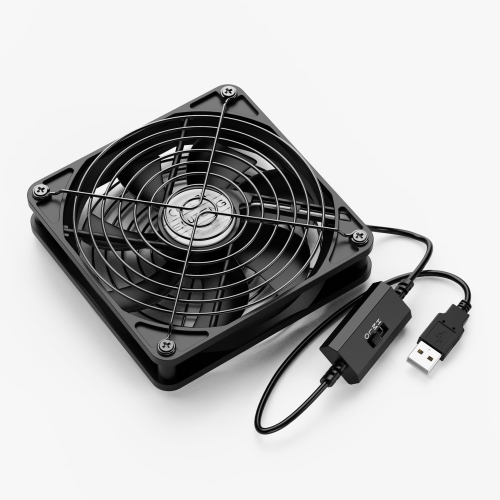
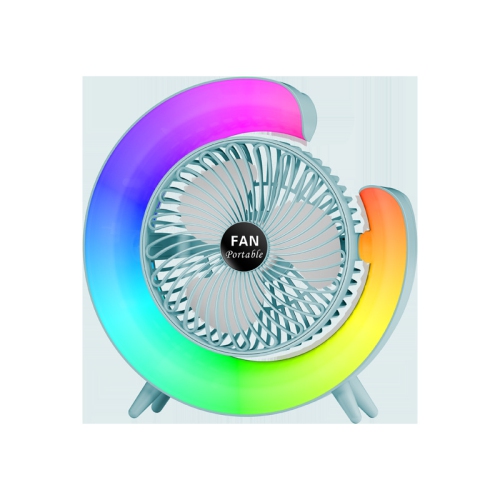
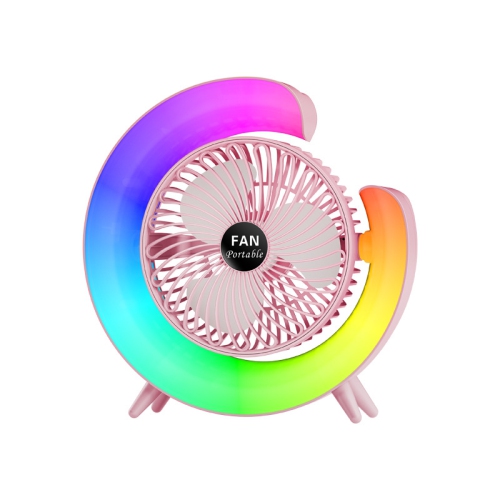
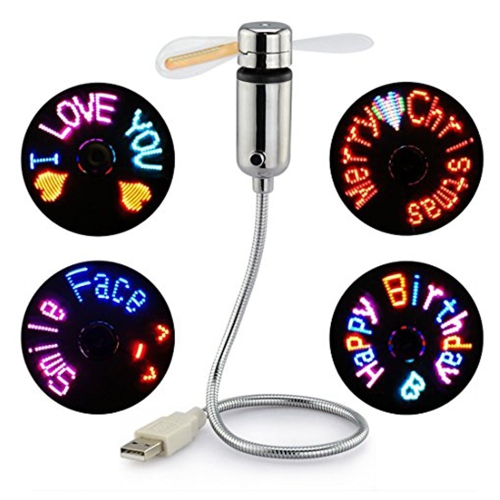
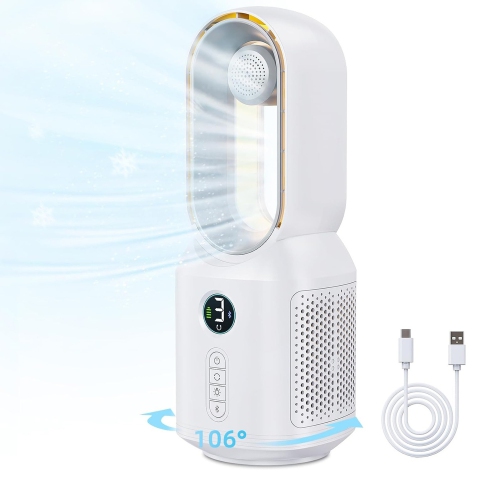
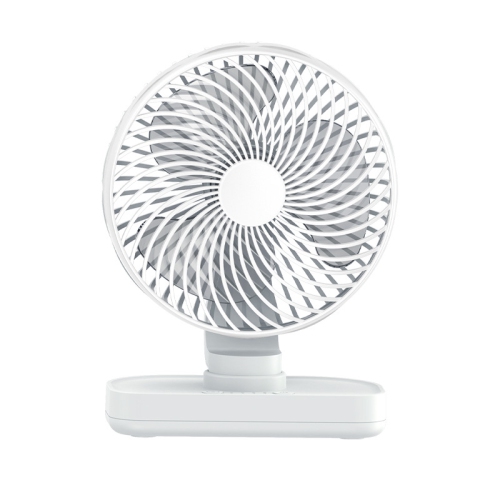
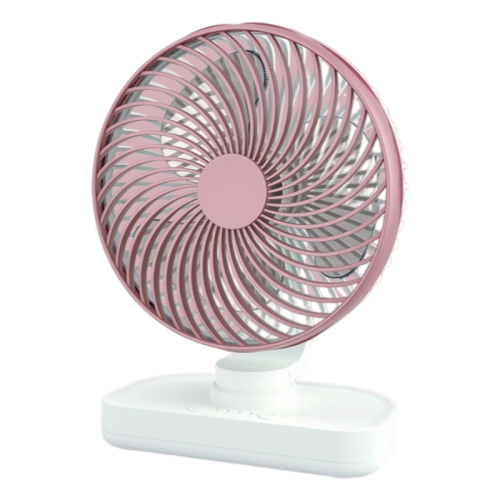
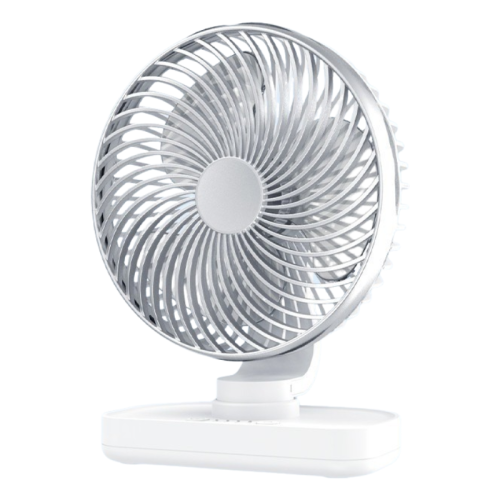
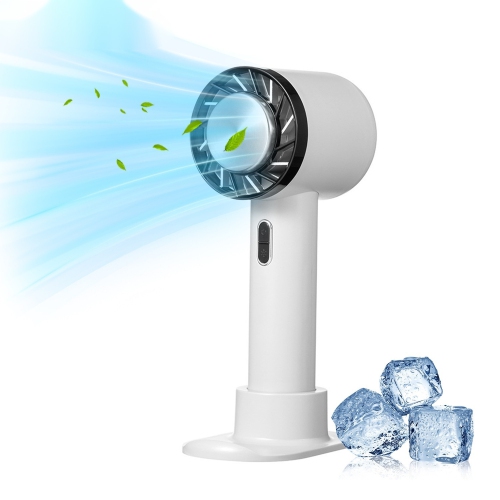
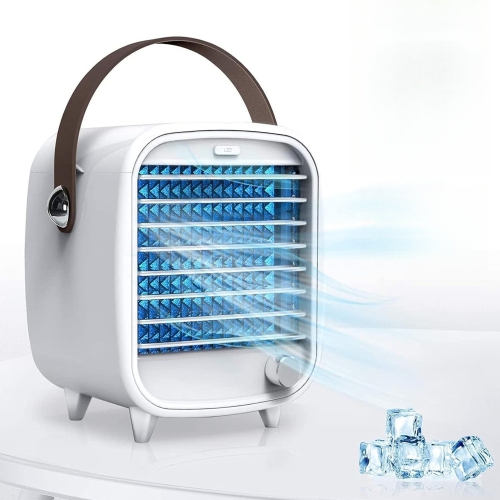
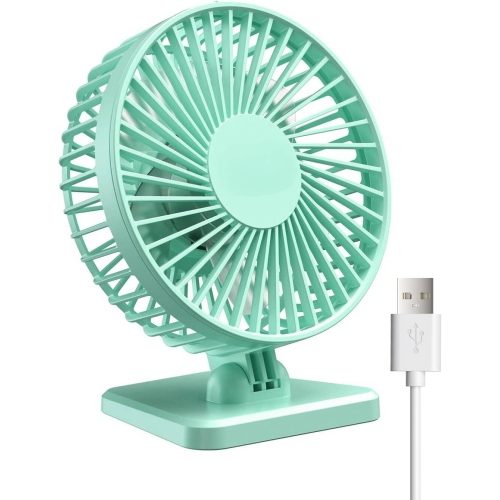
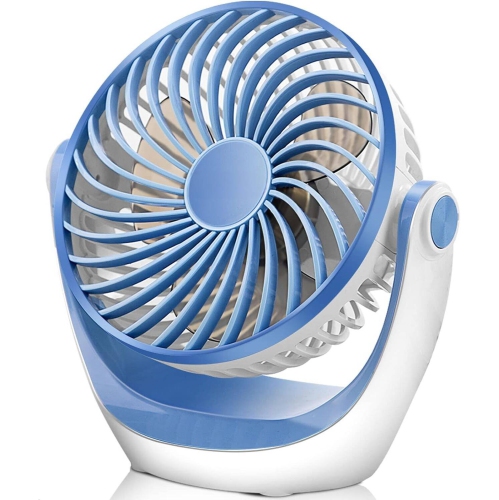
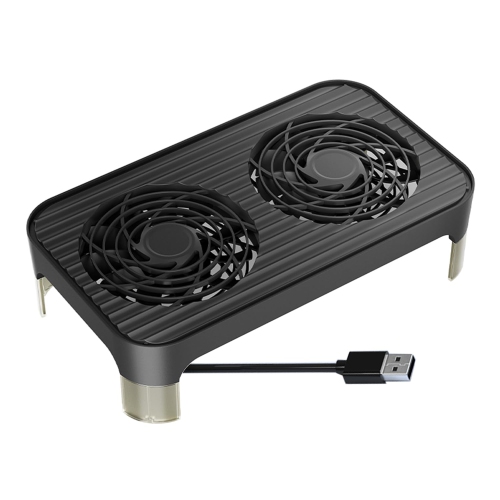
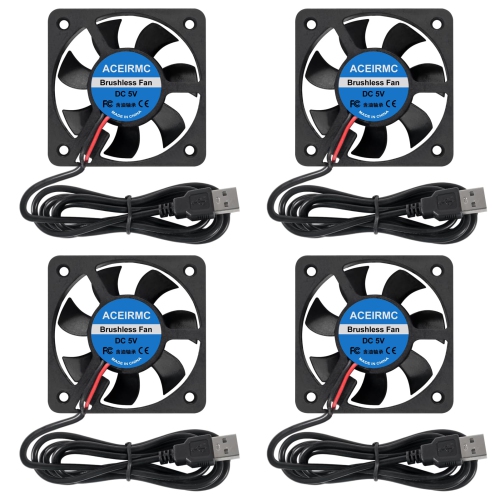
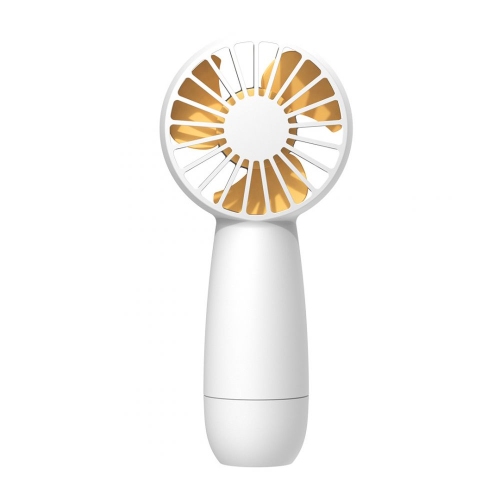
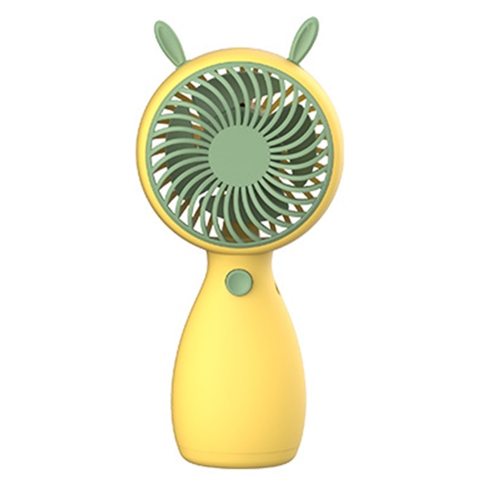
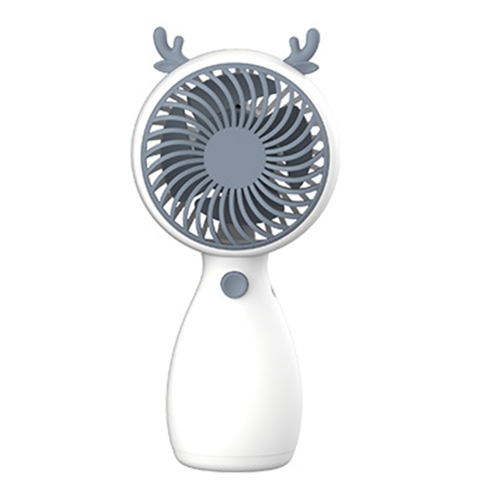
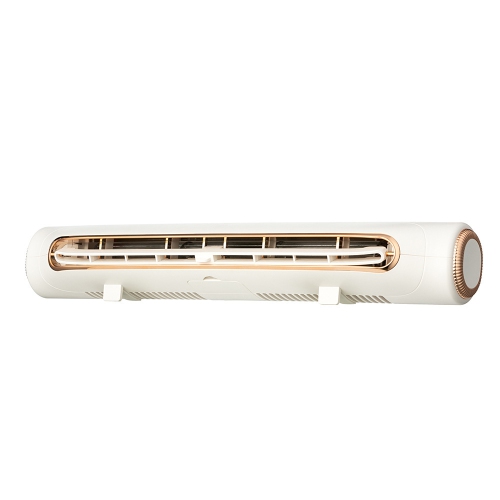
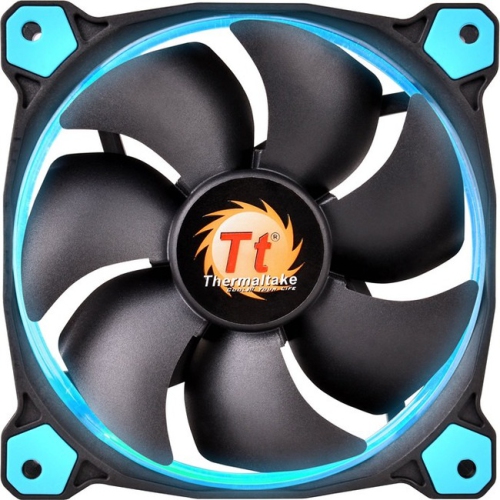
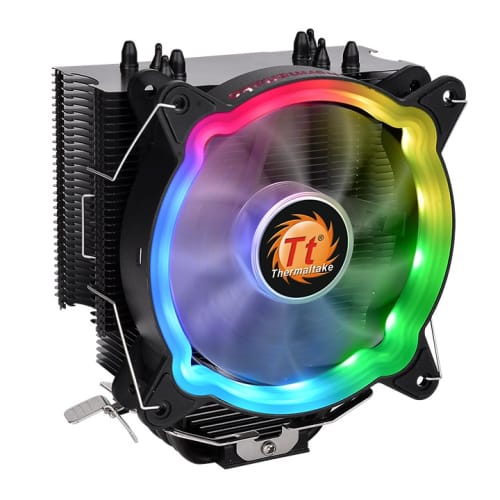
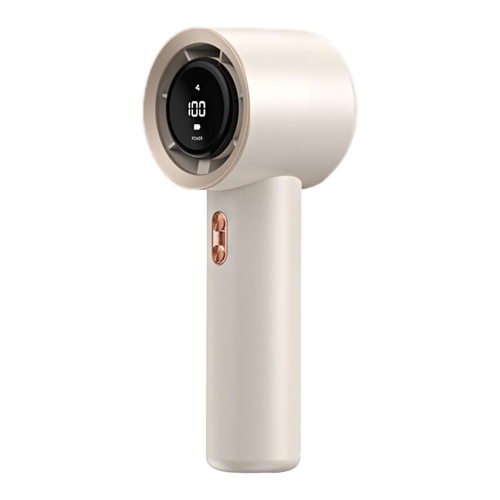
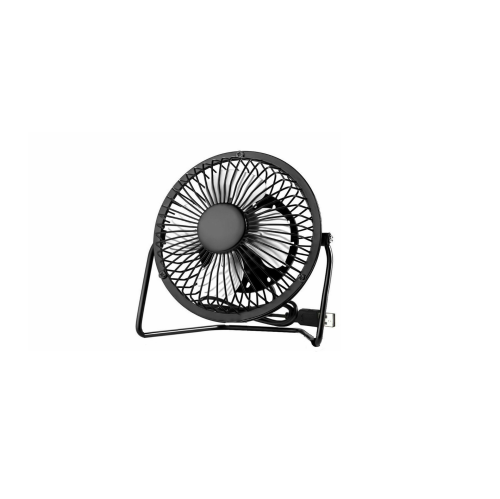
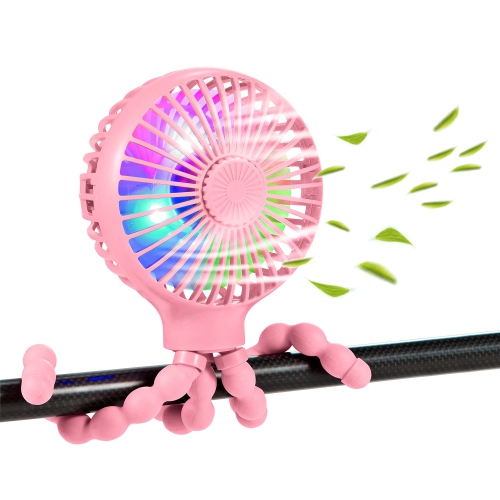
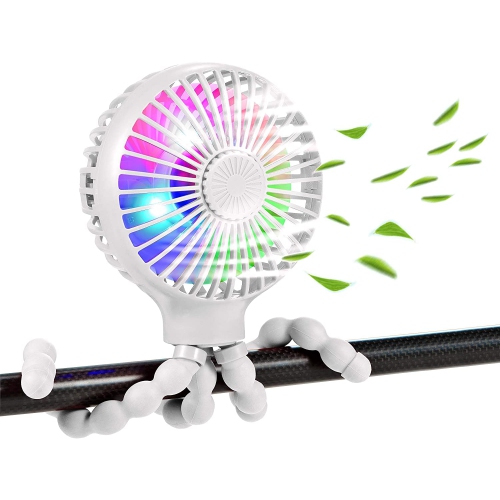
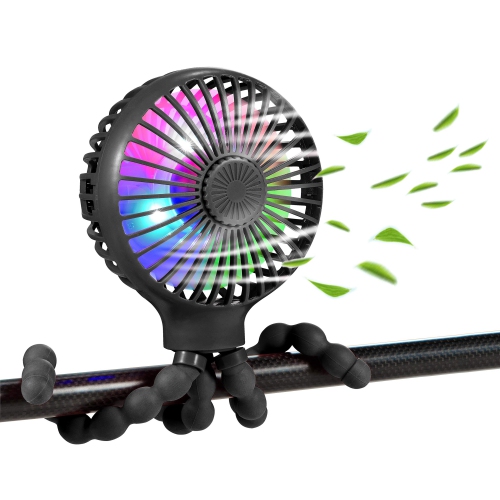
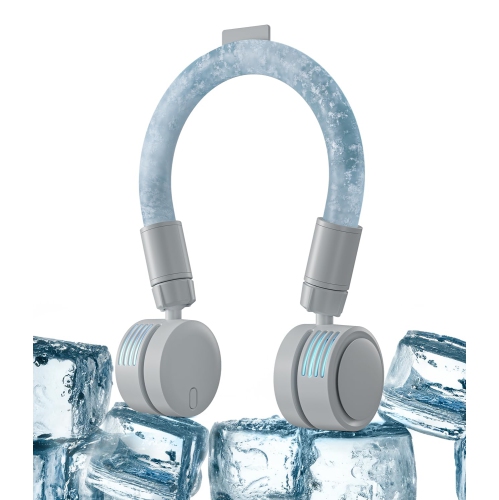
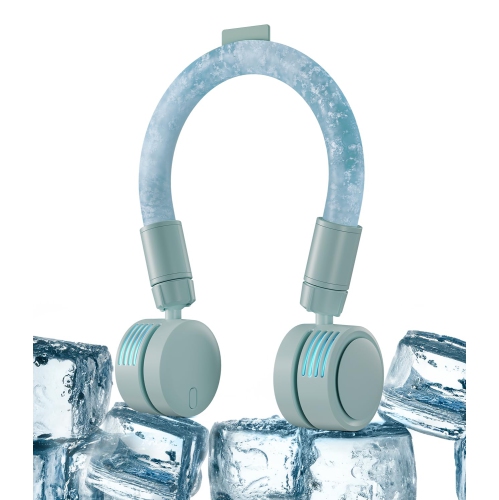
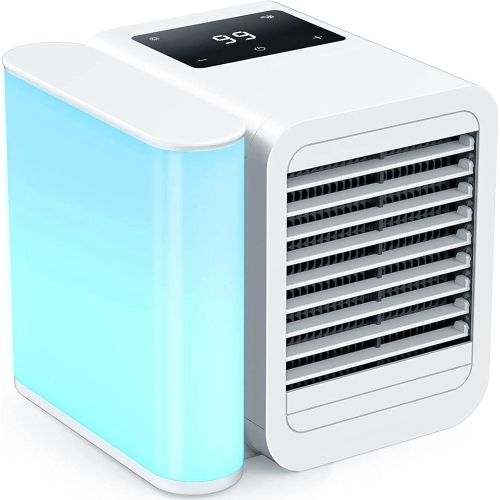
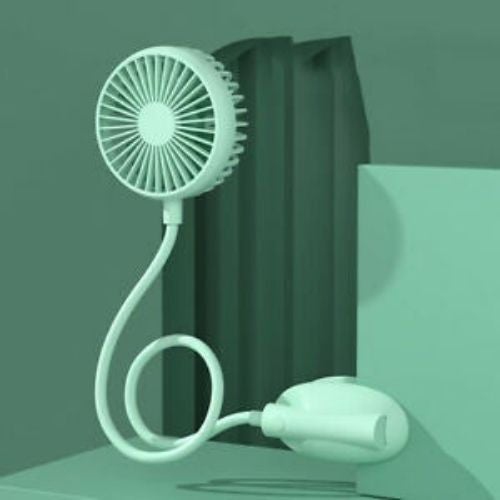
USB cooling fans provide a convenient way to add focused airflow wherever a standard electrical outlet is not practical. Designed to connect through USB, these compact fans can draw power from a computer, laptop, wall adapter, power bank, charging hub, or other compatible device, making them useful at desks, bedside tables, workbenches, entertainment units, and temporary work areas. Many models use only a small amount of power, often in the range of 1 to 5 watts, while still moving enough air to make a noticeable difference in a personal space. Their compact size also makes them easy to reposition as your needs change. A small fan beside a keyboard can help keep air moving around a home office, while another placed near a gaming setup, media console, router, or DVR can provide additional ventilation around heat-producing electronics. USB cooling fans are not a replacement for a room air conditioner or whole-room circulation fan, but they are well suited to creating a focused breeze close to you or helping release warm air from a confined equipment area. For a broader selection of compact air-moving options, explore Small Cooling Fans. When choosing a USB cooling fan, start by identifying what you want to cool and where the fan will sit. Personal desk fans are typically the most flexible choice for reading, studying, gaming, video calls, crafting, or working at a computer. Look for adjustable tilt, multiple speed settings, a stable base, and a protective grille that helps keep fingers, cables, and nearby objects away from the blades. Rubberized feet can reduce vibration on a hard desktop, while a compact clamp or clip can be useful when table space is limited. If you expect to move the fan between rooms, a lightweight design with a suitably long USB cable may be more convenient than a larger unit with a fixed position. Check the connector type before purchasing, particularly if the fan will be powered from a newer device with USB-C ports or from an older computer, power bar, or wall adapter with USB-A. Some fans include a built-in cable, while others use a detachable cable that is easier to replace or pack for travel.
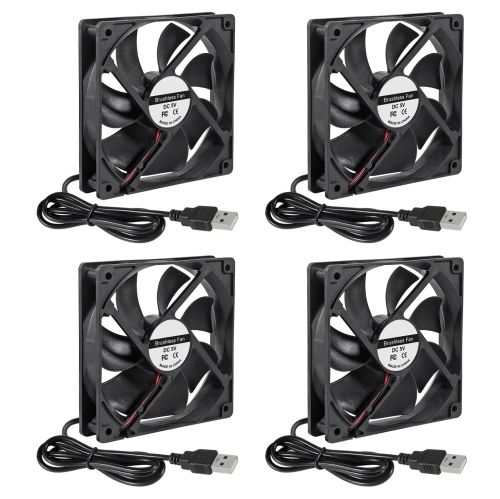
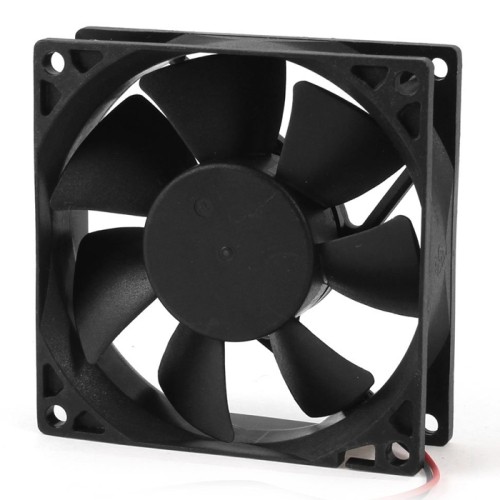
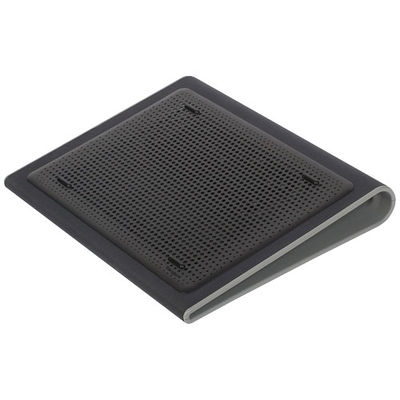
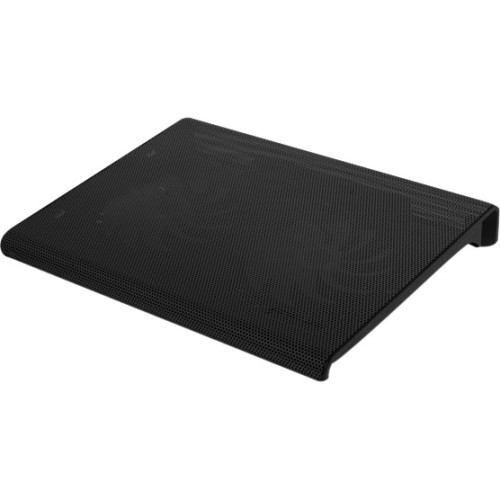
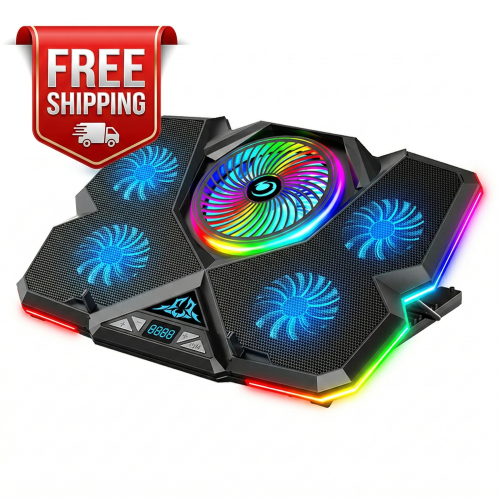
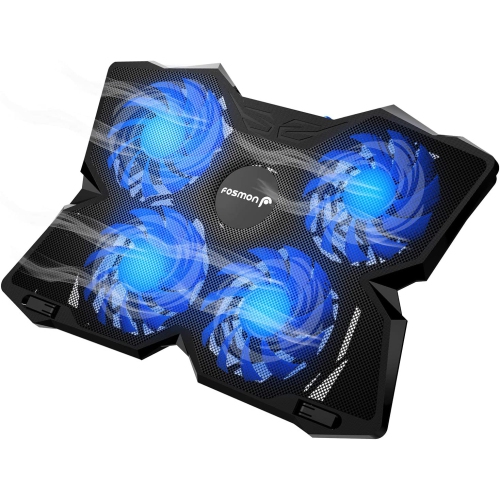
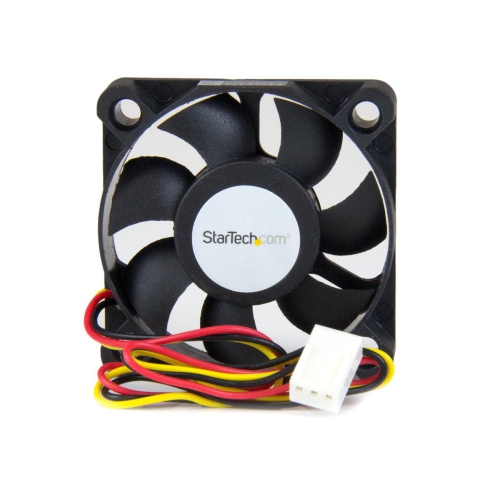
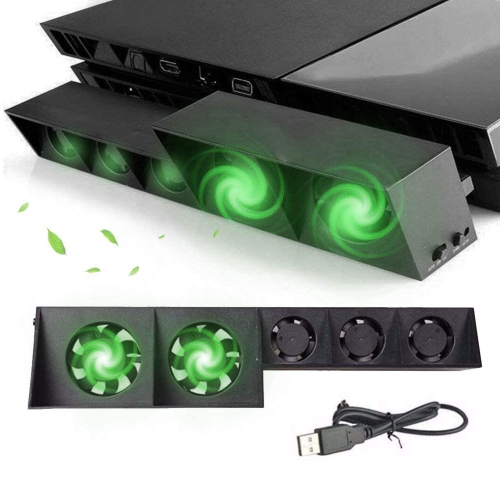
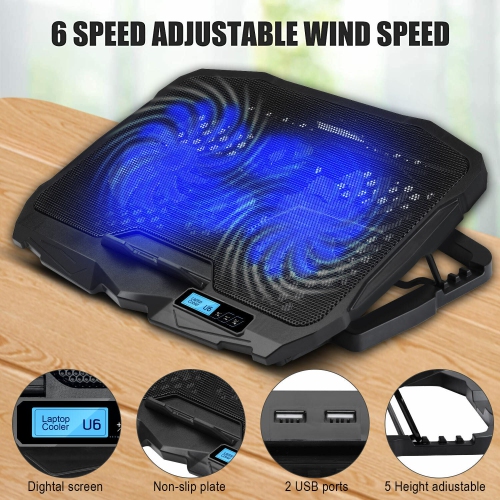
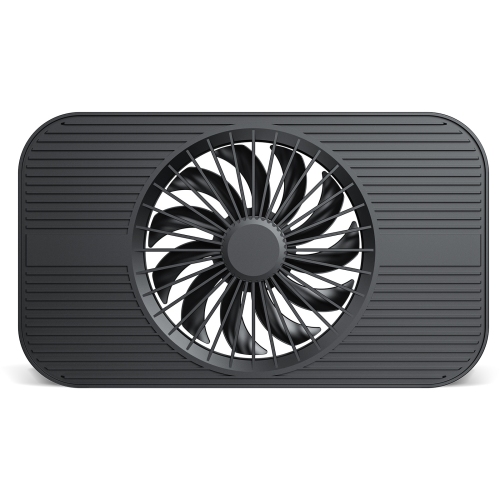
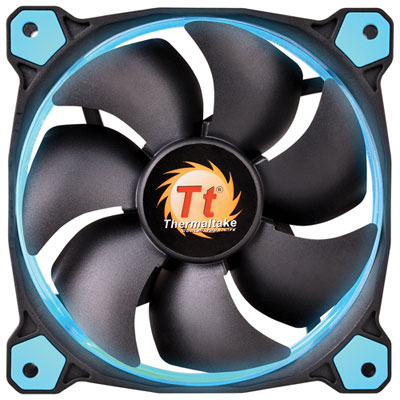
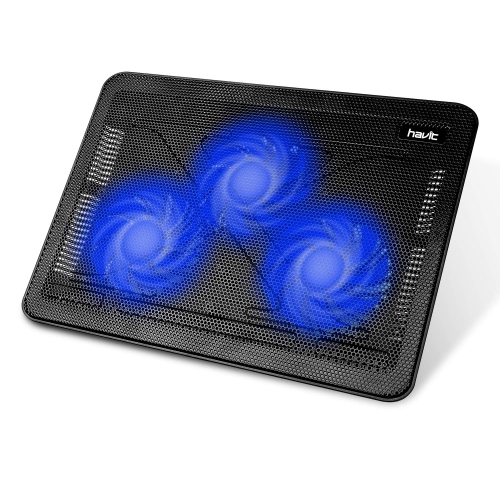
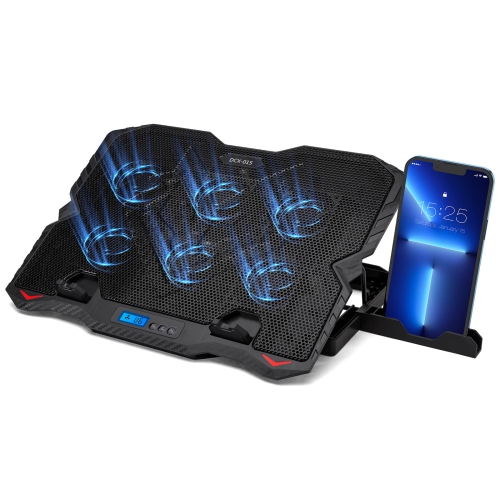
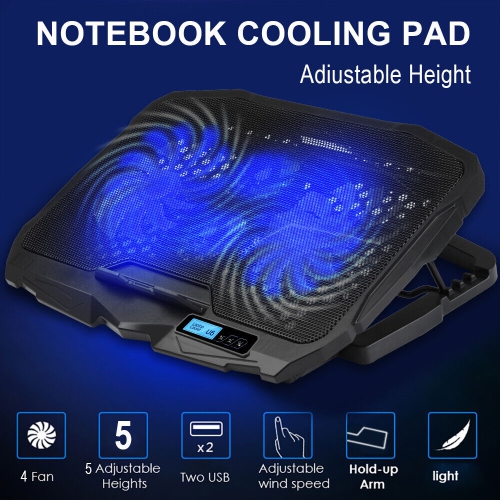
USB cooling fans can also serve more specialized purposes around a home entertainment or technology setup. Electronics such as game consoles, receivers, network equipment, and digital video recorders may produce considerable heat during extended use, especially when placed inside a cabinet or on a crowded shelf. A single- or dual-fan cooling unit positioned above, below, or beside the equipment can encourage airflow through the surrounding space and help reduce the buildup of warm air. Before placing a fan near electronics, measure the available area and check that vents are not blocked. A low-profile design can fit beneath a component, while a fan with a directional housing can aim airflow toward a particular vent or enclosure. Speed control is valuable in these situations because a lower setting may provide steady circulation with less audible noise, while a higher setting can move more air when equipment has been running for a long period. For a desk or bedside setting, quieter operation is often a priority; many compact fans use balanced motors, rubber dampening, or ball-bearing construction to reduce rattling and operating noise, with some models rated below 25 dBA. Actual sound can vary depending on the surface, speed, and surrounding room, so a stable base and good ventilation layout are just as important as the motor itself. Small plug-in fans designed for smartphones or other mobile devices offer another highly portable option. These units connect directly through a compatible USB-C or micro-USB port and are intended for close-range airflow rather than broad room circulation. Confirm connector compatibility and keep the fan clear of cases, accessories, and other objects that could interfere with the plug or blades. A power bank can provide a convenient source for fans used away from a desk, including at a campsite, in a workshop, during travel, or while working in a location without an accessible outlet.
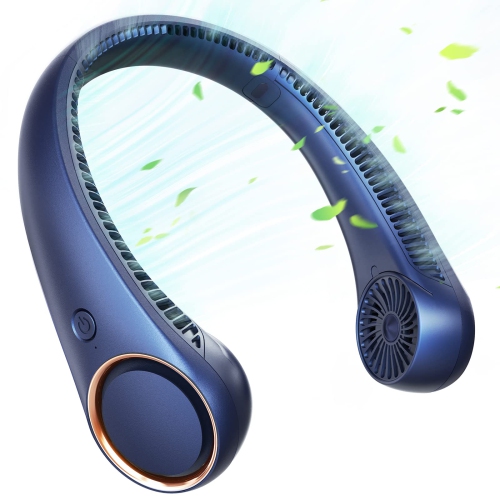
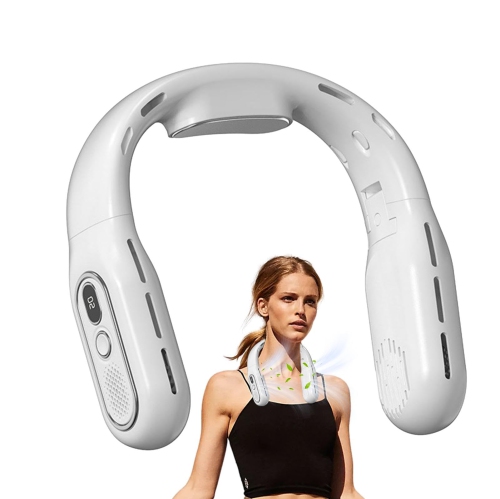
Some USB cooling fans are designed for hands-free or jobsite use, including wearable models that attach to a safety helmet or hard hat and direct air into the area around the head and neck. These can be useful for tradespeople, maintenance workers, warehouse staff, outdoor crews, and anyone who spends time in warm, active work environments. For this type of fan, fit and attachment security are especially important. Check that the mounting system is compatible with the helmet or hard hat being used, that the fan does not interfere with the shell, suspension, visor, hearing protection, or other required equipment, and that the controls remain accessible. A rechargeable USB-powered design can be practical for moving between work areas, while a replaceable or rechargeable battery system may be preferable for longer periods away from a charging source. USB cooling fans also make thoughtful gifts for students setting up a dorm or study corner, remote workers refining a home office, gamers who spend long sessions at a console, travellers looking for personal airflow in a hotel or vehicle, and family members who appreciate compact, practical accessories. They can be especially useful during warmer periods when a close, adjustable breeze makes a desk or chair more comfortable, while their small footprint remains convenient during the cooler months when larger room fans may be stored away. Whether the goal is personal comfort, light circulation around electronics, or portable airflow for work and travel, compare the fan’s size, airflow direction, speed controls, power source, connector, mounting options, and noise level to make sure it suits the space where it will be used.
USB cooling fans can also serve more specialized purposes around a home entertainment or technology setup. Electronics such as game consoles, receivers, network equipment, and digital video recorders may produce considerable heat during extended use, especially when placed inside a cabinet or on a crowded shelf. A single- or dual-fan cooling unit positioned above, below, or beside the equipment can encourage airflow through the surrounding space and help reduce the buildup of warm air. Before placing a fan near electronics, measure the available area and check that vents are not blocked. A low-profile design can fit beneath a component, while a fan with a directional housing can aim airflow toward a particular vent or enclosure. Speed control is valuable in these situations because a lower setting may provide steady circulation with less audible noise, while a higher setting can move more air when equipment has been running for a long period. For a desk or bedside setting, quieter operation is often a priority; many compact fans use balanced motors, rubber dampening, or ball-bearing construction to reduce rattling and operating noise, with some models rated below 25 dBA. Actual sound can vary depending on the surface, speed, and surrounding room, so a stable base and good ventilation layout are just as important as the motor itself. Small plug-in fans designed for smartphones or other mobile devices offer another highly portable option. These units connect directly through a compatible USB-C or micro-USB port and are intended for close-range airflow rather than broad room circulation. Confirm connector compatibility and keep the fan clear of cases, accessories, and other objects that could interfere with the plug or blades. A power bank can provide a convenient source for fans used away from a desk, including at a campsite, in a workshop, during travel, or while working in a location without an accessible outlet.
Some USB cooling fans are designed for hands-free or jobsite use, including wearable models that attach to a safety helmet or hard hat and direct air into the area around the head and neck. These can be useful for tradespeople, maintenance workers, warehouse staff, outdoor crews, and anyone who spends time in warm, active work environments. For this type of fan, fit and attachment security are especially important. Check that the mounting system is compatible with the helmet or hard hat being used, that the fan does not interfere with the shell, suspension, visor, hearing protection, or other required equipment, and that the controls remain accessible. A rechargeable USB-powered design can be practical for moving between work areas, while a replaceable or rechargeable battery system may be preferable for longer periods away from a charging source. USB cooling fans also make thoughtful gifts for students setting up a dorm or study corner, remote workers refining a home office, gamers who spend long sessions at a console, travellers looking for personal airflow in a hotel or vehicle, and family members who appreciate compact, practical accessories. They can be especially useful during warmer periods when a close, adjustable breeze makes a desk or chair more comfortable, while their small footprint remains convenient during the cooler months when larger room fans may be stored away. Whether the goal is personal comfort, light circulation around electronics, or portable airflow for work and travel, compare the fan’s size, airflow direction, speed controls, power source, connector, mounting options, and noise level to make sure it suits the space where it will be used.
Top selling and popular products
-
 Your price for this item is $149.99
 -
 Your price for this item is $69.99
 -
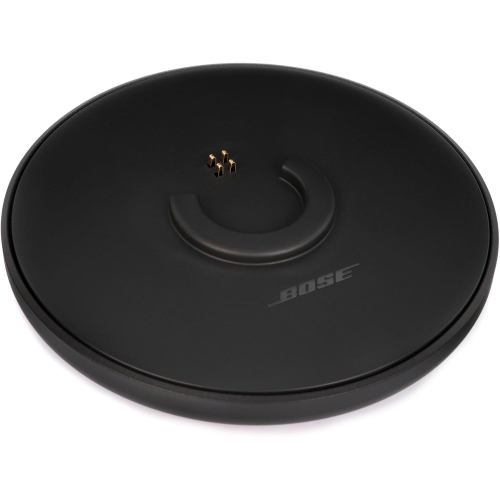 Your price for this item is $35
 -
 Your price for this item is $59.99
 -
 Your price for this item is $179.99
 -
 Your price for this item is $209.99
 -
 Your price for this item is $89.99
 -
 Your price for this item is $154.99
Discover more categories related to USB Cooling Fans
Top Collections:
Pokemon Centers, Kindle Devices, Best Budget Office Chairs, Apple iPhones 16, Best Laptops for Writers, iPhone 15 Apple, Canon G7X Cameras, Refurbished Apple Laptops, Alarm Clock, Motorola Razr Phones
Some products may be subject to Environmental Handling Fees
(EHF) depending on your province.
Learn more about EHFs.