USB Desk Fans for Dorm Study Spaces
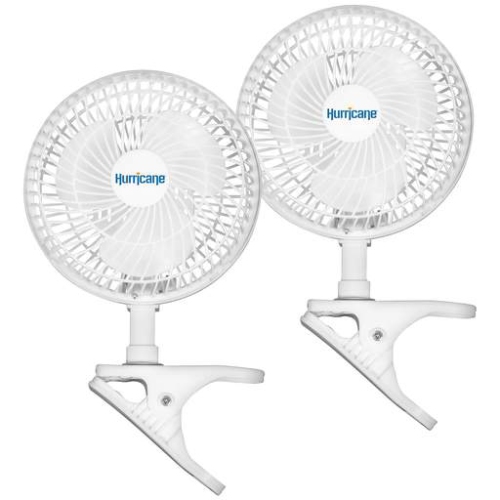
USB Desk Fans for Dorm Study Spaces offer a convenient way to stay cool and comfortable while focusing on assignments or studying for exams. Compact and easy to use, these fans are designed to fit seamlessly on any desk, making them an ideal choice for maximizing productivity in smaller living areas. With simple USB connectivity, they provide reliable airflow without taking up much space or requiring complex setup. Explore a variety of USB Desk Fans for Dorm Study Spaces to find the perfect addition to your study area.
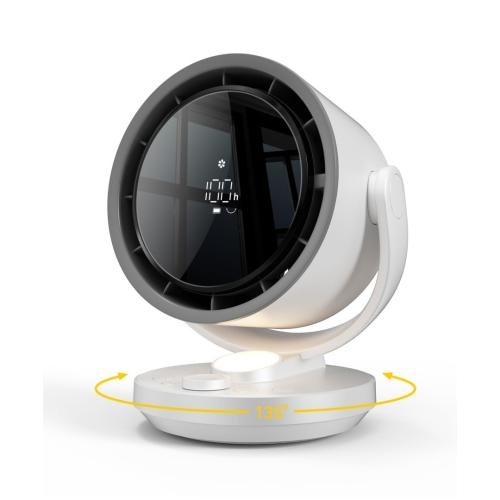
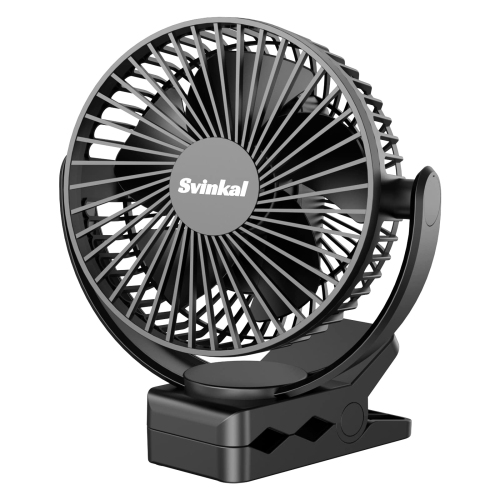
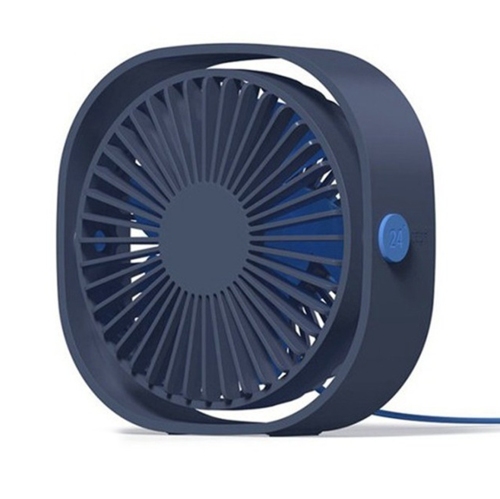
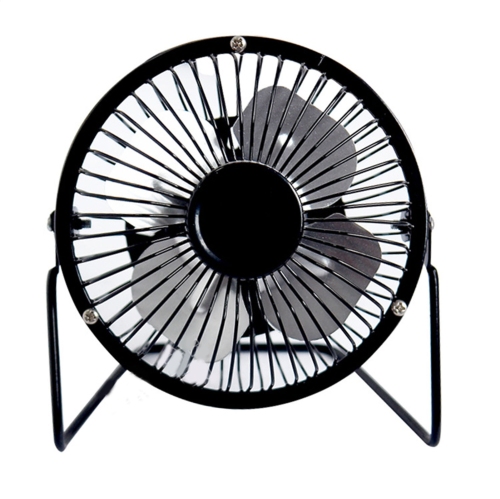
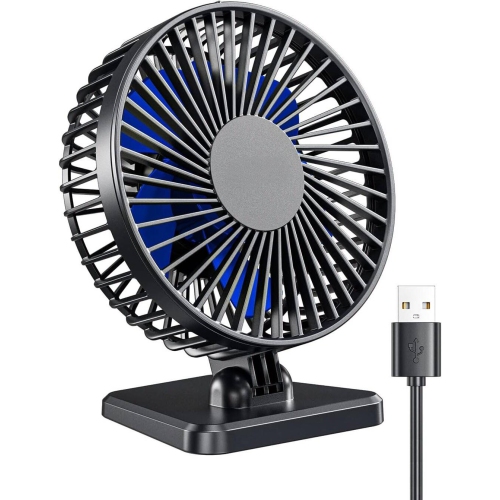
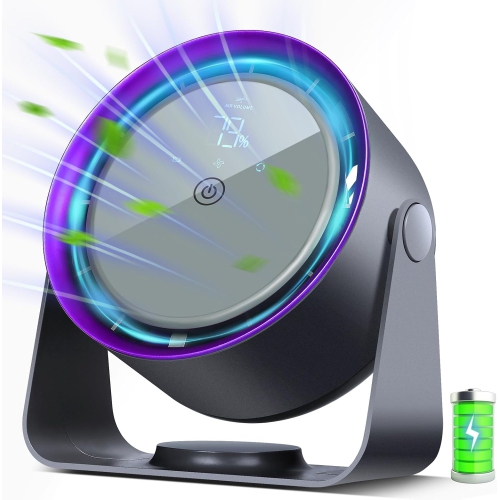
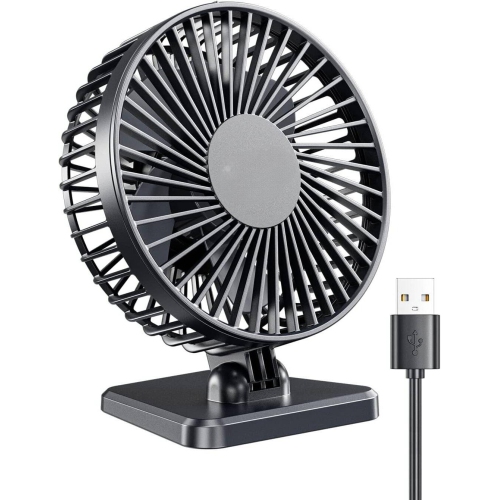
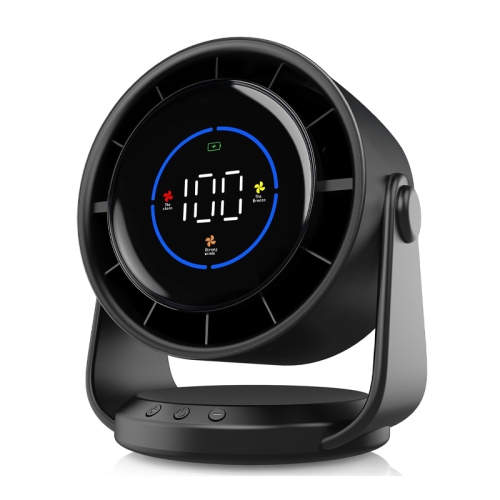

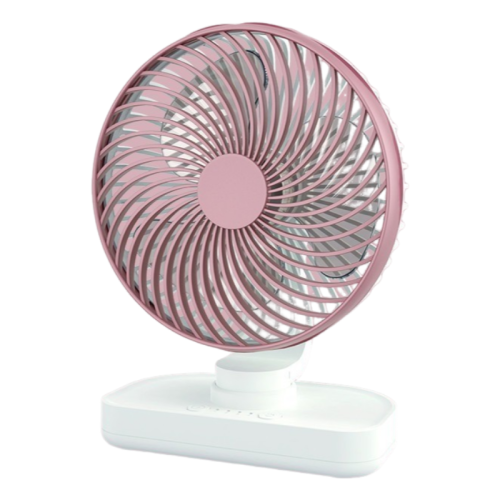
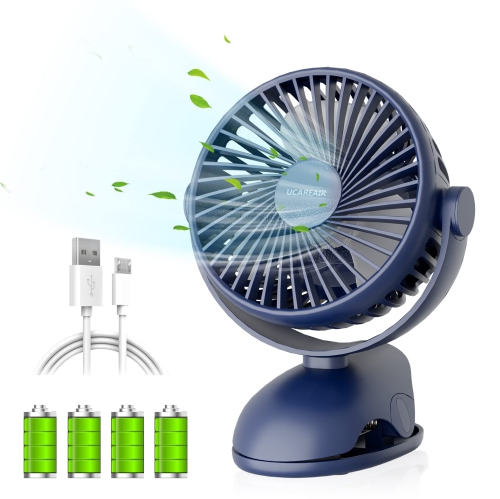
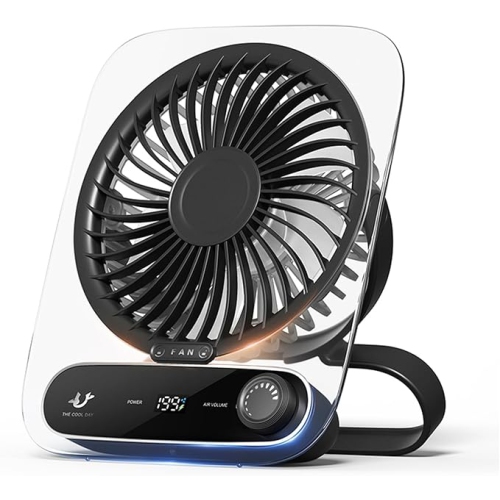
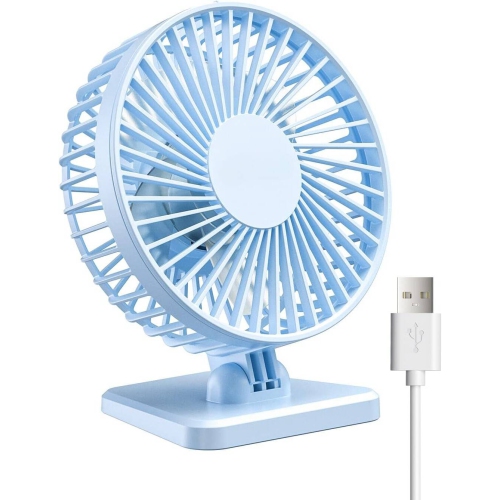
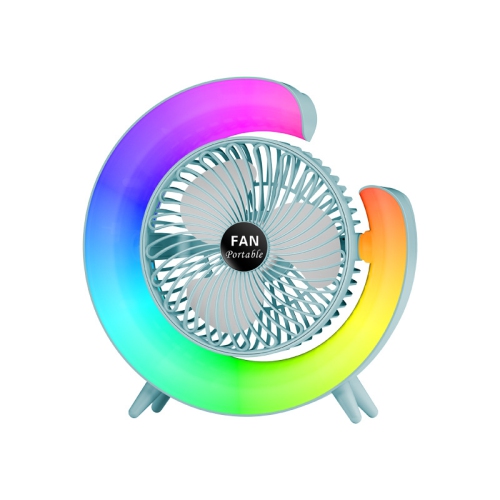


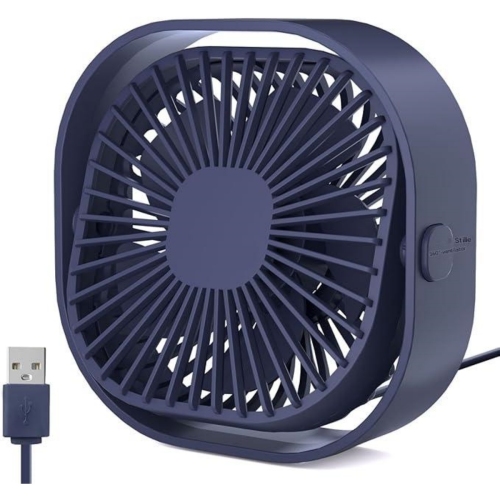
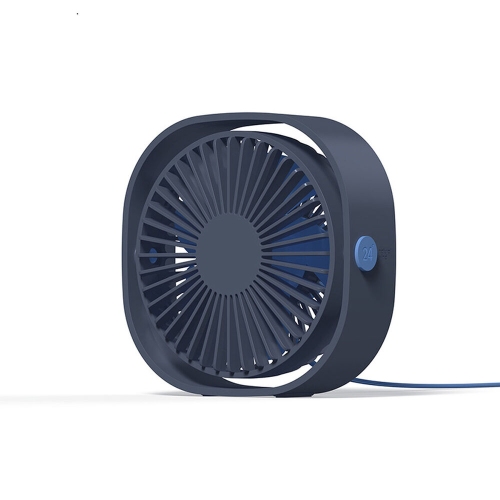
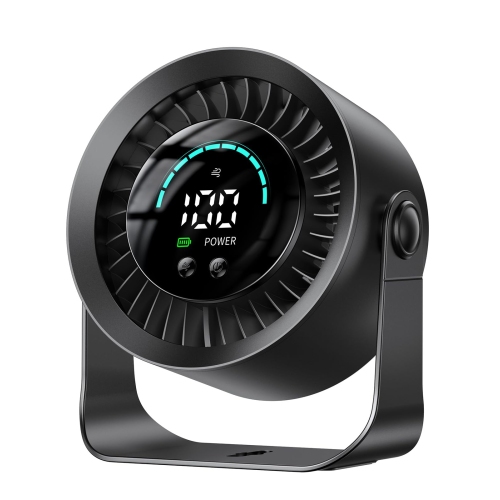
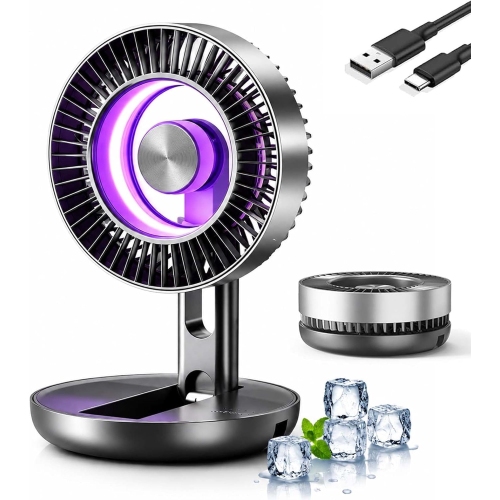
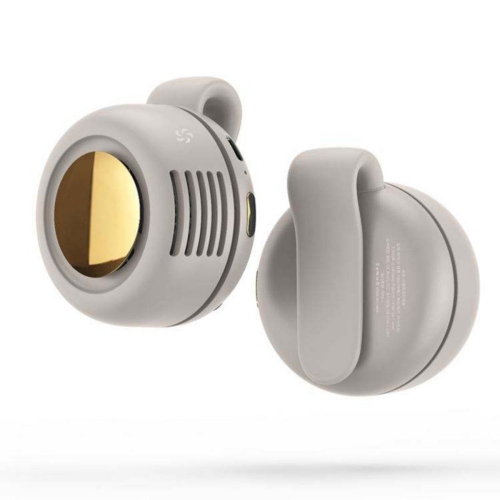
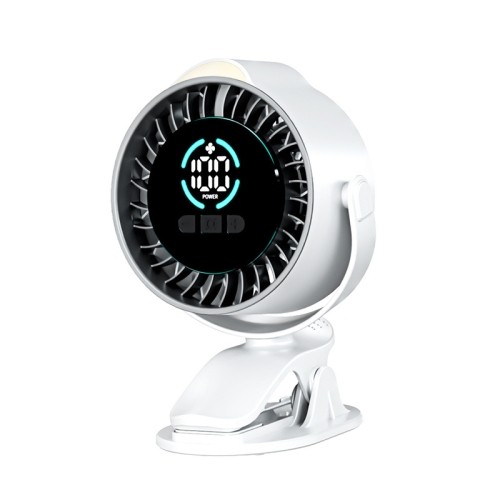
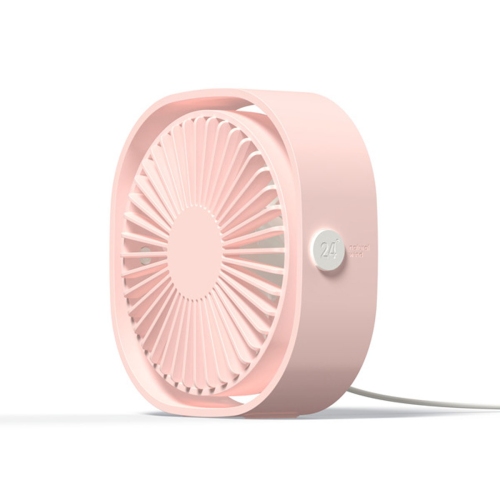
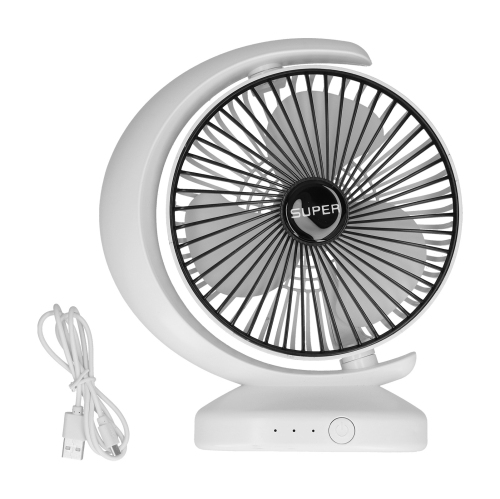
Quiet, portable airflow for focused dorm study sessions
When choosing the best USB desk fan for a dorm study space, there are several features worth considering to ensure it fits both your needs and your environment. Size is often a top priority, as dorm rooms tend to be compact and desk space is precious; a fan with a small footprint can tuck neatly beside textbooks, laptops, and lamps without getting in the way. Adjustable angles and variable speed settings provide flexibility, allowing you to direct airflow exactly where you need it and adjust the intensity to suit both quiet study sessions and moments when you need a stronger breeze. Noise level is another important factor—look for fans that promise quiet or whisper-quiet operation to avoid disturbing roommates or your own concentration. USB-powered fans are especially convenient for students who may not have easy access to wall outlets or who want to power their fan directly from a computer or portable battery pack. These fans are also a thoughtful gift idea for students heading off to university, as they combine practicality with a touch of personal comfort, making them a welcome addition to any dorm room setup. Whether you’re shopping for yourself or looking for a useful present for a friend or family member, a USB desk fan offers everyday value and convenience.
Beyond individual study spaces, USB desk fans can also be used in shared dorm lounges, during group study sessions, or even as a quick way to cool off after a workout or outdoor activity. Many models feature removable grills for easy cleaning and are built with durable materials to withstand frequent use and transport. As the seasons transition from the heat of late spring and summer into the cooler months of early fall, these fans can continue to provide comfort by promoting air circulation and keeping rooms feeling fresh. For those interested in exploring a wider range of cooling solutions, including options that can be used throughout the dorm, the Portable Fans for Dorm Rooms page offers additional ideas and inspiration. No matter your style or space constraints, there’s a USB desk fan to match, making it easier to create a comfortable, productive environment all season long.
FAQ
What are the benefits of using a USB desk fan in a dorm study space?
USB desk fans are compact, portable, and easy to power using a laptop or USB adapter. They help improve air circulation, keeping your study area comfortable and reducing distractions caused by heat or stuffiness.
Can USB desk fans be powered by devices other than laptops?
Yes, USB desk fans can be powered by any device with a standard USB port, such as desktop computers, power banks, or wall adapters, making them versatile for various setups in a dorm room.
Are USB desk fans noisy when operating?
Most USB desk fans are designed to operate quietly, making them suitable for study environments where minimal noise is important. However, noise levels can vary depending on the fan's design and speed settings.
Do USB desk fans require any special installation or setup?
No special installation is needed for USB desk fans. Simply plug the fan into a compatible USB port and turn it on. Many models feature adjustable angles or flexible necks for personalized airflow direction.
What features should I look for in a USB desk fan for my dorm study space?
Look for features such as adjustable speed settings, compact size, quiet operation, and flexible positioning options. Some models also offer oscillation or built-in LED lights for added convenience.
Top selling and popular products
-
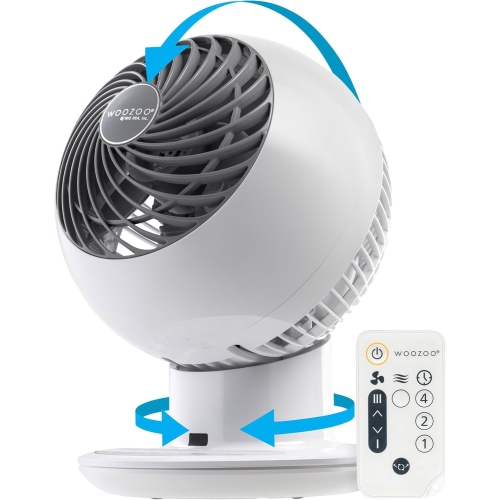 Your price for this item is $64.08
-
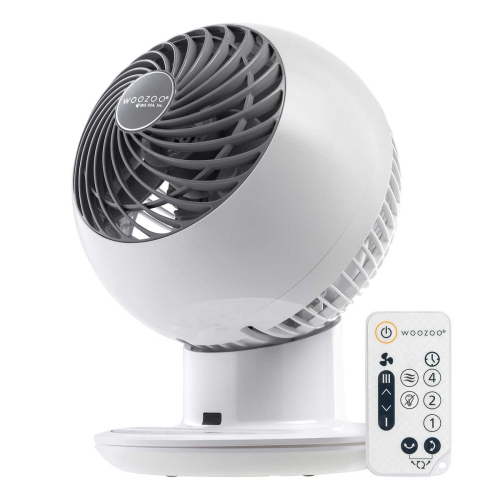 Your price for this item is $64.08
-
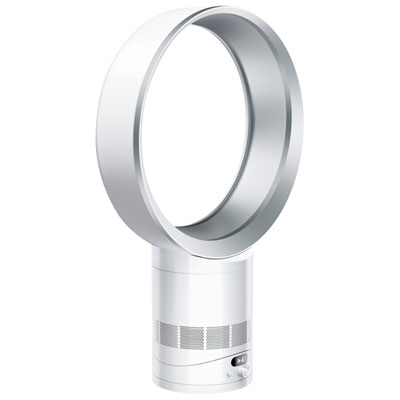 Your price for this item is $379.99
-
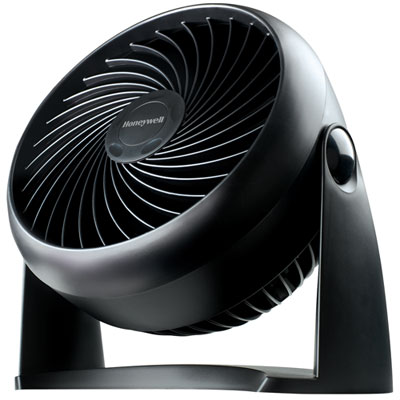 Your price for this item is $24.99
-
 Your price for this item is $49.99
-
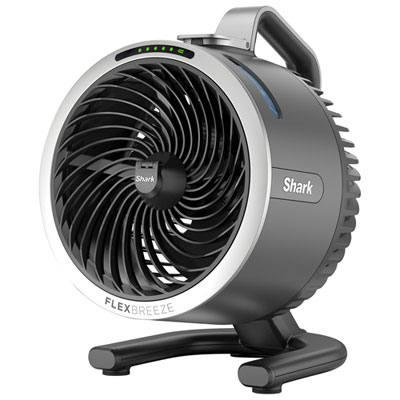 Your price for this item is $129.99
-
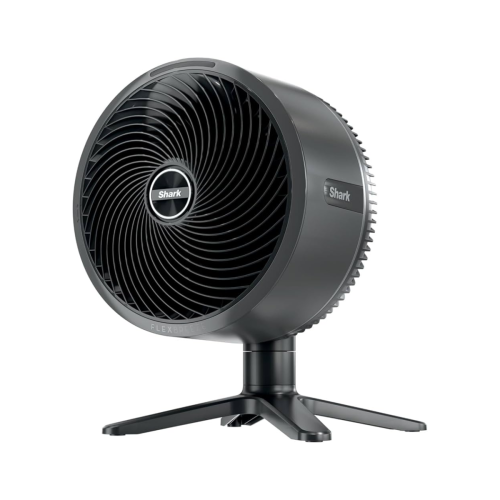 Your price for this item is $199.99
-
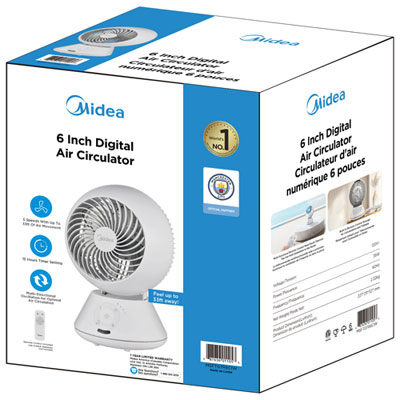 Your price for this item is $44.99