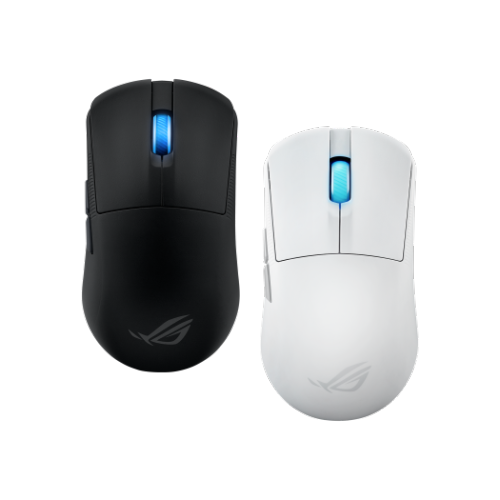
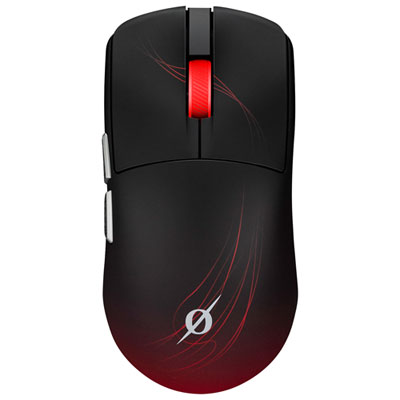
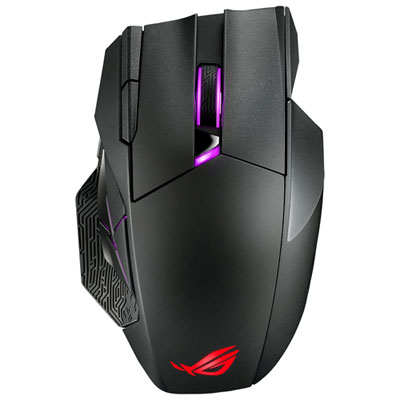
ASUS ROG Bluetooth Mice

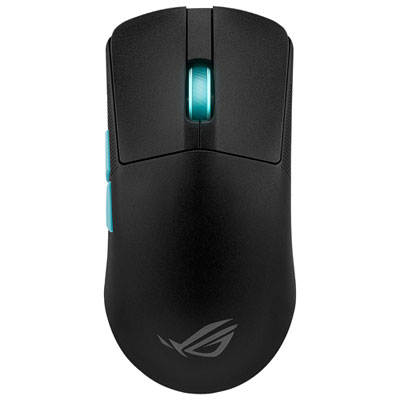
Shop ASUS ROG Bluetooth mice for wireless control on a compatible laptop or desktop. Compare shape, button layout, and supported connection modes to find a gaming mouse that suits your grip and setup, and check compatibility with your device before choosing.
Sort

What Bluetooth means for gaming and everyday use

Bluetooth gaming mice bring wireless control to setups that serve more than one purpose, from a gaming desktop to a laptop used for study, work, and entertainment. Bluetooth connects a compatible mouse directly to a computer’s built-in wireless radio, leaving USB ports free for a headset, external drive, or other accessories. This makes the connection useful for compact laptops, shared desks, and travel setups where carrying a separate receiver adds another small component to keep track of. Bluetooth is not the same connection mode as the dedicated 2.4 GHz wireless link found on many gaming mice, even though both use the same general radio frequency band. A dedicated USB receiver typically supports faster reporting and lower input latency, making it better suited to fast-paced games where small movements and quick reactions matter. Bluetooth is often a practical choice for browsing, documents, and everyday desktop use. Dual-mode and tri-mode designs offer different combinations of Bluetooth, receiver-based wireless, and wired connectivity, so the supported modes are an important distinction within this category. A USB charging port alone does not confirm that a mouse supports wired input; some connections supply power without carrying mouse data. On models that support both, a wired connection can keep play going while the battery charges. The ability to save pairings for more than one device also varies, as does the method for switching between them. A physical selector on the underside can make changing connection modes straightforward, while other designs use a button sequence. Bluetooth support still depends on the computer, its operating system, and any software needed for advanced settings. Basic pointer movement and clicking may work without additional software, while button assignments, lighting controls, and detailed performance adjustments can have separate compatibility requirements. These distinctions matter in a mixed-device setup, particularly when the same mouse moves between a personal gaming computer and a work laptop with restrictions on software installation.

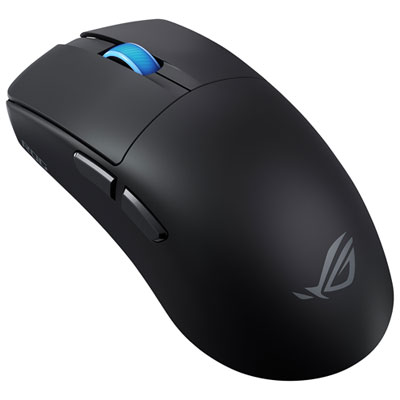
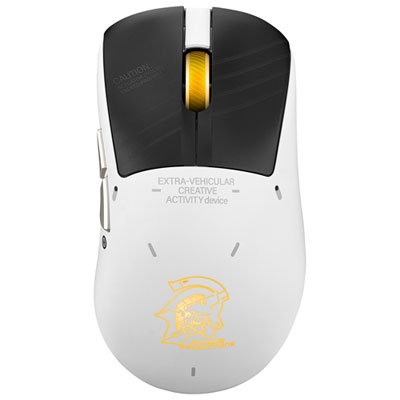
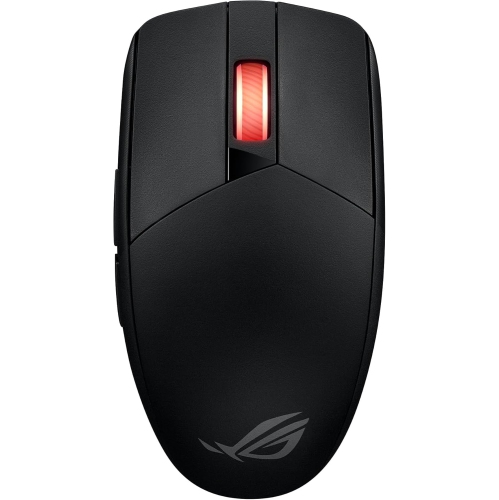
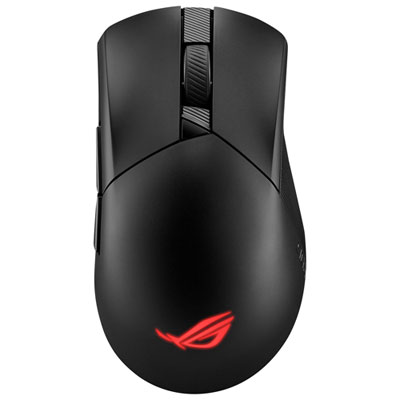
Shape and fit have just as much influence on daily comfort as the connection method. Gaming mice range from compact, low-profile bodies to taller designs with a pronounced rear hump or a fuller curve beneath the palm. A palm grip places more of the hand against the shell, while claw and fingertip grips rely on different contact points and leave more space beneath the hand. The position of the highest point, the width through the centre, and the slope of the sides can change how naturally the mouse sits in each grip. A sculpted right-handed shape may include a thumb rest, whereas a symmetrical shell offers a different feel without necessarily providing matching buttons on both sides. Left-handed use therefore depends on the control layout, not simply the outline. Lightweight designs can feel easier to reposition during broad, low-sensitivity movements, while a heavier body may feel more settled for someone who prefers smaller motions. Moulded plastic shells, textured side panels, and matte finishes provide different contact surfaces; their feel can become especially noticeable through a long gaming session. Button placement matters when a thumb moves between navigation commands, in-game actions, and shortcuts. Reachable side buttons can reduce keyboard movement, but a crowded layout may lead to accidental presses. The scroll wheel’s resistance and defined steps also affect tasks such as changing equipment in a game or moving through a long document. Optical sensor specifications add another layer of choice, although a very high maximum DPI does not automatically translate into better control. DPI changes how far the pointer travels relative to physical movement, and a comfortable setting depends on screen resolution, available desk space, and personal preference. Stable tracking, predictable movement, and suitable mouse feet are often more noticeable in practice. A clean mouse pad provides a consistent surface, while transparent glass or highly reflective desktops can challenge sensors that are not designed to track on them.

Battery design, charging habits, and construction shape how a Bluetooth gaming mouse fits into a routine over time. Rechargeable models reduce the need to keep spare batteries nearby, while replaceable-battery designs allow a fresh battery to be fitted when needed. Battery life depends on the connection mode, reporting settings, lighting, and usage pattern, so a quoted maximum is not necessarily representative of every setup. Bluetooth can use less power than a high-performance receiver mode, although the difference varies by design. Adjustable sleep settings may help extend the time between charges, with a possible pause when the mouse wakes after being idle. A clearly visible battery indicator can make it easier to plan charging before a long session. Cable length and connector placement also affect comfort when a rechargeable mouse is plugged in, especially if its charging port sits close to the desk surface. For durability, the main click switches, scroll wheel, side buttons, and underside feet all contribute to the experience beyond the outer shell. Replaceable switches or feet can be useful features where supported, but they are not standard across the category. Simple care helps preserve the feel of the moving parts: a soft, dry microfibre cloth removes surface marks, and gentle cleaning around the wheel and underside helps prevent dust and hair from building up. Liquid should not be sprayed directly into openings, and cleaning methods need to suit the manufacturer’s care instructions. A protective pouch can keep a mouse from rubbing against loose keys or cables in a laptop bag. Related shapes and connection options can also be explored through the Asus Mice collection. As a gift for a gamer, student, or someone building a flexible desk setup, a Bluetooth-capable gaming mouse is most useful when its shape, handedness, and device compatibility match the recipient’s habits. Those practical details help it feel like a natural part of the setup rather than another accessory to work around.

FAQ

Some products may be subject to Environmental Handling Fees (EHF) depending on your province. Learn more about EHFs.