Asus Mice
Discover the ideal Asus Mouse to enhance your computing experience, whether you're working, gaming, or browsing. Explore a range of options designed to deliver smooth navigation and reliable performance for every task. Find the perfect fit for your setup with an Asus Mouse that matches your style and needs. Shop now and enjoy effortless control at your fingertips.
Sort
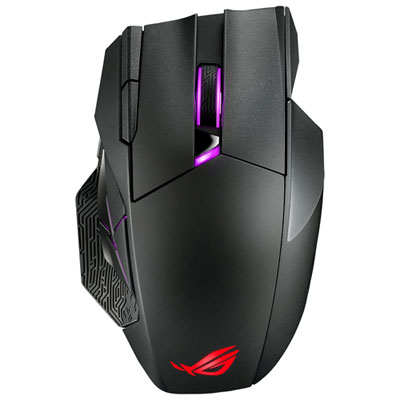
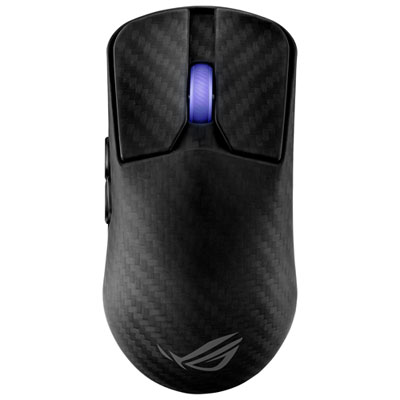
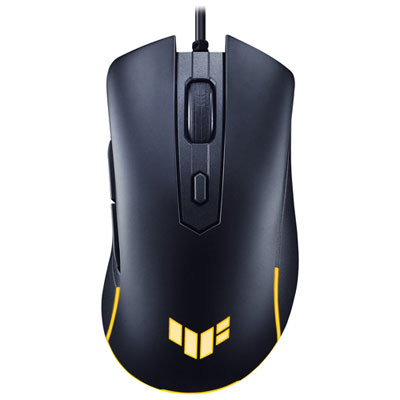
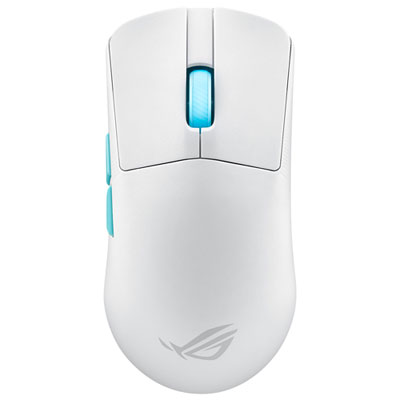
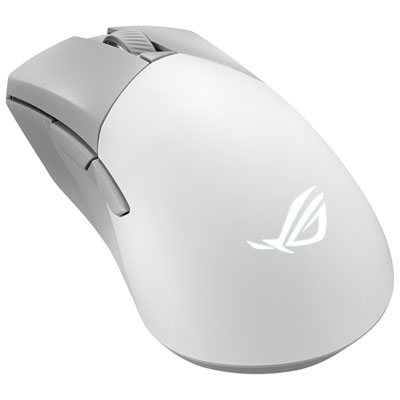
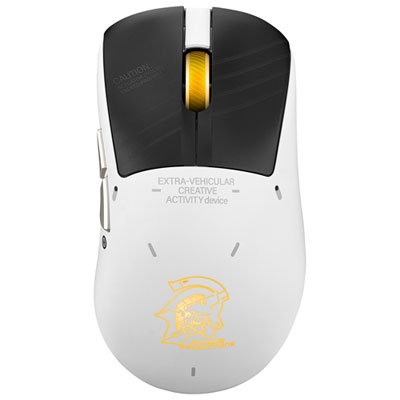
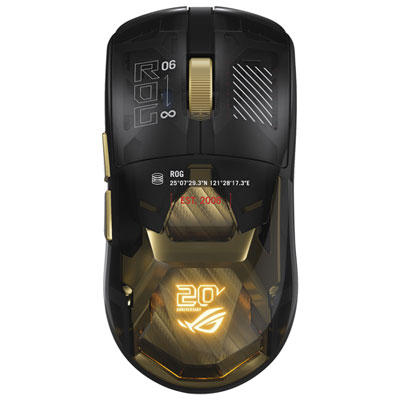
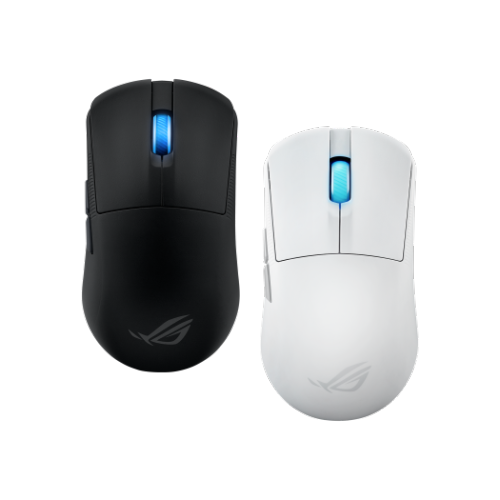
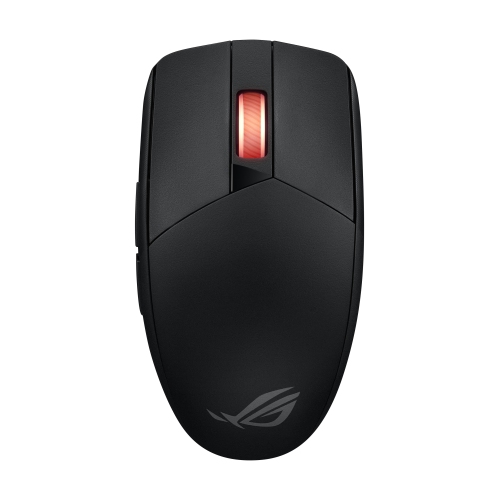
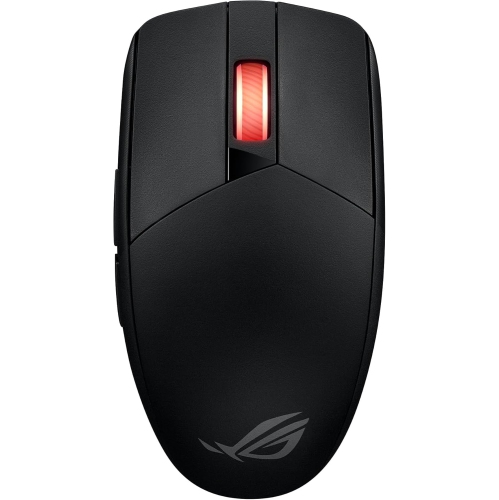

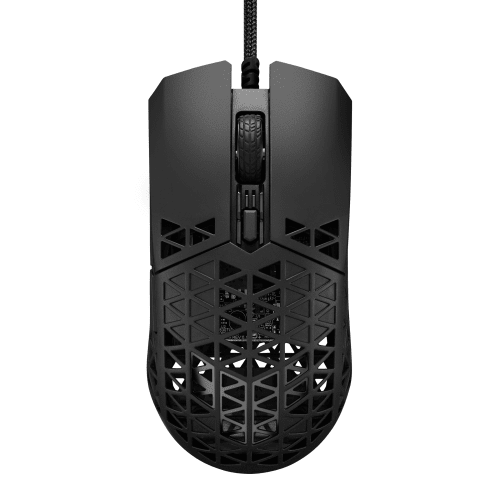
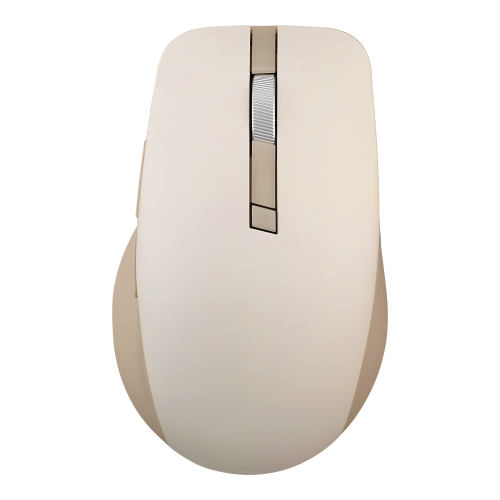
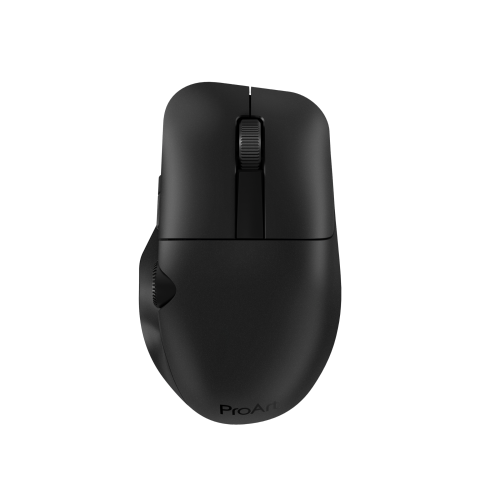
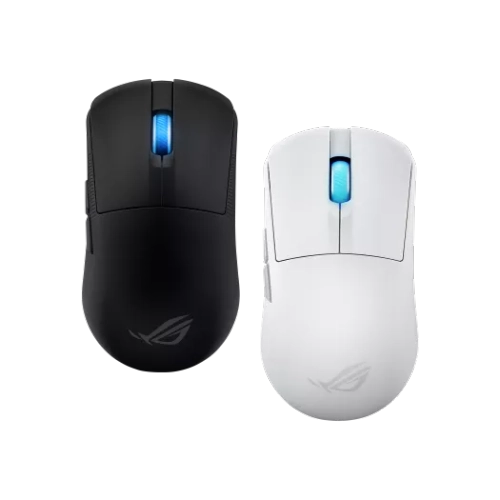
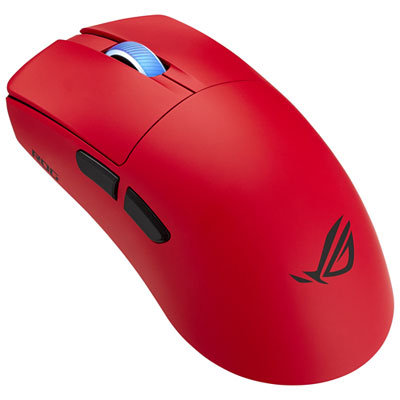
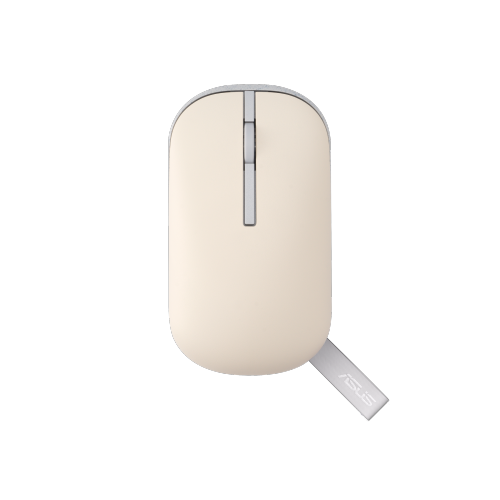
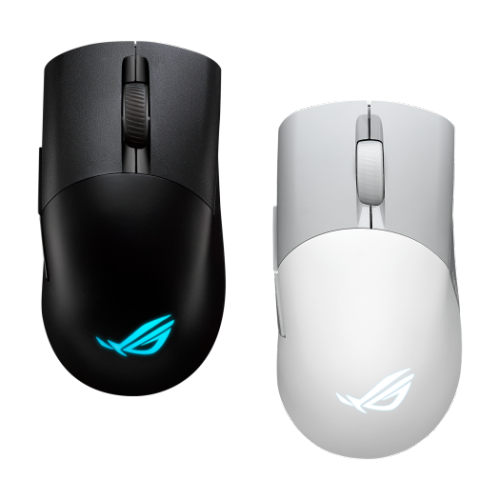
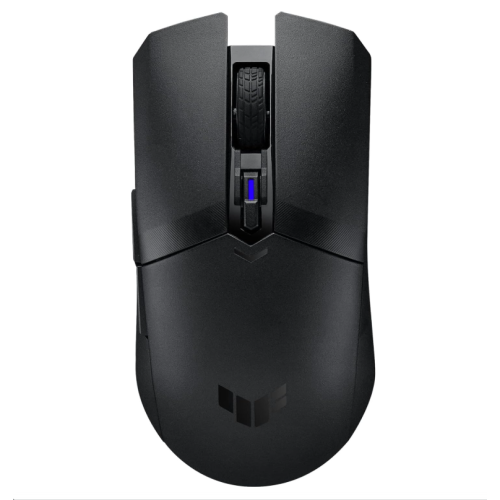
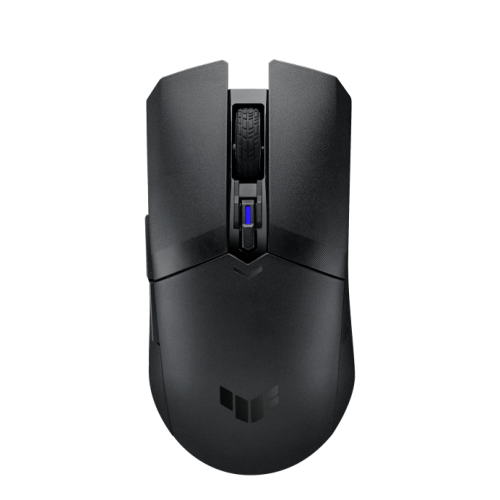
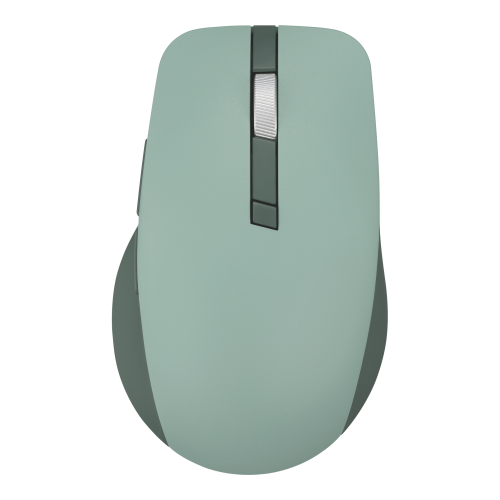
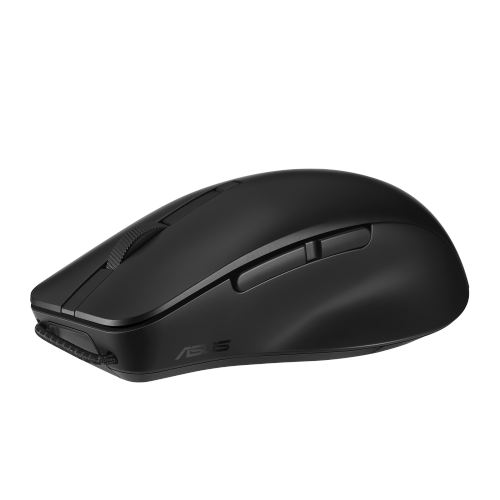
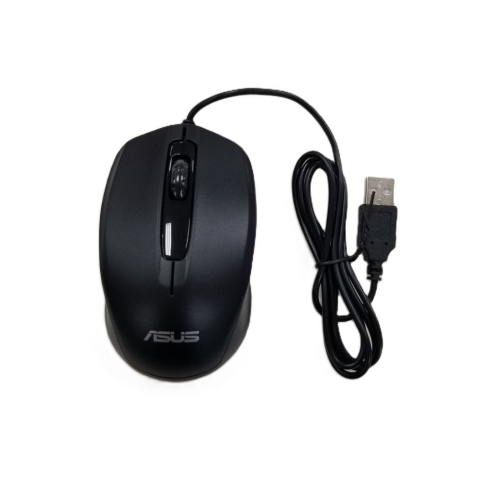

How mouse fit and connection shape everyday control
Computer mice provide a familiar, precise way to navigate documents, manage browser tabs, edit images, and move between work and entertainment. The category includes compact designs suited to a laptop bag, full-size shapes for a permanent desk setup, and performance-focused designs built around fast, controlled movement. For everyday productivity, a comfortable shape and predictable cursor response often matter more than an extensive set of controls. A clearly defined scroll wheel can make long spreadsheets easier to navigate, while accessible side buttons can put browser navigation or frequently used commands within reach. Connection type also affects how a mouse fits into a workspace. Wired mice connect directly to a compatible port and do not need battery charging, making them straightforward companions for a desktop computer or a regularly used workstation. Wireless mice leave more room to move without a cable crossing the desk. Depending on the design, they may connect through Bluetooth, a dedicated USB receiver, or both. Bluetooth can be useful with a laptop that has limited USB ports, while a receiver provides a separate wireless connection through a compatible port. Some designs support switching between paired devices, which can simplify moving from a work computer to a personal laptop. Compatibility still depends on the operating system, connection method, and any software needed for advanced controls. Basic pointing functions may work without additional setup, while button assignments and other custom settings can have more specific requirements. Portable mice also involve practical details beyond size: a secure receiver compartment, an accessible power switch, and a shape that sits neatly beside a charger can make daily travel simpler. At a shared desk or in a quiet study space, reduced-click-noise designs may be useful, although button sound varies. Rechargeable designs and those using replaceable batteries have different upkeep needs, with battery life affected by usage, connection settings, lighting, and other features.
Gaming mice place additional emphasis on tracking, responsiveness, weight, and controls that remain easy to reach during repeated movements. The Asus ROG Gaming Mice category is relevant to shoppers interested in mice designed around gaming use, where shape and control layout can be as important as sensor specifications. A lightweight body may suit players who make broad, frequent movements across a mouse pad, while a more substantial shape may feel steadier to someone who prefers smaller motions. Neither approach is universally better; the useful balance depends on hand size, sensitivity settings, and the types of games being played. Sensor sensitivity, commonly expressed in dots per inch, or DPI, determines how far the pointer moves relative to physical mouse movement. A higher maximum DPI does not automatically make a mouse more accurate or more comfortable. Adjustable sensitivity is useful because it allows the same mouse to feel controlled during detailed aiming and quicker when navigating a large desktop. Polling rate describes how frequently the mouse reports information to the computer, but the overall experience also depends on the connection, computer performance, display, and software settings. Programmable buttons, where supported, can place game actions or keyboard shortcuts close to the thumb. Their positioning matters: controls should be easy to distinguish without requiring an awkward grip or triggering accidental presses. Wired gaming mice avoid charging interruptions, while wireless designs offer freedom from cable drag. For wireless play, connection options, charging arrangements, and battery indicators are practical considerations alongside performance. A flexible cable can also make a difference to how freely a wired mouse moves across the desk. Mouse feet and the pad beneath them influence glide and stopping control, so the same mouse can feel noticeably different on a smooth hard surface and a textured cloth pad. Lighting and appearance can complement a gaming setup, but neither replaces a comfortable fit or dependable tracking.
Fit becomes especially noticeable during a long work session, an evening of gaming, or detailed photo editing. Palm-grip users generally rest more of the hand on the mouse, while claw and fingertip grips place contact differently and can favour different lengths, heights, and curves. A pronounced rear hump may support one hand comfortably yet feel restrictive to another. Similarly, a compact mouse can be convenient for travel without necessarily being the most comfortable choice for hours at a desk. Right-handed contours, more symmetrical bodies, thumb rests, and side-button placement all affect how naturally the hand settles. A symmetrical outline does not always mean every control is equally accessible to left-handed users. Materials contribute to that feel, too. Smooth plastic shells tend to wipe clean easily, textured surfaces can provide additional grip, and rubberized sections may feel more secure under the fingers. Over time, frequently touched areas can develop visible wear, while dust and debris around the scroll wheel or underneath the mouse can affect everyday use. Routine care starts with switching the mouse off or disconnecting it, then following the manufacturer’s cleaning directions. A soft cloth and careful removal of surface debris are generally more appropriate than spraying liquid directly into buttons, seams, or the sensor opening. Keeping the mouse pad clean also helps prevent grit from collecting around the feet. For transport, a separate pouch can protect the shell and keep a cable from being crushed beneath heavier accessories. Durability involves more than the outer housing: buttons, the scroll wheel, cable connections, charging ports, and battery access all contribute to long-term practicality. As a gift, a mouse can suit a student building a study space, a frequent laptop user, a home-office worker, or someone refreshing a gaming setup. The most useful match reflects the recipient’s hand preference, computer connections, desk space, and daily habits, rather than appearance alone.
Top selling and popular products
-
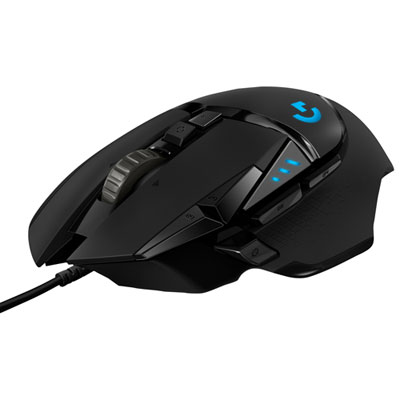 Your price for this item is $39.99
-
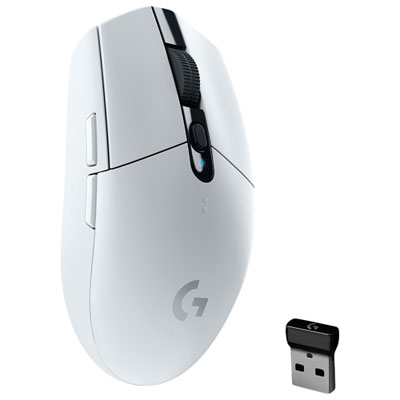 Your price for this item is $39.99
-
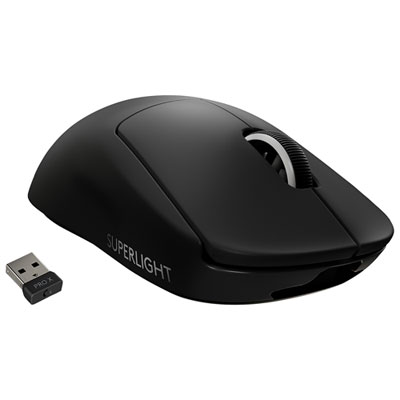 Your price for this item is $99.99
-
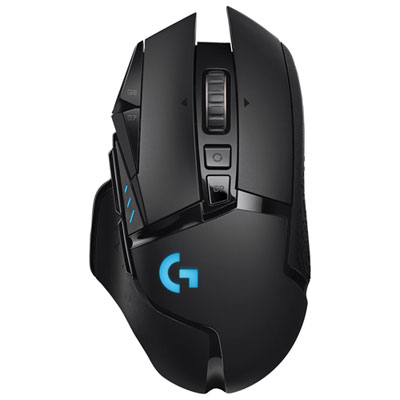 Your price for this item is $109.99
-
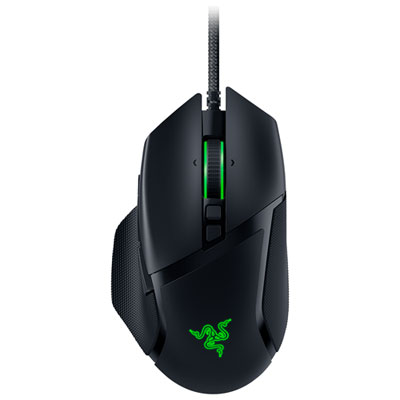 Your price for this item is $46.98
-
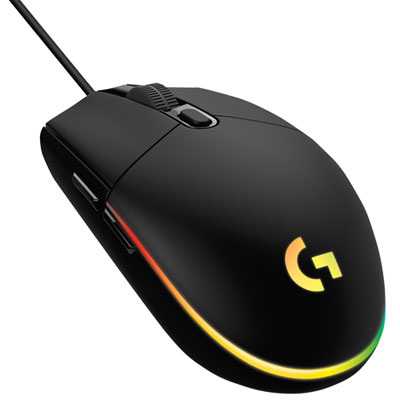 Your price for this item is $27.99
-
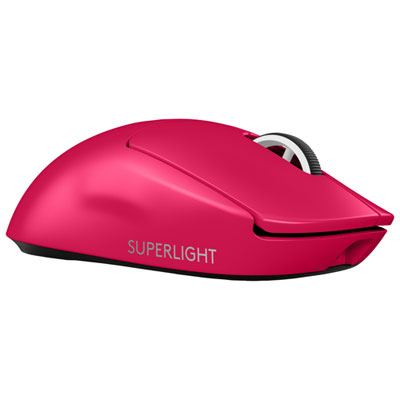 Your price for this item is $219.99
-
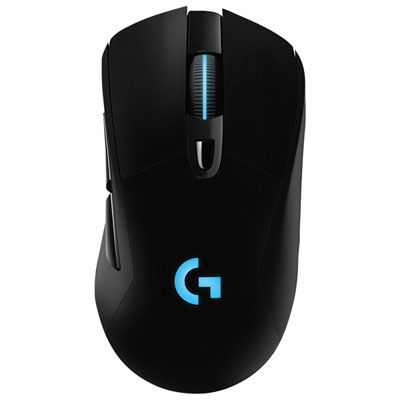 Your price for this item is $69.99
Discover more categories related to Asus Mice
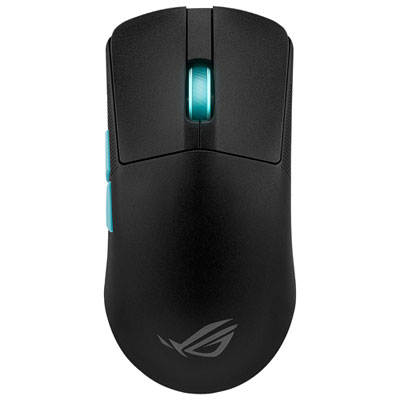
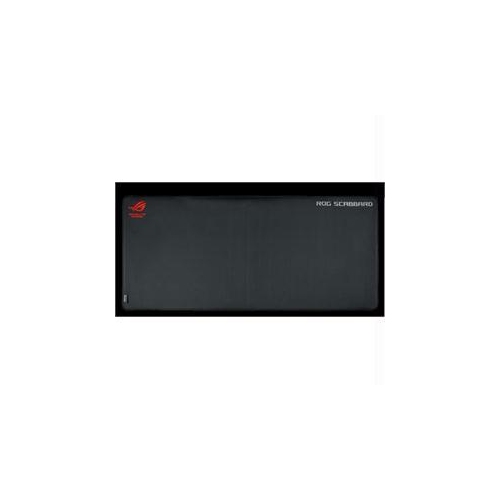
Top Collections:
Best Black Friday Deals This Year, Best Black Friday Deals On Electronics, Kindle Devices, Best Black Friday Deals On Apple Products, Best Budget Office Chairs, Best Cameras for Sports Photography, Dyson Airwrap, Canon G7X Cameras, Best Laptops for Writers, Samsung Galaxy Phones
Some products may be subject to Environmental Handling Fees
(EHF) depending on your province.
Learn more about EHFs.