Back To School Student Monitors
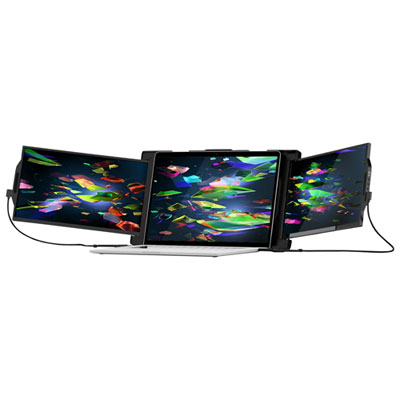
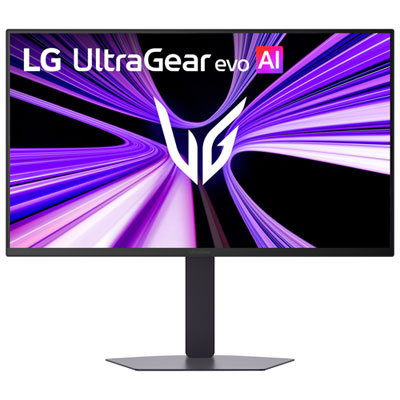
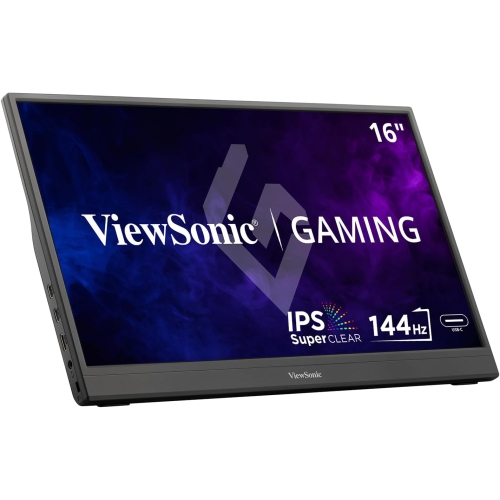
Find back-to-school student monitors for studying, writing assignments, and keeping research alongside your notes. Browse computer monitors with your desk space and coursework in mind, comparing screen size, resolution, and connections to choose a display that fits your setup and works with your laptop or desktop.


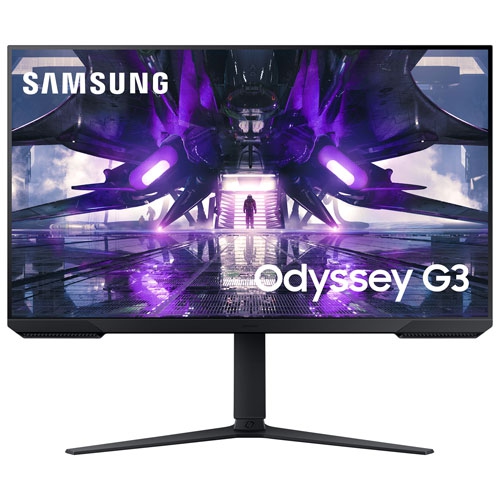
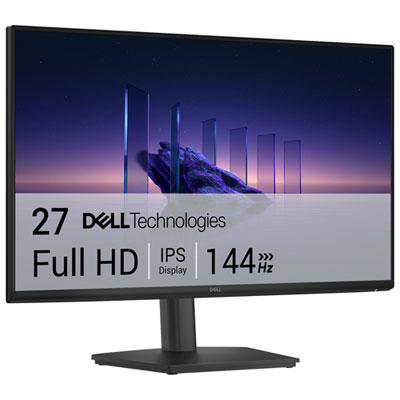
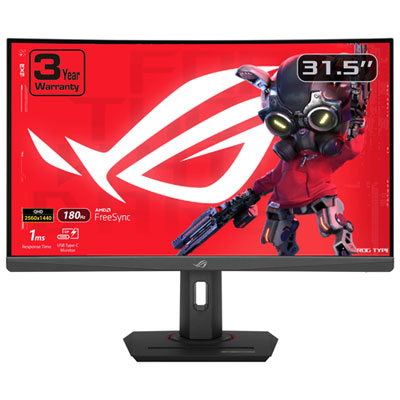
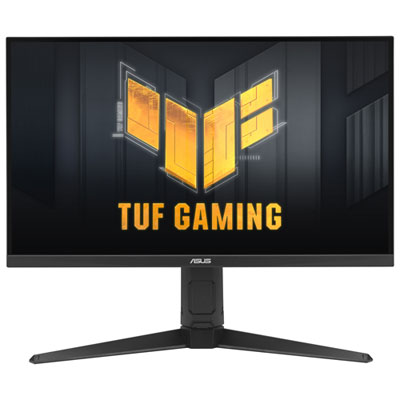

FAQ
Common connections include HDMI, DisplayPort and USB-C. Check which video outputs your laptop or desktop supports before choosing a monitor. If you plan to use USB-C, confirm that both the computer’s port and the cable support video output.
Yes, a laptop with a compatible video output can connect to an external monitor. You can usually choose to mirror the laptop screen or extend the desktop through your computer’s display settings. An adapter or docking station may be needed if the laptop and monitor have different ports.
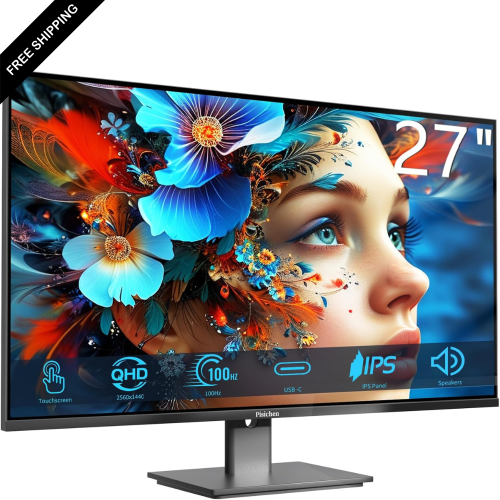
Common panel types include IPS, VA, TN and OLED. IPS, VA and TN are LCD technologies that use a backlight, while OLED panels use pixels that emit their own light. Panel type is typically listed in a monitor’s specifications.
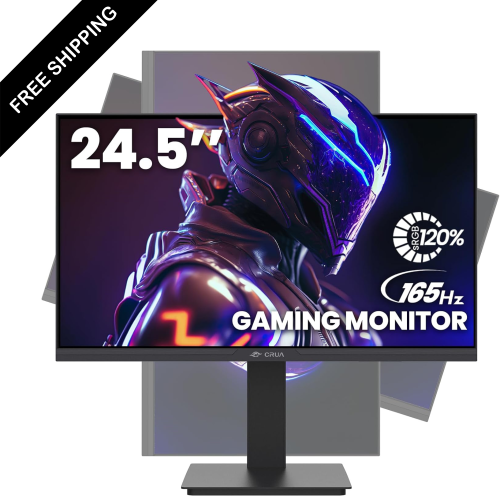
Some monitors have a pivoting stand that lets you rotate the screen into portrait orientation. You will also need to select the matching orientation in your computer’s display settings. If the included stand does not pivot, check whether the monitor supports a compatible mounting arm.
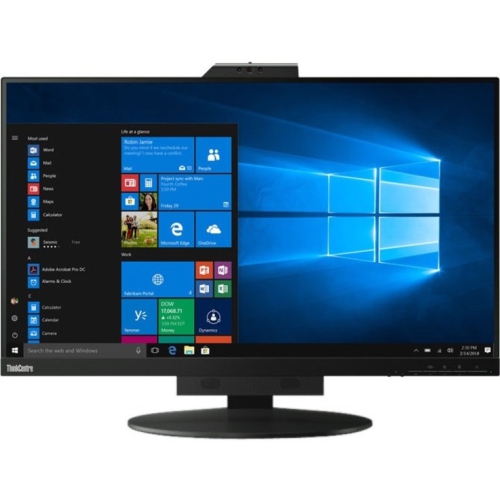
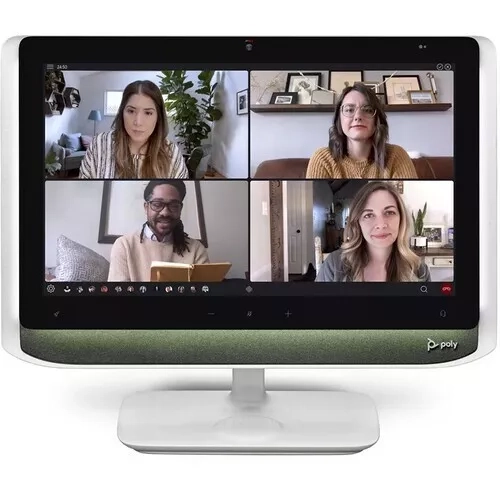
Some monitors include built-in speakers, microphones or webcams, but these features vary by model. Check the specifications for each feature separately. Built-in webcams and USB accessories may require a USB connection to your computer in addition to the video connection.
Top selling and popular products
Discover more categories related to Back To School Student Monitors
Some products may be subject to Environmental Handling Fees (EHF) depending on your province. Learn more about EHFs.