Back To School Monitors For Student Projects
Find back-to-school monitors for student projects, from writing essays and researching assignments to building presentations. Browse computer monitors with screen sizes and display features suited to your coursework and desk space, and check resolution, laptop connectivity, and stand adjustability to find a practical fit for your study setup.









FAQ
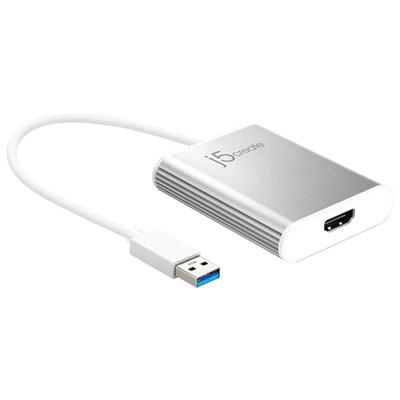
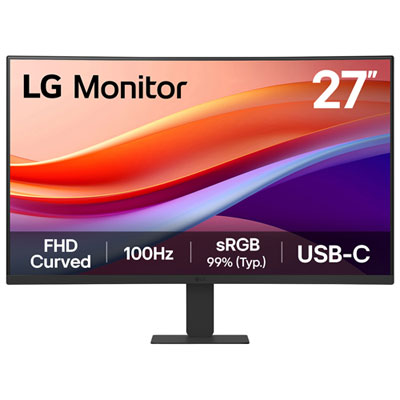
Check which video outputs your laptop or desktop supports, such as HDMI, DisplayPort or USB-C with video output. Some USB-C monitors also support laptop charging and USB accessories through one cable, but compatibility depends on the monitor, computer and cable.
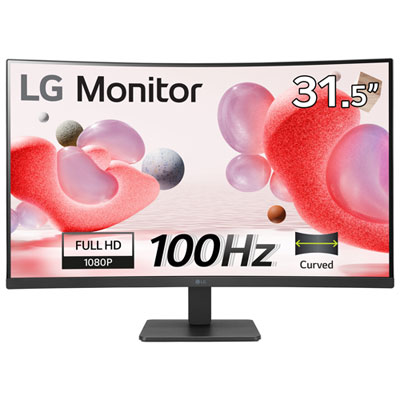
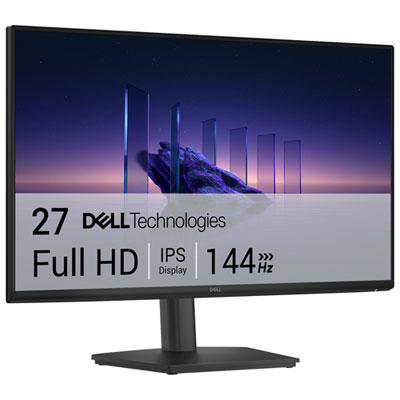
Resolution describes the number of pixels a monitor displays. Full HD is 1920 × 1080 pixels, QHD is 2560 × 1440 pixels, and 4K UHD is 3840 × 2160 pixels. Your computer must support the resolution you want to use, and display scaling settings let you adjust how text and interface elements appear.
Look at panel type, colour gamut coverage and factory calibration details. IPS panels are commonly used for creative work, while specifications such as sRGB or Adobe RGB coverage describe the range of colours a display can reproduce. Your course requirements may identify a particular colour space.
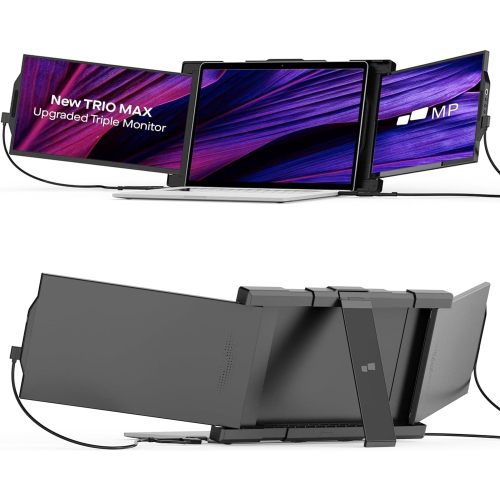
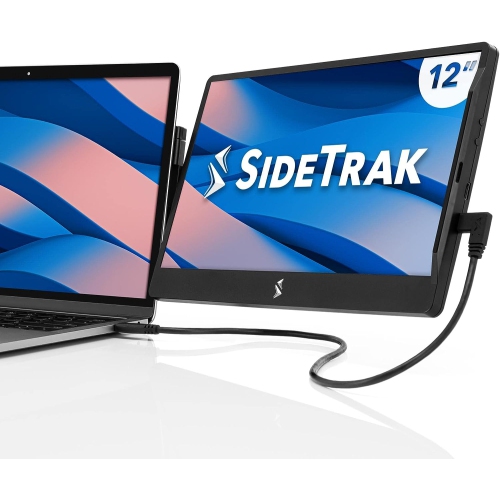
Many laptops support using their built-in screen and an external monitor at the same time. In your operating system’s display settings, you can choose to mirror the same content or extend the desktop across both screens. Support depends on your laptop’s hardware, ports and any connected adapter or dock.
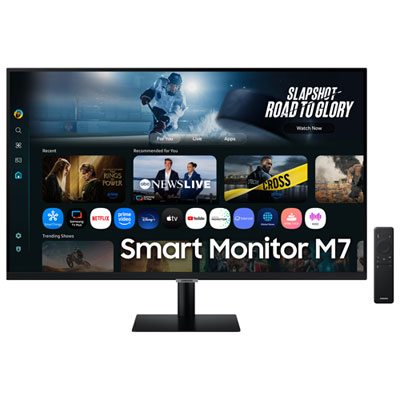
Some monitors include speakers, a webcam, a microphone or a USB hub for connecting peripherals. Check the feature list and connection requirements, as a webcam or USB hub may need a separate USB connection even when HDMI carries the video signal.
Top selling and popular products
Discover more categories related to Back To School Monitors For Student Projects

Some products may be subject to Environmental Handling Fees (EHF) depending on your province. Learn more about EHFs.