Back To School Student Ready Desktop Monitors
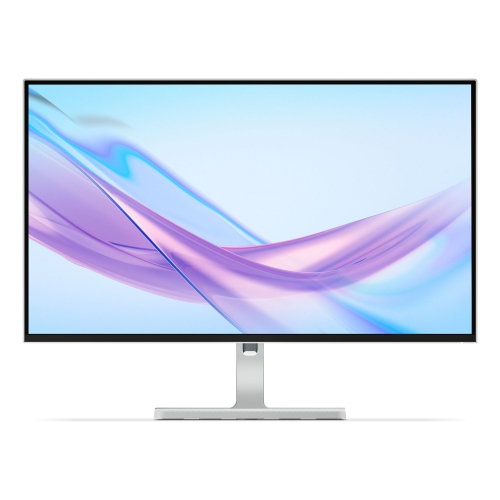
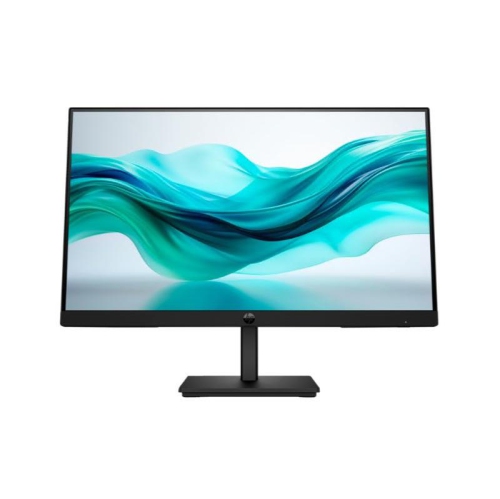
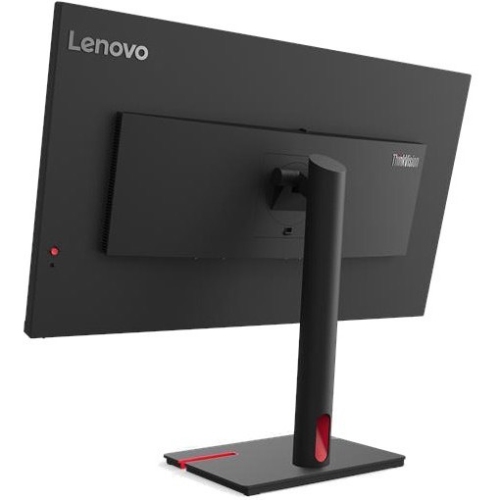
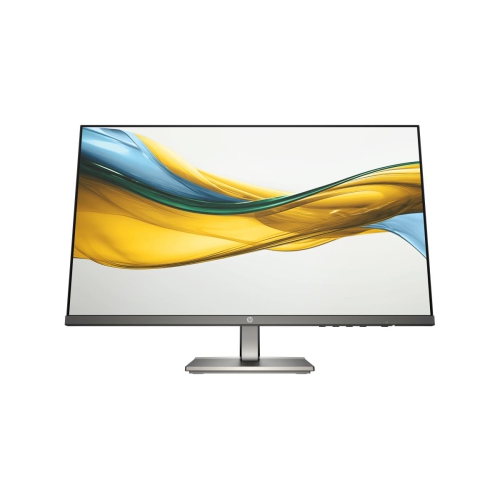
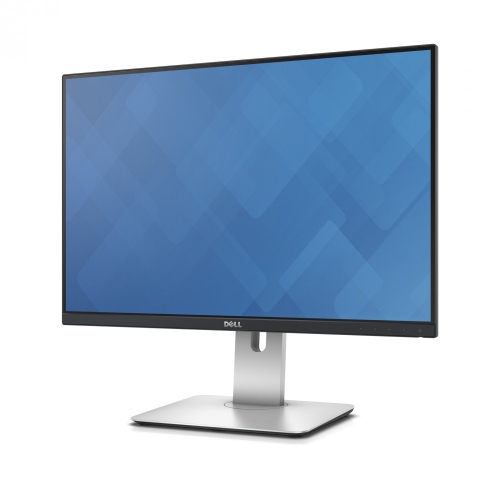
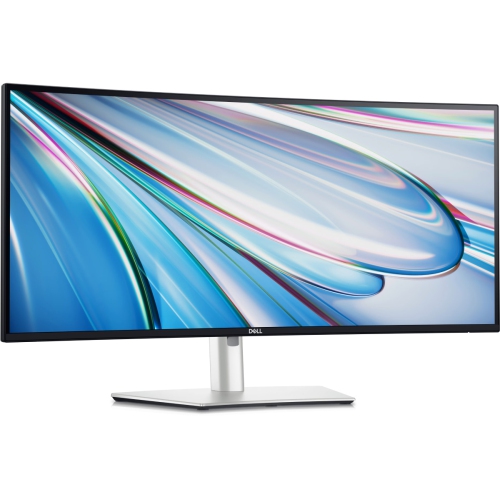
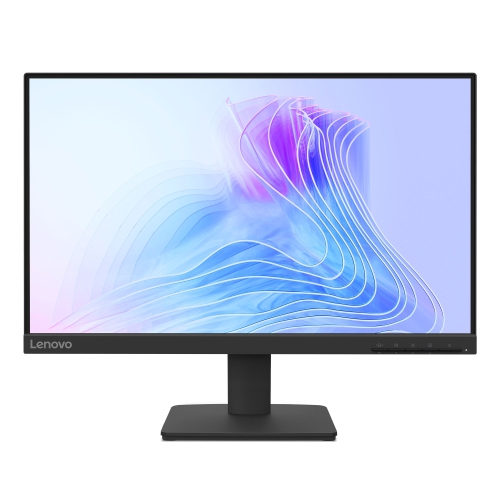
Get ready for back to school with desktop monitors for student workspaces. Whether you’re reading course materials, writing essays or keeping research open beside your notes, compare screen sizes, resolutions and connection options to find a monitor that fits your desk and works with your computer.




FAQ
Look for clear text rendering, connections that match your computer, and an adjustable stand. Built-in speakers, USB ports, and a webcam can also be useful for coursework and online classes. Check which features are included, as they vary by monitor.
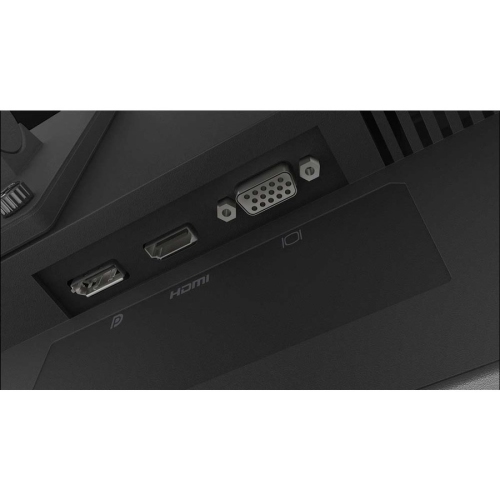
Many monitors can connect to either through HDMI, DisplayPort, or USB-C. Match the monitor’s inputs to your computer’s video outputs. For USB-C, confirm that both the computer’s port and the cable support video. Monitors with multiple inputs typically let you switch between connected computers using an input menu.
IPS panels generally offer wide viewing angles and consistent colours. VA panels typically provide higher contrast, while TN panels often emphasize fast response times. For schoolwork that includes visual design or media projects, colour accuracy is another specification to compare.
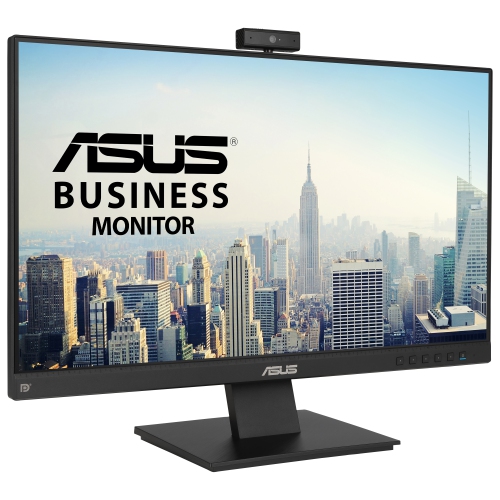
Some monitors include speakers, a webcam, and a microphone, but these features are not standard on every model. A monitor with integrated video-call features may need a USB connection in addition to a video cable. Check the specifications for included audio and camera features.
Refresh rate, measured in hertz (Hz), describes how many times a monitor updates its image each second. A 60 Hz display is common for documents, browsing, and coursework, while higher refresh rates can make scrolling and motion appear smoother. Your computer, connection, and display settings must support the selected refresh rate.
Top selling and popular products
Discover more categories related to Back To School Student Ready Desktop Monitors



Some products may be subject to Environmental Handling Fees (EHF) depending on your province. Learn more about EHFs.