Best Headphones For Students
Find the best headphones for students to stay focused during study sessions, tune into online classes, and enjoy music between lectures. Ranked based on user review ratings, this selection makes it easy to explore highly rated options for campus life. Whether you value noise cancellation, a comfortable fit, or long battery life, find headphones that suit your study habits and budget.
What to look for in the best headphones for students
1. Comfort and Fit
2. Noise Control
3. Connectivity and Microphone
4. Battery Life and Value
-
1
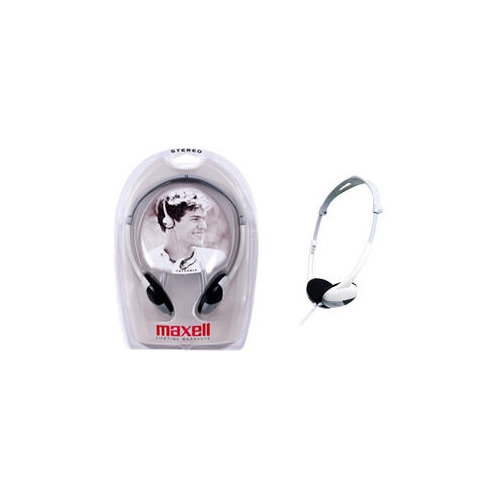
MAXELL HP 200 On-Ear Noise Cancelling Headphones - Silver/black - (190318)
About this product
A pair of lightweight silver and black on-ear headphones with noise cancelling and adjustable locking headband.
(1)$17.99 Your price for this item is $17.99 -
2
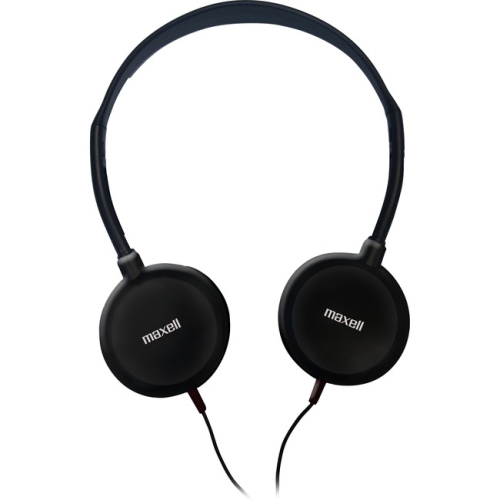
MAXELL HP-200 Lightweight Stereo Headphones (190318)
About this product
A pair of lightweight silver and black wired headphones with 3.5mm jack and 4 ft cable.
(1)$6.68Your price for this item is $6.68SAVE $10 -
3
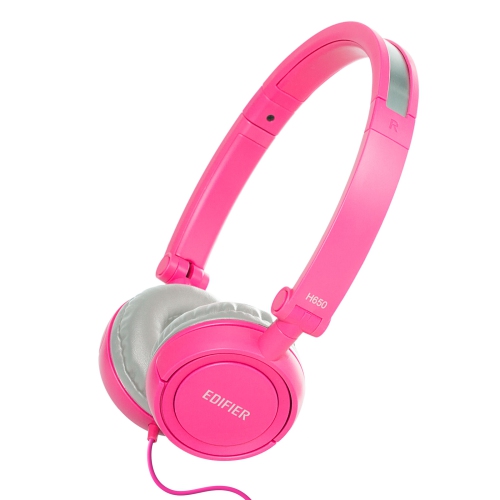
EDIFIER H650 On-Ear Headphones - Foldable And Lightweight Headphone - In Pink
About this product
A foldable, lightweight pair of pink on-ear headphones with noise isolation and comfortable leather earmuffs.
(1)$15.99Your price for this item is $15.99SAVE $20 -
4
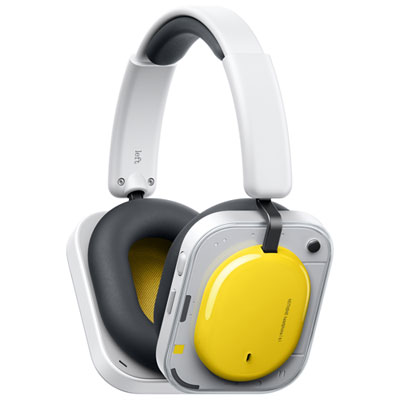
Nothing Headphone (a) Over-Ear Noise Cancelling Bluetooth Headphones - Yellow
About this product
A vibrant yellow over-ear Bluetooth headphone featuring adaptive noise cancelling and LDAC certified Hi-Res audio.
(1)$249.99 Your price for this item is $249.99 -
5
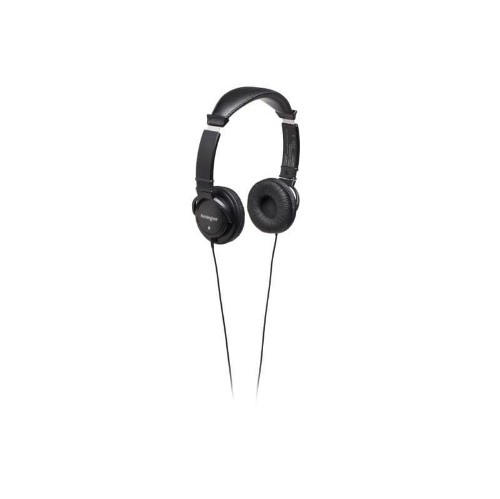
KENSINGTON Hi-Fi Headphones (33137)
About this product
A pair of hi-fi headphones with 40mm drivers, plush earpads, and a durable 9-foot cord.
(0)$28.99 Your price for this item is $28.99 -
6
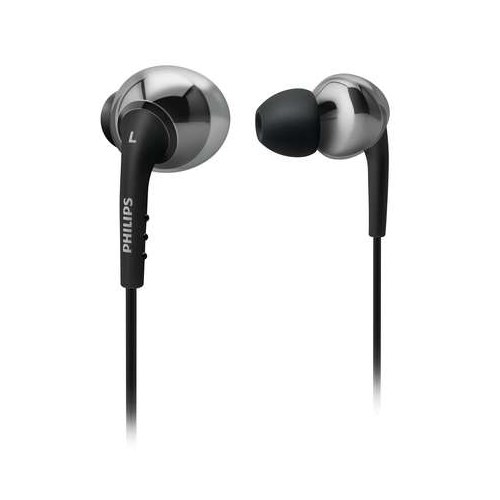
PHILIPS In-Ear/ear Bud Headphone (She9750) - In Black
About this product
A comfortable pair of black in-ear headphones designed for all-day listening enjoyment.
(4)$46.99 Your price for this item is $46.99 -
7
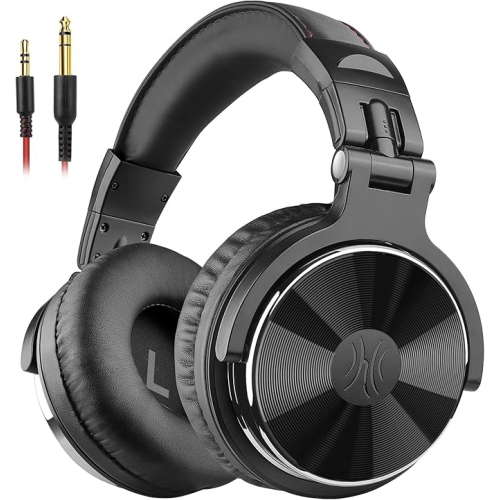
ONEODIO Adapter-Free Closed Back Over Ear Dj Stereo Monitor Headphones, Professional Studio Monitor & Mixing, Telescopic Arms w Scale, Newest 50Mm
About this product
A pair of black closed-back over-ear headphones delivering powerful bass and clear hi-fi sound for studio use.
What customers like
(50)$94.99Your price for this item is $94.99SAVE $40 -
8
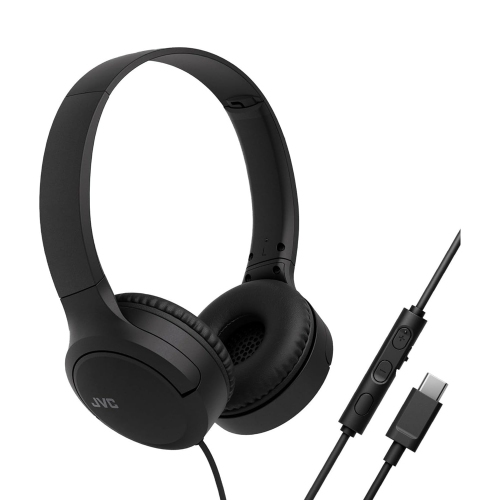
JVC - Wired USB-C Headphones With Microphone – Lightweight, Comfortable, Foldable - Ha-S33Uc-B In Black
About this product
A lightweight pair of black USB-C headphones with microphone, soft ear cushions, and convenient in-line controls.
What customers like
(161)$47.77Your price for this item is $47.77SAVE $12 -
9
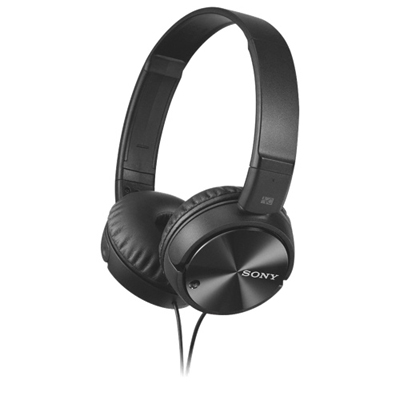
Sony On-Ear Noise Cancelling Headphones (MDRZX110NC) - Black
About this product
A pair of black on-ear headphones offering up to 95% noise cancellation and sound-isolating technology.
What customers like
(5,277)$59.99 Your price for this item is $59.99 -
10
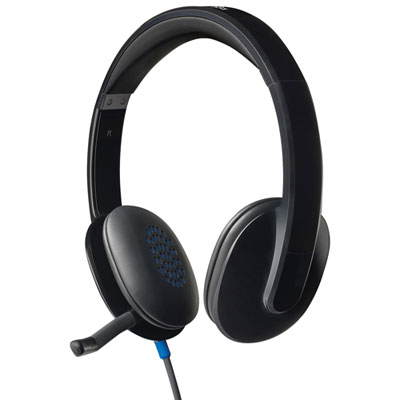
Logitech H540 USB Headset for PC
About this product
A black on-ear headset delivering crisp digital stereo sound with laser-tuned drivers and soft leatherette padding.
What customers like
(2,079)$47.98Your price for this item is $47.98SAVE $2
FAQ
Students can choose from over-ear headphones, on-ear headphones and in-ear earbuds. Options include wired and wireless models, along with open-back and closed-back designs. Your choice can reflect your preferred wearing style and how you plan to use them between classes, at home or on campus.
Check whether your device supports Bluetooth, a 3.5 mm headphone jack or USB-C audio, then match the headphones to that connection. Some wired headphones require an adapter. If you use a microphone for online classes, also check that the connection supports microphone input on your device.
Common controls include volume adjustment, play and pause, track selection and call handling. Depending on the design, these may be physical buttons, touch controls or an inline remote on the cable. Some models also offer microphone mute controls or settings through a companion app.
Headphones may have a built-in microphone, an inline microphone on the cable or a boom microphone positioned beside the mouth. Some boom microphones are detachable or can be flipped upwards when not in use. Check the microphone layout and mute options if your coursework includes video calls or group discussions.
Use a dedicated case or pouch, and keep detachable cables and adapters in the same compartment. For wired headphones, loosely coil the cable rather than wrapping it tightly around the earcups. At a desk, a headphone stand or designated drawer gives them a regular place when not in use.
Top selling and popular products
Discover more categories related to Best Headphones For Students
Some products may be subject to Environmental Handling Fees (EHF) depending on your province. Learn more about EHFs.