Earbuds for Meetings
Earbuds for meetings are an essential tool for clear communication and staying connected during virtual calls or conference sessions. Whether you’re working from home, in the office, or on the go, the right pair of earbuds can help you stay focused and engaged with your team. Explore a wide selection of options designed to deliver comfort and convenience, making every meeting more productive. Find earbuds for meetings that fit your style and help you make the most of every conversation.
Sort
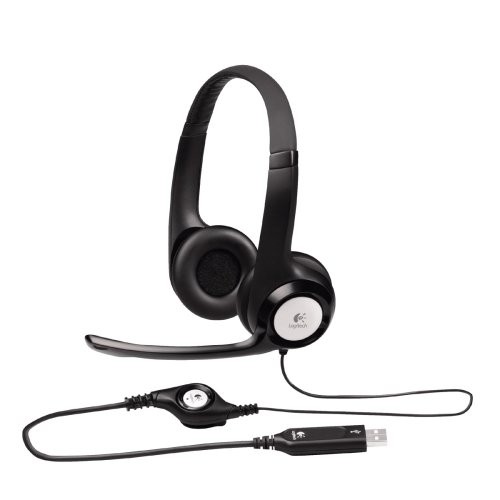
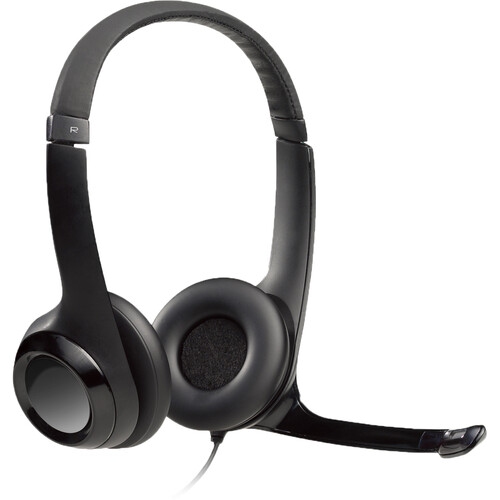
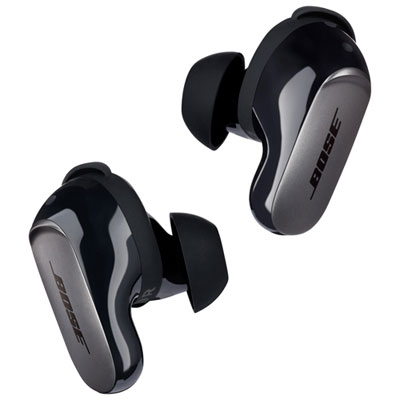
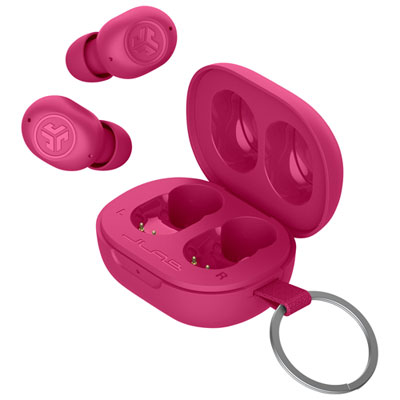
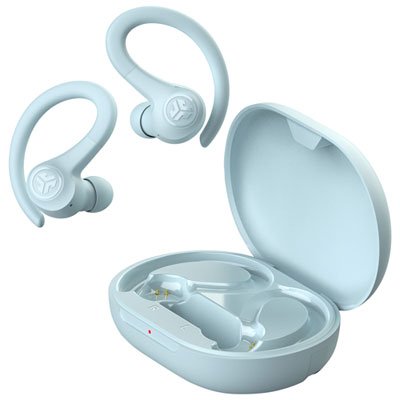
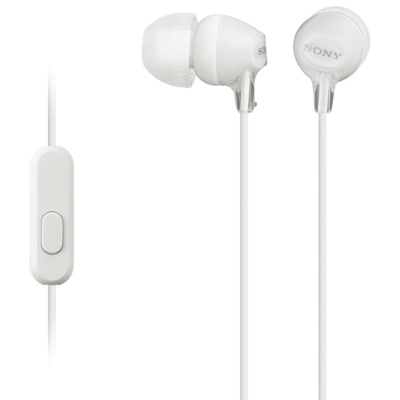
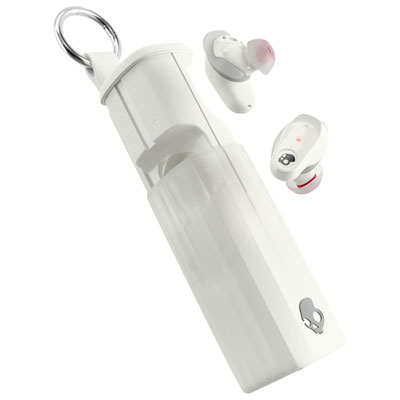
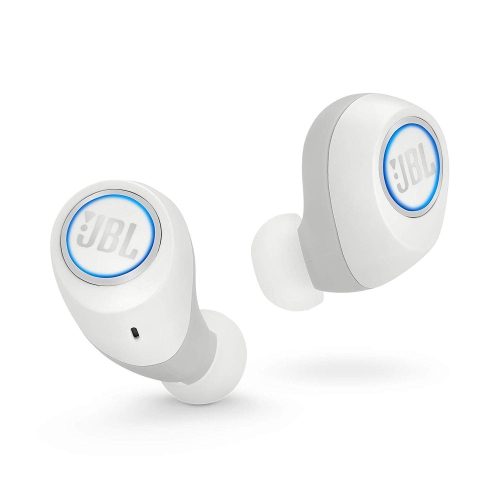
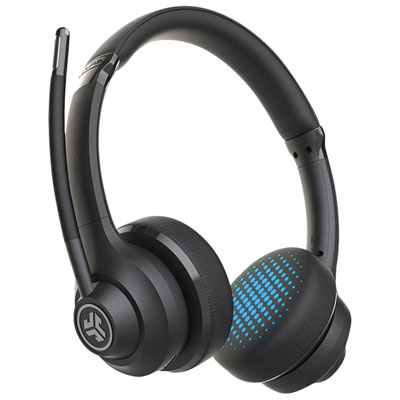
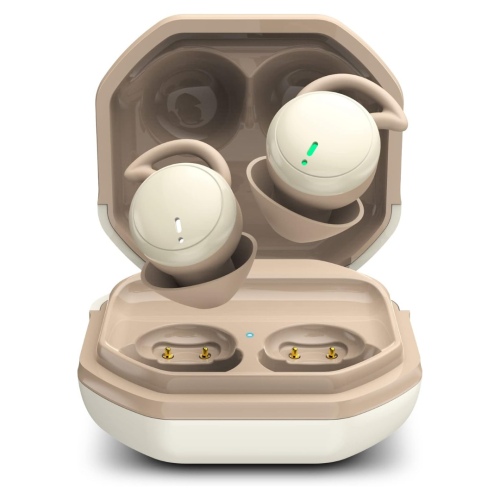
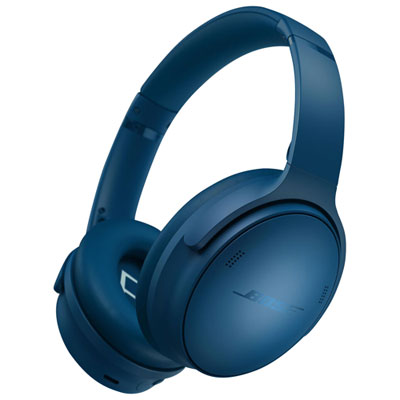
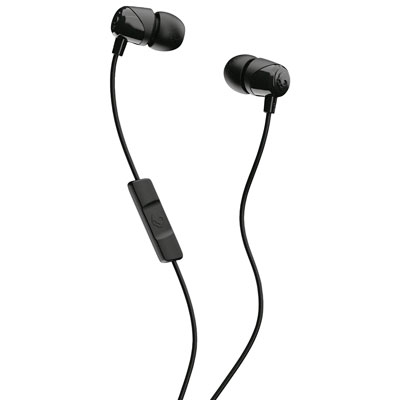
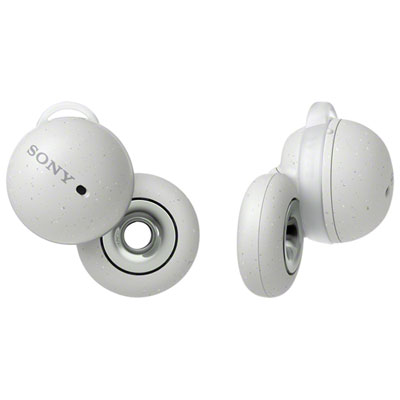
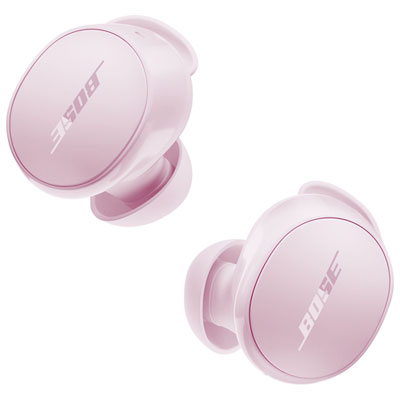
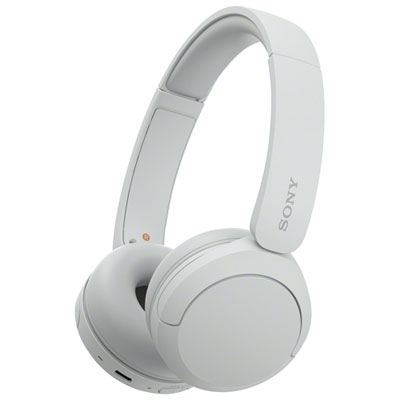
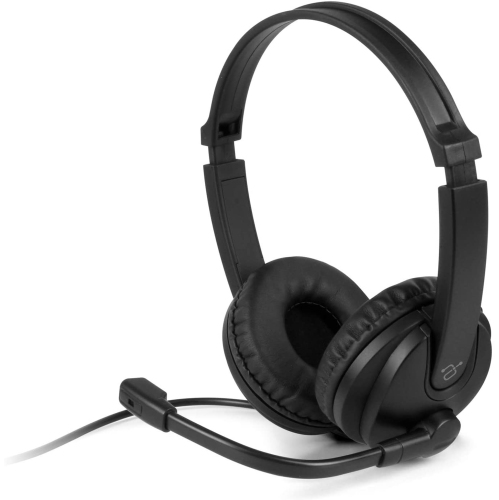
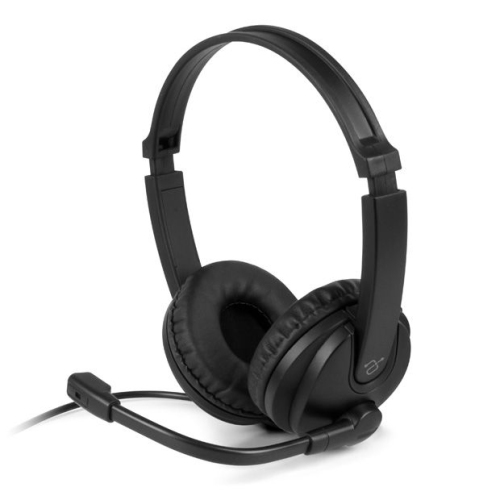
Clear call audio goes beyond what you hear
Earbuds for meetings bring private listening and hands-free conversation to video calls, virtual appointments, online interviews, and everyday check-ins. Their small size suits people who move between a home desk, a shared workspace, and a meeting room, especially when a full-size headset feels cumbersome alongside glasses or takes up too much space in a work bag. The most useful features for calls are clear microphone pickup, a comfortable fit, dependable device compatibility, and enough talk time for the working day. Sound quality matters, but rich music playback alone does not establish how clearly other participants will hear a voice. Microphone placement and voice processing play separate roles: microphones capture speech, while processing attempts to reduce competing sounds such as keyboard taps, nearby conversations, and ventilation hum. A microphone positioned closer to the mouth, including a boom microphone on designs that support one, can help distinguish speech from background noise. Built-in microphone arrays keep the shape more discreet, though their performance varies with the room and the amount of surrounding activity. Active noise cancellation serves a different purpose by reducing some of the sound reaching the listener; it does not, by itself, mean that outgoing speech will sound clearer. That distinction becomes noticeable when someone can hear a presentation easily but colleagues still hear the chatter behind them. Transparency or ambient listening modes let more outside sound through, which can be convenient when listening for a colleague or a doorbell between calls. Some designs also offer sidetone, allowing the wearer to hear their own voice more naturally and avoid speaking too loudly. For frequent presenters, customer-facing staff, students attending virtual discussions, and anyone contributing to group calls, intelligible speech and predictable controls often matter more than powerful bass. A short test call from the actual desk can reveal whether speech sounds natural, whether quieter words get clipped, and whether ordinary movements cause distracting changes in volume.
Connectivity shapes how smoothly earbuds fit into a meeting routine. Bluetooth can provide a straightforward wireless connection to a compatible phone, tablet, or computer, but calling features depend on the earbuds, the device, the operating system, and the conferencing application working together. Multipoint connectivity generally allows earbuds to stay connected to more than one device, such as a laptop and a phone; it does not necessarily mean they can mix both audio streams at once. Switching behaviour also varies, so an incoming phone call may affect an active computer session differently from one setup to another. For someone who moves from a laptop presentation to a mobile call, clearly documented switching controls can be more useful than a long list of audio features. Certain meeting-focused designs support a compatible USB wireless adapter that can simplify computer pairing and provide supported call controls. Adapter inclusion, connector type, and compatibility deserve attention, particularly on a work computer with limited ports or restrictions on accessory software. Certification for a conferencing platform can indicate testing for that platform, but it should not be treated as a promise that every feature works in every application. For a closer focus on cordless options, Wireless Earbuds for Business Meetings connects this everyday calling use with the convenience of a cable-free design. Wired earbuds remain relevant where a compatible audio connection offers a simple setup without charging, although microphone support and adapters must match the device. Whichever connection is used, accessible mute controls and a clear mute indication help prevent uncertainty when joining a discussion. Touch surfaces can keep controls compact, while physical buttons may feel easier to locate without looking; either style should be manageable without loosening the earbud. Battery specifications also need context. Talk time may be shorter than music playback time, and active features can affect runtime. Total battery life with a charging case includes later recharges, not one uninterrupted call. For back-to-back sessions, continuous calling time, charging speed, and support for using either earbud independently are practical details that can make the schedule easier to manage.
Comfort becomes especially important when a brief check-in stretches into a training session or an afternoon of interviews. In-ear designs commonly use silicone tips to form a seal, while some support compatible foam tips that compress before expanding in the ear. Silicone is generally straightforward to wipe clean; foam can require different care and more frequent replacement, depending on use and the manufacturer's directions. Tip size is not simply a choice between tight and loose: a secure seal should hold the earbud without painful pressure, and each ear may need a different size. An incomplete seal can reduce bass and noise cancellation, while an overly large tip may become uncomfortable during a long conversation. Earbud shape, weight, stems, and any stabilizing fins also influence fit. Open-fit designs avoid the same sealed sensation and may suit listeners who prefer greater awareness of their surroundings, though they generally provide less passive isolation. People who wear glasses may appreciate that earbuds do not place a headband or ear cushions against the frames, but individual comfort still depends on ear shape and wearing time. Smooth plastic housings are common because they keep weight down, while hinges, charging contacts, cables, and replaceable tips are worth considering for everyday durability. A protective case helps prevent loose earbuds from collecting lint or being crushed among keys and chargers. Care is usually simple: handle earbuds with clean, dry hands, remove surface debris gently, and follow the manufacturer's instructions for cleaning tips and microphone openings. Sharp tools and excess liquid can damage fine meshes or internal components. Any stated water-resistance rating has limits and should not be read as permission to wash earbuds under a tap or place damp earbuds in a charging case. Listening at a moderate volume and taking breaks can make extended sessions more comfortable. As a practical gift for a remote worker, a student, or a relative who regularly joins video appointments, meeting earbuds are most useful when they match the recipient's devices and fit preferences. Whether used for occasional catch-ups or daily collaboration, the right balance is clear conversation, reliable connections, and a fit that remains comfortable beyond the first few minutes.
Connectivity shapes how smoothly earbuds fit into a meeting routine. Bluetooth can provide a straightforward wireless connection to a compatible phone, tablet, or computer, but calling features depend on the earbuds, the device, the operating system, and the conferencing application working together. Multipoint connectivity generally allows earbuds to stay connected to more than one device, such as a laptop and a phone; it does not necessarily mean they can mix both audio streams at once. Switching behaviour also varies, so an incoming phone call may affect an active computer session differently from one setup to another. For someone who moves from a laptop presentation to a mobile call, clearly documented switching controls can be more useful than a long list of audio features. Certain meeting-focused designs support a compatible USB wireless adapter that can simplify computer pairing and provide supported call controls. Adapter inclusion, connector type, and compatibility deserve attention, particularly on a work computer with limited ports or restrictions on accessory software. Certification for a conferencing platform can indicate testing for that platform, but it should not be treated as a promise that every feature works in every application. For a closer focus on cordless options, Wireless Earbuds for Business Meetings connects this everyday calling use with the convenience of a cable-free design. Wired earbuds remain relevant where a compatible audio connection offers a simple setup without charging, although microphone support and adapters must match the device. Whichever connection is used, accessible mute controls and a clear mute indication help prevent uncertainty when joining a discussion. Touch surfaces can keep controls compact, while physical buttons may feel easier to locate without looking; either style should be manageable without loosening the earbud. Battery specifications also need context. Talk time may be shorter than music playback time, and active features can affect runtime. Total battery life with a charging case includes later recharges, not one uninterrupted call. For back-to-back sessions, continuous calling time, charging speed, and support for using either earbud independently are practical details that can make the schedule easier to manage.
Comfort becomes especially important when a brief check-in stretches into a training session or an afternoon of interviews. In-ear designs commonly use silicone tips to form a seal, while some support compatible foam tips that compress before expanding in the ear. Silicone is generally straightforward to wipe clean; foam can require different care and more frequent replacement, depending on use and the manufacturer's directions. Tip size is not simply a choice between tight and loose: a secure seal should hold the earbud without painful pressure, and each ear may need a different size. An incomplete seal can reduce bass and noise cancellation, while an overly large tip may become uncomfortable during a long conversation. Earbud shape, weight, stems, and any stabilizing fins also influence fit. Open-fit designs avoid the same sealed sensation and may suit listeners who prefer greater awareness of their surroundings, though they generally provide less passive isolation. People who wear glasses may appreciate that earbuds do not place a headband or ear cushions against the frames, but individual comfort still depends on ear shape and wearing time. Smooth plastic housings are common because they keep weight down, while hinges, charging contacts, cables, and replaceable tips are worth considering for everyday durability. A protective case helps prevent loose earbuds from collecting lint or being crushed among keys and chargers. Care is usually simple: handle earbuds with clean, dry hands, remove surface debris gently, and follow the manufacturer's instructions for cleaning tips and microphone openings. Sharp tools and excess liquid can damage fine meshes or internal components. Any stated water-resistance rating has limits and should not be read as permission to wash earbuds under a tap or place damp earbuds in a charging case. Listening at a moderate volume and taking breaks can make extended sessions more comfortable. As a practical gift for a remote worker, a student, or a relative who regularly joins video appointments, meeting earbuds are most useful when they match the recipient's devices and fit preferences. Whether used for occasional catch-ups or daily collaboration, the right balance is clear conversation, reliable connections, and a fit that remains comfortable beyond the first few minutes.
Top selling and popular products
-
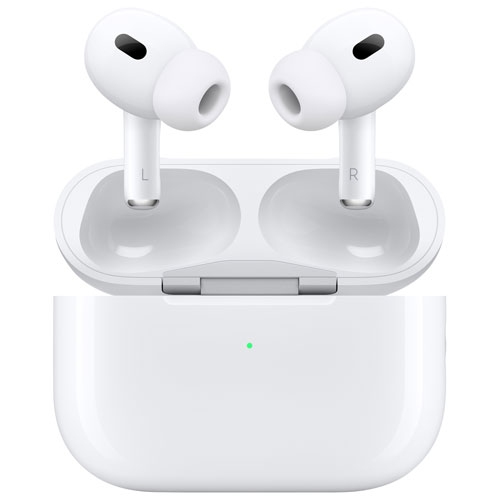 Your price for this item is $349.99
 -
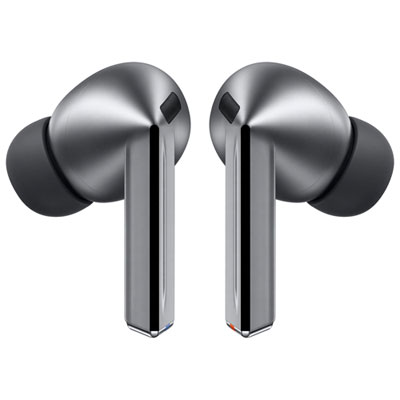 Your price for this item is $329.99
 -
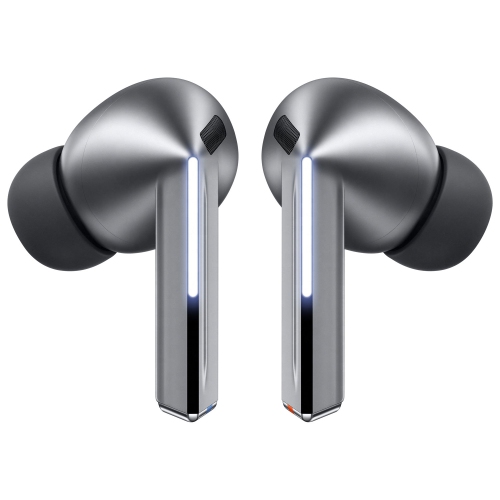 Your price for this item is $229
 -
 Your price for this item is $227
 -
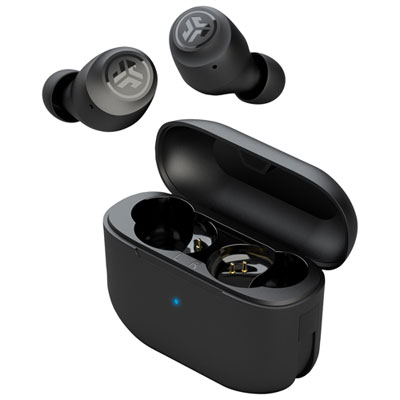 Your price for this item is $19.99
 -
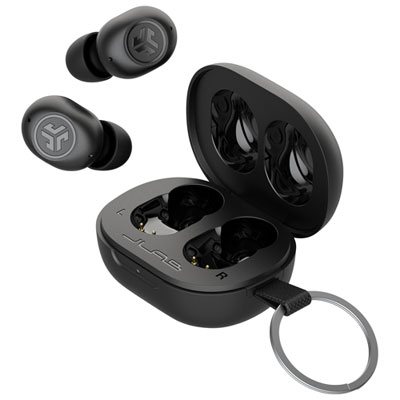 Your price for this item is $39.99
 -
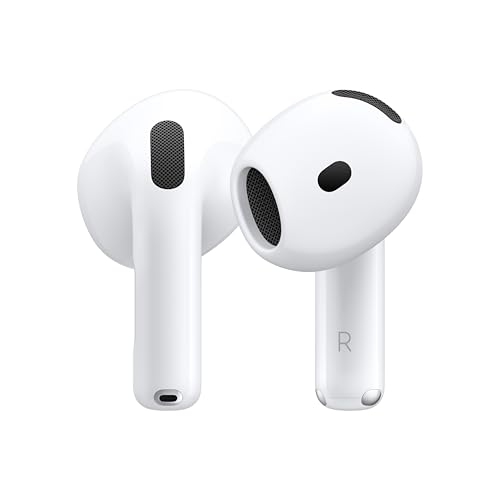 Your price for this item is $238.99
 -
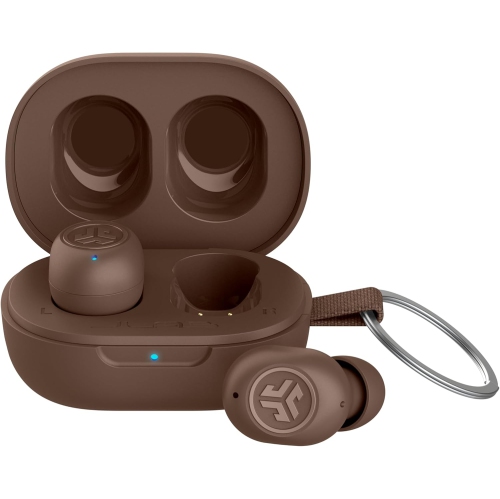 Your price for this item is $89.99
Discover more categories related to Earbuds for Meetings
Top Collections:
Pokemon Centers, Kindle Devices, Best Budget Office Chairs, Apple iPhones 16, Best Laptops for Writers, iPhone 15 Apple, Canon G7X Cameras, Refurbished Apple Laptops, Alarm Clock, Motorola Razr Phones
Some products may be subject to Environmental Handling Fees
(EHF) depending on your province.
Learn more about EHFs.