Earbuds for Video Conferencing
If you're looking for a pair of earbuds to use when video conferencing, watching movies, or listening to music, you've come to the right place. Earbuds are designed to fit comfortably and securely in your ears, so you can enjoy your favorite media without any distractions. Here are some great options on the market.
Sort
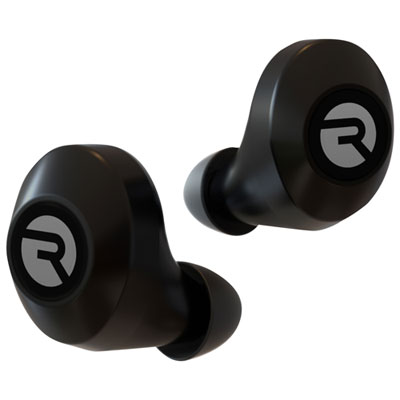
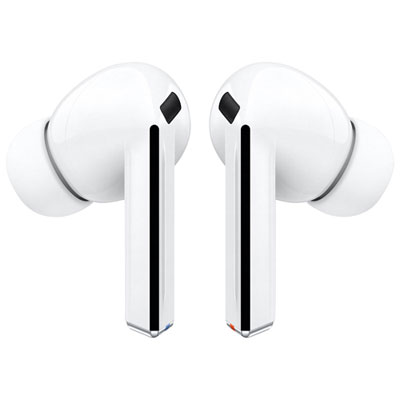
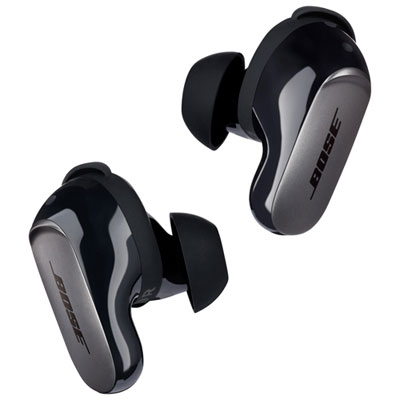
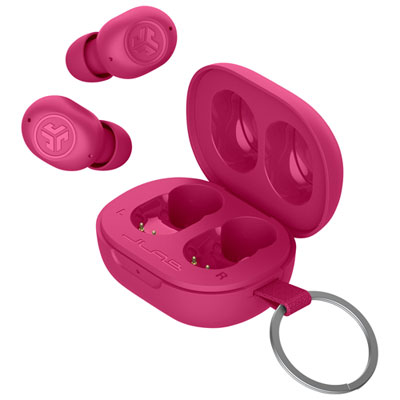
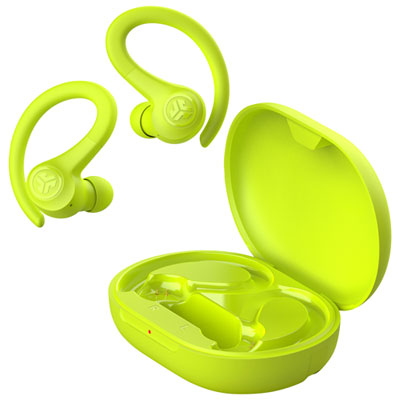
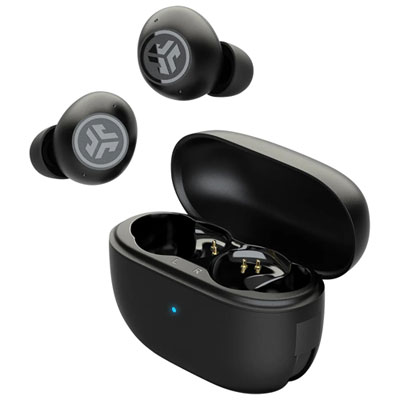
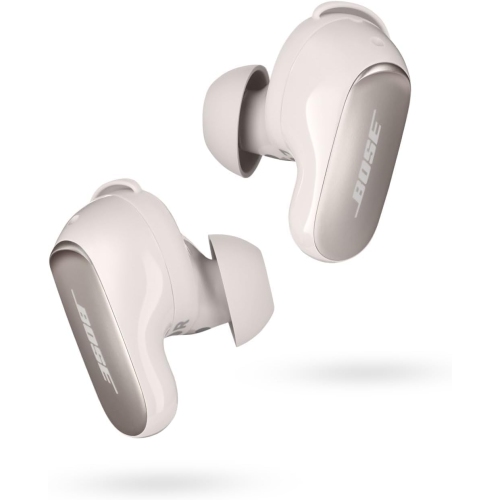
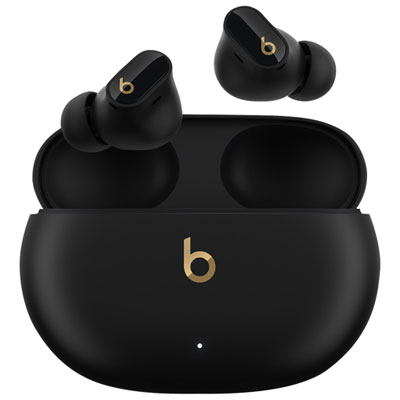
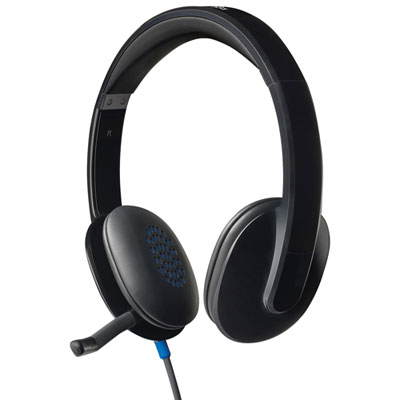
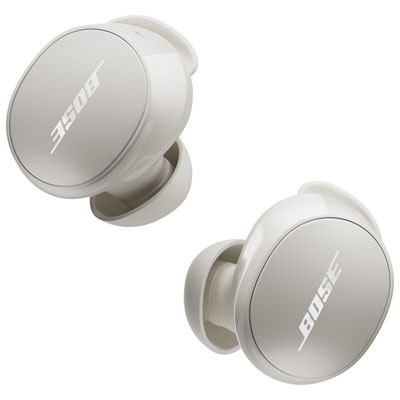
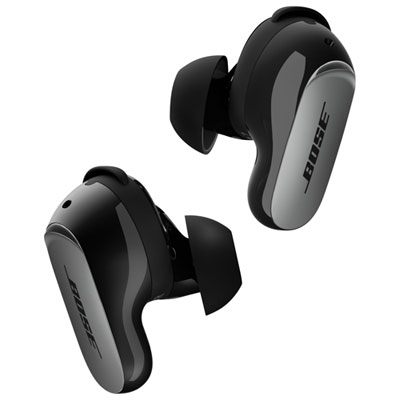
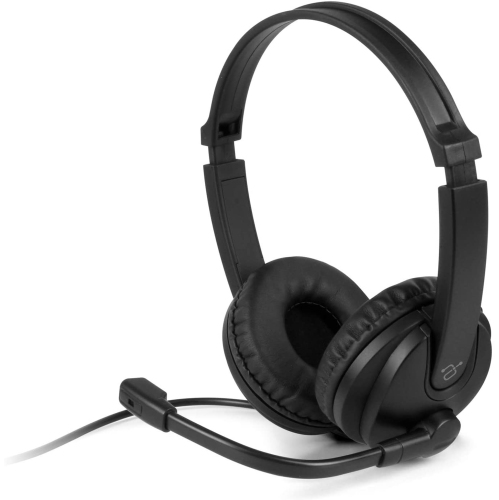
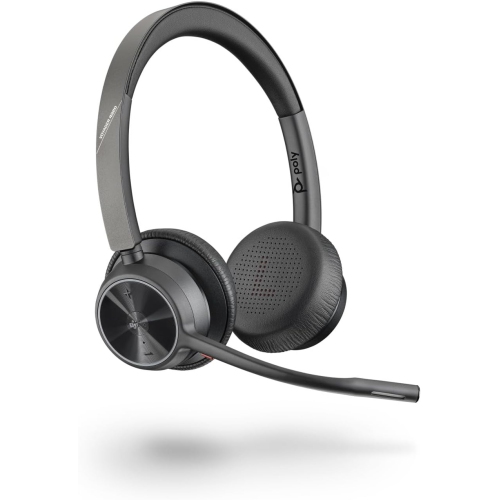
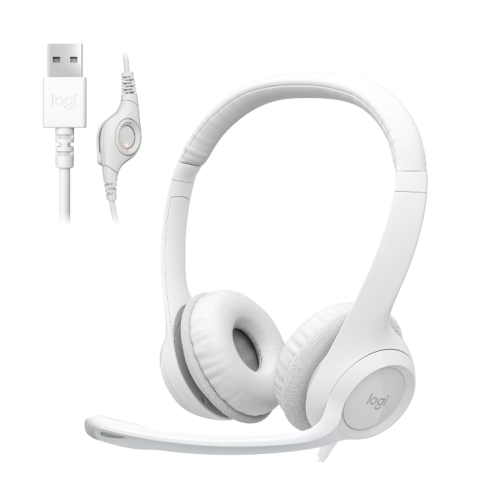
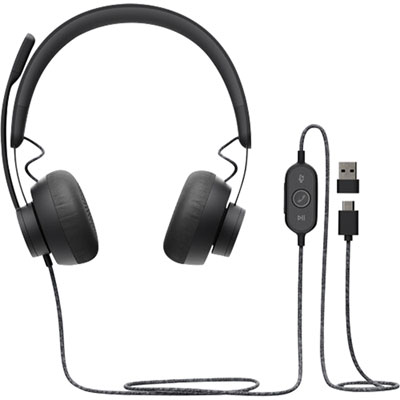
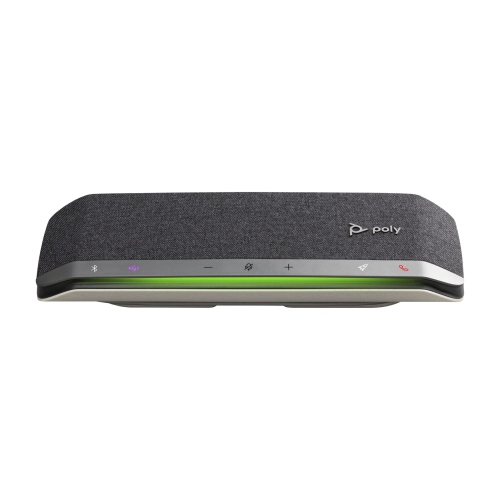
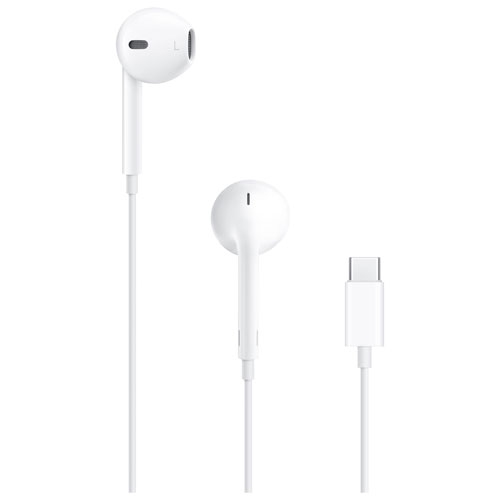
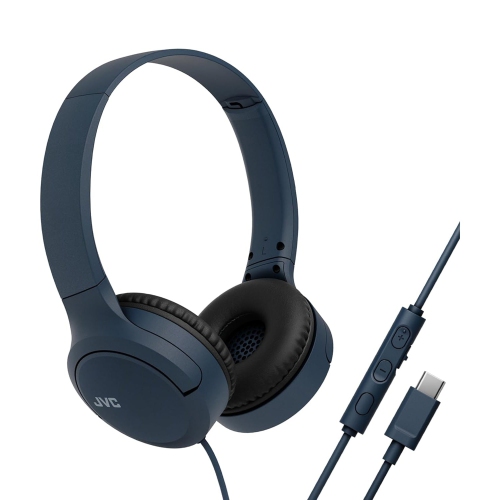

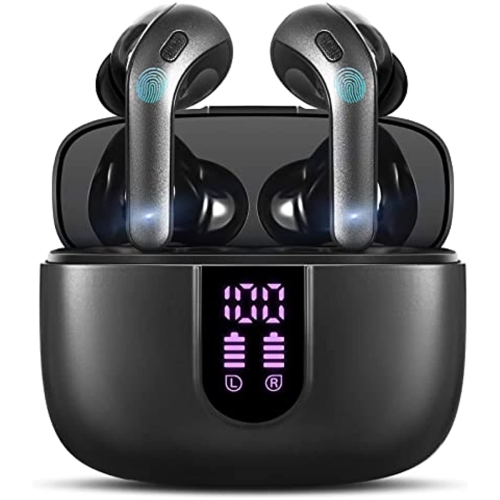
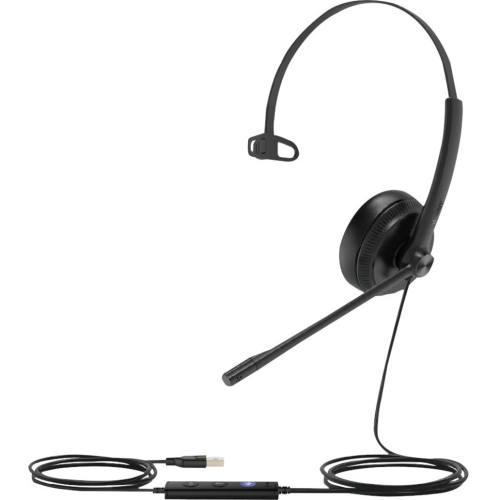
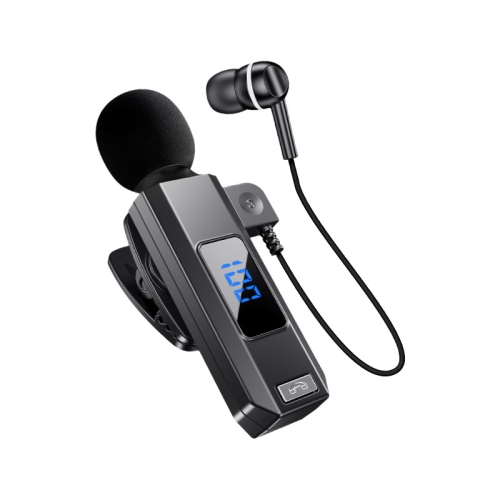
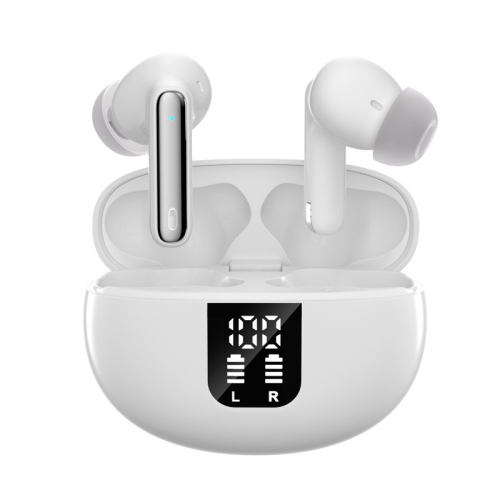
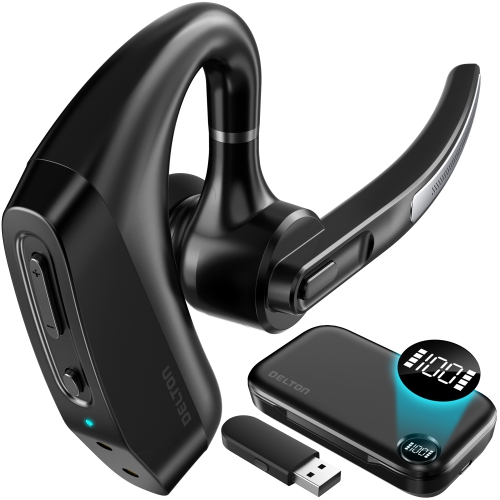
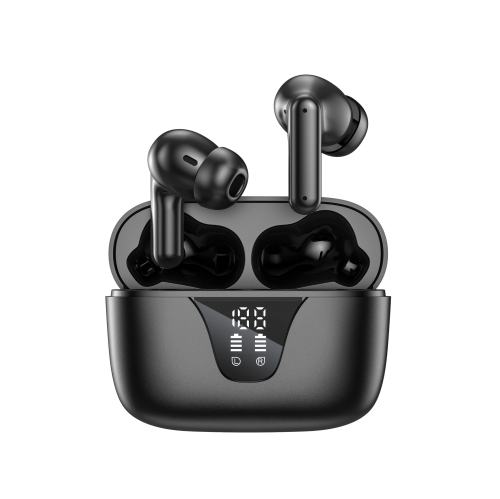




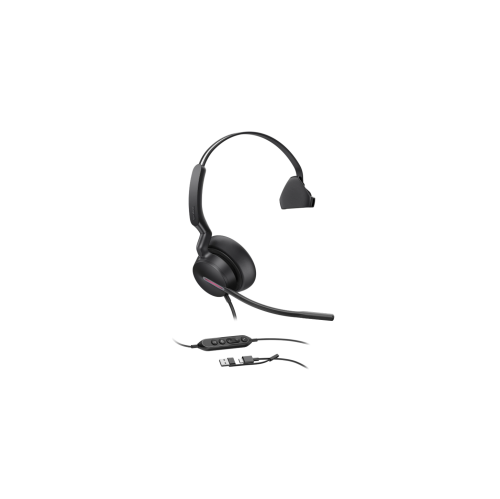
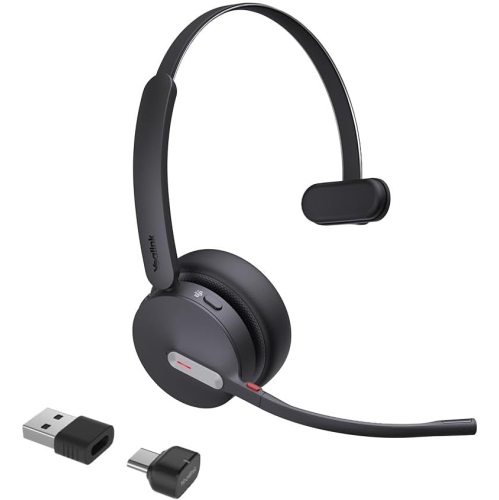
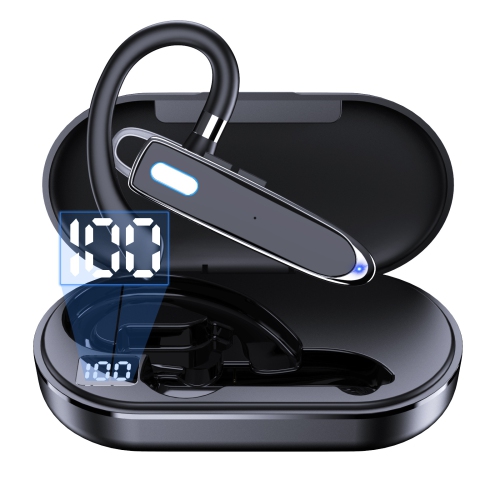
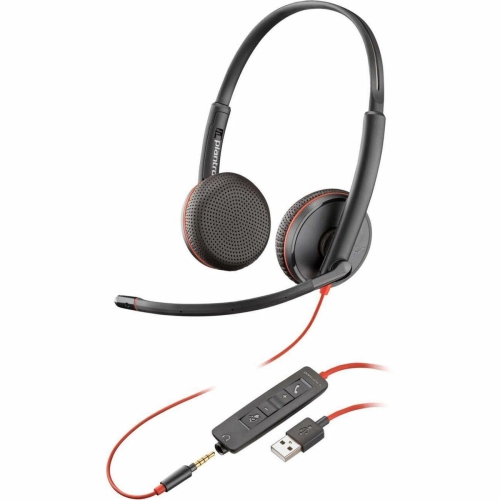

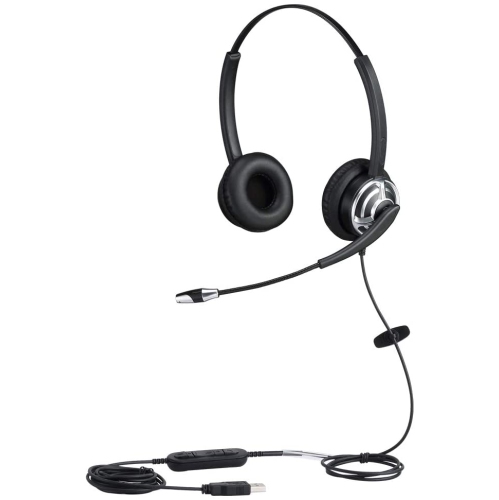
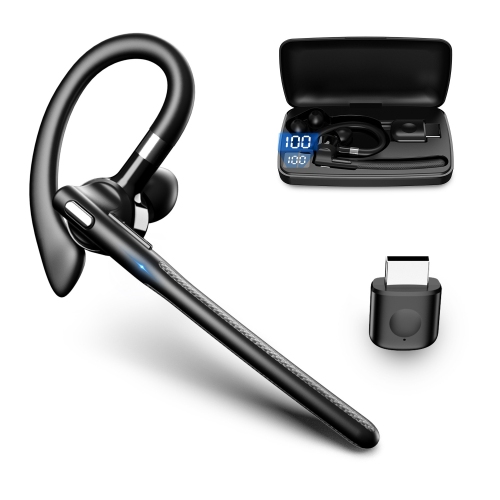

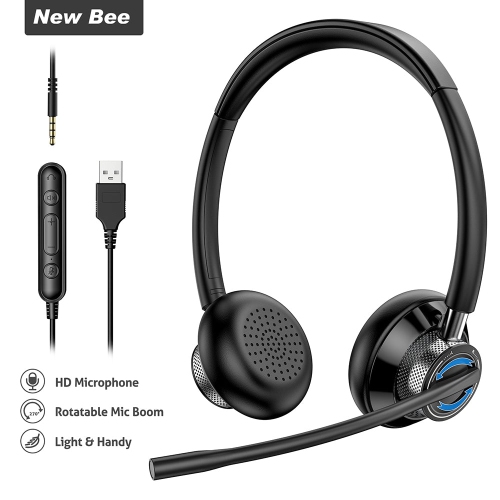
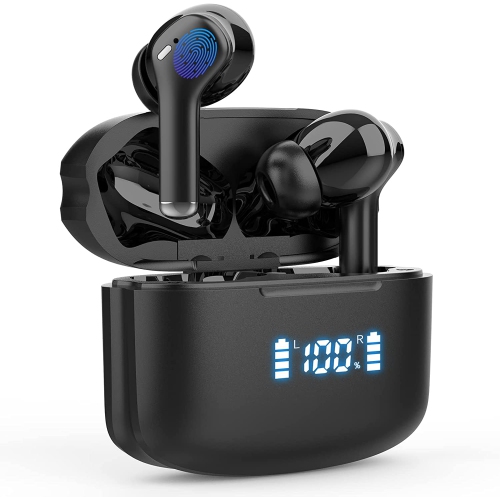
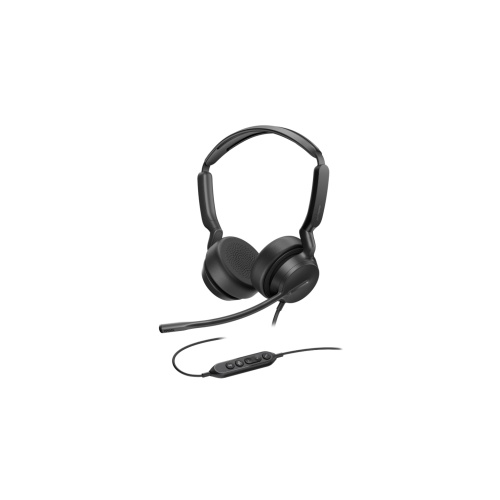

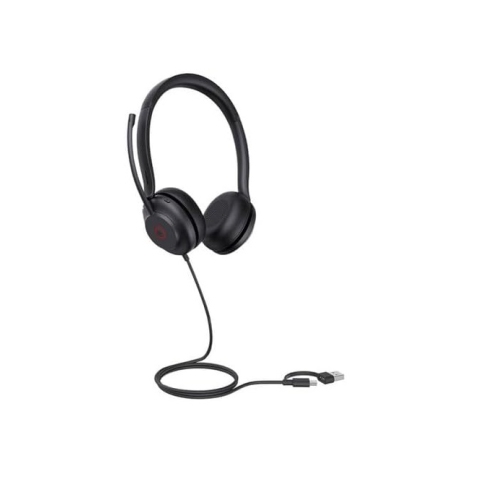
What to consider for clearer, more comfortable virtual calls
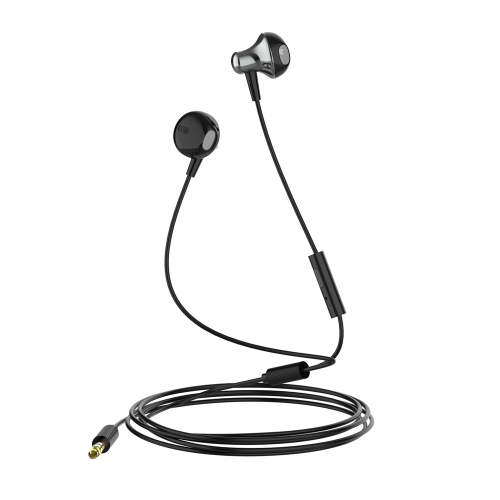
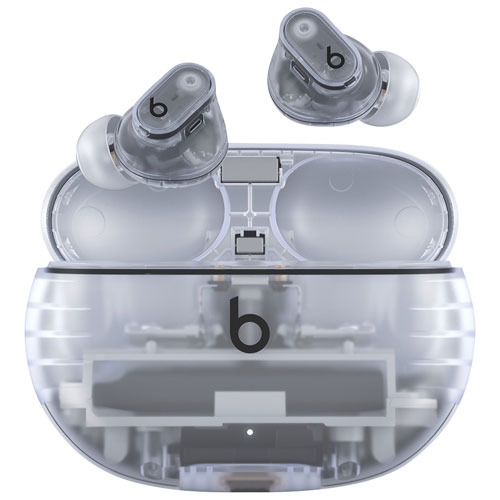
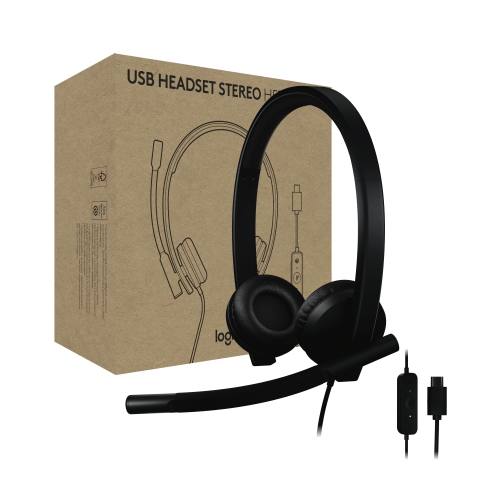
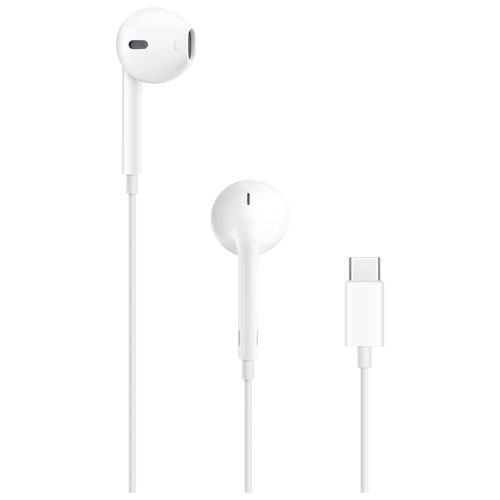
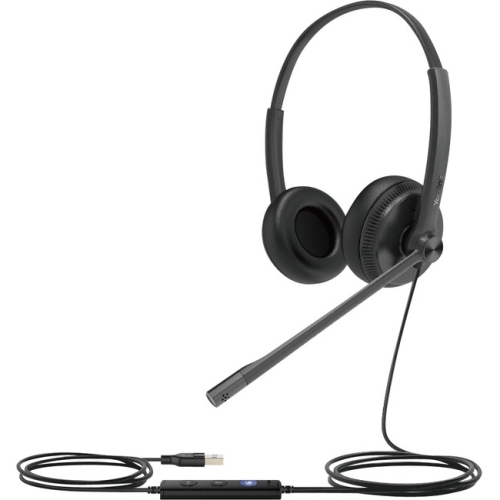
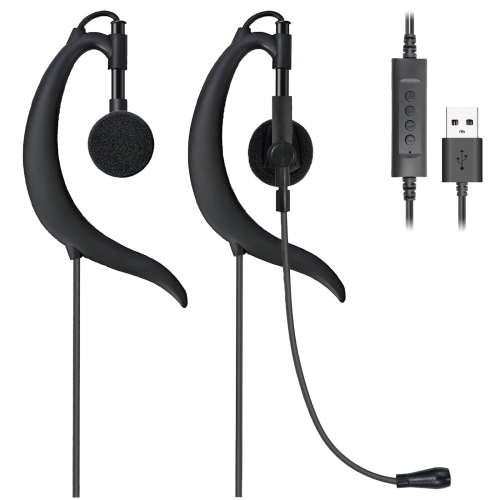
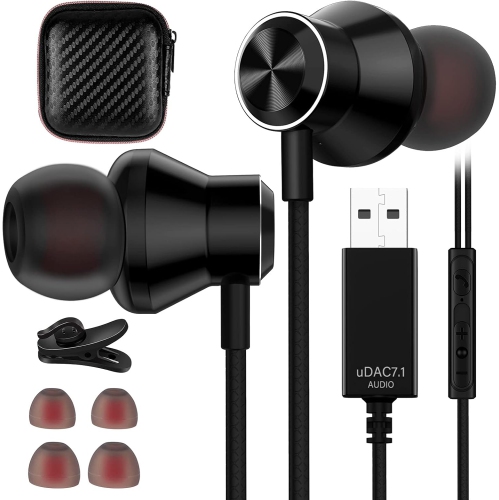
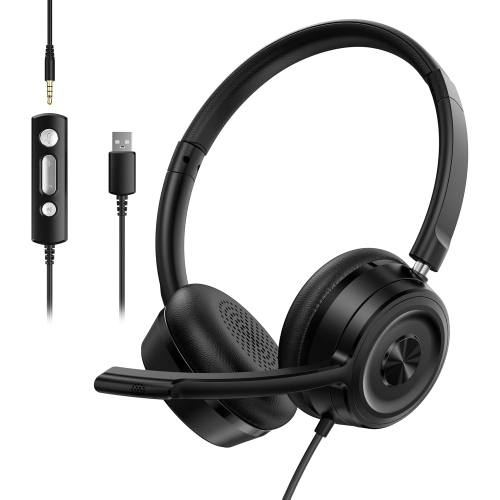
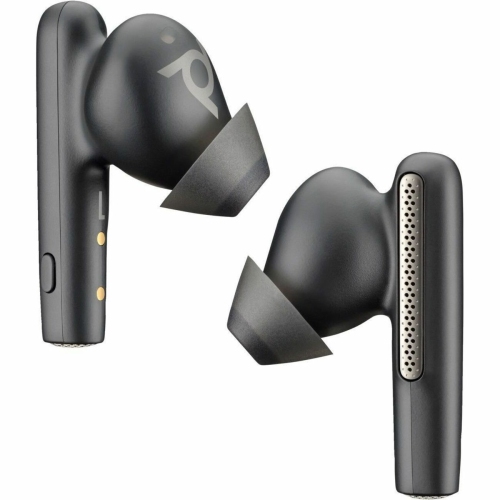
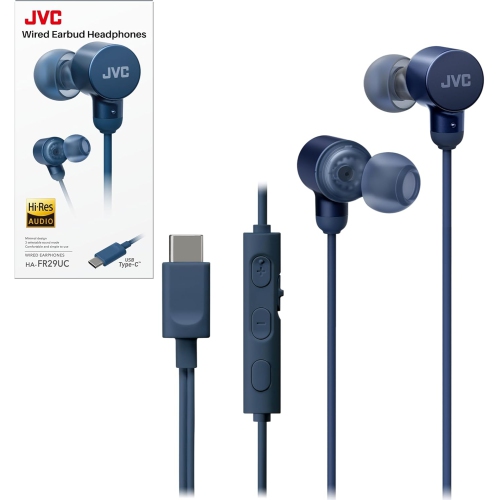
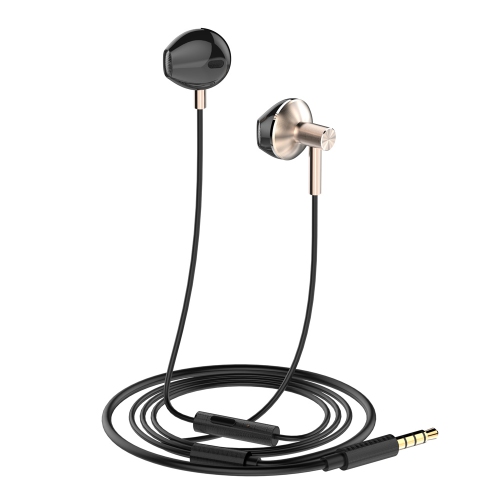
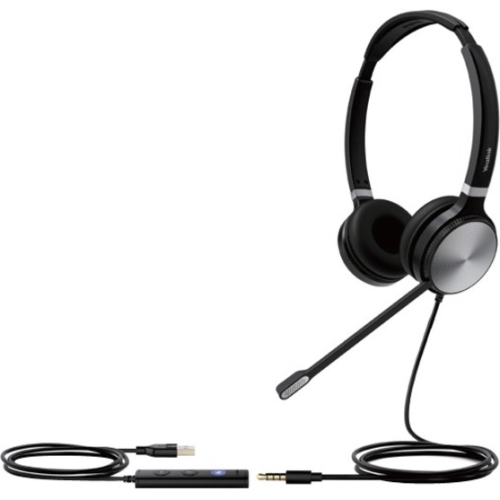
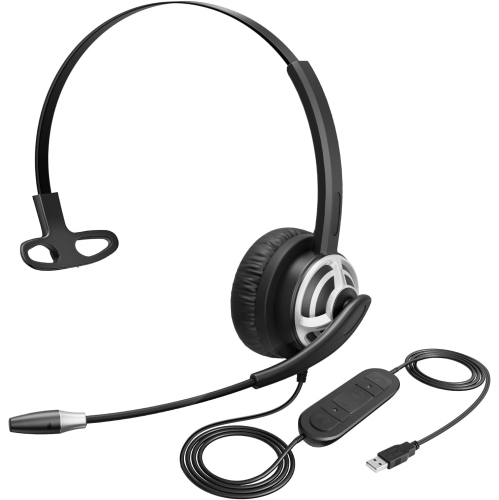
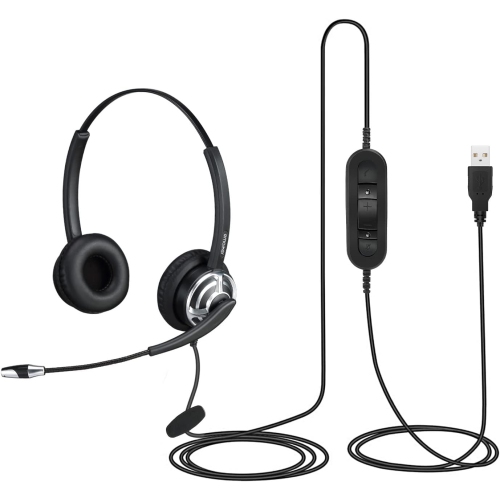
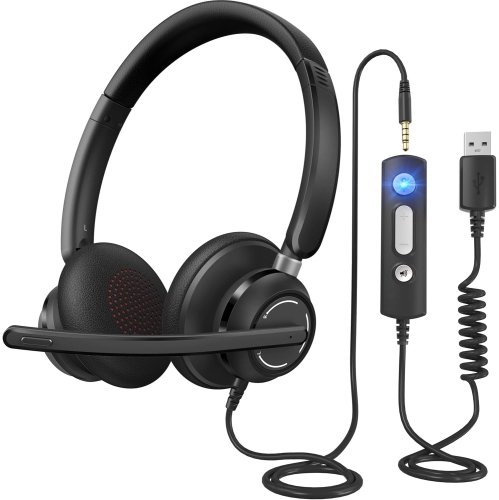
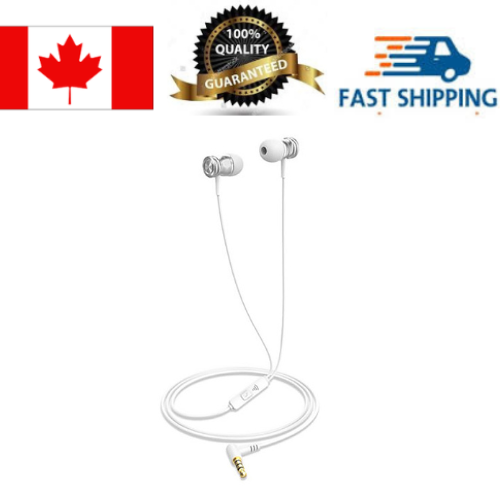
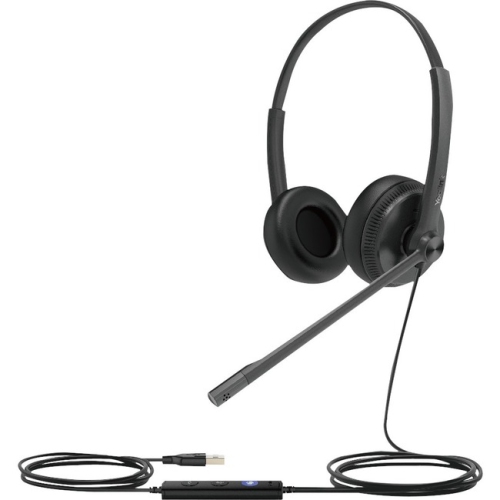
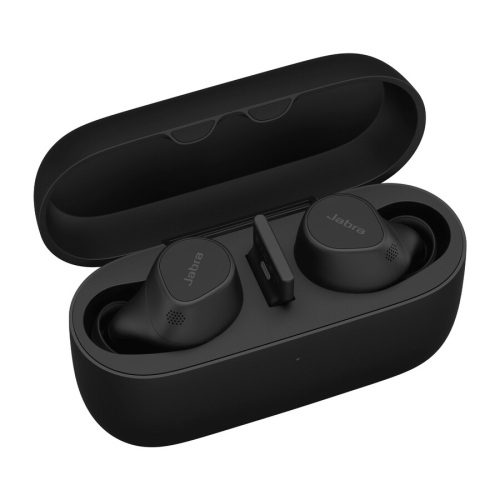
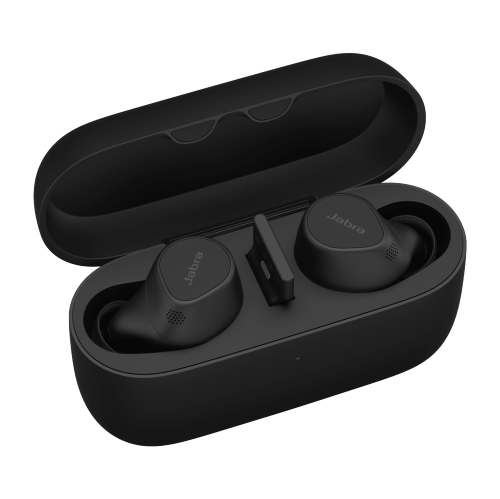
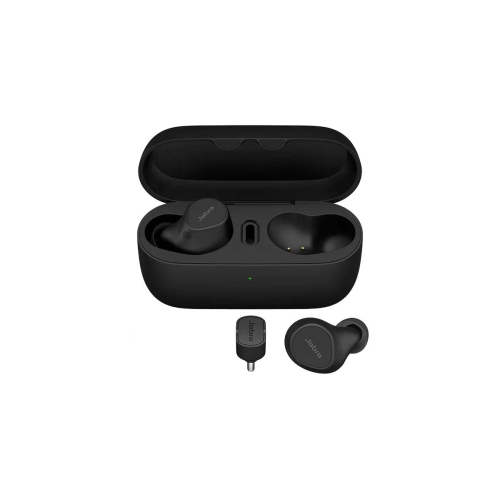
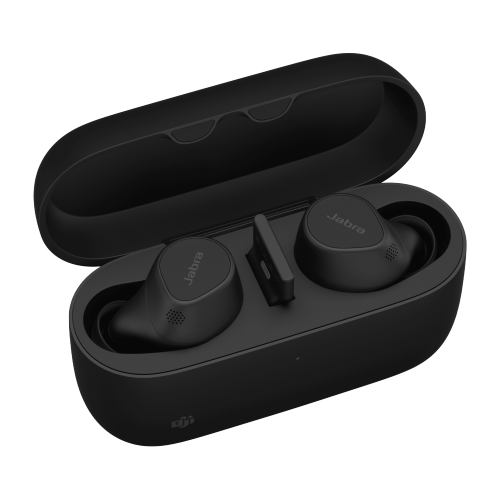
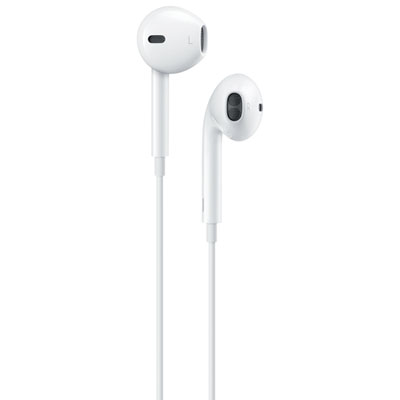
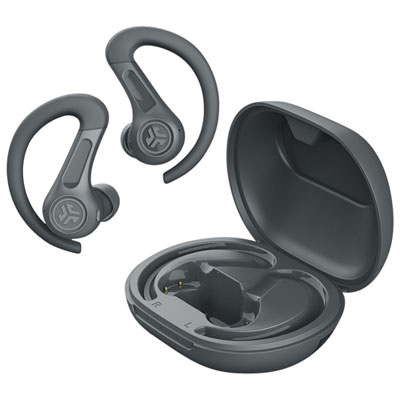
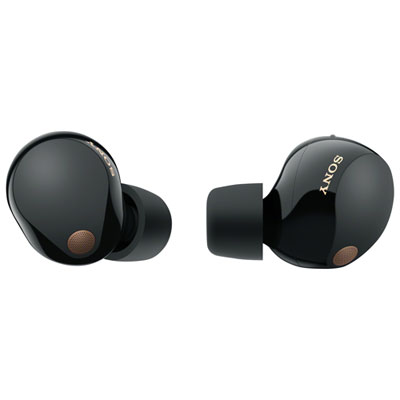
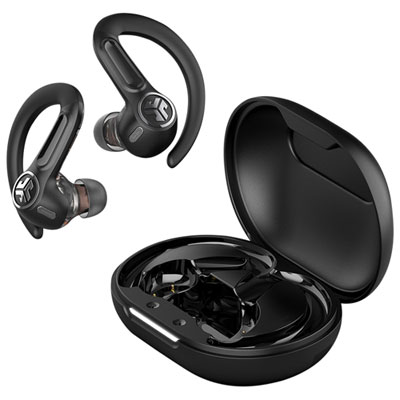
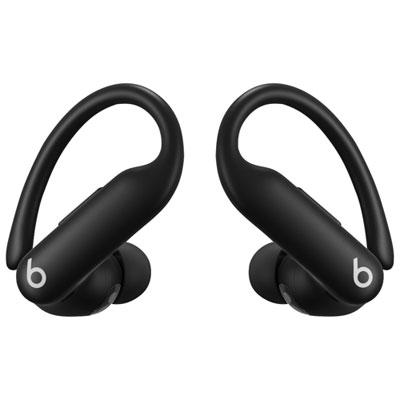
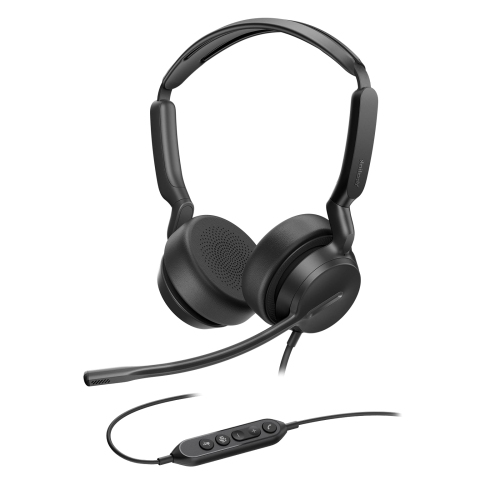
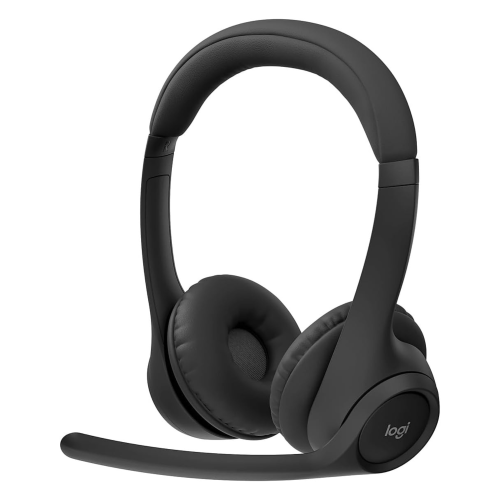
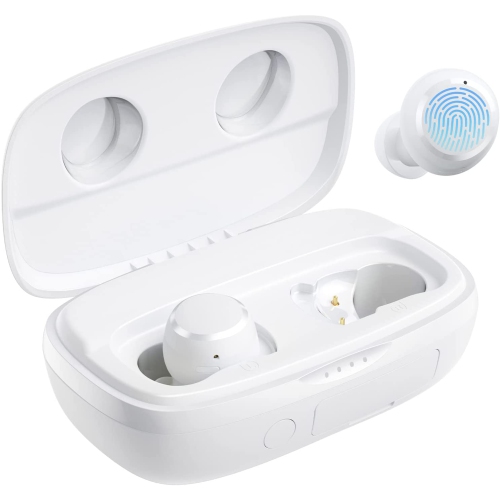
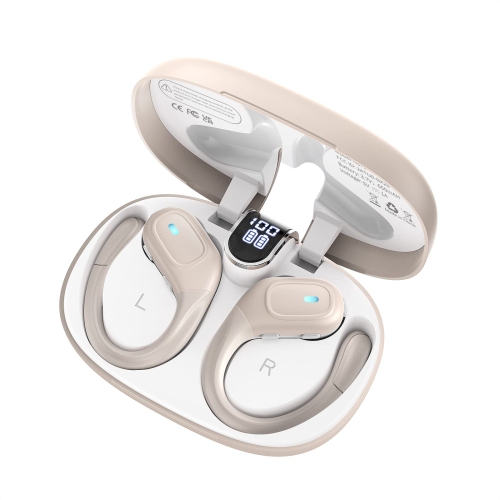
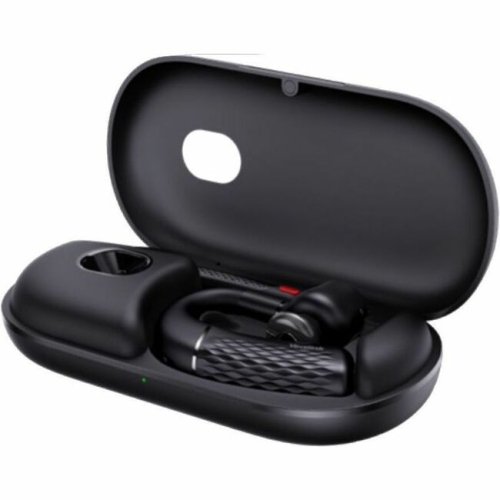
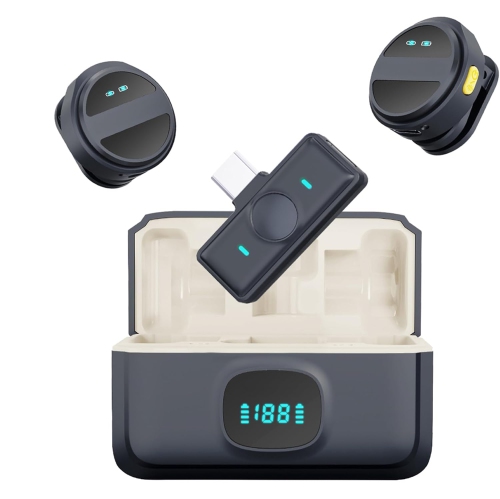
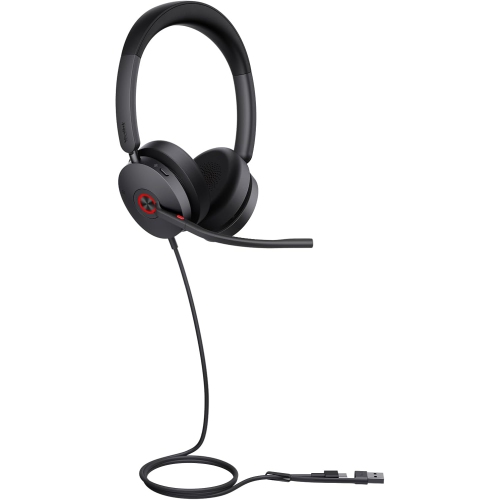
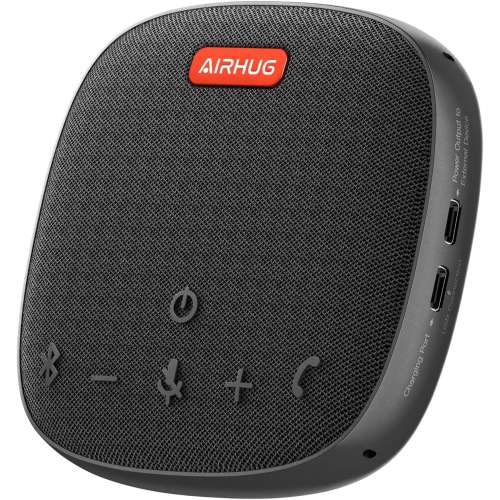
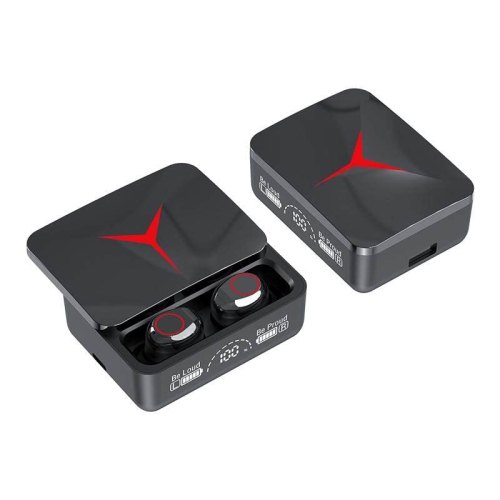
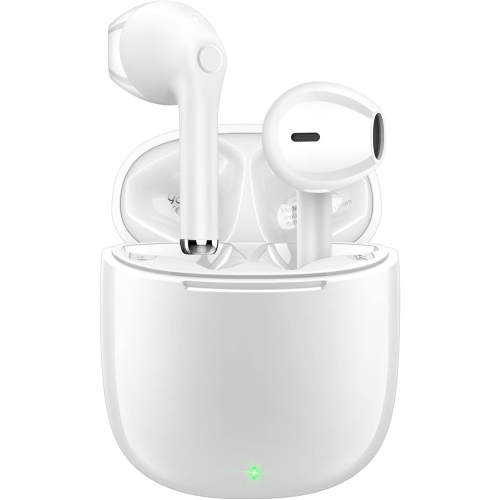
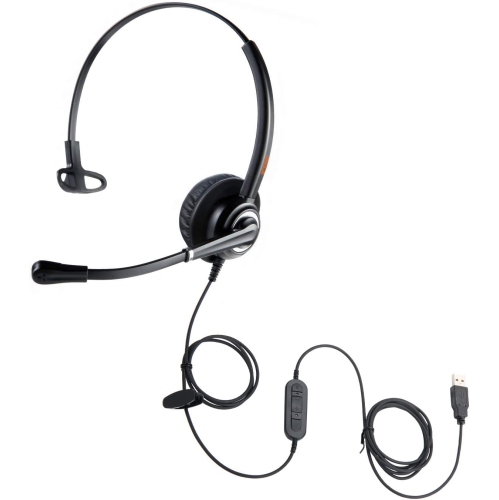
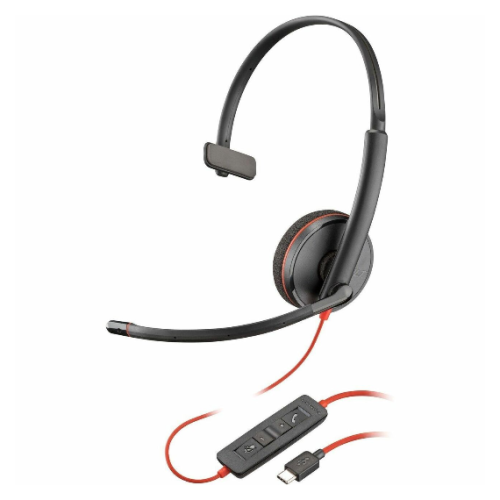
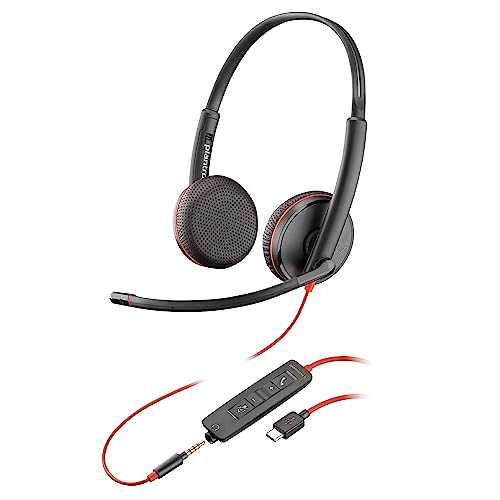
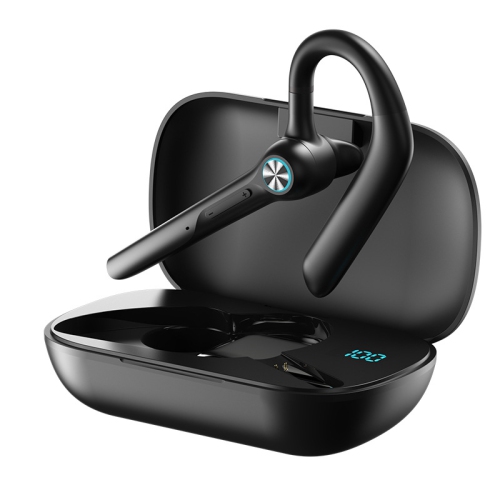
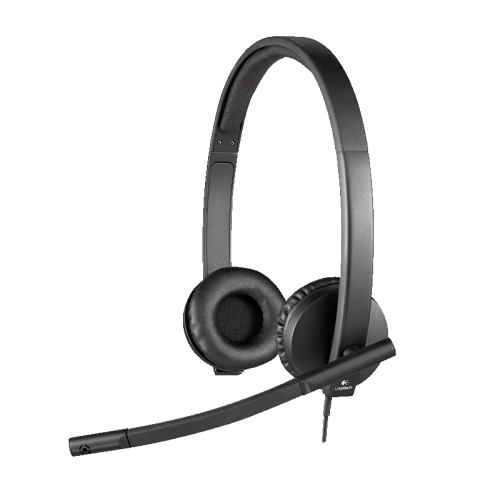
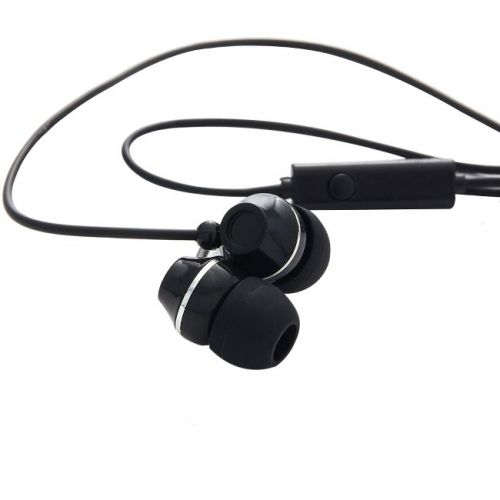
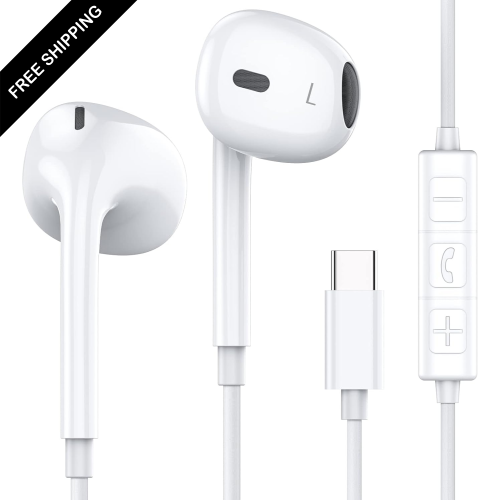
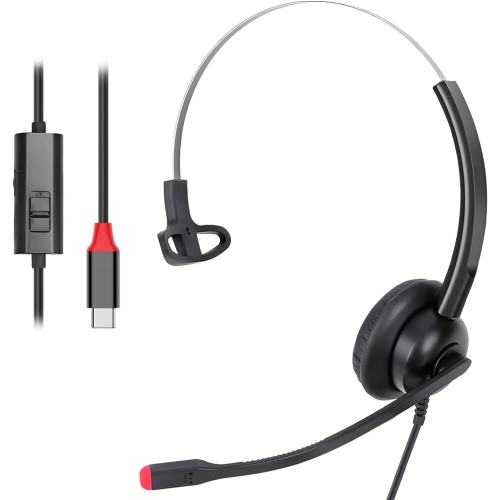
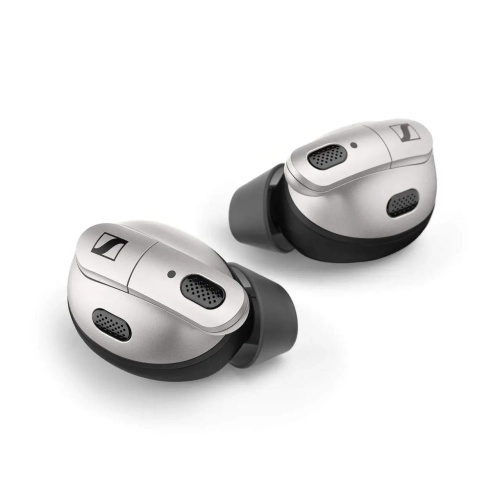
Earbuds for video conferencing are designed to make online conversations feel more natural, whether you are joining a team check-in from a home office, attending a virtual appointment, taking a class, or catching up with family from a busy shared space. Unlike traditional headphones, earbuds sit lightly in the ear and are easy to carry between rooms, workplaces and travel destinations. The most useful models combine clear speakers with carefully positioned microphones that help capture your voice while reducing distracting sounds around you. Advanced multi-microphone systems can focus on speech and soften the hum of a fan, keyboard taps, nearby conversations or traffic outside a window. Active noise cancellation can also reduce incoming sounds, helping you follow every word during a meeting, while a transparency or ambient listening mode lets you hear what is happening around you without removing the earbuds. This combination is useful for people who move between focused work and everyday tasks, such as answering a door, listening for a child, or speaking with someone nearby. When comparing products, consider how often you attend video calls, where those calls usually take place and how long you typically wear earbuds at a time. A compact design with several ear tip sizes can provide a more comfortable fit, while touch controls or physical buttons can make it easier to mute a microphone, adjust volume or answer a call without reaching for a computer.
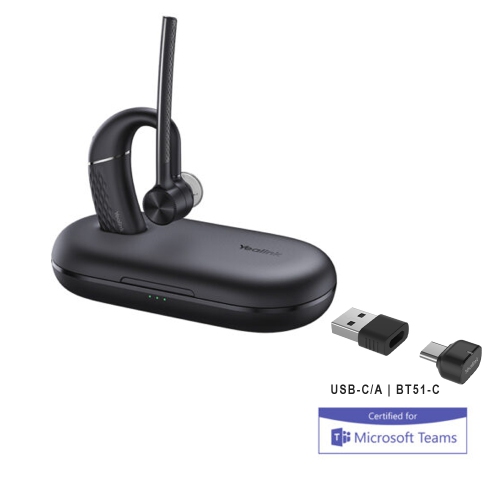
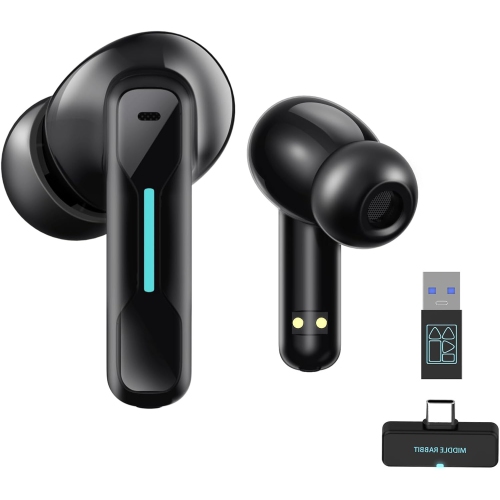
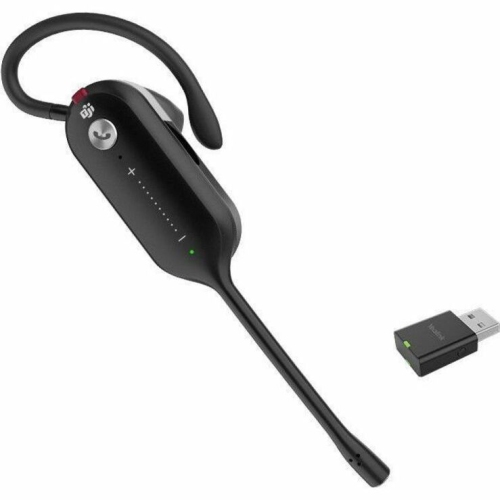
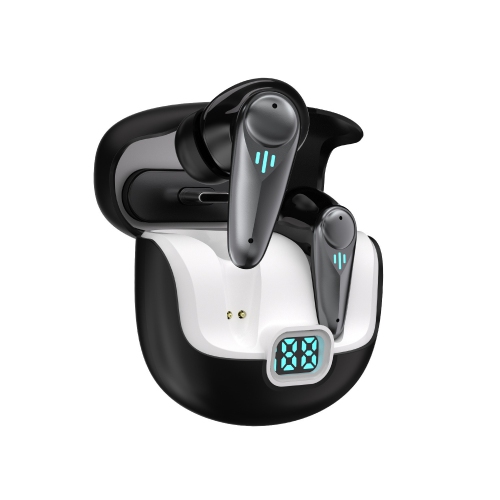
Connection quality is another important consideration. Bluetooth multipoint allows compatible earbuds to remain connected to two devices, making it simpler to move from a laptop meeting to a phone call without manually disconnecting and pairing again. This can be especially convenient for people who keep a computer open for work while relying on a mobile device for messages and calls. Newer Bluetooth versions may improve responsiveness and connection efficiency, but compatibility with your existing devices remains essential. Some earbuds include a USB adapter that provides a dependable wireless link with a computer, which can be helpful when built-in Bluetooth is unreliable or when a meeting calls for a more consistent connection. Users who spend much of the day in online meetings may also appreciate models certified for popular professional conferencing platforms, as certification can indicate that functions such as microphone control, call handling and mute status are designed to work smoothly with supported services. Before choosing, review the listed device requirements and confirm whether the charging case, adapter and other accessories suit your setup. Battery life matters as well: look at the listening time provided by the earbuds alone, the additional charges available from the case and the charging method used. A quick-charge feature can be handy before an early presentation, while a case with a clear battery indicator makes it easier to avoid an unexpected interruption. For a broader selection based around a particular meeting service, explore Earbuds for Zoom Meetings.
These earbuds can suit remote and hybrid workers, students, freelancers, customer service professionals and anyone who spends time in virtual appointments or group discussions. They are also a thoughtful gift for a new graduate setting up a study area, a family member working from home, or a frequent traveller who needs a small audio solution for calls on the go. A person who takes meetings from a kitchen table may value strong microphone noise reduction, while someone in a quiet private office may place greater importance on comfort, natural sound and all-day battery performance. For people who commute, compact earbuds that fit securely and recharge in their case can be easier to manage than larger over-ear headphones. During the cooler months, they can also be convenient under hats, scarves or jacket collars, where bulky headbands may feel awkward. Look for a secure but comfortable fit, especially if calls often run for an hour or more, and check whether the earbuds offer sweat or water resistance if they may also be used while walking between appointments. Sound preferences vary, so consider whether the earbuds are intended mainly for speech or whether they will also be used for music, podcasts and streaming. Clear midrange audio can make voices easier to distinguish, while balanced tuning keeps longer listening sessions pleasant. A reliable microphone, stable connection, comfortable fit and practical charging routine usually matter more for video conferencing than a long list of extra features. Choosing earbuds around the user’s daily habits can lead to more confident conversations, fewer interruptions and a smoother experience each time the camera turns on.
Connection quality is another important consideration. Bluetooth multipoint allows compatible earbuds to remain connected to two devices, making it simpler to move from a laptop meeting to a phone call without manually disconnecting and pairing again. This can be especially convenient for people who keep a computer open for work while relying on a mobile device for messages and calls. Newer Bluetooth versions may improve responsiveness and connection efficiency, but compatibility with your existing devices remains essential. Some earbuds include a USB adapter that provides a dependable wireless link with a computer, which can be helpful when built-in Bluetooth is unreliable or when a meeting calls for a more consistent connection. Users who spend much of the day in online meetings may also appreciate models certified for popular professional conferencing platforms, as certification can indicate that functions such as microphone control, call handling and mute status are designed to work smoothly with supported services. Before choosing, review the listed device requirements and confirm whether the charging case, adapter and other accessories suit your setup. Battery life matters as well: look at the listening time provided by the earbuds alone, the additional charges available from the case and the charging method used. A quick-charge feature can be handy before an early presentation, while a case with a clear battery indicator makes it easier to avoid an unexpected interruption. For a broader selection based around a particular meeting service, explore Earbuds for Zoom Meetings.
These earbuds can suit remote and hybrid workers, students, freelancers, customer service professionals and anyone who spends time in virtual appointments or group discussions. They are also a thoughtful gift for a new graduate setting up a study area, a family member working from home, or a frequent traveller who needs a small audio solution for calls on the go. A person who takes meetings from a kitchen table may value strong microphone noise reduction, while someone in a quiet private office may place greater importance on comfort, natural sound and all-day battery performance. For people who commute, compact earbuds that fit securely and recharge in their case can be easier to manage than larger over-ear headphones. During the cooler months, they can also be convenient under hats, scarves or jacket collars, where bulky headbands may feel awkward. Look for a secure but comfortable fit, especially if calls often run for an hour or more, and check whether the earbuds offer sweat or water resistance if they may also be used while walking between appointments. Sound preferences vary, so consider whether the earbuds are intended mainly for speech or whether they will also be used for music, podcasts and streaming. Clear midrange audio can make voices easier to distinguish, while balanced tuning keeps longer listening sessions pleasant. A reliable microphone, stable connection, comfortable fit and practical charging routine usually matter more for video conferencing than a long list of extra features. Choosing earbuds around the user’s daily habits can lead to more confident conversations, fewer interruptions and a smoother experience each time the camera turns on.
Top selling and popular products
-
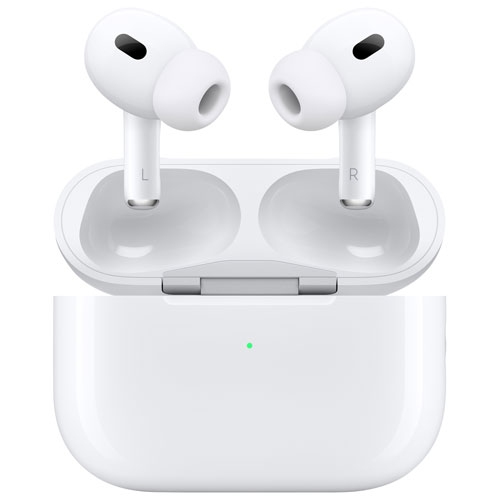 Your price for this item is $349.99
 -
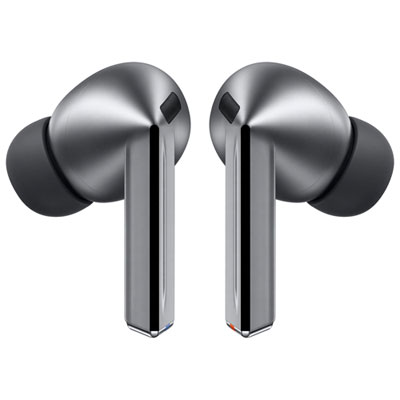 Your price for this item is $329.99
 -
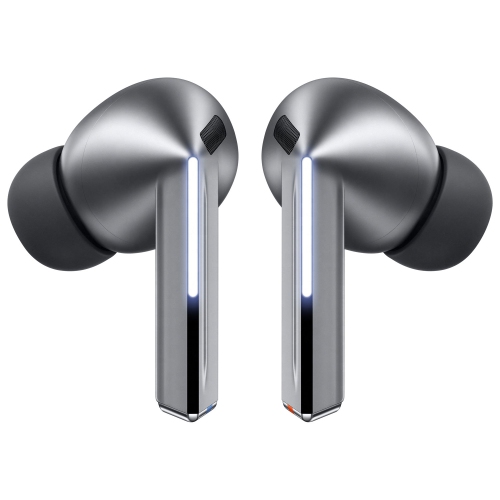 Your price for this item is $229
 -
 Your price for this item is $227
 -
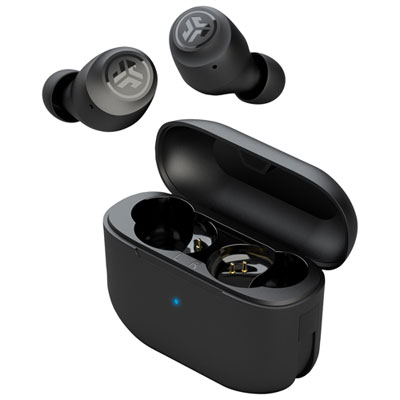 Your price for this item is $19.99
 -
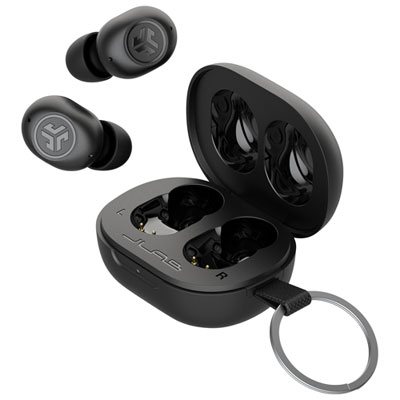 Your price for this item is $39.99
 -
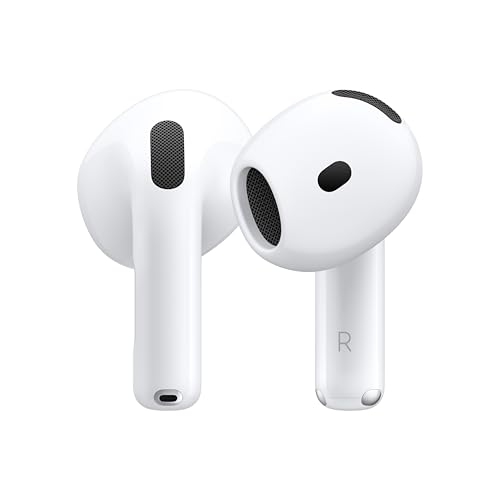 Your price for this item is $238.99
 -
 Your price for this item is $89.99
Discover more categories related to Earbuds for Video Conferencing
Top Collections:
Pokemon Centers, Kindle Devices, Best Budget Office Chairs, Apple iPhones 16, Best Laptops for Writers, iPhone 15 Apple, Canon G7X Cameras, Refurbished Apple Laptops, Alarm Clock, Motorola Razr Phones
Some products may be subject to Environmental Handling Fees
(EHF) depending on your province.
Learn more about EHFs.