Earbuds for Zoom Meetings
Whether you're attending virtual meetings, catching up on podcasts, or simply enjoying your favorite music, a reliable pair of earbuds can make all the difference in your audio experience. Our selection of earbuds for Zoom meetings offers a range of features to suit your needs, from noise-cancellation technology to comfortable ergonomic designs. Stay connected and focused during your online calls with these top-quality earbuds that deliver crystal-clear sound and seamless connectivity.
Sort


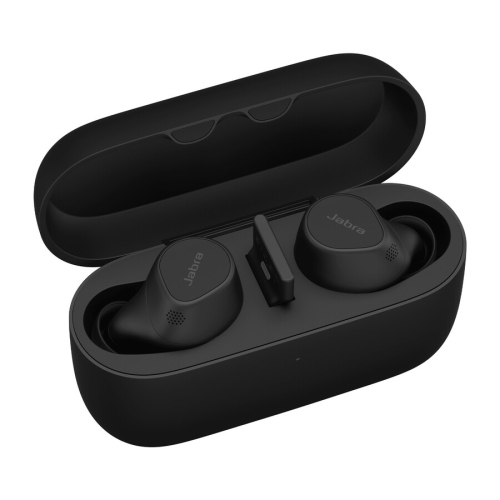
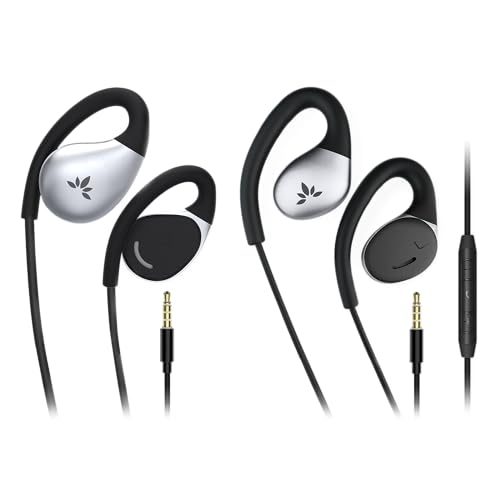
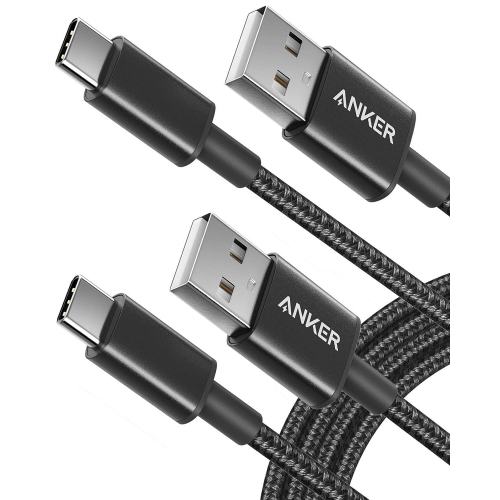
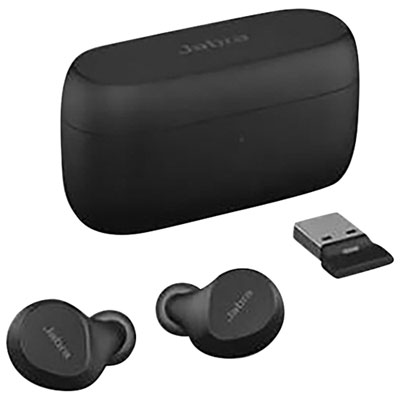
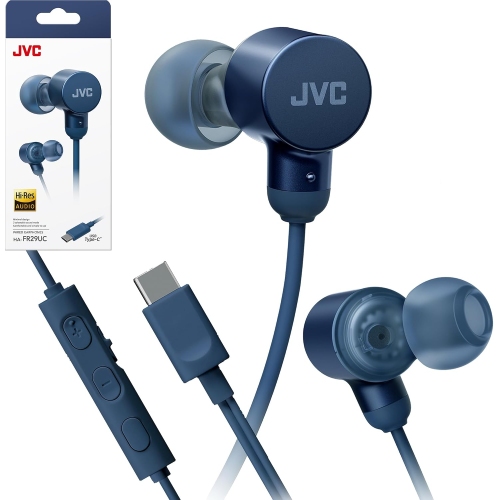
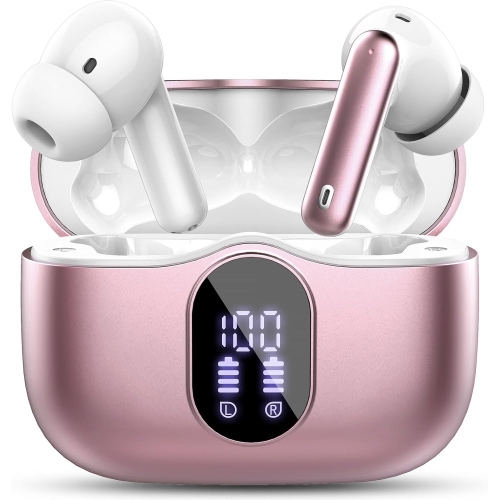

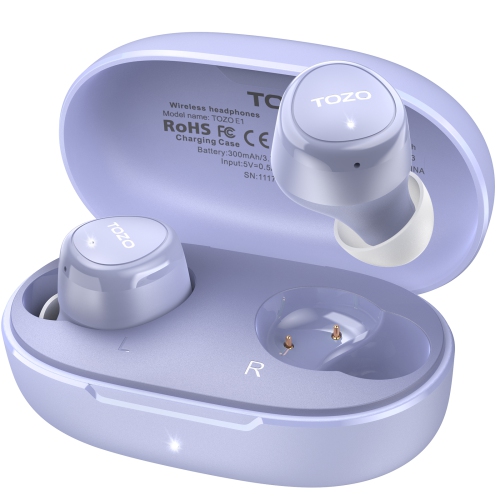
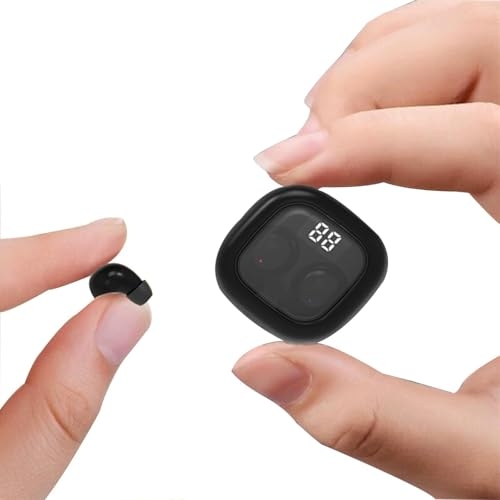

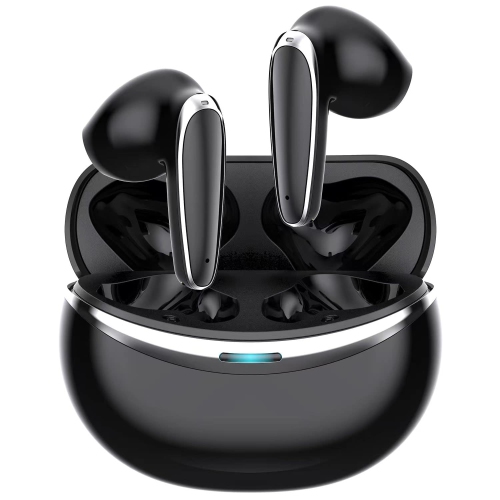
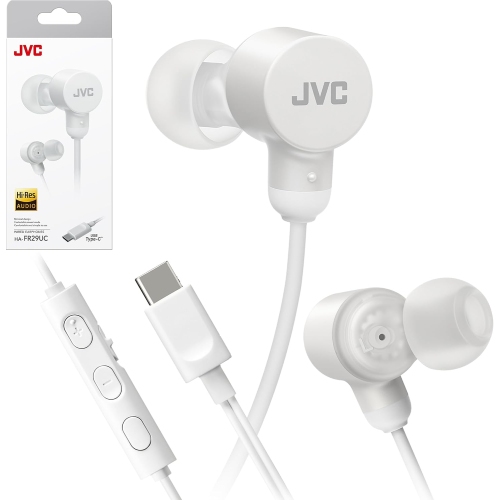
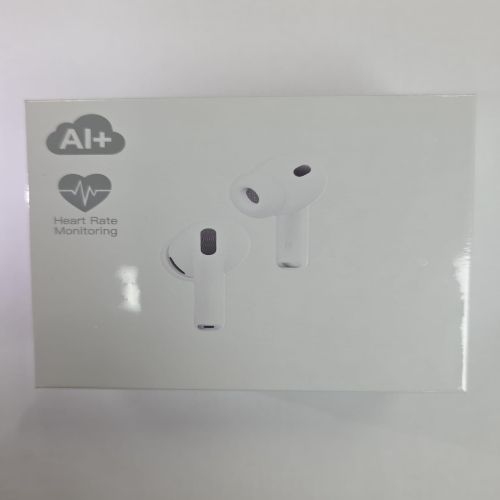
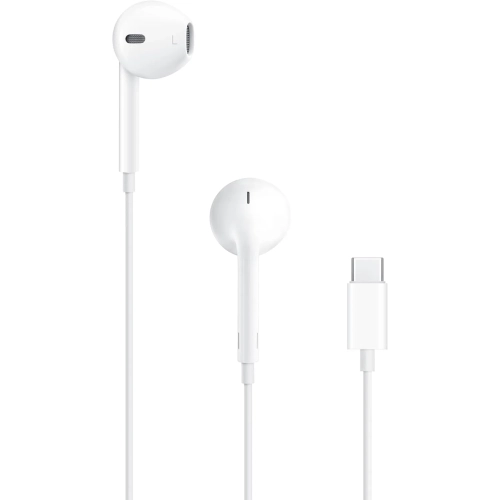
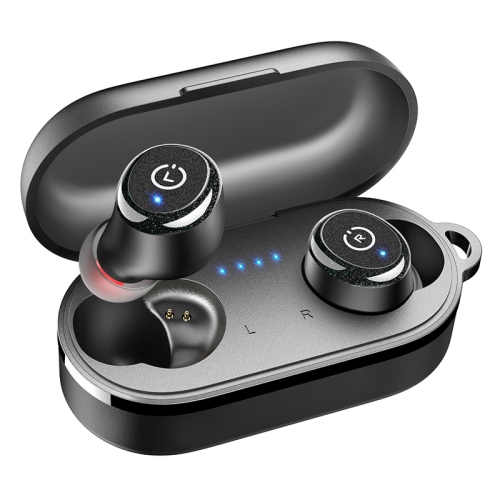
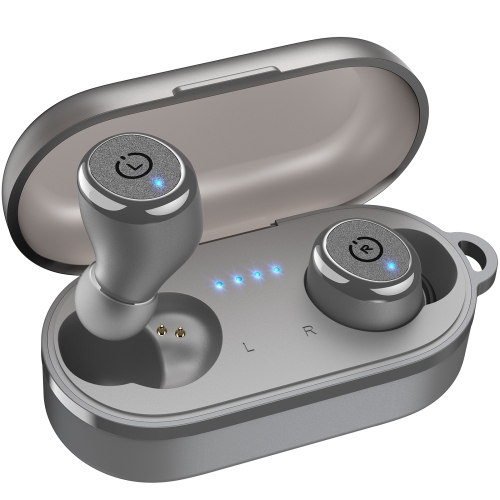
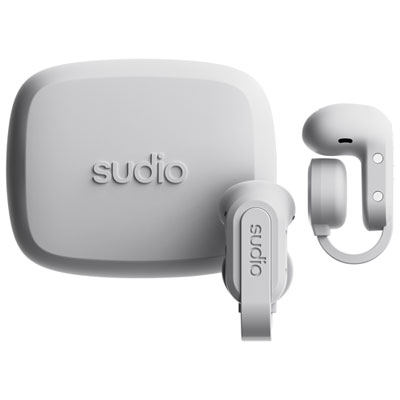
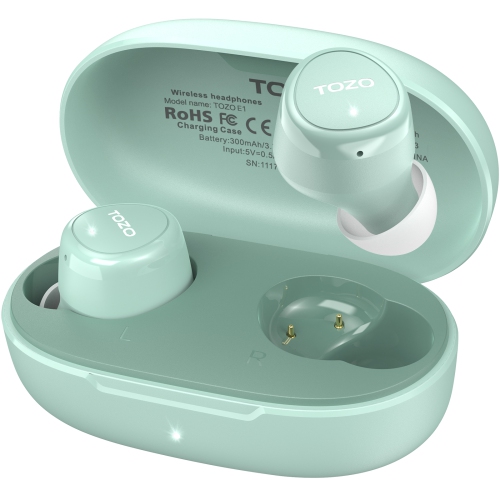
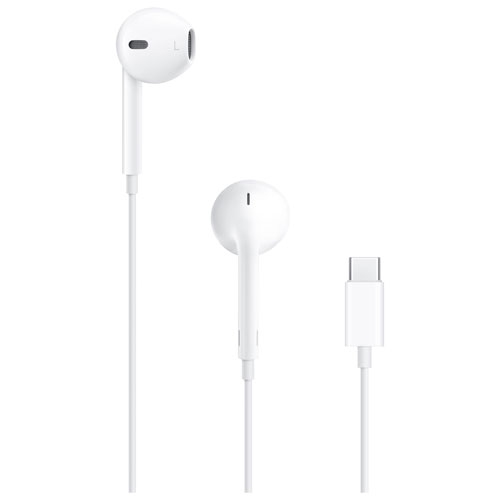
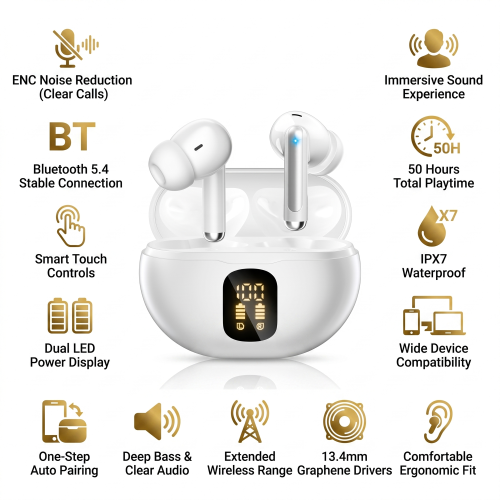
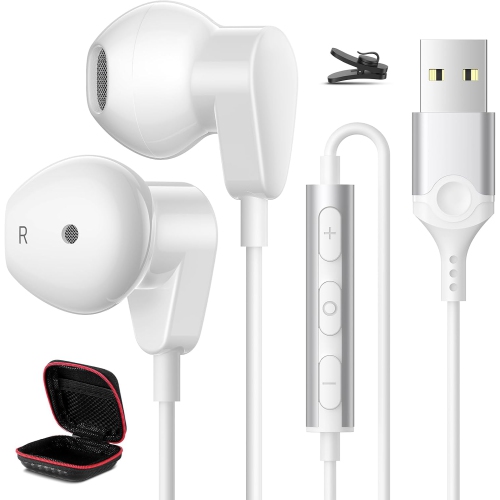
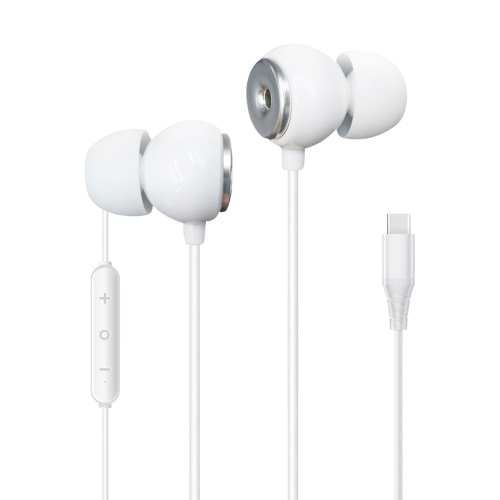
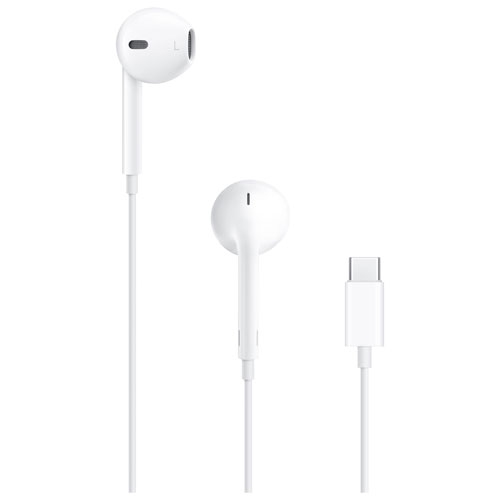
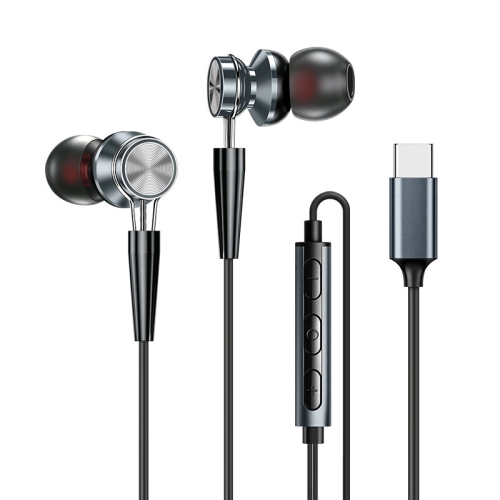
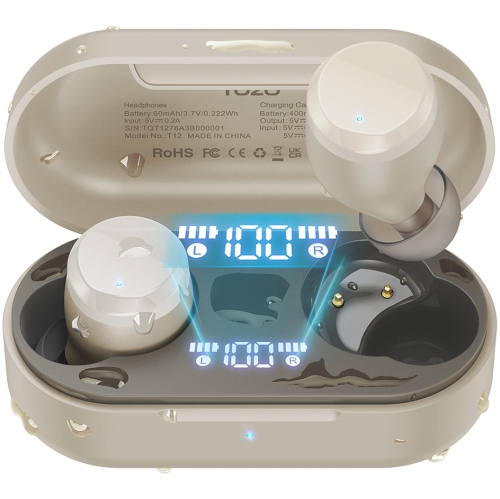
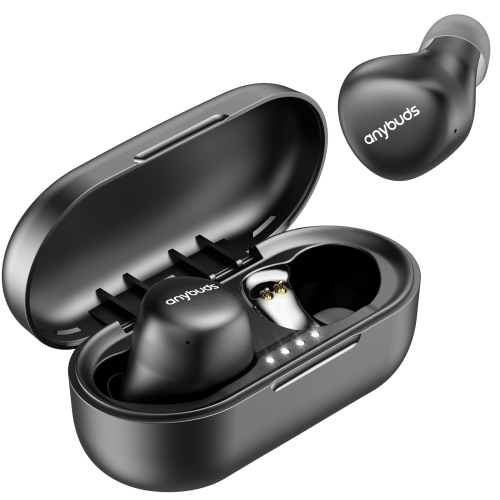
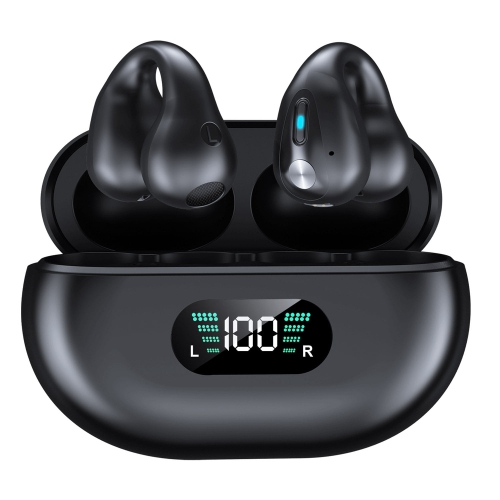
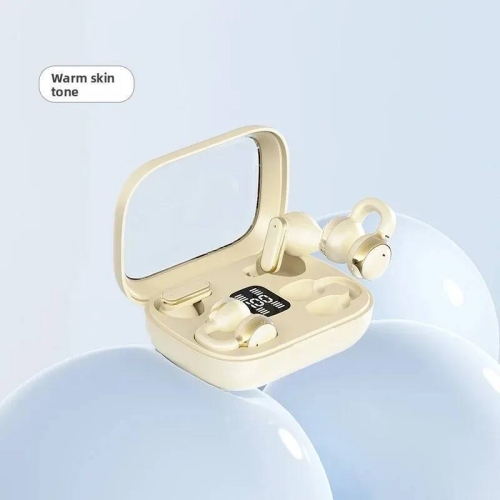
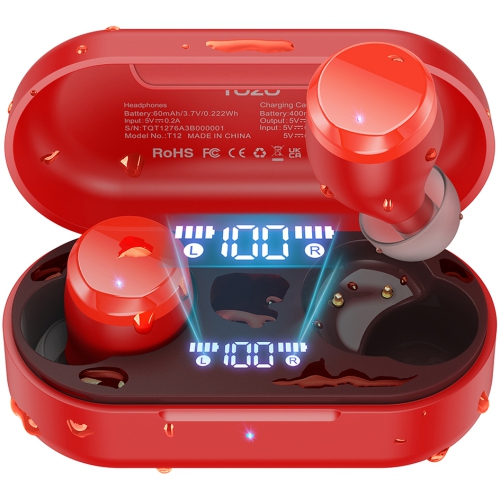
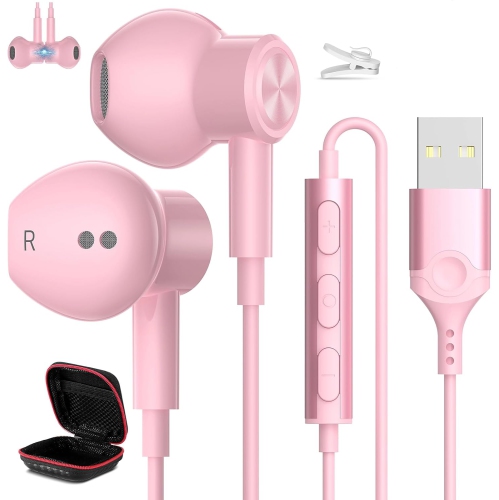
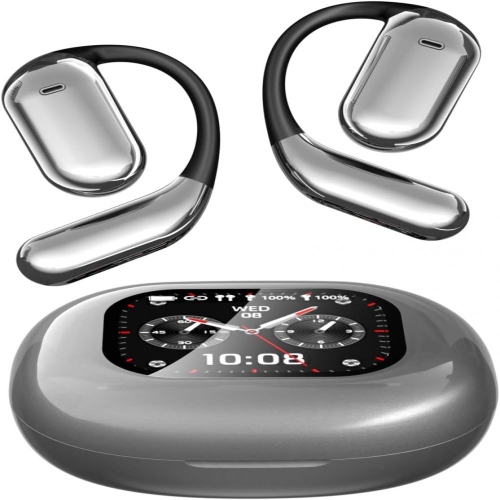
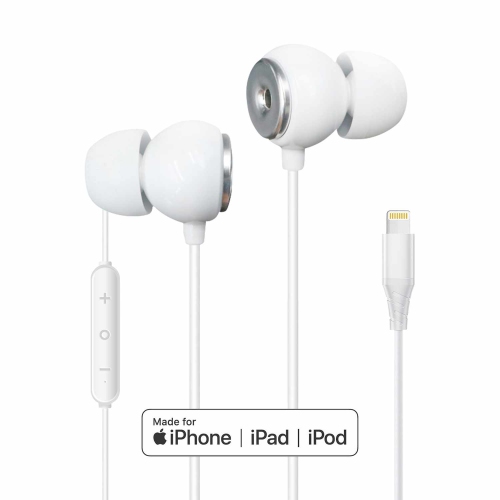
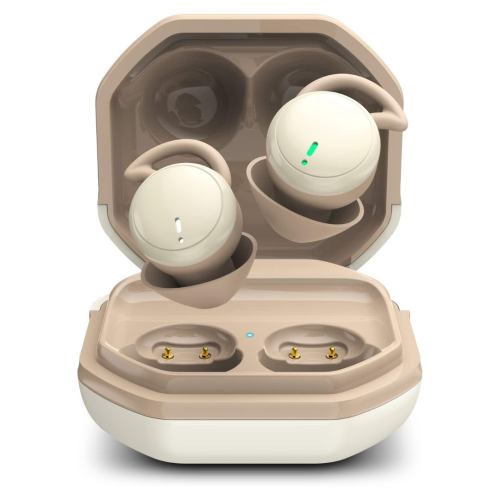
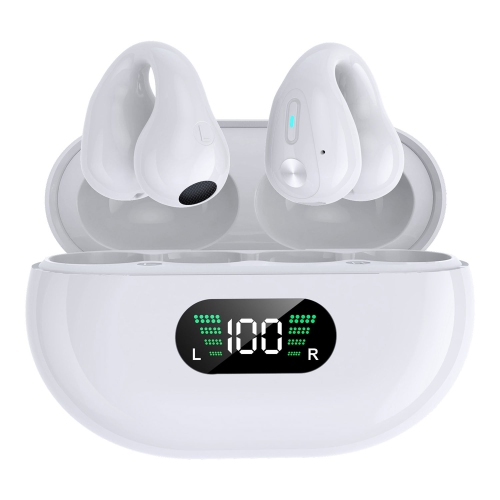
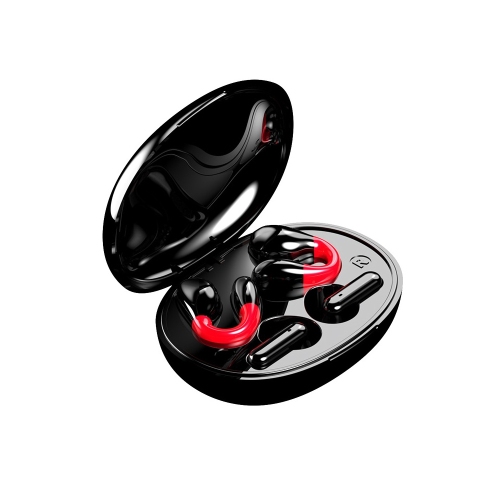
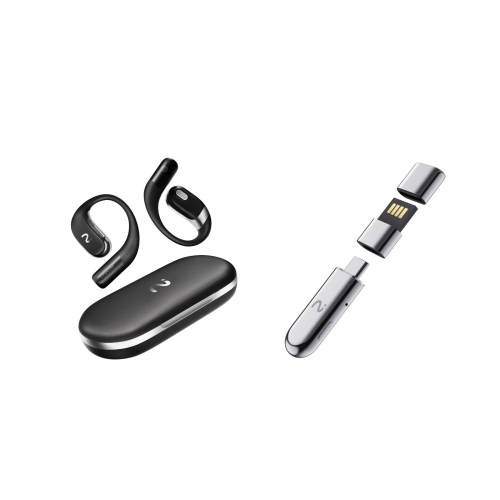
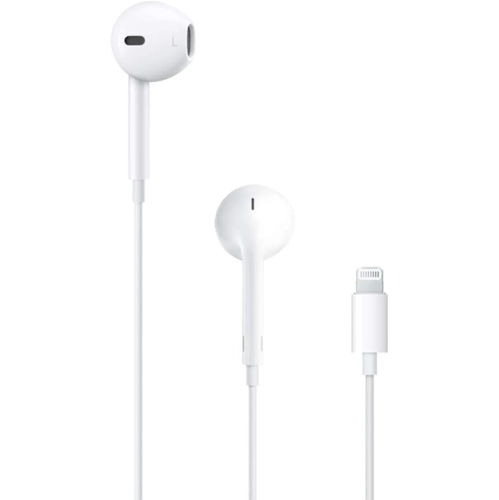
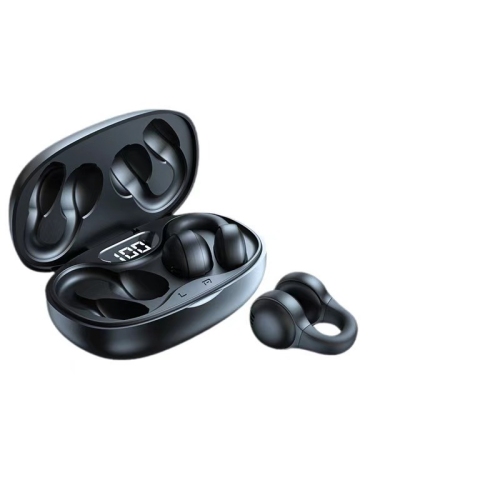
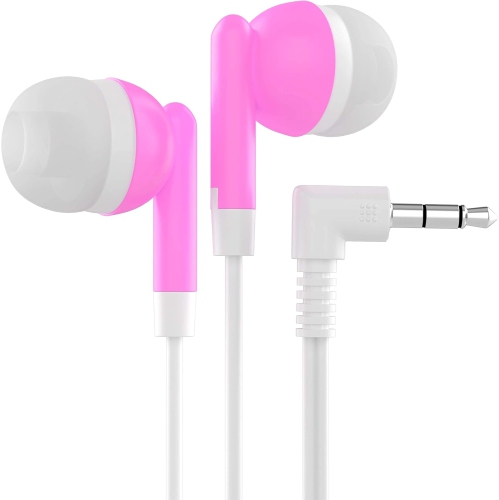
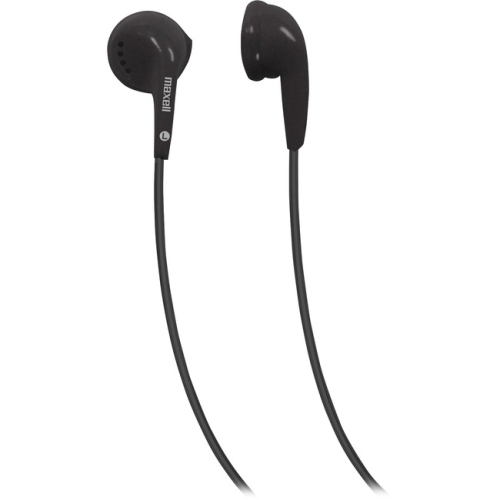

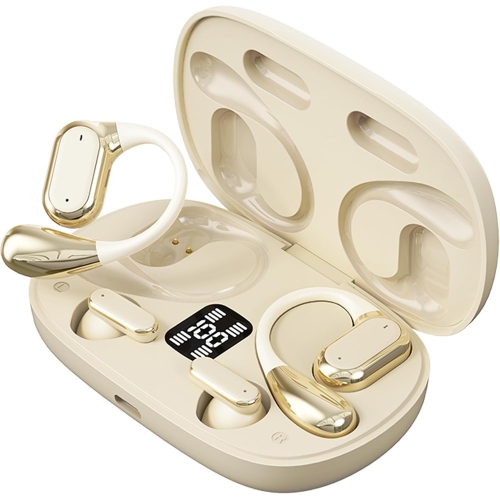
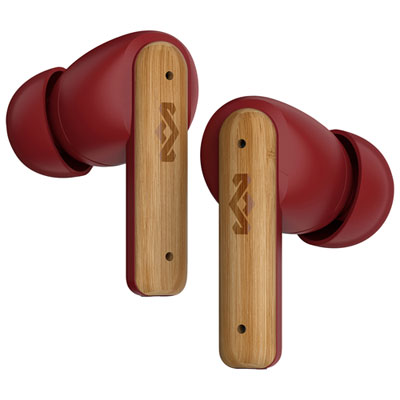

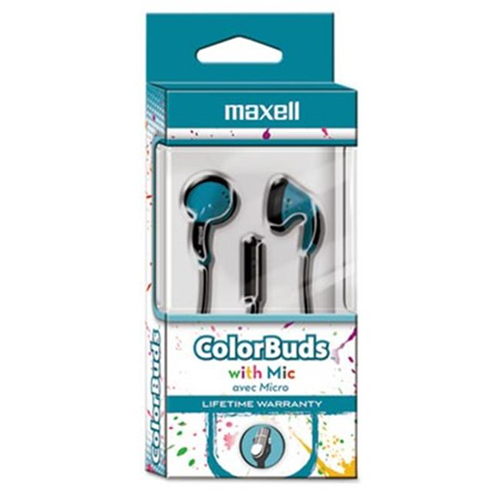
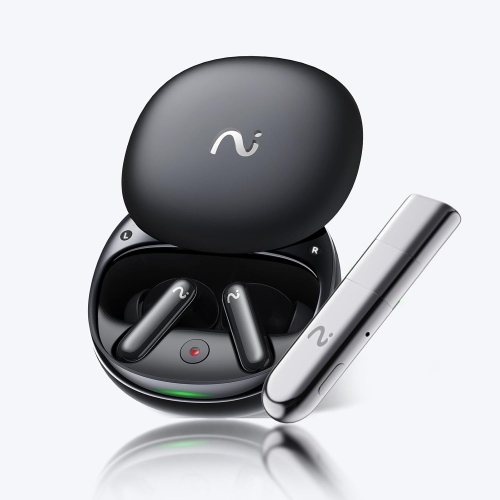
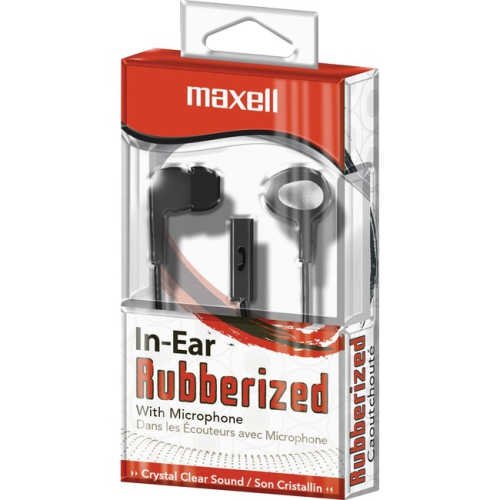
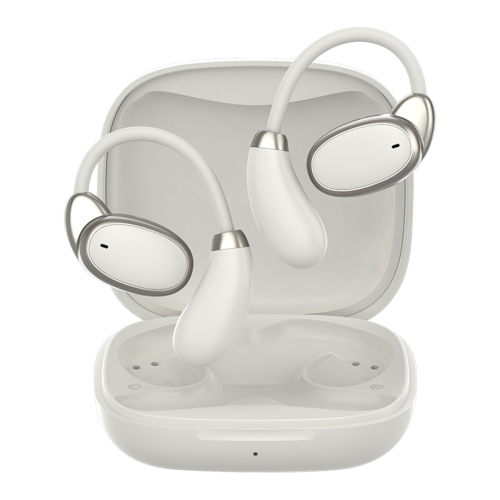
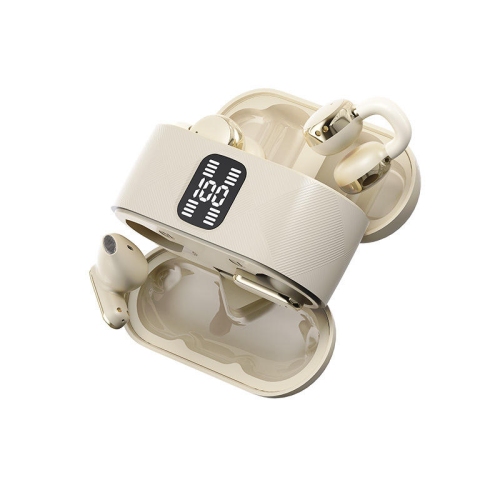
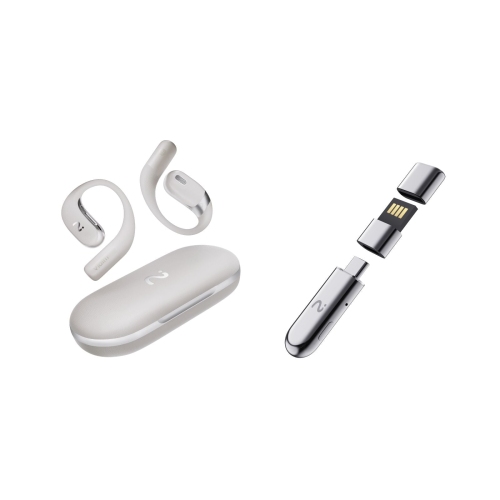
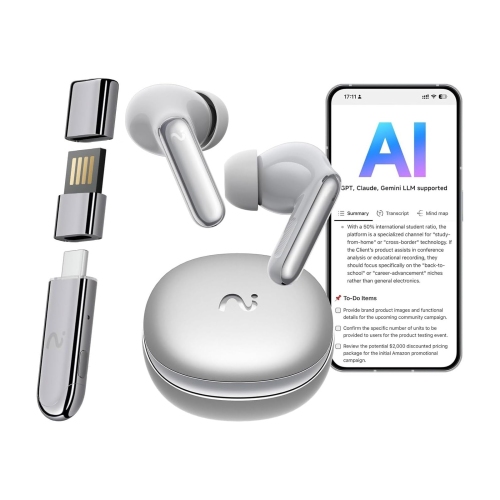
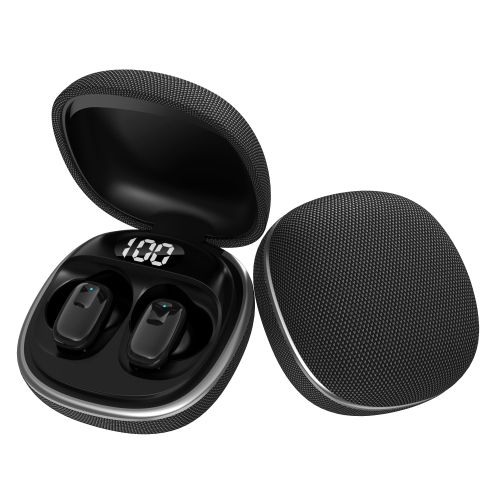



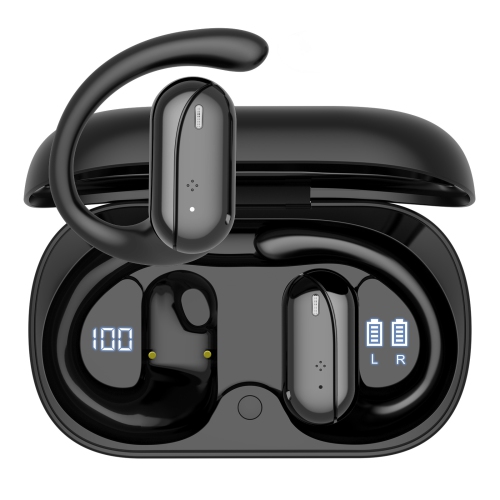



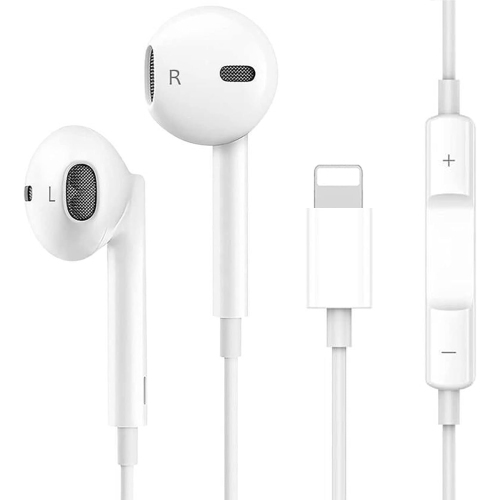
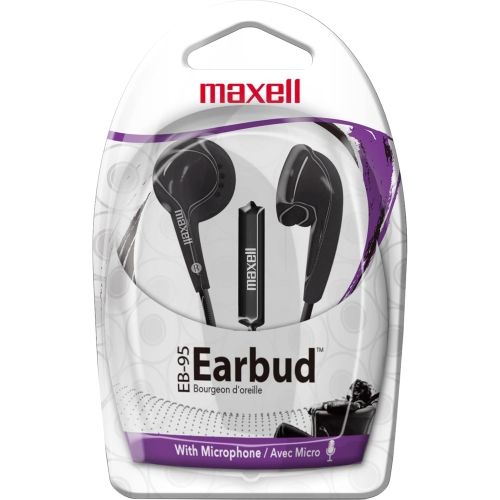
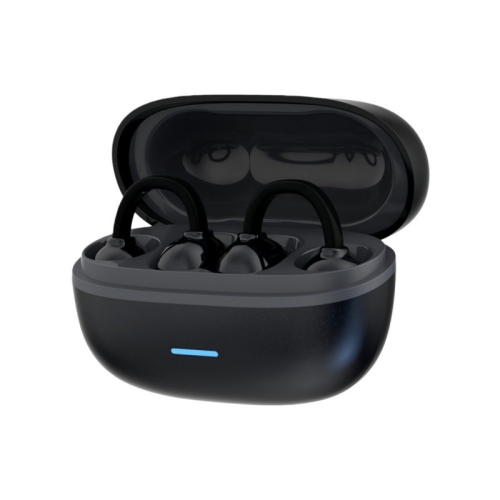



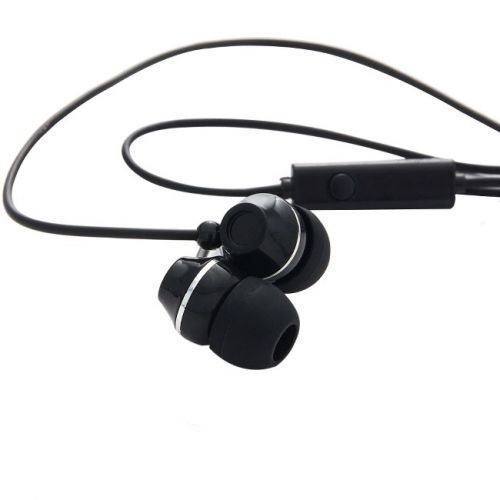
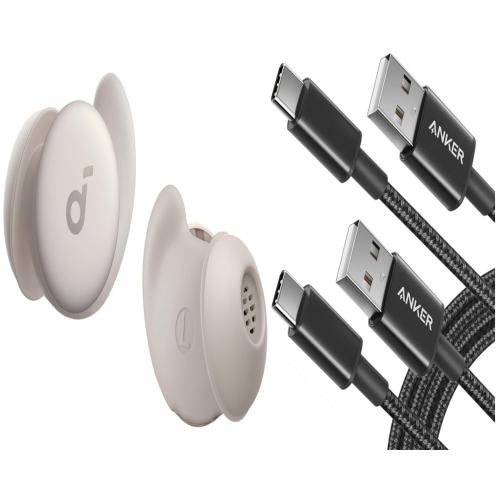

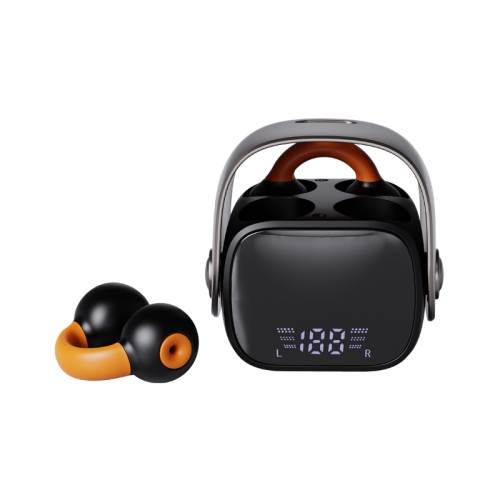
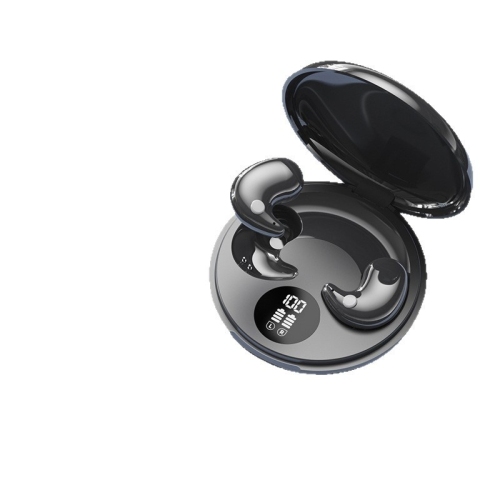
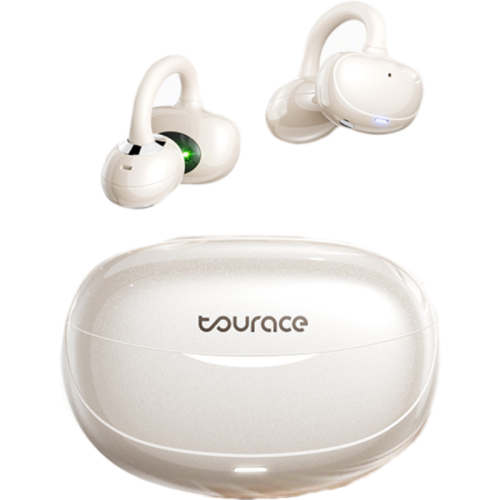
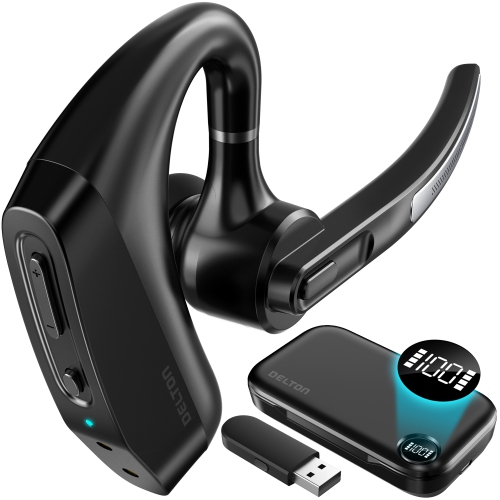
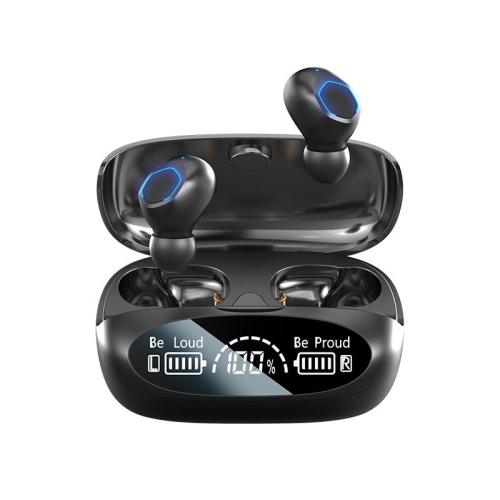
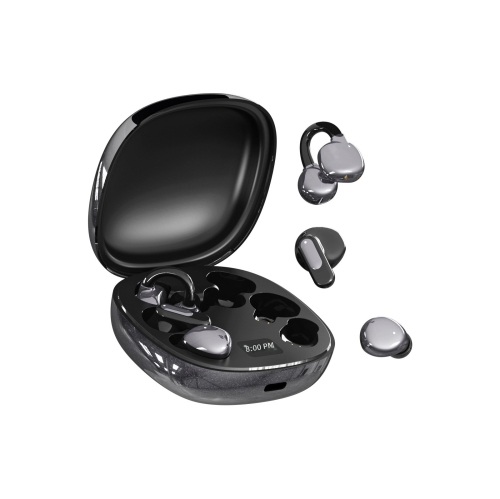

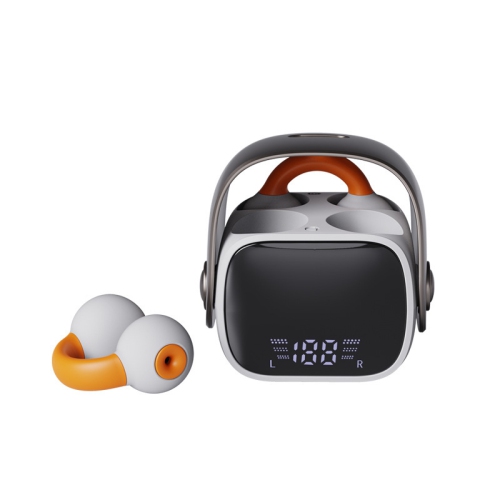
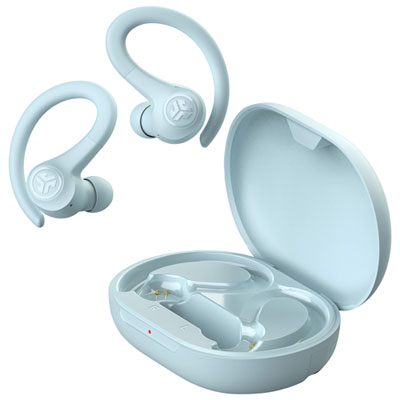
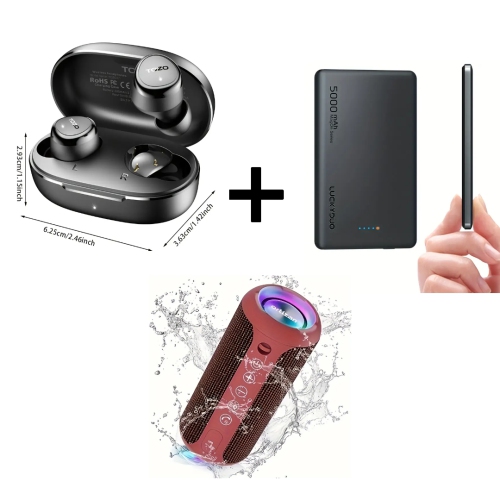
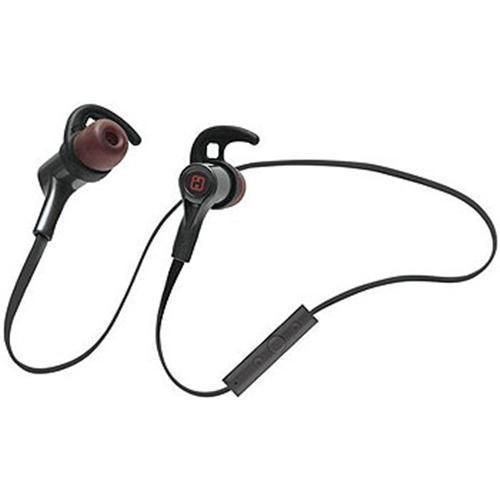
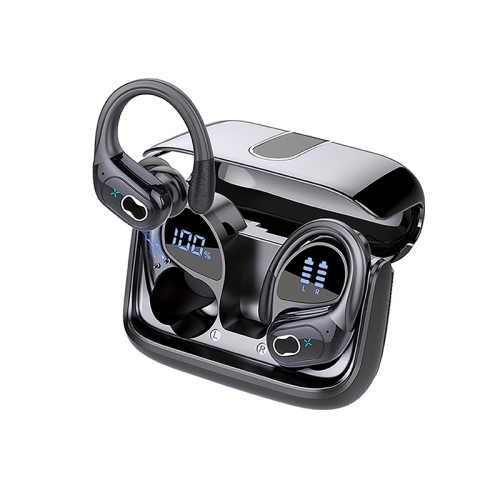
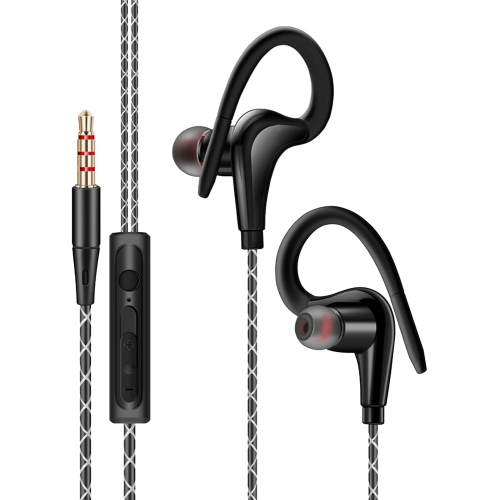
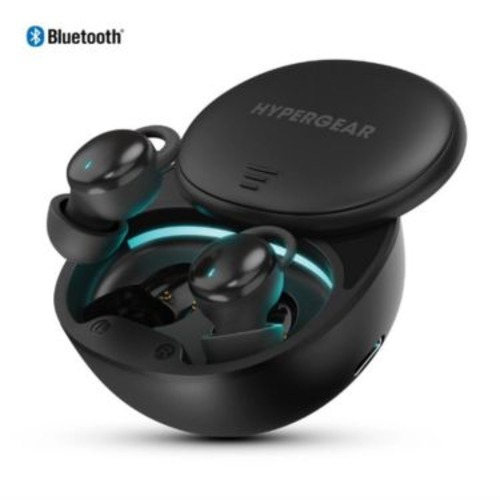
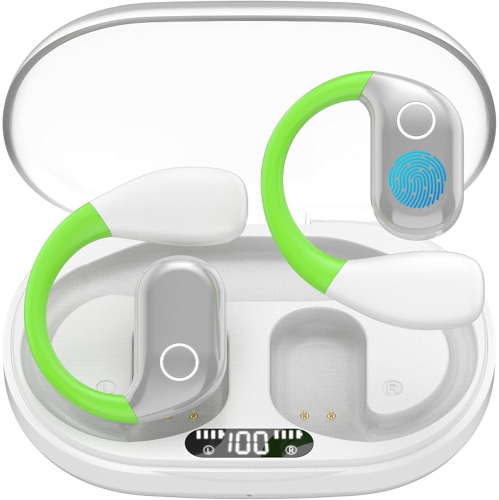
Clear calls depend on more than noise cancellation
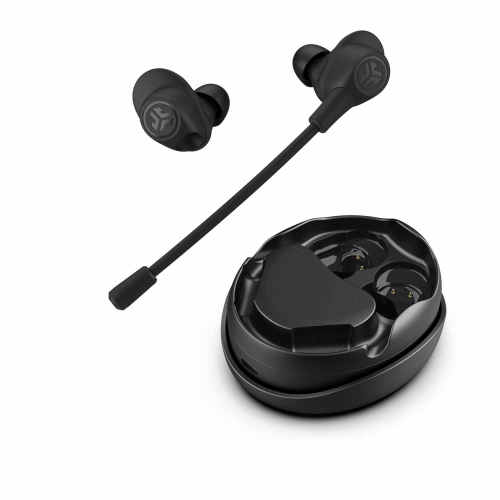
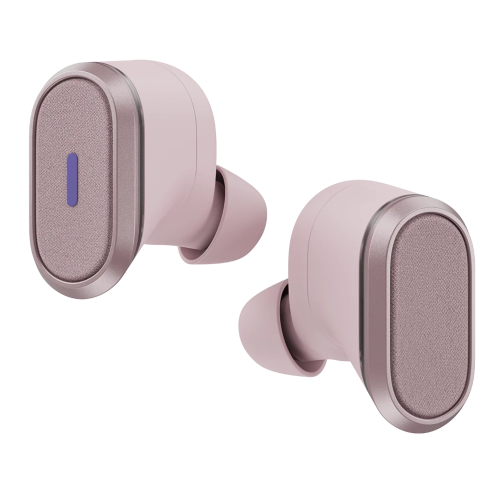
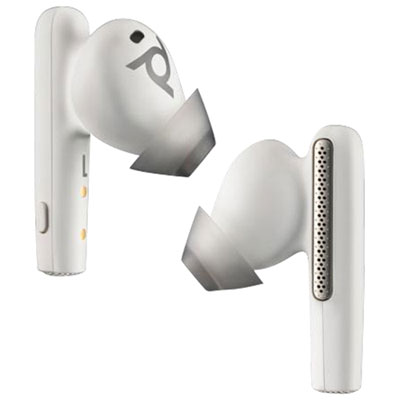
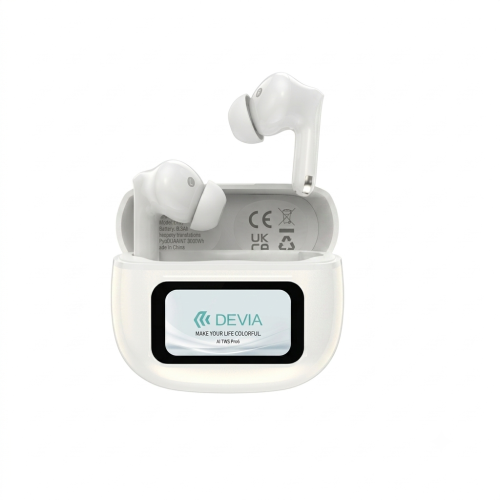
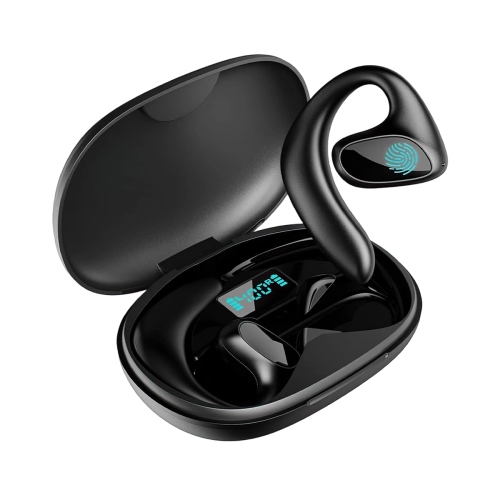
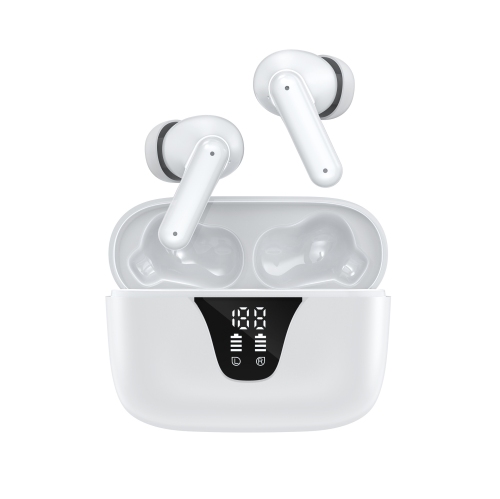
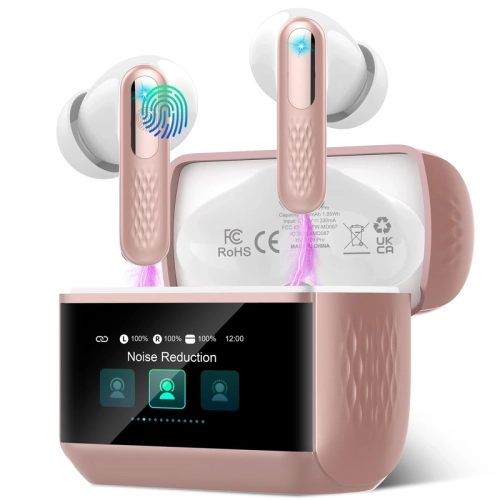
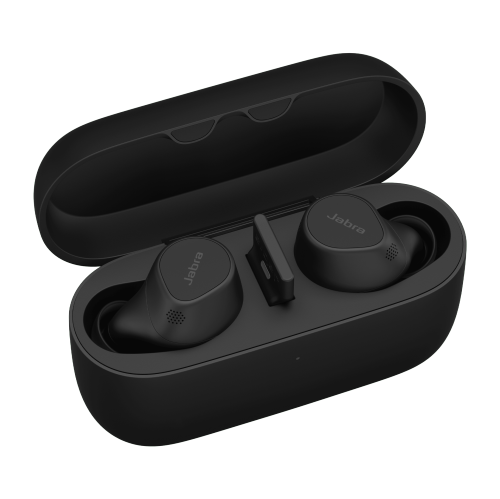
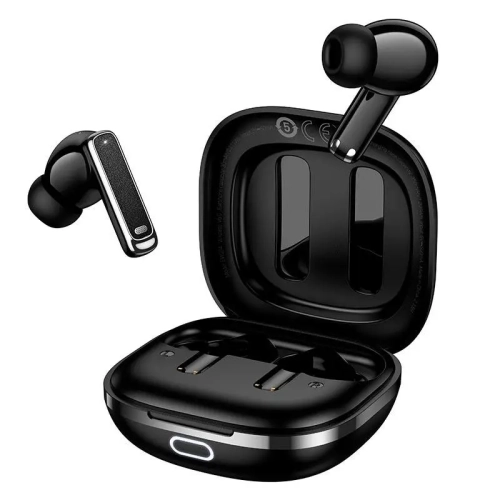
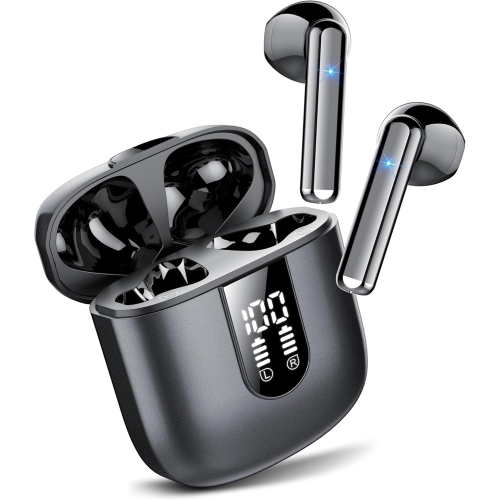
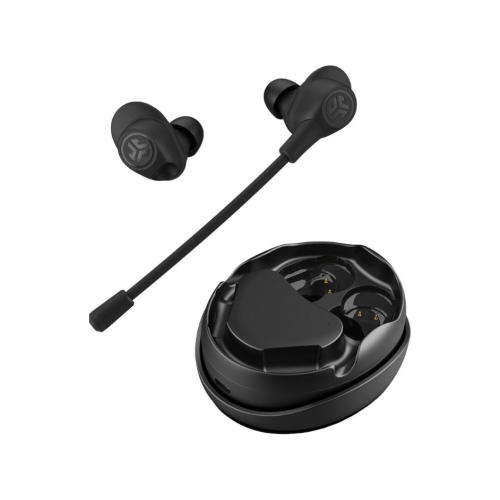
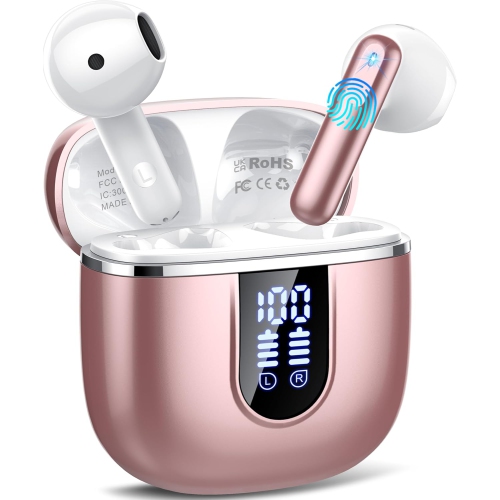
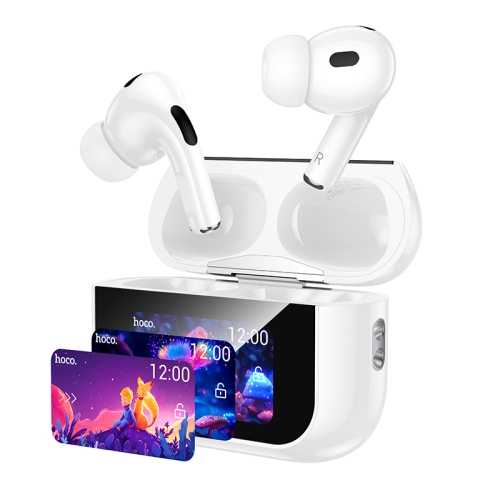
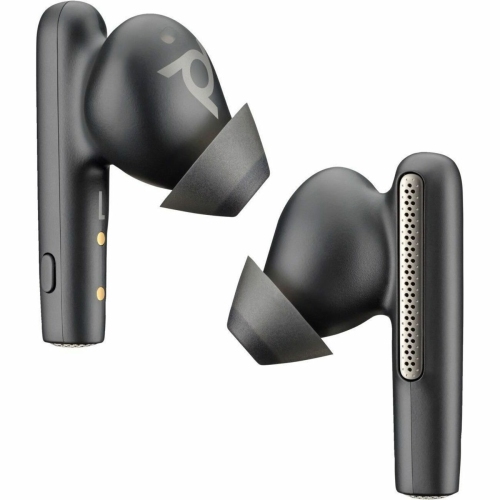
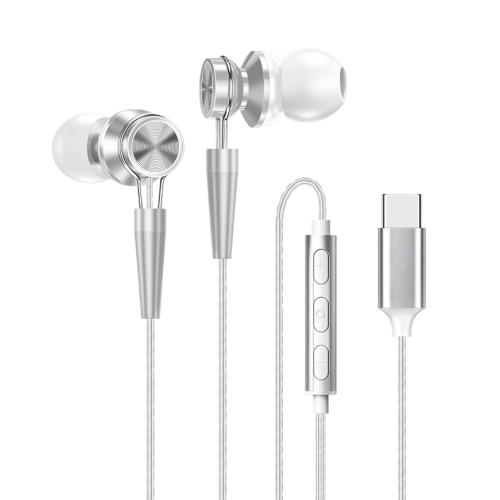
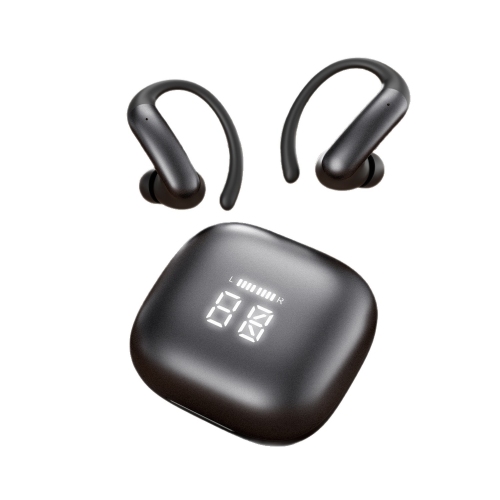
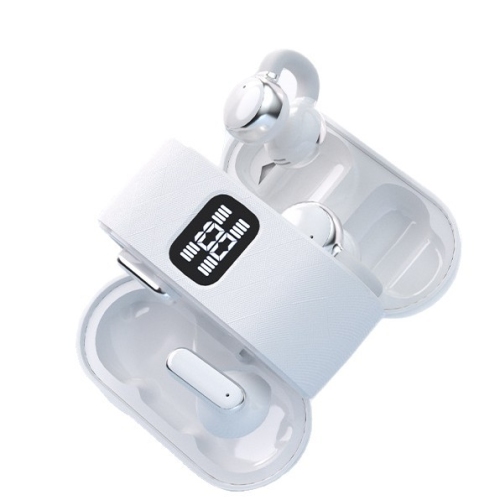
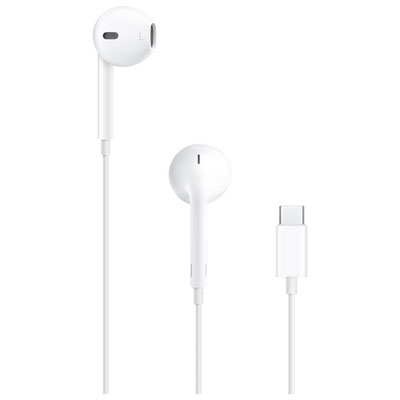
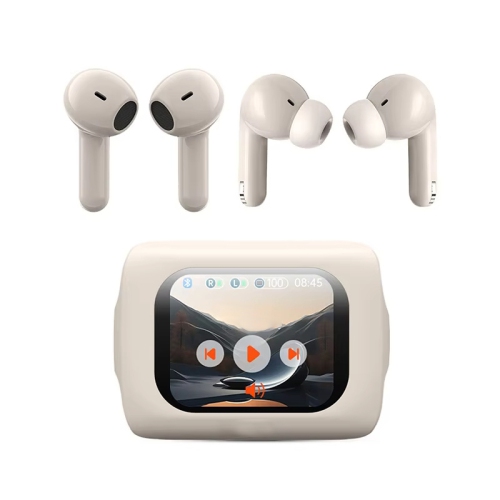
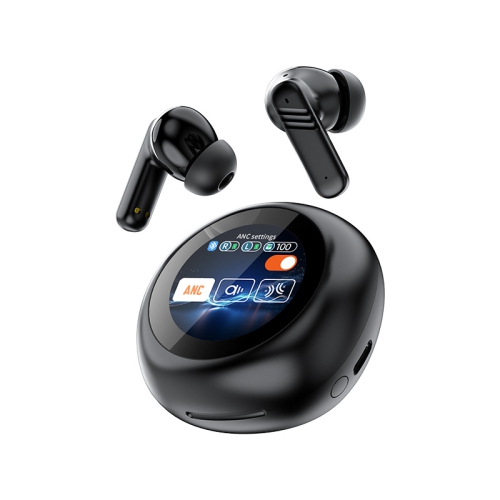
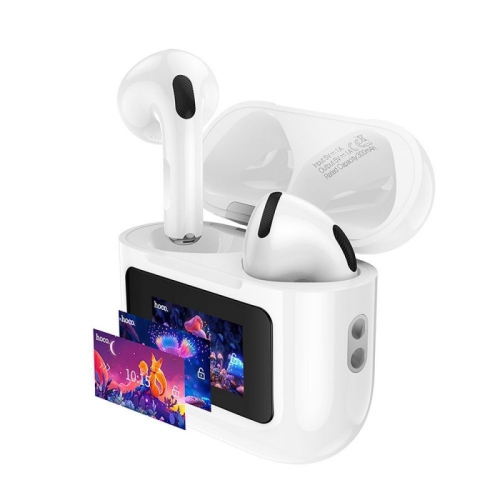
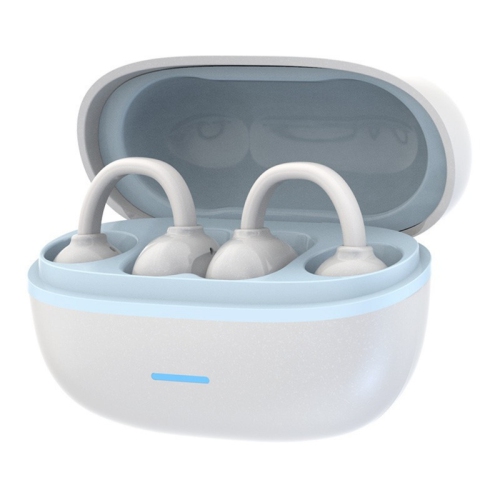
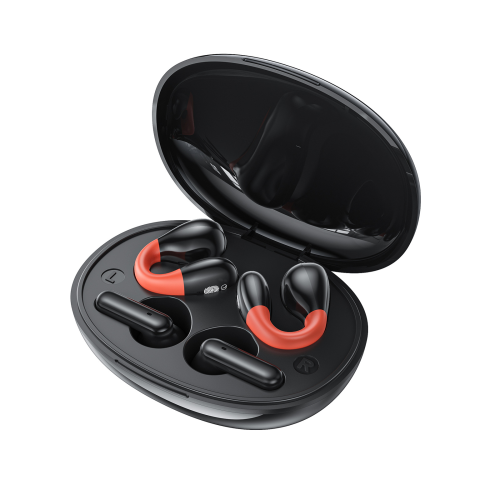
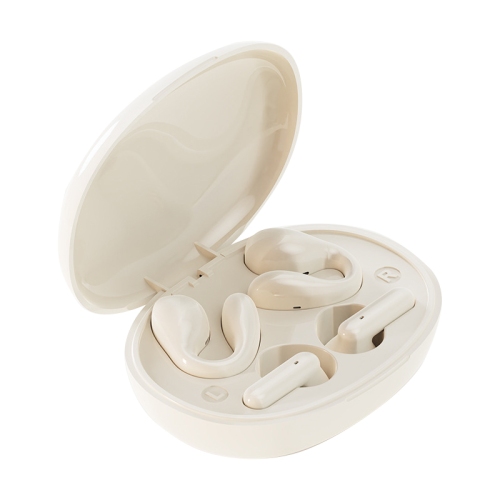
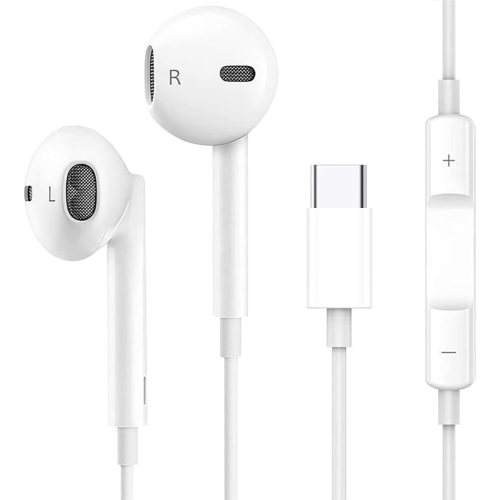
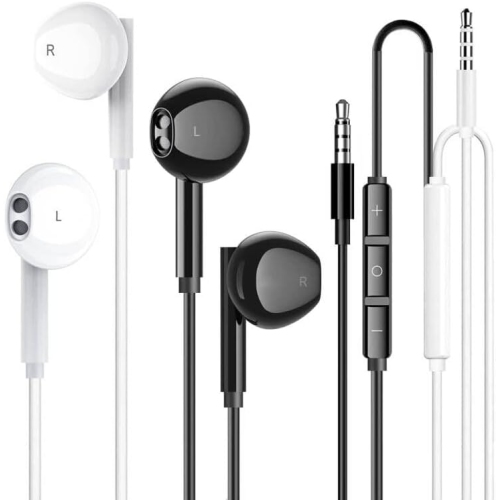
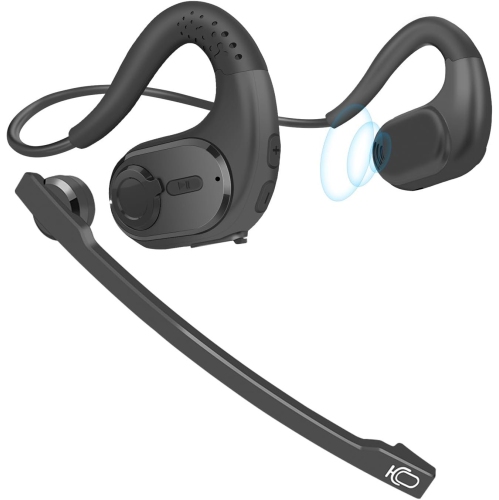
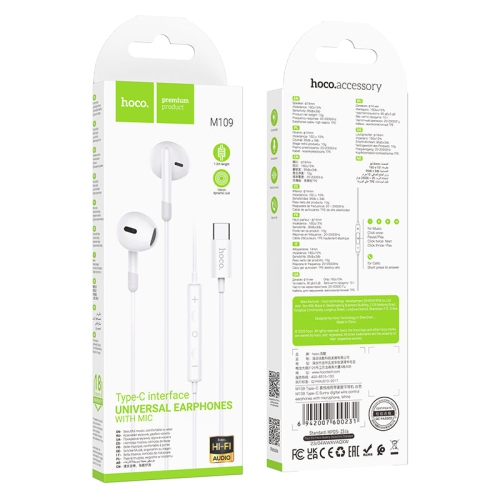
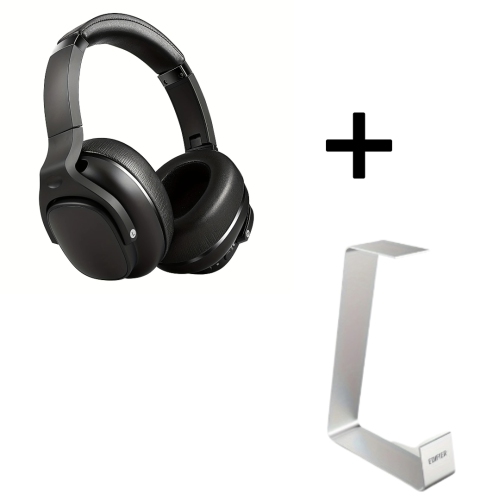
Earbuds for Zoom meetings bring private listening and hands-free conversation to video calls without the bulk of an over-ear headset. Clear microphone pickup, a reliable computer connection and a comfortable fit matter more for this use than powerful bass alone. A voice that sounds natural and easy to follow helps during a quick team check-in, a lengthy training session or a presentation where every detail counts. Multiple microphones, beamforming and voice-focused processing can help separate speech from background noise, although results depend on microphone placement, room acoustics and the type of noise nearby. A steady fan is a different challenge from another person speaking at the next desk. Active noise cancellation mainly reduces what the wearer hears; it does not, by itself, guarantee that other meeting participants will hear less background sound. Microphone noise reduction addresses the outgoing voice signal, making it a separate consideration for calls from shared spaces. Some earbuds intended for business use include a boom microphone that places the pickup closer to the mouth, while compact designs keep their microphones within the earpieces. Both approaches can suit video meetings, but their performance varies by design and setting. For people working from home, studying online or joining appointments remotely, earbuds keep meeting audio out of the room and leave more of the face visible on camera. They also take up little desktop space beside a laptop, notebook and coffee cup. Balanced sound helps speech stay intelligible without making voices thin or harsh, and a natural-sounding microphone can make a conversation feel less tiring for everyone listening. In a room with hard floors and bare walls, soft furnishings and a position away from competing voices can also improve the call experience. Earbuds can make everyday meetings more convenient, but no microphone system removes every distraction or compensates fully for a noisy location. Their value lies in matching dependable audio with the way a person actually works, whether that means listening closely to a lecture or speaking throughout a client call.
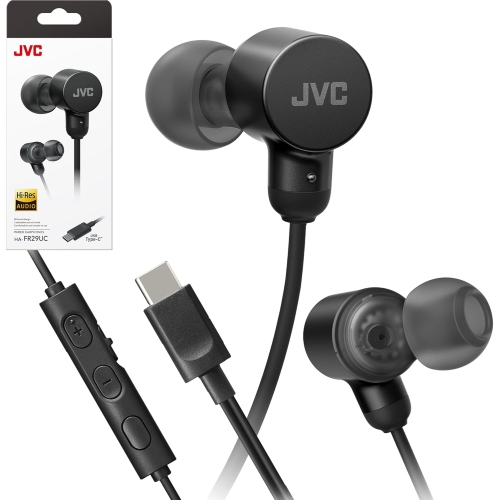
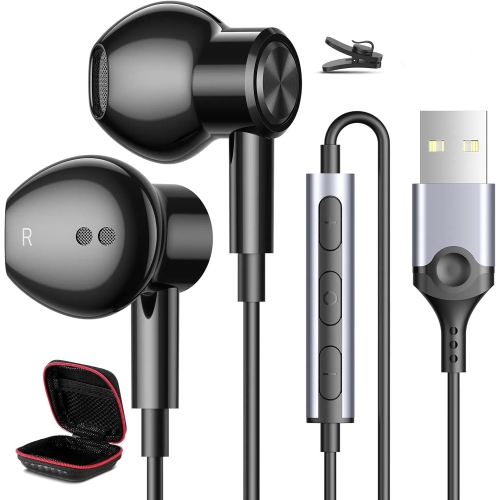
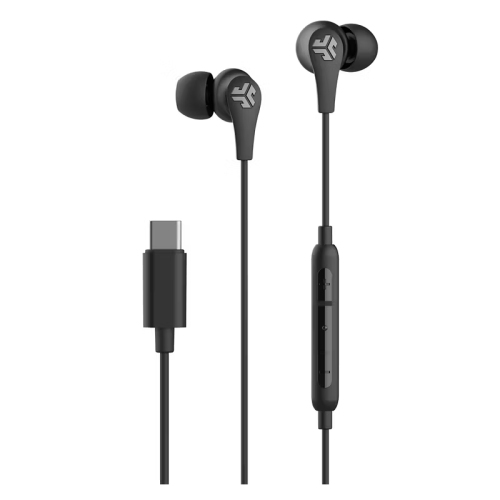
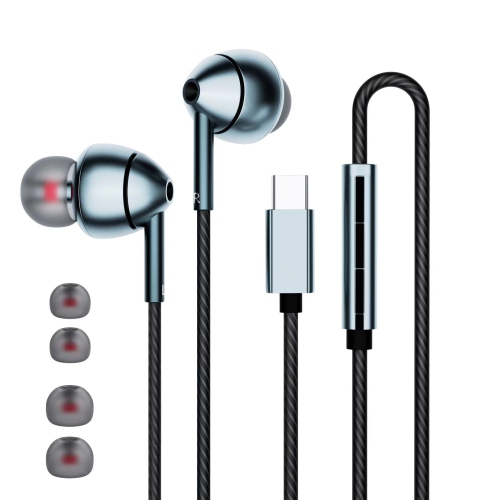
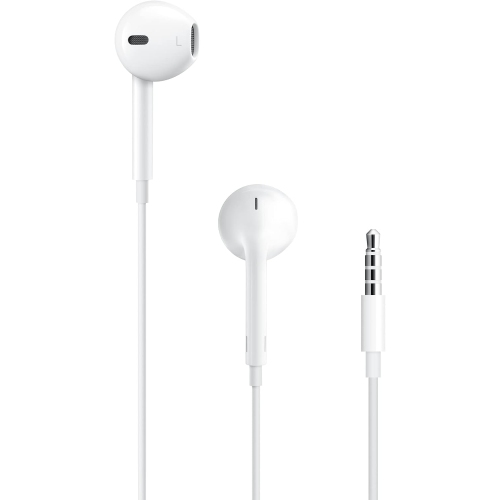
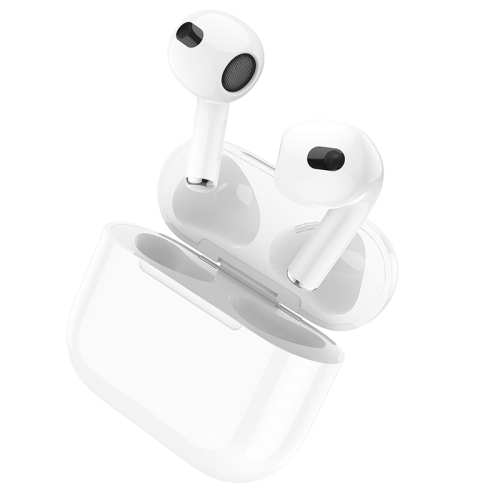
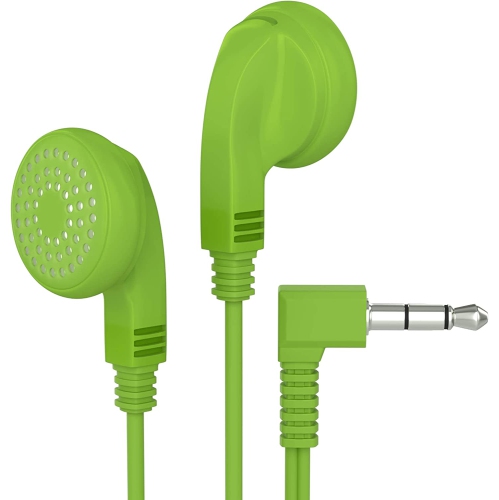
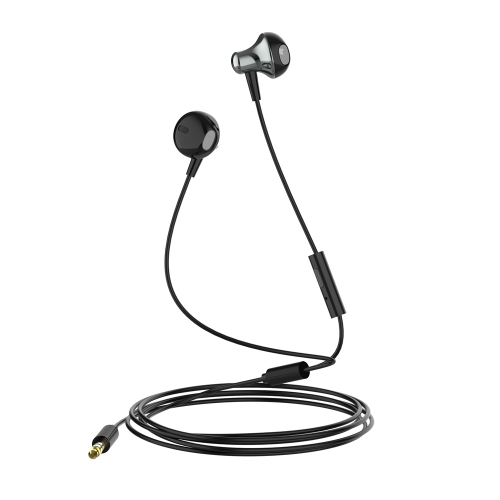
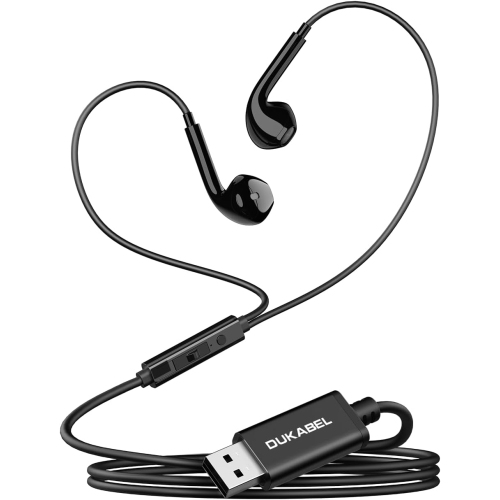
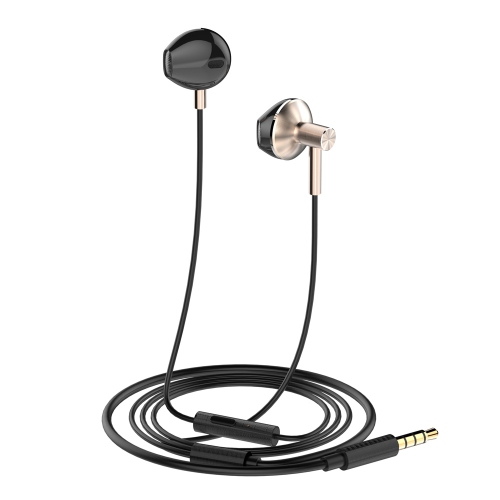
Connection features shape how smoothly earbuds fit into a meeting routine. Bluetooth offers cable-free movement, but compatibility with a phone does not automatically mean the same controls and audio features will work on a computer. Support can vary with the operating system, Bluetooth hardware, meeting application and earbud software. Earbuds supplied with a compatible USB wireless adapter may offer a more predictable computer connection or additional call controls, depending on the model; a general-purpose Bluetooth adapter is not necessarily equivalent. Multipoint connectivity can keep supported earbuds connected to two devices, such as a laptop and a phone, though it does not necessarily combine audio from both or guarantee seamless switching during an active call. This distinction matters when a phone notification arrives halfway through a presentation. Computer audio settings also affect the experience: the selected microphone and speaker need to match the intended devices, and some Bluetooth connections change audio quality when the earbud microphone is in use. For long conversations, call-specific battery life is more useful than a music playback figure, since microphone use, noise cancellation and other features can change runtime. A charging case adds listening time between charges, but it does not extend an uninterrupted meeting while both earbuds are being worn. Single-earbud operation, where supported, can allow one side to charge while the other remains in use. Wired earbuds offer another practical option for a fixed workspace, removing the need to charge a wireless battery, provided the computer has a compatible audio connection or adapter. Controls deserve attention too. A physical button may be easier to find without looking, while touch controls can reduce the pressure needed to operate an earpiece. Mute functions are especially useful, but their behaviour can differ between applications, so an earbud gesture should not be assumed to mute every meeting platform. Audible status cues and visible microphone indicators help reduce uncertainty when moving between listening and speaking. For people who regularly share their screen, reliable controls let attention stay on the discussion rather than on finding a small on-screen button.
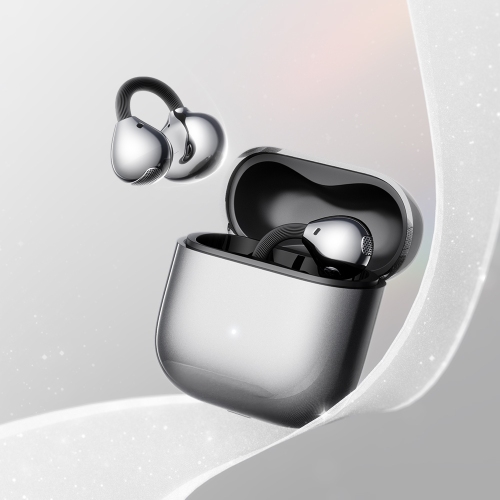
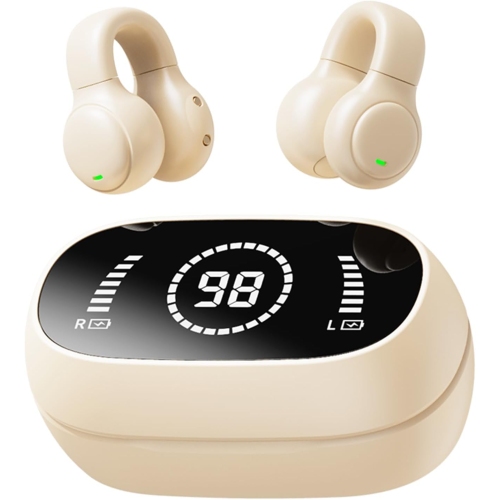
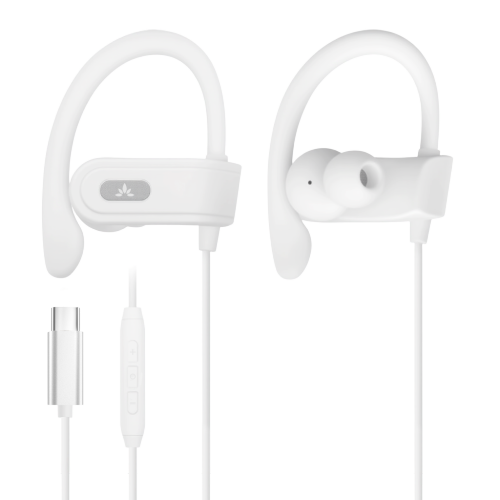
Fit becomes especially noticeable when several meetings run back to back. Soft silicone tips commonly provide a washable contact surface and come in different sizes, while foam tips can conform to the ear but may require different care and more frequent replacement. The right size may differ between ears. A secure seal can improve bass response and help noise cancellation work as intended, but an overly tight fit can create pressure or discomfort over time. Open-fit designs avoid a deep seal and let more surrounding sound remain audible, which may suit someone who wants awareness of activity nearby, though they generally provide less passive isolation. Lightweight housings, rounded edges and optional stability fins can make a difference during long sessions, particularly for people who wear glasses or move around while speaking. Materials and construction matter beyond comfort: smooth housings are easier to wipe clean, sturdy charging-case hinges withstand repeated opening, and clearly stated resistance ratings describe tested protection against particular conditions rather than permission to wash or submerge the earbuds. Routine care includes removing debris from tips, keeping microphone openings clear and following the manufacturer’s cleaning directions. Moisture should be allowed to dry before earbuds go back into their case, and sharp tools should stay away from delicate mesh. A protective case also keeps loose earbuds from collecting lint in a bag between home and the office. For students, remote workers, tutors and frequent callers, these small details can matter as much as headline audio features. Earbuds can also be a thoughtful gift for someone starting a new job or an online program, especially when their preferred fit and device connections are already known. The broader range of Earbuds for Video Conferencing supports similar needs across remote conversations. Whether the day involves one brief appointment or hours of collaboration, well-matched earbuds combine understandable speech, dependable connectivity and a fit that remains comfortable after the opening introductions.
Top selling and popular products
-
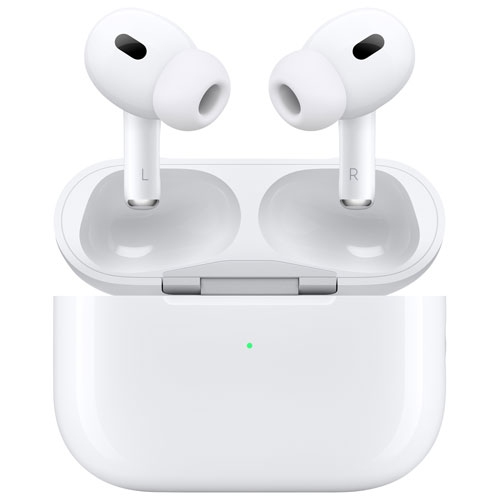 Your price for this item is $349.99
-
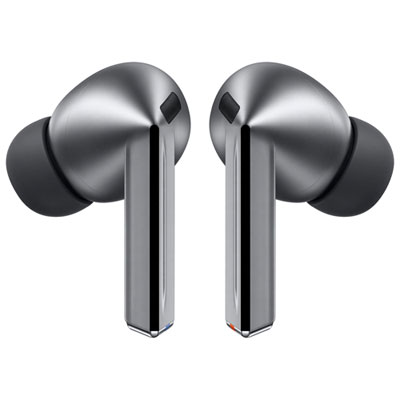 Your price for this item is $329.99
-
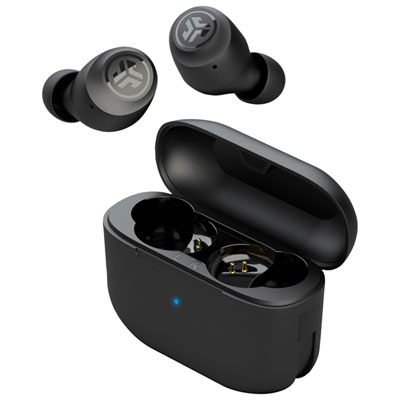
 Your price for this item is $229
-
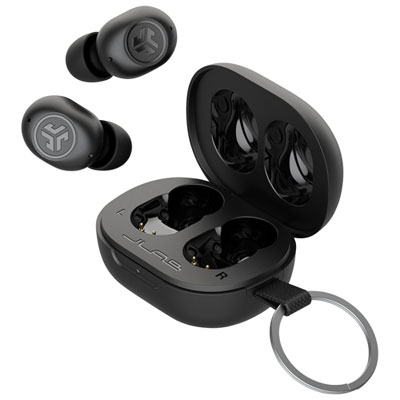
 Your price for this item is $19.99
-
 Your price for this item is $59.99
-
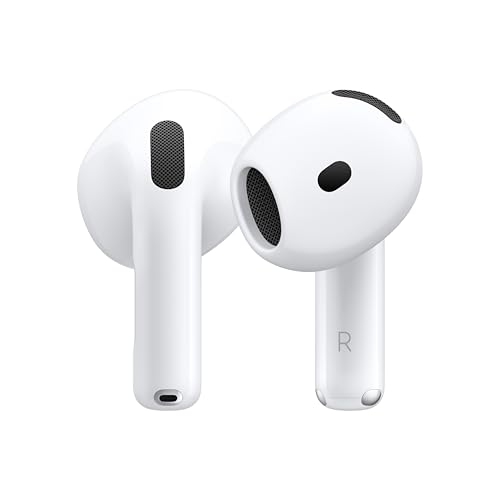 Your price for this item is $339.88
-
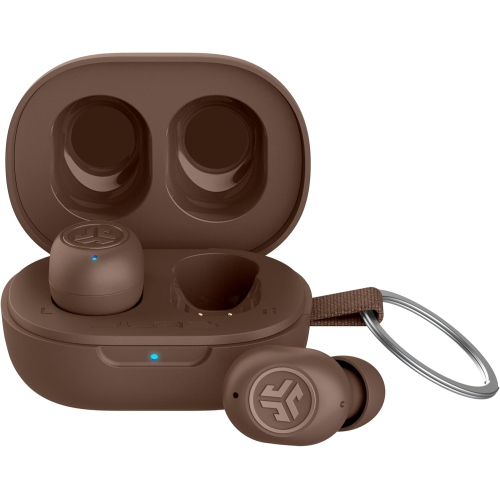 Your price for this item is $107.49
-
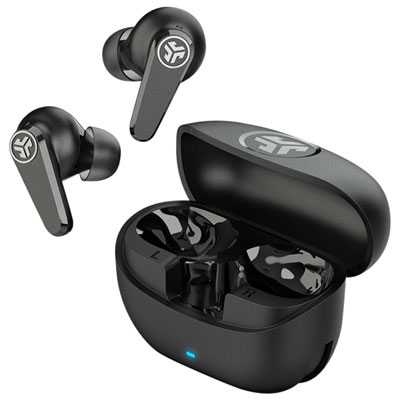 Your price for this item is $59.99
Discover more categories related to Earbuds for Zoom Meetings
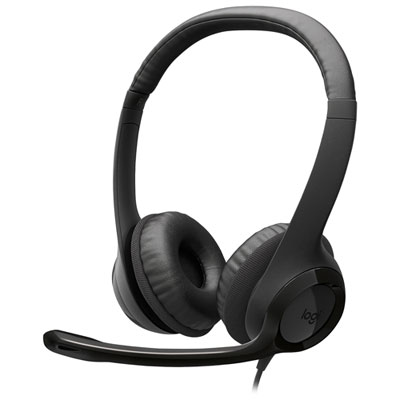
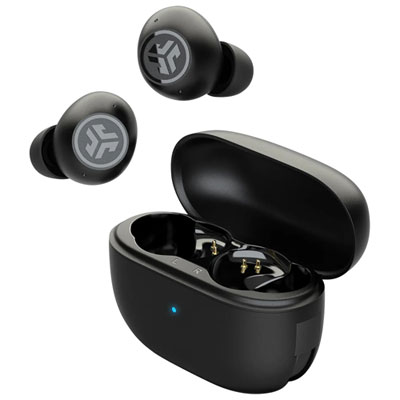
Top Collections:
Best Black Friday Deals This Year, Best Black Friday Deals On Electronics, Kindle Devices, Pokemon Centers, Best Black Friday Deals On Apple Products, Best Cameras for Sports Photography, Dyson Airwrap, Pokémon 30th Celebration Cards, Apple iPhone 17 Pro, Canon G7X Cameras
Some products may be subject to Environmental Handling Fees
(EHF) depending on your province.
Learn more about EHFs.