Headphones for Virtual Classes
Headphones for virtual classes can make online learning more comfortable and productive, helping to minimize distractions and enhance audio clarity during lessons. Whether you’re attending lectures, participating in group discussions, or listening to educational videos, the right pair of headphones for virtual classes can support a focused learning experience. Explore a wide selection designed to meet the needs of students of all ages, with options that fit various preferences and budgets. Find headphones for virtual classes that offer comfort for long study sessions and reliable performance throughout the school year.
Sort
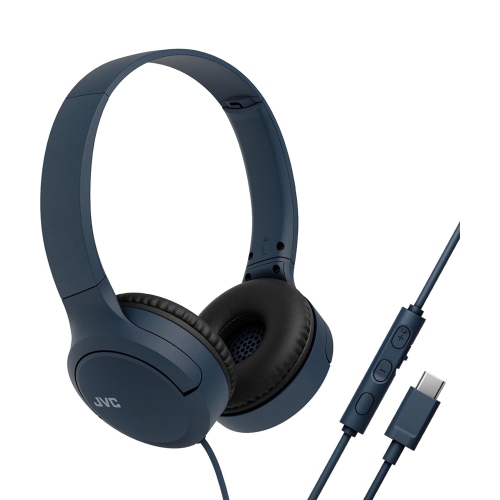

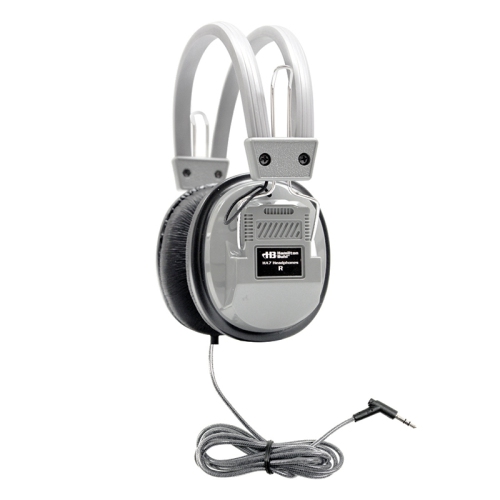


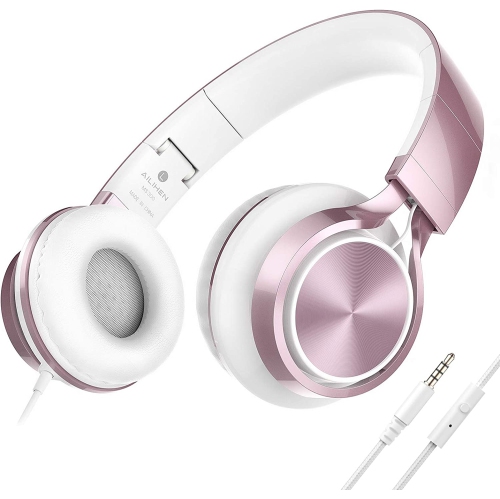
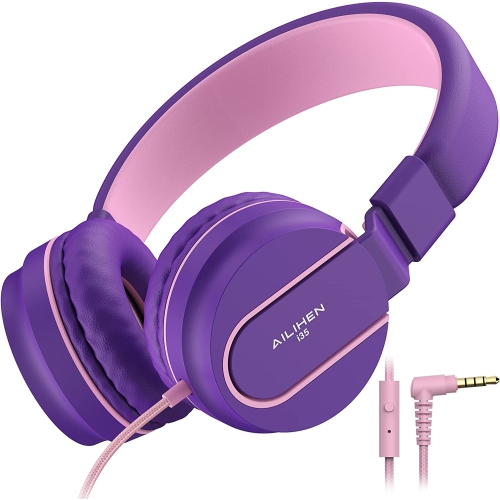
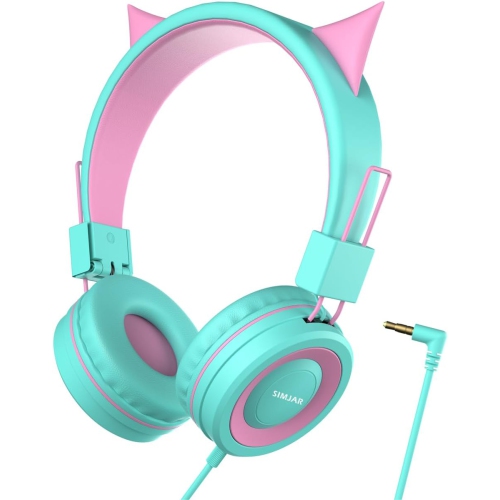

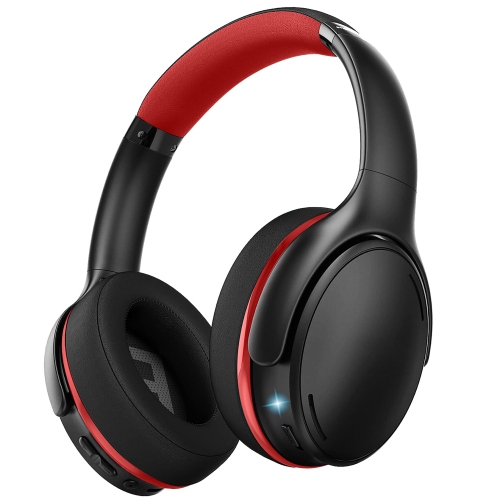
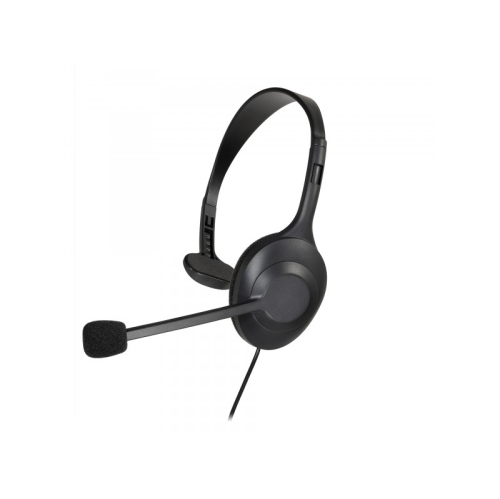
When a headset mic helps students speak up
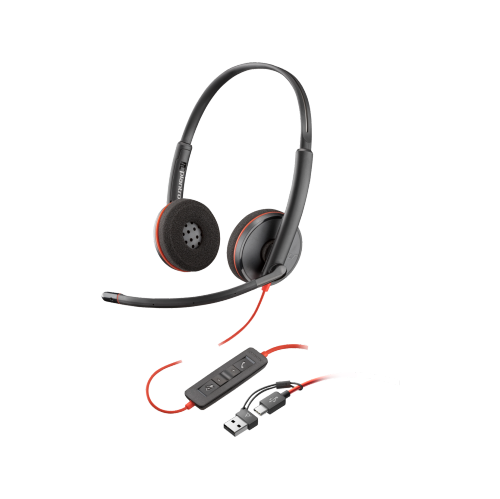
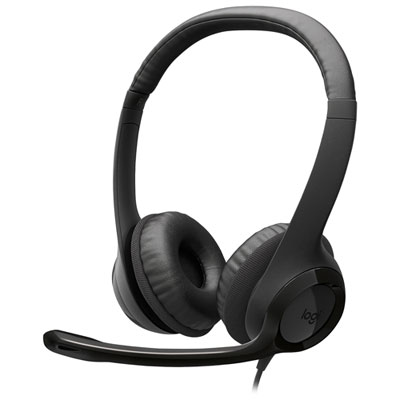
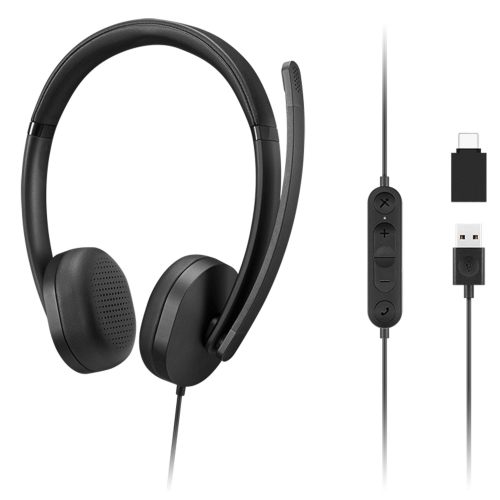
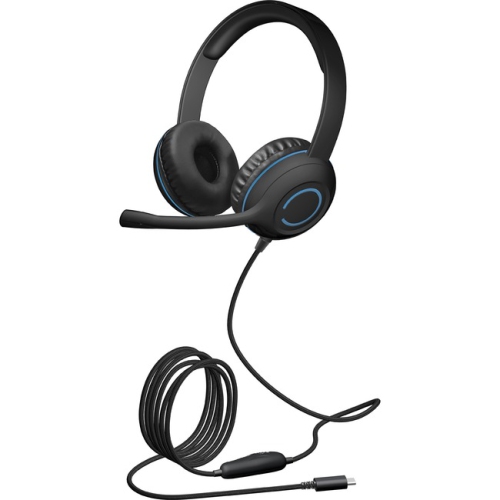
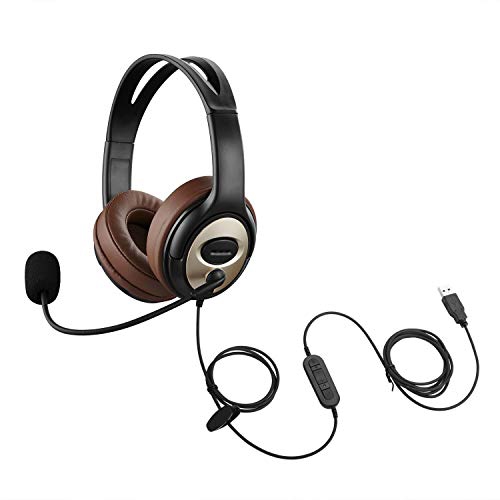
Headphones for virtual classes can make an instructor easier to hear, but whether a microphone is needed depends on how students participate. For live lessons with frequent questions, language practice or breakout room discussions, a headset with an adjustable boom microphone is usually a good choice. A headset combines headphones and a microphone, and the boom places the mic close to the mouth so it can pick up speech more clearly than a laptop mic across the desk. Angling the mic slightly to one side can help soften breath sounds and the pops that come from words beginning with p or b. Some headset mics also reduce background noise such as keyboard taps or the hum of a fan, though a conversation at the next desk may still come through. Headphones with a microphone built into an ear cup or earbud can work well for occasional comments, especially in a quiet room. For on-demand lessons, lecture replays and independent study, standard headphones without a mic are often all that’s needed. They can also be used with a separate microphone or the computer’s built-in mic for the occasional discussion. For students who move between listening and speaking throughout a class, a mute control that’s easy to find by touch is useful. It saves a trip back to the meeting window when the student is sharing slides or taking notes in another app. Some boom mics can be flipped up to mute, which also puts them out of the way during quiet work. Before a group presentation or oral assessment, a short audio check in the class app can confirm that it’s using the intended microphone and that speech comes through at a steady level. That matters more for class participation than extra bass or a long list of sound settings.
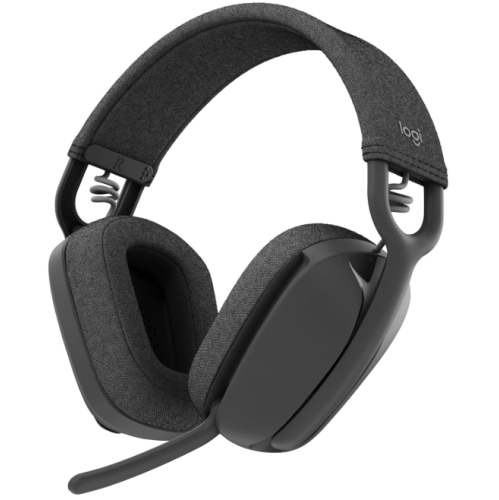
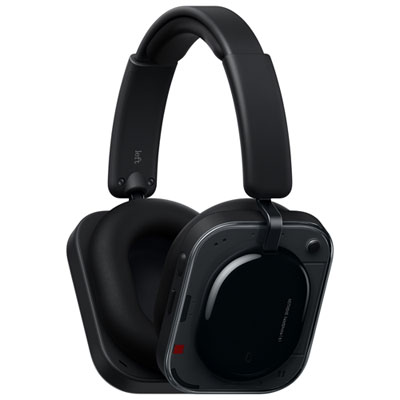
Fit starts to matter when a short check-in turns into a morning of lessons. Over-ear headphones surround the ears rather than resting on them, which can reduce pressure if the cups are deep enough and the headband spreads the weight evenly. On-ear headphones are often more compact, but the pads may press the arms of glasses against the ears. Earbuds leave room around glasses and don’t add weight across the top of the head; different tip sizes can make a difference to how securely they sit and how much outside sound gets through. For students who go straight from a lecture to a study group, the selection of Comfortable Headphones for Long Virtual Classes is a place to compare those styles. Headband adjustment matters as much as padding: a pair should stay in place when a student looks down to write without squeezing at the temples. Fabric and mesh pads may feel more breathable over a long session, while smooth synthetic leather is usually easier to wipe clean. Closed-back ear cups can help limit how much lesson audio reaches others at a shared table. Active noise cancellation, where included, helps reduce steady sounds the wearer hears, such as a fan or appliance hum. That’s different from microphone noise reduction, which affects what classmates hear. A student working at the kitchen table may care about both, while someone who needs to hear a parent or caregiver nearby may prefer a fit that lets more room sound through. A fit that makes speech clear at a moderate volume is more useful than turning up the sound to compete with the room. For younger learners, a smaller headband and simple controls can be easier to manage, and volume-limiting options can help keep the level in check. Even with a good fit, a break between lessons gives ears a rest.
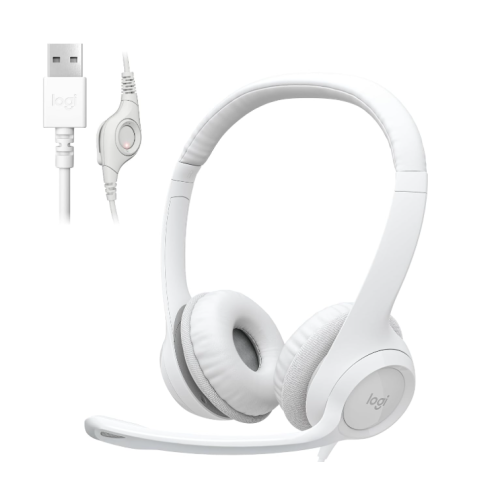
The device used for class can be as important as the headphones themselves. A wired pair doesn’t need charging or pairing, which is one less step when joining a lesson. For a wired headset, check whether the computer or tablet has a combined headphone and microphone jack or a compatible USB port. An adapter that plays sound through the headphones won’t necessarily carry audio from the microphone. Wireless headphones leave the desktop clear and let a student stand up to grab a workbook without tugging on a cable. They do need enough charge for the day, and it’s worth checking that a school-issued device supports both wireless playback and microphone input in the class app. When a pair moves between home, school and a library study room, look at the parts that get handled most: the headband sliders, hinges, ear pads and the point where a cable meets its plug. Replaceable pads are useful if the cushioning wears down before the headphones do, and a detachable cable can be replaced on its own if it gets damaged. A case or separate bag pocket helps keep ear cups from being crushed under books. Unplugging a wired pair by holding the plug rather than pulling the cord and storing the cable in loose loops can also help prevent wear. For day-to-day care, a soft, dry cloth is a good starting point; follow the manufacturer’s directions for cleaning pads or ear tips and keep moisture away from the microphone and ports. Headphones can be a practical gift for a student starting an online program, a teen taking remote tutoring or an adult fitting language lessons around work. Knowing which device they use and whether they’ll mostly listen or speak makes it easier to choose a pair that fits into their routine.
Top selling and popular products
-
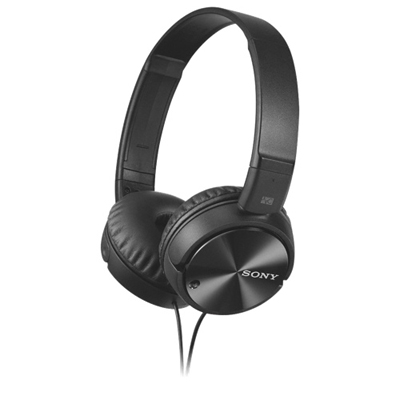 Your price for this item is $59.99
-
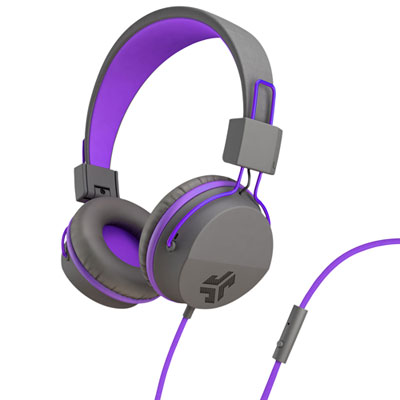 Your price for this item is $19.99
-
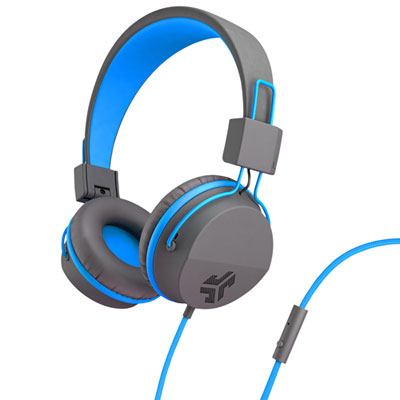 Your price for this item is $19.99
-
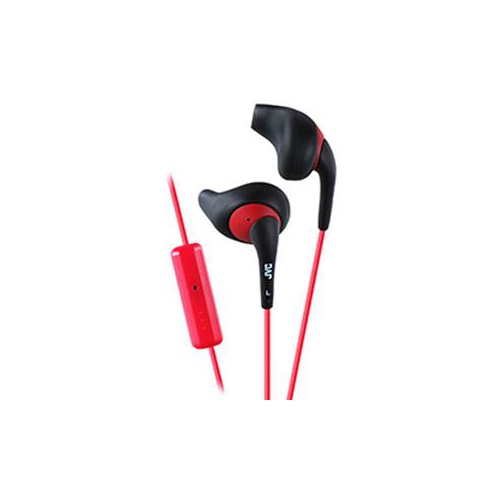 Your price for this item is $41.98
-
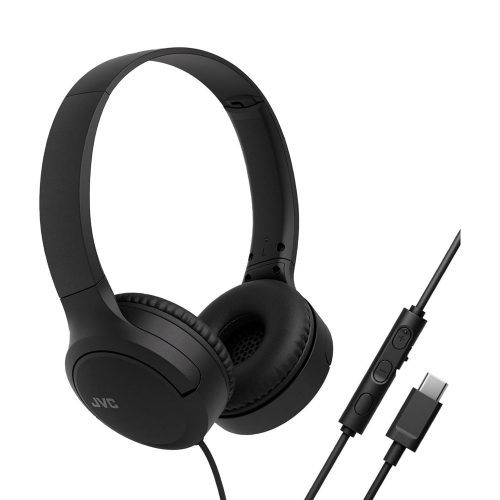 Your price for this item is $47.77
-
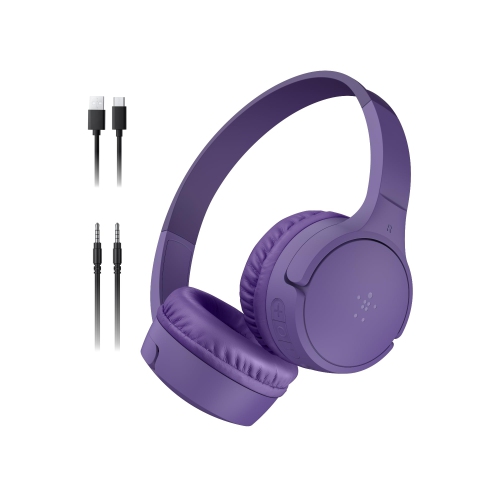 Your price for this item is $68.99
-
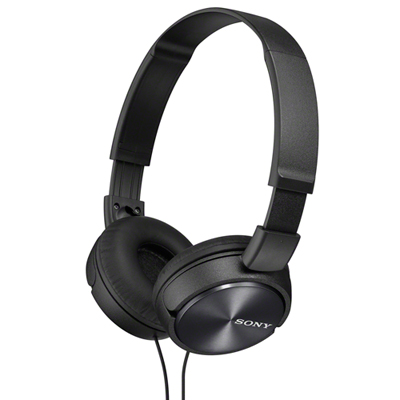 Your price for this item is $29.98
-
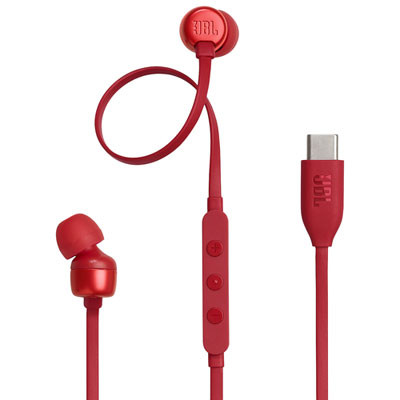 Your price for this item is $19.99
Discover more categories related to Headphones for Virtual Classes

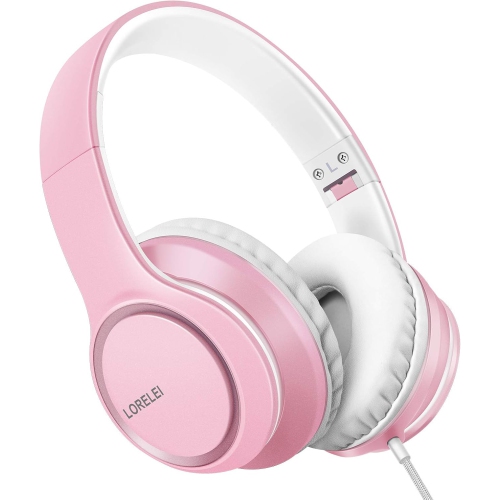
Top Collections:
Best Black Friday Deals This Year, Best Black Friday Deals On Electronics, Kindle Devices, Pokemon Centers, Best Black Friday Deals On Apple Products, Best Cameras for Sports Photography, Dyson Airwrap, Pokémon 30th Celebration Cards, Apple iPhone 17 Pro, Canon G7X Cameras
Some products may be subject to Environmental Handling Fees
(EHF) depending on your province.
Learn more about EHFs.