Wireless Headphones for Work
Wireless headphones for work offer the freedom and flexibility to stay connected and focused throughout your busy day. Whether you’re joining virtual meetings, collaborating with colleagues, or tuning into important calls, these headphones are designed to support productivity in any workspace. Explore a range of wireless headphones for work that combine comfort, convenience, and reliable performance to help you make the most of every workday.
Sort


Why headphone fit matters beyond the first meeting
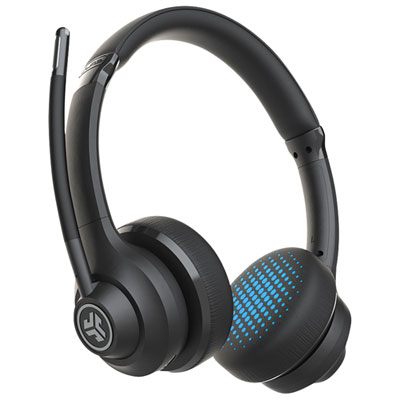
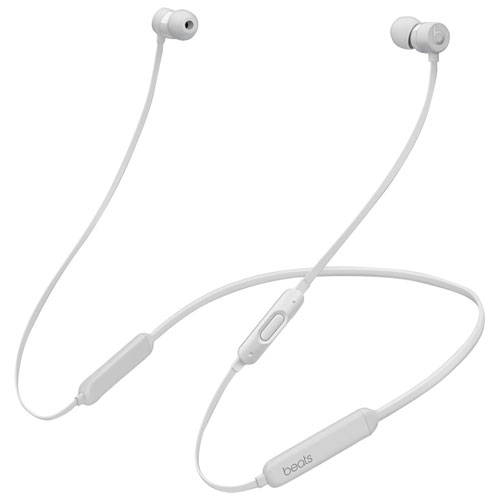
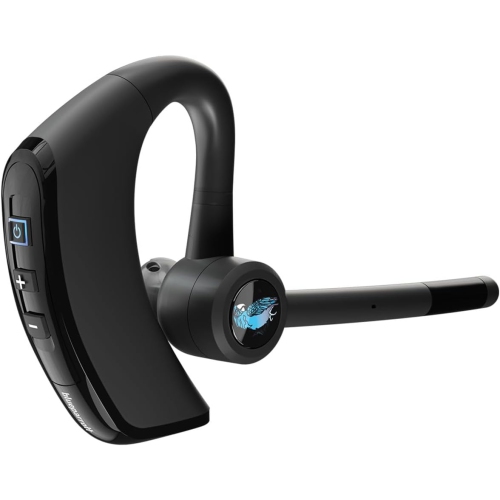
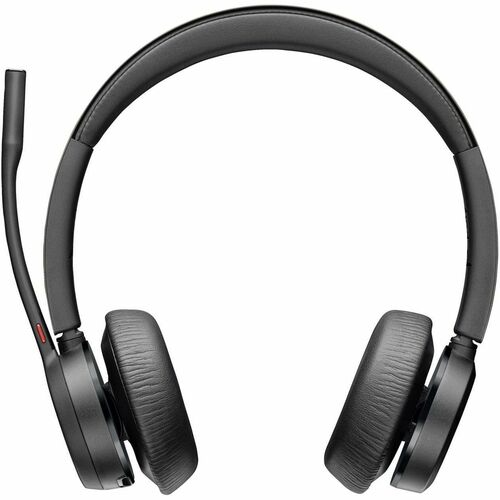
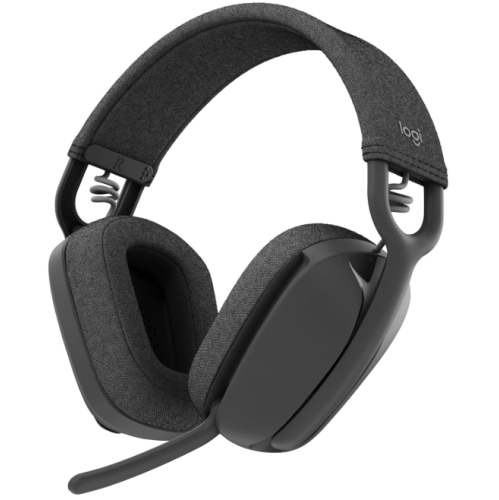
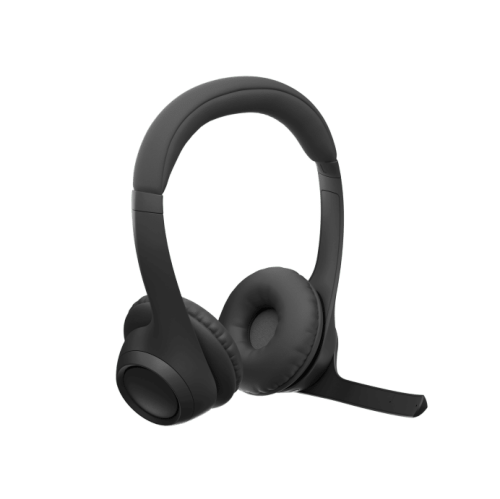
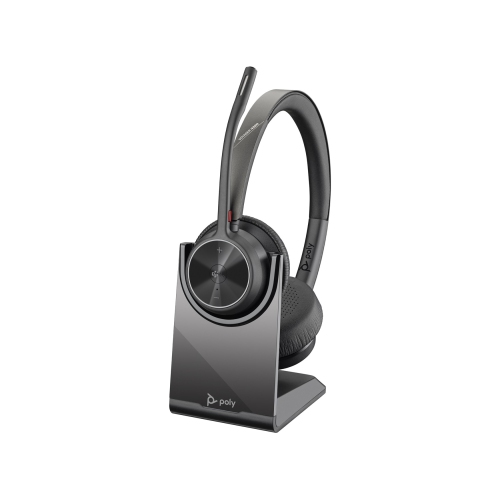
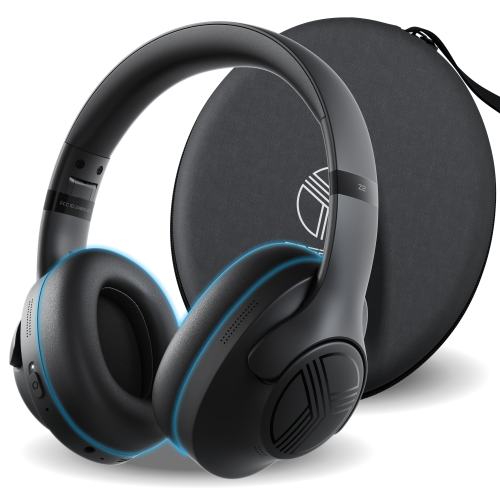
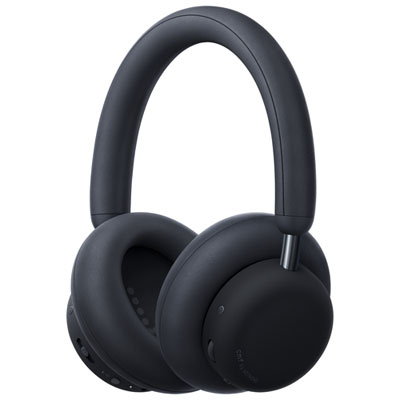
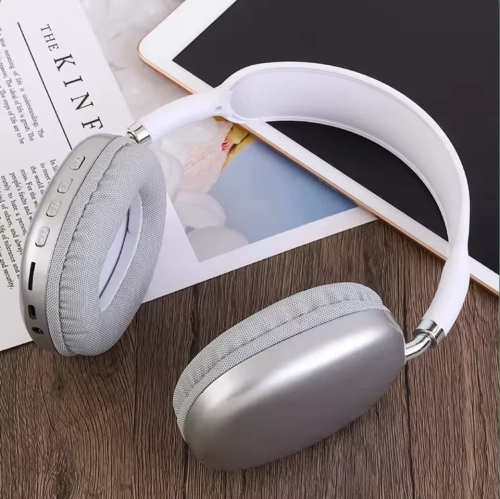
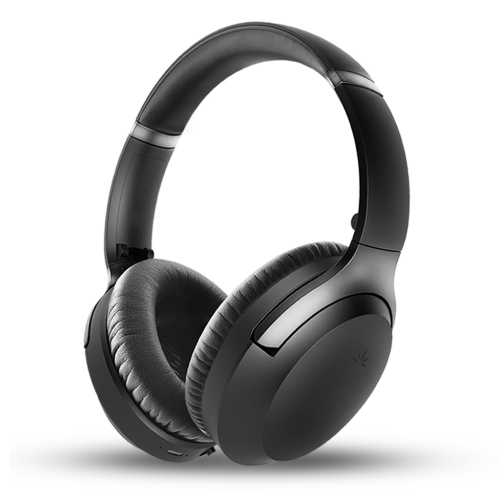
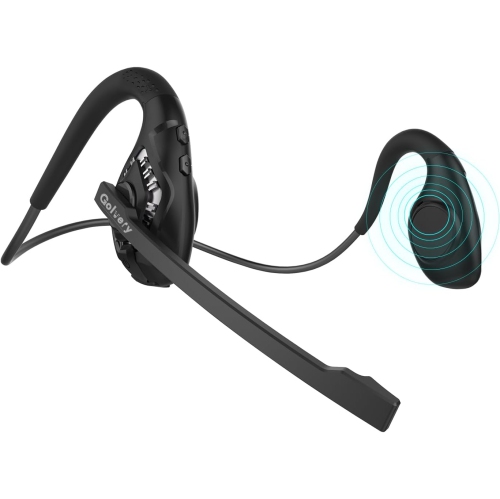
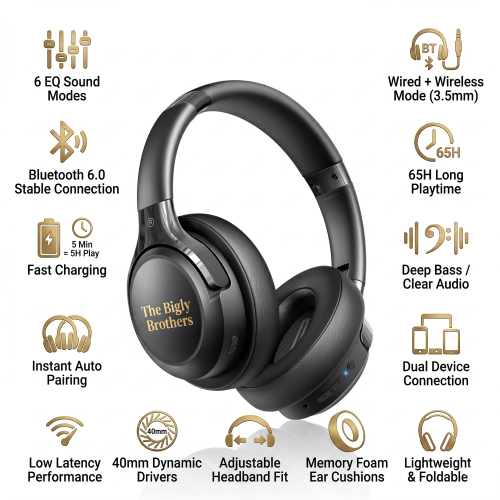
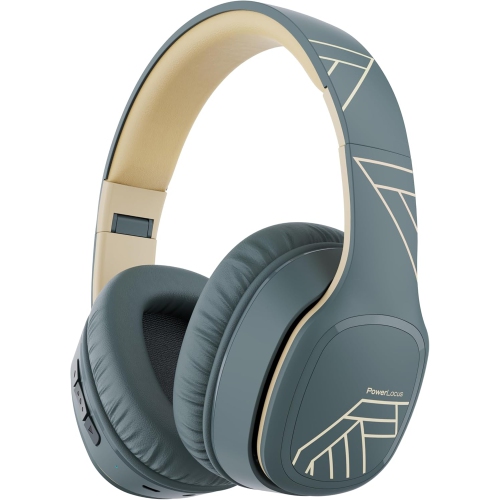
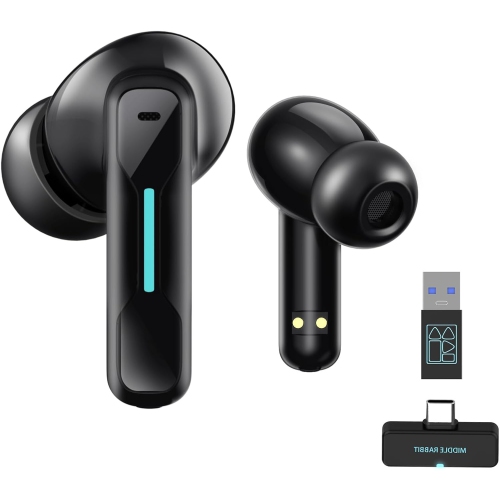
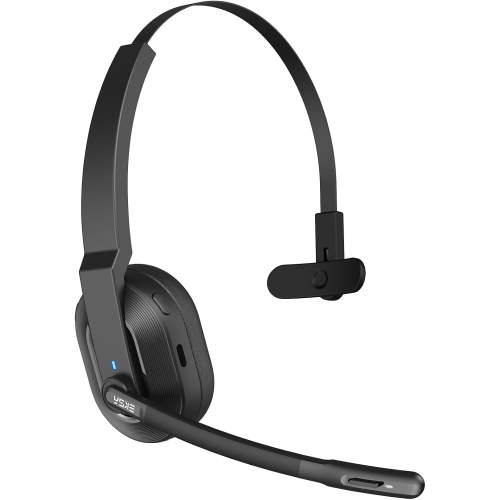
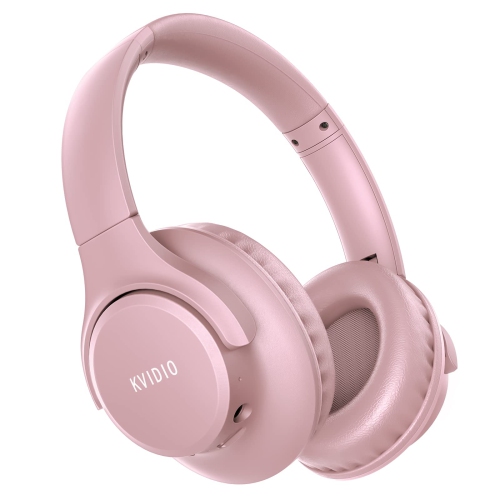
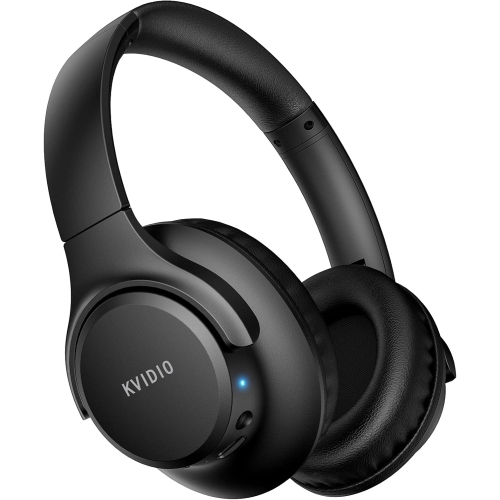
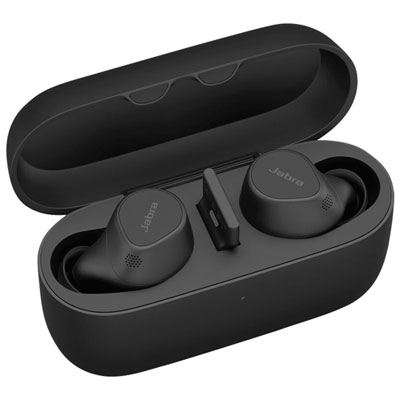
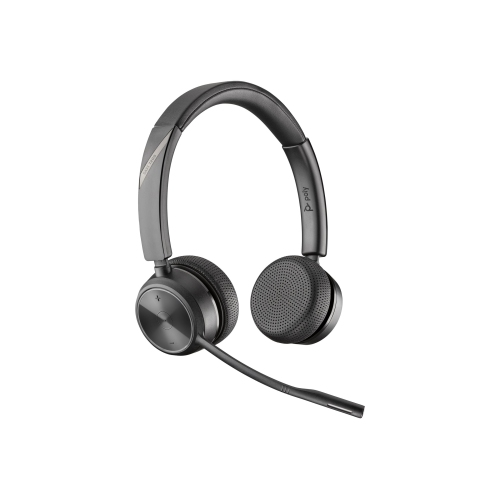
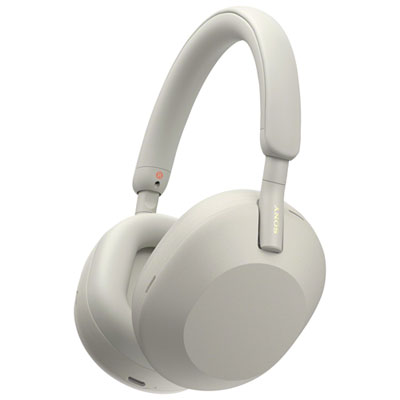
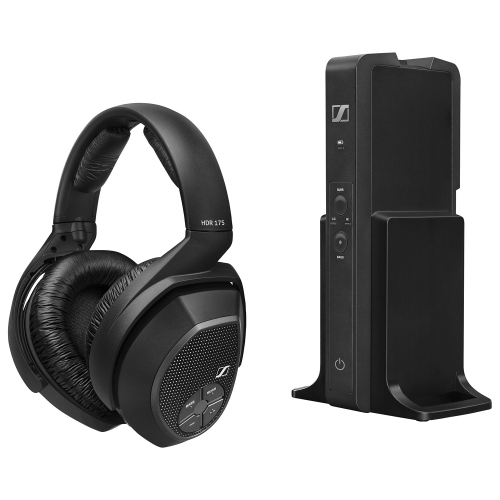
Wireless headphones for work keep meeting audio, phone conversations, and focused listening close at hand without a cable running between a headset and a computer. They suit a range of routines, from a home office with back-to-back video calls to a shared workspace where background conversation competes for attention. The most useful features depend on how the working day sounds: frequent callers may value microphone clarity and an easy-to-find mute button, while someone working through spreadsheets may place more emphasis on a comfortable fit and steady noise reduction. Over-ear headphones surround the ears with cushioned cups and can provide a sense of separation from nearby activity. On-ear designs rest against the ears and may feel less bulky, although clamping pressure becomes more noticeable during longer sessions. Wireless earbuds take up little space in a laptop bag and offer an alternative for people who prefer not to wear a headband. With any style, fit matters beyond the first few minutes. Glasses, earrings, hairstyle, and head size can affect how evenly the headphones sit and whether the ear cushions form a consistent seal. An adjustable headband, swivelling earcups, and padding that distributes pressure can make a difference across several meetings. Fabric-covered cushions may feel different against the skin than leatherette, while silicone ear tips rely on the right size to stay secure without excessive pressure. Weight alone does not tell the whole story; a slightly heavier pair with balanced support can feel more comfortable than a lighter pair that presses on one spot. For people who alternate between desk work and short walks around the office, a stable fit helps prevent repeated adjustments. Physical controls are also worth attention, especially when answering a call with a presentation open or muting quickly while someone nearby is speaking. Buttons that are easy to distinguish by touch reduce the need to search through an on-screen menu.
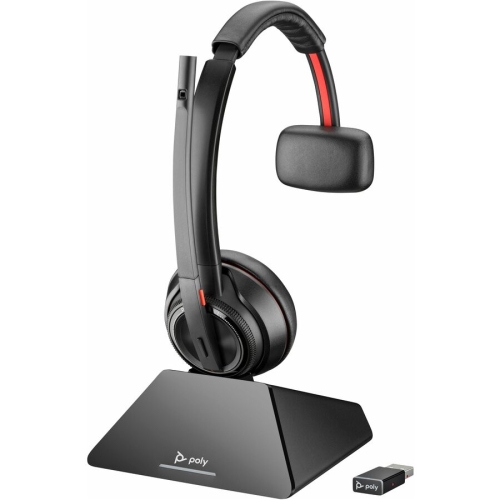
Connection features shape how smoothly wireless headphones fit into a working setup. Bluetooth connects compatible headphones to many laptops, phones, and tablets without a separate receiver, but performance depends on the devices, software, and wireless conditions involved. Some work-focused headphones include a USB wireless adapter that provides a dedicated connection to a computer. This can offer more predictable call controls and audio behaviour than a computer’s built-in Bluetooth connection, particularly when the headset and adapter are designed to work together. The connector still matters: USB-A and USB-C ports are different shapes, and a computer with limited ports may need to share space with a keyboard, webcam, or docking station. Compatibility with the calling applications used at work is just as important as pairing successfully. Answering, ending, or muting a call from the headphones may work differently across applications, and a headset’s mute indicator may not always mirror the status shown on screen. Bluetooth multipoint is useful for people who move between a computer and a smartphone because it can keep compatible headphones connected to both devices. It does not necessarily combine audio from both sources, and switching behaviour varies by model. A phone notification or incoming call may interrupt computer audio, so the way connections are managed can matter during a presentation. Wireless range also depends on walls, furniture, interference, and the connected device; a stated maximum range does not guarantee uninterrupted audio in every part of an office. Battery life deserves the same practical reading. Listening time and talk time can differ, while active noise cancellation, microphone use, and volume can affect how long a charge lasts. Fast charging can help between meetings, but the charging connection alone does not mean headphones support calls while plugged in. For a routine built around several hours of conversation, useful details include a clear battery indicator, accessible charging, and enough talk time to avoid relying on a midday top-up. A wired fallback can add flexibility where supported, though microphone and control functions may differ from wireless operation.
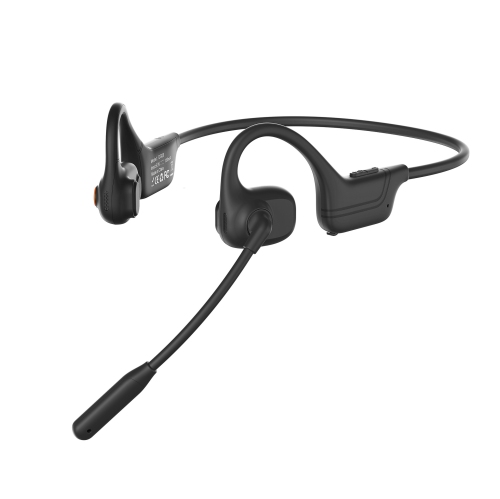
Clear calls depend on both what reaches the ears and what reaches the microphone. Active noise cancellation reduces certain background sounds for the wearer, often working well with steady sounds such as ventilation or equipment hum. It does not automatically make the wearer’s voice clearer to other participants. Microphone noise reduction serves a different purpose by limiting some of the surrounding sound picked up during a call. A boom microphone places the pickup closer to the mouth, which can help separate speech from nearby conversation when properly positioned. Built-in microphones keep the design more compact, but their performance varies with placement, processing, and room acoustics. A microphone positioned away from direct breath can help reduce puffing sounds, while a quiet corner with soft furnishings may improve call clarity more than changing an audio setting. For shared offices, transparency or ambient listening modes can make it easier to hear a colleague without removing the headphones, although they are not a substitute for paying attention to the surroundings. Sidetone, where available, feeds some of the wearer’s voice back into the headphones and can make speaking at a natural volume easier. The broader selection on Best Headphones for Work offers another starting point for comparing styles suited to calls and desk-based listening. Everyday durability comes down to handling as well as construction. Hinges, headband adjustment points, and charging ports receive frequent use, particularly when headphones travel between home and an office. A protective case helps prevent earcups from being compressed against chargers and other bag contents. Replaceable cushions or ear tips can extend usable comfort as these contact surfaces wear. Regular care is straightforward: remove dust and skin oils with a soft cloth, follow the manufacturer’s cleaning directions, and keep moisture away from openings and charging contacts. Allowing cushions to dry before storage and avoiding a tightly stretched headband can help preserve fit, leaving the headphones ready for the next working day.
Top selling and popular products
-
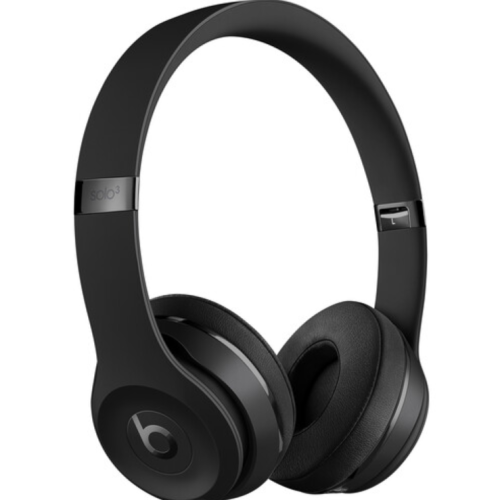 Your price for this item is $183
-
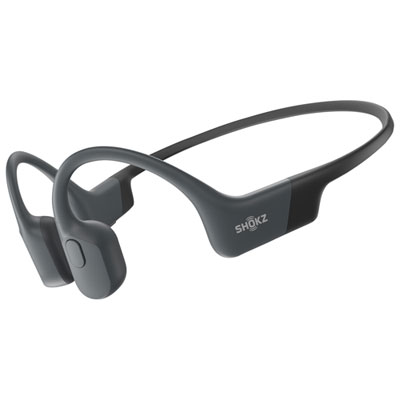 Your price for this item is $169.99
-
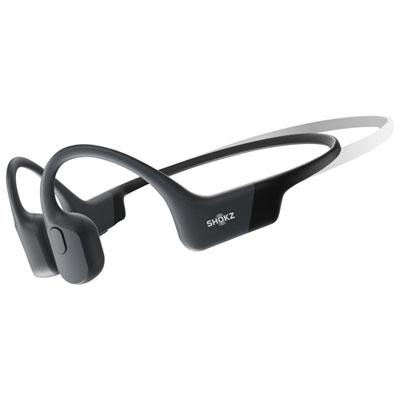 Your price for this item is $169.99
-
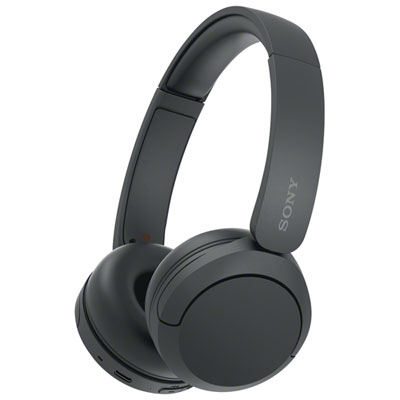 Your price for this item is $99.99
-
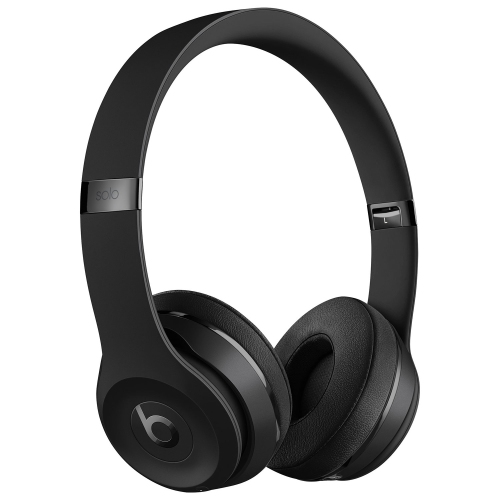 Your price for this item is $89.98
-
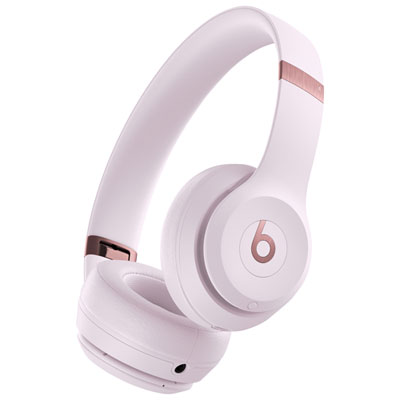 Your price for this item is $279.99
-
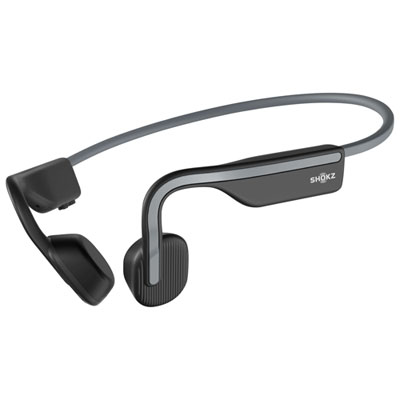 Your price for this item is $69.99
-
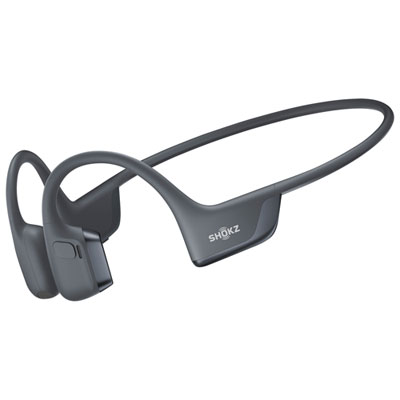 Your price for this item is $249.99
Discover more categories related to Wireless Headphones for Work
Top Collections:
Best Black Friday Deals This Year, Best Black Friday Deals On Electronics, Kindle Devices, Pokemon Centers, Best Black Friday Deals On Apple Products, Best Cameras for Sports Photography, Dyson Airwrap, Pokémon 30th Celebration Cards, Apple iPhone 17 Pro, Canon G7X Cameras
Some products may be subject to Environmental Handling Fees
(EHF) depending on your province.
Learn more about EHFs.